qwen image 2.0 pro add element AI Generator
Elevate your creative projects by seamlessly integrating new elements into your images with QWEN Image 2.0 Pro's Add Element feature. Whether you're a designer, marketer, or content creator, this powerful tool empowers you to enhance visuals effortlessly, achieving professional-quality results without the need for complex software or extensive editing skills.

Join thousands of satisfied creators who have transformed their visuals using QWEN Image 2.0 Pro. With a 4.8/5 average rating and over 10,000 successful projects, our platform is trusted by professionals worldwide.
Why Choose Pixel Dojo for qwen image 2.0 pro add element
Professional-quality results with cutting-edge AI technology
Effortless Image Enhancement
Add new elements to your images seamlessly, saving time and effort in the editing process.
Professional-Quality Results
Achieve high-resolution, photorealistic images with precise element integration.
User-Friendly Interface
No advanced editing skills required; our intuitive platform makes image enhancement accessible to everyone.
How It Works
Enhancing your images with QWEN Image 2.0 Pro's Add Element feature is straightforward. Follow these simple steps to transform your visuals:
Step 1: Upload Your Base Image
Start by uploading the image you wish to enhance. Ensure it's of good quality to achieve the best results.
Step 2: Specify the Element to Add
Describe the element you want to add, including its appearance, position, and any specific details. For example, 'Add a red bicycle on the left side of the street.'
Step 3: Generate and Download
Click 'Generate' to let the AI process your request. Once satisfied with the result, download your enhanced image.




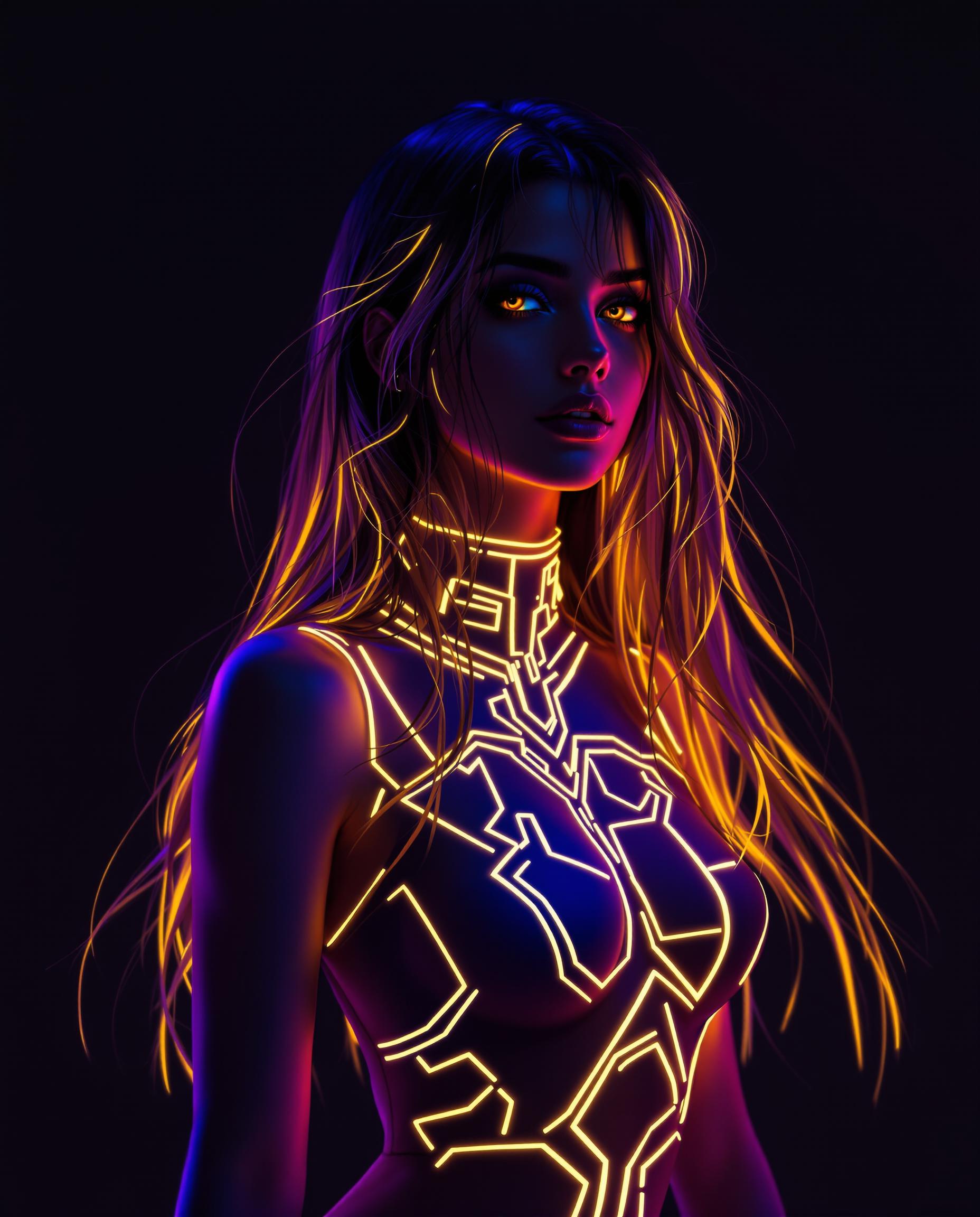



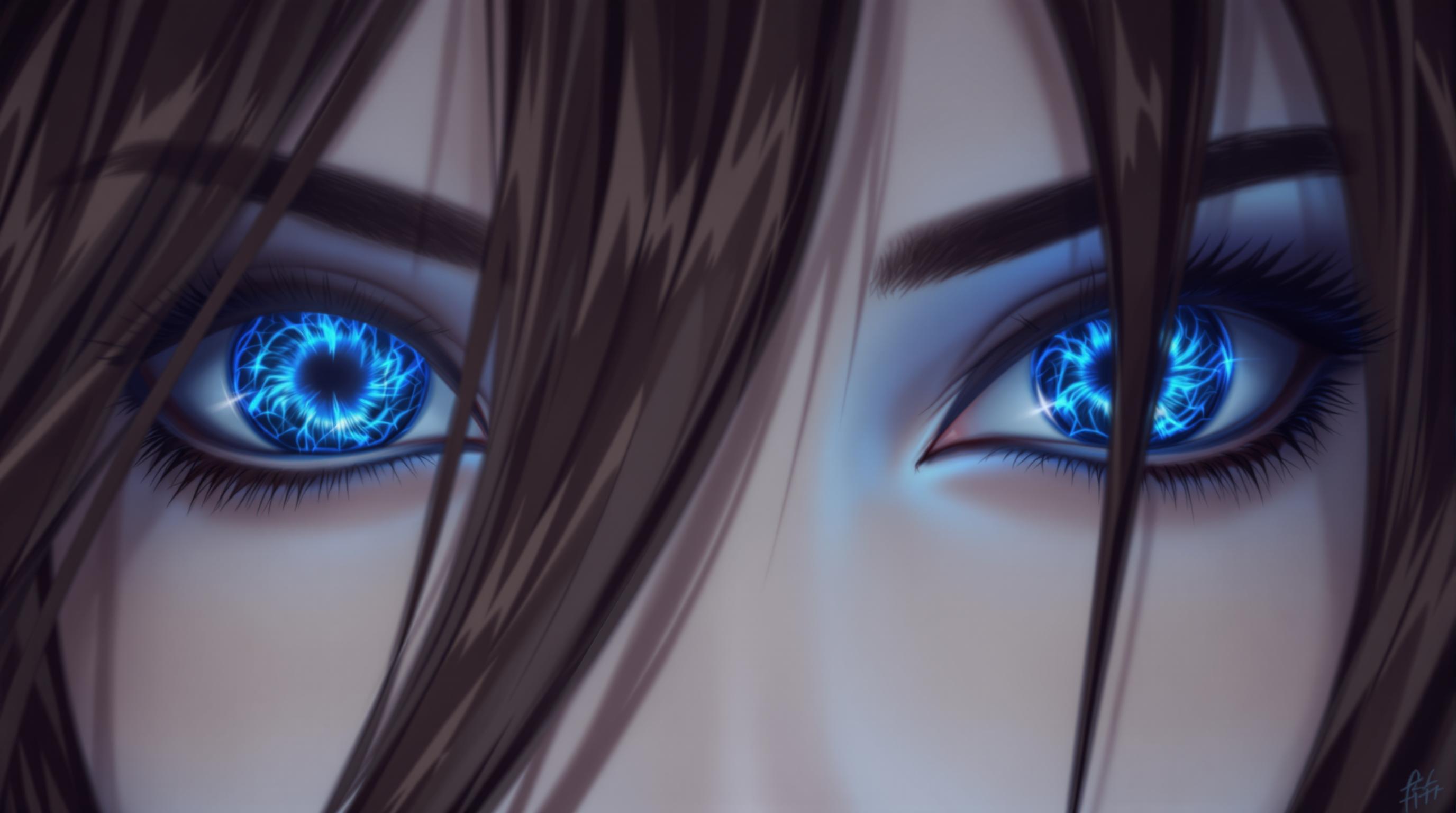




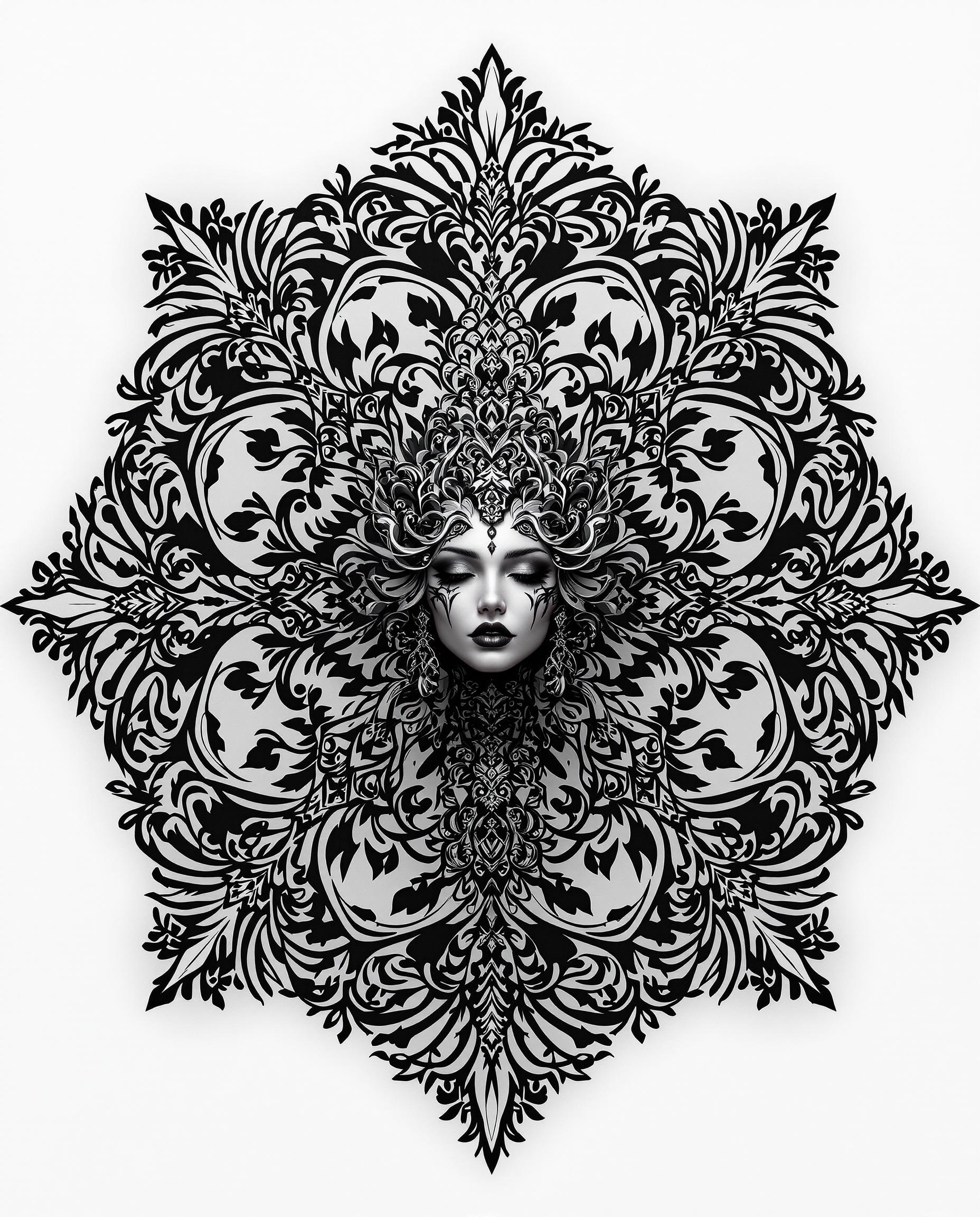
The Pixel Dojo Advantage
Why QWEN Image 2.0 Pro's Add Element feature stands out:
| Others | Pixel Dojo |
|---|---|
| Traditional Photo Editing Software | No need for complex tools or advanced skills; achieve professional results effortlessly. |
| Generic AI Tools | Specifically designed for precise element addition with high-resolution outputs. |
| Manual Editing | Save hours of manual work with our AI-powered, automated process. |
Loved by Creators
See what our community says about qwen image 2.0 pro add element
"QWEN Image 2.0 Pro has revolutionized my design workflow. Adding elements to images has never been this easy and effective."
Alex Johnson
Graphic Designer
"As a marketer, creating engaging visuals is crucial. This tool allows me to enhance images quickly, maintaining high quality."
Samantha Lee
Marketing Specialist
Common Questions
Everything you need to know about qwen image 2.0 pro add element AI generation
How does QWEN Image 2.0 Pro's Add Element feature work?
The Add Element feature uses advanced AI to seamlessly integrate specified elements into your existing images, maintaining natural aesthetics and high resolution.
Do I need prior editing experience to use this feature?
No, our user-friendly interface is designed for users of all skill levels. Simply follow the guided steps to enhance your images.
Can I add multiple elements to a single image?
Yes, you can specify and add multiple elements to your image by providing detailed descriptions for each.
What image formats are supported for upload?
We support common image formats such as JPEG, PNG, and BMP for uploads.
Is there a limit to the image resolution I can upload?
For optimal performance, we recommend uploading images up to 2K resolution. Higher resolutions may result in longer processing times.
How long does it take to process an image?
Processing times vary depending on the complexity of the request but typically range from a few seconds to a minute.