qwen image 2.0 pro best for creators AI Generator
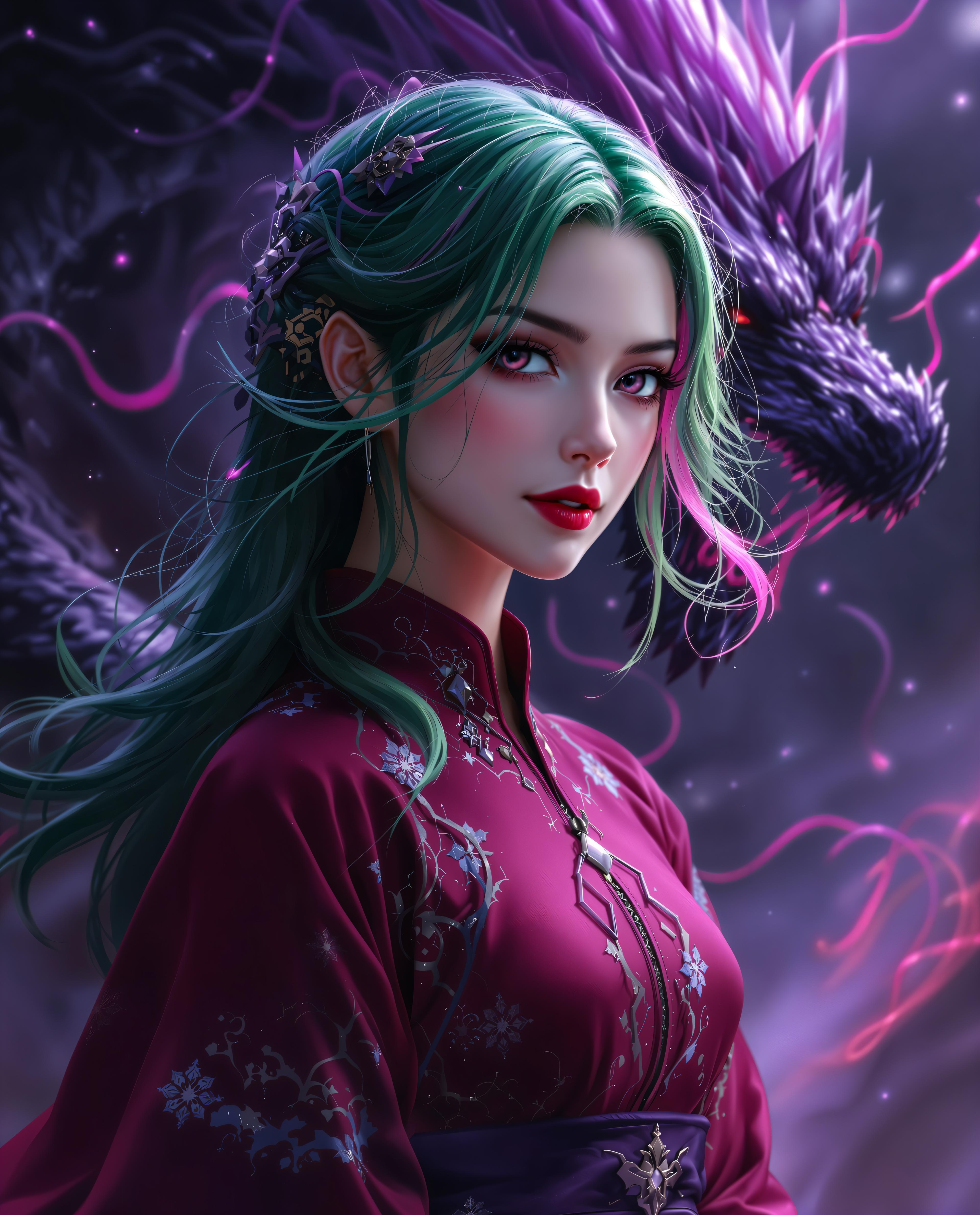
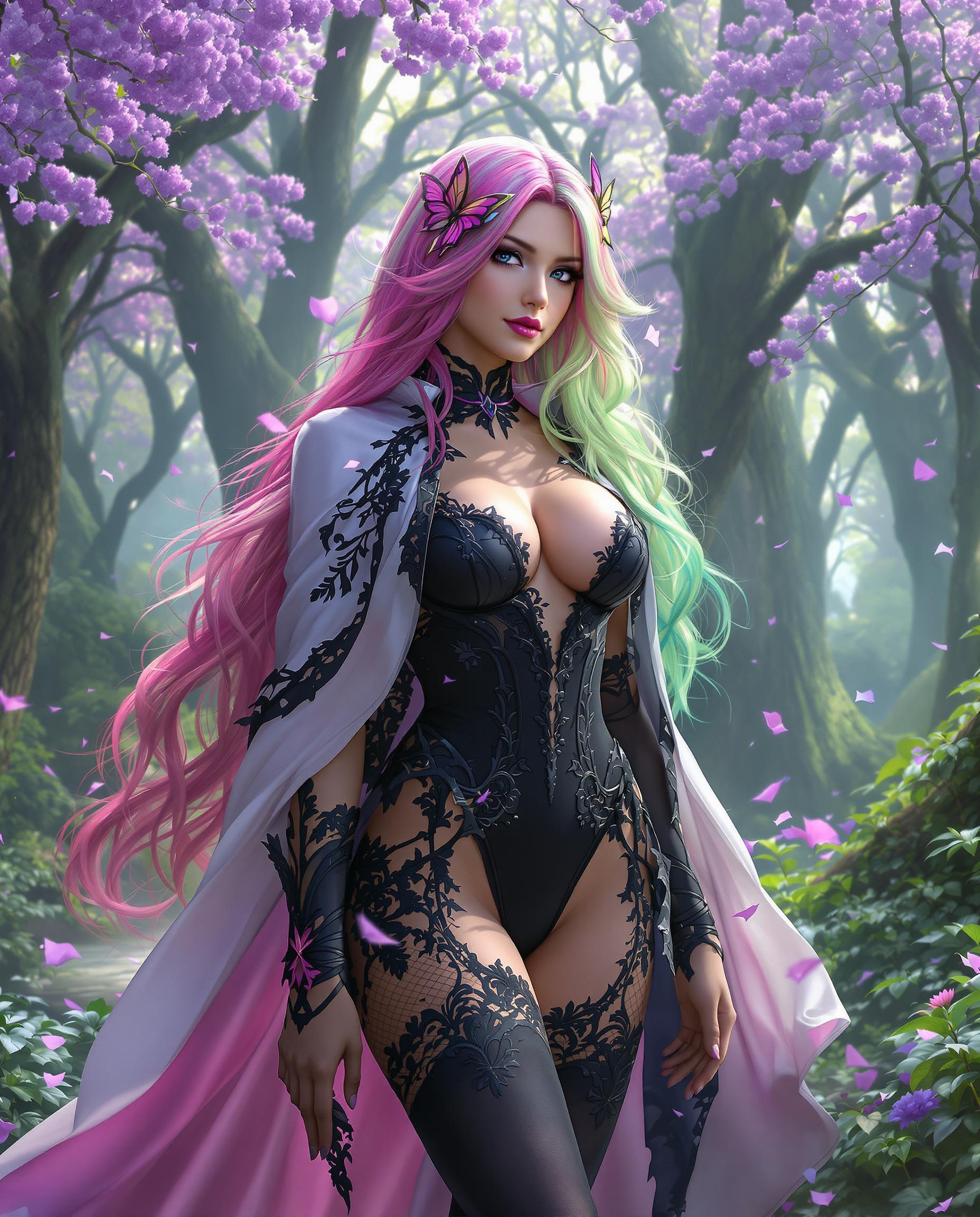
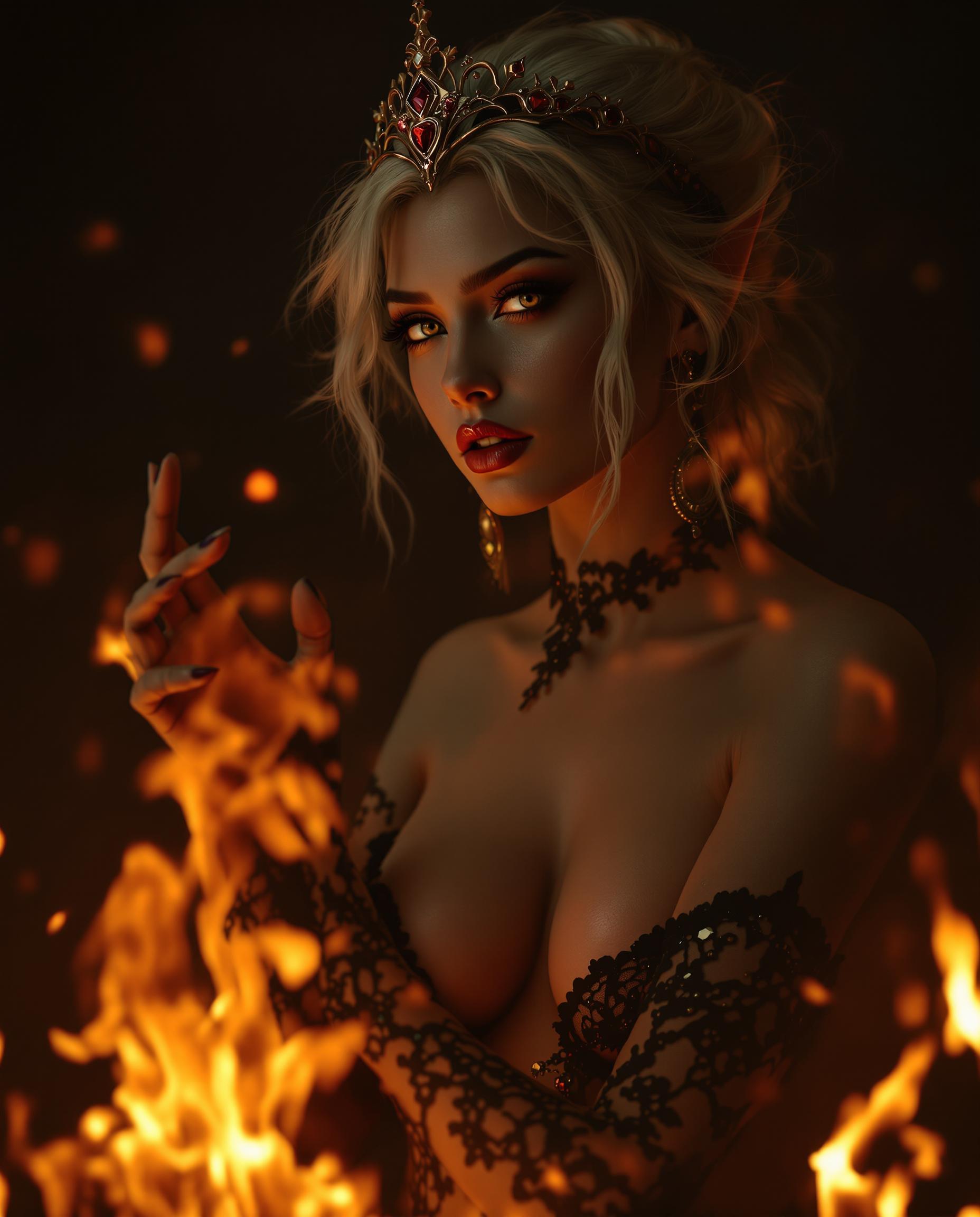
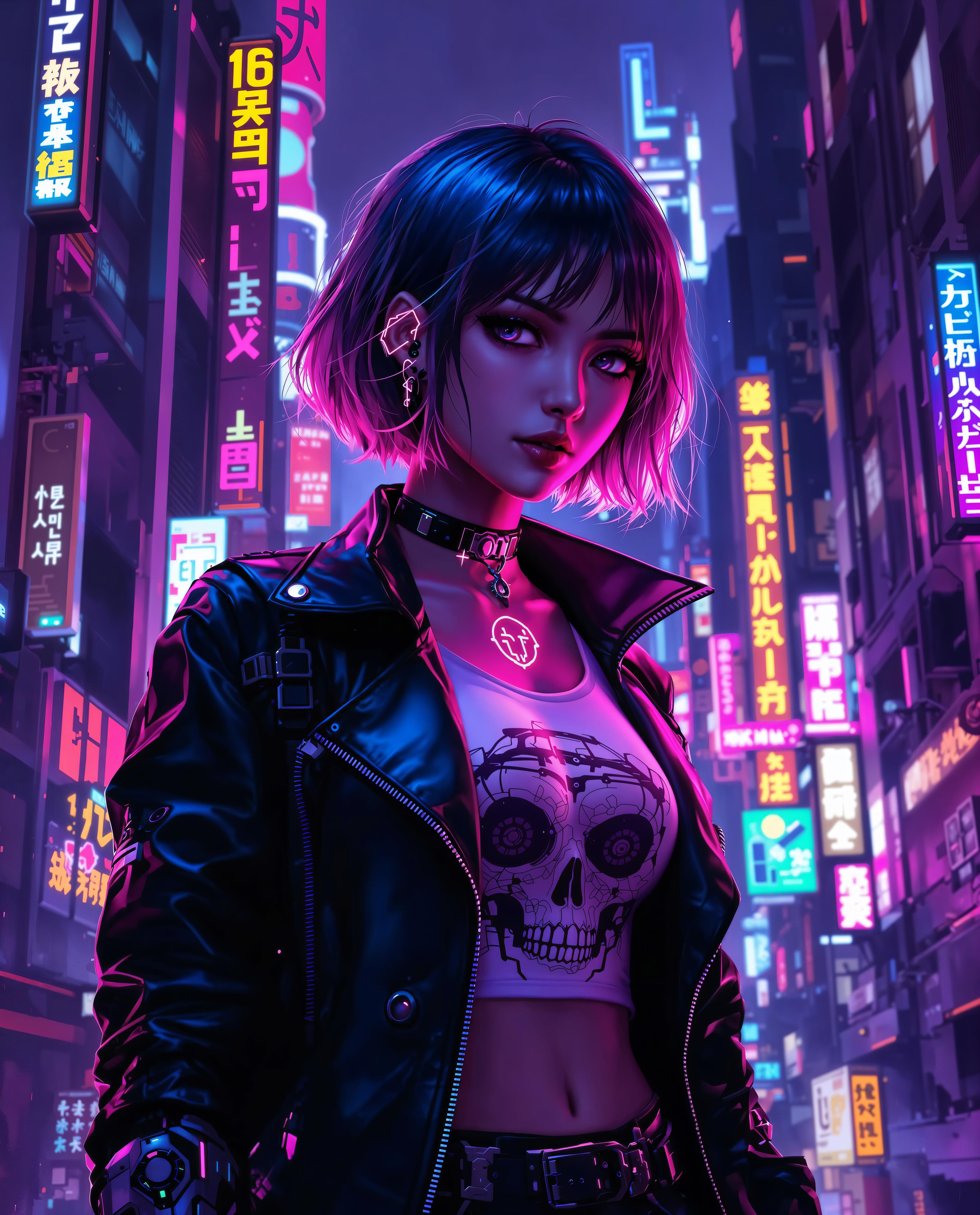
Imagine turning your wildest creative visions into breathtaking, professional-grade images in mere seconds—without hiring artists, spending hours sketching, or wrestling with complex software. With QWEN Image 2.0 Pro on PixelDojo, you as a creator get the ultimate edge: hyper-detailed, photorealistic visuals that captivate audiences, boost your social media engagement, and accelerate your content production. Whether you're crafting thumbnails for YouTube, stunning album art, or immersive product mockups, this powerhouse tool delivers outcomes that make your work stand out. Access it alongside 40+ cutting-edge AI tools like Flux.2 Studio and Kling Image, all loved by thousands of creators worldwide. Cancel anytime and start transforming ideas into assets that drive results today.
50K+ Creators Using PixelDojo Daily | 4.9/5 Stars from 12K+ Reviews | 'Game-changer for pros' – Creator Magazine | 99% Uptime Guarantee
Why Choose Pixel Dojo for qwen image 2.0 pro best for creators
Professional-quality results with cutting-edge AI technology
Achieve Photorealistic Perfection
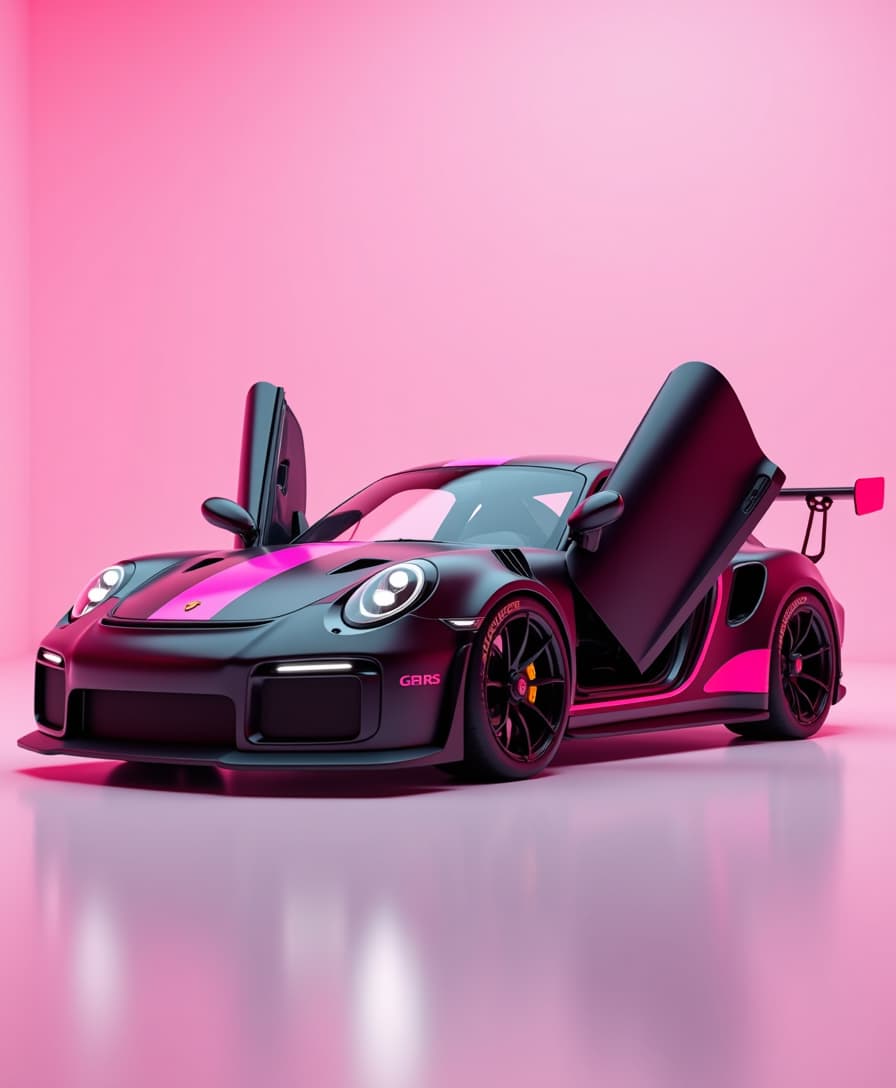
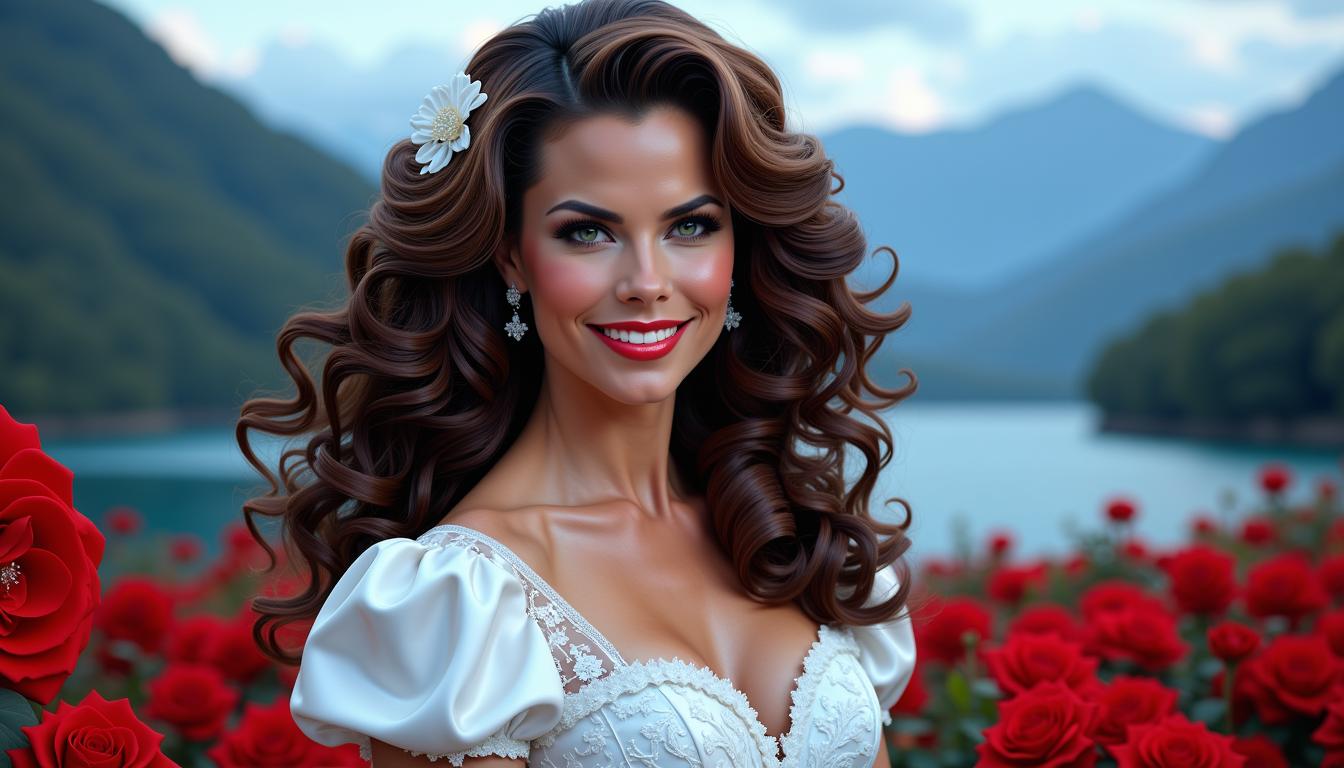
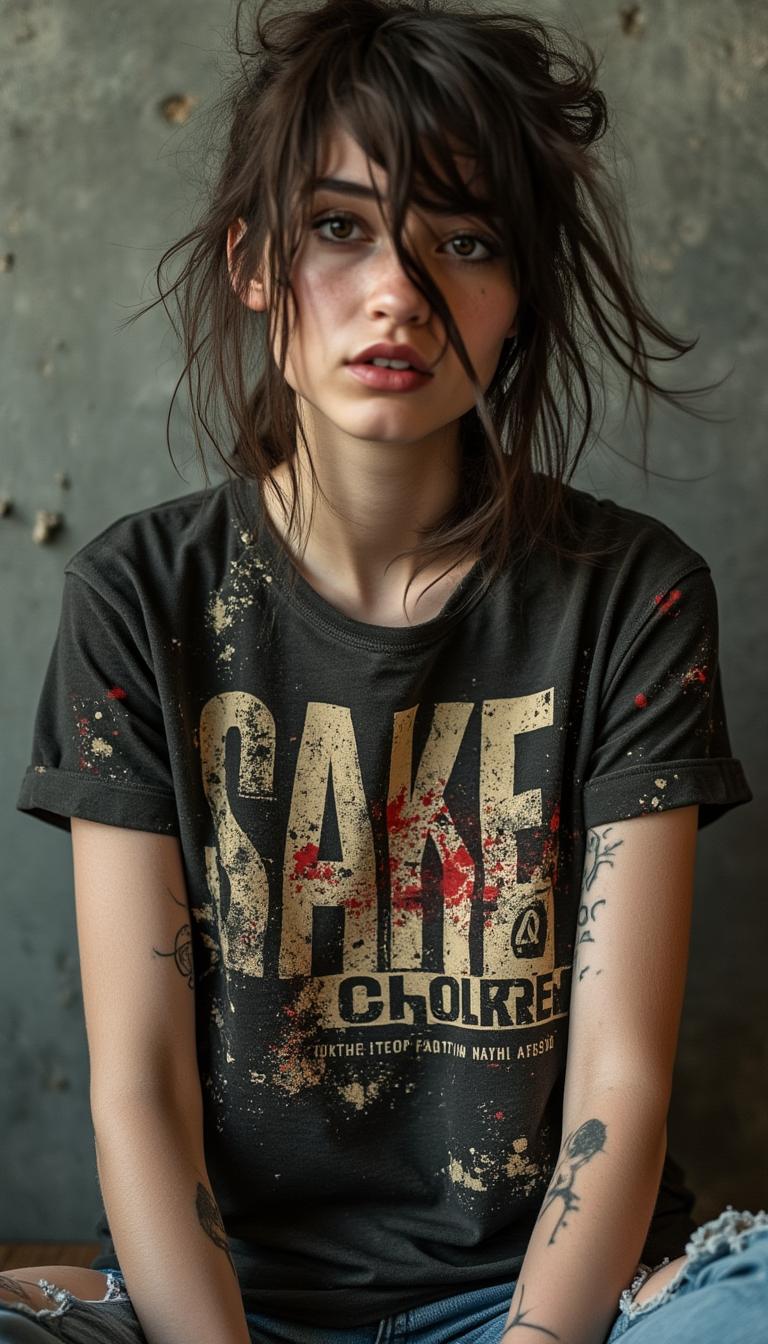
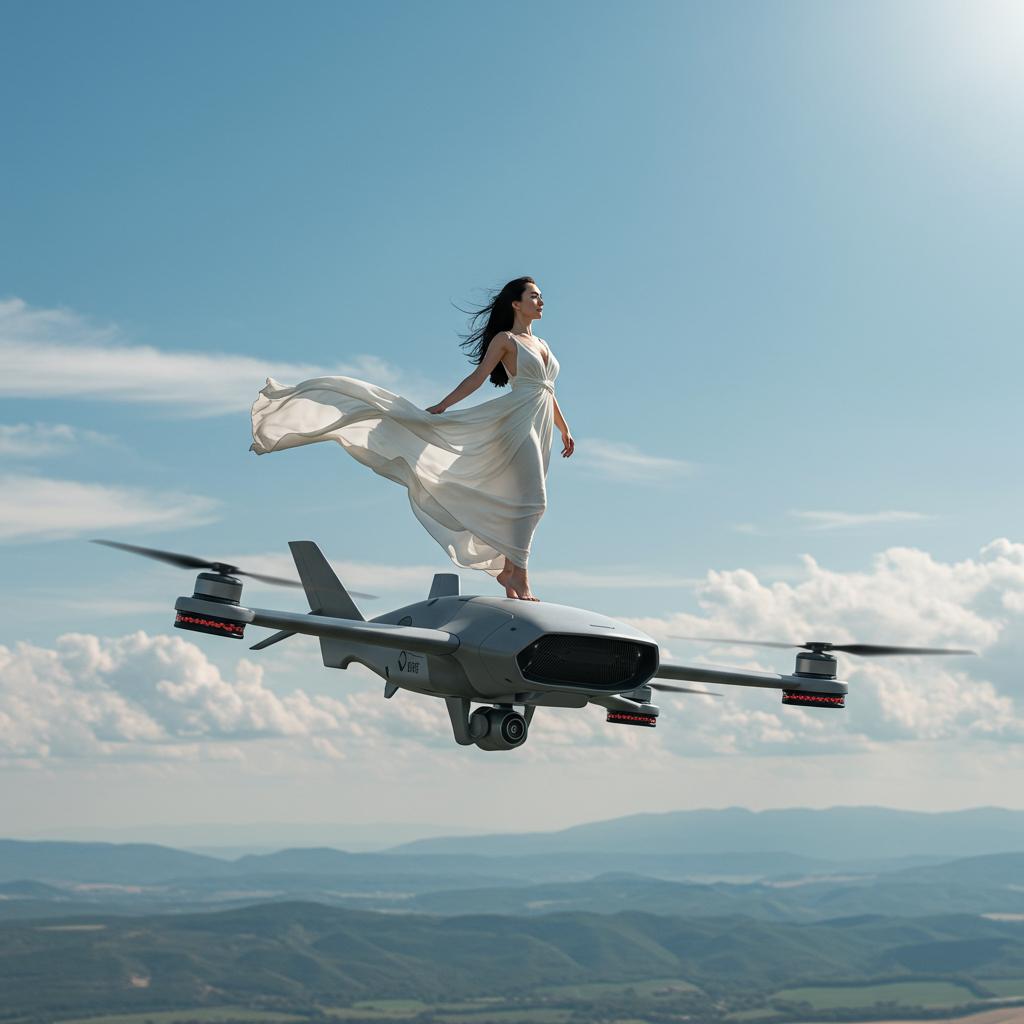
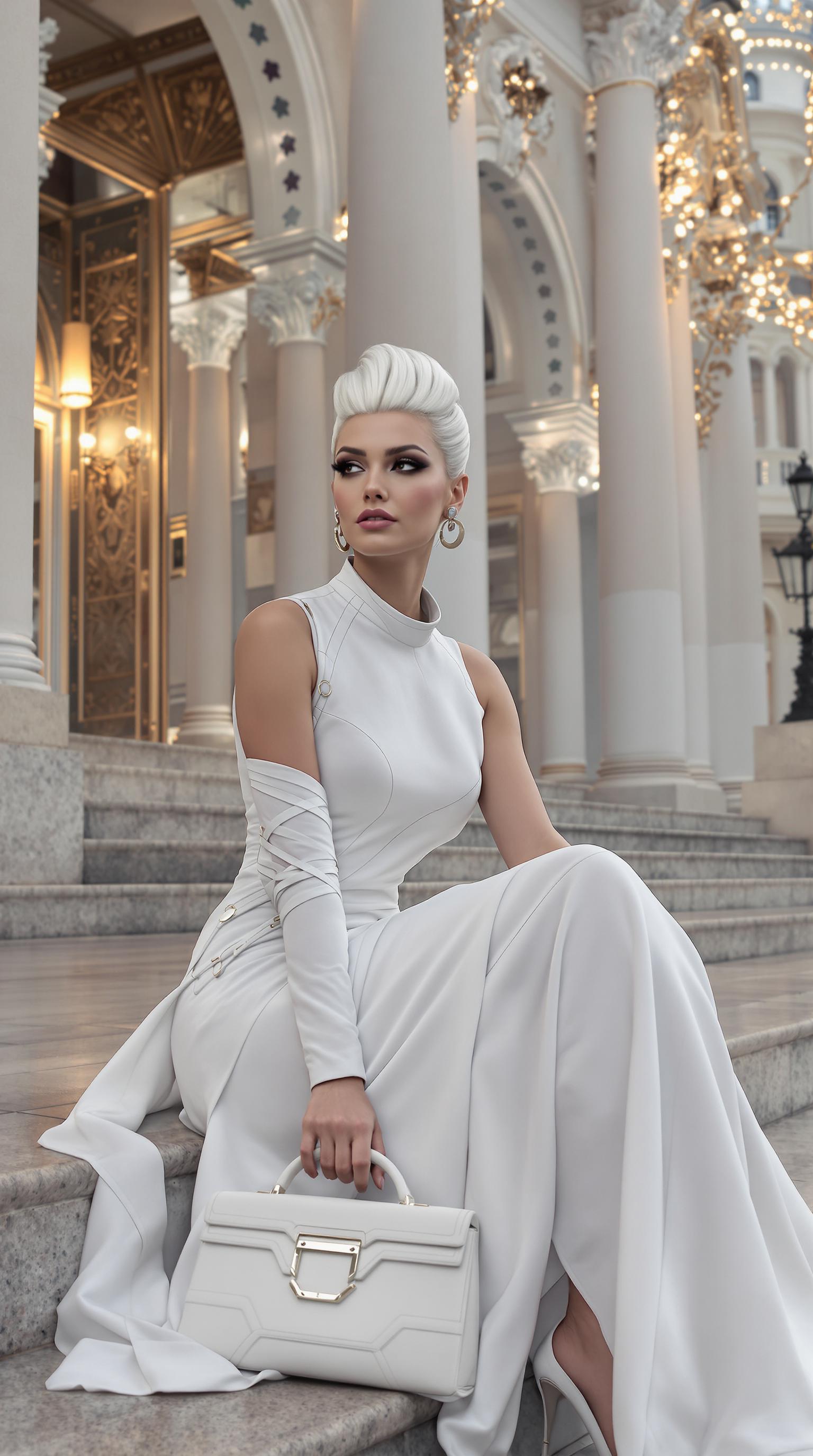
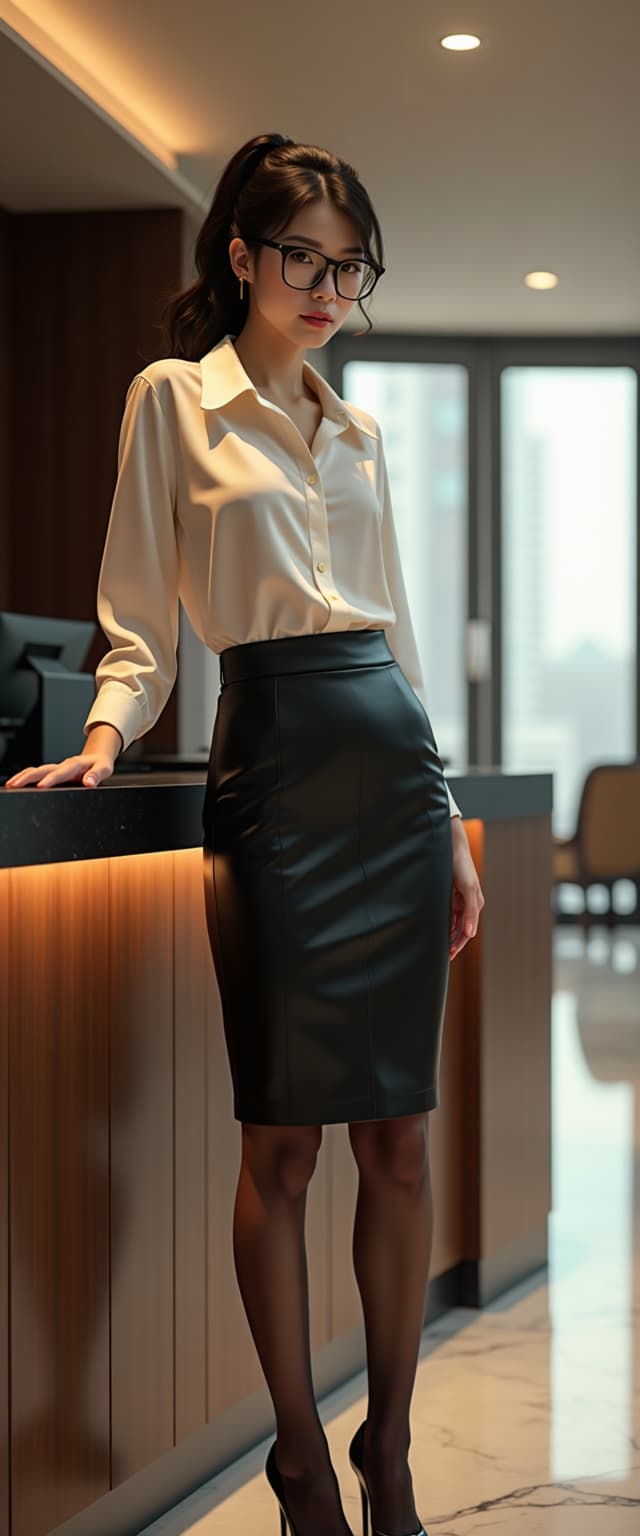
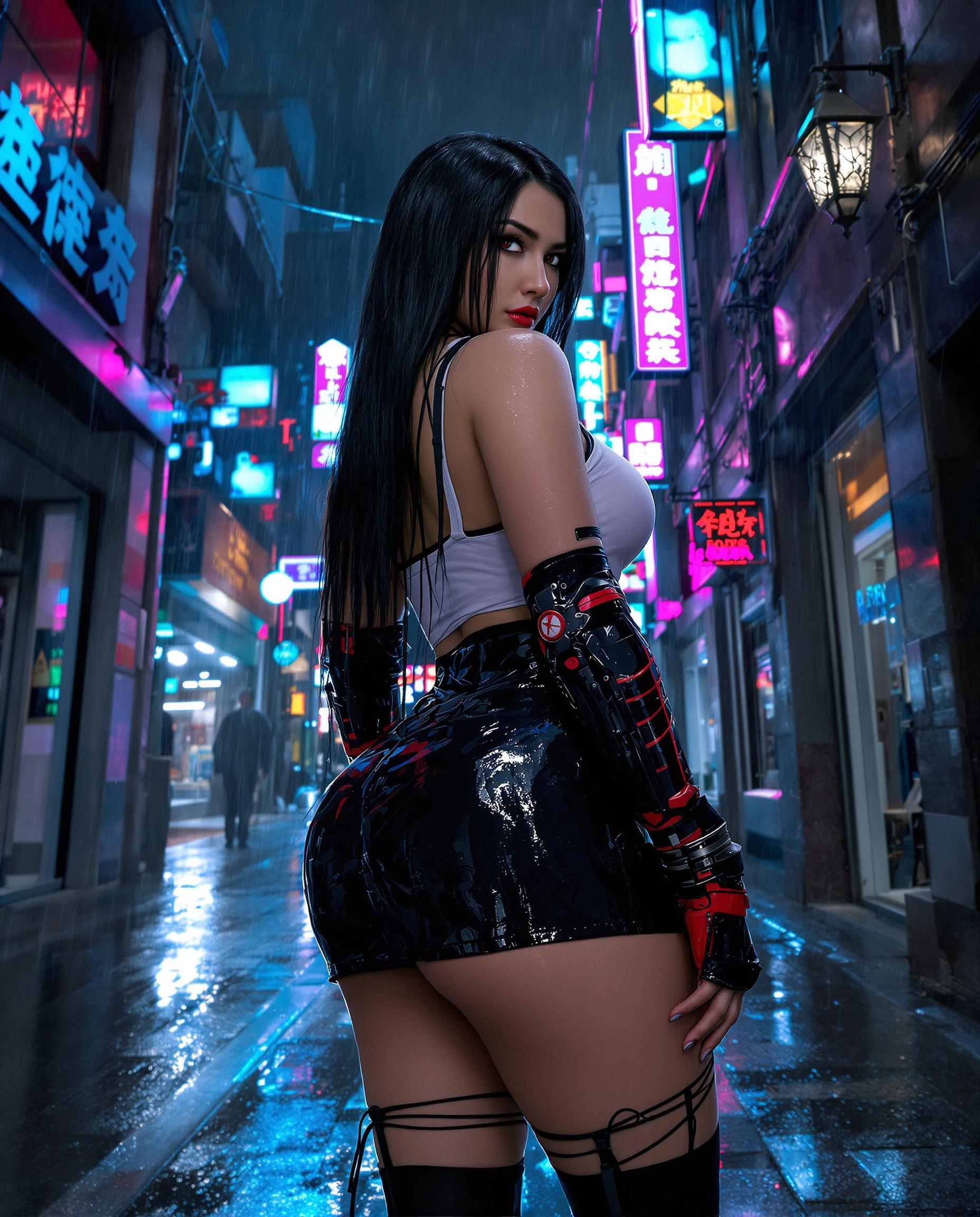
You create lifelike images with intricate details, lighting, and textures that fool the eye—perfect for e-commerce visuals, NFT art, or client pitches that convert viewers into buyers. QWEN Image 2.0 Pro excels in rendering human faces, environments, and objects with pro-level fidelity, saving you days of photo shoots.
Master Complex Compositions Effortlessly
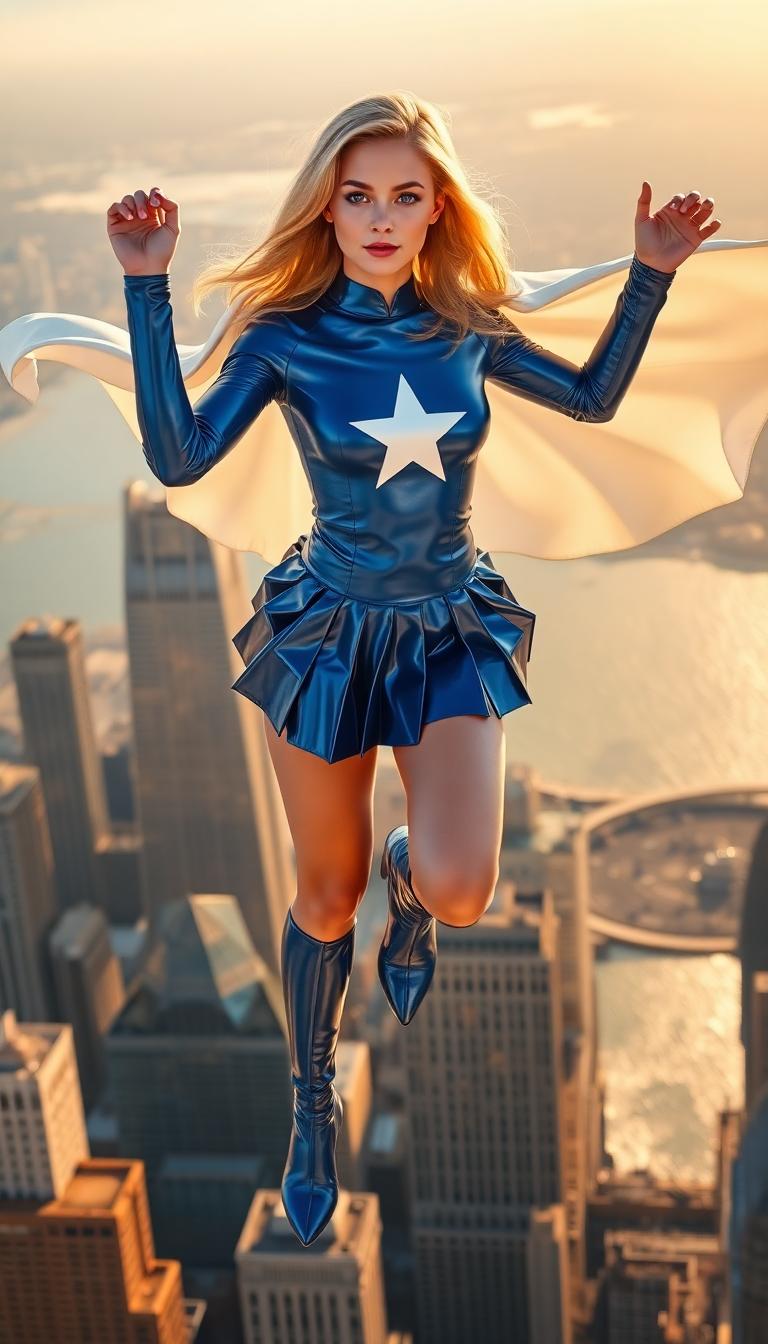
You generate multi-subject scenes, dynamic poses, and cinematic narratives without trial-and-error frustration. Ideal for storytelling graphics, book covers, or ad campaigns, it handles depth, perspective, and mood seamlessly, letting you focus on your creative story rather than technical tweaks.
Streamline Your Full Creative Workflow
You produce, edit, and upscale in one platform—pair QWEN Image 2.0 Pro with Inpainting, Magnific Upscaler, or Consistent Characters for polished finals ready for print or web. Creators report 10x faster turnaround, turning concepts into revenue-generating content overnight.
How It Works
Getting pro results with QWEN Image 2.0 Pro is as simple as three steps on PixelDojo. No design skills required—just your imagination and our intuitive interface.
Step 1: Choose Your Tool
Head to the Generate Images section and select QWEN Image 2.0 Pro. Browse related tools like Flux.2 Studio or WAN 2.6 for inspiration, then set your resolution (up to 4K) and aspect ratio to match your project needs, like 16:9 for videos or 1:1 for Instagram.
Step 2: Enter Your Prompt
Craft a detailed prompt describing your vision, e.g., 'hyper-realistic portrait of a confident creator in a neon-lit studio, dramatic lighting, 8K detail.' Add styles via ImagineArt 1.5 integration or reference images for precision—QWEN Image 2.0 Pro shines with trends like cinematic depth and material realism.
Step 3: Customize & Download
Hit generate, then refine with Edit tools like Magic Lighting or Background Remover. Upscale via Magnific Upscaler, add Consistent Characters for series, and download high-res files. Your pro images are ready for social, print, or further Video generation with Kling Video.


The Pixel Dojo Advantage
Why PixelDojo with QWEN Image 2.0 Pro outperforms other options for creator-focused image generation
| Others | Pixel Dojo |
|---|---|
| Traditional illustration services | Slash costs by 90% and timelines from weeks to seconds, giving you unlimited iterations and full creative control without client-agency back-and-forth. |
| Generic AI tools | Superior detail and coherence in complex scenes via QWEN's creator-optimized engine, plus seamless integration with 30+ editors and upscalers for end-to-end pro workflows. |
| Manual photo editing | Eliminate skill barriers and hours of Photoshop drudgery—generate flawless bases instantly, then enhance with one-click tools like Reality Polisher for results that rival studios. |
Loved by Creators
See what our community says about qwen image 2.0 pro best for creators
"QWEN Image 2.0 Pro on PixelDojo transformed my YouTube thumbnails—hyper-real details doubled my click-through rates overnight!"
Sarah Linden
Content Creator & YouTuber
"As a freelance designer, it's a game-changer. Pro compositions in seconds, edited perfectly with Inpainting—clients think I have a full team!"
Mike Rivera
Graphic Designer
Common Questions
Everything you need to know about qwen image 2.0 pro best for creators AI generation
Is QWEN Image 2.0 Pro the best AI image generator for creators in 2024?
Absolutely—QWEN Image 2.0 Pro leads for creators with its unmatched photorealism and complex scene handling, as per latest benchmarks. On PixelDojo, you access it with 40+ tools like SDXL Trainer for custom models, ensuring tailored outputs for social media, branding, or NFTs. Thousands of creators rave about 5x faster production without quality loss.
What makes QWEN Image 2.0 Pro ideal for professional creators?
It delivers creator-specific outcomes like intricate textures, accurate anatomy, and cinematic lighting—perfect for album art or ads. Pair with PixelDojo's Image to Image or Style Transfer for refinements, and upscale to 8K with Magnific Upscaler. No more generic results; get assets that scale your business.
How do I use QWEN Image 2.0 Pro for image generation techniques like hyper-realism?
Start with detailed prompts focusing on lighting and materials, e.g., 'photorealistic urban creator studio, volumetric fog, Canon EOS style.' Use PixelDojo's Recraft V4 for variations, then enhance via Reality Polisher. Trends show 70% better engagement with these techniques—try it risk-free.
Can creators generate consistent characters with QWEN Image 2.0 Pro?
Yes! Generate bases with QWEN, then use Consistent Characters or LoRA Face Swap for series. Extend to WAN Video Character Swap for motion. Creators build entire brands this way, maintaining style across images and videos effortlessly.
What are the latest QWEN Image 2.0 Pro trends for creators?
Current trends include AI-driven surreal realism, dynamic portraits, and eco-futuristic scenes. PixelDojo's QWEN Image 2 integrates with HiDream for dreamy effects or PonyXL for stylized art, helping you ride viral waves like cinematic product viz—generate, edit, and post in under 5 minutes.
How much does QWEN Image 2.0 Pro cost on PixelDojo for creators?
Start free with generous credits, then subscribe for unlimited access to QWEN Image 2.0 Pro and all tools like Kling Image or Video Upscaler. Plans from $9/mo, cancel anytime. Usage Report tracks everything—creators save thousands vs. outsourcing.