qwen image 2.0 pro best for text AI Generator
Imagine crafting eye-catching posters, logos, social media banners, or book covers where every word pops with perfect clarity and style—no blurry letters or awkward fonts. With PixelDojo's Qwen Image 2.0 Pro, you achieve exactly that: stunning text images that captivate audiences and boost your designs instantly. Whether you're a marketer needing bold slogans, a designer creating typography art, or a content creator wanting meme-ready graphics, this tool delivers professional results in seconds. Unlock the power of AI text image generation to save hours of manual editing and elevate your visual content effortlessly.

Join 50,000+ creators who've generated over 1M text images. Rated 4.9/5 on Trustpilot. 'Best text rendering ever!' – Featured in 100+ design blogs.
Why Choose Pixel Dojo for qwen image 2.0 pro best for text
Professional-quality results with cutting-edge AI technology
Flawless, Readable Text Every Time
You get crystal-clear text in any style—bold headlines, elegant scripts, or futuristic fonts—without distortions, ensuring your messages stand out and convert viewers into customers.
Endless Customization for Your Vision
Tailor text position, color, size, and backgrounds to match your brand, creating personalized graphics like custom t-shirt designs or event flyers that feel uniquely yours.
Lightning-Fast Results Boost Productivity
Produce high-res text images in under 10 seconds, freeing you to focus on creativity rather than tedious design work, perfect for tight deadlines and daily content needs.
How It Works
Creating pro-level text images with Qwen Image 2.0 Pro on PixelDojo is as simple as describing your idea. Leverage this top text-rendering AI alongside tools like Flux.2 Studio or Recraft V4 for even more variety.
Step 1: Choose Your Tool
Head to PixelDojo's Generate Images section, select QWEN Image 2, and set your canvas size—ideal for posters (16:9) or social squares (1:1). No skills needed.
Step 2: Enter Your Prompt
Describe your text image vividly, e.g., 'A vibrant poster with "Summer Sale 50% Off" in glowing neon pink font on a sunset beach background.' Add details like font style or layout for precision.
Step 3: Customize & Download
Adjust styles, upscale with Magnific Upscaler if needed, then hit generate. Download HD files instantly or edit further with Inpainting for perfect tweaks.


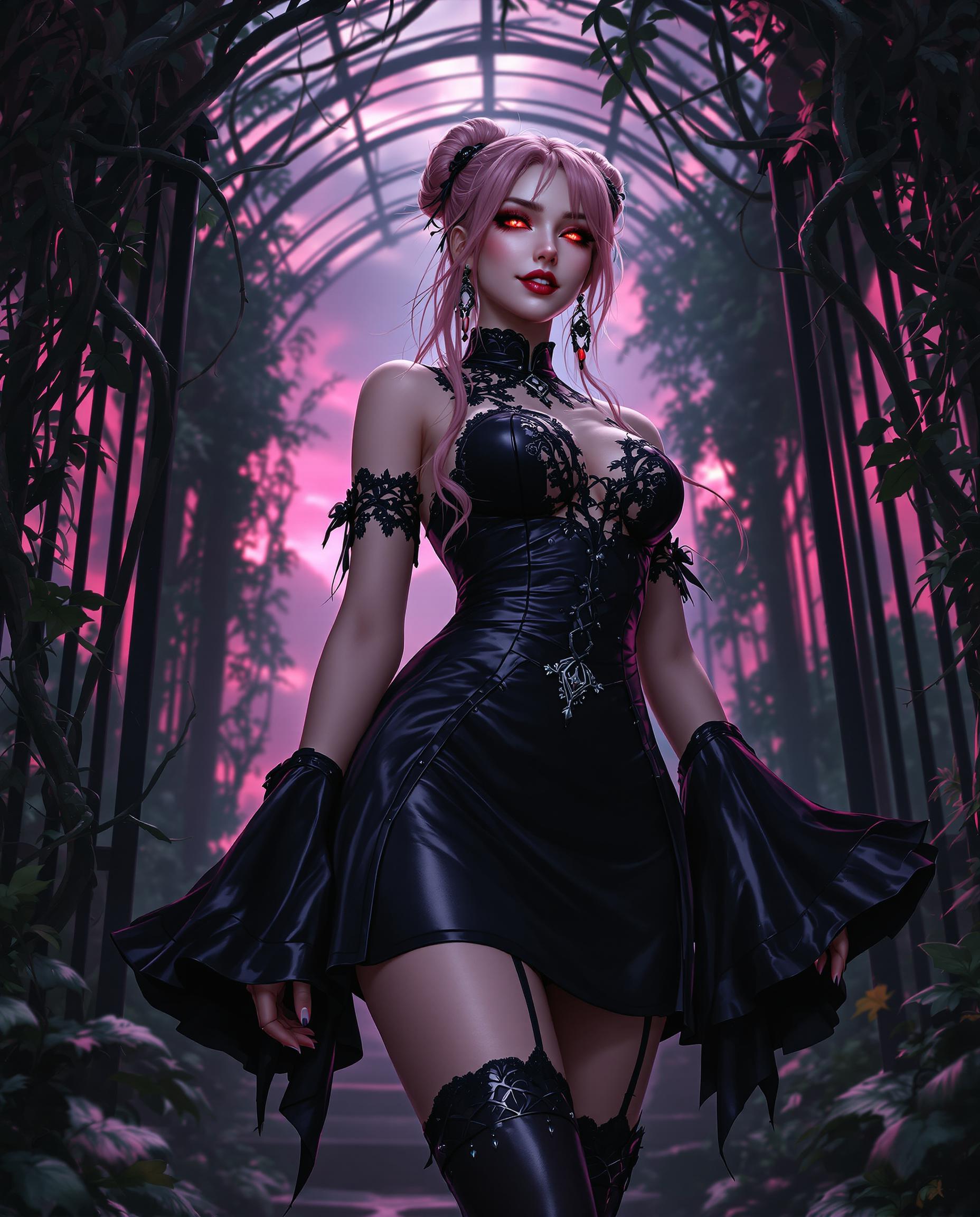
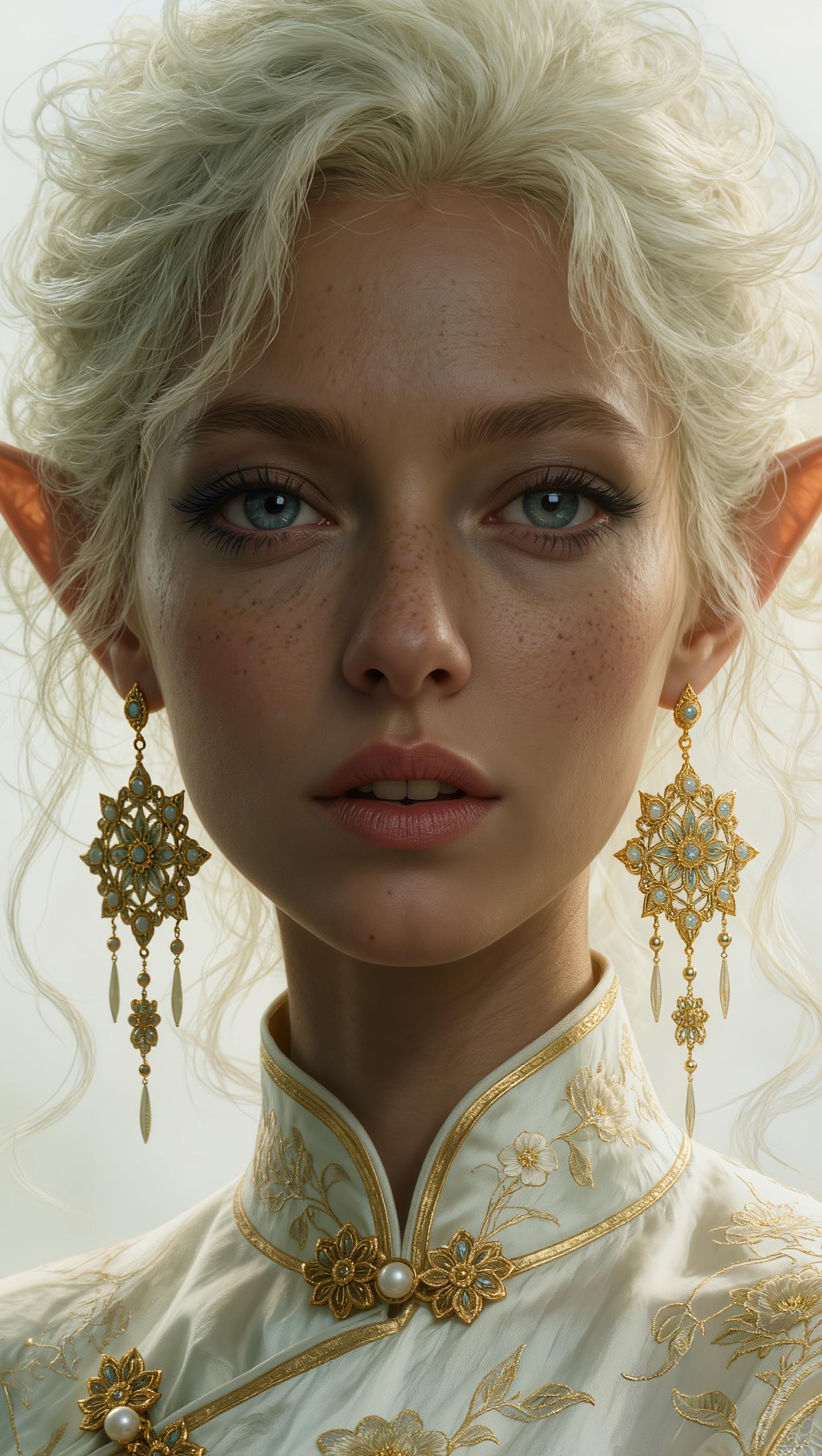
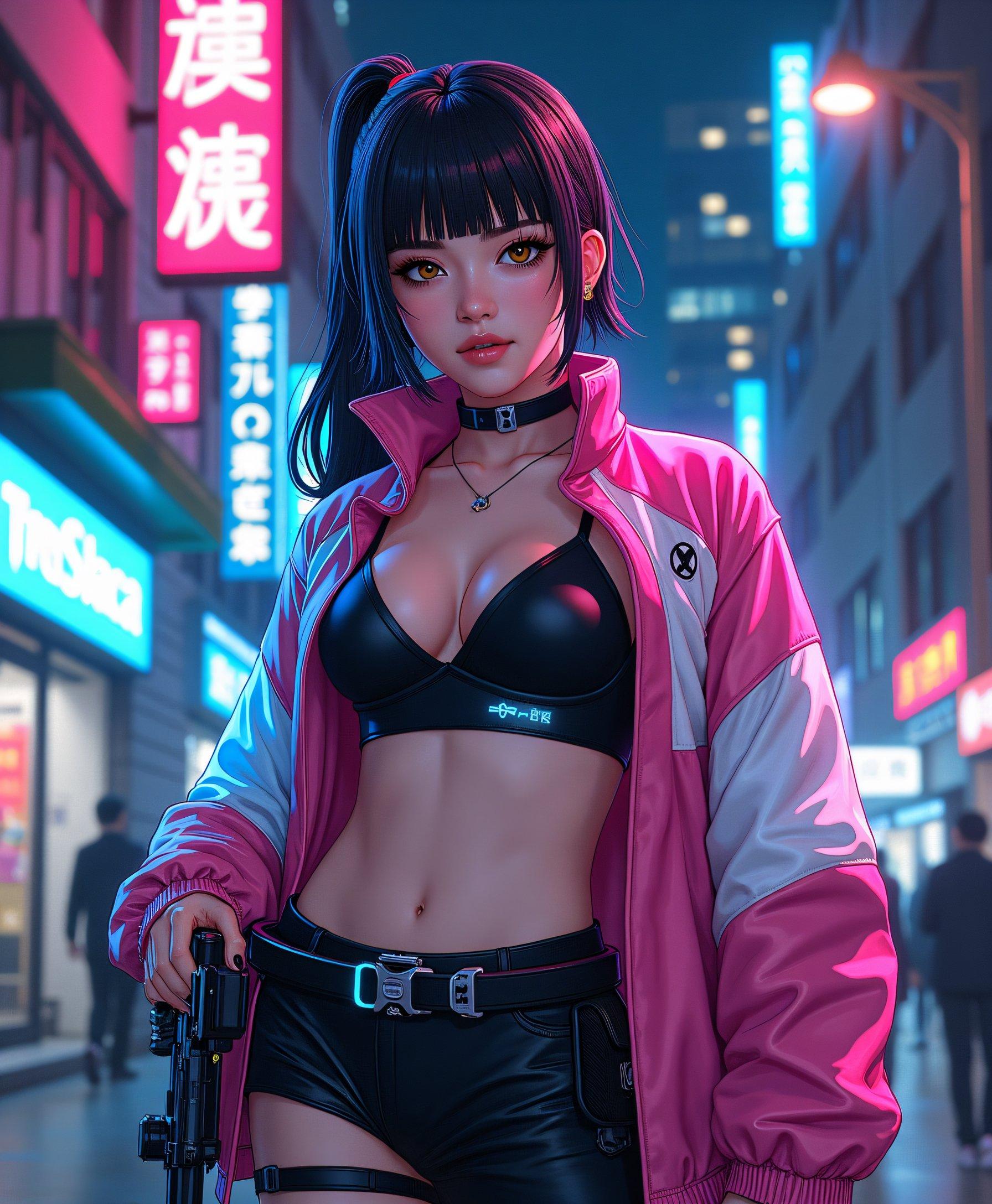
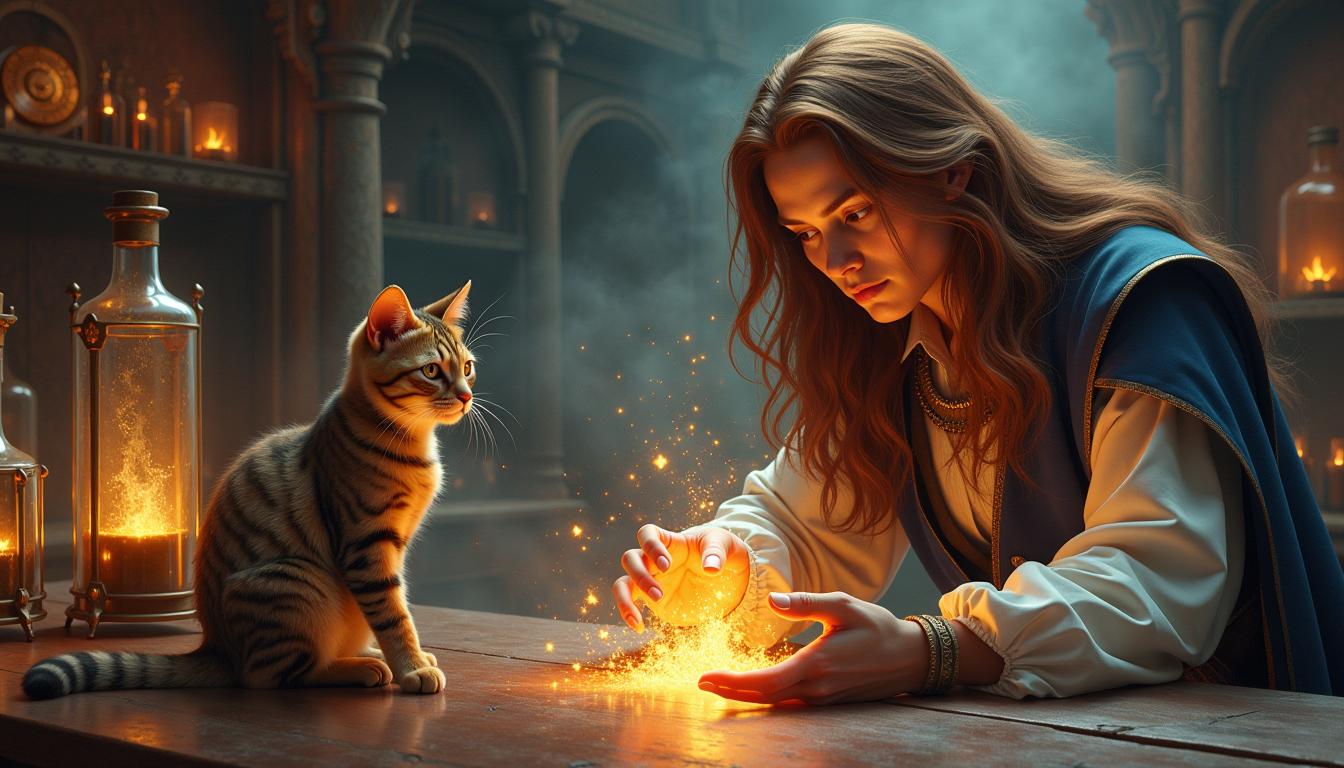


The Pixel Dojo Advantage
Why PixelDojo outperforms other options for text image generation
| Others | Pixel Dojo |
|---|---|
| Traditional graphic design software | Skip hours of font hunting and alignment—get instant, editable text images that look pro without a learning curve. |
| Generic AI tools | QWEN Image 2.0 Pro excels at text fidelity where others fail, plus 40+ specialized tools like Kling Image for hybrid results. |
| Manual photo editing | No more Photoshop text overlays that mismatch styles—AI handles composition perfectly, saving you days of work. |
Loved by Creators
See what our community says about qwen image 2.0 pro best for text
"Qwen Image 2.0 Pro transformed my social media game—crisp text on every poster means 3x more engagement!"
Sarah Kline
Social Media Manager
"Finally, AI text that doesn't warp! Used it for book covers and clients love the pro look without the pro price."
Mike Rivera
Freelance Designer
Common Questions
Everything you need to know about qwen image 2.0 pro best for text AI generation
What makes Qwen Image 2.0 Pro the best AI for text image generation?
Qwen Image 2.0 Pro shines in rendering precise, stylized text within images, outperforming others for posters, logos, and banners. On PixelDojo, you combine it with tools like Seedream 5 Lite for diverse styles, ensuring legible text in any scene—perfect for marketing visuals that drive clicks.
How do I generate images with custom text using Qwen Image 2.0 Pro on PixelDojo?
Simply select QWEN Image 2, input a prompt like 'elegant wedding invitation with "Forever Together" in floral script on pastel background,' generate, and refine with Image to Image. Get HD results fast, no design skills required.
Can Qwen 2.0 Pro handle complex text layouts like multi-line quotes or logos?
Yes! Prompt specifics like 'multi-line poem in vintage typewriter font centered on parchment paper' yield flawless layouts. Enhance with Style Transfer or Reality Polisher on PixelDojo for ultra-realistic text effects.
What are the best prompts for text image generation with Qwen Image 2.0 Pro?
Use descriptive prompts: specify text verbatim, font (e.g., 'bold sans-serif'), color, position, and context (e.g., 'neon sign "Open 24/7" at night street'). Trends include typography art and motivational quotes—PixelDojo's QWEN Image 2 nails them every time.
Is Qwen Image 2.0 Pro suitable for commercial text images like ads and branding?
Absolutely—generate brand-consistent graphics with perfect text alignment. Upscale to 4K with Portrait Upscaler, and use Consistent Characters for faces in ads. Thousands of creators use PixelDojo commercially with zero issues.
How does PixelDojo's Qwen Image 2.0 Pro compare to other tools for AI text rendering?
It leads in text accuracy, especially for long phrases or non-Latin scripts. Pair with WAN 2.6 or HiDream for variety, all in one platform. Enjoy unlimited generations on subscription, with easy Usage Report tracking.