qwen image 2.0 pro editing tools AI Generator
Unlock the full potential of your images with PixelDojo's Qwen Image 2.0 Pro Editing Tools. Whether you're a marketer aiming to captivate your audience, a designer seeking precision, or a content creator striving for perfection, our advanced AI-powered tools empower you to achieve photorealistic results and precise edits effortlessly.

Join over 10,000 satisfied users who have transformed their visuals using PixelDojo's cutting-edge AI tools. Rated 4.8/5 based on 2,500+ reviews.
Why Choose Pixel Dojo for qwen image 2.0 pro editing tools
Professional-quality results with cutting-edge AI technology
Achieve Photorealistic Quality
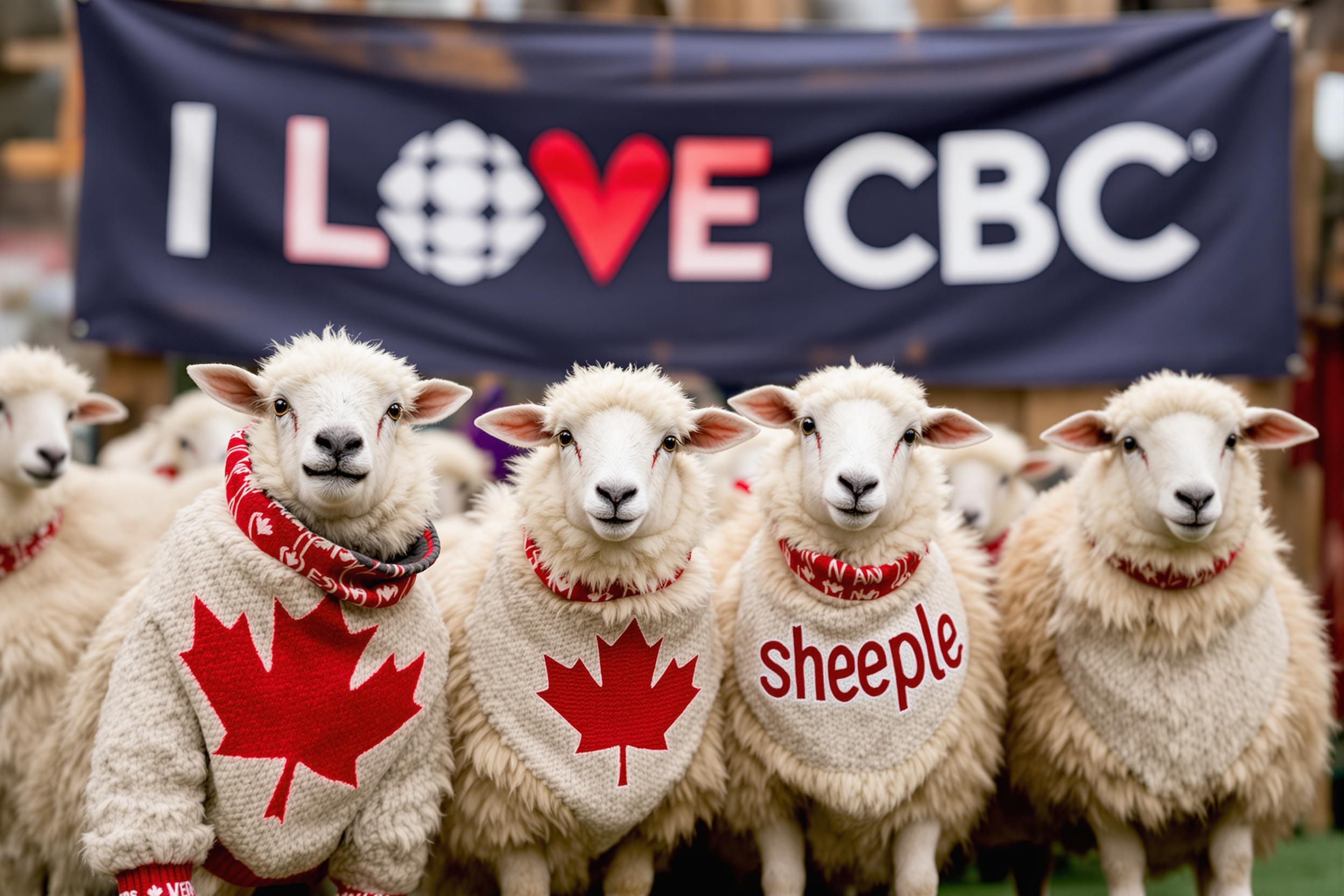
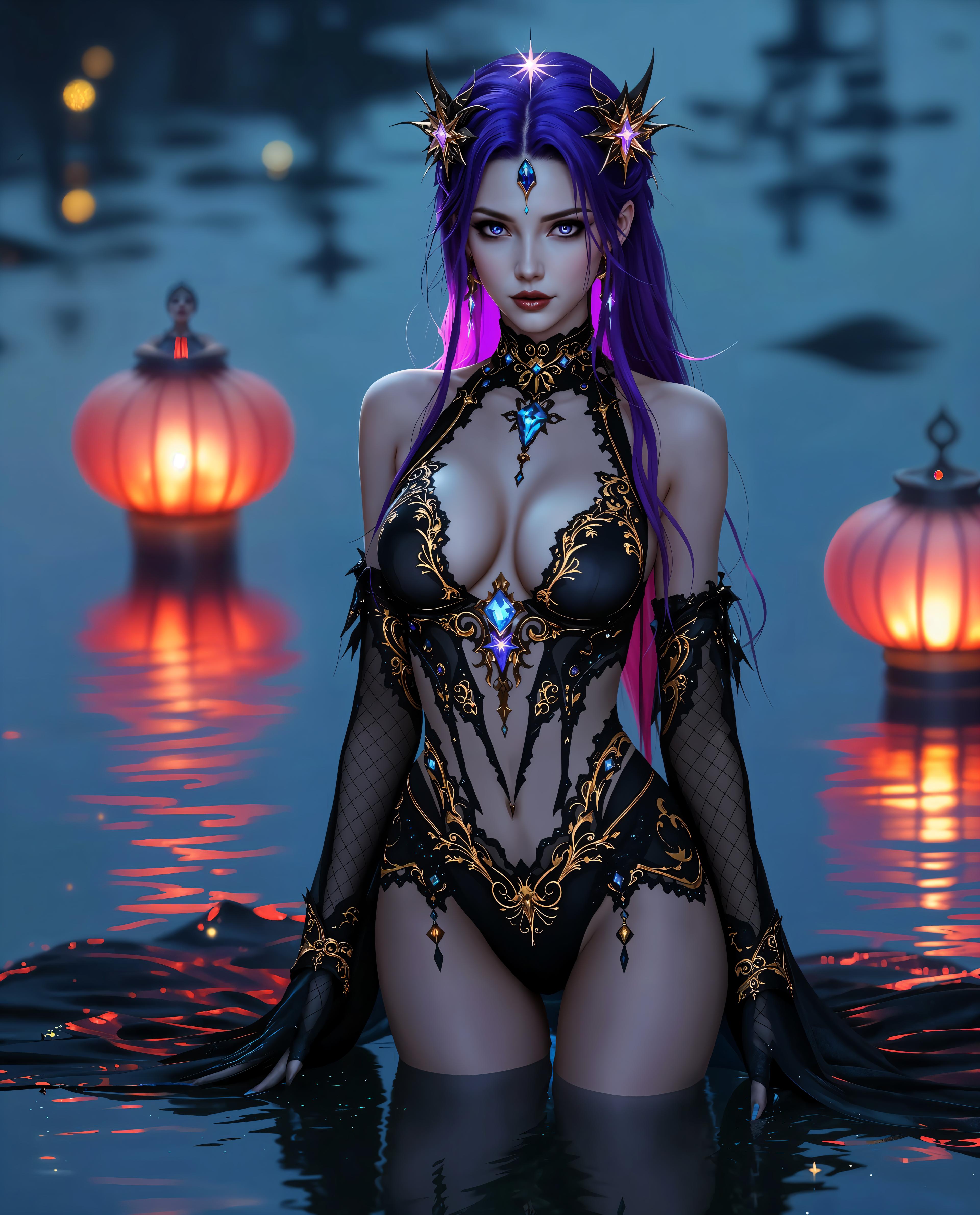
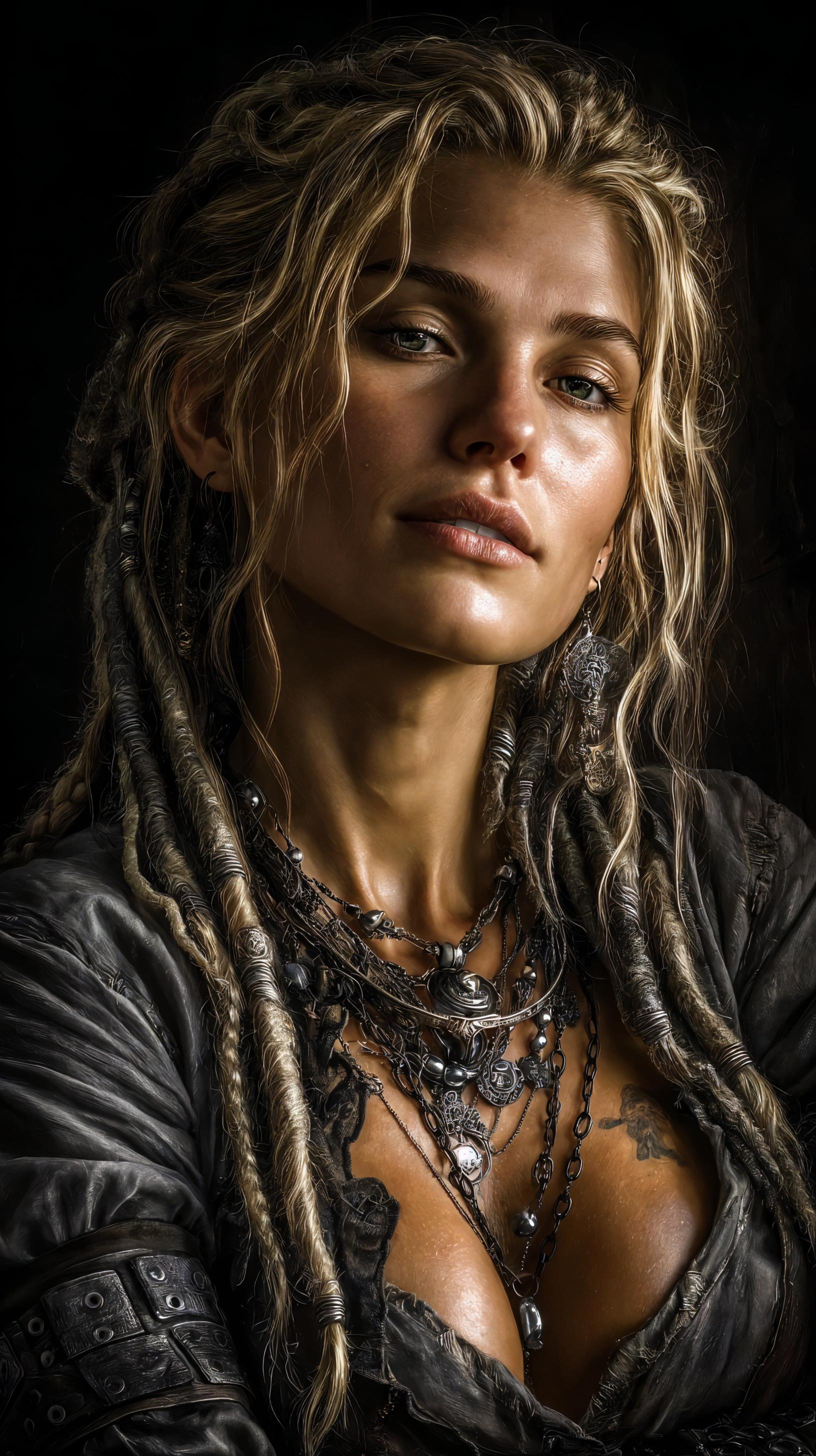
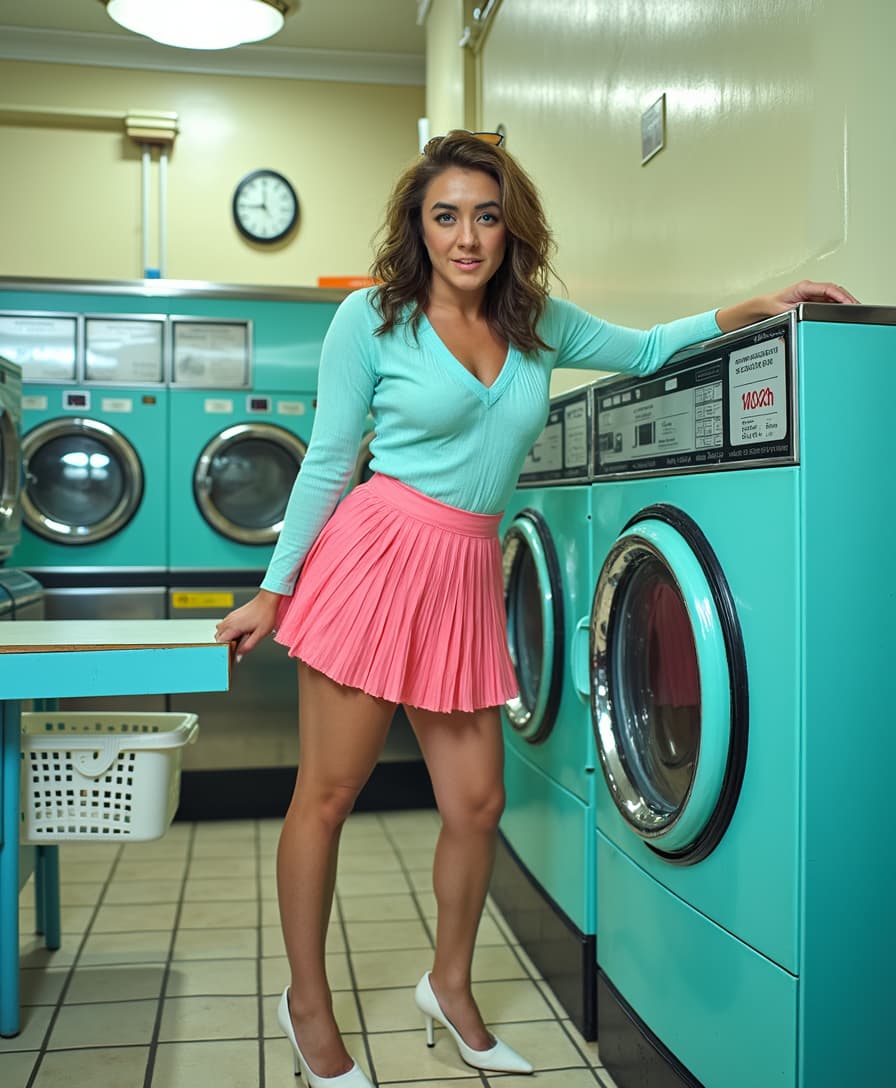
Generate images with native 2K resolution, capturing intricate details like skin textures and fabric weaves for lifelike visuals.
Seamless Editing Workflow
Switch between image generation and editing within a single, unified interface, streamlining your creative process.
Handle Complex Instructions
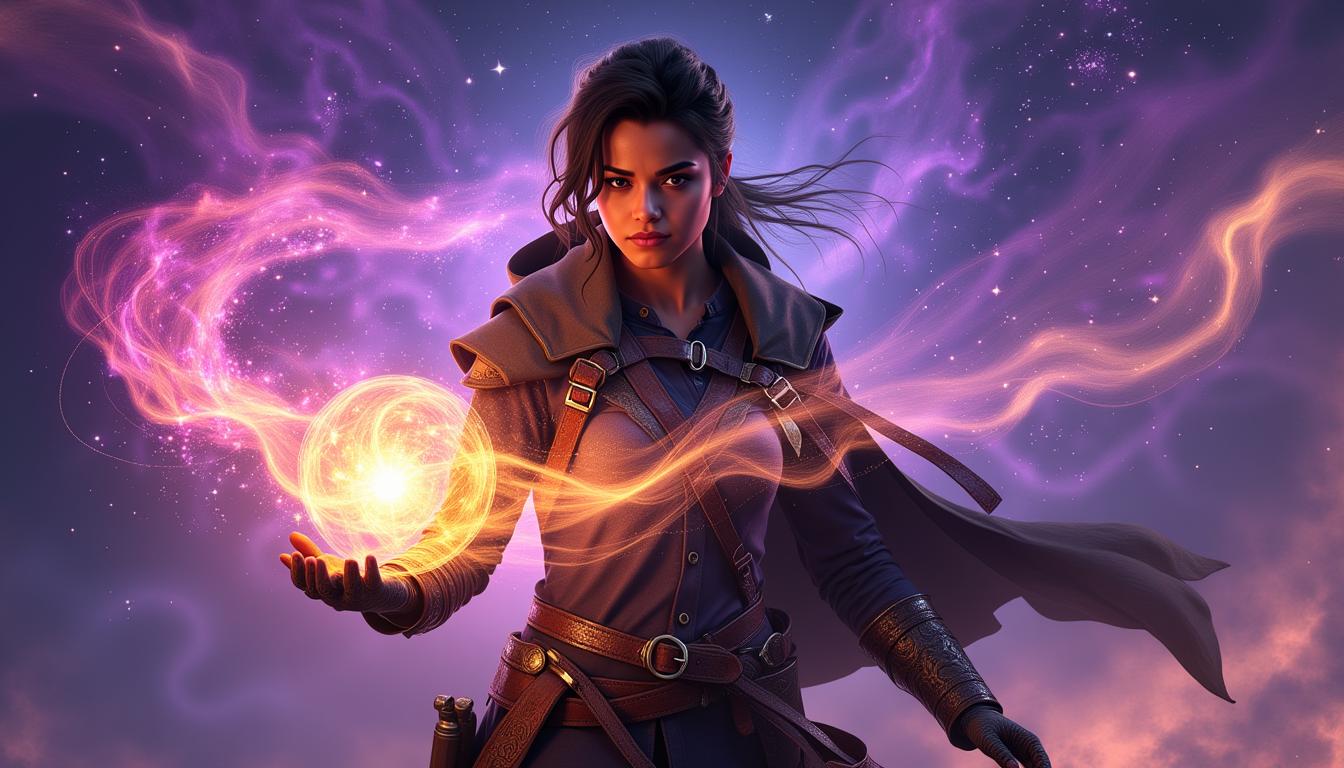
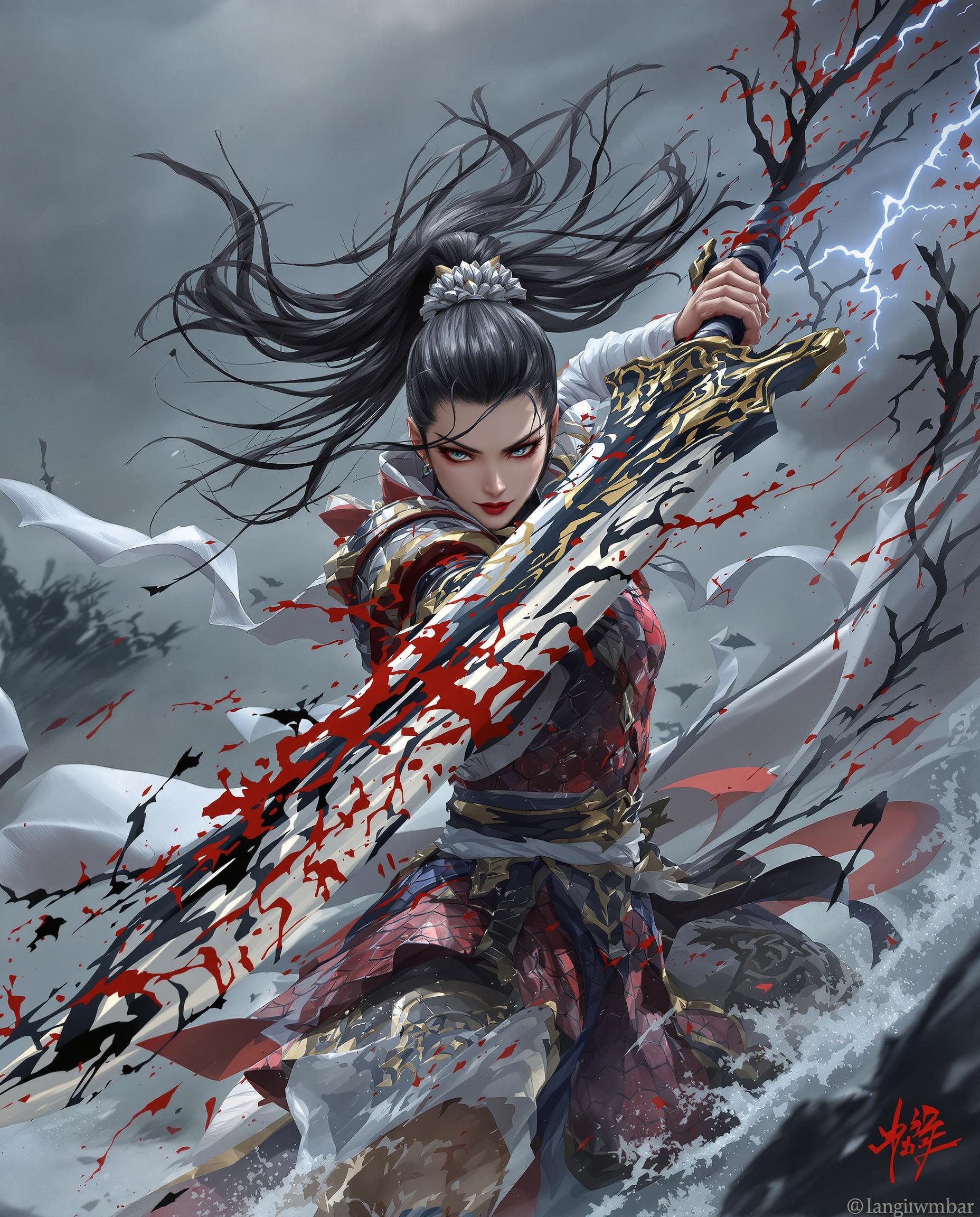
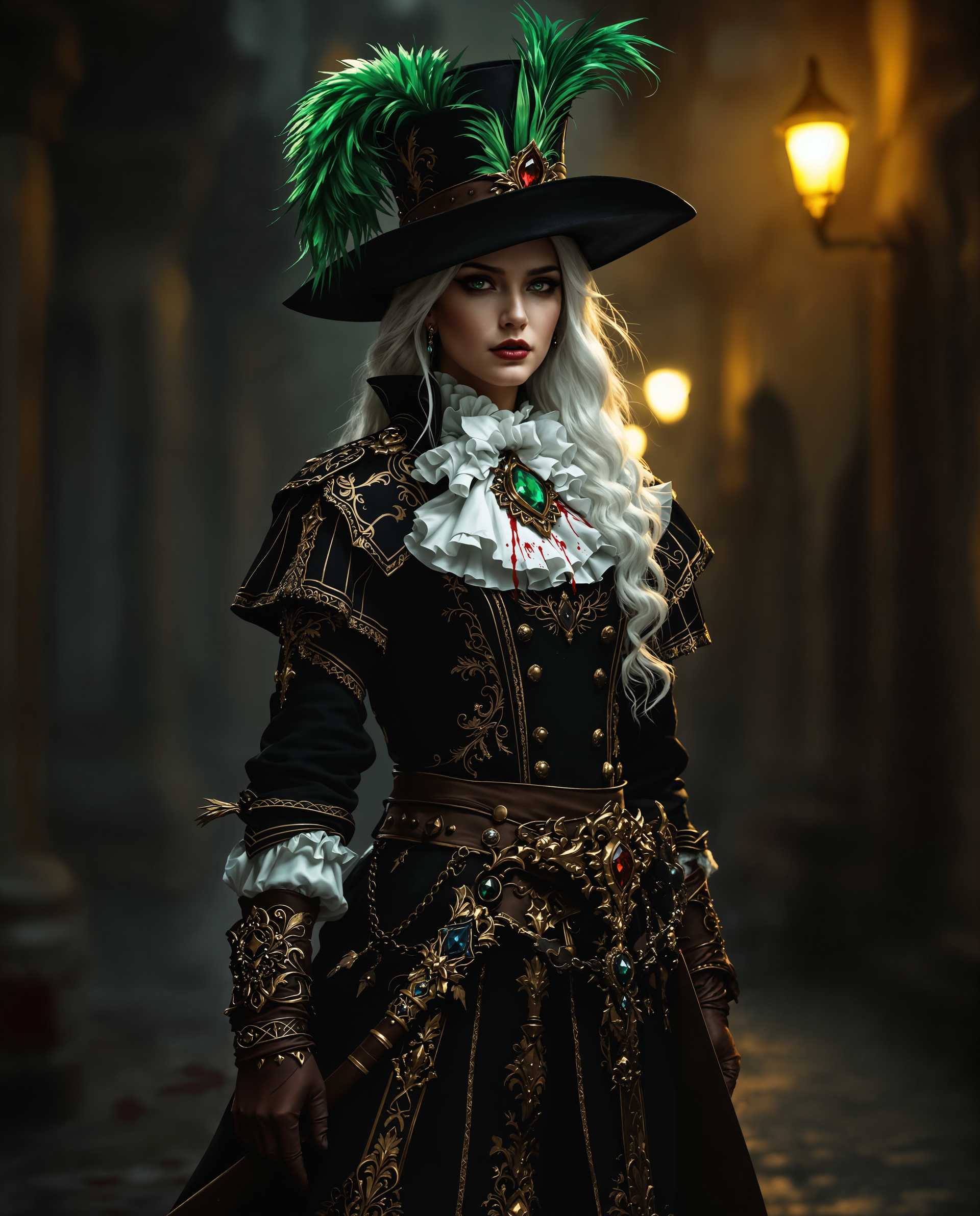
Utilize ultra-long prompts up to 1,000 tokens to describe intricate scenes and layouts with precision.
How It Works
Creating stunning images with Qwen Image 2.0 Pro Editing Tools is straightforward. Follow these steps to bring your vision to life:
Step 1: Choose Your Tool
Select the appropriate tool from PixelDojo's suite, such as Qwen Image 2.0 for generation or Qwen Image Edit for modifications.
Step 2: Enter Your Prompt
Input a detailed description of the image you wish to create or edit, utilizing up to 1,000 tokens for complex scenes.
Step 3: Customize & Download
Review the generated image, make any necessary adjustments, and download the high-resolution result.









The Pixel Dojo Advantage
Why PixelDojo outperforms other options for AI image generation and editing:
| Others | Pixel Dojo |
|---|---|
| Traditional Image Editing Software | Eliminate the steep learning curve and time-consuming manual edits with our intuitive AI-powered tools. |
| Generic AI Tools | Experience superior image quality and editing precision tailored to professional standards. |
| Manual Photo Editing | Achieve consistent, high-quality results in a fraction of the time without extensive technical skills. |
Loved by Creators
See what our community says about qwen image 2.0 pro editing tools
"PixelDojo's Qwen Image 2.0 has revolutionized our marketing visuals. The photorealistic quality is unmatched."
Alex Johnson
Marketing Director
"As a designer, the seamless editing workflow has significantly boosted my productivity. Highly recommend!"
Maria Lopez
Graphic Designer
Common Questions
Everything you need to know about qwen image 2.0 pro editing tools AI generation
How does Qwen Image 2.0 achieve photorealistic image quality?
Qwen Image 2.0 utilizes advanced AI algorithms to generate images at native 2K resolution, capturing intricate details for lifelike visuals.
Can I edit existing images using Qwen Image 2.0?
Yes, Qwen Image 2.0 offers a unified workflow that allows seamless switching between image generation and editing modes.
What types of prompts can I use with Qwen Image 2.0?
You can input detailed descriptions up to 1,000 tokens, enabling the creation of complex scenes and layouts with precision.
Is there a limit to the number of images I can generate or edit?
PixelDojo offers various subscription plans to suit different needs, providing flexibility in the number of images you can create or edit.
Do I need advanced technical skills to use Qwen Image 2.0?
No, Qwen Image 2.0 is designed with an intuitive interface, making it accessible to users without extensive technical expertise.
How does PixelDojo ensure the security of my images?
PixelDojo prioritizes user privacy and data security, implementing robust measures to protect your images and personal information.