qwen image 2.0 pro logo mockup AI Generator
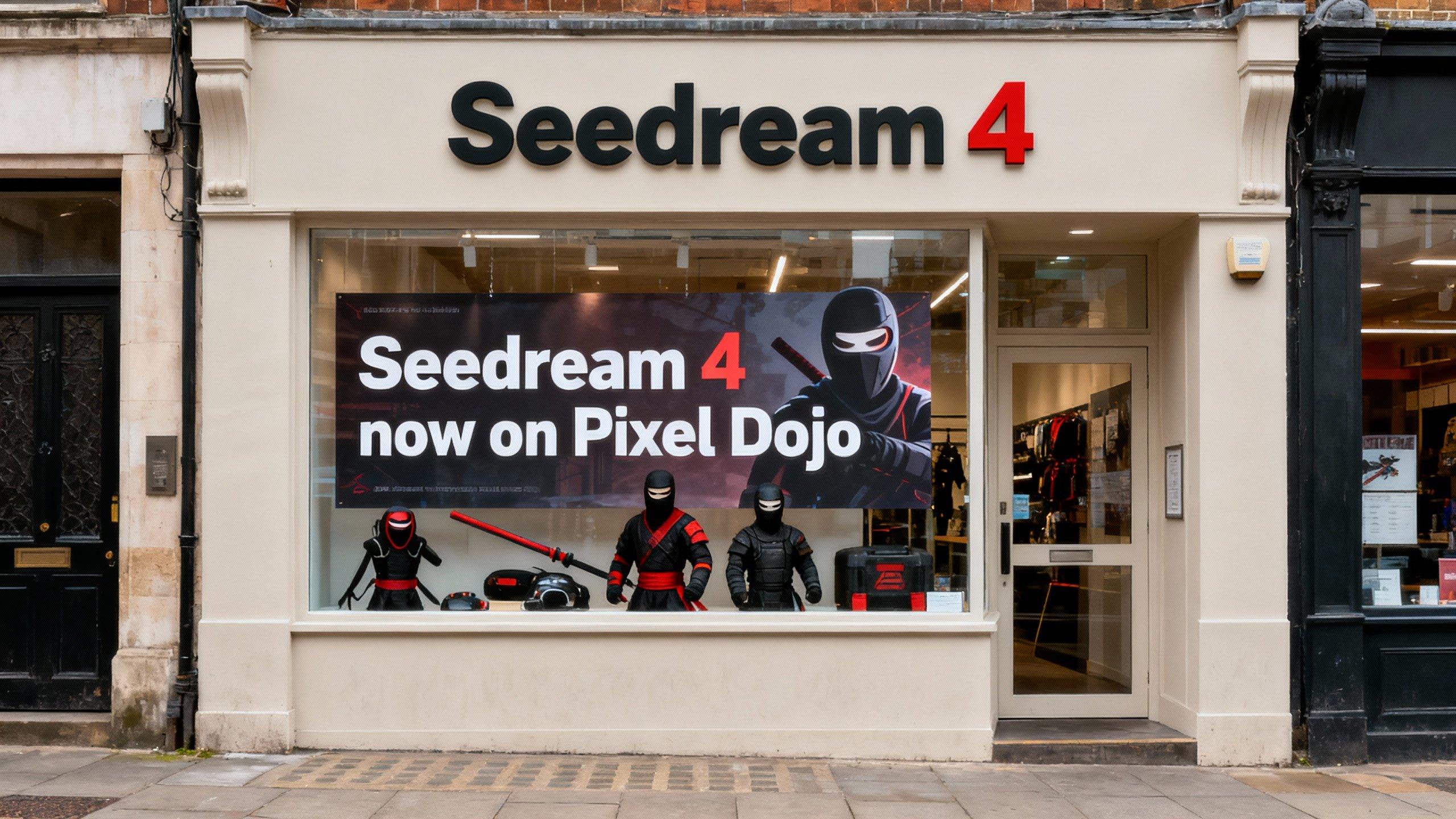
Imagine presenting your logo on a sleek t-shirt, a massive billboard, or a premium business card – all looking photorealistic and client-ready in under 60 seconds. With PixelDojo's QWEN Image 2.0 Pro logo mockup generator, you turn simple ideas into professional mockups that win pitches, impress clients, and elevate your brand without design skills or endless editing. Whether you're a freelancer pitching logos, a startup building visuals, or a marketer needing quick assets, get hyper-realistic placements on any product, angle, or scene effortlessly.
50K+ creators worldwide | 4.9/5 stars from 10K+ reviews | 2M+ logo mockups generated | Trusted by top agencies & solopreneurs
Why Choose Pixel Dojo for qwen image 2.0 pro logo mockup
Professional-quality results with cutting-edge AI technology
Hyper-Realistic Product Integration
Your logos blend seamlessly onto t-shirts, mugs, phones, and billboards with perfect shadows, folds, and lighting – making every mockup look like a pro photo shoot you can use immediately for sales or portfolios.
Unlimited Customization Freedom
Experiment with any product, environment, lighting, or style – from minimalist tech gadgets to vibrant streetwear – so you create mockups tailored exactly to your brand's vision in seconds.
Save Hours on Client Deliverables
Skip Photoshop marathons and stock photo hunts; generate, refine, and download print-ready mockups instantly, freeing you to focus on closing deals and growing your business.
How It Works
Creating QWEN Image 2.0 Pro logo mockups on PixelDojo is dead simple – no design experience needed. Use our QWEN Image 2 tool for cutting-edge generation, then enhance with editing suite for perfection.
Step 1: Select QWEN Image 2 Tool
Head to Generate Images on PixelDojo.ai, choose QWEN Image 2, and upload your logo or describe it. This powerhouse model excels at photorealistic mockups with natural textures and lighting.
Step 2: Craft Your Mockup Prompt
Enter a detailed prompt like 'photorealistic mockup of modern minimalist logo on white cotton t-shirt, front view, natural studio lighting, high detail, 4K'. Add specifics for products like billboards or laptops – QWEN Image 2 handles complex scenes flawlessly.
Step 3: Refine & Download Instantly
Hit generate, then use Inpainting or Magnific Upscaler for tweaks like angle changes or ultra-HD boosts. Download high-res PNGs or transparent versions ready for your website, proposals, or print.
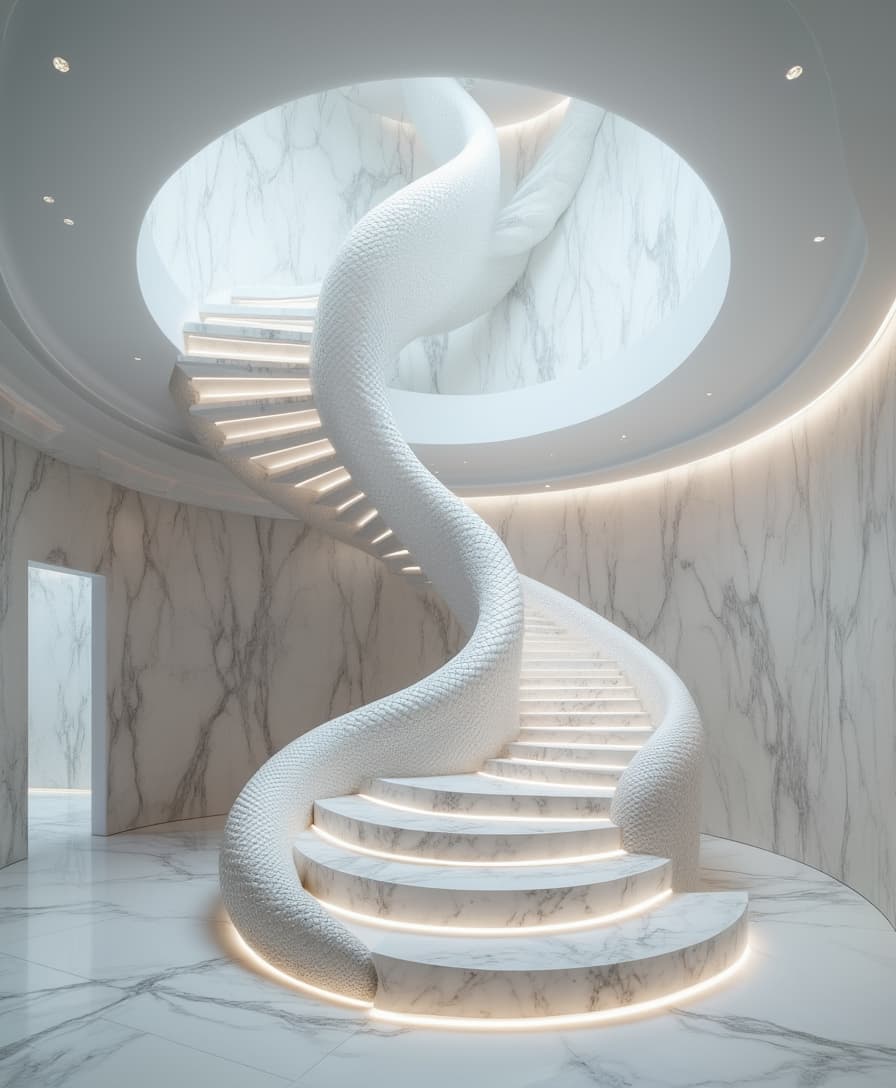
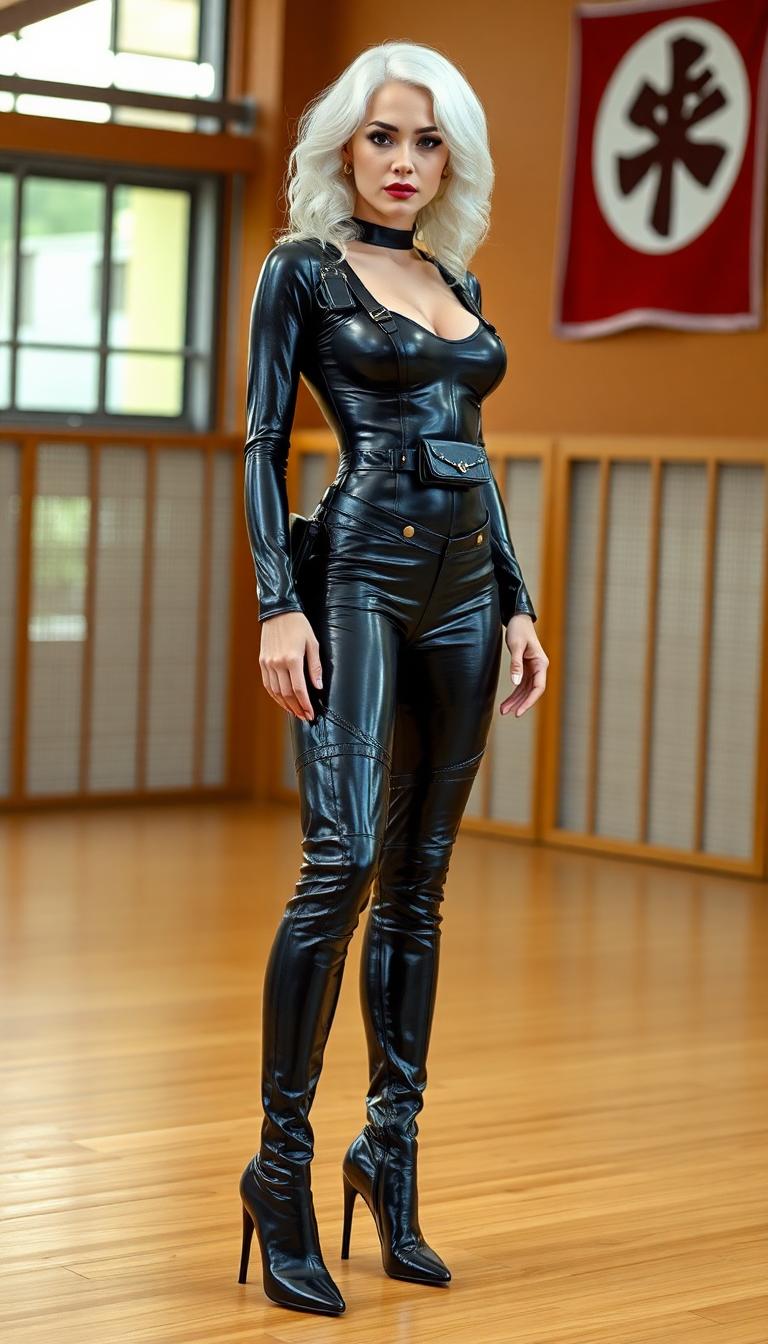
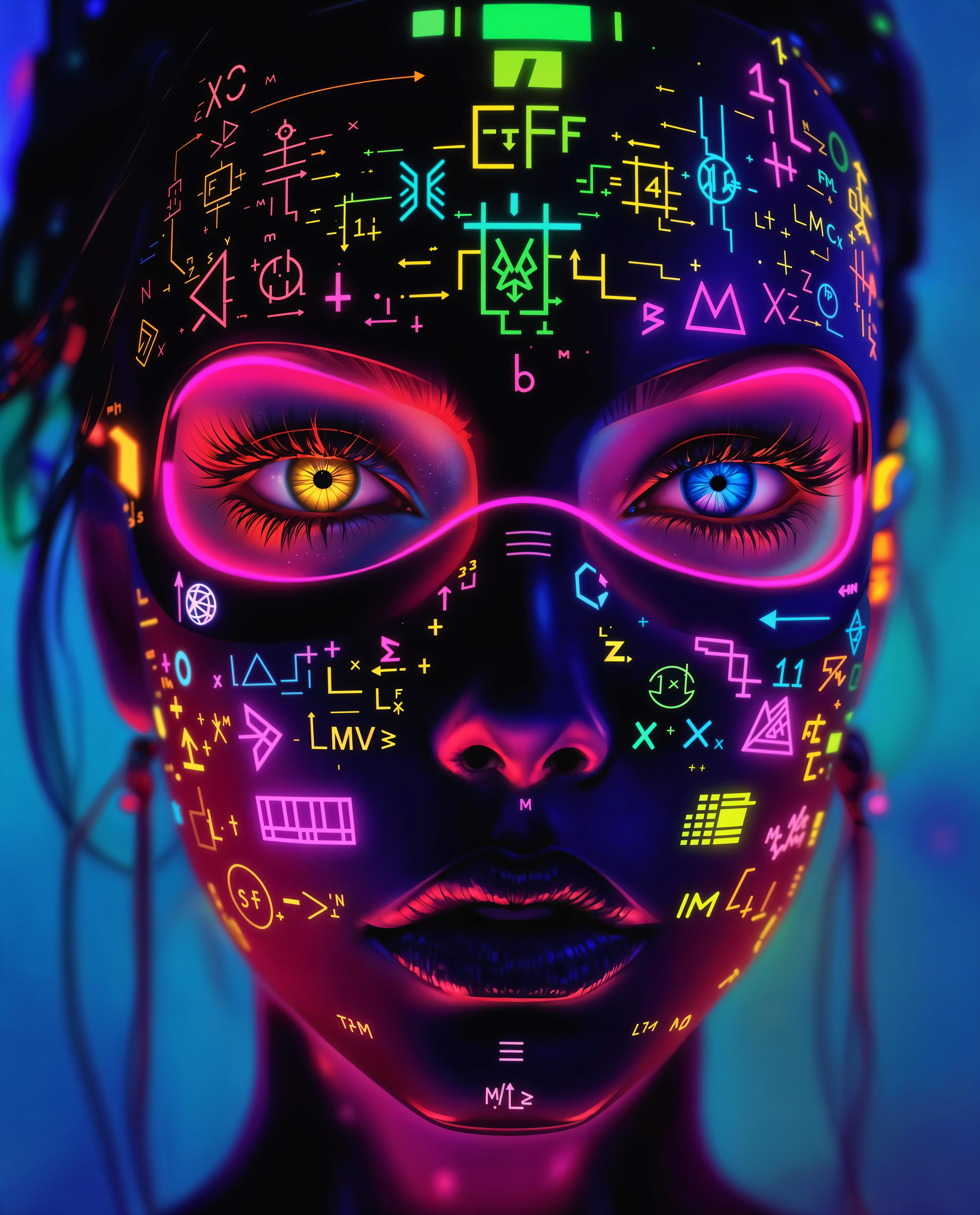

The Pixel Dojo Advantage
Why PixelDojo's QWEN Image 2.0 Pro outperforms other options for logo mockup image generation
| Others | Pixel Dojo |
|---|---|
| Traditional mockup creation | Ditch weeks of sourcing stock photos and manual compositing – get custom, realistic mockups in seconds with zero hassle |
| Generic AI tools | QWEN Image 2.0 Pro delivers superior photorealism and product accuracy tailored for logos, unlike vague outputs from basic generators |
| Manual photo editing | No Photoshop expertise required – our Inpainting, Style Transfer, and Upscalers handle pro refinements automatically for flawless results |
Loved by Creators
See what our community says about qwen image 2.0 pro logo mockup
"QWEN Image 2.0 Pro on PixelDojo transformed my logo pitches – clients think I hired a photographer! Saved me 20+ hours per project."
Sarah Jenkins
Freelance Branding Designer
"Instant realistic mockups for t-shirts and billboards. PixelDojo's tools made my startup mockups go viral on social – game-changer!"
Mike Rivera
Startup Founder & Marketer
Common Questions
Everything you need to know about qwen image 2.0 pro logo mockup AI generation
How do I generate qwen image 2.0 pro logo mockup for t-shirts using PixelDojo?
Select QWEN Image 2 in Generate Images, prompt with 'photorealistic [your logo desc] on premium cotton t-shirt, fabric folds, soft lighting'. Refine with Image to Image or Magic Lighting for perfect shadows. Download in seconds – ideal for apparel branding.
What makes QWEN Image 2.0 Pro best for professional logo mockups ai?
It excels in hyper-realistic textures, lighting, and integrations like billboards or gadgets. Pair with PixelDojo's Background Remover and Portrait Upscaler for client-ready files that outperform stock mockups every time.
Can I create qwen 2.0 pro mockups for any product like phones or business cards?
Absolutely – prompts like 'elegant logo mockup on matte black iPhone case, isometric view' work flawlessly. Use Change Camera Angle tool post-generation for dynamic views, all within PixelDojo's seamless workflow.
How to upscale qwen image 2.0 pro logo mockup to 4K for print?
After generating with QWEN Image 2, apply Magnific Upscaler or Creative Upscaler. These boost resolution while preserving logo sharpness and mockup realism – perfect for large prints or high-DPI web use.
Is qwen logo mockup creator on PixelDojo free to try?
Yes, start with free credits on 40+ tools including QWEN Image 2. Upgrade to unlimited access, cancel anytime – thousands of creators rely on it for daily mockups without risk.
How to customize lighting in qwen image 2.0 pro logo mockup generation?
Include 'golden hour sunlight' or 'studio spotlight' in prompts for QWEN Image 2. Fine-tune with Magic Lighting editor for dramatic effects, ensuring your mockups pop in any presentation.