qwen image 2.0 pro photoreal pro AI Generator
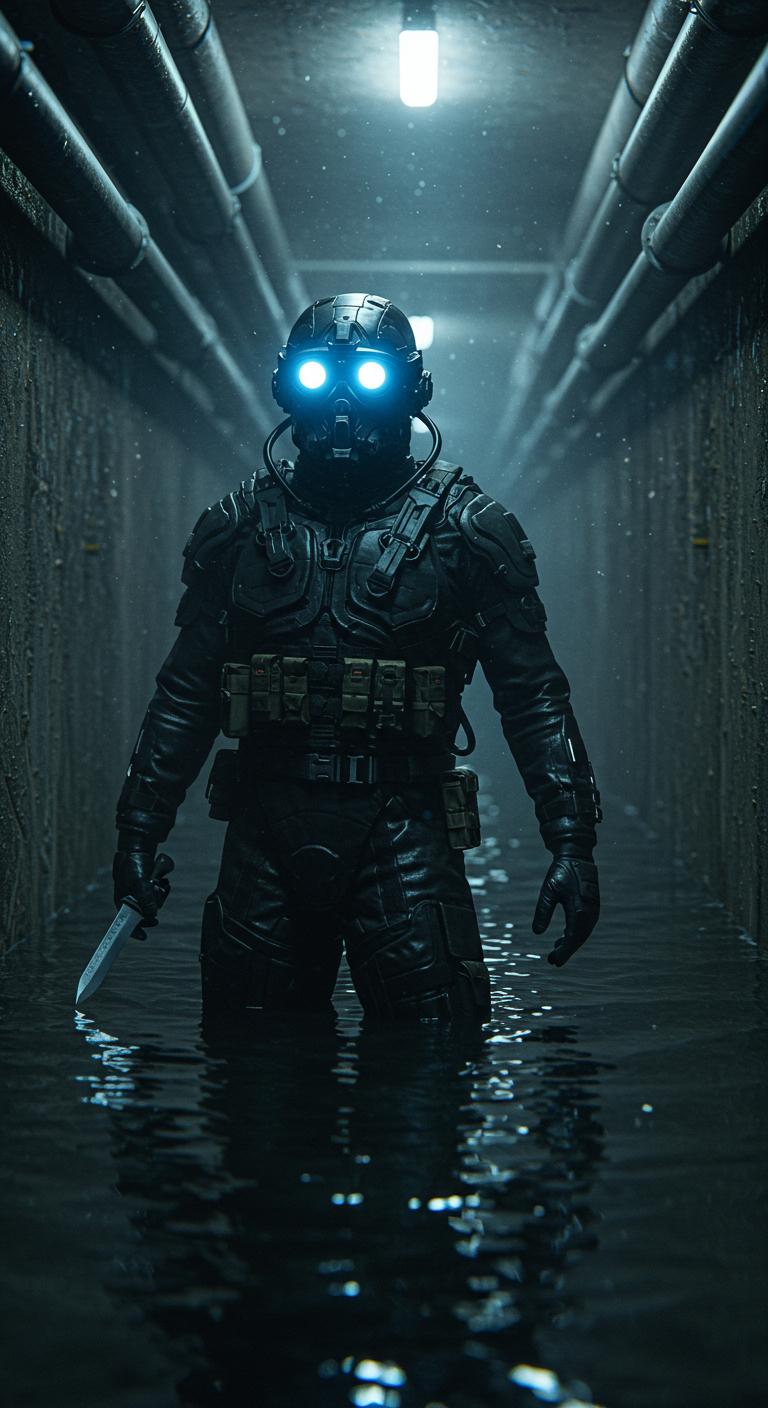
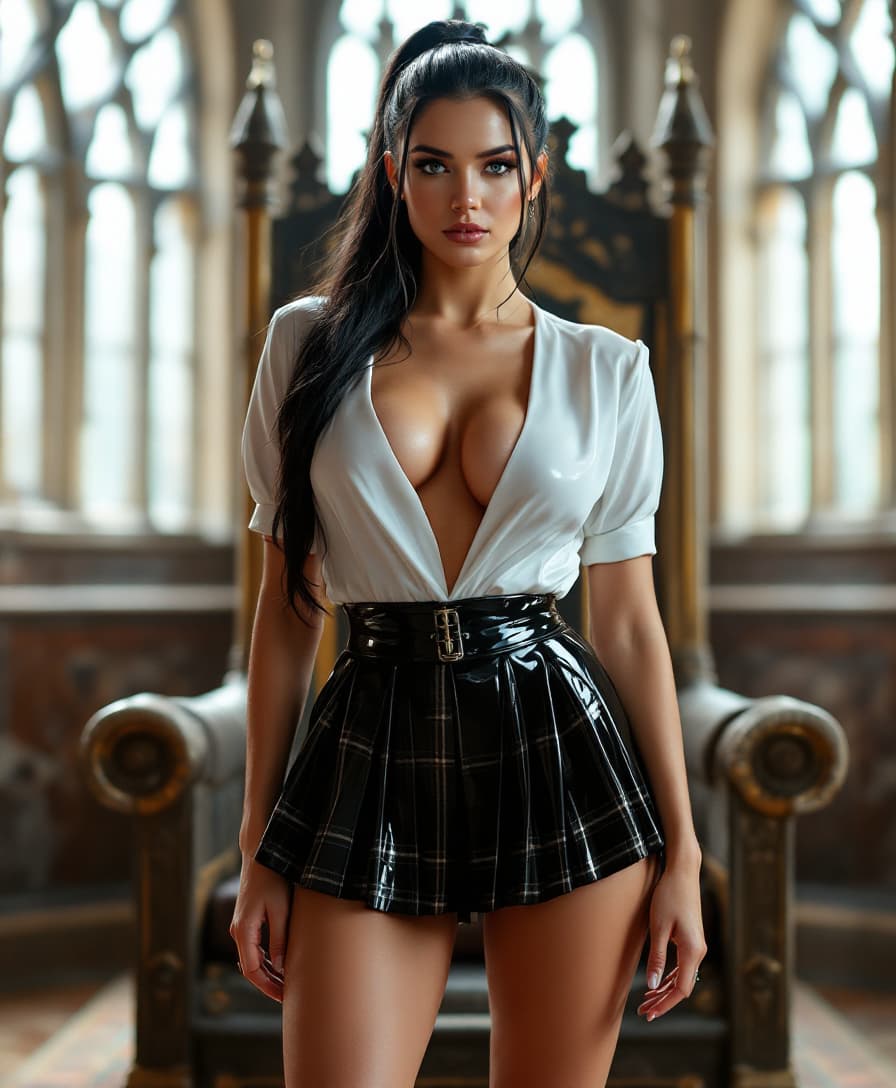
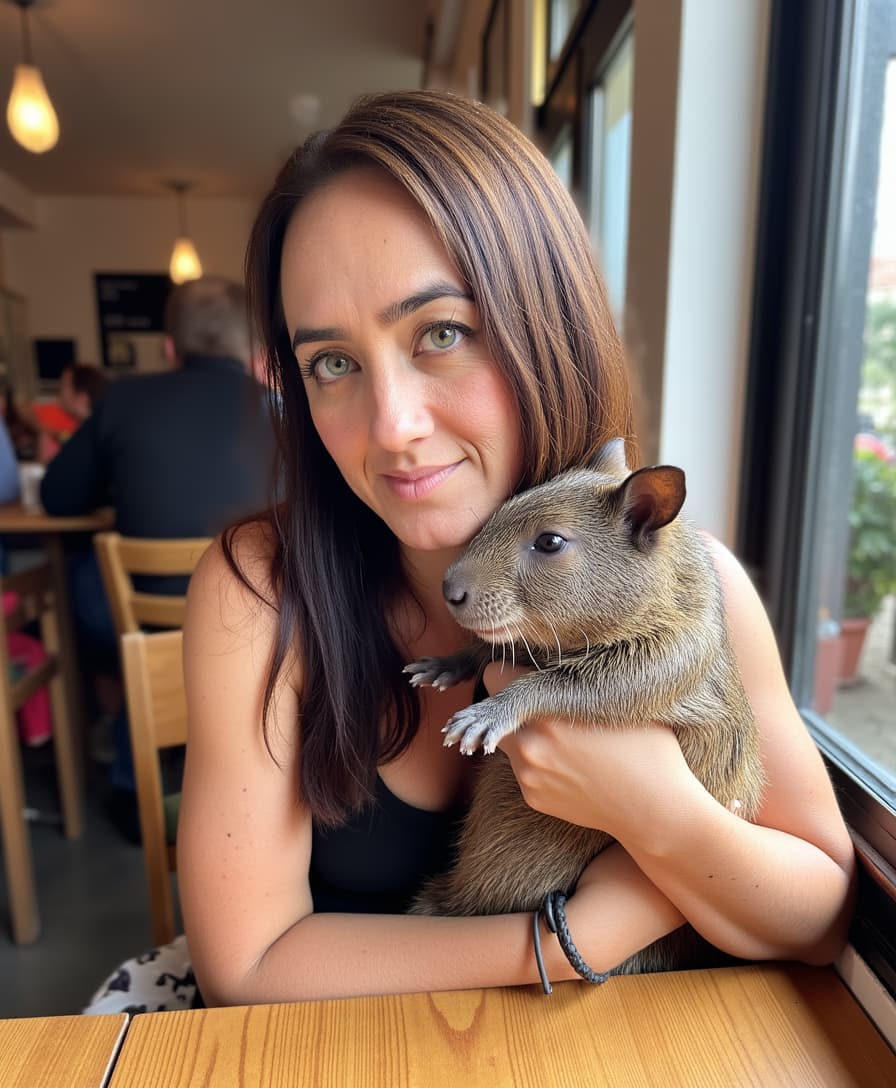
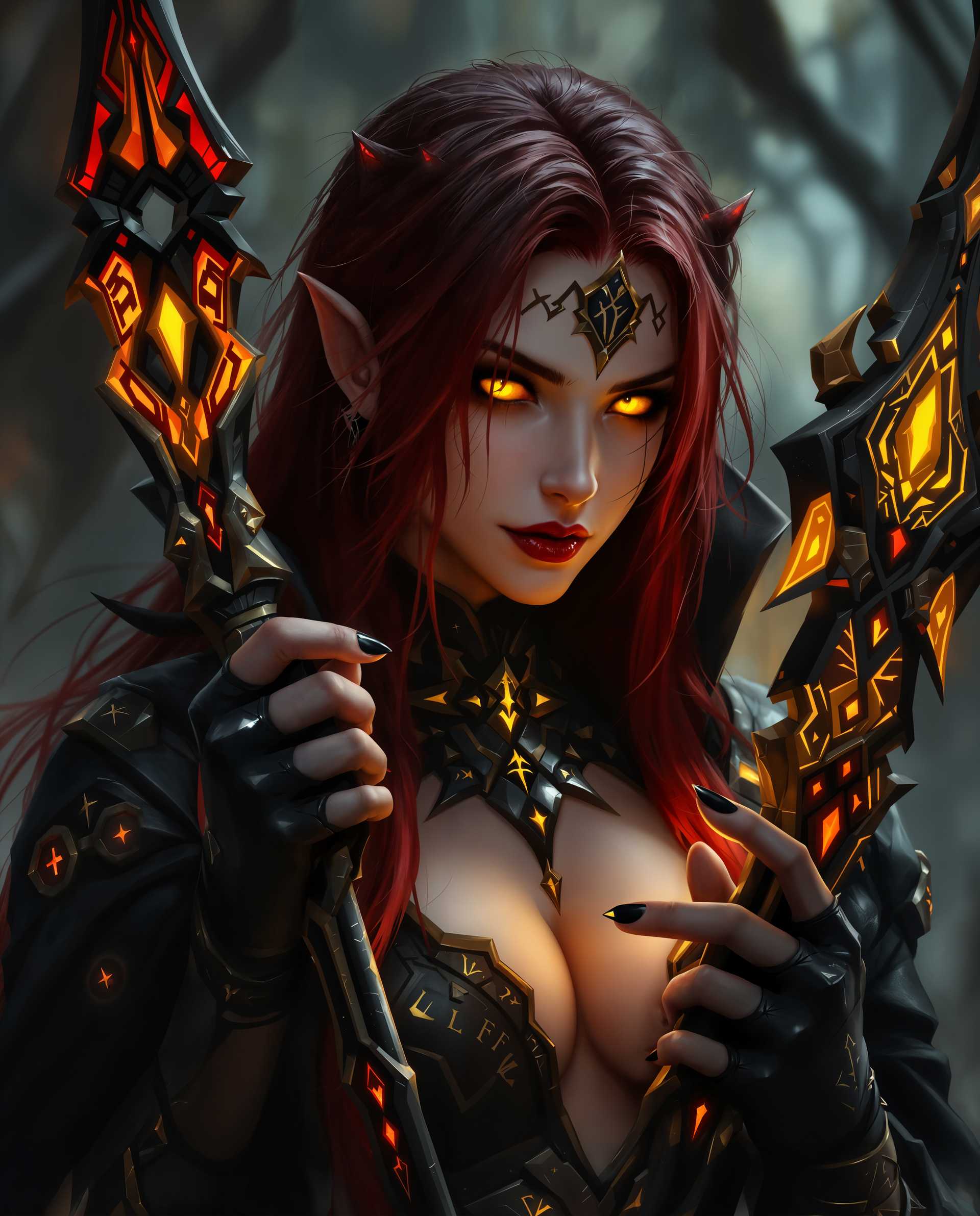
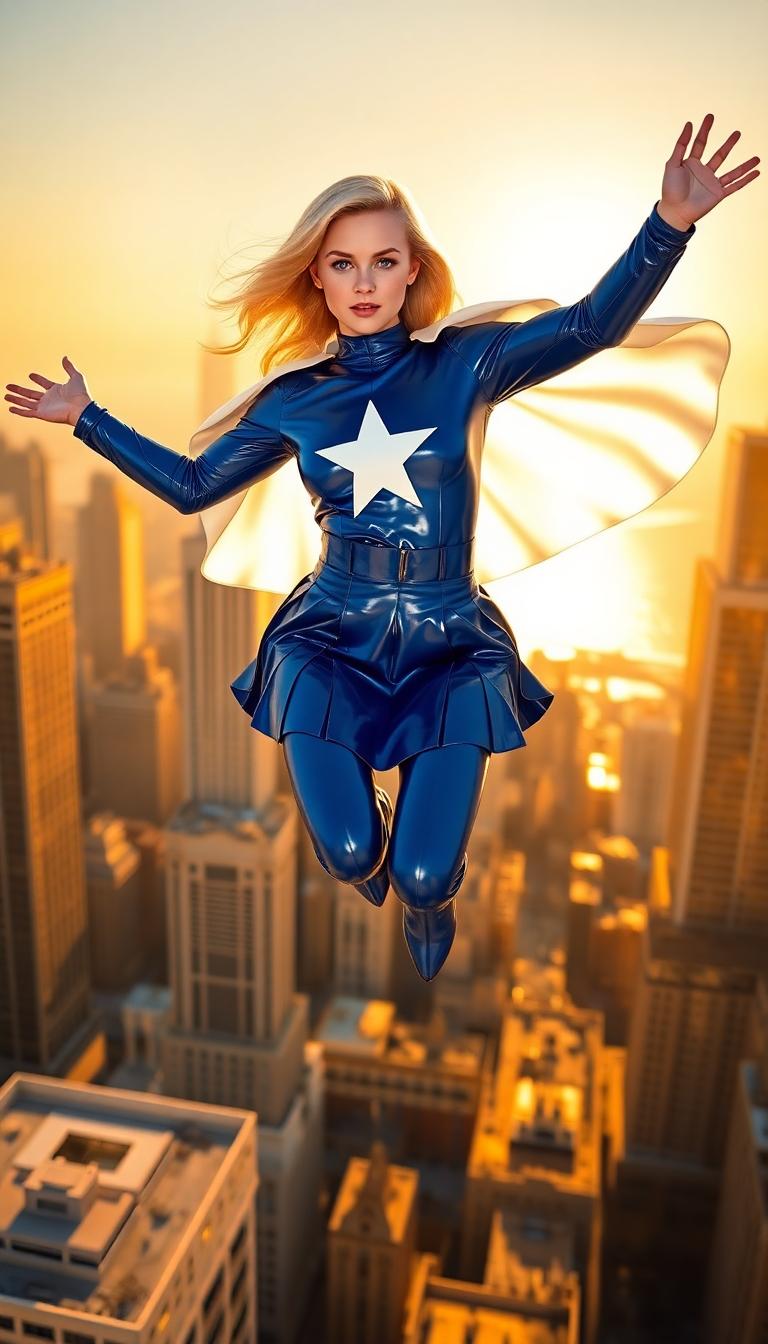
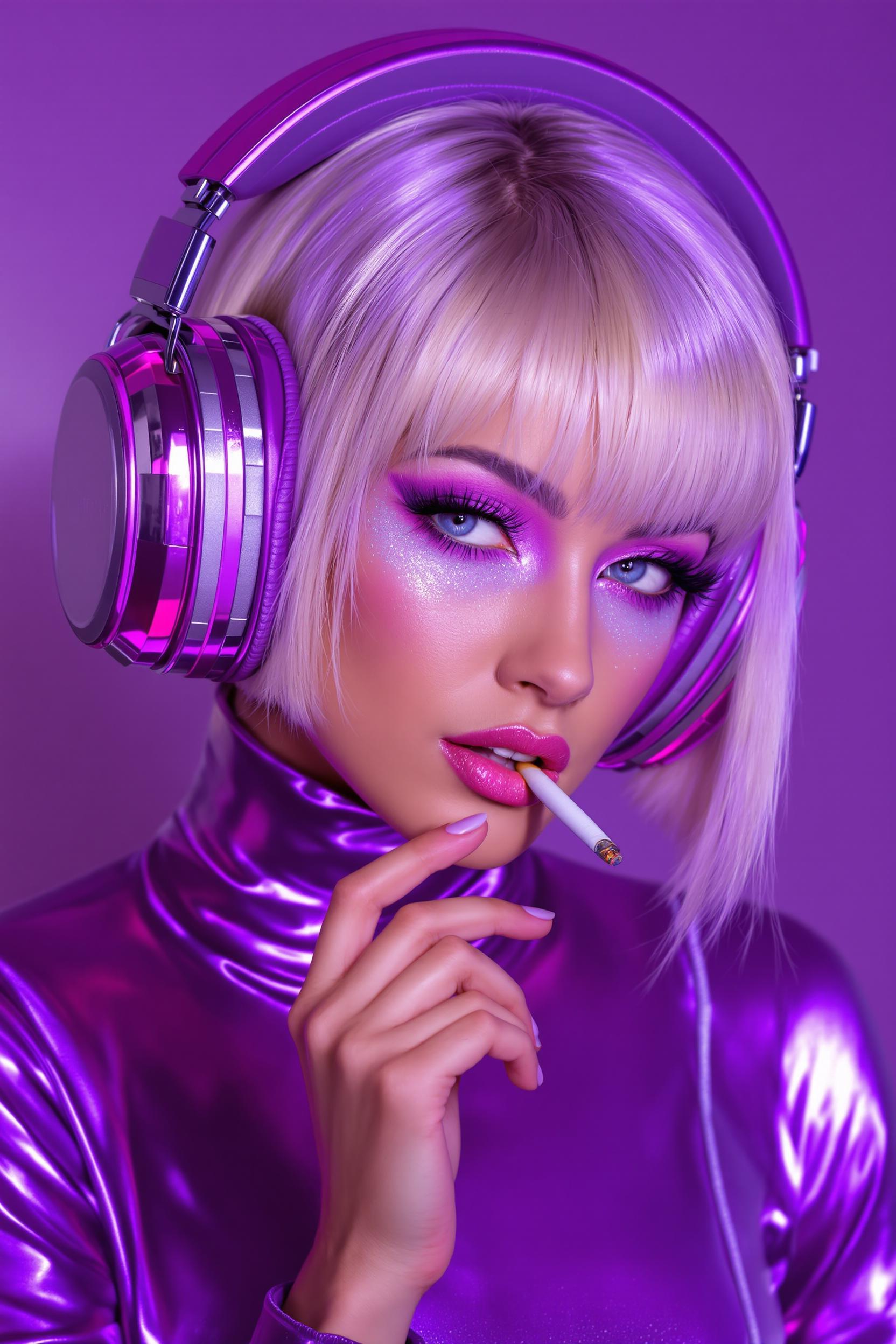
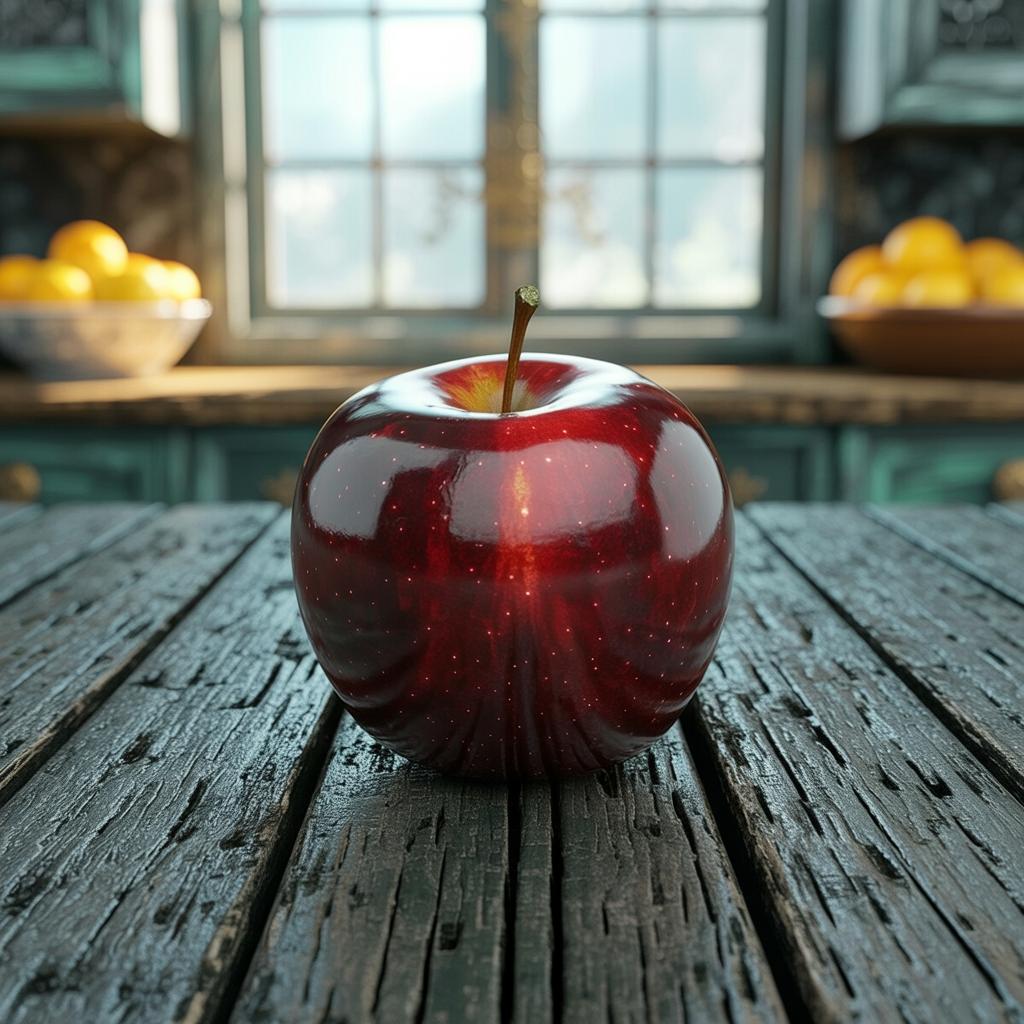
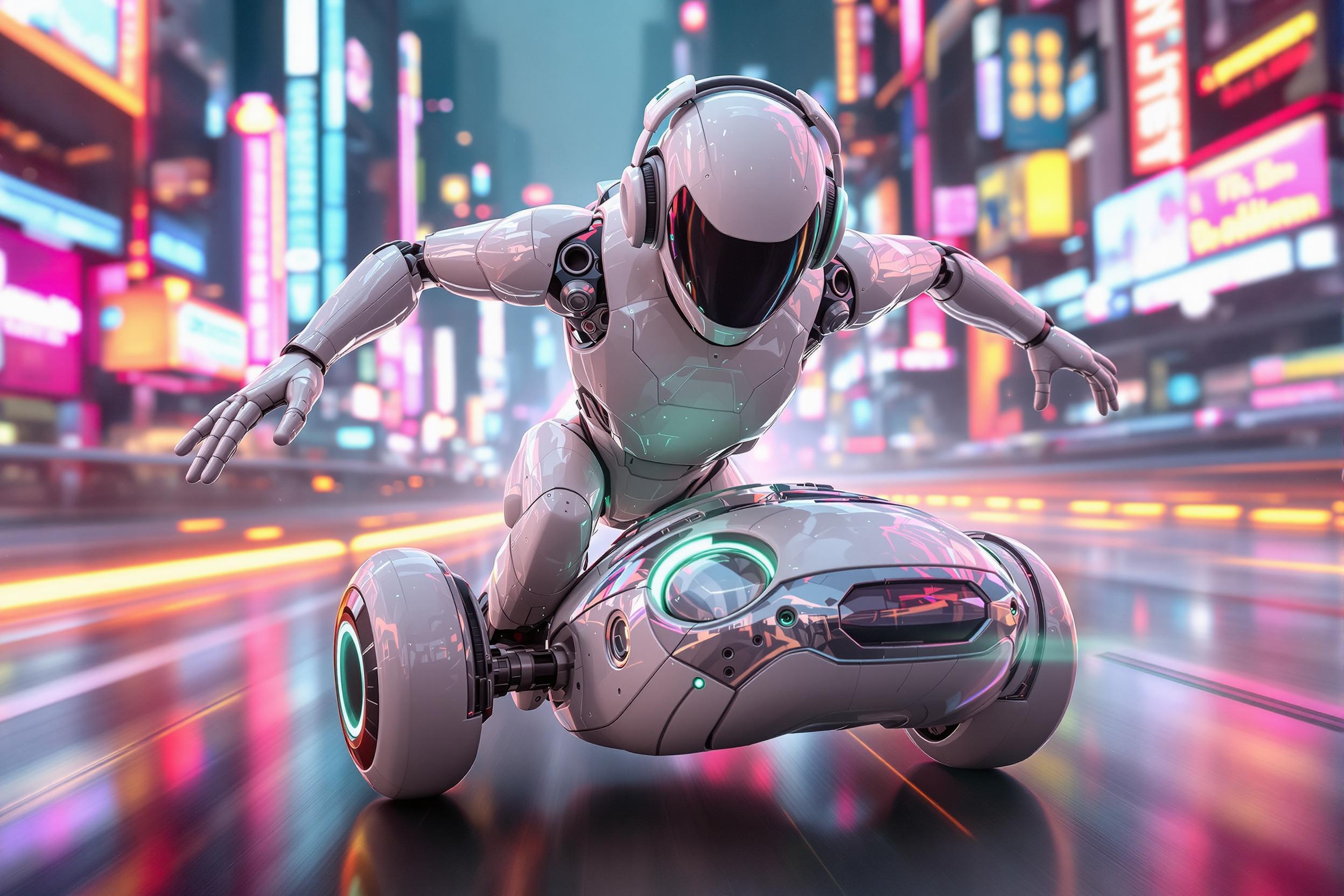
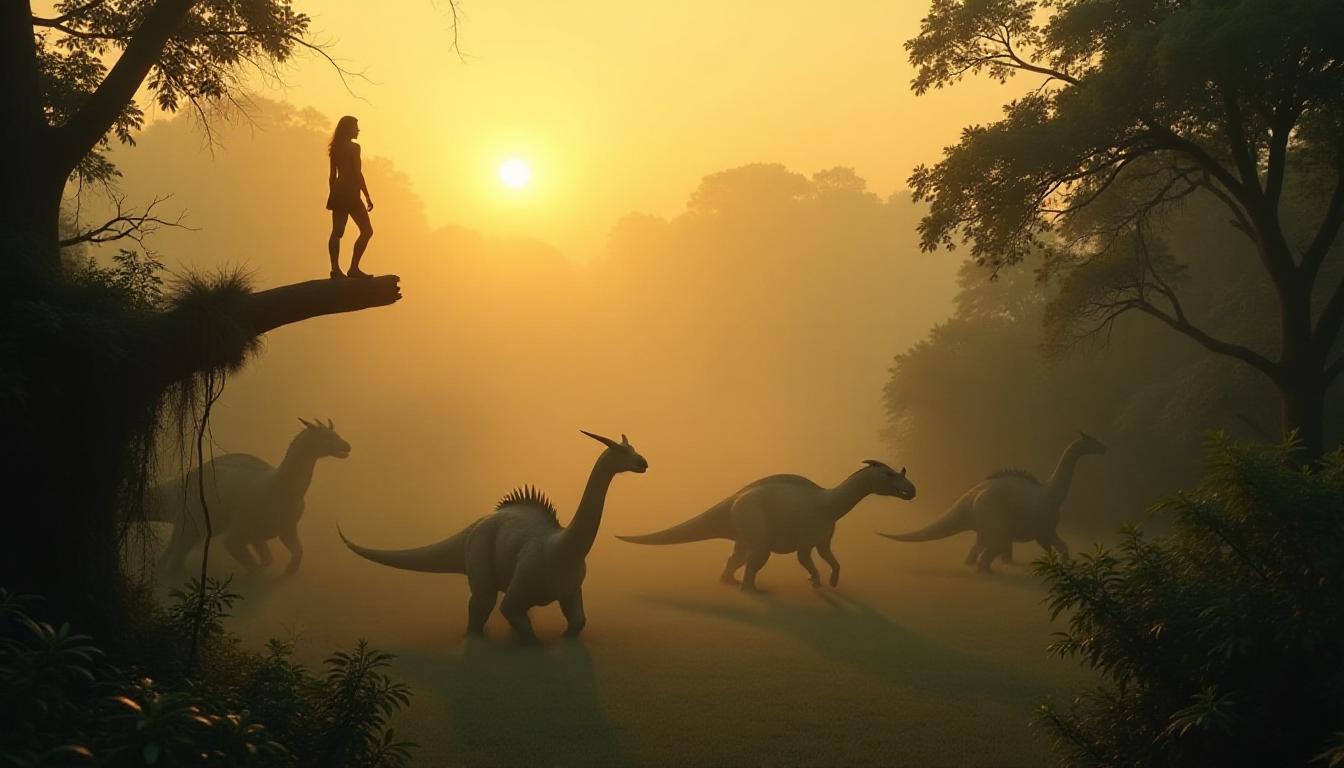
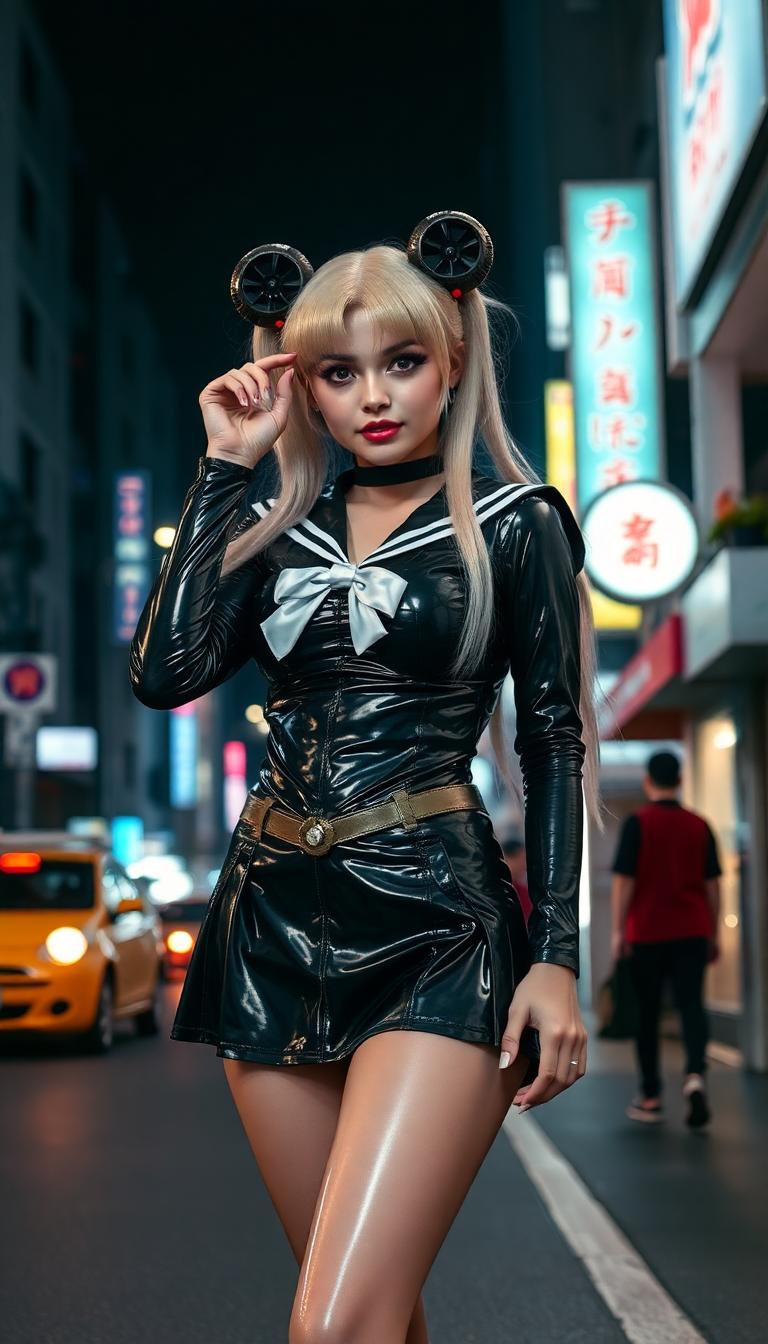
Unlock the power of AI-driven creativity with QWEN Image 2.0 Pro on PixelDojo. Transform your ideas into stunning, high-resolution photorealistic images effortlessly. Whether you're a designer, marketer, or content creator, our advanced AI tools empower you to produce professional-quality visuals without the need for extensive design skills.
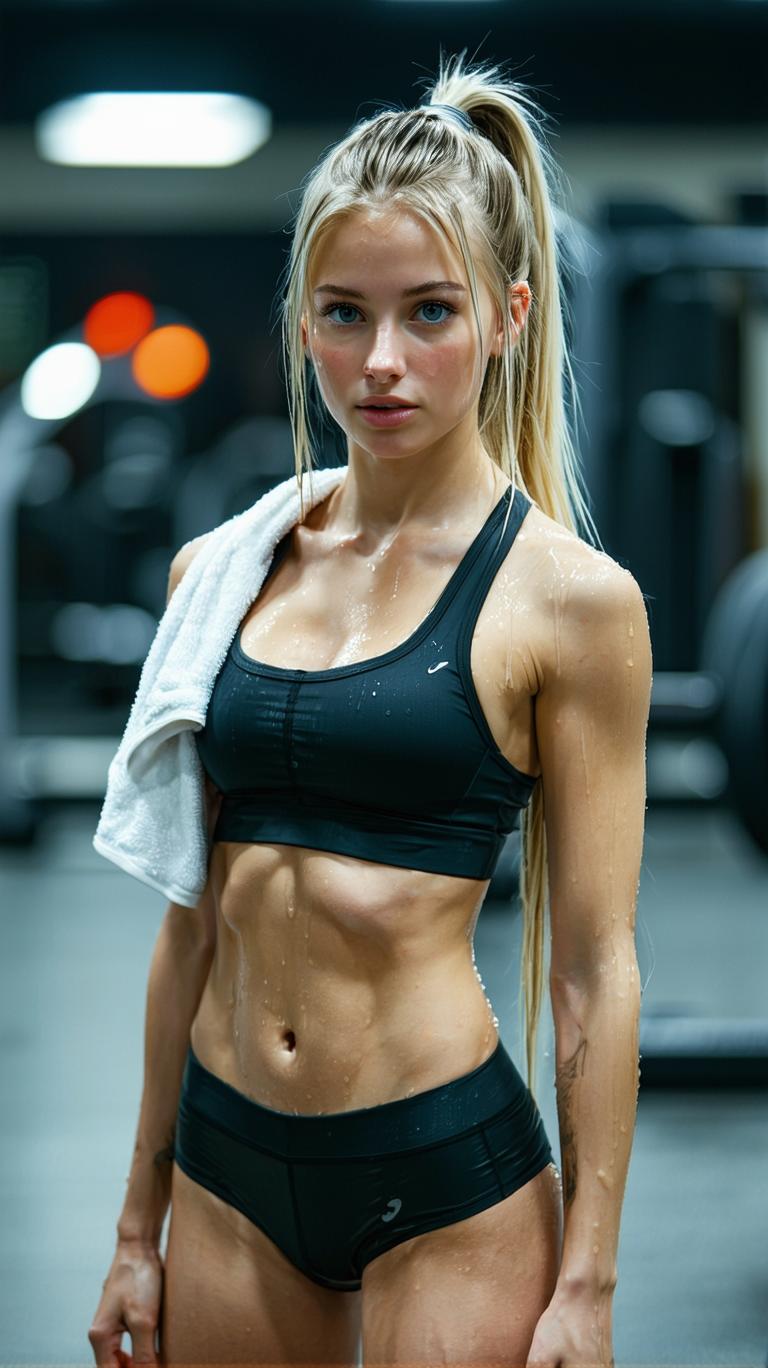
Join over 10,000 satisfied users who have generated more than 500,000 images using PixelDojo's cutting-edge AI tools. Rated 4.8 out of 5 stars for ease of use and quality results.
Why Choose Pixel Dojo for qwen image 2.0 pro photoreal pro
Professional-quality results with cutting-edge AI technology
Effortless High-Quality Image Creation
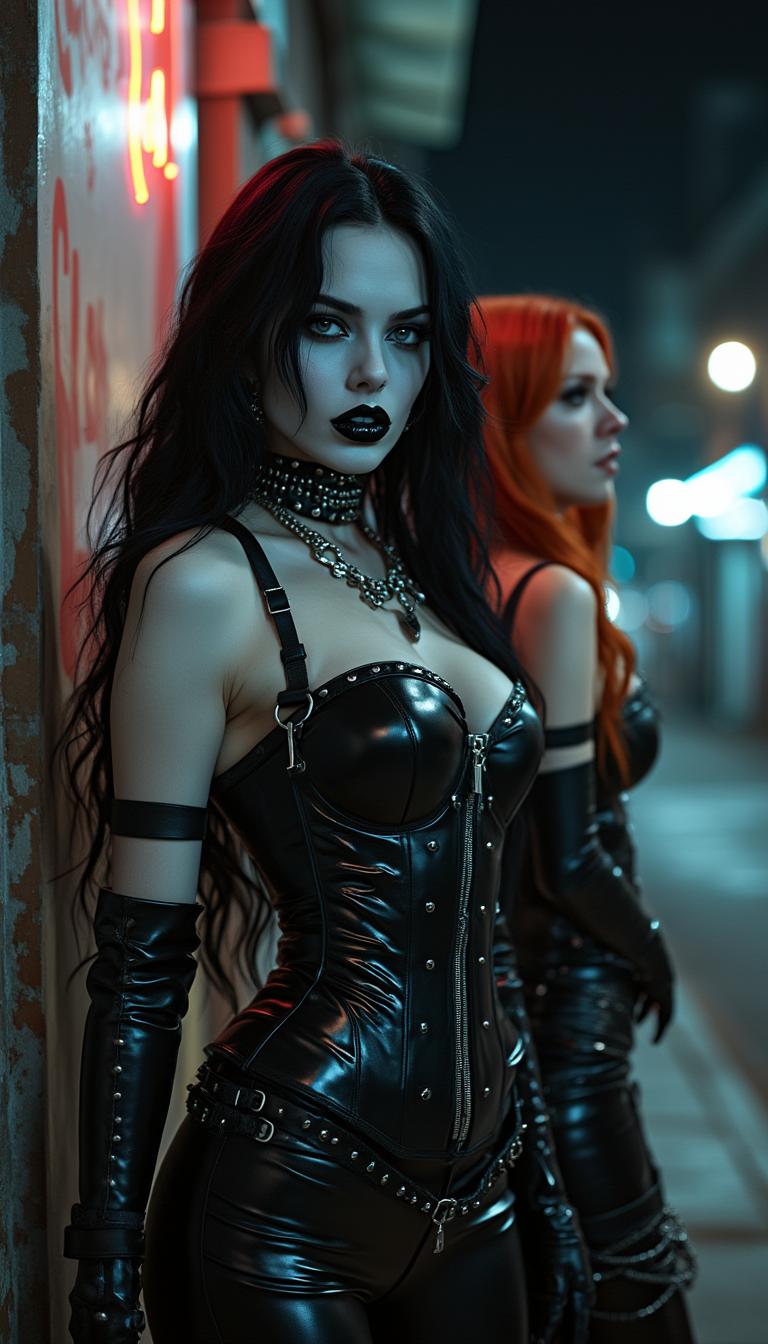
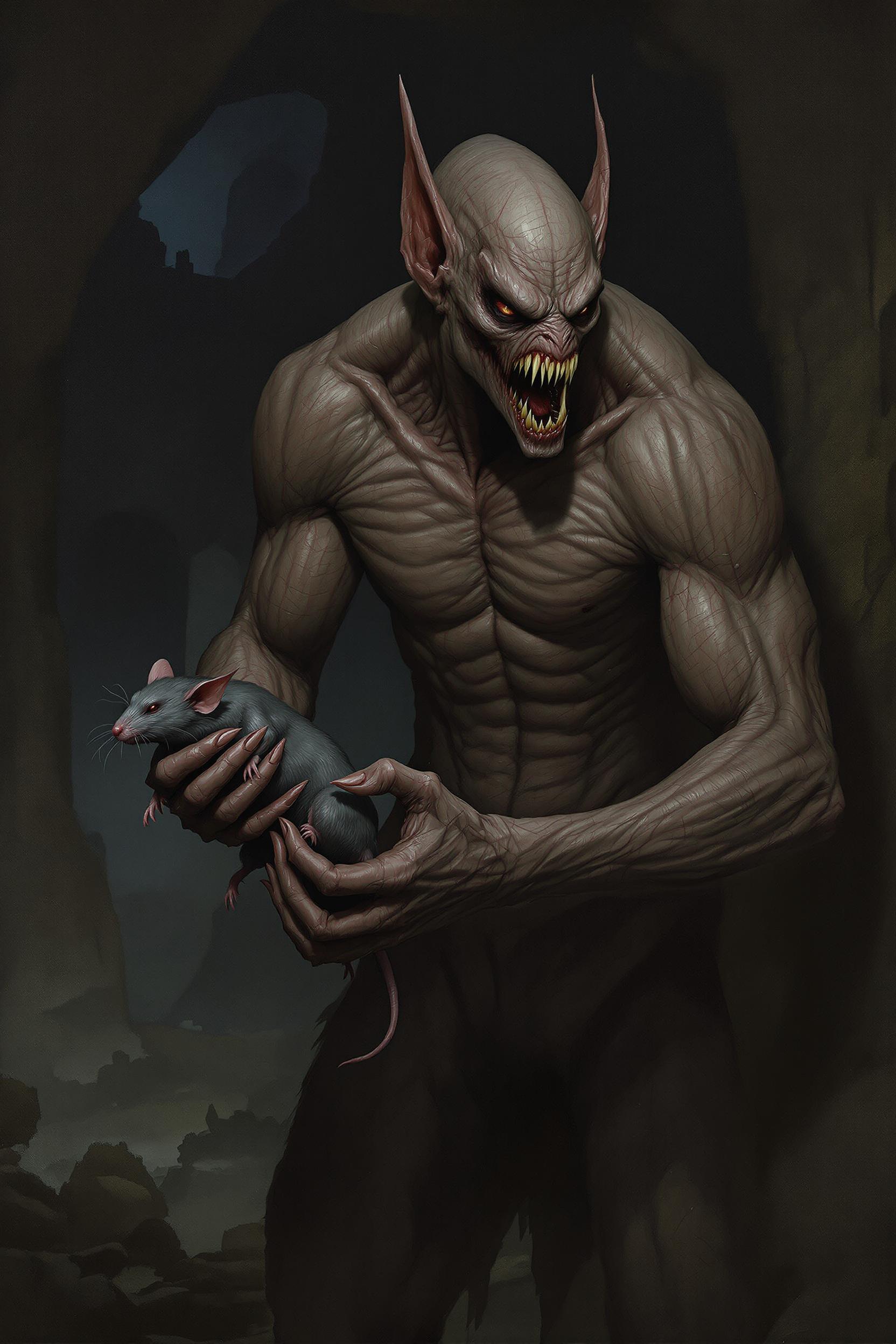
Generate 2K resolution images with precise details and realistic textures, bringing your concepts to life with unparalleled clarity.
Seamless Text Integration
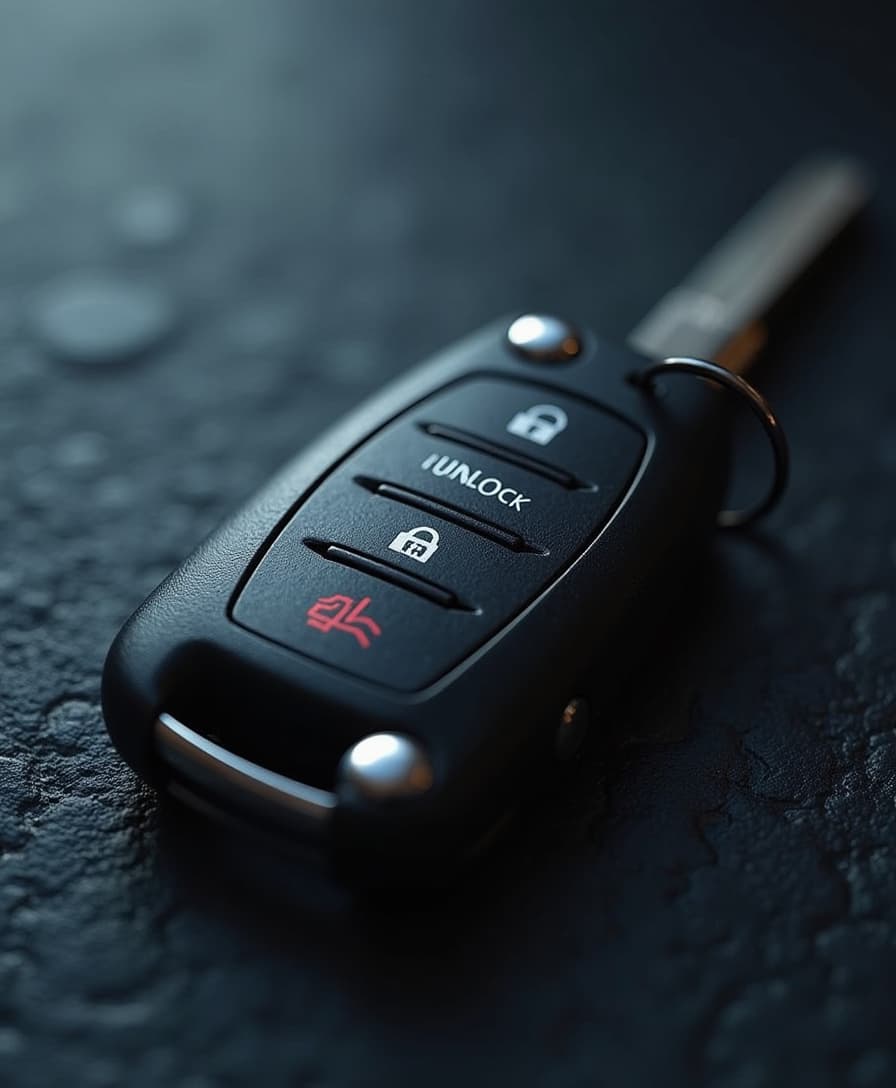
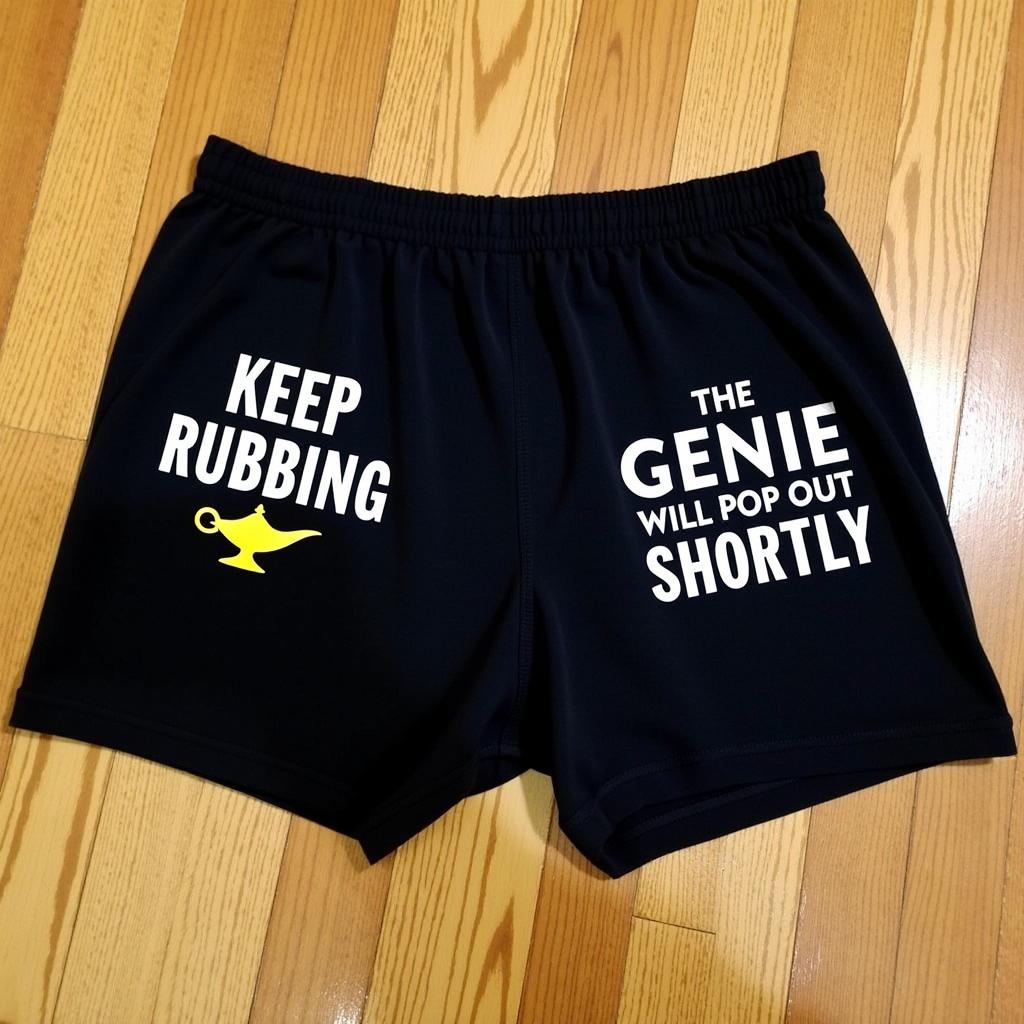
Incorporate accurate, readable text into your images, perfect for creating infographics, posters, and presentations without manual adjustments.
Unified Generation and Editing
Switch between image creation and editing modes seamlessly within a single workflow, enhancing productivity and creative flexibility.
How It Works
Creating photorealistic images with QWEN Image 2.0 Pro on PixelDojo is simple and intuitive. Follow these steps to bring your ideas to life:
Step 1: Choose Your Tool
Select 'QWEN Image 2.0 Pro' from PixelDojo's suite of AI tools to begin your image creation journey.
Step 2: Enter Your Prompt
Describe the image you envision in detail. For example, 'A serene mountain landscape at sunset with a clear sky.'
Step 3: Customize & Download
Review the generated image, make any necessary edits using the integrated tools, and download your high-resolution creation.


The Pixel Dojo Advantage
Why PixelDojo outperforms other options for photorealistic image generation
| Others | Pixel Dojo |
|---|---|
| Traditional Image Creation | Eliminate the need for complex software and extensive design skills; generate high-quality images with simple text prompts. |
| Generic AI Tools | Benefit from specialized tools like QWEN Image 2.0 Pro that offer superior photorealism and precise text rendering capabilities. |
| Manual Photo Editing | Save time and effort by generating and editing images within a unified platform, reducing the need for multiple software applications. |
Loved by Creators
See what our community says about qwen image 2.0 pro photoreal pro
"PixelDojo's QWEN Image 2.0 Pro has revolutionized our content creation process. The photorealistic quality and ease of use are unmatched."
Alex Johnson
Marketing Director
"As a freelance designer, PixelDojo has become an invaluable tool. The ability to generate high-resolution images quickly has significantly boosted my productivity."
Samantha Lee
Graphic Designer
Common Questions
Everything you need to know about qwen image 2.0 pro photoreal pro AI generation
How does QWEN Image 2.0 Pro ensure photorealistic image quality?
QWEN Image 2.0 Pro utilizes advanced AI algorithms trained on extensive datasets to generate images with high-resolution details, accurate textures, and realistic lighting, ensuring photorealistic quality in every creation.
Can I edit images after generating them with QWEN Image 2.0 Pro?
Yes, PixelDojo offers a unified workflow that allows you to seamlessly switch between image generation and editing modes, enabling you to refine and customize your images as needed.
Is any design experience required to use QWEN Image 2.0 Pro?
No, QWEN Image 2.0 Pro is designed for users of all skill levels. Its intuitive interface and text-based prompts make it easy to create professional-quality images without prior design experience.
What types of projects can I create with QWEN Image 2.0 Pro?
You can create a wide range of projects, including marketing materials, social media graphics, presentations, infographics, and more. The tool's versatility makes it suitable for various creative needs.
How long does it take to generate an image with QWEN Image 2.0 Pro?
Image generation times are typically very fast, often taking just a few seconds, depending on the complexity of your prompt and the current system load.
Is there a limit to the number of images I can generate?
PixelDojo offers various subscription plans to suit different needs, each with its own set of generation limits. You can choose a plan that best fits your usage requirements.