qwen image 2.0 pro poster pro AI Generator
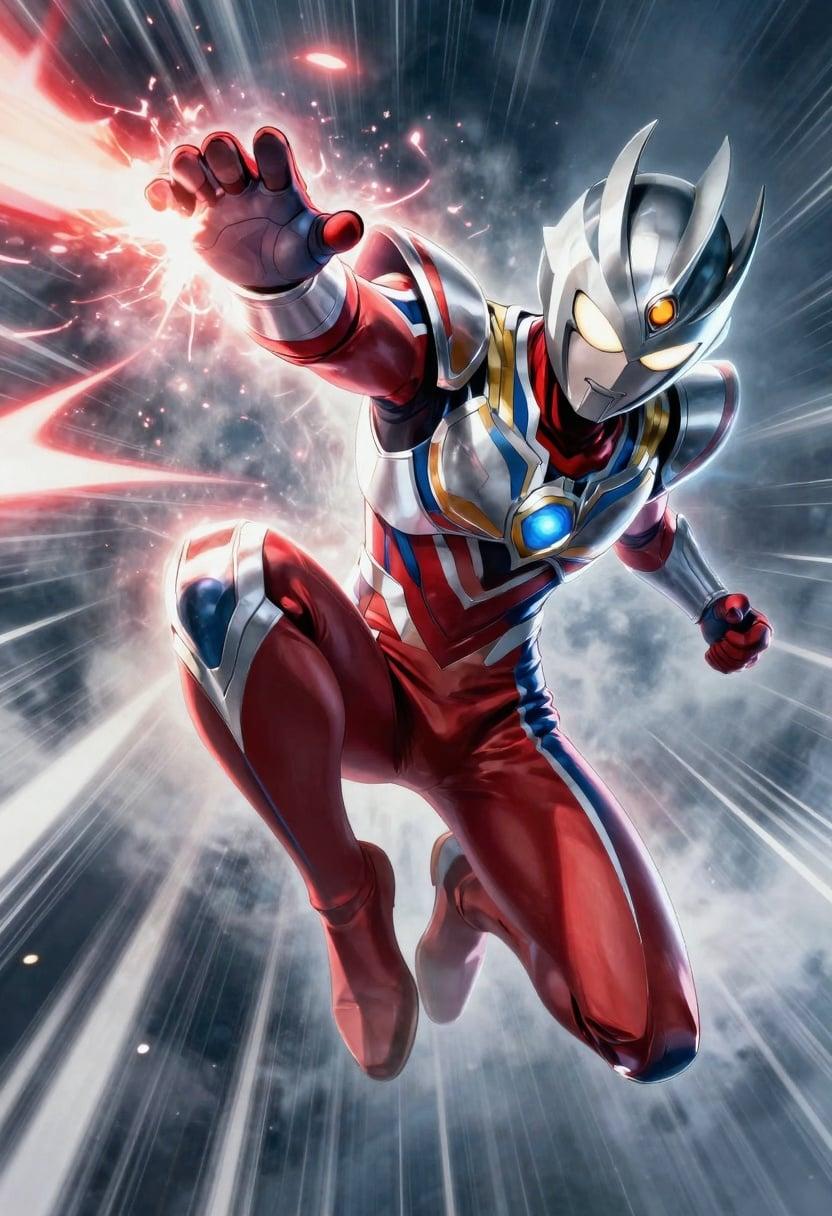
Transform your creative ideas into professional-grade posters with Qwen Image 2.0 Pro. This advanced AI tool enables you to design stunning 2K resolution posters effortlessly, ensuring precise text rendering and photorealistic visuals. Whether you're crafting marketing materials, event announcements, or artistic displays, Qwen Image 2.0 Pro empowers you to bring your vision to life with unparalleled ease and quality.

Join thousands of satisfied creators who have enhanced their design workflows with Qwen Image 2.0 Pro. Rated 4.8/5 by professionals worldwide for its exceptional performance and user-friendly interface.
Why Choose Pixel Dojo for qwen image 2.0 pro poster pro
Professional-quality results with cutting-edge AI technology
Effortless Professional Design
Create high-quality posters without the need for extensive design skills, thanks to intuitive AI assistance.
High-Resolution Outputs
Generate posters in native 2K resolution, ensuring crisp and detailed visuals suitable for any application.
Seamless Text Integration
Incorporate clear and precise text into your designs, perfect for infographics, event details, and more.
How It Works
Creating professional posters with Qwen Image 2.0 Pro is a straightforward process. Follow these steps to bring your ideas to life:
Step 1: Choose Your Tool
Select the 'Qwen Image 2.0 Pro' tool from the PixelDojo platform to begin your poster design journey.
Step 2: Enter Your Prompt
Describe your desired poster in detail, including elements like text, images, and layout preferences.
Step 3: Customize & Download
Review the generated poster, make any necessary adjustments, and download the final high-resolution image.














The Pixel Dojo Advantage
Why PixelDojo outperforms other options for poster design:
| Others | Pixel Dojo |
|---|---|
| Traditional Design Software | Eliminates the steep learning curve and time investment required by conventional design tools. |
| Generic AI Tools | Offers specialized features tailored for high-resolution poster creation with precise text rendering. |
| Manual Design Processes | Significantly reduces the time and effort needed to produce professional-quality posters. |
Loved by Creators
See what our community says about qwen image 2.0 pro poster pro
"Qwen Image 2.0 Pro revolutionized our marketing materials. The ease of use and quality of output are unparalleled."
Alex Johnson
Marketing Director
"As an event planner, creating eye-catching posters has never been easier. This tool is a game-changer."
Samantha Lee
Event Coordinator
Common Questions
Everything you need to know about qwen image 2.0 pro poster pro AI generation
Can I create posters with specific dimensions using Qwen Image 2.0 Pro?
Yes, Qwen Image 2.0 Pro allows you to specify custom dimensions for your posters, ensuring they meet your exact requirements.
Is it possible to edit the generated posters after creation?
Absolutely. You can make adjustments to text, images, and layout even after the initial generation to perfect your design.
Do I need prior design experience to use Qwen Image 2.0 Pro?
No, the tool is designed to be user-friendly, enabling users without design experience to create professional-quality posters effortlessly.
What file formats are available for the final poster download?
You can download your completed posters in various formats, including PNG and JPEG, suitable for both digital and print use.
Can I use Qwen Image 2.0 Pro for commercial projects?
Yes, the tool is suitable for both personal and commercial projects, allowing you to create marketing materials, advertisements, and more.
Is there a limit to the number of posters I can create?
PixelDojo offers various subscription plans to suit different needs, with options that allow for unlimited poster creation.