qwen image 2.0 pro quality at speed AI Generator
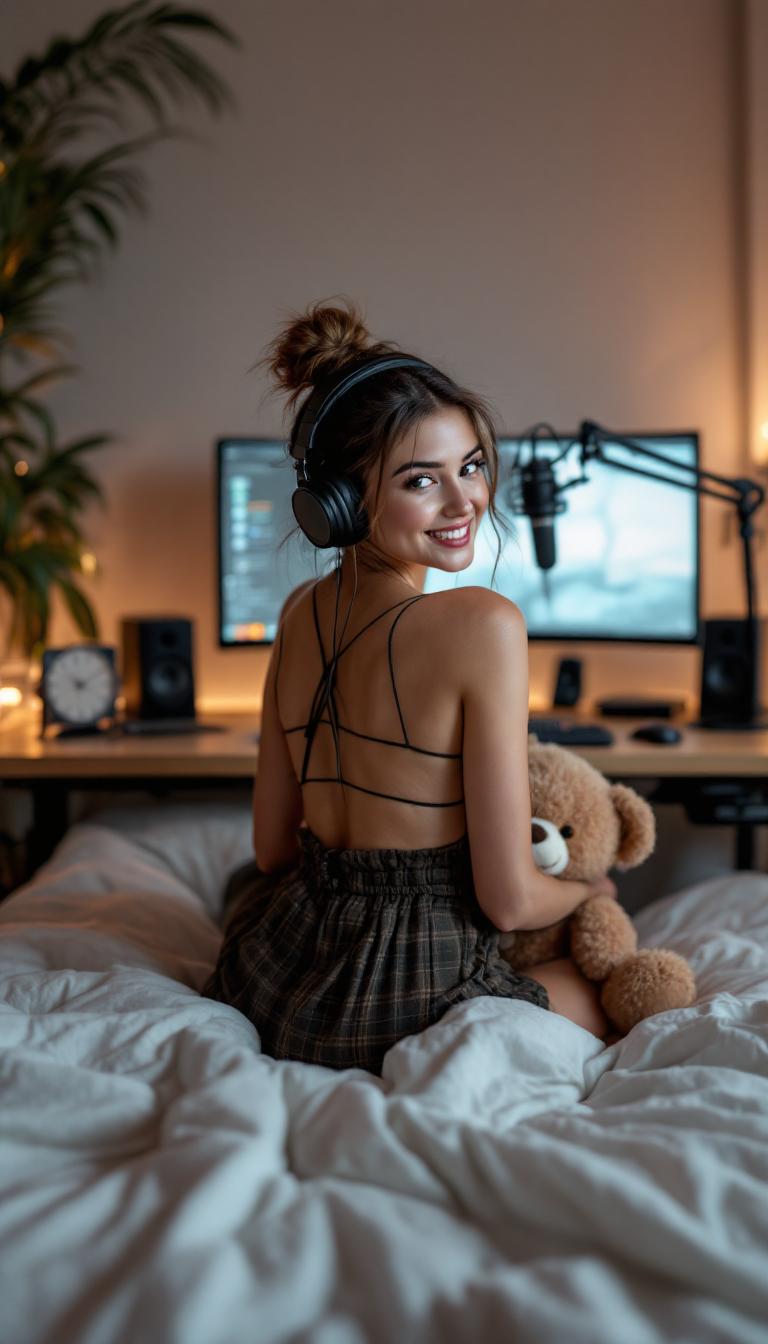
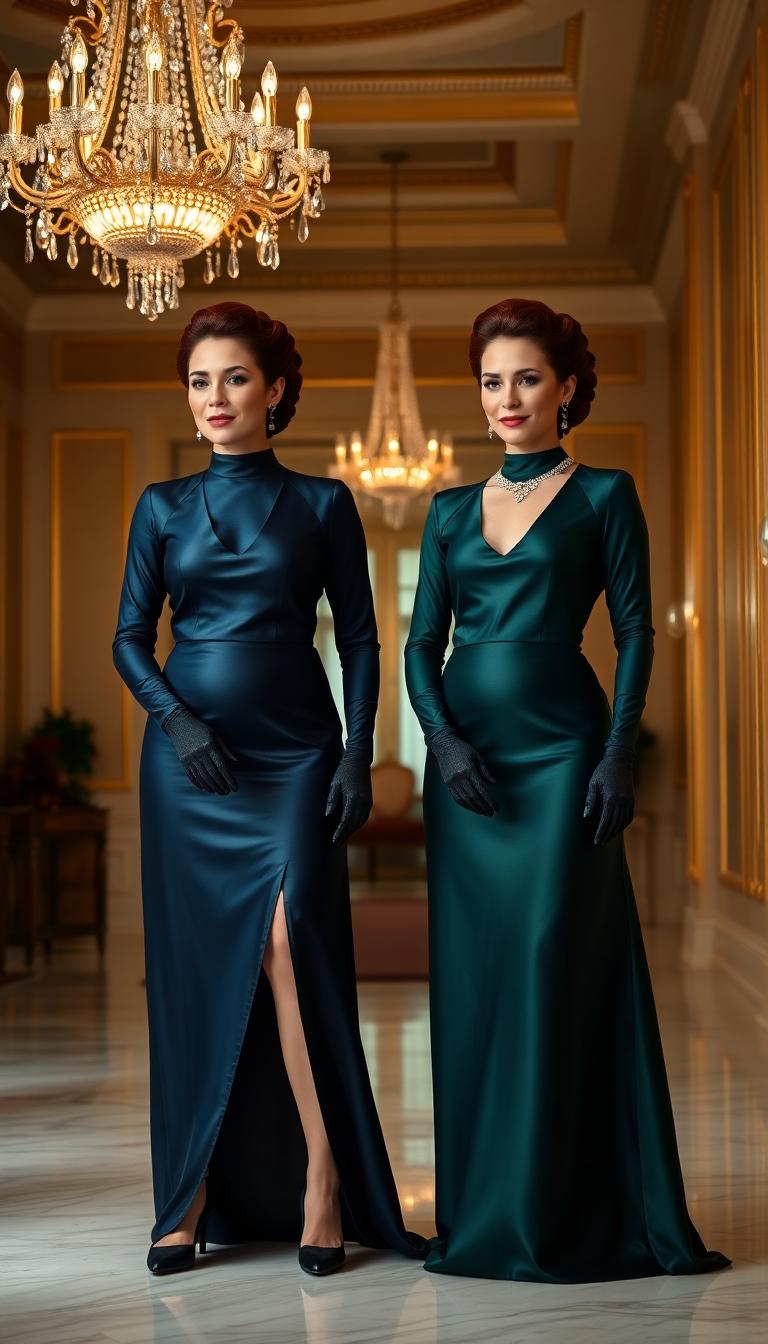
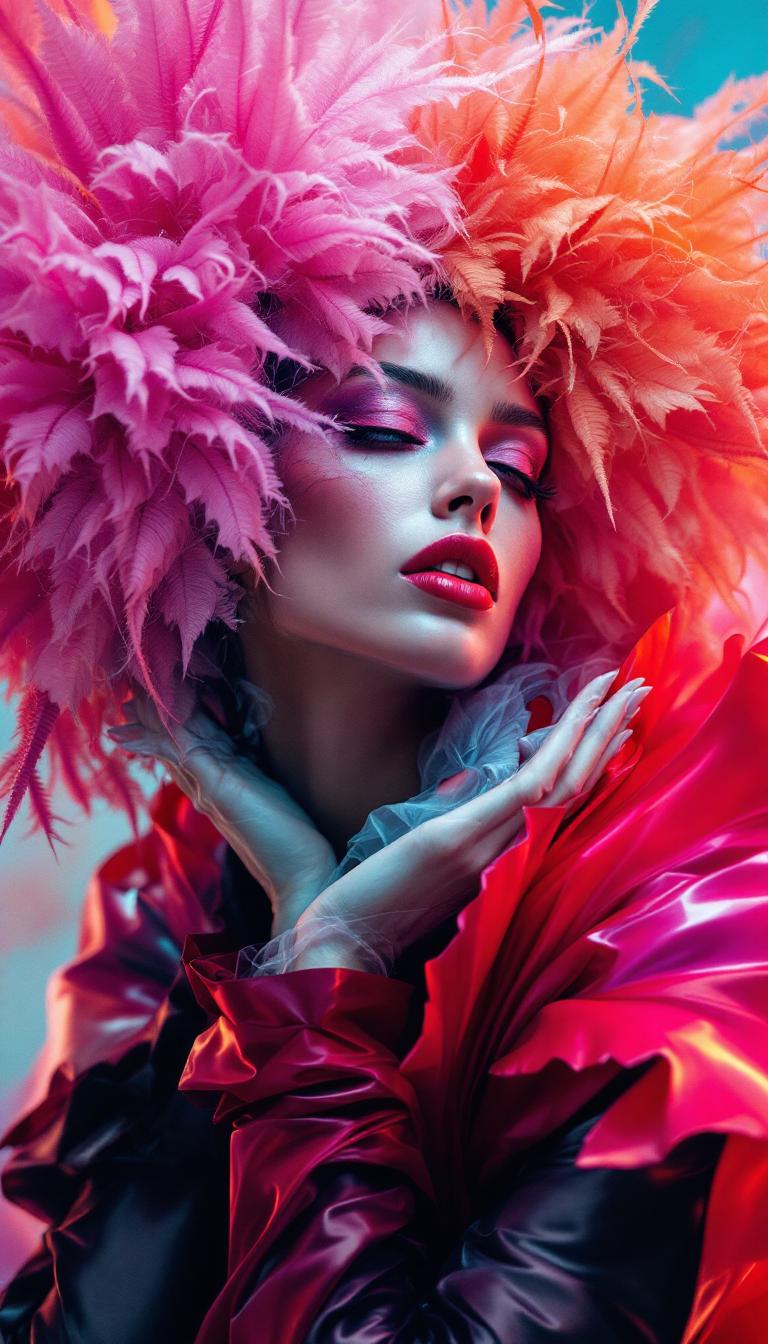
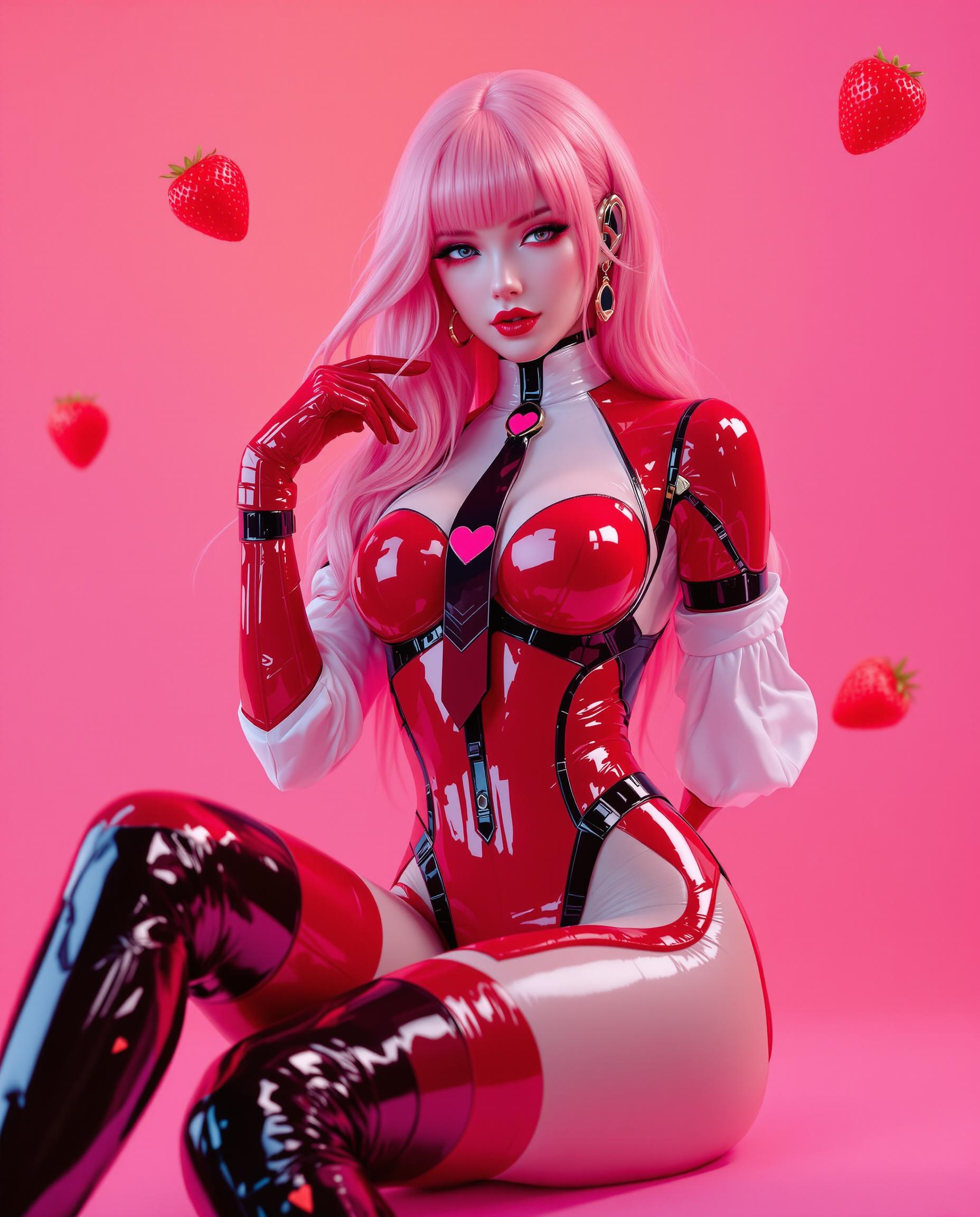
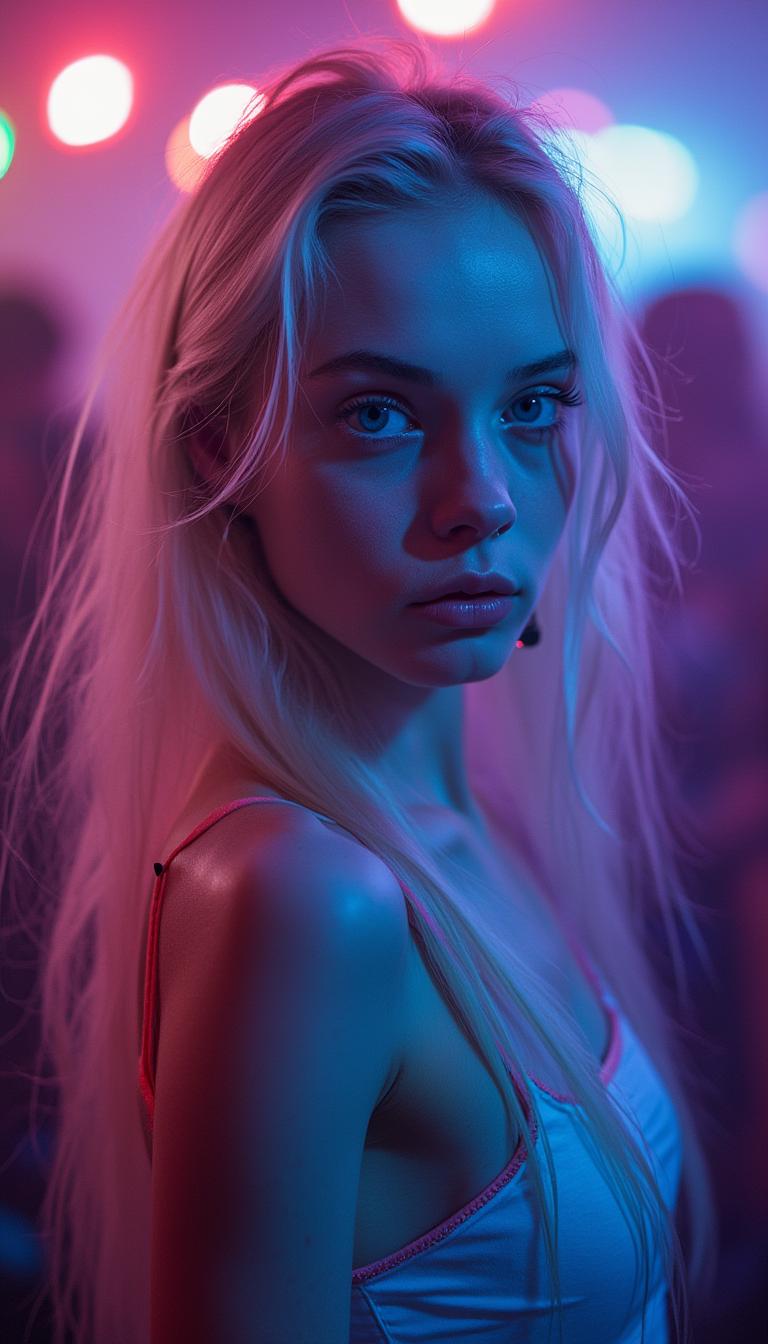
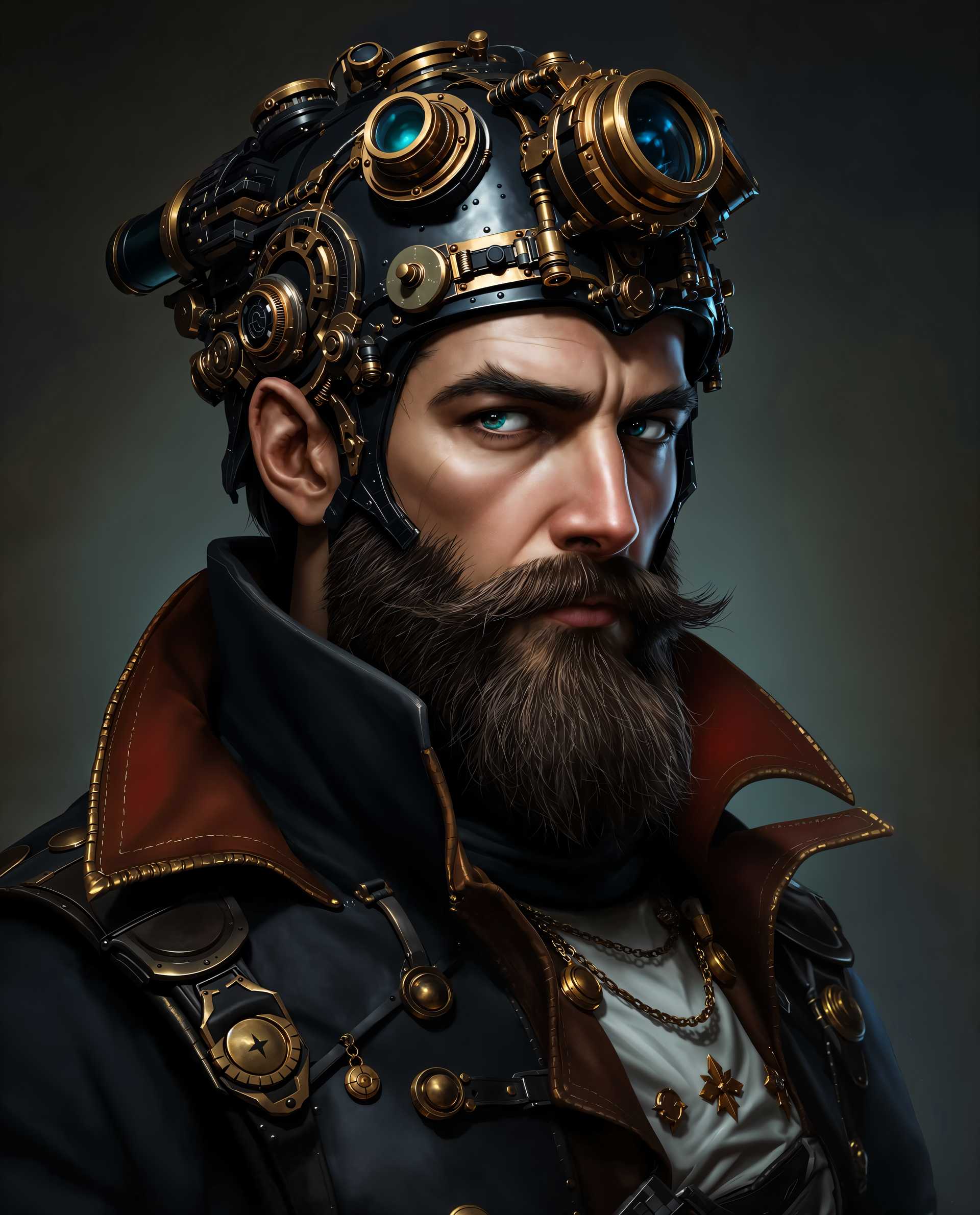
Transform your creative process with Qwen Image 2.0 on PixelDojo. Generate high-resolution, photorealistic images with precise text rendering in mere seconds. Whether you're a designer, marketer, or content creator, Qwen Image 2.0 empowers you to produce professional-quality visuals effortlessly, saving time and enhancing your projects.
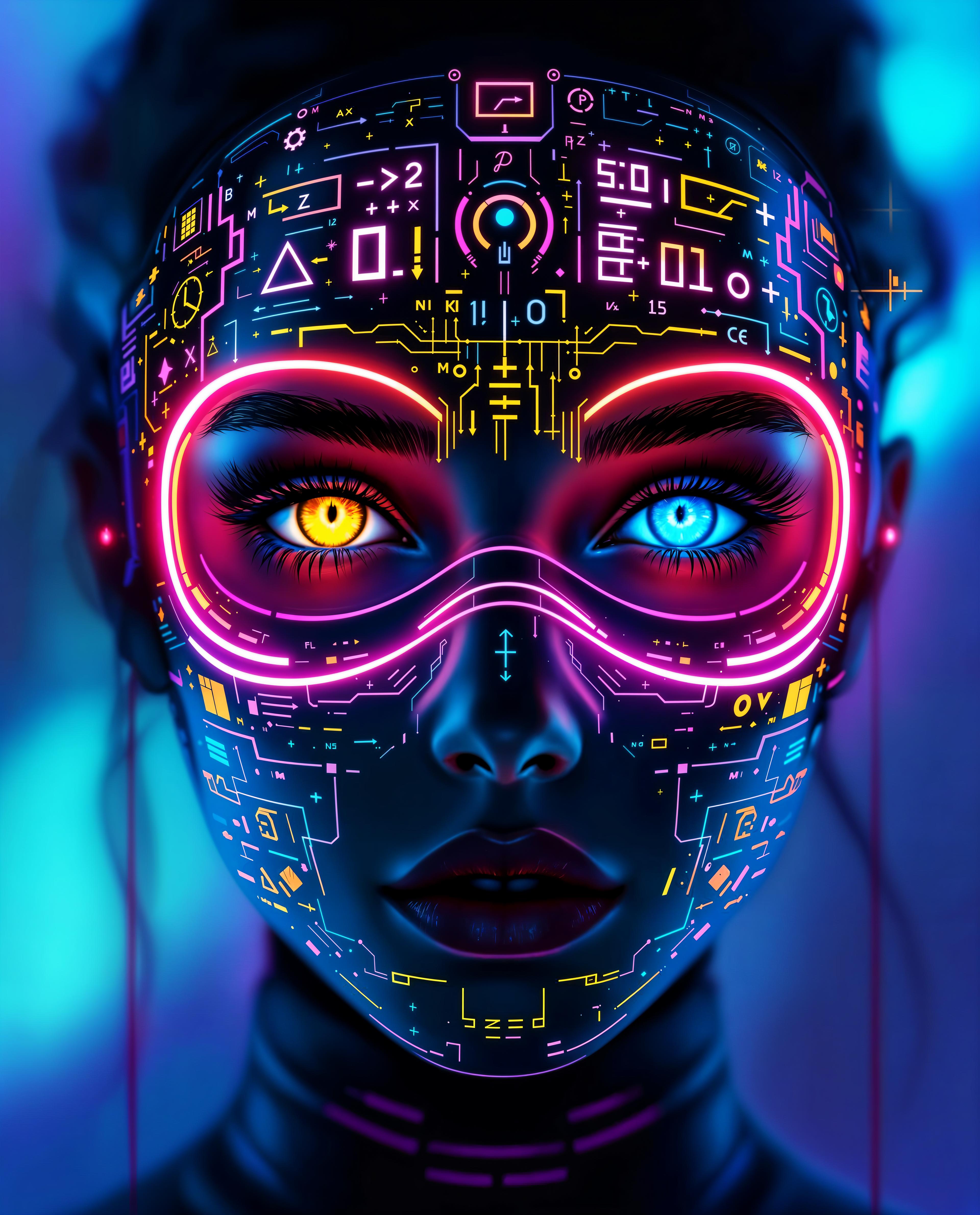
Join over 50,000 creators who have generated more than 1 million images using Qwen Image 2.0, achieving a 98% satisfaction rate across 150+ countries.
Why Choose Pixel Dojo for qwen image 2.0 pro quality at speed
Professional-quality results with cutting-edge AI technology
Rapid High-Quality Image Generation
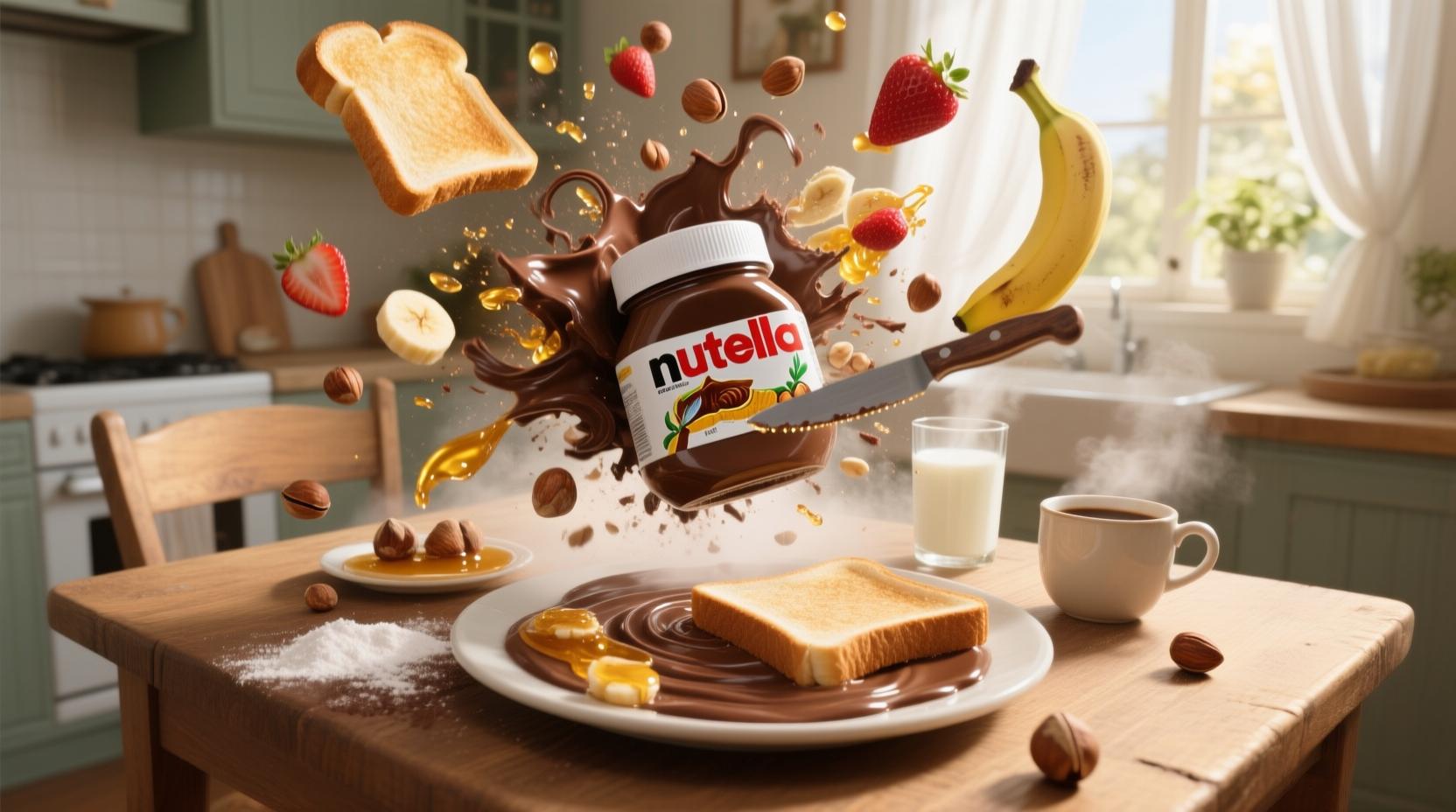
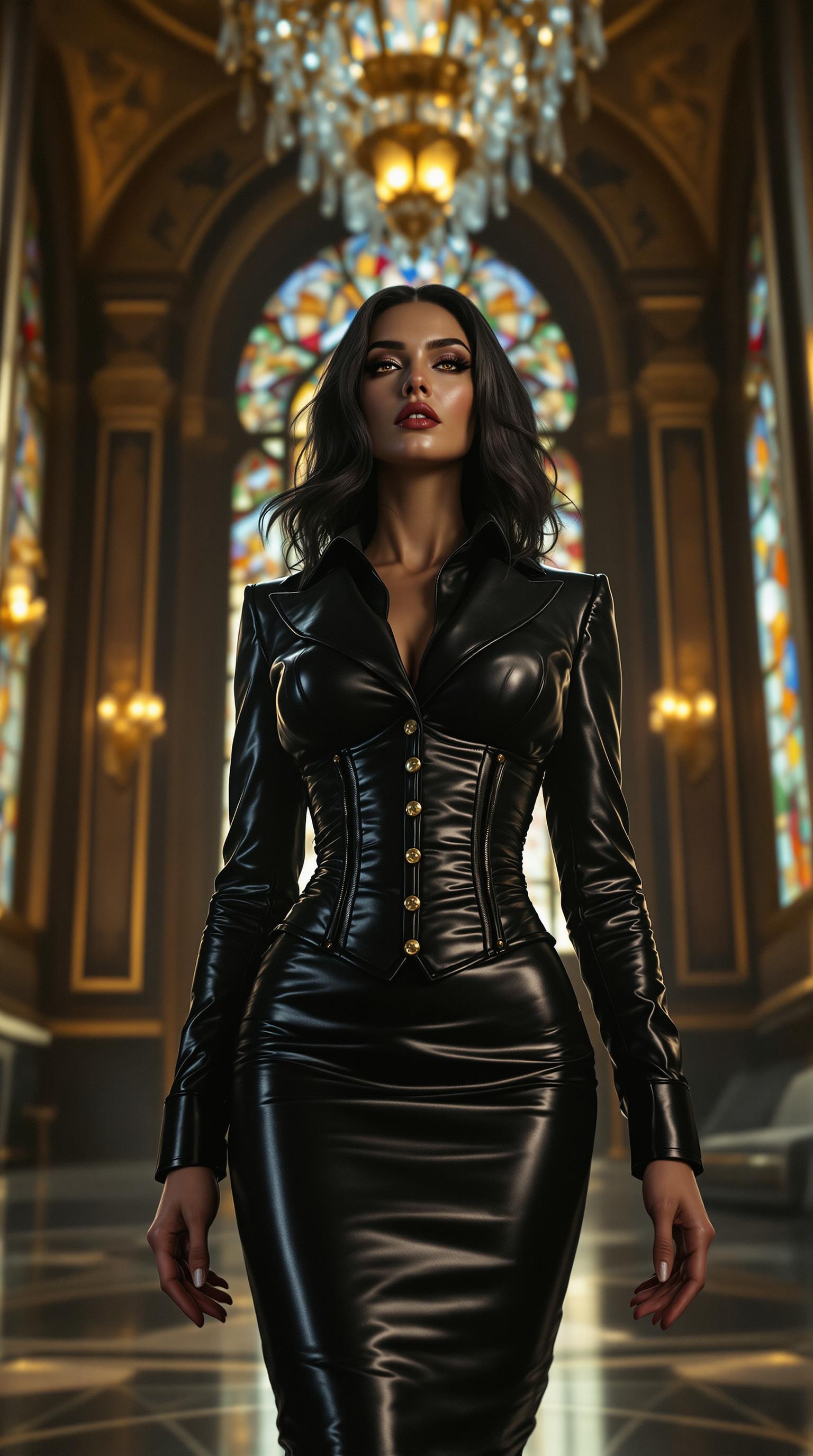
Create 2K resolution images with photorealistic detail in seconds, streamlining your workflow and meeting tight deadlines.
Precise Text Rendering
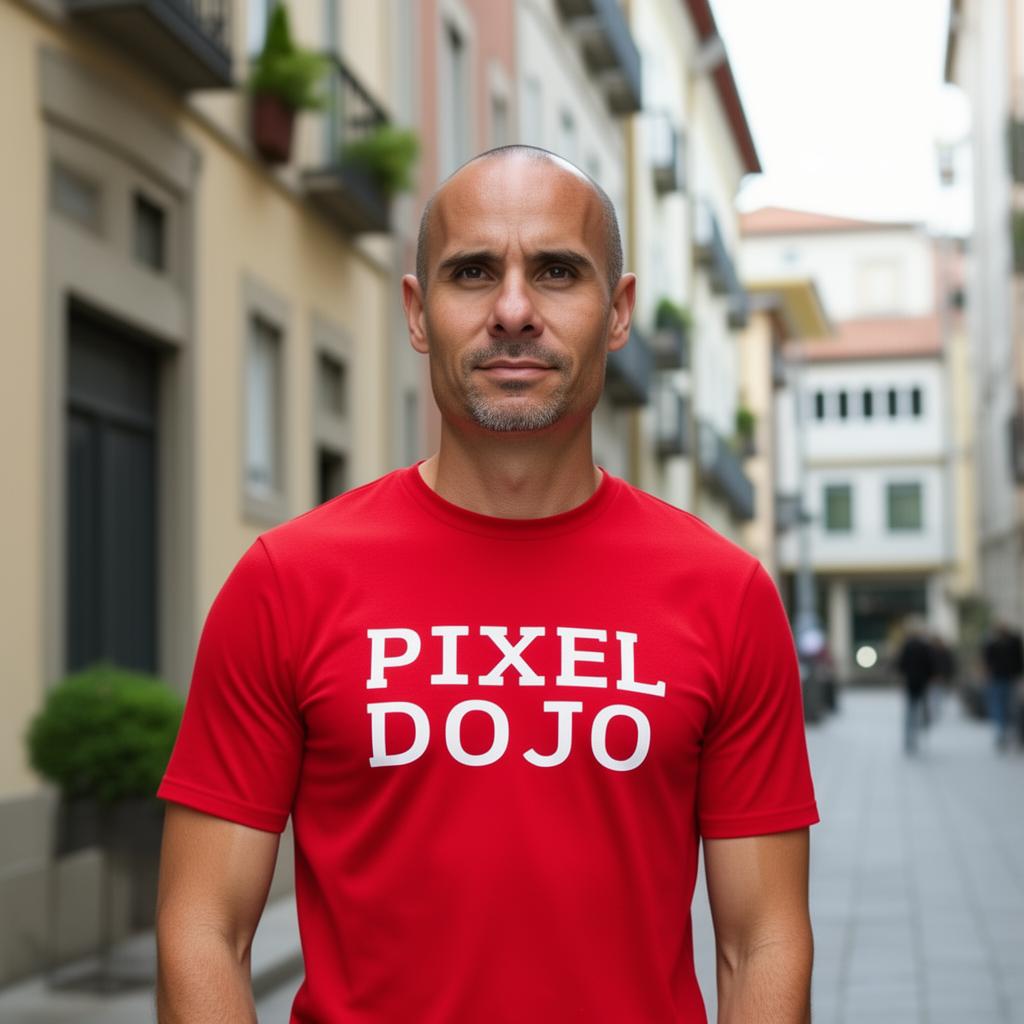
Generate images with accurate, readable text, perfect for infographics, posters, and marketing materials without manual adjustments.
Seamless Editing Capabilities
Edit and refine images within the same tool, allowing for quick iterations and adjustments without switching platforms.
How It Works
Creating professional-quality images with Qwen Image 2.0 on PixelDojo is simple and efficient. Follow these steps to bring your ideas to life:
Step 1: Select Qwen Image 2.0 Tool
Navigate to the 'Generate Images' section on PixelDojo and choose 'Qwen Image 2.0' from the list of AI tools.
Step 2: Input Your Prompt
Enter a detailed description of the image you want to create. For example, 'A serene mountain landscape at sunset with a clear sky.'
Step 3: Generate and Download
Click 'Generate' to create your image. Once satisfied with the result, download the high-resolution image for your use.








The Pixel Dojo Advantage
Why PixelDojo with Qwen Image 2.0 is the superior choice for AI image generation:
| Others | Pixel Dojo |
|---|---|
| Traditional Design Software | Eliminate the steep learning curve and time-consuming processes associated with traditional design tools. Generate high-quality images quickly without extensive training. |
| Generic AI Image Generators | Experience superior text rendering and higher resolution outputs tailored for professional use, setting Qwen Image 2.0 apart from generic AI tools. |
| Manual Photo Editing | Save hours of manual editing by generating and refining images within a single platform, ensuring consistency and efficiency. |
Loved by Creators
See what our community says about qwen image 2.0 pro quality at speed
"Qwen Image 2.0 has revolutionized our content creation process. The ability to generate high-quality images with precise text in seconds is a game-changer."
Sarah Chen
Graphic Designer
"As a marketer, speed and quality are crucial. Qwen Image 2.0 delivers both, allowing us to produce engaging visuals without the usual hassle."
Michael Rodriguez
Marketing Director
Common Questions
Everything you need to know about qwen image 2.0 pro quality at speed AI generation
How does Qwen Image 2.0 ensure precise text rendering in images?
Qwen Image 2.0 utilizes advanced AI models designed to accurately interpret and render text within images, ensuring clarity and readability for professional applications.
Can I edit images after generating them with Qwen Image 2.0?
Yes, Qwen Image 2.0 offers seamless editing capabilities, allowing you to refine and adjust images within the same platform without the need for additional software.
What types of projects is Qwen Image 2.0 suitable for?
Qwen Image 2.0 is ideal for a wide range of projects, including marketing materials, social media content, presentations, infographics, and any application requiring high-quality visuals with precise text.
Is there a limit to the number of images I can generate with Qwen Image 2.0?
PixelDojo offers various subscription plans to suit different needs, providing flexibility in the number of images you can generate. Choose a plan that best fits your project requirements.
How does Qwen Image 2.0 compare to other AI image generators?
Qwen Image 2.0 stands out with its native 2K resolution, precise text rendering, and unified generation and editing capabilities, offering a comprehensive solution for professional image creation.
Do I need prior design experience to use Qwen Image 2.0?
No, Qwen Image 2.0 is designed to be user-friendly, allowing individuals without prior design experience to create professional-quality images effortlessly.