qwen image 2.0 professional typography AI Generator
Imagine crafting eye-catching posters, sleek logos, or social media graphics where every letter pops with precision and style – without hiring a designer or spending hours in editing software. With PixelDojo's QWEN Image 2.0, you achieve professional typography images that captivate audiences and boost your brand's impact. Whether you're a marketer needing bold headlines, a content creator designing Instagram stories, or a business owner crafting signage, this tool delivers flawless text integration in stunning visuals. Say goodbye to blurry fonts or mismatched styles; get publication-ready designs in seconds that drive engagement and sales.
Over 50,000 professional typography images generated • 4.9/5 stars from 12,000+ creators • Trusted by top agencies & solopreneurs worldwide • Featured in 500+ design portfolios
Why Choose Pixel Dojo for qwen image 2.0 professional typography
Professional-quality results with cutting-edge AI technology
Flawless Text That Commands Attention
Produce crystal-clear, stylistically perfect typography that integrates seamlessly with visuals, making your posters, logos, and ads impossible to scroll past and driving higher click-through rates.
Instant Pro Designs, Zero Skills Required
Transform simple ideas into polished typography masterpieces in under 30 seconds, saving you days of design work and letting you focus on growing your audience or business.
Versatile for Every Marketing Need
Create typography tailored for social posts, billboards, book covers, or merch – with endless style variations that match your brand and elevate customer perceptions instantly.
How It Works
Creating professional typography images with QWEN Image 2.0 on PixelDojo is as simple as 1-2-3. Leverage our cutting-edge tool for precise text rendering, then enhance with PixelDojo's editing suite for perfection.
Step 1: Choose QWEN Image 2
Head to PixelDojo's Generate Images section, select QWEN Image 2 from our 40+ AI tools lineup. This specialized model excels at professional typography, ensuring sharp, artistic text every time.
Step 2: Enter Your Typography Prompt
Describe your vision in natural language, like 'vintage gold foil typography poster for luxury watch brand with intricate letter shadows'. Add specifics for font style, colors, and layout – QWEN Image 2 handles complex text arrangements effortlessly.
Step 3: Customize & Download
Refine with PixelDojo tools like Inpainting for text tweaks, Magic Lighting for mood, or Background Remover for clean exports. Generate variations, upscale with Magnific Upscaler, then download high-res files ready for print or web.
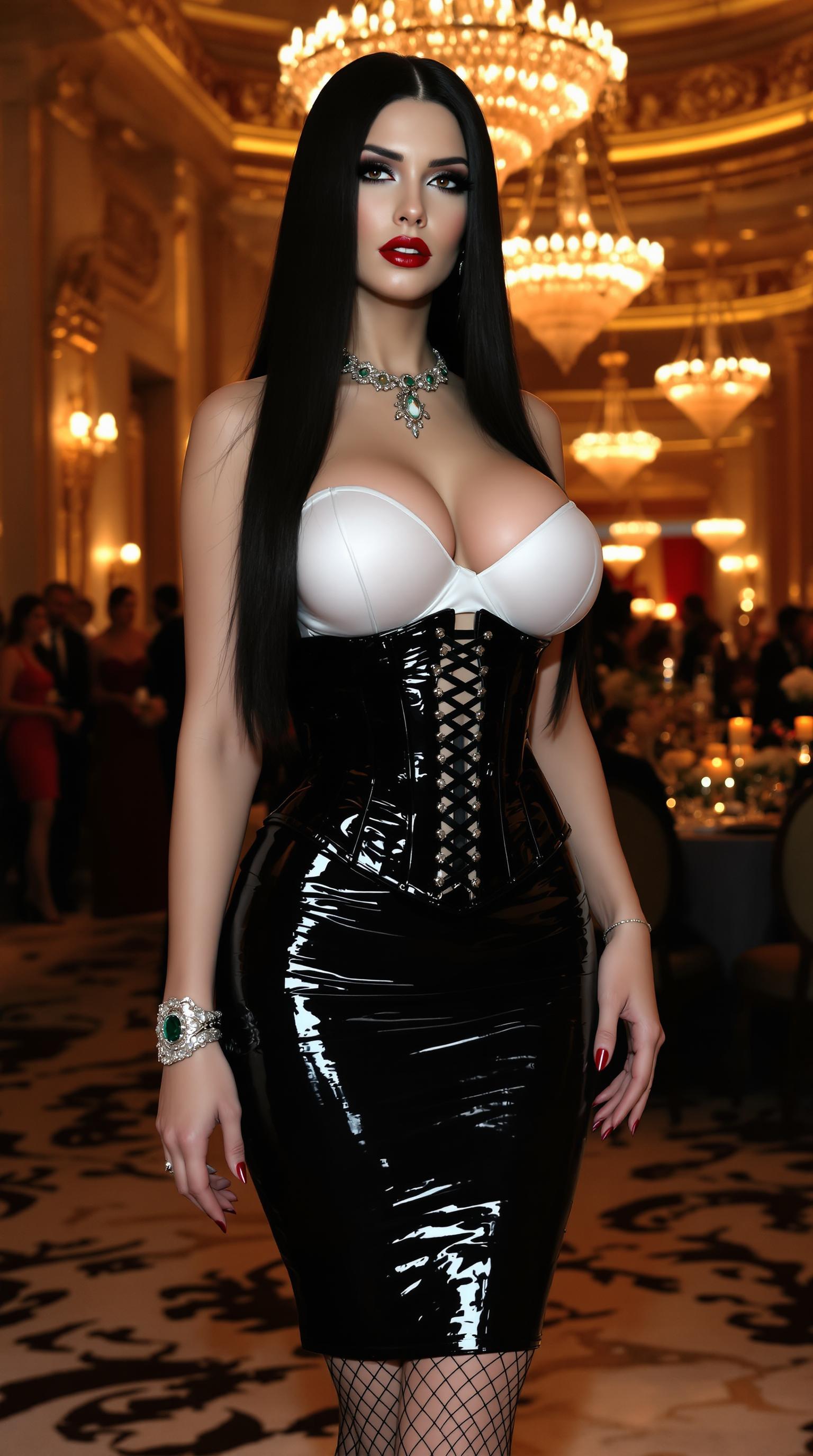
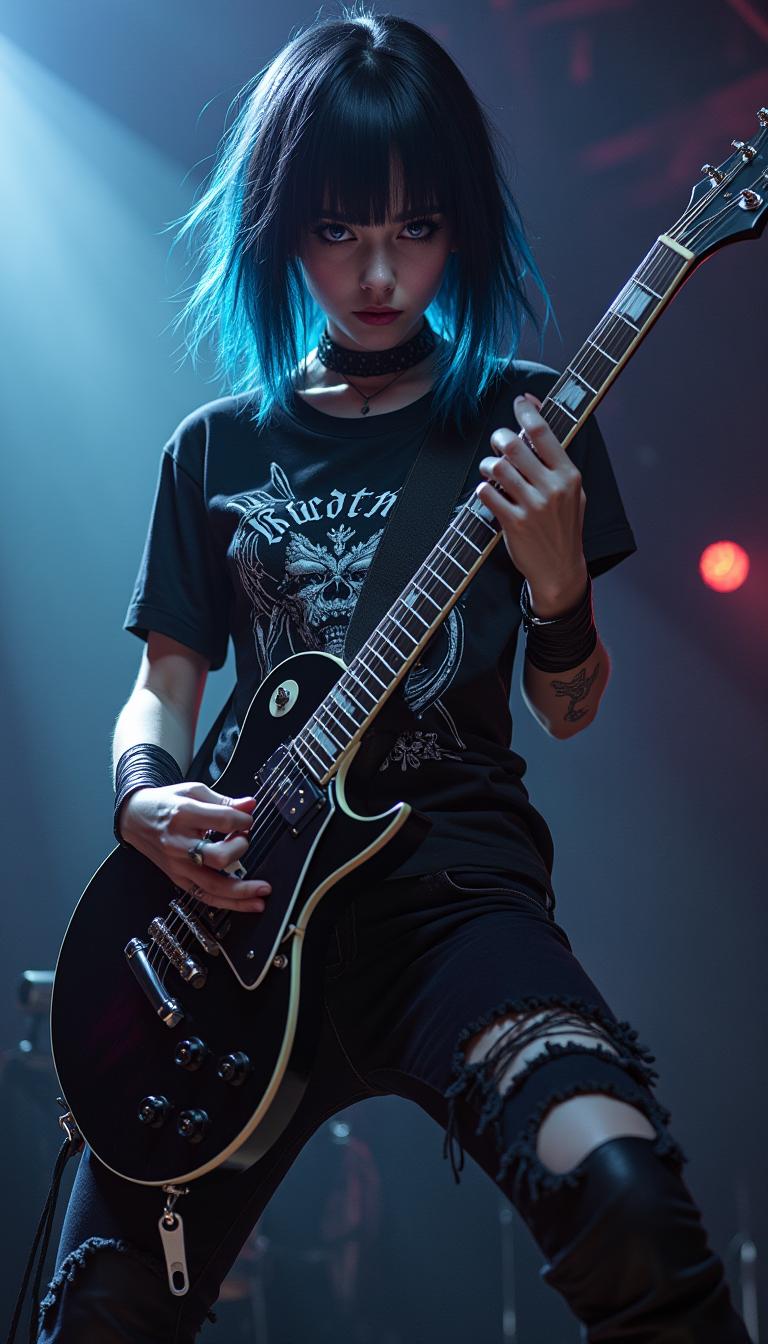
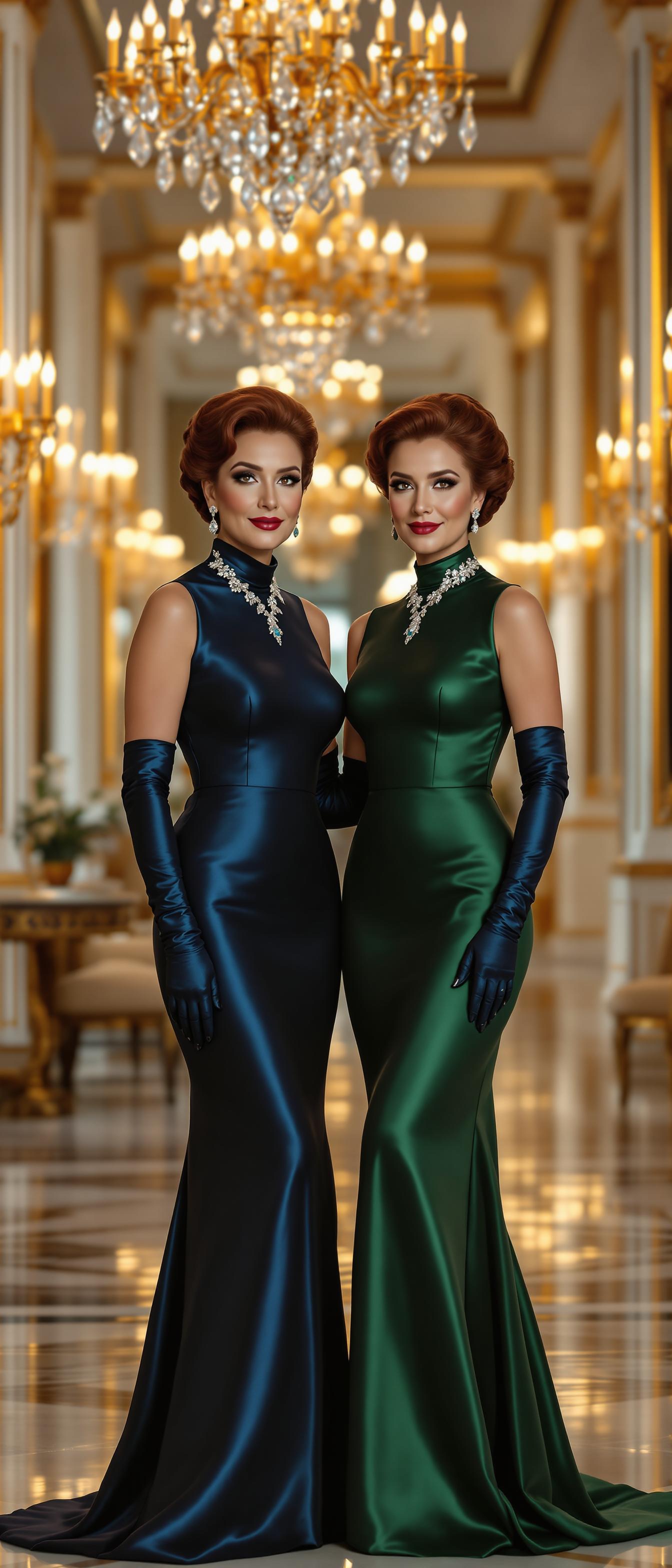
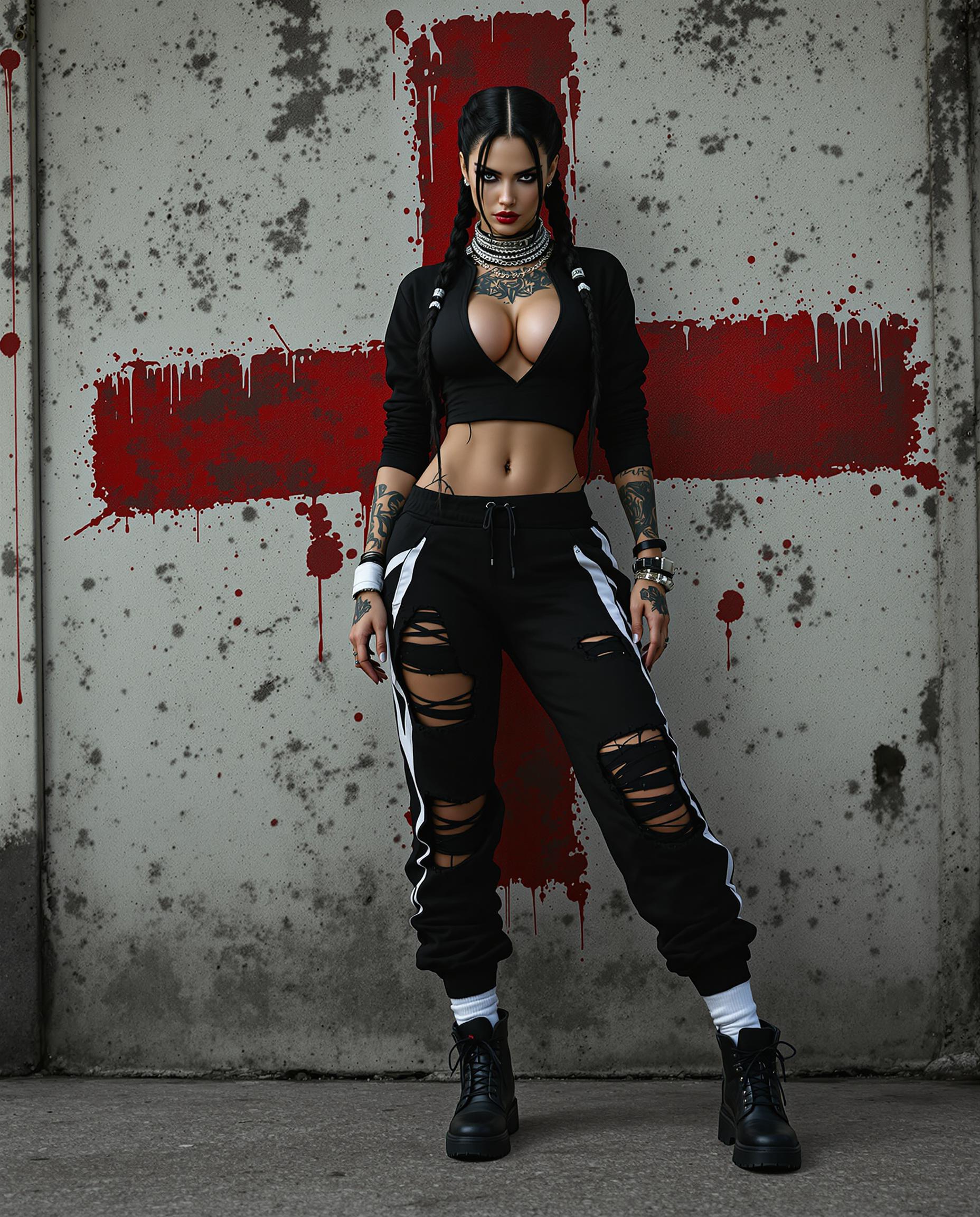


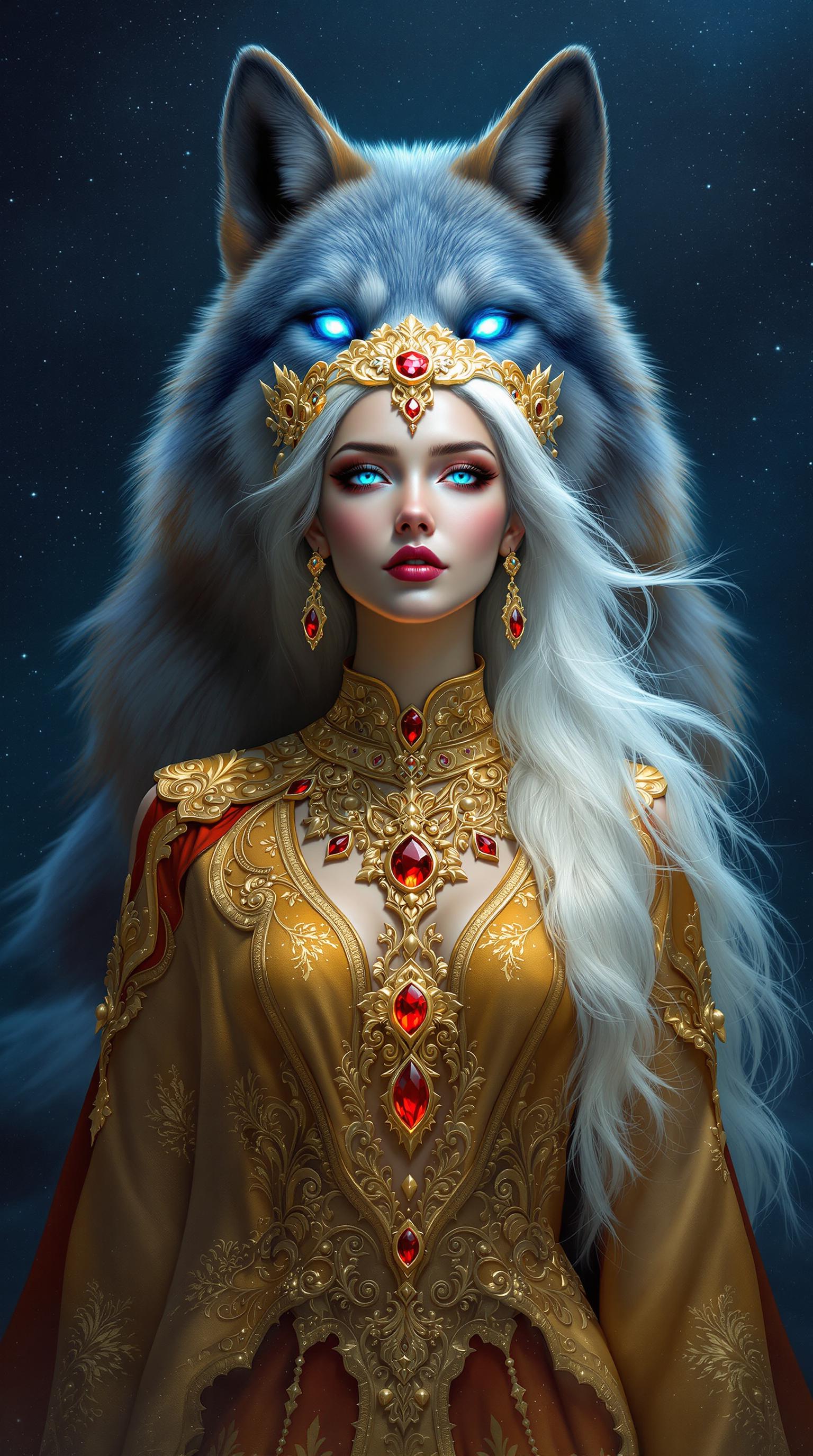
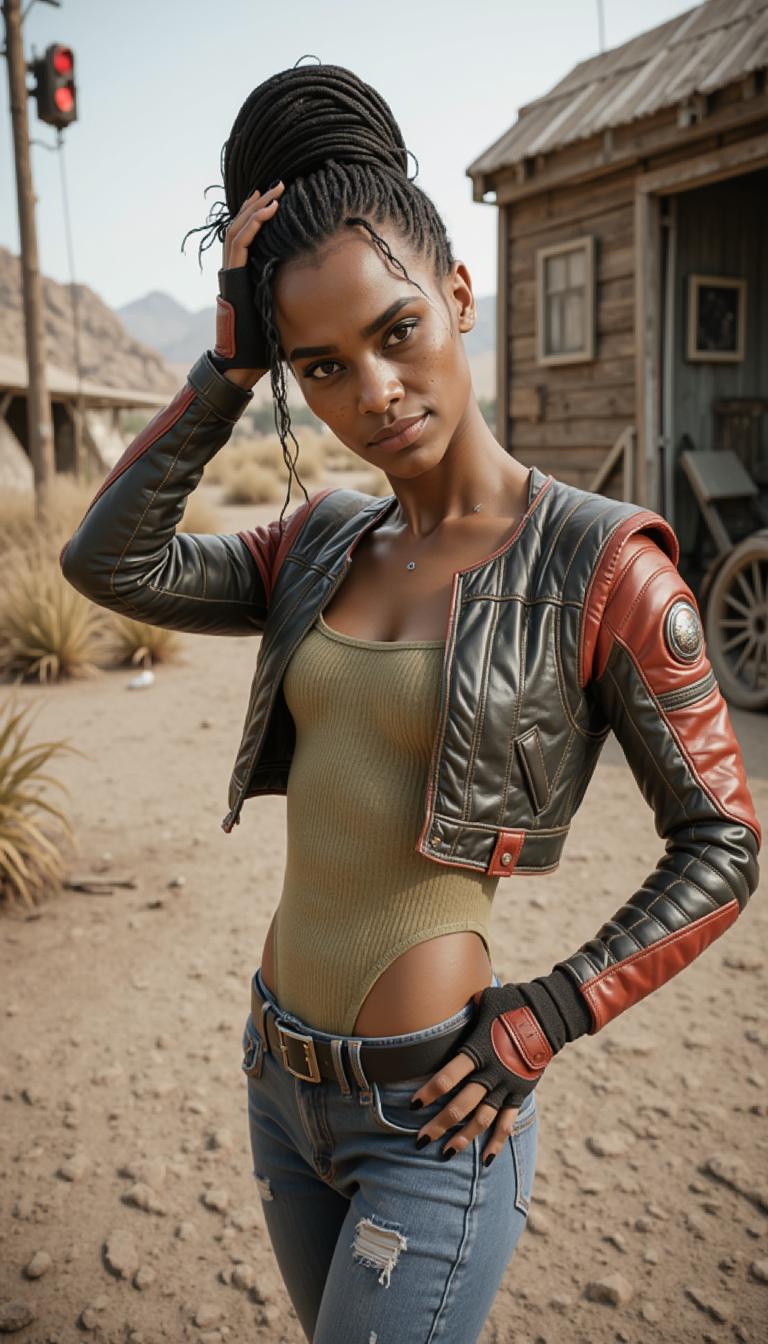
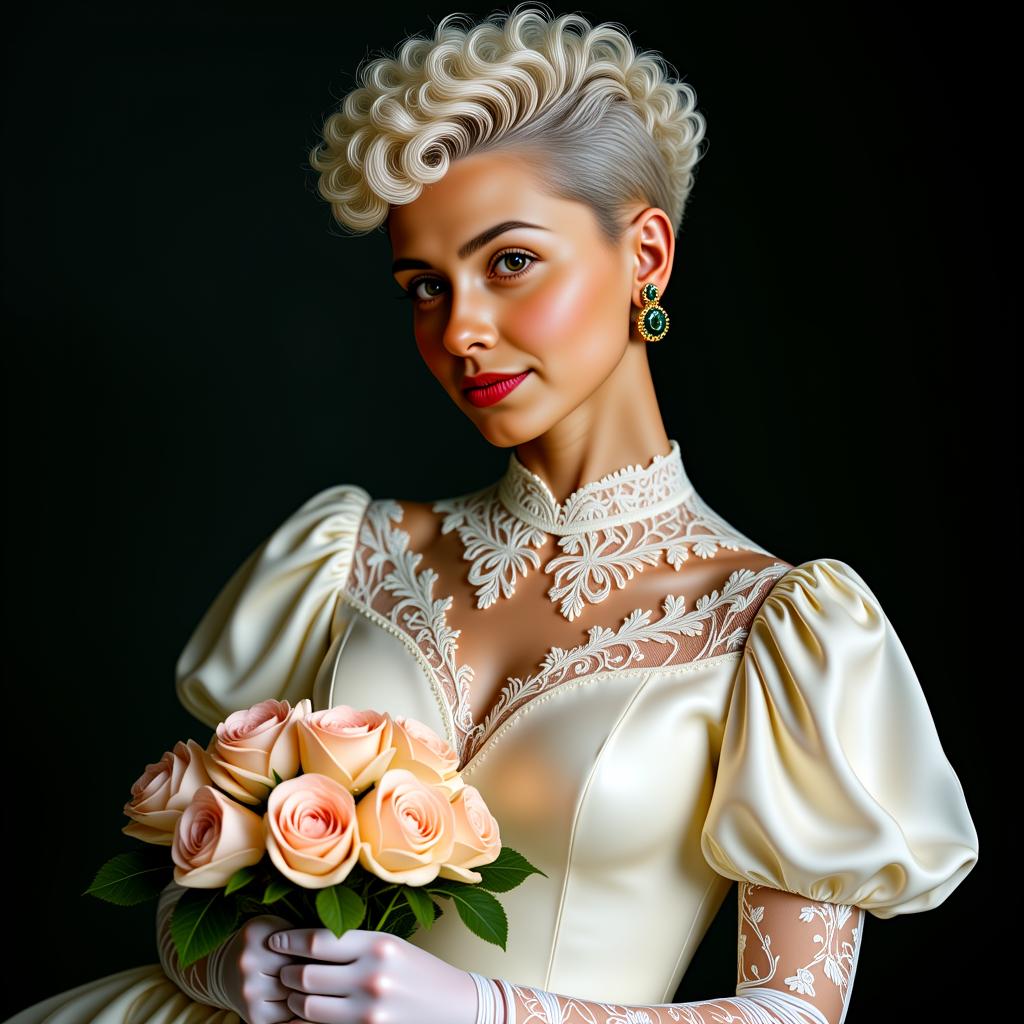
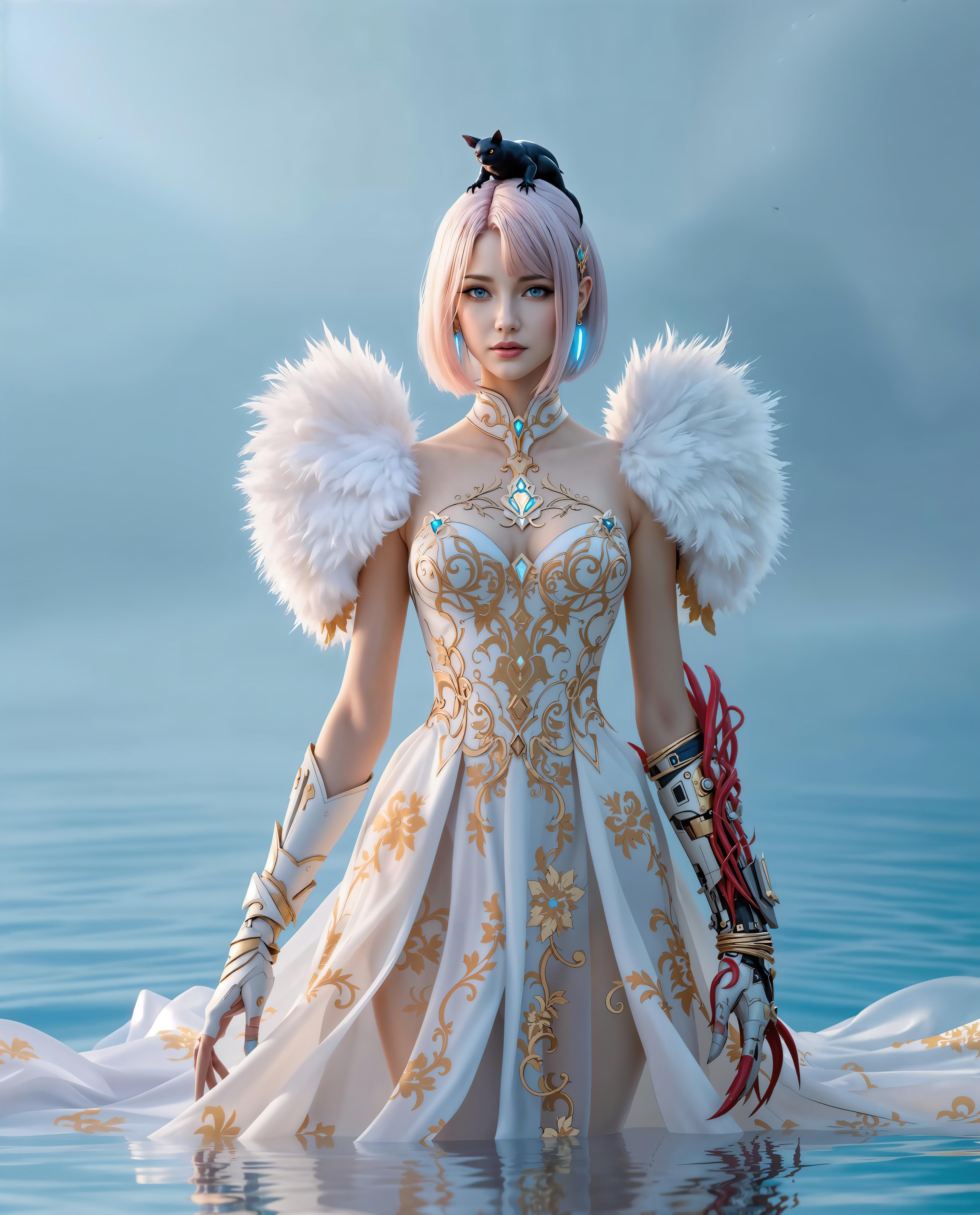
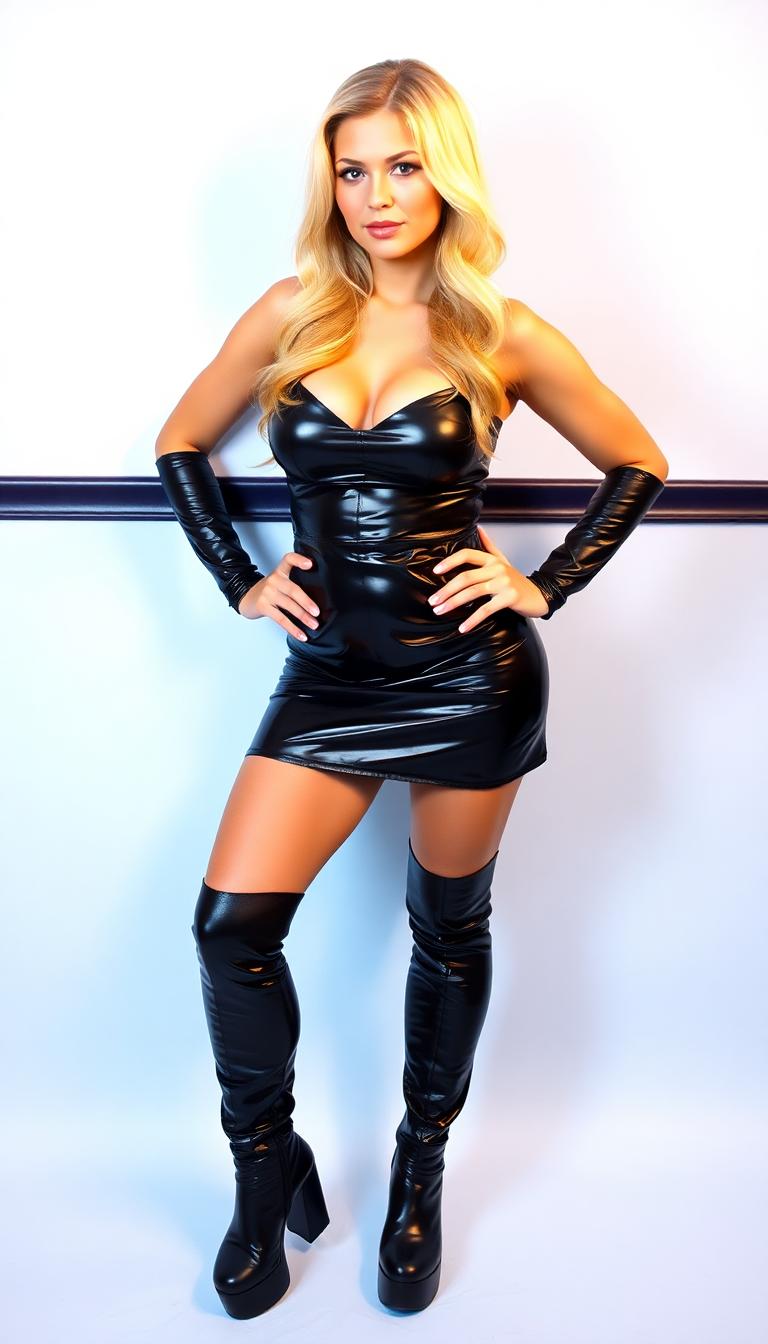
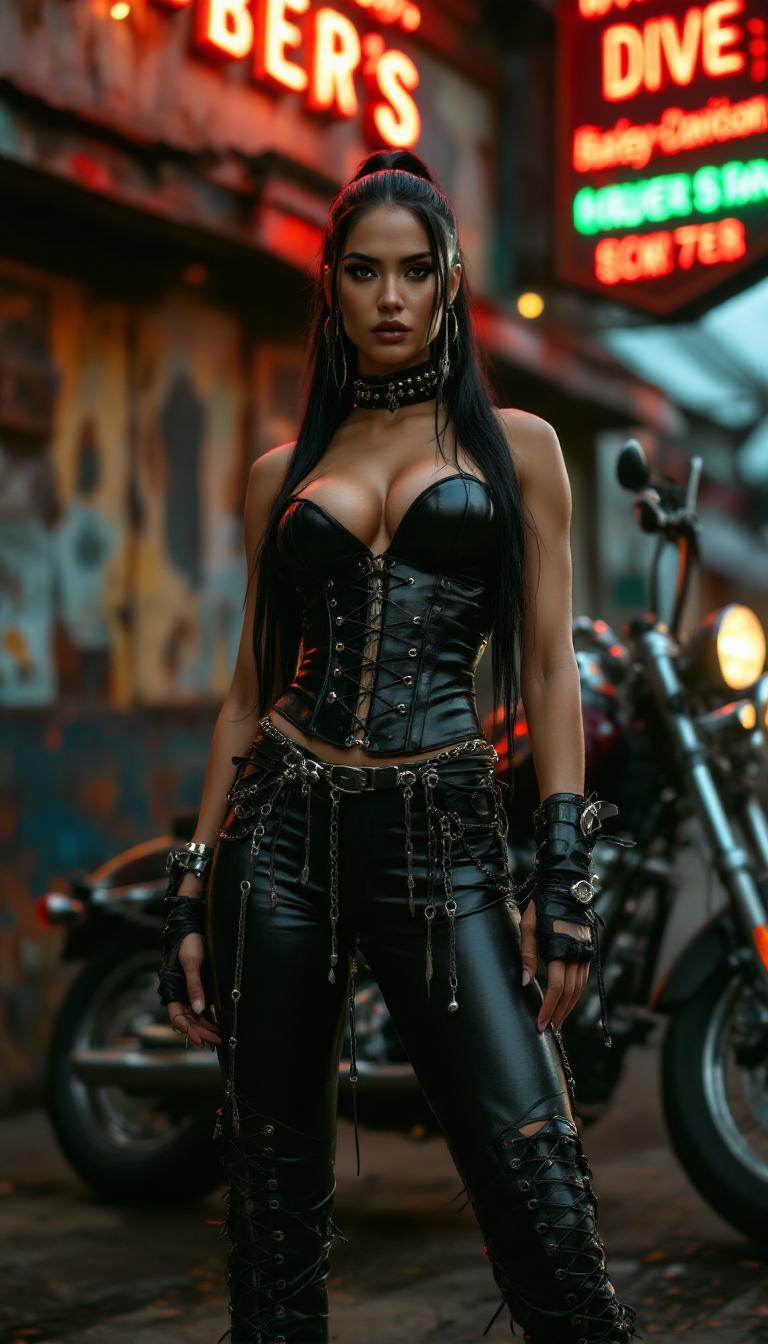
The Pixel Dojo Advantage
Why PixelDojo's QWEN Image 2.0 outperforms other options for professional typography image generation
| Others | Pixel Dojo |
|---|---|
| Traditional typography creation | Skip expensive software subscriptions and designer fees – get pro results instantly for free, with unlimited generations on any plan. |
| Generic AI tools | QWEN Image 2.0's typography precision crushes vague outputs; pair with our 20+ edit tools for custom perfection no other platform matches. |
| Manual photo editing | Eliminate tedious font matching and alignment – one prompt yields ready-to-use designs, saving 90% of your time. |
Loved by Creators
See what our community says about qwen image 2.0 professional typography
"QWEN Image 2.0 on PixelDojo revolutionized my poster designs – perfect typography every time, doubled my client conversions!"
Sarah Jenkins
Graphic Designer
"From bland social graphics to pro typography stunners in seconds. PixelDojo's tools made my brand pop without the hassle."
Mike Rivera
Marketing Director
Common Questions
Everything you need to know about qwen image 2.0 professional typography AI generation
How does QWEN Image 2.0 create professional typography images on PixelDojo?
PixelDojo's QWEN Image 2.0 uses advanced AI to render precise, artistic text in any style – from serif elegance to graffiti boldness. Enter a prompt like 'minimalist motivational quote typography on ocean waves', generate, then refine with Inpainting or Style Transfer for flawless results. No Photoshop skills needed; outcomes include print-ready 4K images that wow clients.
What are the best prompts for QWEN Image 2.0 professional typography generation?
Craft prompts with text, style, and context: '3D extruded gold typography 'Success' with metallic sheen on black velvet'. Specify fonts (e.g., Helvetica bold), effects (shadows, gradients), and layouts. PixelDojo's QWEN Image 2 excels at multi-line text and complex compositions, outperforming others for logos and ads.
Can I edit QWEN Image 2.0 typography images after generation?
Absolutely – use PixelDojo's Edit Images tools like Image to Image for style shifts, Inpainting to fix or add text, Change Camera Angle for dynamic views, or Reality Polisher for ultra-sharp finishes. Combine with Upscalers for massive prints, ensuring your professional typography adapts perfectly to any use.
Is QWEN Image 2.0 suitable for commercial professional typography designs?
Yes, all PixelDojo generations are commercial-ready with full ownership rights. Thousands of creators use it for logos, packaging, and billboards. Track usage via your Account dashboard, and scale with Subscriptions for unlimited high-res outputs.
How to achieve trending typography styles with QWEN Image 2.0 on PixelDojo?
Tap into 2024 trends like kinetic typography, retro vaporwave text, or brutalist fonts. Prompt examples: 'Y2K aesthetic bubblegum pink typography 'Dream Big' with glitch effects'. Enhance with Flux.2 Studio for hybrids or Kling Image for motion-ready stills, staying ahead in social and print trends.
What's the cost to use QWEN Image 2.0 professional typography generator?
Start free with limited credits, upgrade to Subscriptions for unlimited access to QWEN Image 2.0 and 40+ tools. Cancel anytime, no contracts. View Usage Report in your Profile for transparent tracking – loved by creators for value.