qwen image 2.0 unified gen edit AI Generator
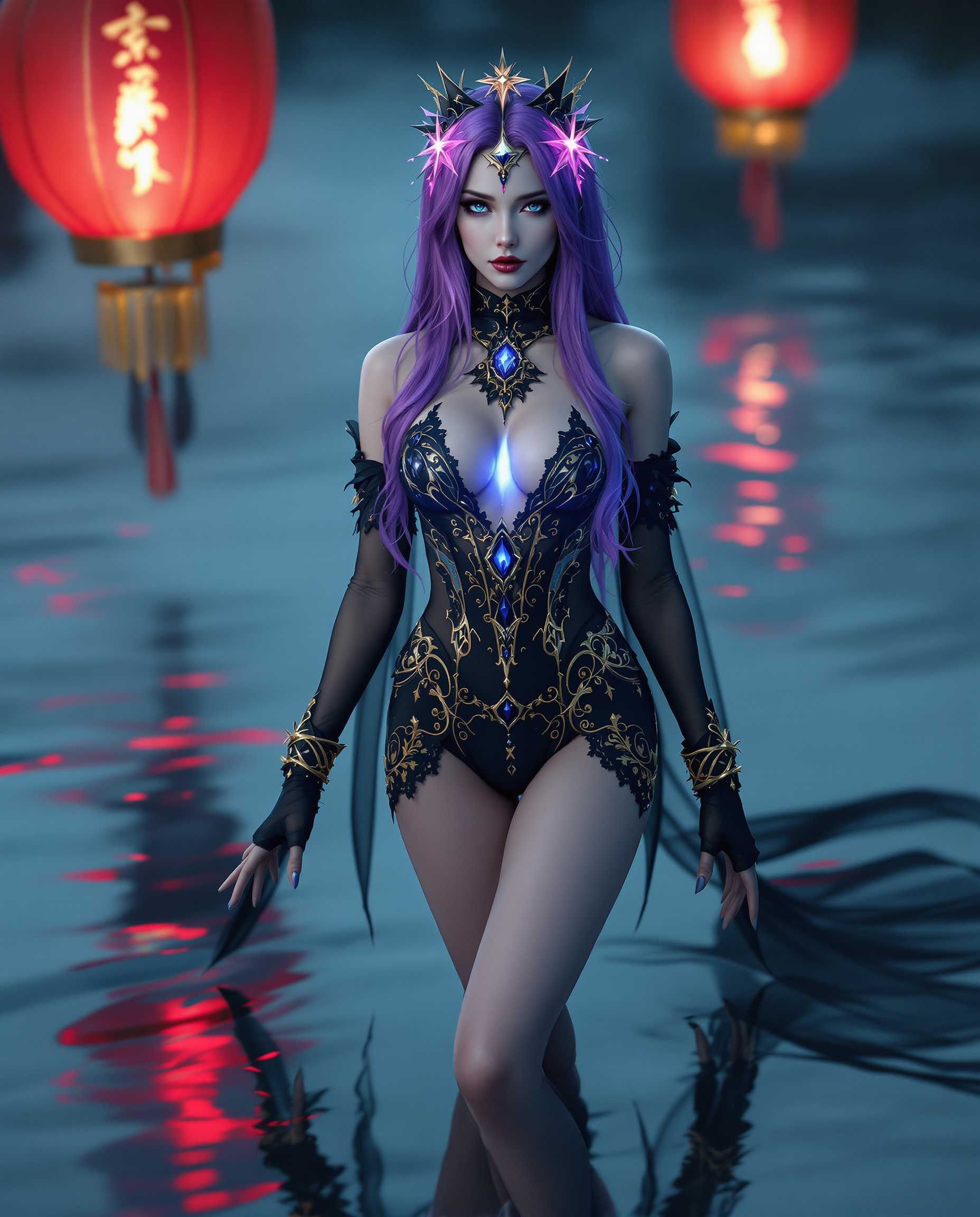
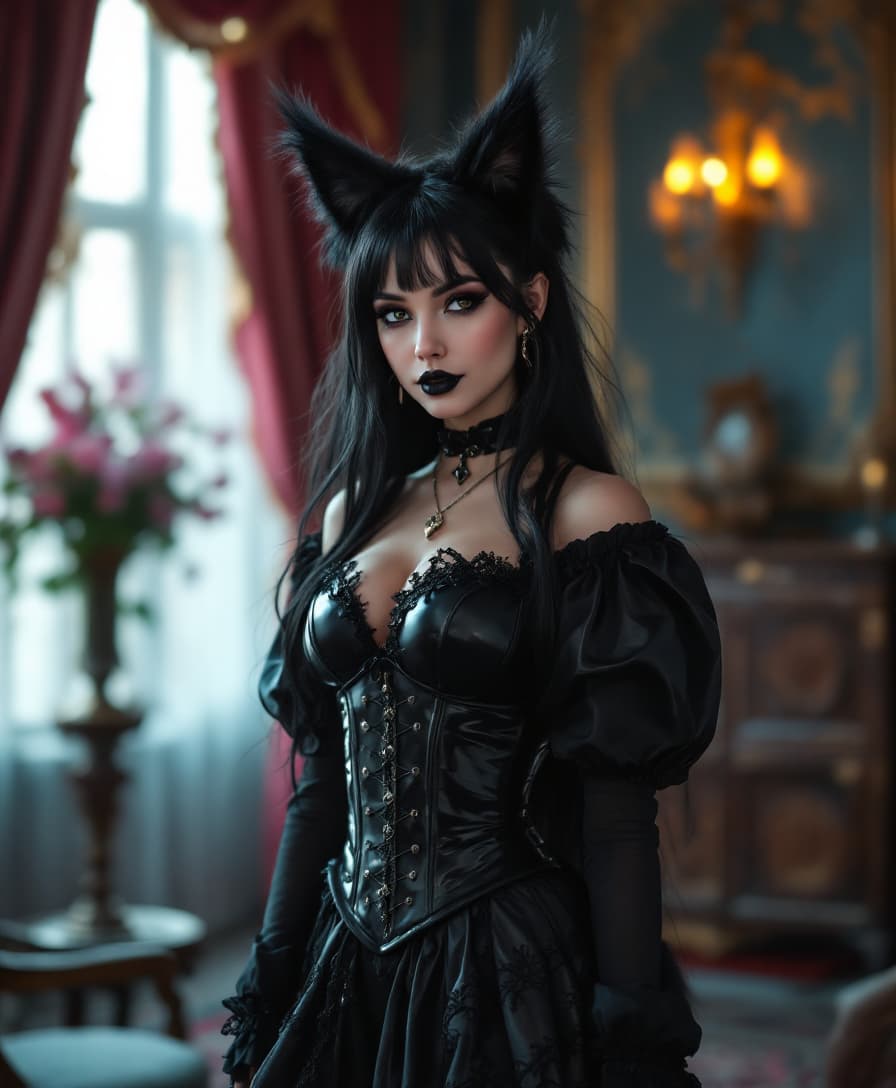
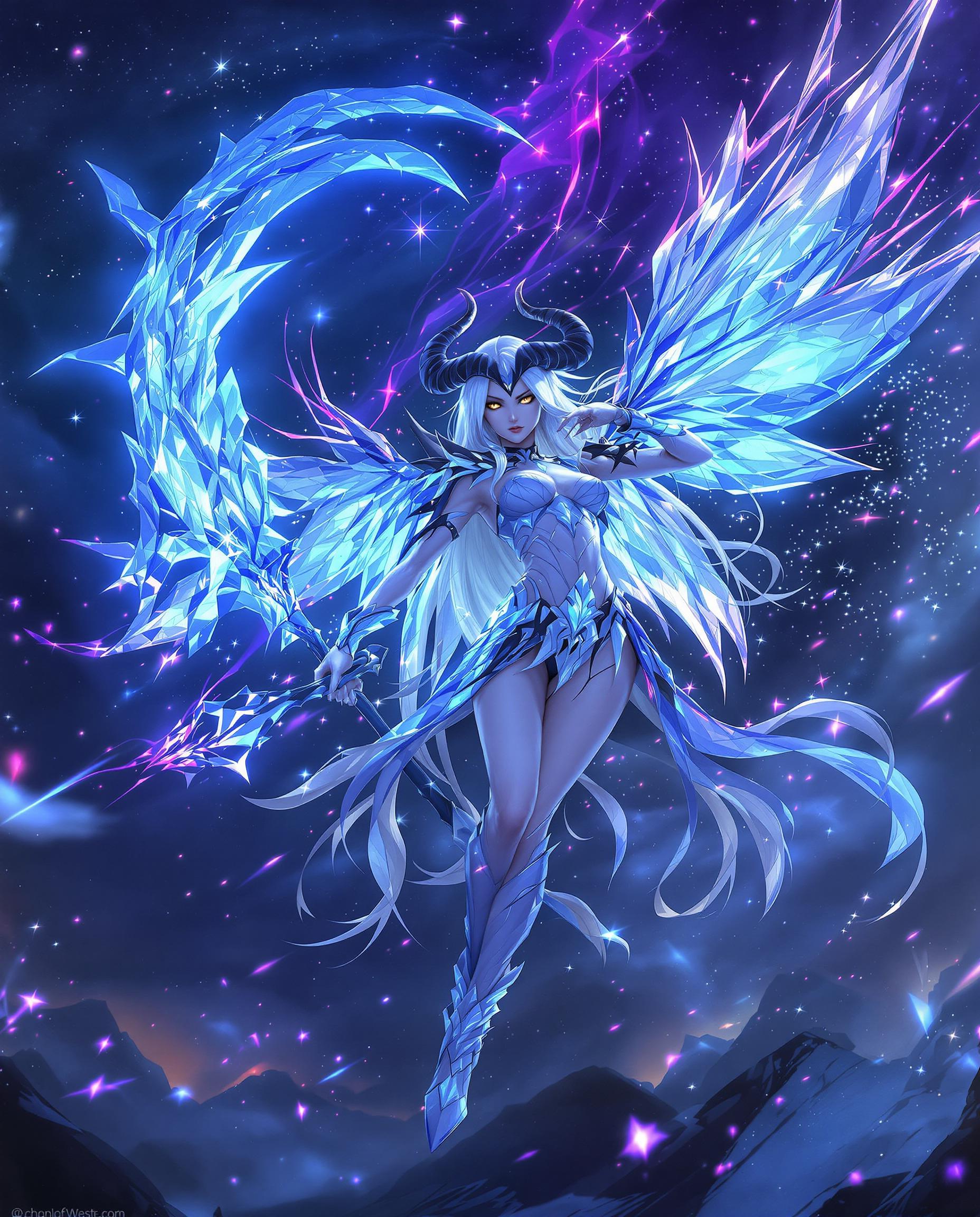
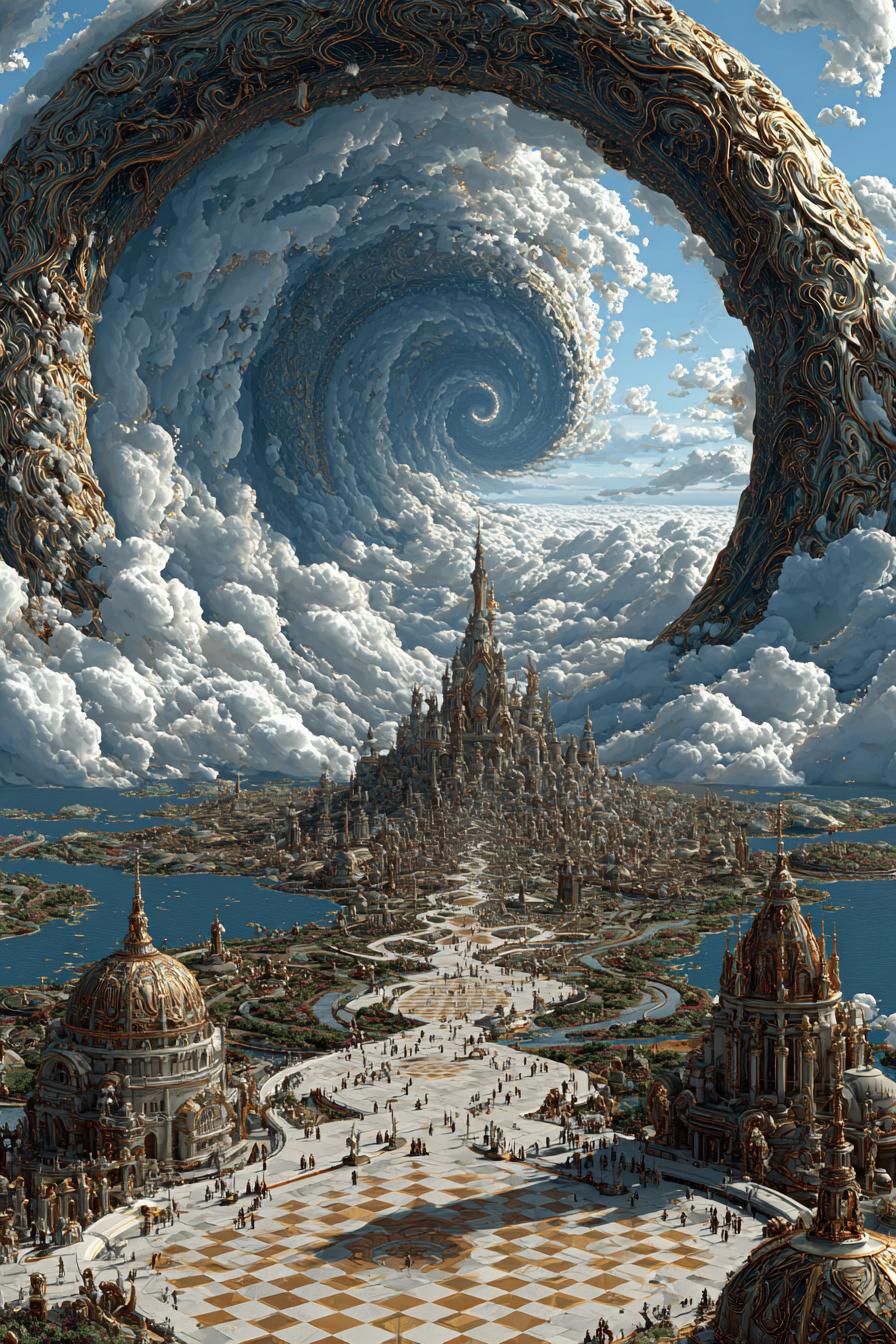
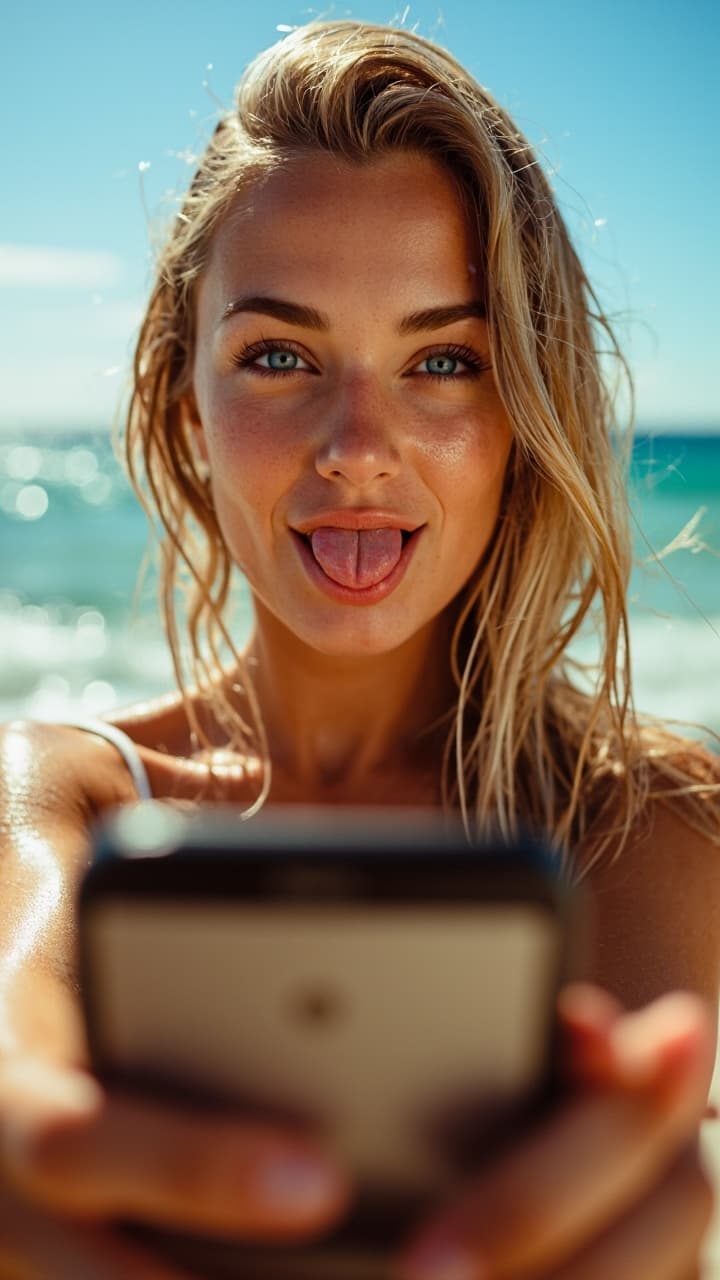
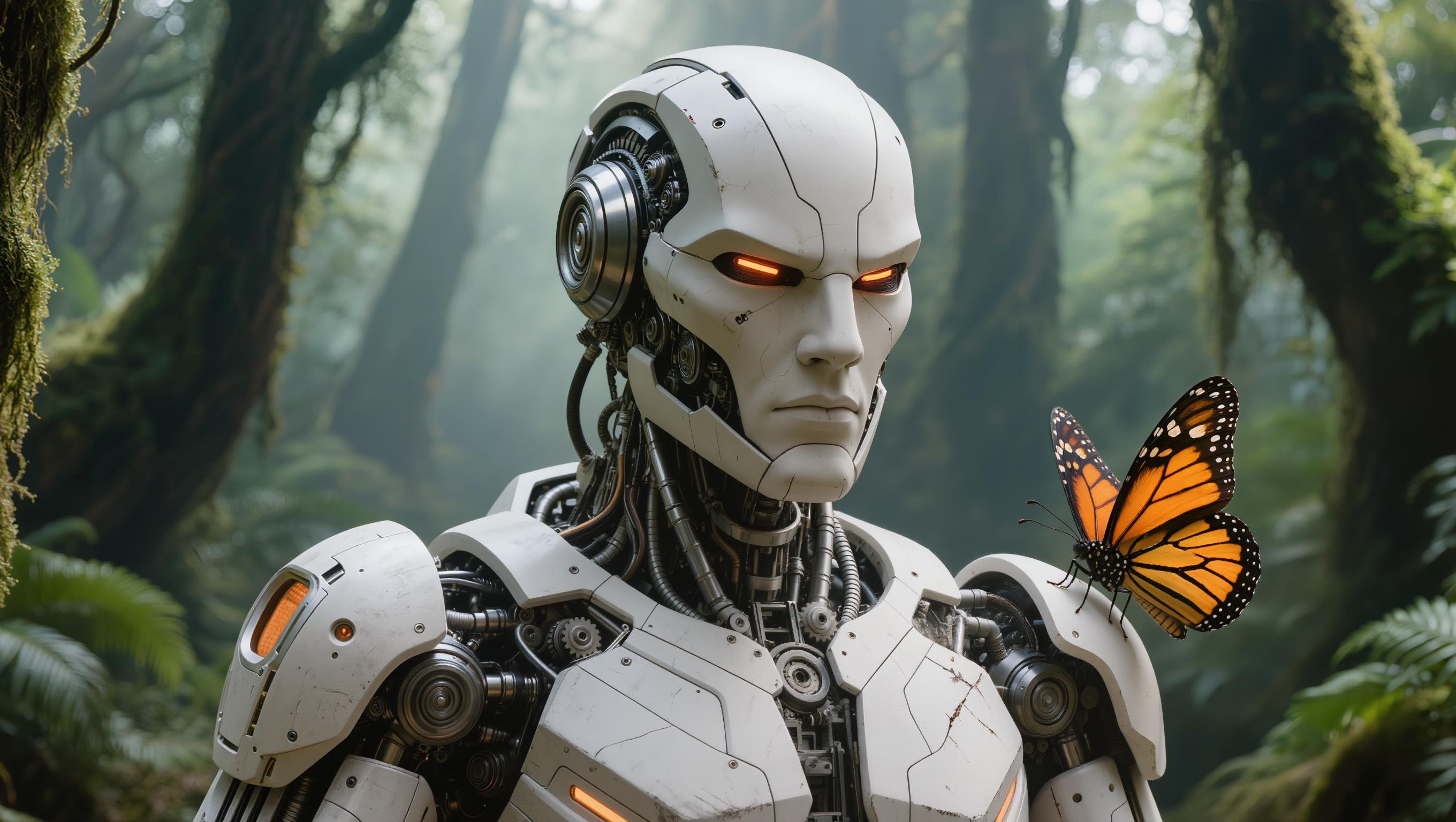
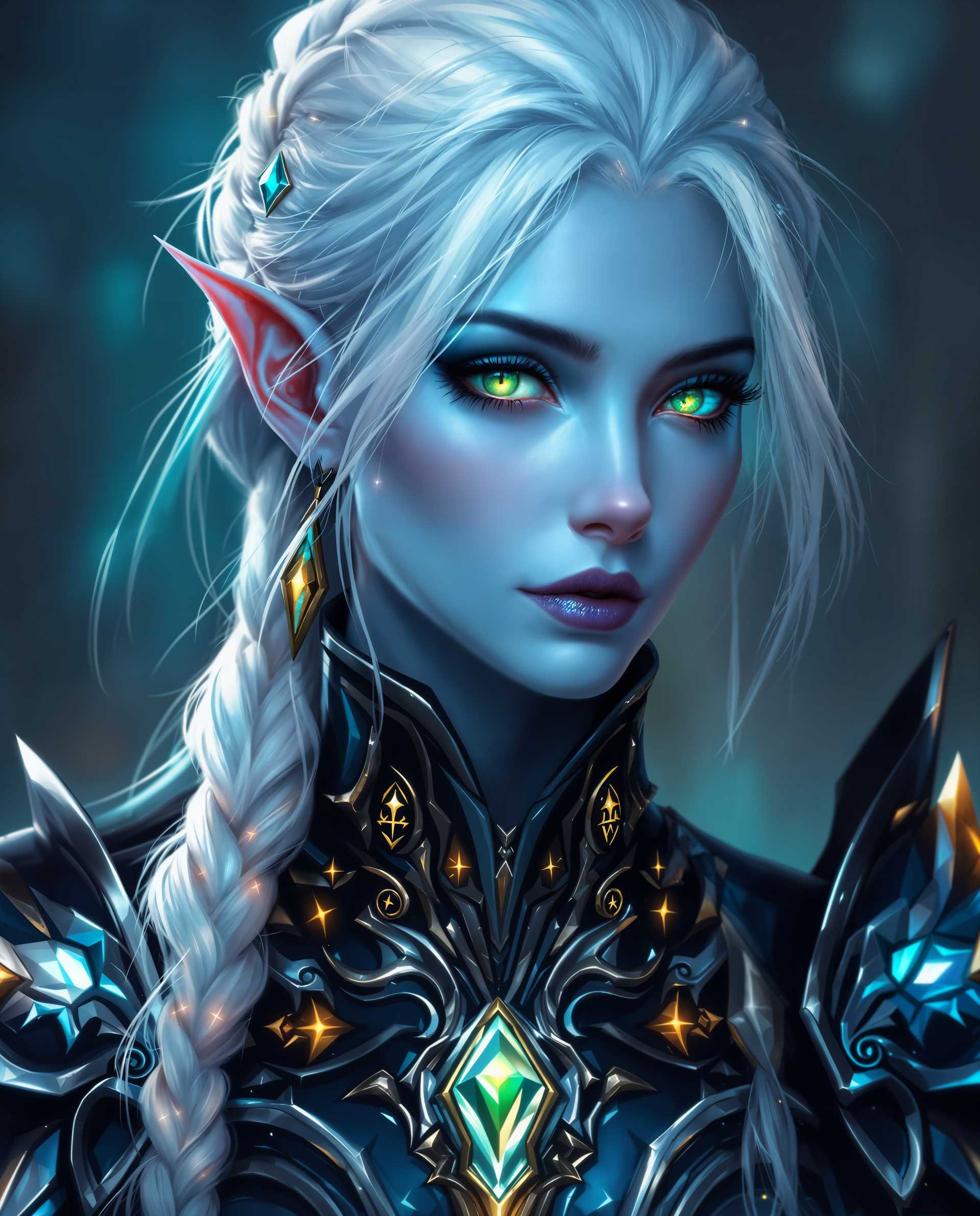
Elevate your creative projects with QWEN Image 2.0, the cutting-edge AI tool that seamlessly combines image generation and editing. Whether you're crafting marketing materials, designing presentations, or producing high-quality visuals, QWEN Image 2.0 empowers you to achieve professional results with ease.
Join over 50,000 creators worldwide who have generated more than 1 million images using QWEN Image 2.0, boasting a 98% satisfaction rate across 150+ countries.
Why Choose Pixel Dojo for qwen image 2.0 unified gen edit
Professional-quality results with cutting-edge AI technology
Seamless Image Generation and Editing
Effortlessly create and refine images within a single, unified workflow, saving time and enhancing productivity.
High-Resolution 2K Output
Produce stunning visuals with native 2048×2048 resolution, capturing intricate details for photorealistic results.
Professional Typography Rendering
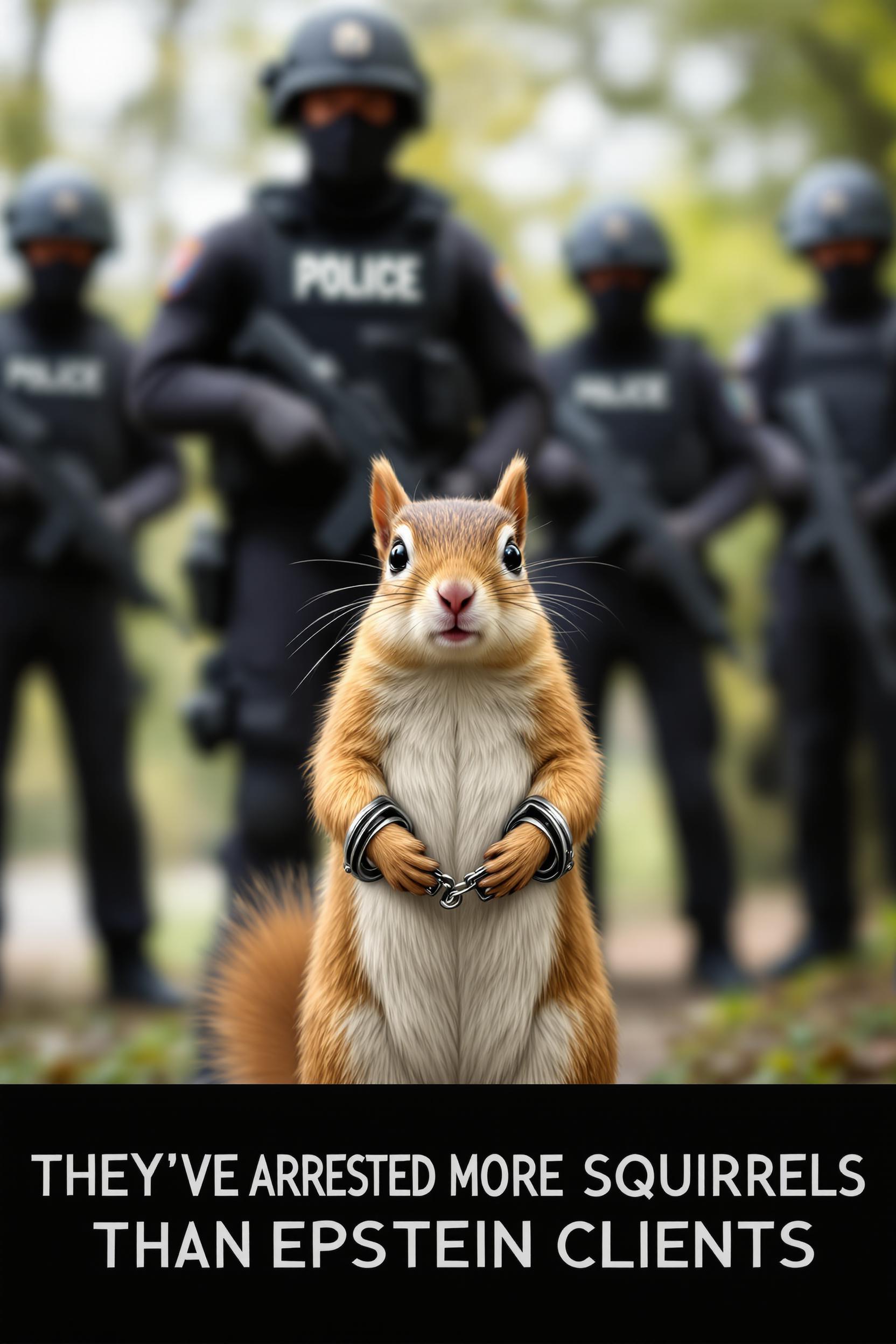
Generate images with precise, readable text, perfect for infographics, posters, and presentations.
How It Works
Creating high-quality images with QWEN Image 2.0 is straightforward. Follow these steps to bring your ideas to life:
Step 1: Choose Your Tool
Select the appropriate tool within QWEN Image 2.0 for your project, whether it's image generation or editing.
Step 2: Enter Your Prompt
Input a detailed description of the image you want to create or the edits you wish to apply.
Step 3: Customize & Download
Review the generated image, make any necessary adjustments, and download the final high-resolution output.
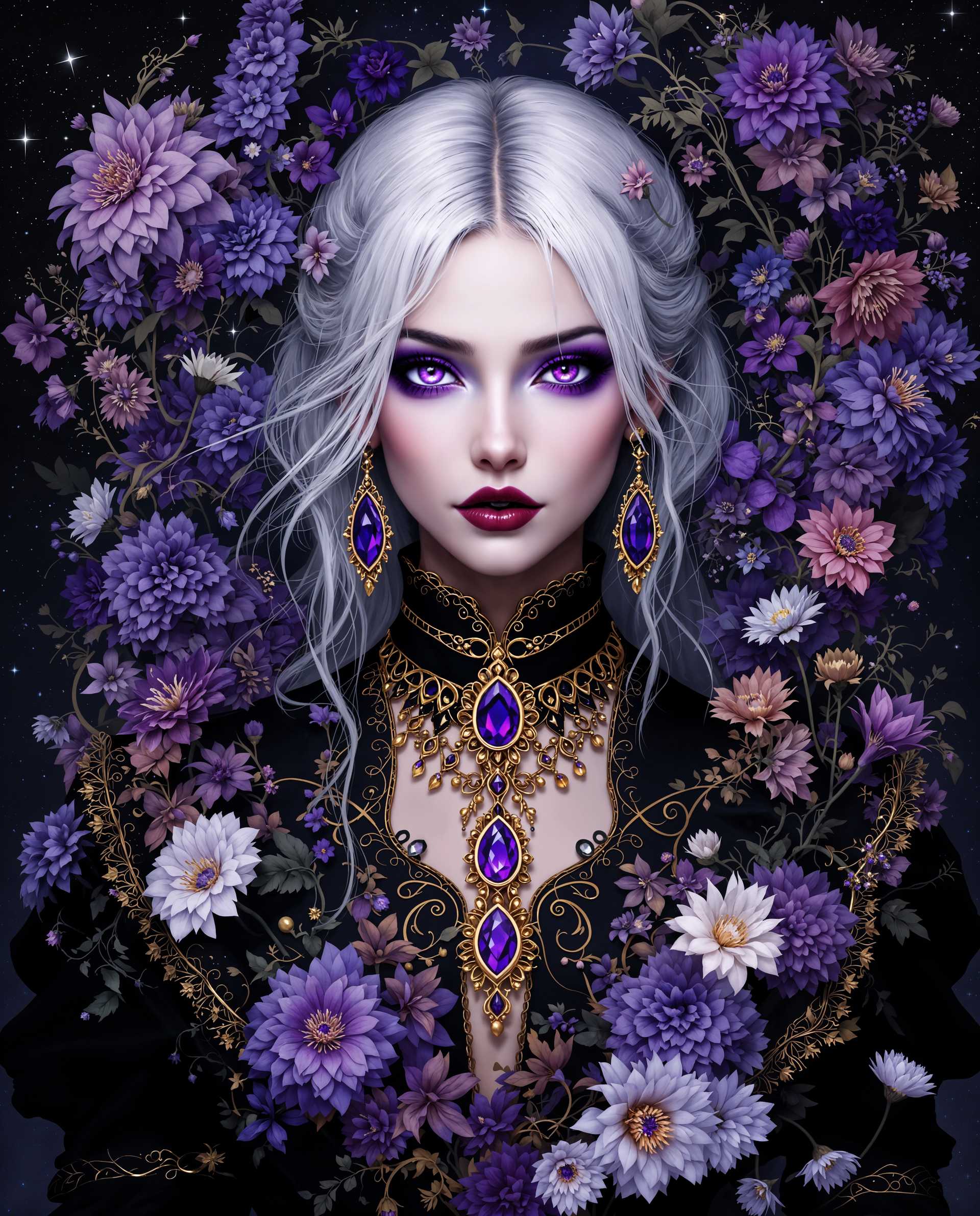
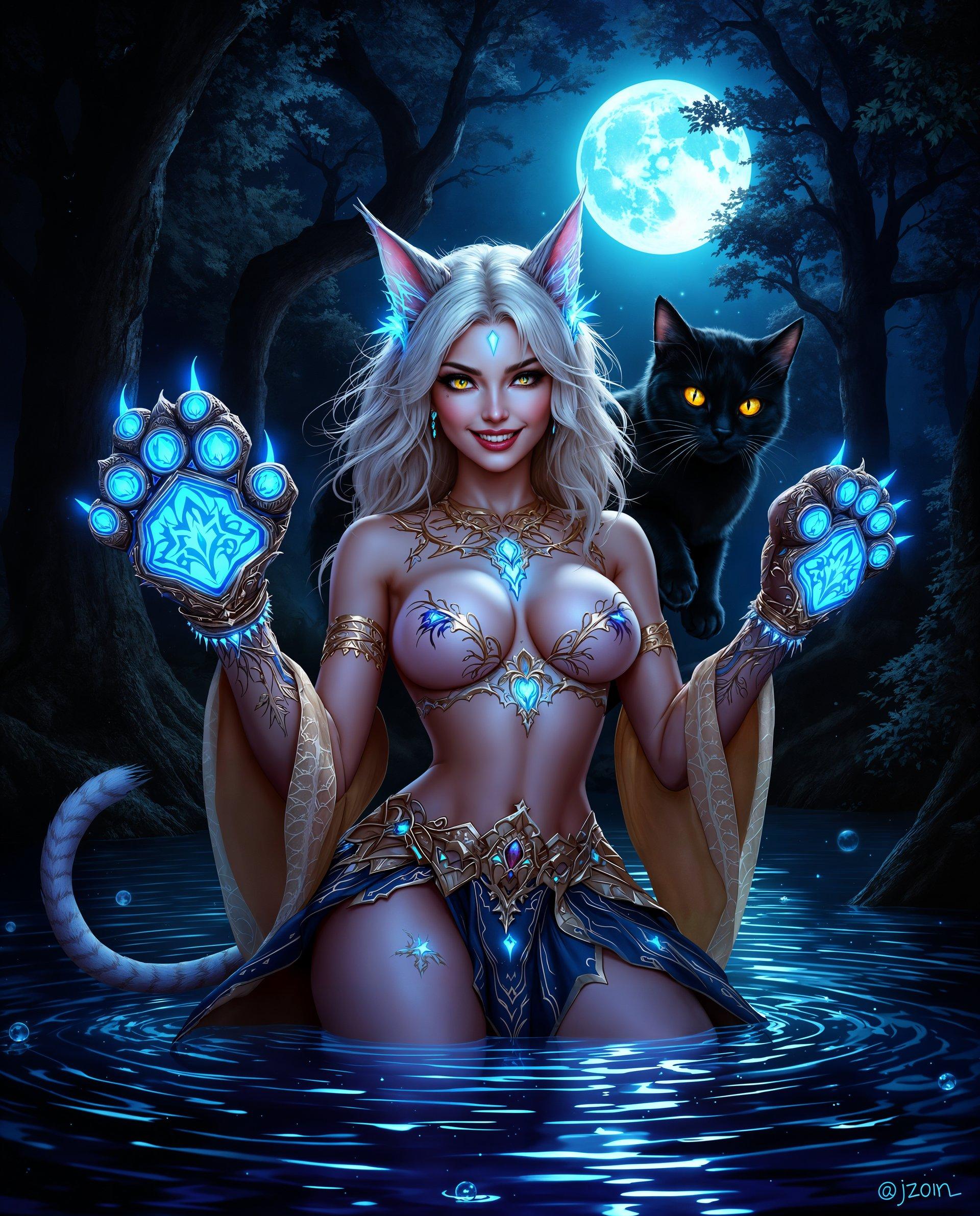
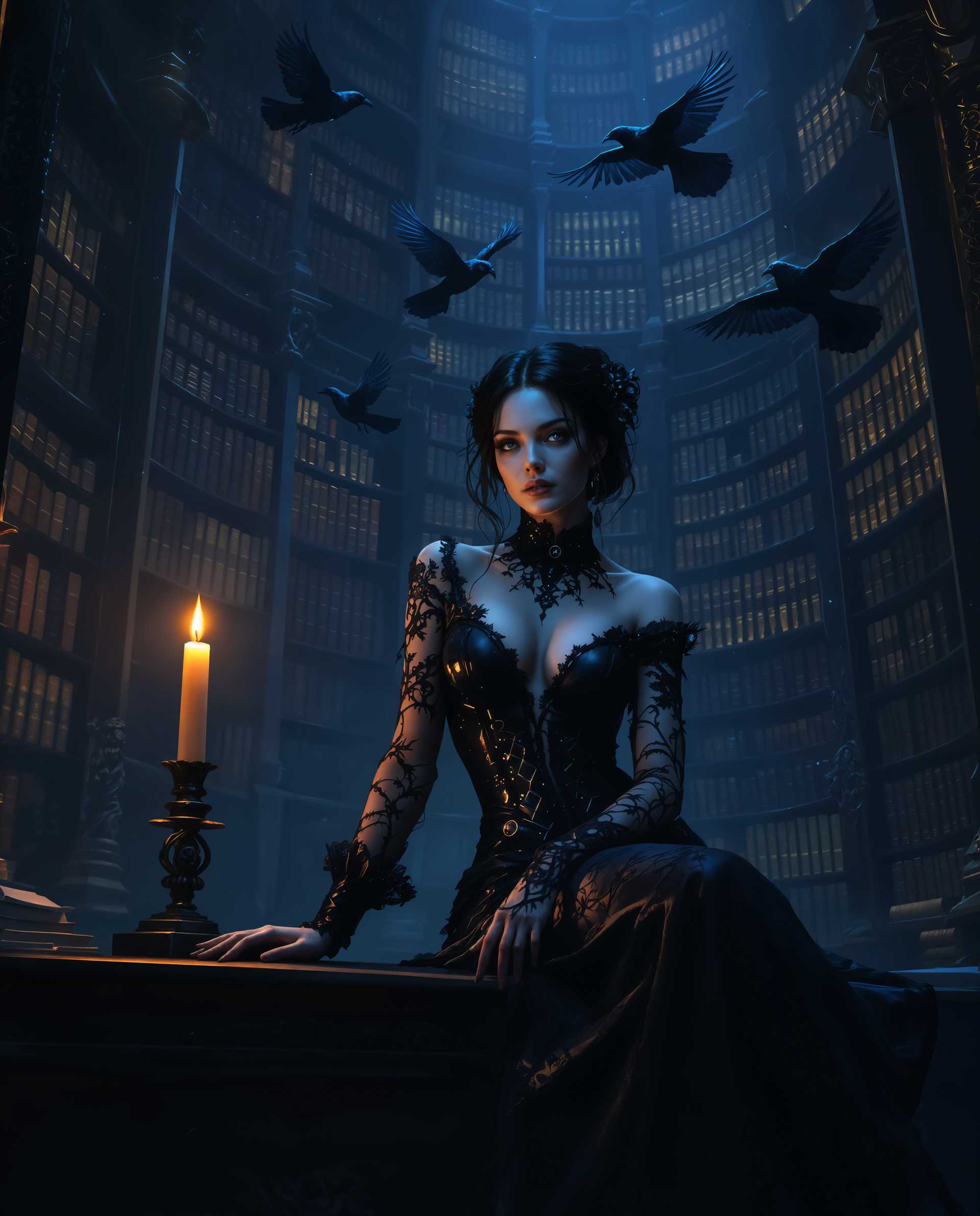
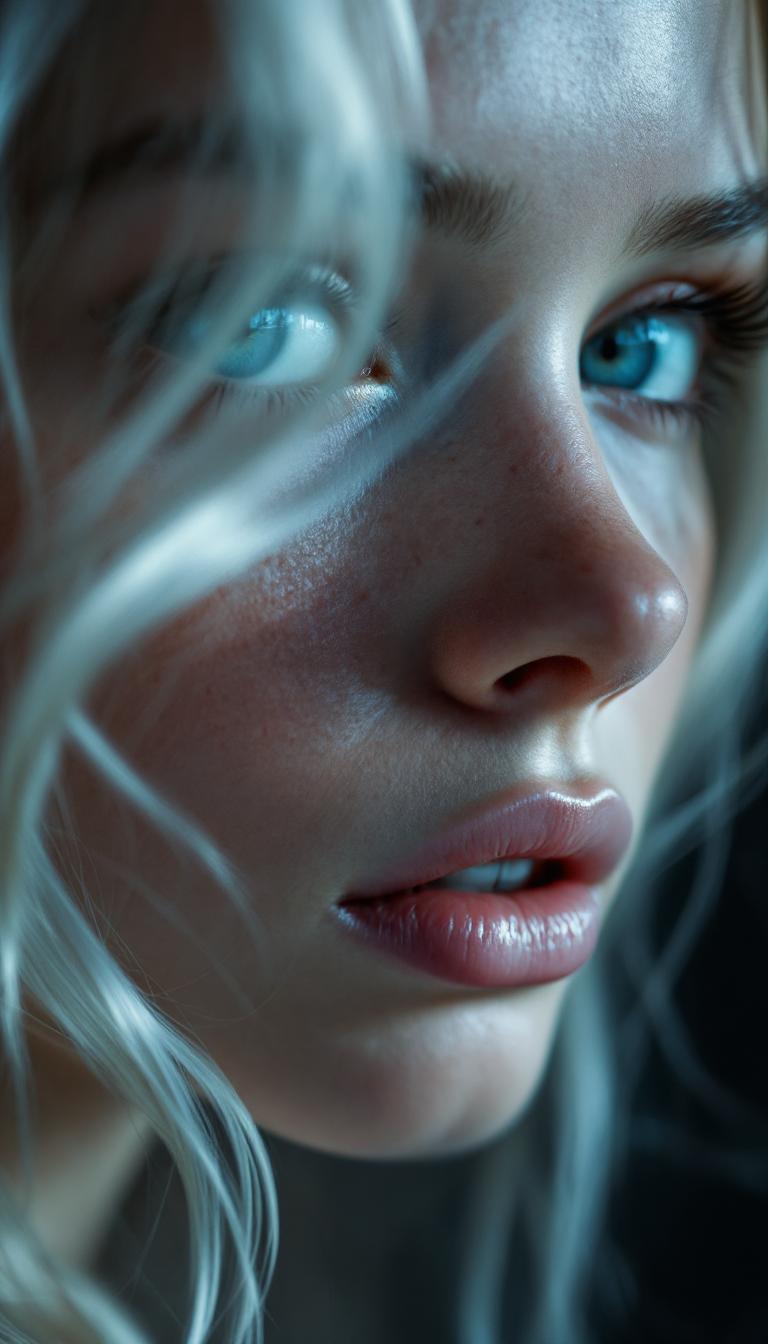


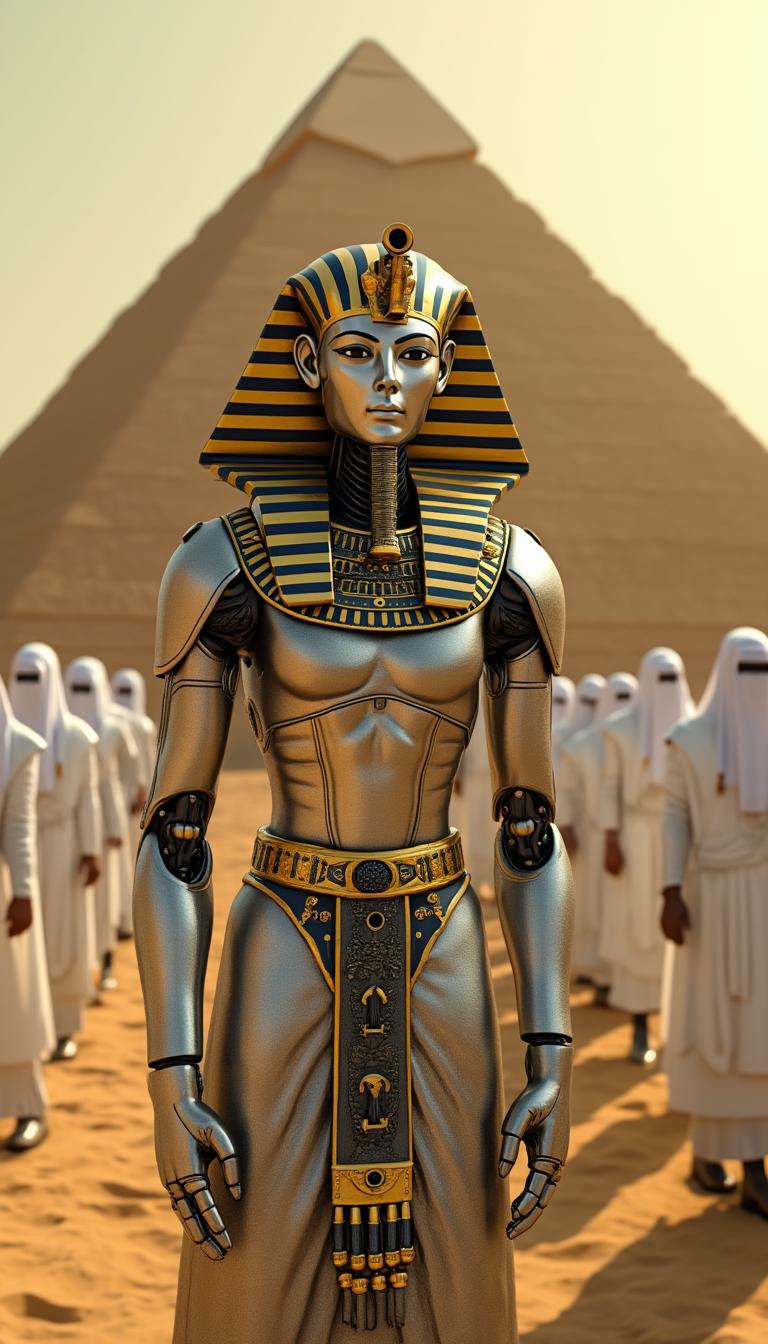
The Pixel Dojo Advantage
Discover how QWEN Image 2.0 stands out in the realm of AI image generation and editing:
| Others | Pixel Dojo |
|---|---|
| Traditional Image Creation | Eliminates the need for extensive manual design work, enabling rapid production of high-quality visuals. |
| Generic AI Tools | Offers a unified model for both generation and editing, providing a more cohesive and efficient workflow. |
| Manual Photo Editing | Reduces the time and skill required for complex edits, allowing users to achieve professional results effortlessly. |
Loved by Creators
See what our community says about qwen image 2.0 unified gen edit
"QWEN Image 2.0 revolutionized our design process, enabling us to create high-quality marketing materials in record time."
Sarah Chen
Graphic Designer
"The 2K resolution output is perfect for our print campaigns, providing the clarity and detail we need."
Michael Rodriguez
Marketing Director
Common Questions
Everything you need to know about qwen image 2.0 unified gen edit AI generation
How does QWEN Image 2.0 handle complex prompts?
QWEN Image 2.0 supports prompts up to 1,000 tokens, allowing for detailed descriptions and complex layouts, resulting in precise and accurate image generation.
Can I edit existing images with QWEN Image 2.0?
Yes, QWEN Image 2.0's unified model allows for seamless editing of existing images, enabling modifications and enhancements within the same workflow.
Is QWEN Image 2.0 suitable for creating infographics?
Absolutely. With its professional typography rendering and support for complex layouts, QWEN Image 2.0 is ideal for generating infographics and other text-rich visuals.
What file formats does QWEN Image 2.0 support?
QWEN Image 2.0 supports various input formats, including JPG, JPEG, PNG, BMP, TIFF, and WEBP, providing flexibility for different project needs.
Do I need advanced design skills to use QWEN Image 2.0?
No, QWEN Image 2.0 is designed for users of all skill levels, allowing you to create professional-quality images without prior design experience.
Is there a free trial available for QWEN Image 2.0?
Yes, new users can try QWEN Image 2.0 for free, with no credit card required, and can cancel anytime.