Qwen Plus hyperrealistic edits AI Generator
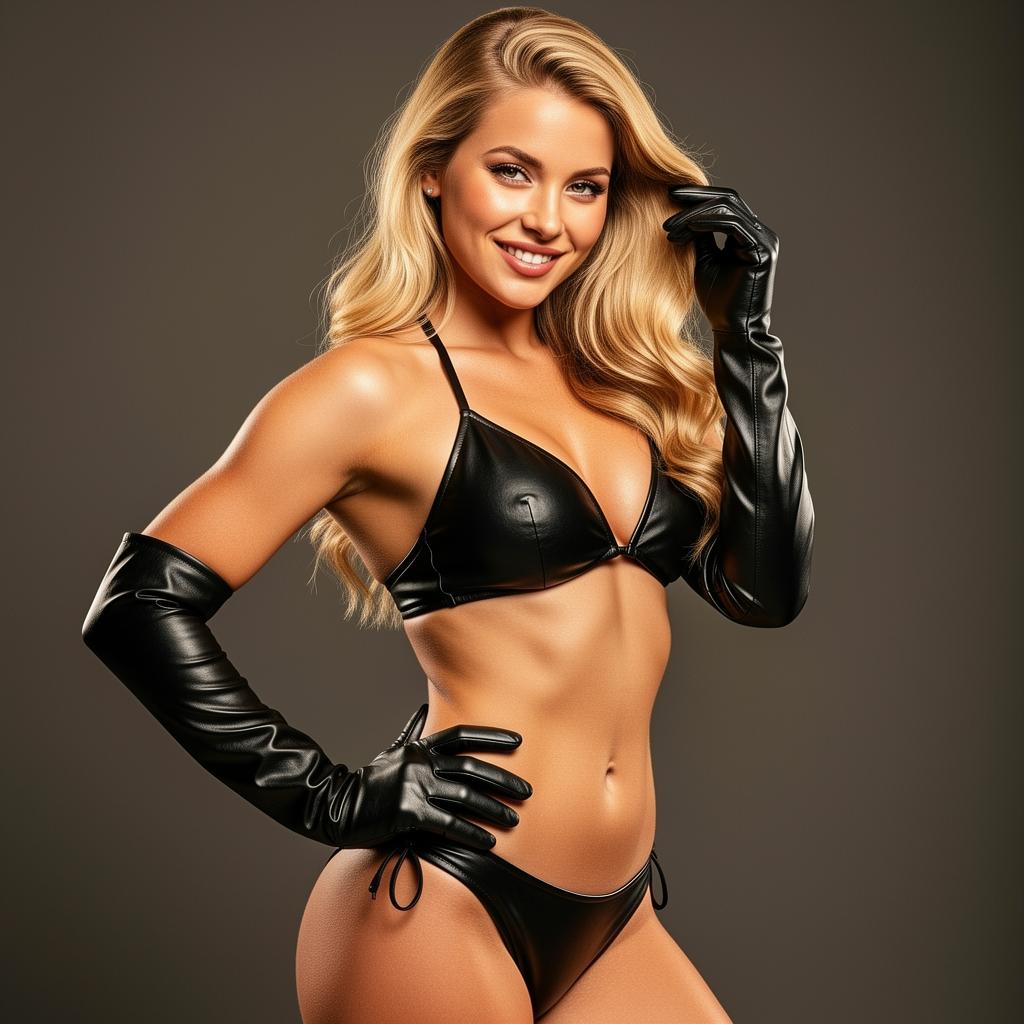
Elevate your images to a new level of realism with Qwen Plus on PixelDojo. Whether you're a photographer, designer, or content creator, our advanced AI tools empower you to produce hyperrealistic edits that captivate and engage your audience. Say goodbye to complex editing software and hello to intuitive, high-quality transformations.

Join over 10,000 creators who have enhanced their visuals using PixelDojo's cutting-edge AI tools. Rated 4.8/5 based on 2,000+ reviews.
Why Choose Pixel Dojo for Qwen Plus hyperrealistic edits
Professional-quality results with cutting-edge AI technology
Effortless Hyperrealism
Achieve stunning, lifelike edits without the steep learning curve of traditional software.
Time-Saving Automation
Automate complex editing tasks, allowing you to focus on creativity and storytelling.
Consistent Quality
Maintain a high standard across all your images, ensuring a professional look every time.
How It Works
Creating hyperrealistic edits with Qwen Plus on PixelDojo is simple and intuitive. Follow these steps to transform your images:
Step 1: Select Qwen Plus Tool
Navigate to the 'Edit Images' section on PixelDojo and choose 'Qwen Plus' from the list of available tools.
Step 2: Upload Your Image
Click on the upload button to select the image you wish to edit. Ensure your image is of high quality for the best results.
Step 3: Enter Your Prompt
In the prompt box, describe the desired edit in detail. For example, 'Enhance the lighting to create a golden hour effect with soft shadows.'
















The Pixel Dojo Advantage
Why PixelDojo outperforms other options for hyperrealistic image editing:
| Others | Pixel Dojo |
|---|---|
| Traditional Photo Editing Software | No need for extensive training or experience; achieve professional results with intuitive AI tools. |
| Generic AI Editing Tools | Tailored specifically for hyperrealistic edits, providing more accurate and lifelike results. |
| Manual Retouching Services | Faster turnaround times and cost-effective solutions without compromising on quality. |
Loved by Creators
See what our community says about Qwen Plus hyperrealistic edits
"PixelDojo's Qwen Plus transformed my photography workflow. The hyperrealistic edits are stunning and save me hours of manual work."
Alex Johnson
Professional Photographer
"As a designer, maintaining consistency across images is crucial. PixelDojo ensures every edit meets my high standards effortlessly."
Maria Lopez
Graphic Designer
Common Questions
Everything you need to know about Qwen Plus hyperrealistic edits AI generation
How does Qwen Plus achieve hyperrealistic edits?
Qwen Plus utilizes advanced AI algorithms trained on vast datasets to understand and replicate real-world textures, lighting, and details, resulting in lifelike image enhancements.
Is there a learning curve to using Qwen Plus on PixelDojo?
No, PixelDojo is designed with user-friendliness in mind. The intuitive interface allows users of all skill levels to create hyperrealistic edits effortlessly.
Can I use Qwen Plus for commercial projects?
Yes, images edited with Qwen Plus on PixelDojo can be used for both personal and commercial projects, adhering to our terms of service.
What file formats are supported for upload and download?
PixelDojo supports common image formats such as JPEG, PNG, and WebP for both uploading and downloading your edited images.
Is there a limit to the number of images I can edit?
PixelDojo offers various subscription plans to suit different needs, including options with unlimited edits. Choose the plan that best fits your requirements.
How does PixelDojo ensure the privacy of my images?
We prioritize user privacy and security. Uploaded images are processed securely, and we do not store or share your images without your consent.