re craft AI Generator
Unlock your creative potential with Recraft V3, the cutting-edge AI image generator that transforms your ideas into stunning visuals. Whether you're a designer, marketer, or content creator, Recraft V3 empowers you to produce high-quality, customizable images effortlessly, enhancing your projects and captivating your audience.
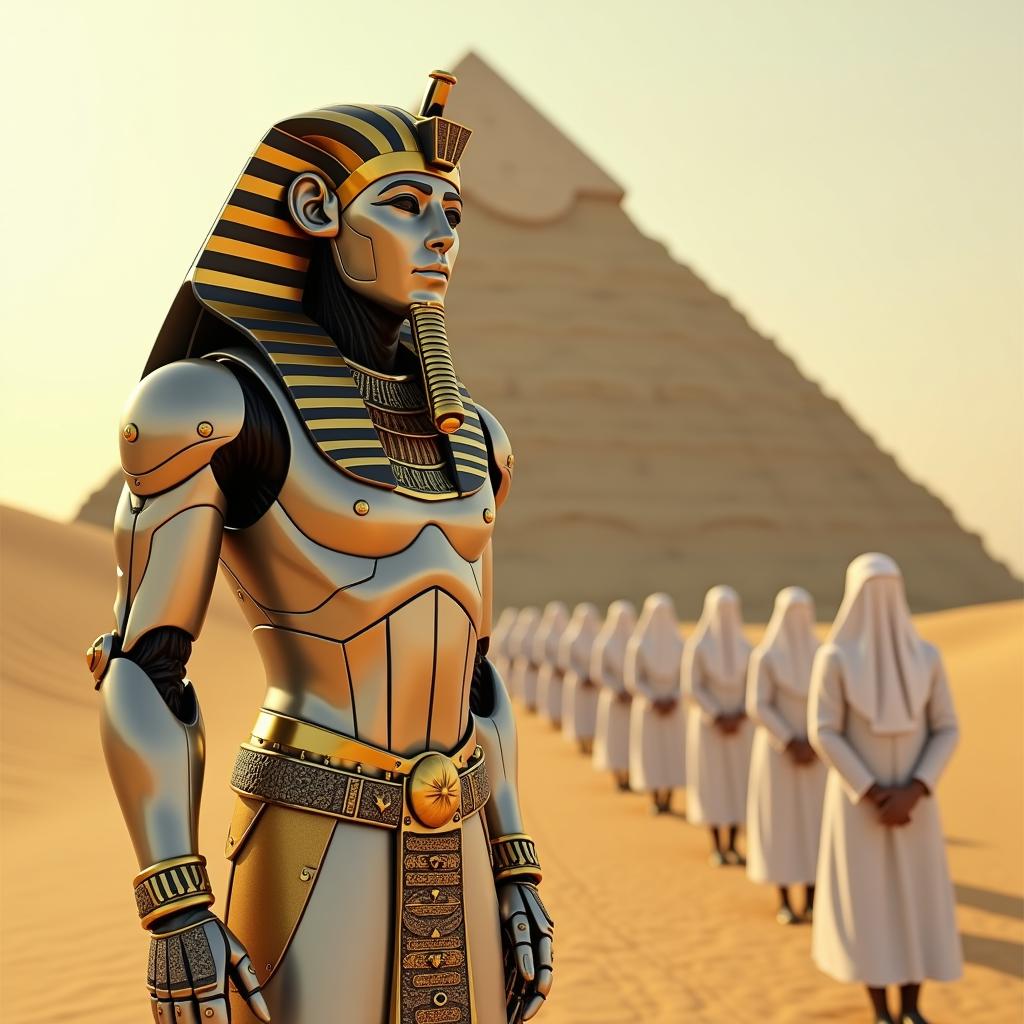
Join over 500,000 users across 200 countries who have generated more than 60 million AI images with Recraft V3.
Why Choose Pixel Dojo for re craft
Professional-quality results with cutting-edge AI technology
Effortless High-Quality Image Creation
Generate professional-grade images quickly, saving time and resources in your creative process.
Diverse Style Options
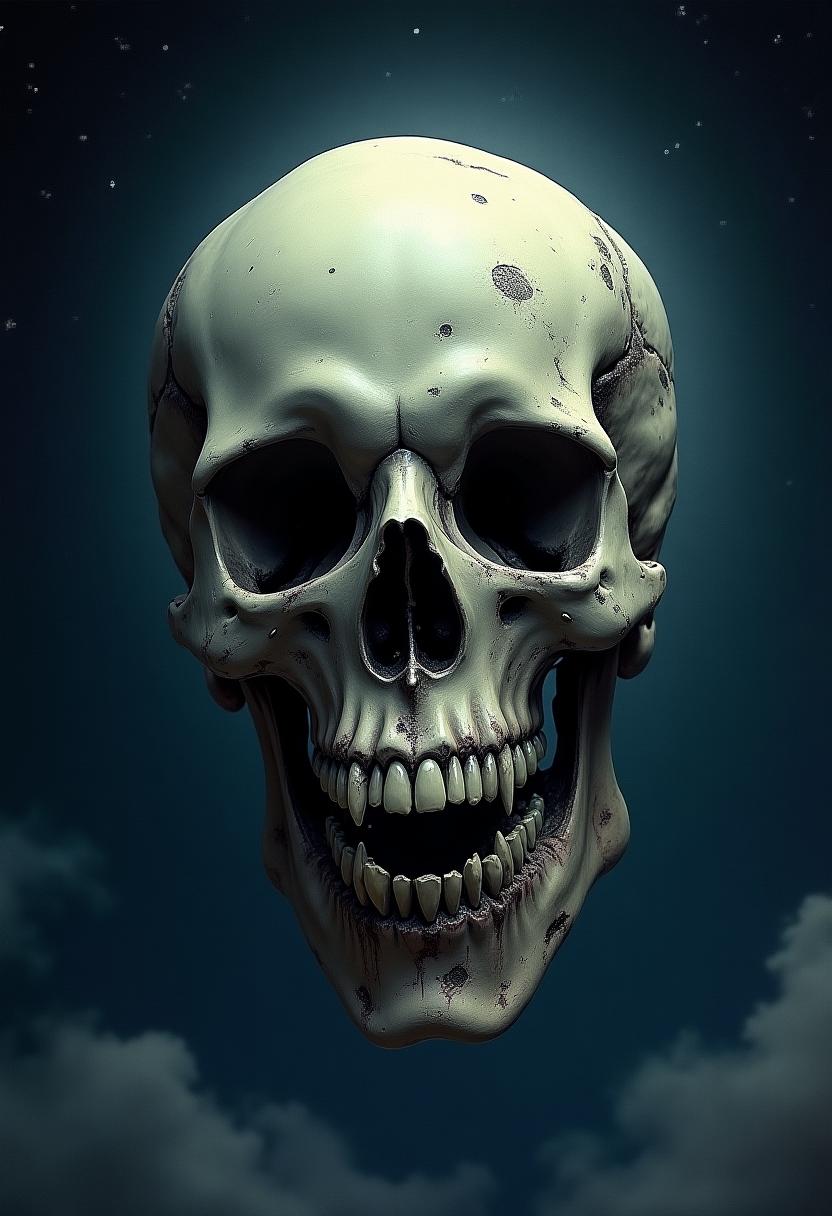
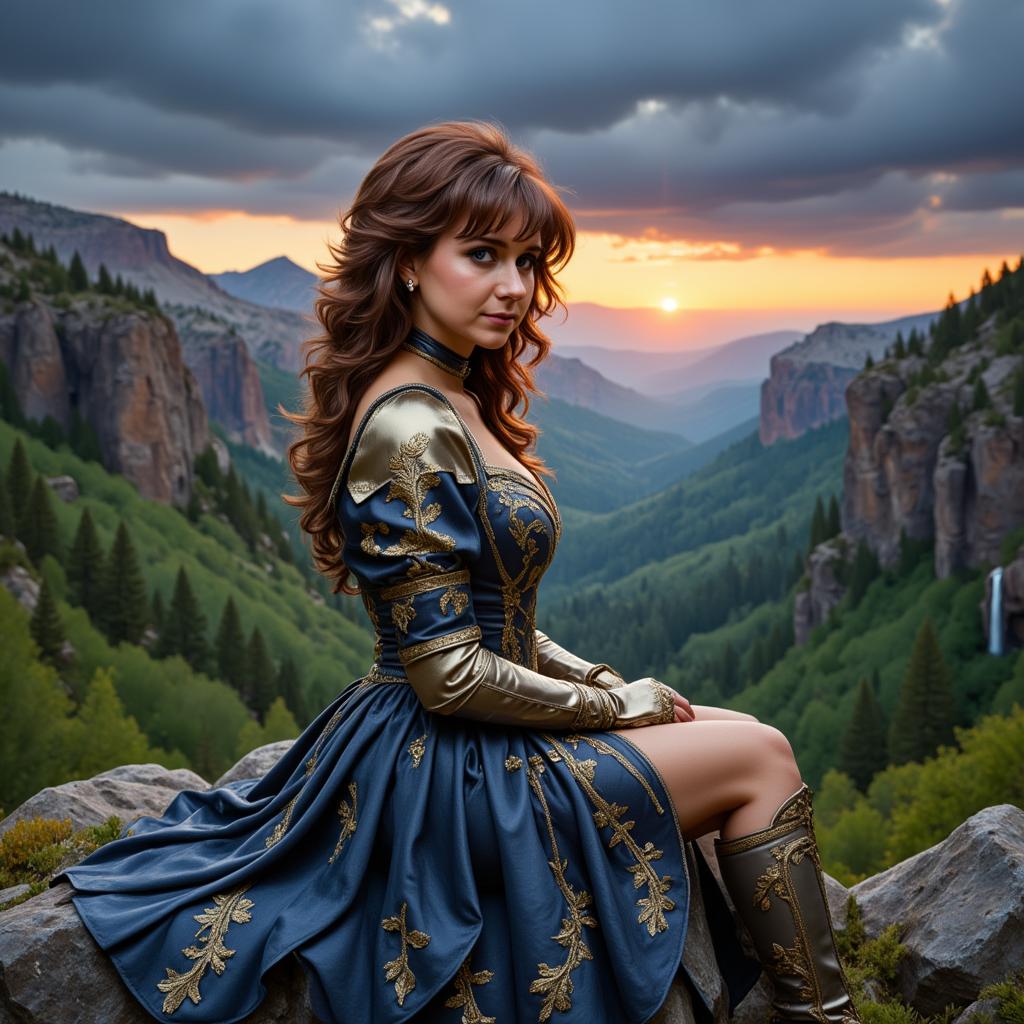
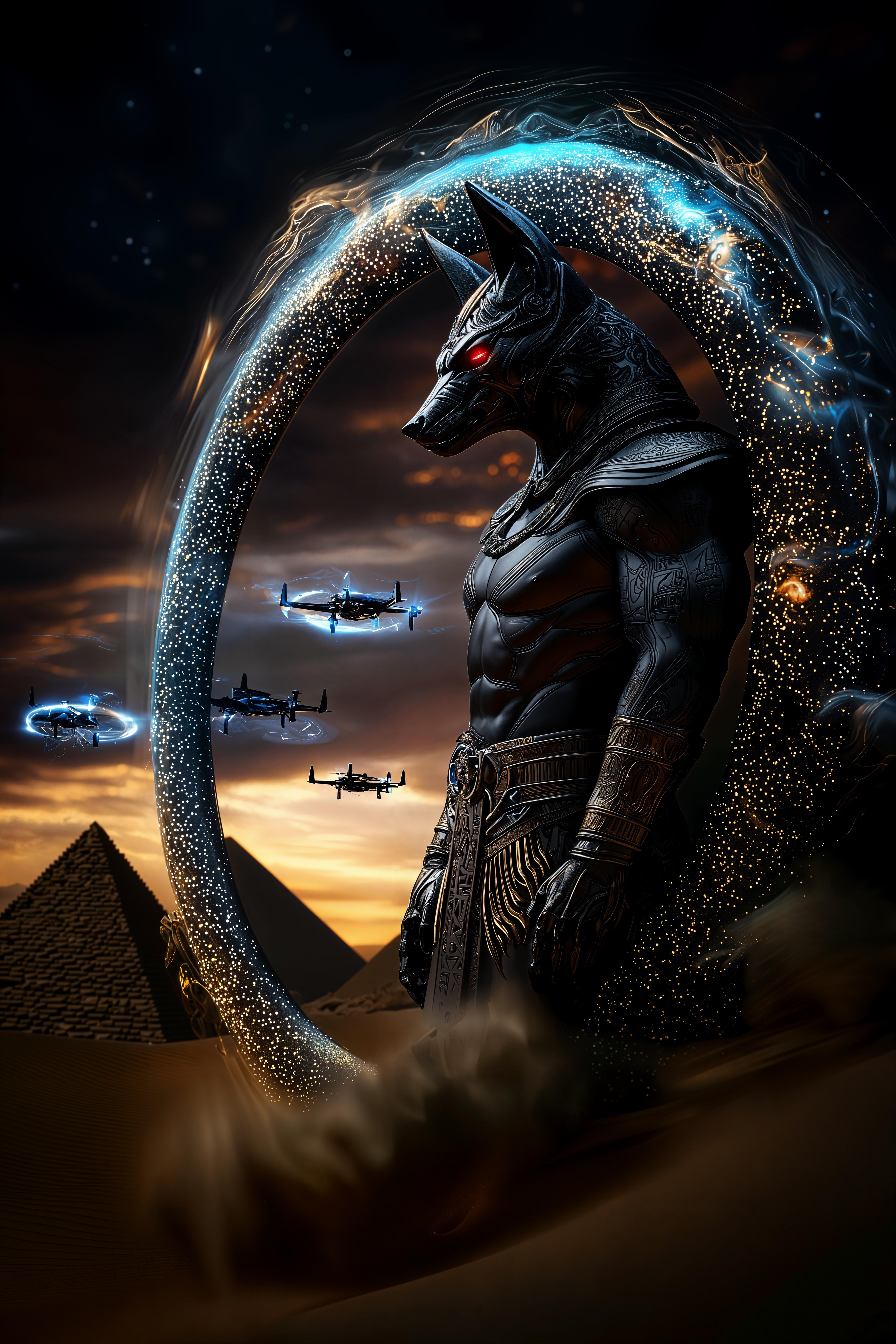
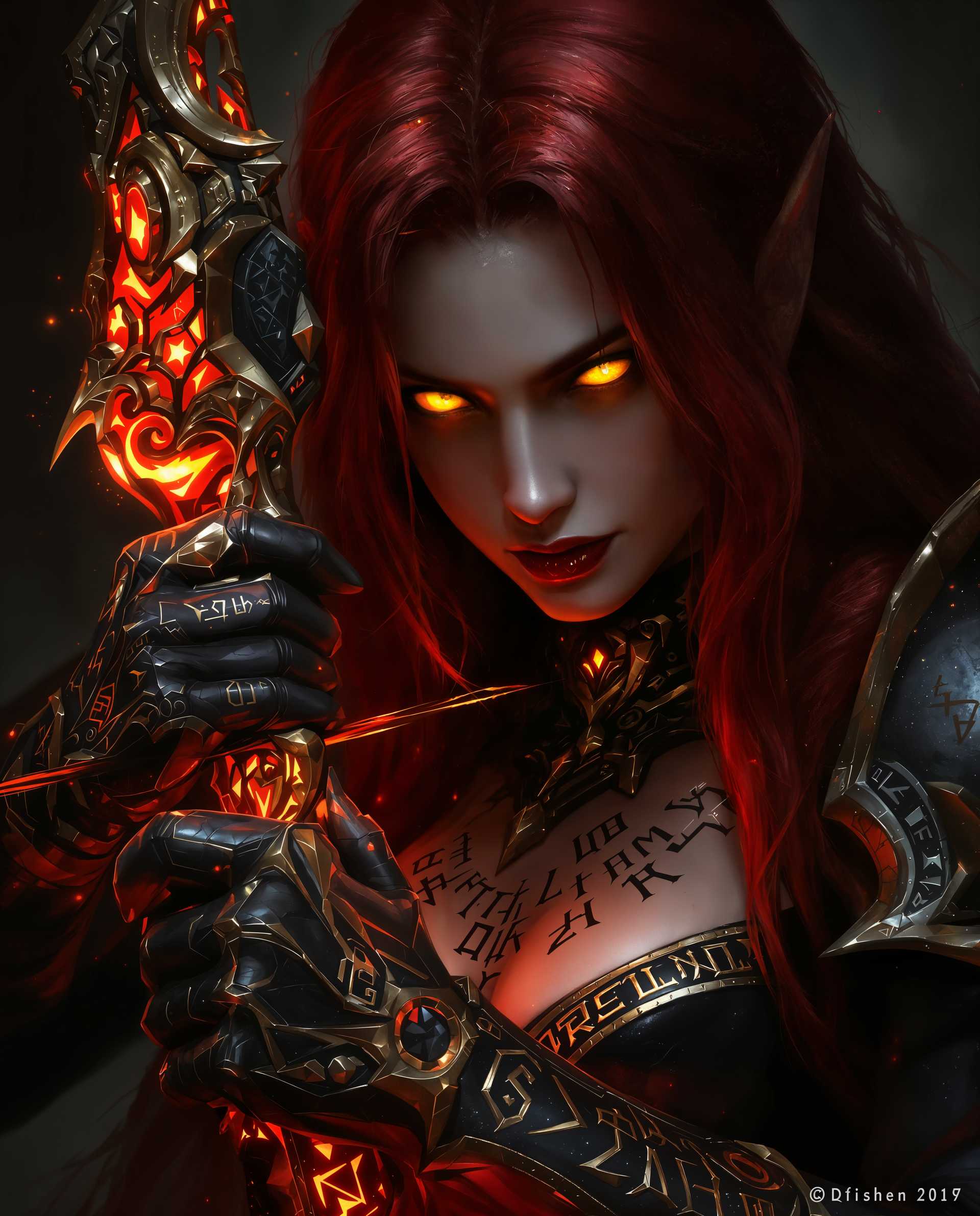
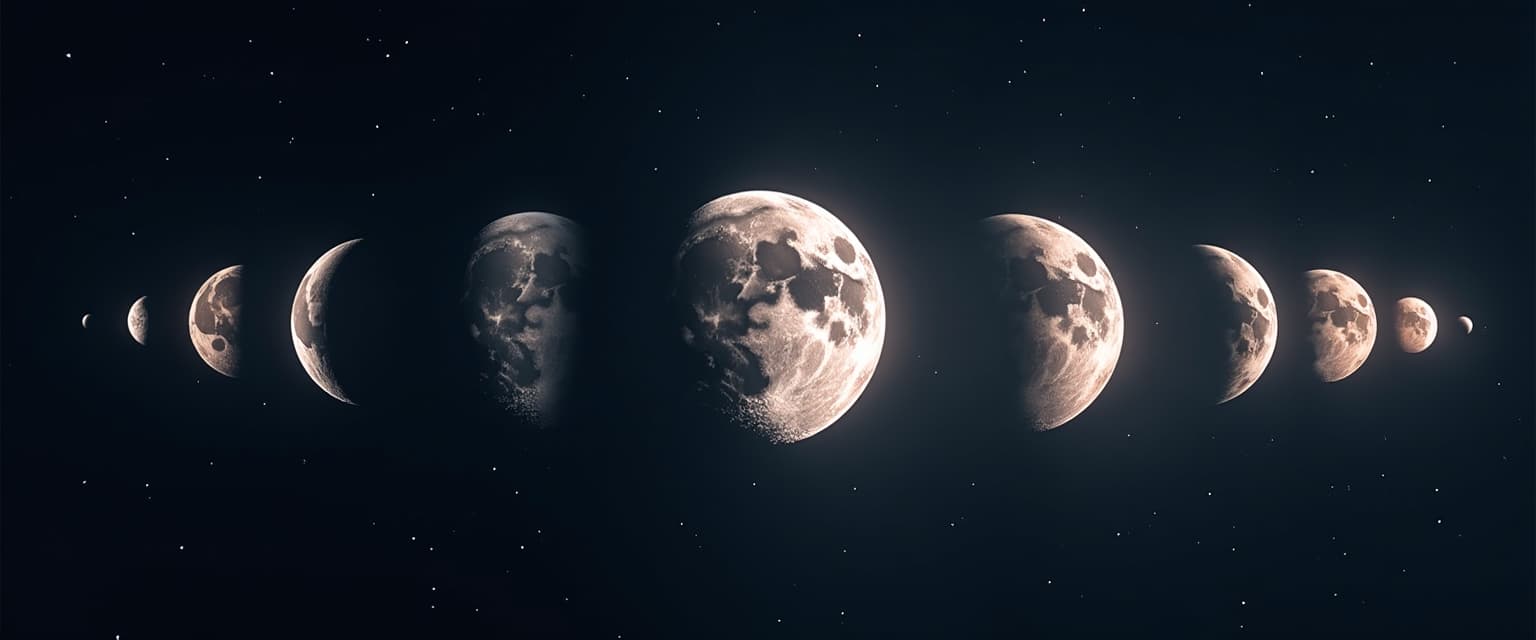
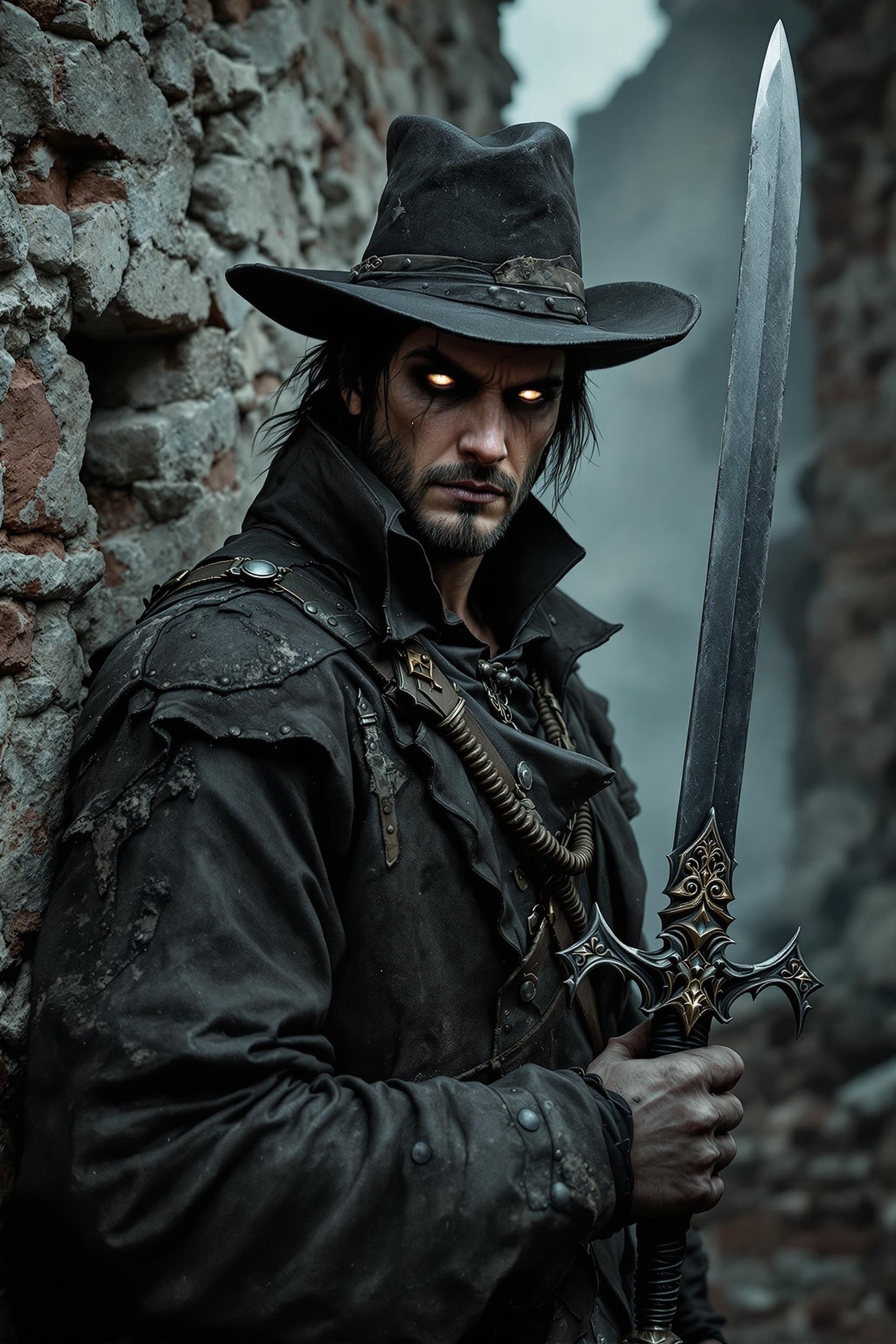
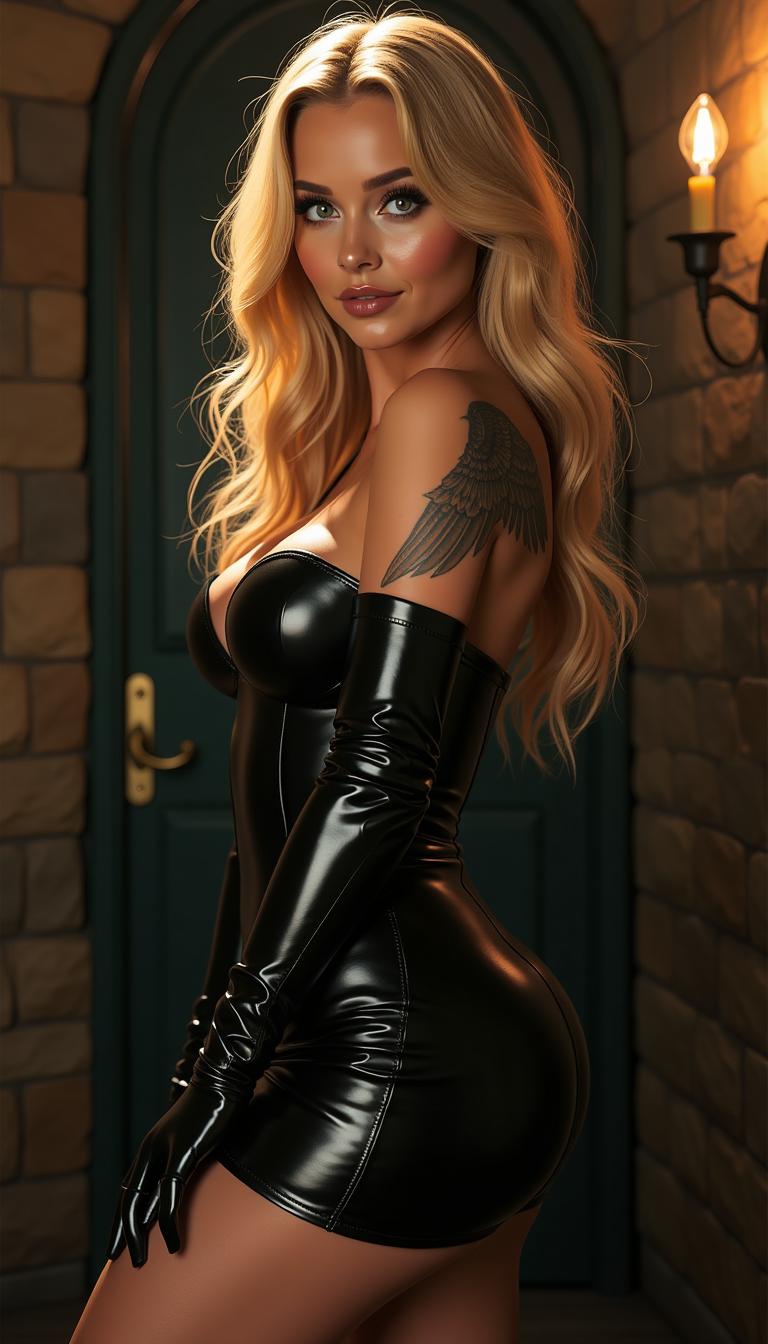
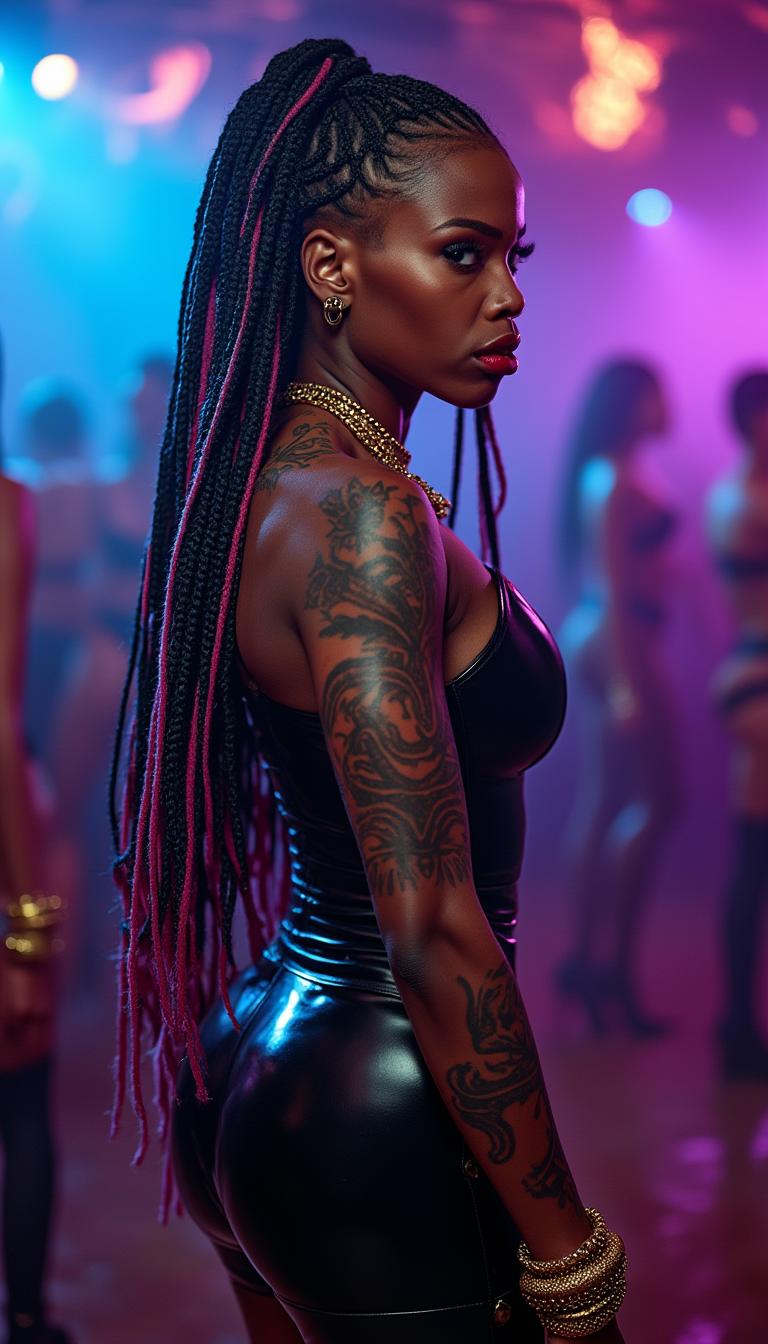
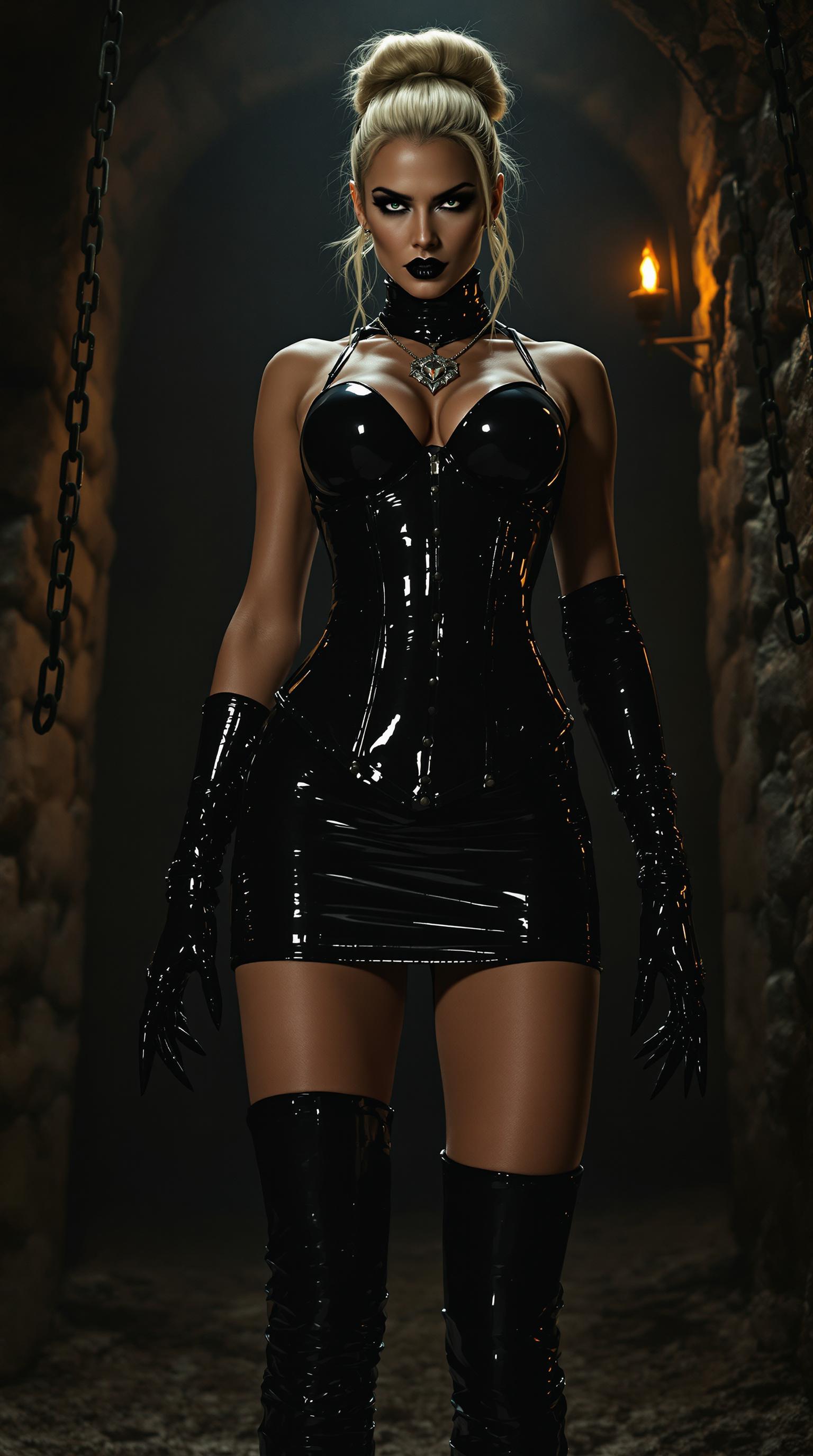
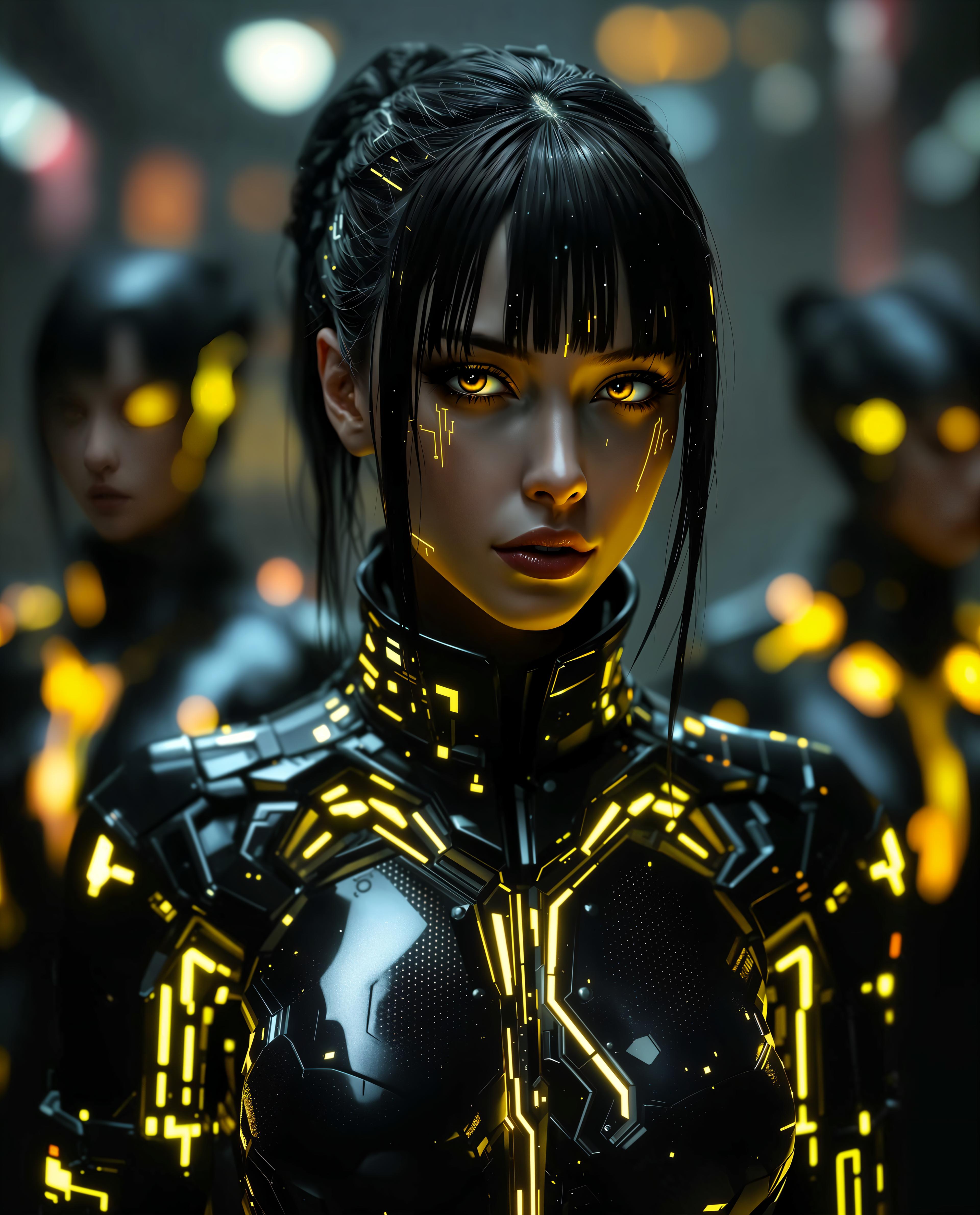
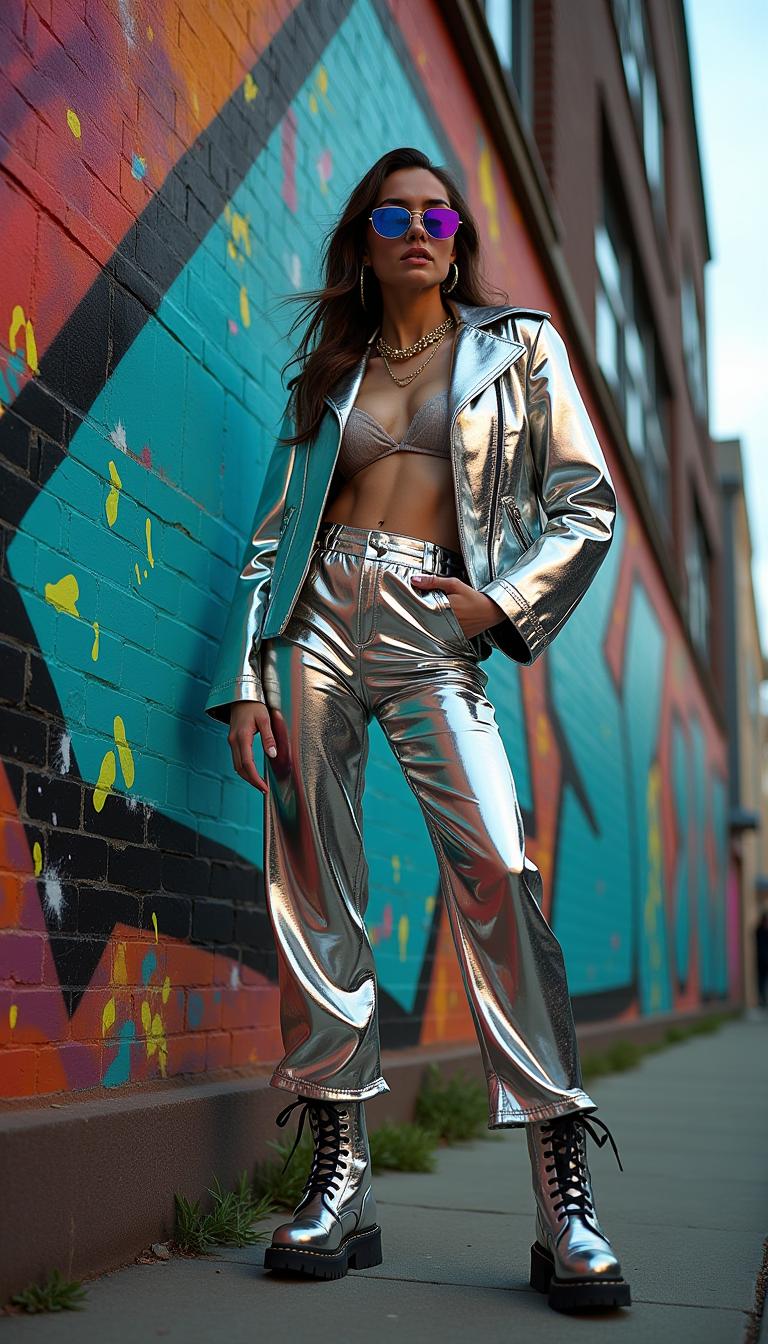
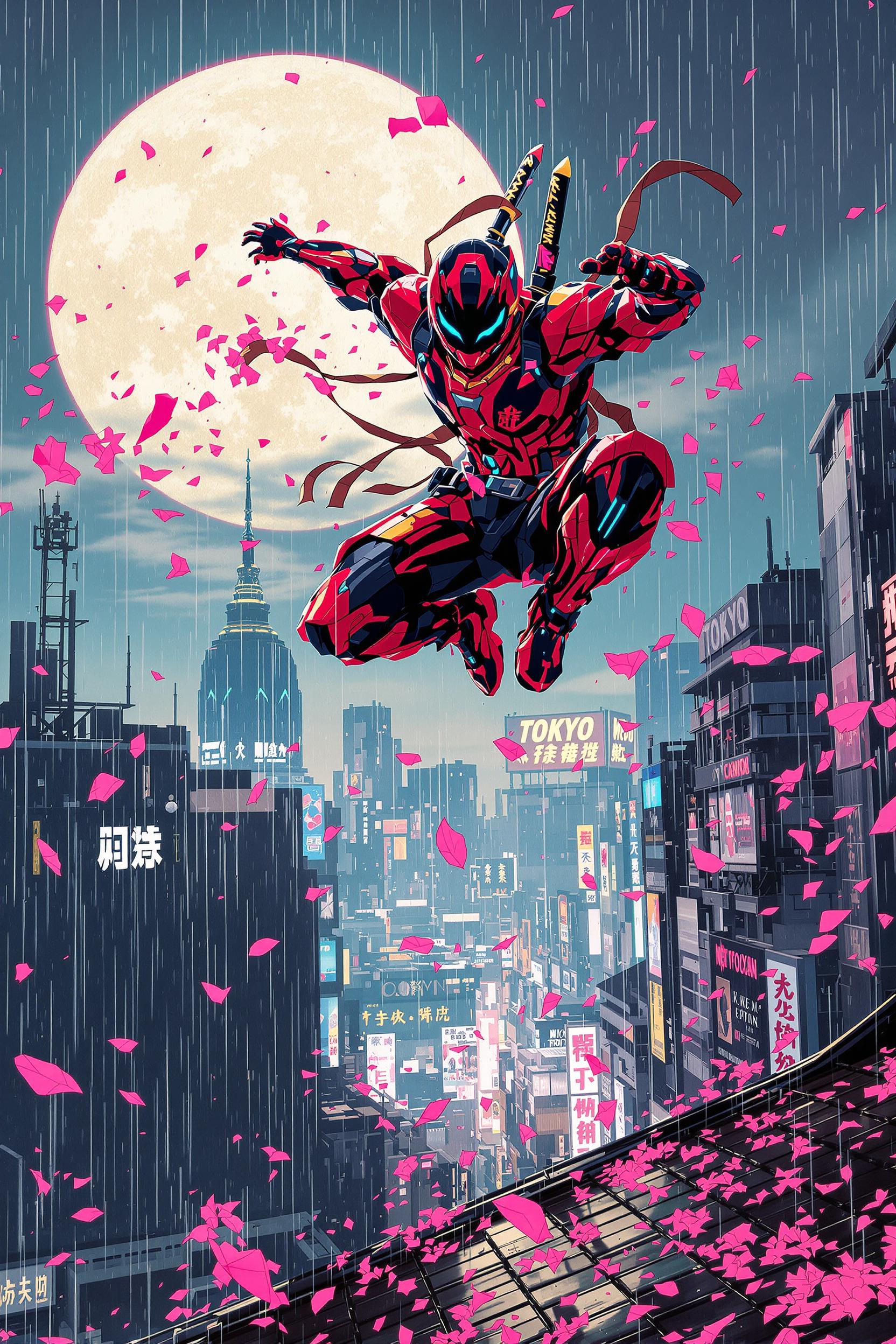
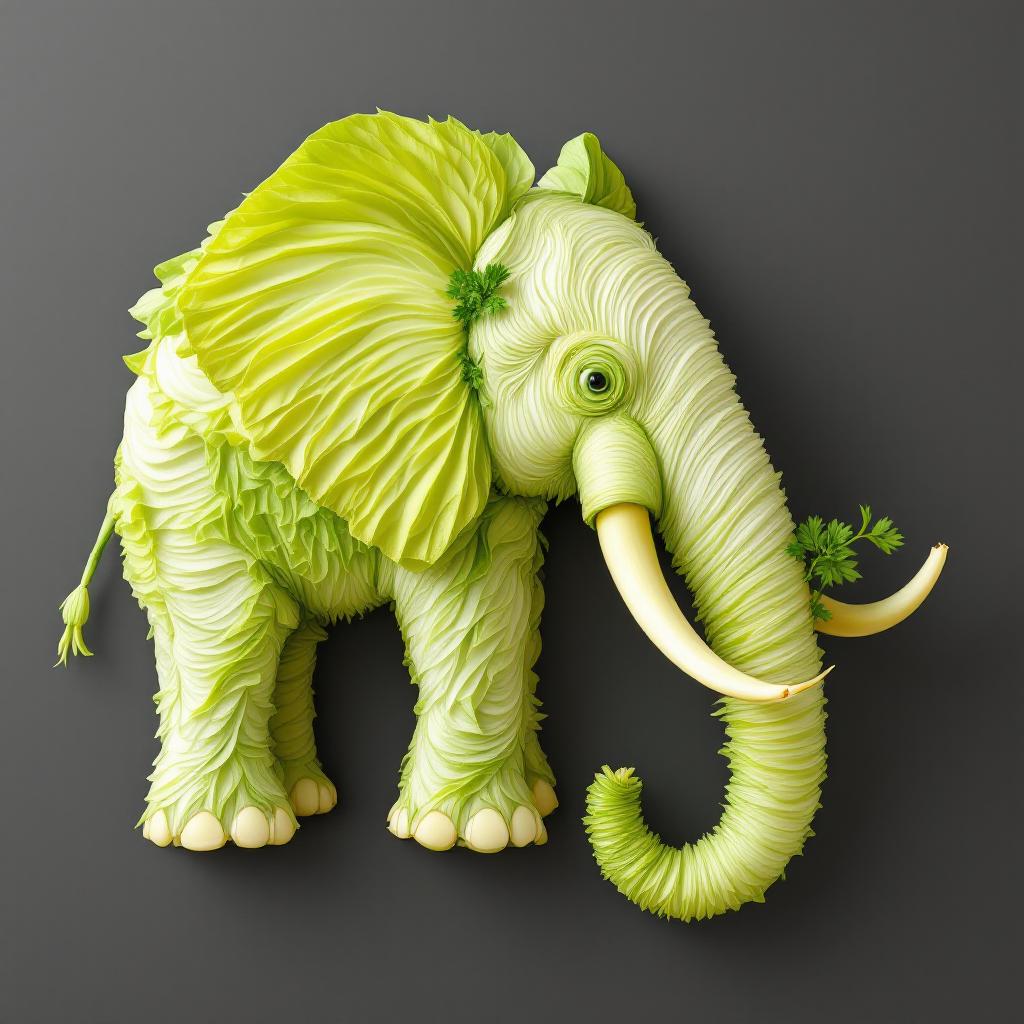
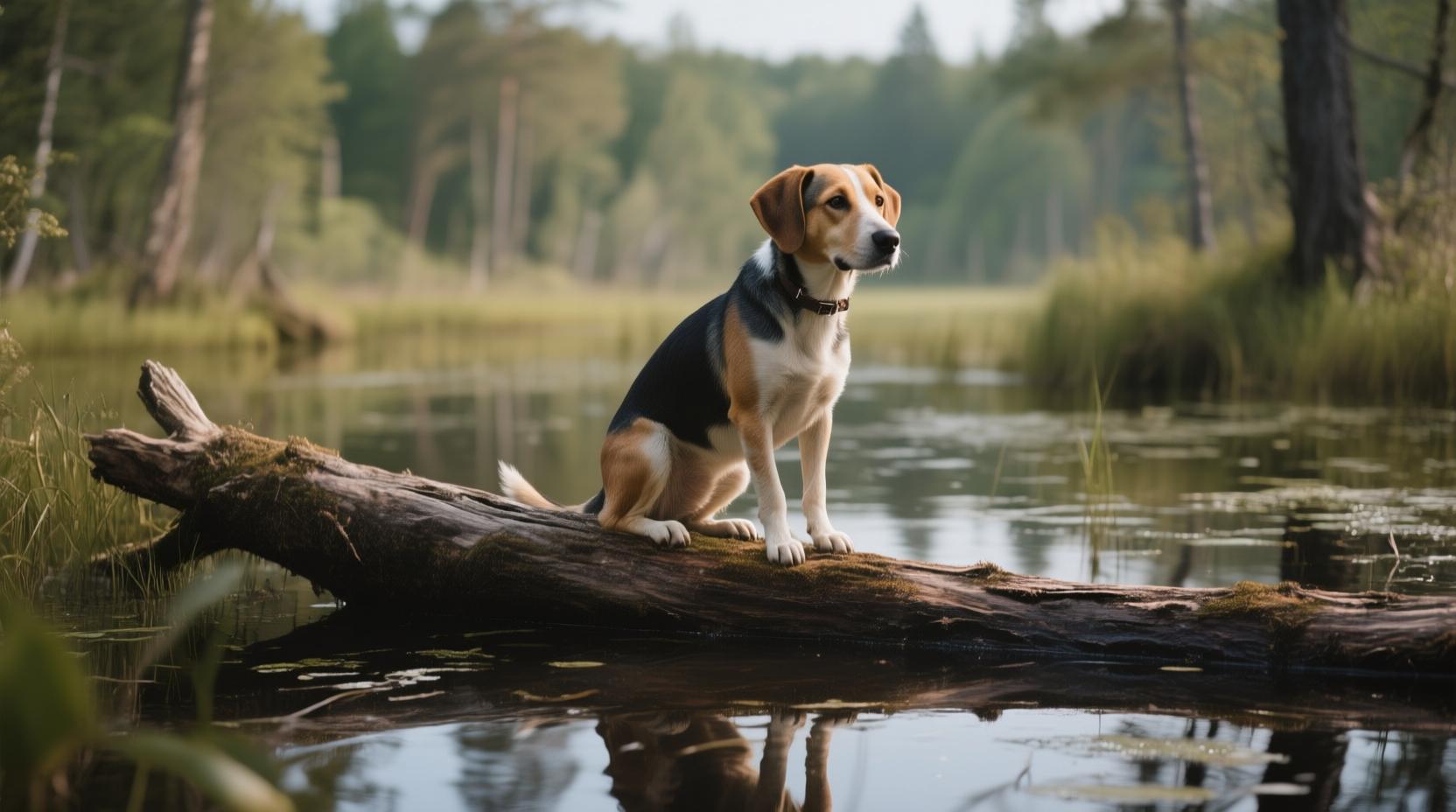
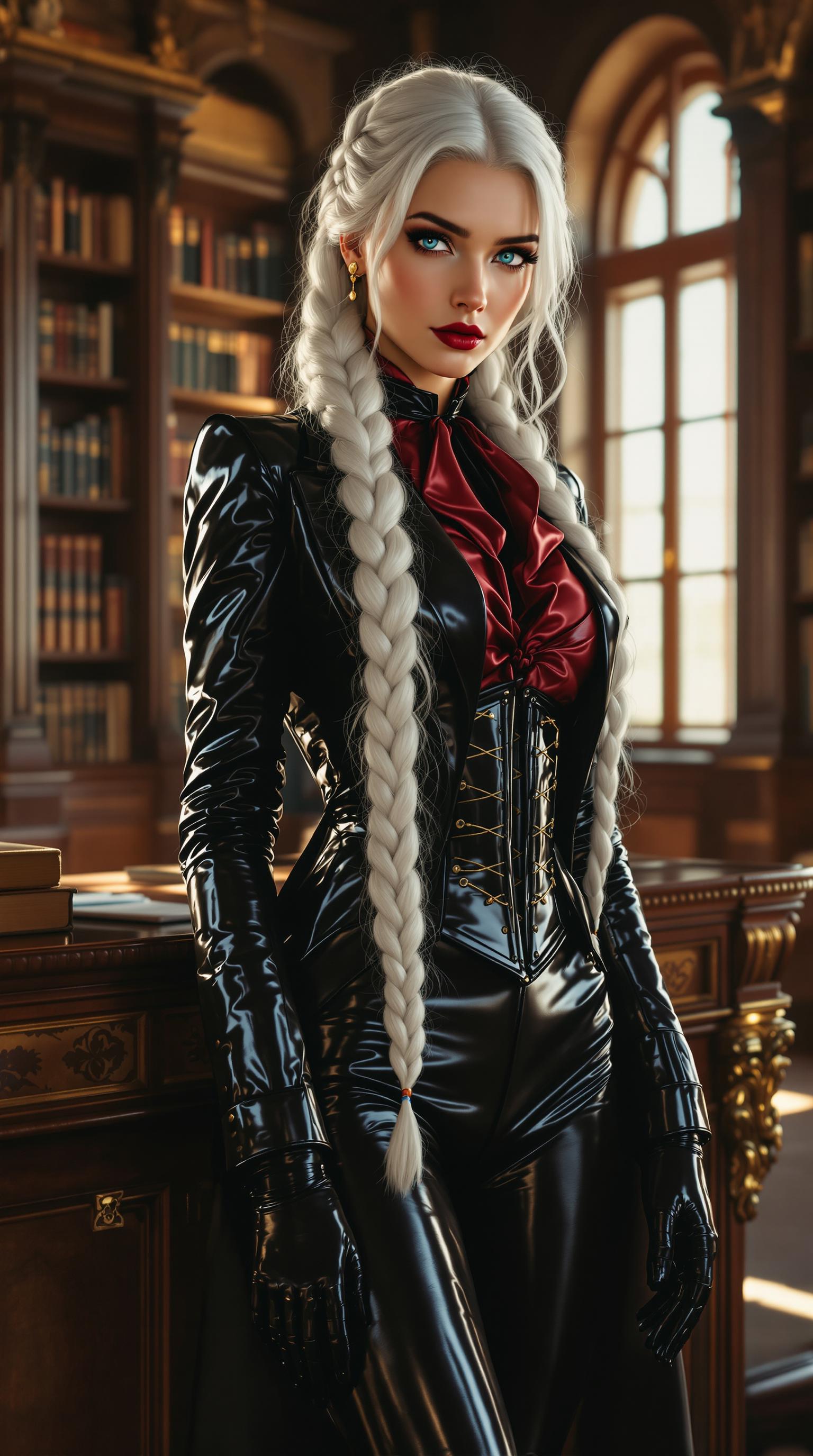
Choose from over 20 professional styles, including realistic photos, digital art, and vector illustrations, to match your creative vision.
Seamless Text Integration
Incorporate long texts into your images with precision, ensuring clarity and aesthetic appeal.
How It Works
Creating stunning AI images with Recraft V3 is simple and intuitive. Follow these steps to bring your ideas to life:
Step 1: Describe Your Vision
Enter a detailed text description of the image you want to create, specifying elements, styles, and any text to be included.
Step 2: Select Your Style
Choose from Recraft's extensive library of styles to match the mood and aesthetic of your project.
Step 3: Generate and Refine
Click 'Generate' to create your image. Use Recraft's editing tools to adjust text placement, colors, and other elements as needed.
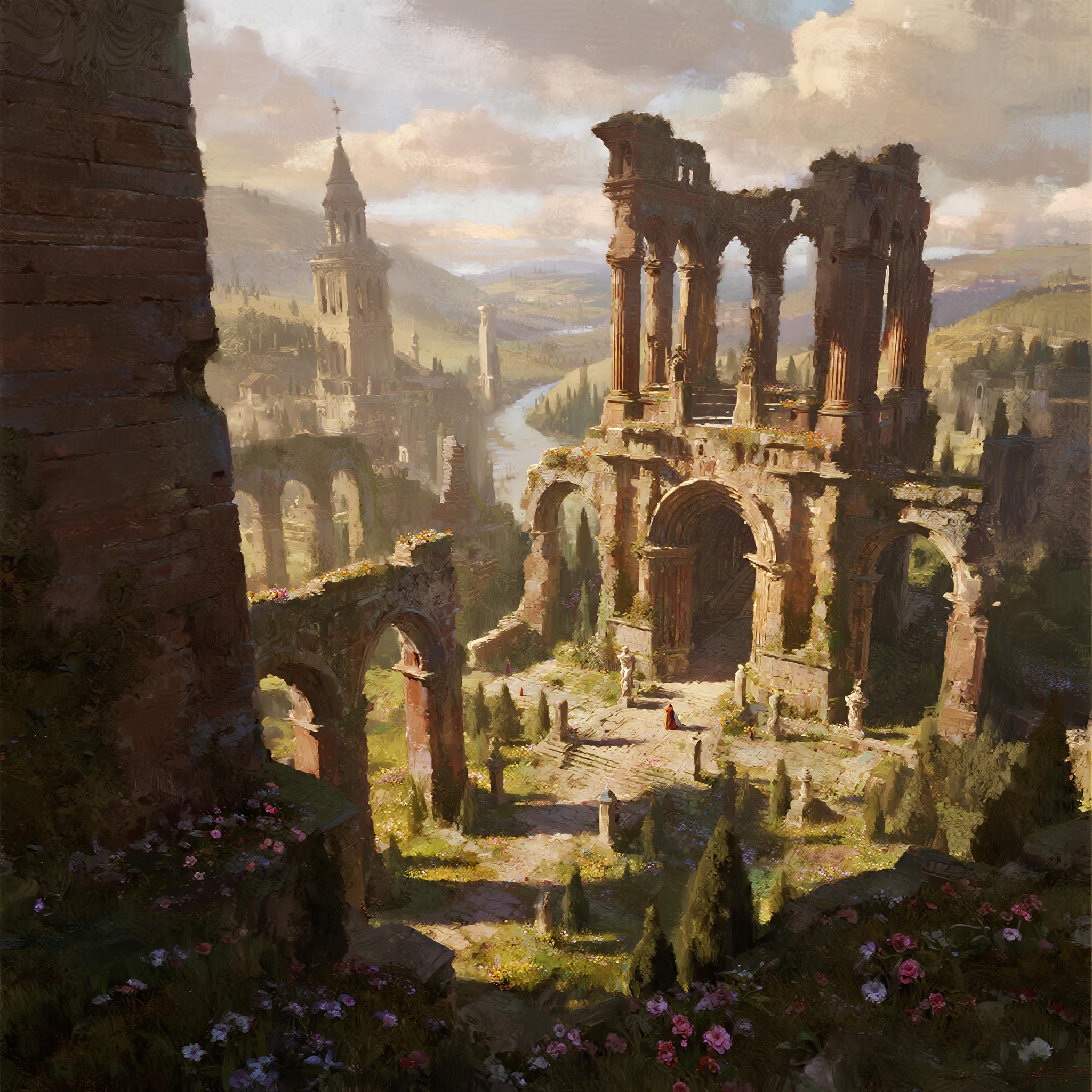

The Pixel Dojo Advantage
Why Recraft V3 outperforms other options for AI image generation:
| Others | Pixel Dojo |
|---|---|
| Traditional Design Software | Eliminates the steep learning curve and time-consuming processes associated with traditional design tools. |
| Other AI Image Generators | Offers superior text integration capabilities, allowing for longer and more complex text within images. |
| Manual Illustration | Significantly reduces the time and effort required to create detailed illustrations and vector art. |
Loved by Creators
See what our community says about re craft
"Recraft V3 has revolutionized my design workflow. The ability to integrate long texts seamlessly into images is a game-changer."
Alex Johnson
Graphic Designer
"The variety of styles and the precision of text placement make Recraft V3 an indispensable tool for my creative projects."
Maria Lopez
Digital Artist
Common Questions
Everything you need to know about re craft AI generation
How does Recraft V3 handle text integration in images?
Recraft V3 allows you to incorporate long texts into your images with precise control over placement and size, ensuring clarity and aesthetic appeal.
Can I create vector graphics with Recraft V3?
Yes, Recraft V3 supports vector image generation, enabling you to create scalable graphics suitable for various applications.
What styles are available in Recraft V3?
Recraft V3 offers over 20 professional styles, including realistic photos, digital art, and vector illustrations, to match your creative vision.
Is Recraft V3 suitable for beginners?
Absolutely! Recraft V3's intuitive interface makes it accessible for users of all skill levels, from beginners to seasoned professionals.
Can I edit images after generating them with Recraft V3?
Yes, Recraft V3 provides a suite of editing tools that allow you to refine and customize your images after generation.
Is there a cost to use Recraft V3?
Recraft V3 offers a free plan with daily credits, allowing you to create and experiment without any initial investment.