realistic ai image AI Generator
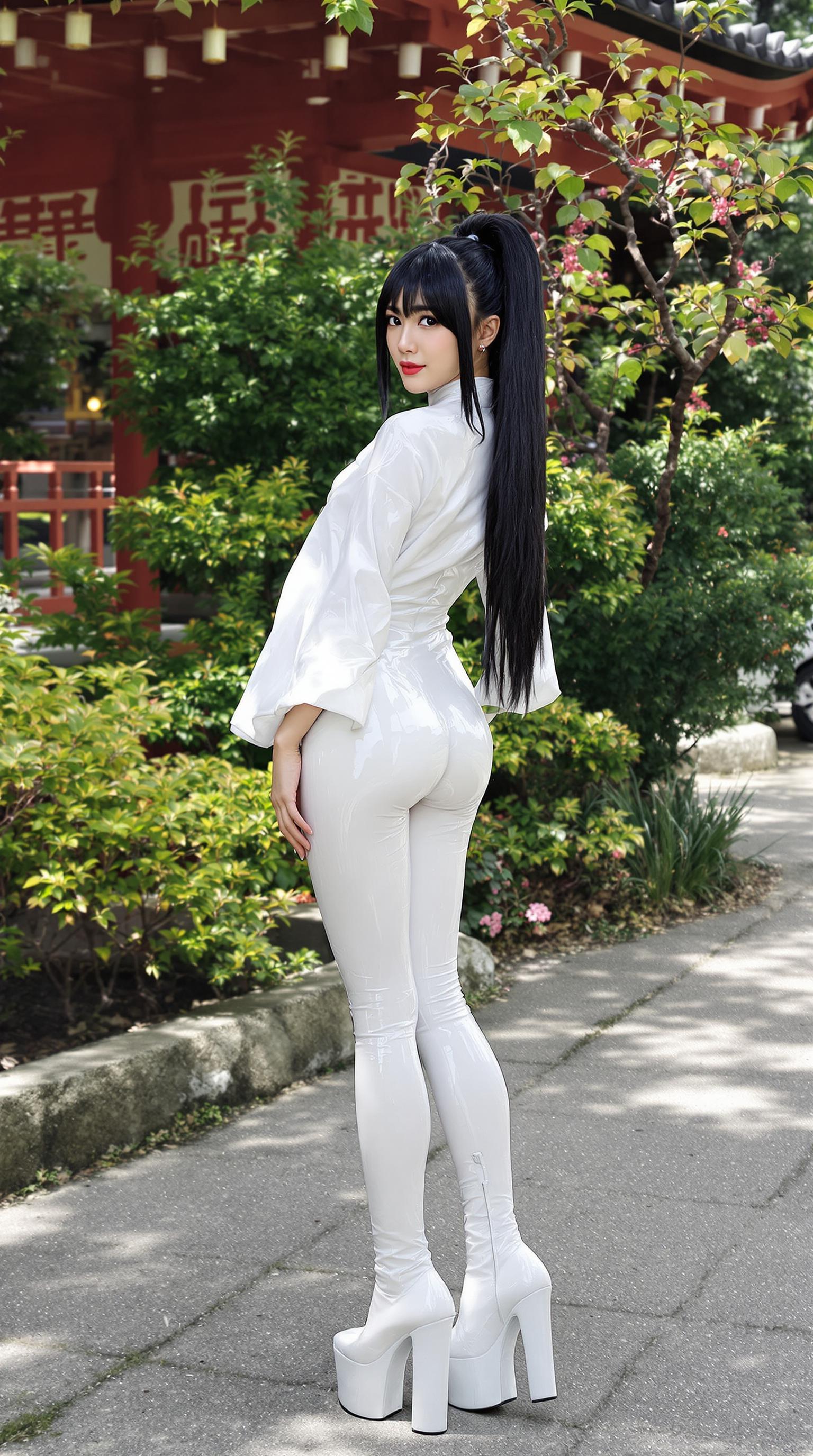
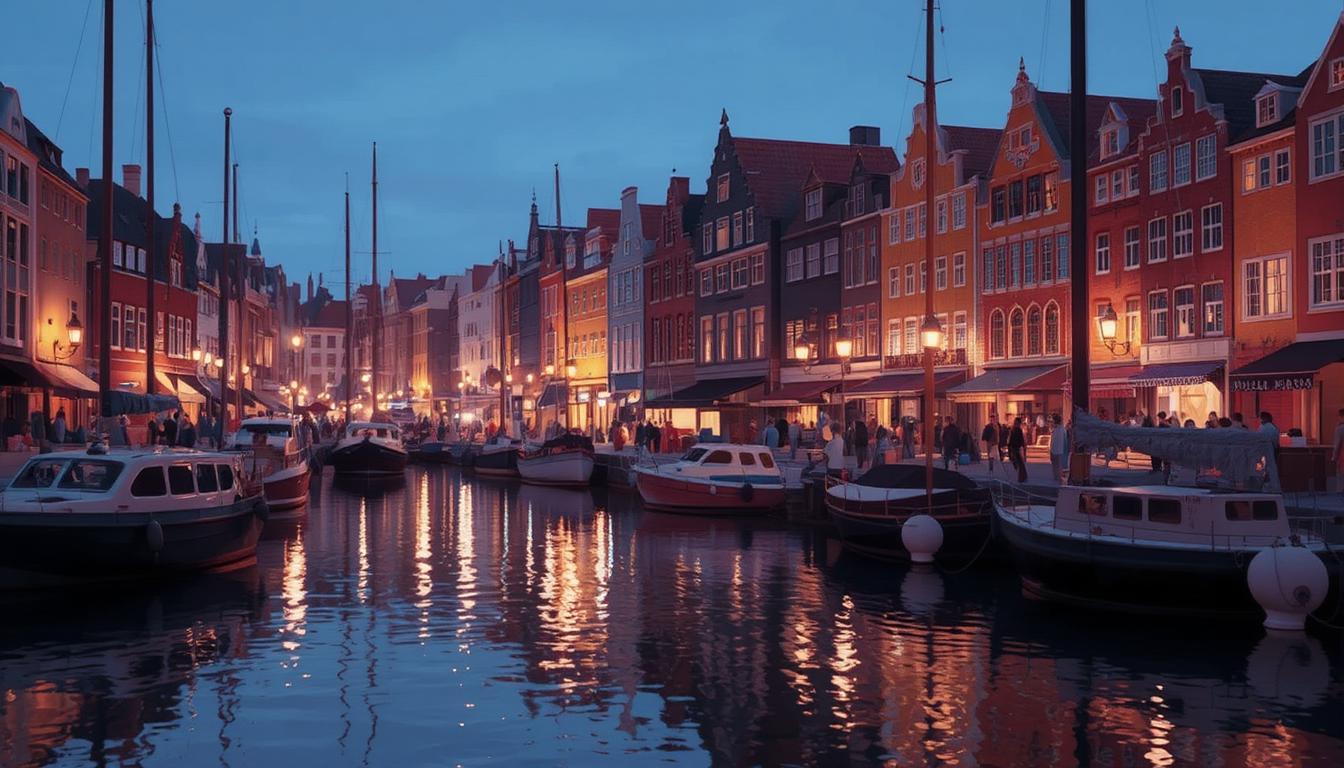
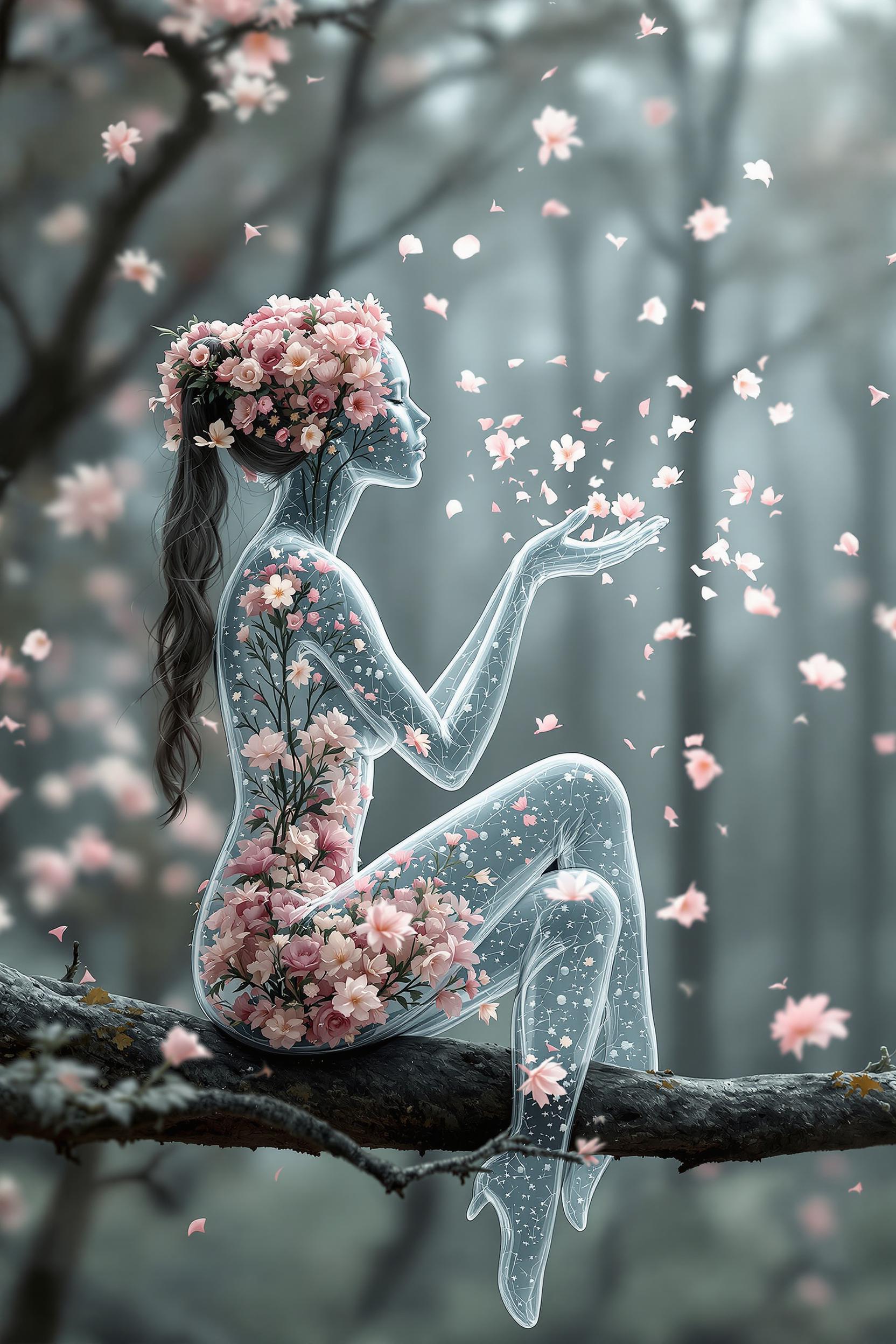
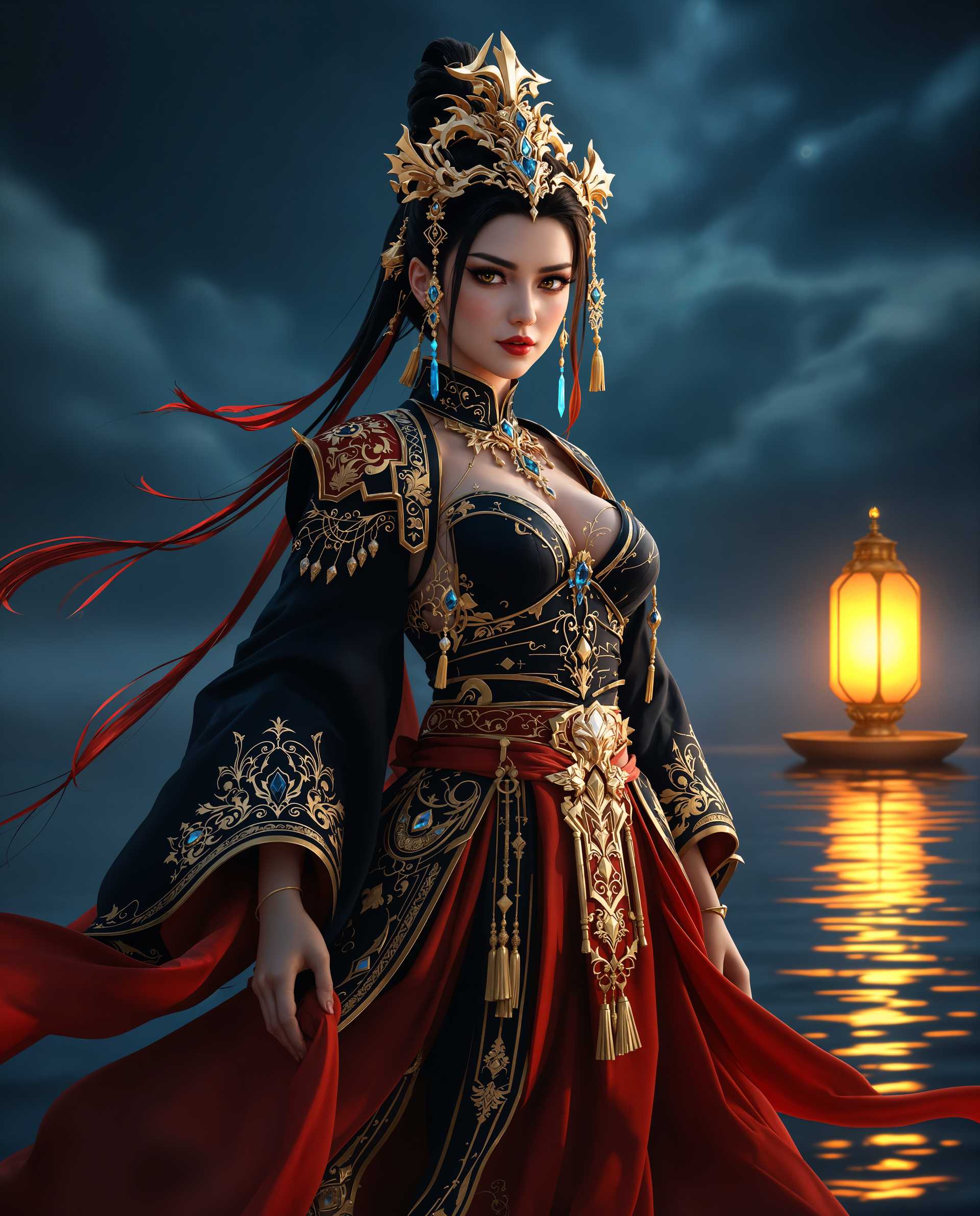
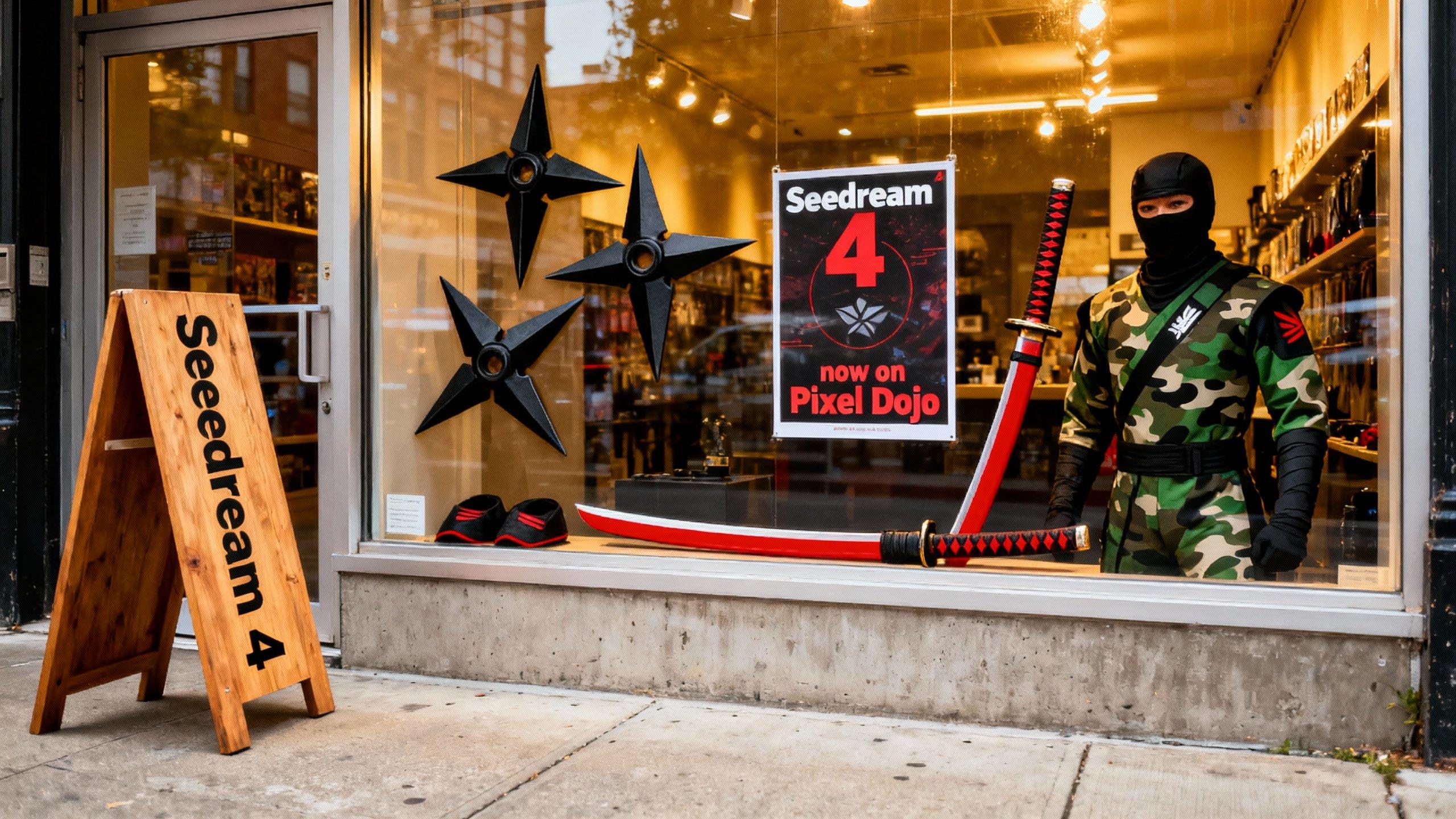
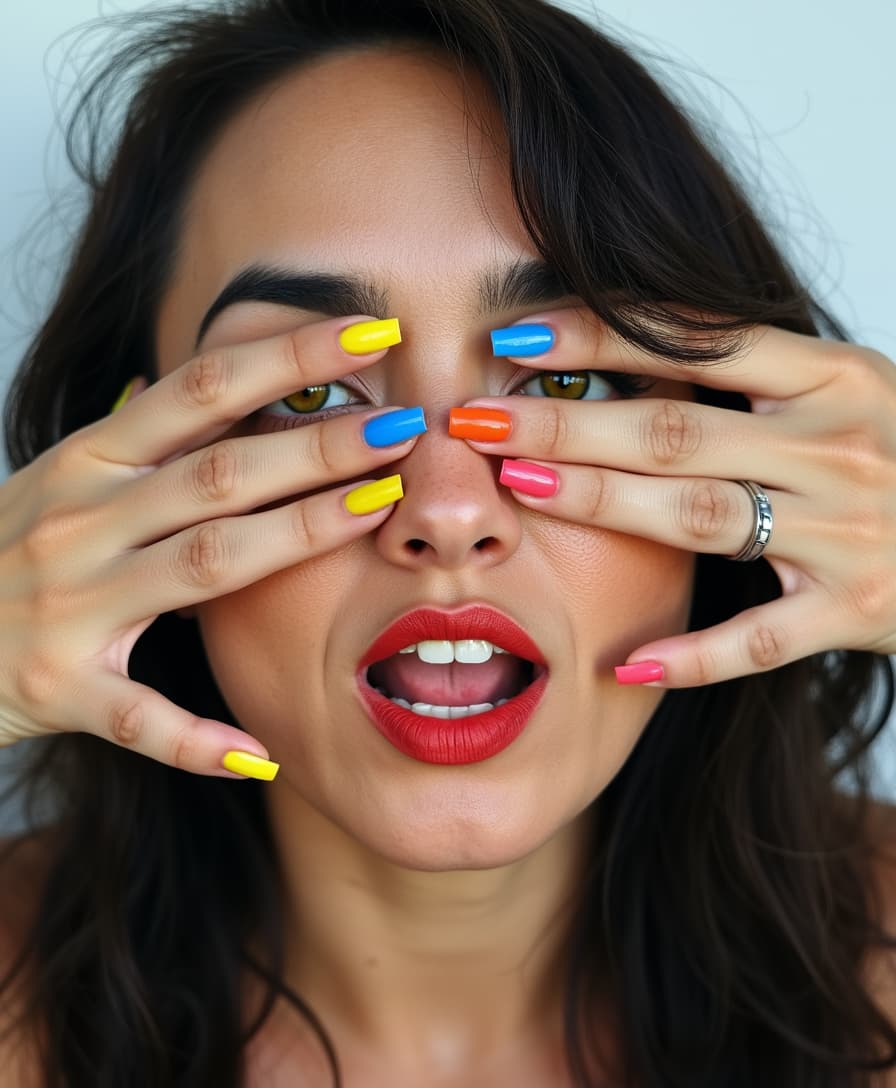
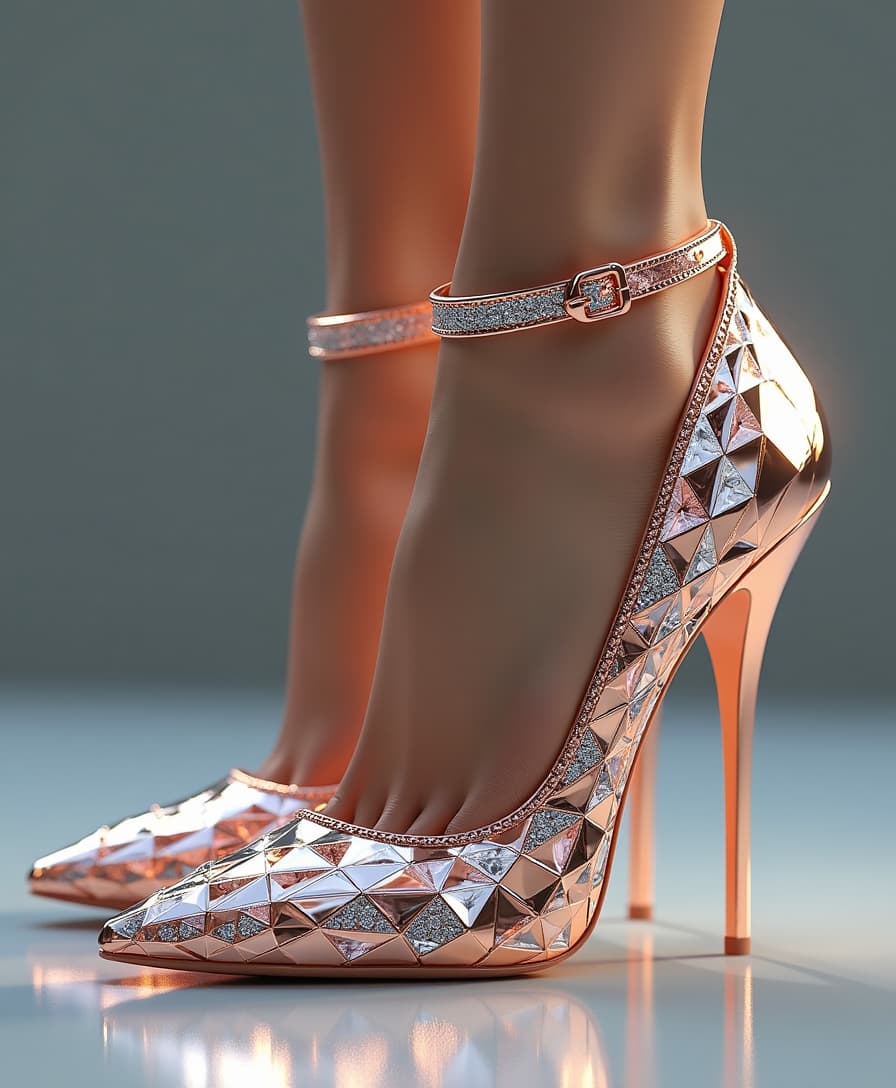
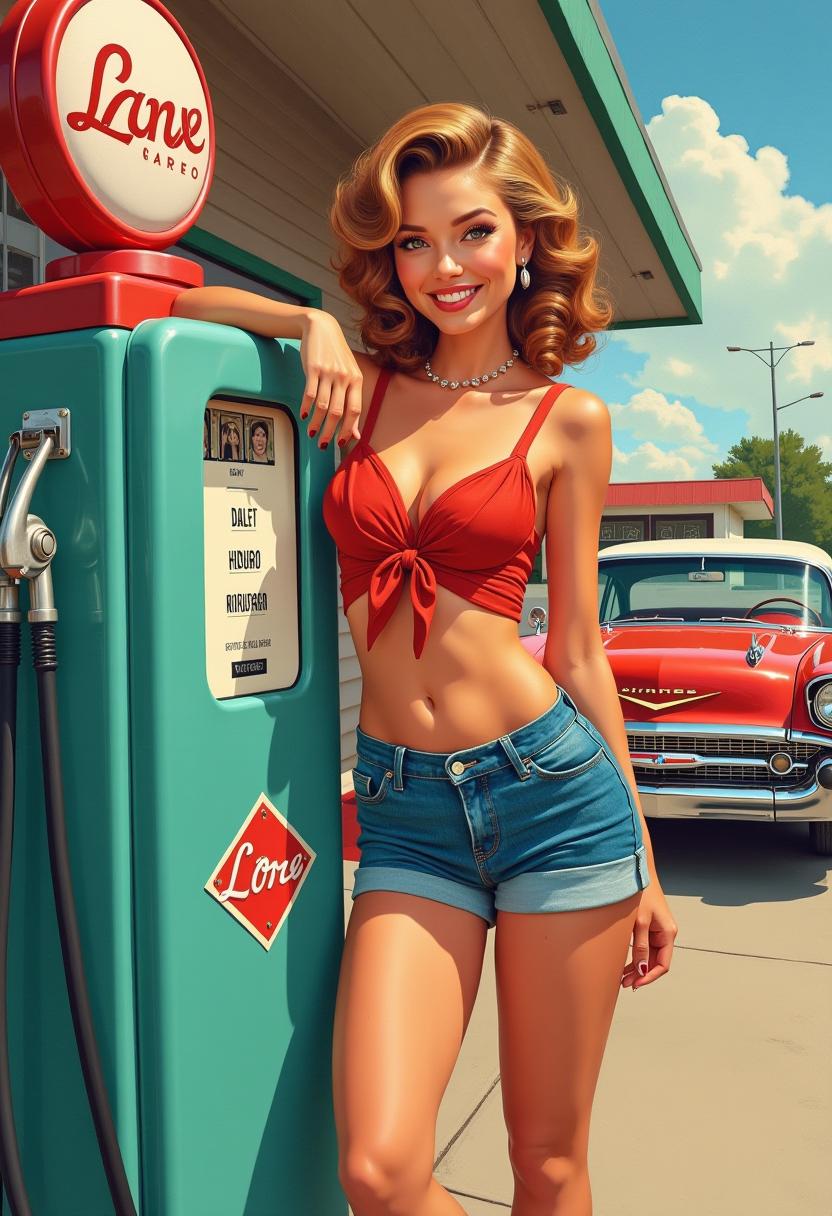
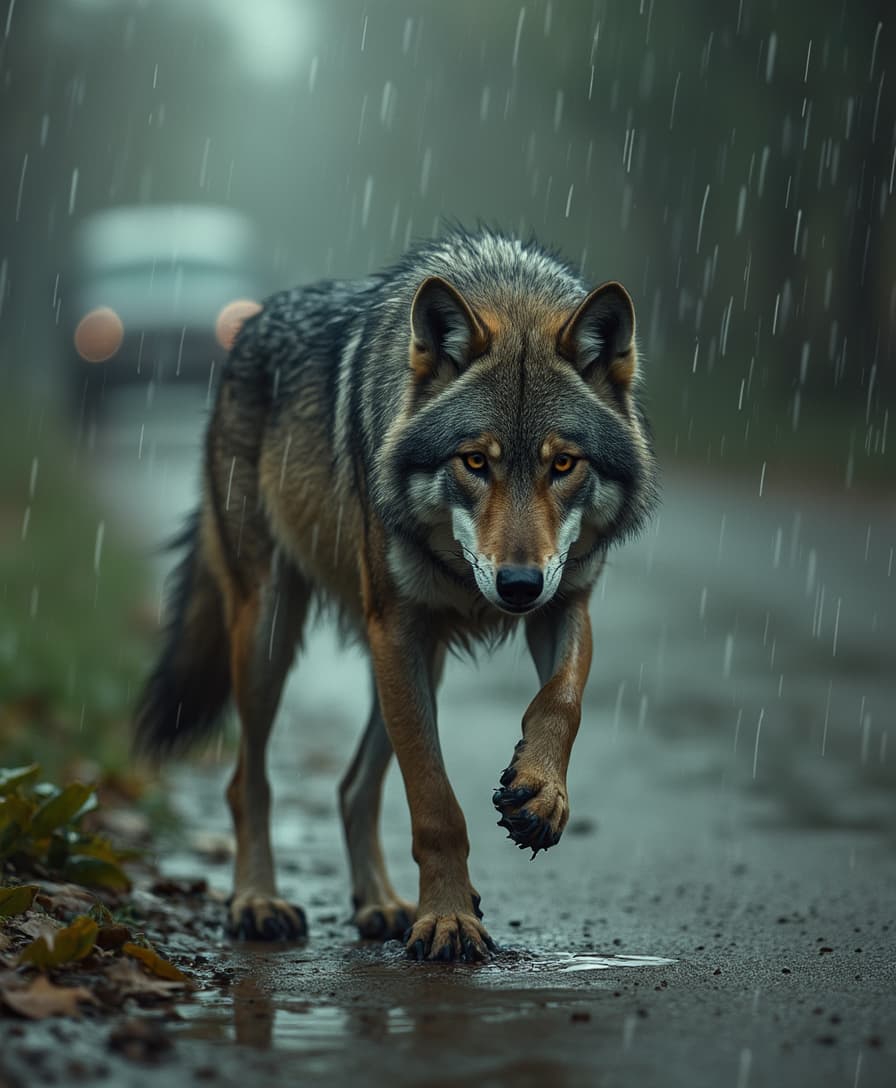
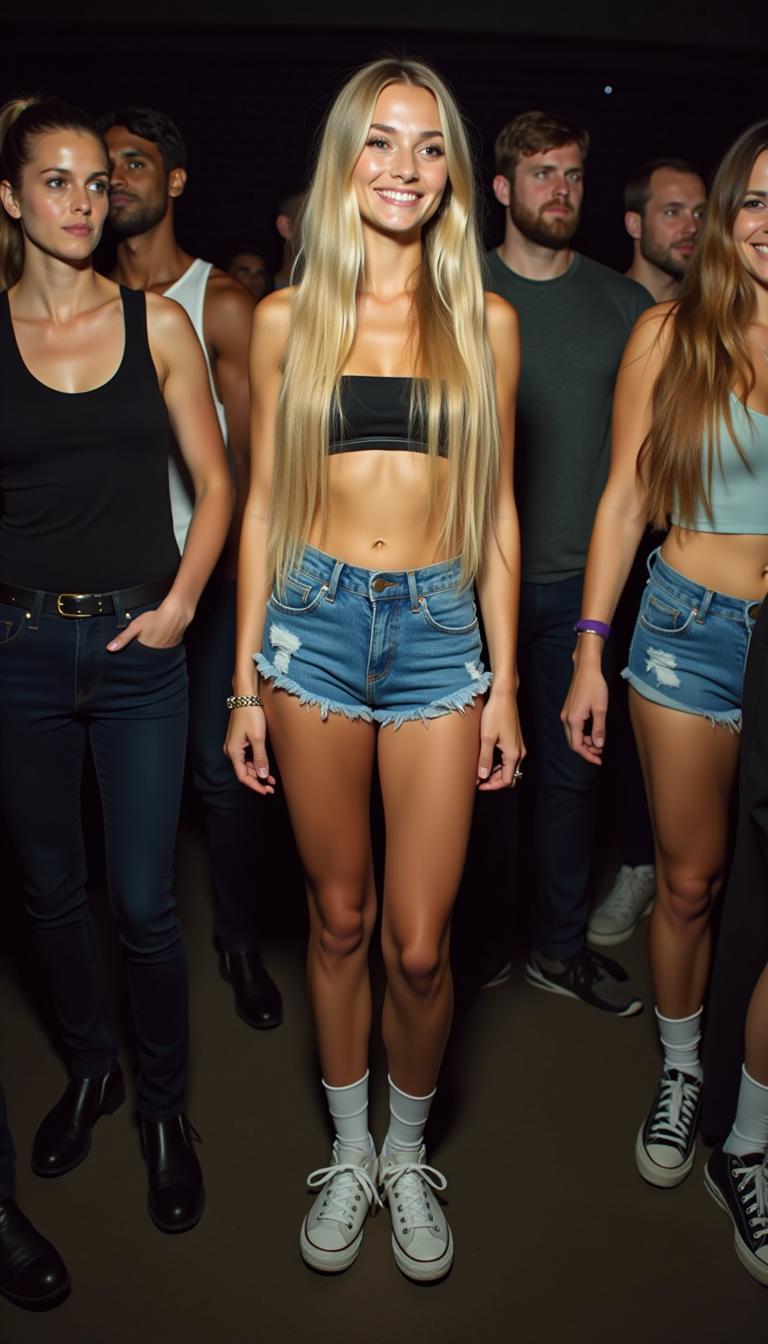
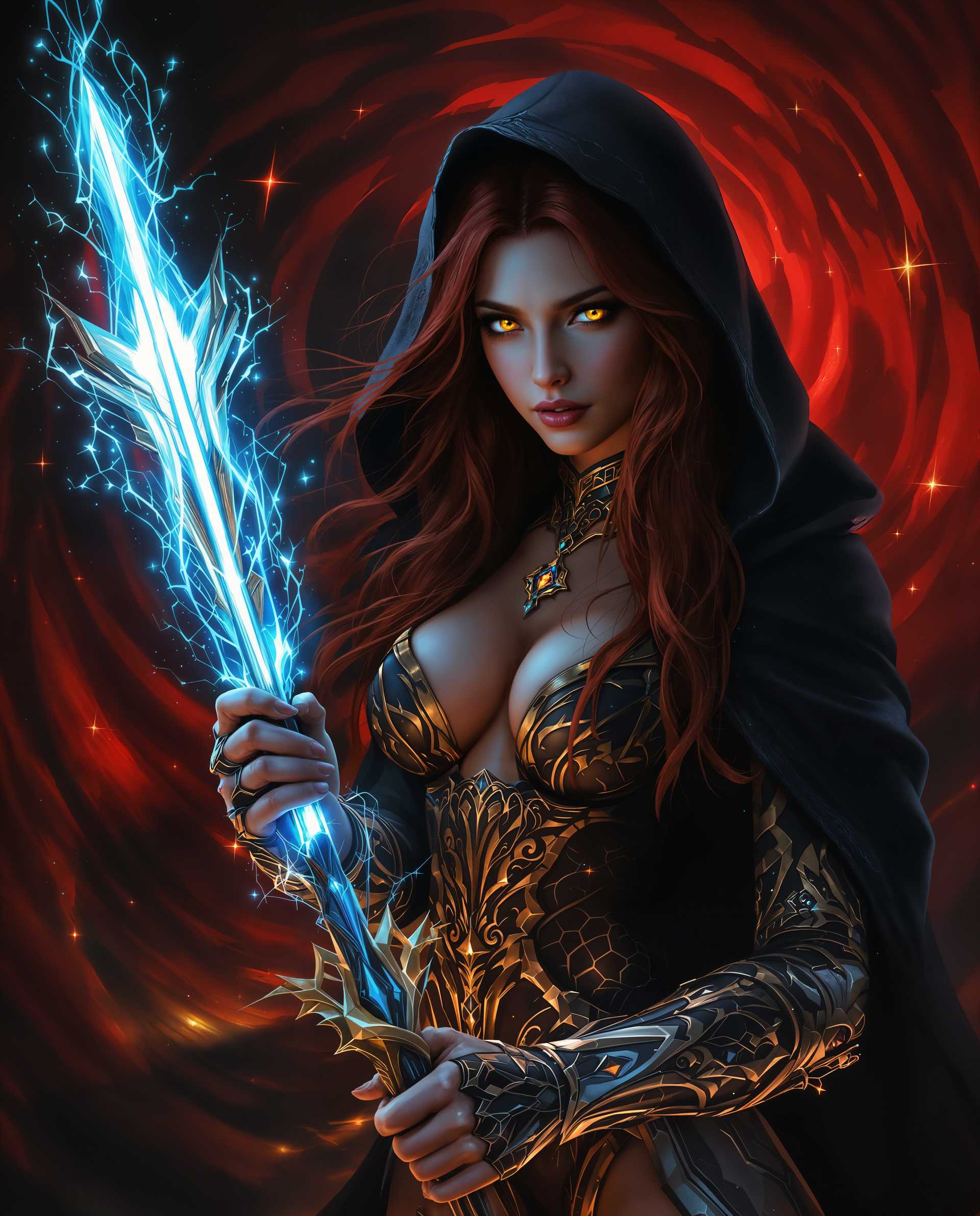
Imagine bringing your creative visions to life with images so realistic they blur the line between AI-generated art and actual photography. With PixelDojo's suite of advanced AI tools, you can effortlessly create photorealistic images tailored to your specific needs. Whether you're a marketer seeking compelling visuals, a designer crafting detailed concepts, or an artist exploring new mediums, PixelDojo empowers you to achieve stunning, lifelike results without the need for extensive technical expertise.
Join over 10,000 satisfied creators who have transformed their projects with PixelDojo's AI tools. Rated 4.8/5 based on 2,500+ reviews.
Why Choose Pixel Dojo for realistic ai image
Professional-quality results with cutting-edge AI technology
Effortless Realism
Generate images with lifelike textures, lighting, and details that captivate your audience.
Time-Saving Creativity
Quickly produce high-quality visuals without the need for complex software or lengthy processes.
Versatile Applications
Create realistic images for marketing, design, art, and more, tailored to your specific project requirements.
How It Works
Creating realistic AI images with PixelDojo is a straightforward process. Follow these simple steps to bring your ideas to life:
Step 1: Choose Your Tool
Select from PixelDojo's specialized tools designed for realistic image generation, such as ImagineArt 1.0, Seedream 4.5, or HiDream. Each tool offers unique features to suit different creative needs.
Step 2: Enter Your Prompt
Craft a detailed description of the image you envision. Include specifics about the subject, setting, lighting, and any particular details to guide the AI in generating an accurate and realistic image.
Step 3: Customize & Download
After the image is generated, use PixelDojo's editing features to refine details, adjust lighting, or enhance textures. Once satisfied, download your high-resolution, realistic image ready for use.




The Pixel Dojo Advantage
Why PixelDojo outperforms other options for realistic AI image generation
| Others | Pixel Dojo |
|---|---|
| Traditional Photography | Eliminate the need for costly equipment and location scouting by generating realistic images digitally. |
| Stock Photos | Create unique, tailor-made images that perfectly fit your project's requirements, avoiding generic stock imagery. |
| Manual Digital Art | Save hours of manual work by leveraging AI to generate detailed images quickly and efficiently. |
Loved by Creators
See what our community says about realistic ai image
"PixelDojo has revolutionized my design process. The realistic images I can generate have impressed clients and saved me countless hours."
Alex Johnson
Graphic Designer
"As a marketer, having access to high-quality, realistic images without the hassle of photoshoots has been a game-changer. PixelDojo delivers every time."
Samantha Lee
Marketing Manager
Common Questions
Everything you need to know about realistic ai image AI generation
How can I create realistic AI images with PixelDojo?
To create realistic AI images, select a tool like ImagineArt 1.0, enter a detailed prompt describing your desired image, and use the customization features to refine the output to your satisfaction.
Which PixelDojo tools are best for generating photorealistic images?
Tools such as ImagineArt 1.0, Seedream 4.5, and HiDream are specifically designed to produce high-quality, realistic images.
Can I edit AI-generated images within PixelDojo?
Yes, PixelDojo offers editing features like Inpainting, Style Transfer, and Magic Lighting to help you refine and enhance your AI-generated images.
Is there a limit to the number of images I can generate?
PixelDojo offers various subscription plans to suit different needs, with options for unlimited image generation. You can choose a plan that best fits your project requirements.
Do I need technical skills to use PixelDojo's AI tools?
No, PixelDojo is designed with a user-friendly interface that allows anyone to create realistic AI images without prior technical experience.
Can I use the images generated with PixelDojo for commercial purposes?
Yes, images created with PixelDojo can be used for commercial projects. However, it's advisable to review the specific licensing terms associated with your subscription plan.