Revolutionary AI edit Qwen Edit AI Generator
Unlock the full potential of your images with Qwen Edit AI, a cutting-edge tool designed to make professional-quality image editing accessible to everyone. Whether you're looking to remove unwanted objects, change backgrounds, or apply artistic styles, Qwen Edit AI empowers you to achieve stunning results effortlessly.

Join thousands of satisfied users who have transformed their images using Qwen Edit AI. With a 4.8/5 average rating and over 10,000 successful edits, our community trusts Qwen Edit AI for their image editing needs.
Why Choose Pixel Dojo for Revolutionary AI edit Qwen Edit
Professional-quality results with cutting-edge AI technology
Effortless Object Removal
Eliminate unwanted elements from your photos seamlessly, enhancing the overall composition without any trace of editing.
Background Replacement Made Simple
Swap out backgrounds to create the perfect setting for your subject, whether it's a studio backdrop or a scenic landscape.
Artistic Style Transformations
Apply various artistic styles to your images, from watercolor paintings to cyberpunk aesthetics, giving your photos a unique flair.
How It Works
Creating stunning edits with Qwen Edit AI is a straightforward process. Follow these simple steps to transform your images:
Step 1: Upload Your Image
Select the image you wish to edit by uploading it to the Qwen Edit AI platform. Supported formats include JPG, PNG, and WebP.
Step 2: Describe Your Desired Edits
Use natural language to specify the changes you want to make. For example, 'remove the person on the right' or 'replace the background with a beach scene.'
Step 3: Generate and Download
Click 'Edit Image' to process your request. Review the generated result, and if satisfied, download the edited image to your device.






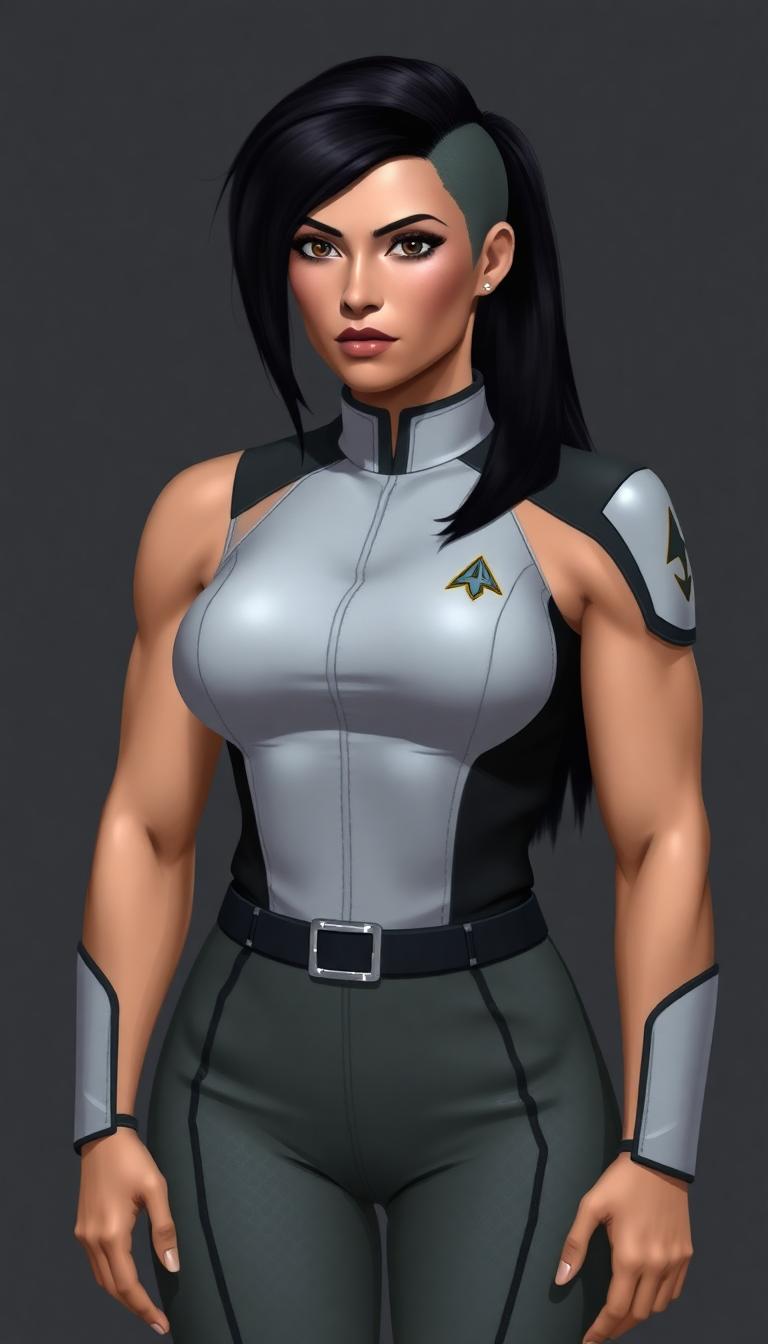








The Pixel Dojo Advantage
Why choose Qwen Edit AI over other image editing solutions?
| Others | Pixel Dojo |
|---|---|
| Traditional Photo Editing Software | Qwen Edit AI simplifies the editing process with natural language commands, eliminating the need for complex tools and extensive training. |
| Generic AI Editing Tools | Unlike generic tools, Qwen Edit AI offers precise control over edits, ensuring high-quality results tailored to your specific needs. |
| Manual Editing Services | Qwen Edit AI provides instant results at a fraction of the cost, making professional-quality editing accessible to everyone. |
Loved by Creators
See what our community says about Revolutionary AI edit Qwen Edit
"Qwen Edit AI has revolutionized the way I edit photos. The ease of use and quality of edits are unparalleled."
Alex Johnson
Professional Photographer
"As a content creator, Qwen Edit AI saves me hours of editing time while delivering stunning results."
Maria Lopez
Social Media Influencer
Common Questions
Everything you need to know about Revolutionary AI edit Qwen Edit AI generation
Can Qwen Edit AI handle complex edits like background replacement?
Yes, Qwen Edit AI excels at complex edits, including background replacement. Simply describe the desired background in your prompt, and the AI will seamlessly integrate it into your image.
Is Qwen Edit AI suitable for professional use?
Absolutely. Qwen Edit AI delivers high-quality results suitable for professional applications, including marketing materials, product photography, and more.
How does Qwen Edit AI ensure the quality of edits?
Qwen Edit AI utilizes advanced AI algorithms trained on diverse datasets to understand and execute edits accurately, ensuring natural and high-quality results.
Can I edit text within images using Qwen Edit AI?
Yes, Qwen Edit AI supports precise text editing within images, allowing you to add, remove, or modify text while preserving the original font and style.
Is Qwen Edit AI user-friendly for beginners?
Definitely. Qwen Edit AI is designed with a user-friendly interface that allows beginners to perform complex edits using simple text prompts.
What file formats does Qwen Edit AI support?
Qwen Edit AI supports common image formats, including JPG, PNG, and WebP, making it versatile for various editing needs.