seedream 4 image editor AI Generator
Imagine transforming your creative ideas into stunning, high-resolution images within seconds. With PixelDojo's Seedream 4 Image Editor, you can effortlessly bring your visions to life using advanced AI technology. Whether you're a designer, marketer, or content creator, our platform empowers you to produce professional-grade visuals without the need for extensive technical skills.
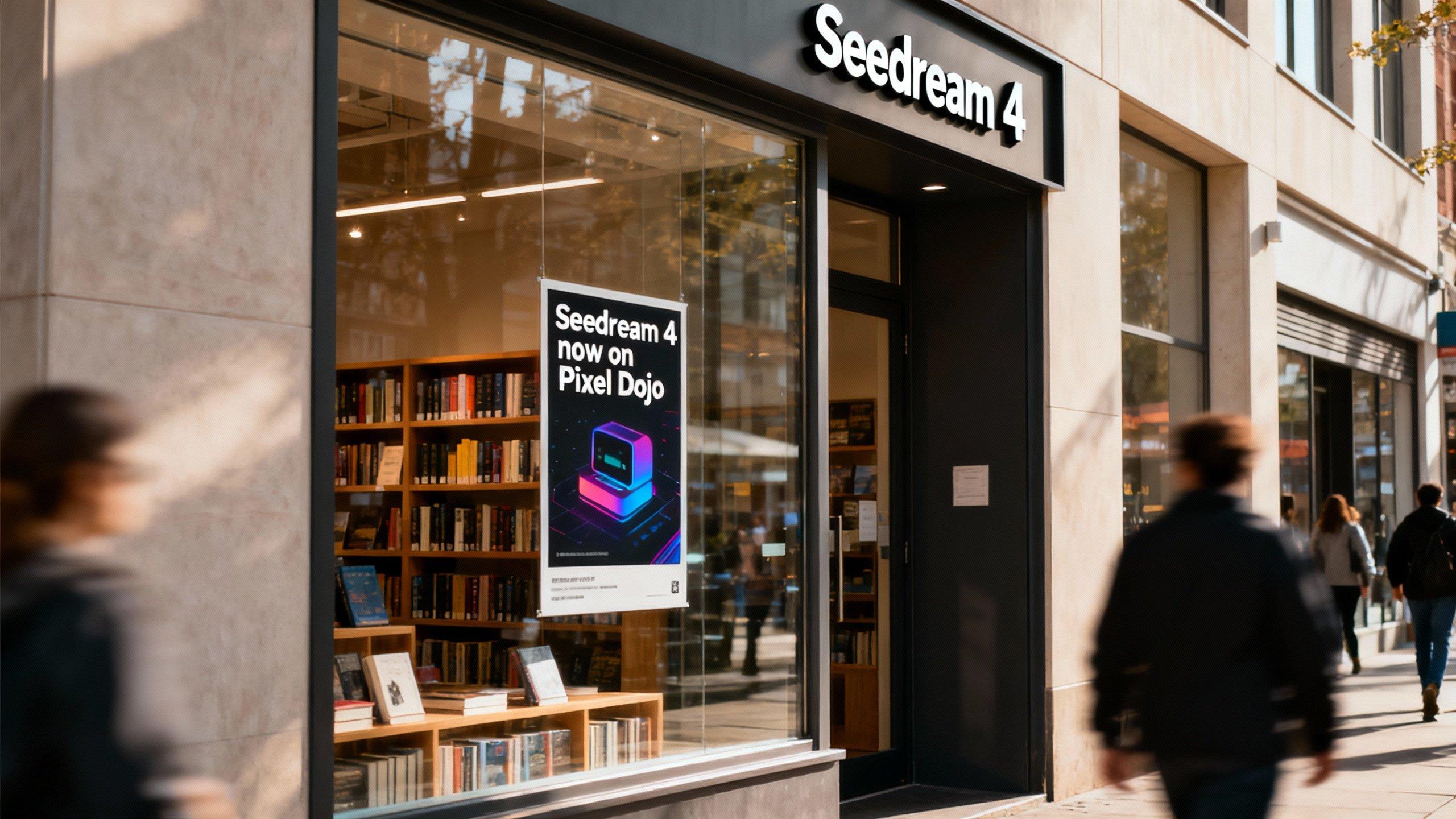
Join over 10,000 satisfied users who have created more than 500,000 images using PixelDojo's AI tools. Rated 4.8/5 based on 2,000+ reviews.
Why Choose Pixel Dojo for seedream 4 image editor
Professional-quality results with cutting-edge AI technology
Rapid High-Quality Image Generation
Generate 2K resolution images in under 2 seconds, streamlining your creative workflow and saving valuable time.
Versatile Artistic Styles
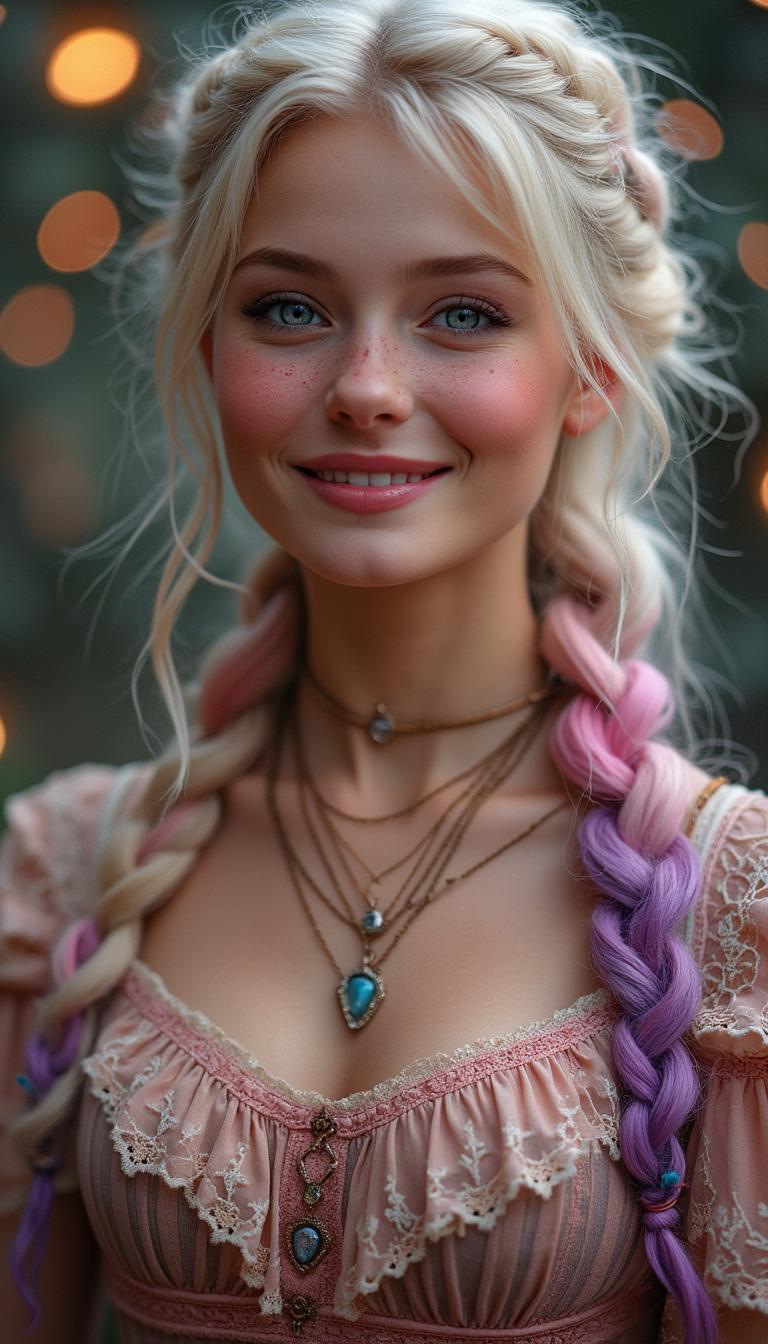
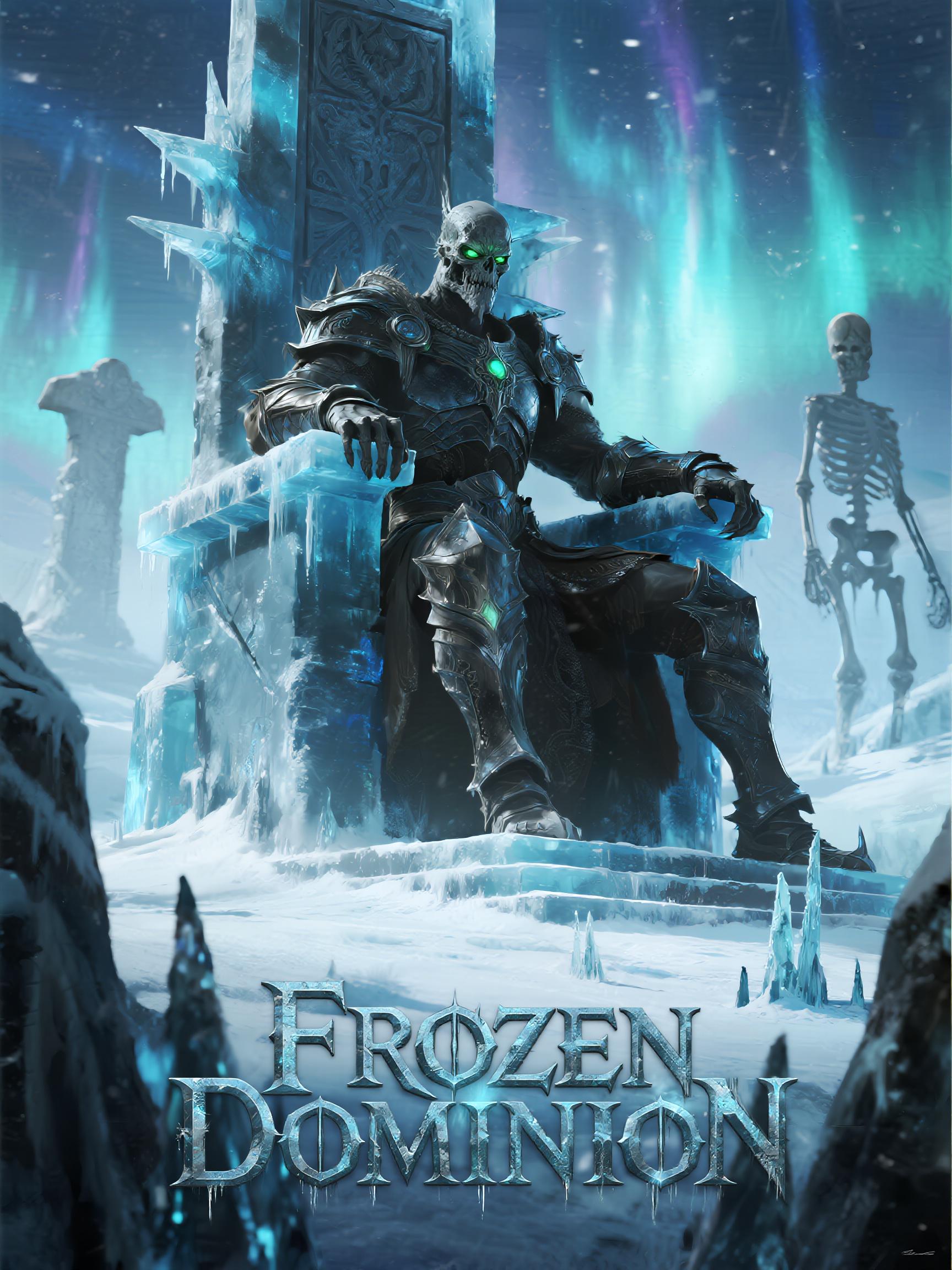
Easily apply various artistic styles, from photorealistic to abstract, to match your project's unique aesthetic.
User-Friendly Interface
Navigate through an intuitive platform designed for both beginners and professionals, ensuring a seamless creative experience.
How It Works
Creating captivating images with Seedream 4 is a straightforward process. Follow these simple steps to bring your ideas to life:
Step 1: Choose Your Tool
Log in to your PixelDojo account and select the Seedream 4 Image Editor from the dashboard.
Step 2: Enter Your Prompt
Describe your desired image using natural language prompts. For example, 'a serene sunset over a mountain range.'
Step 3: Customize & Download
Adjust settings such as resolution and style preferences, then click 'Generate.' Once satisfied, download your high-quality image.

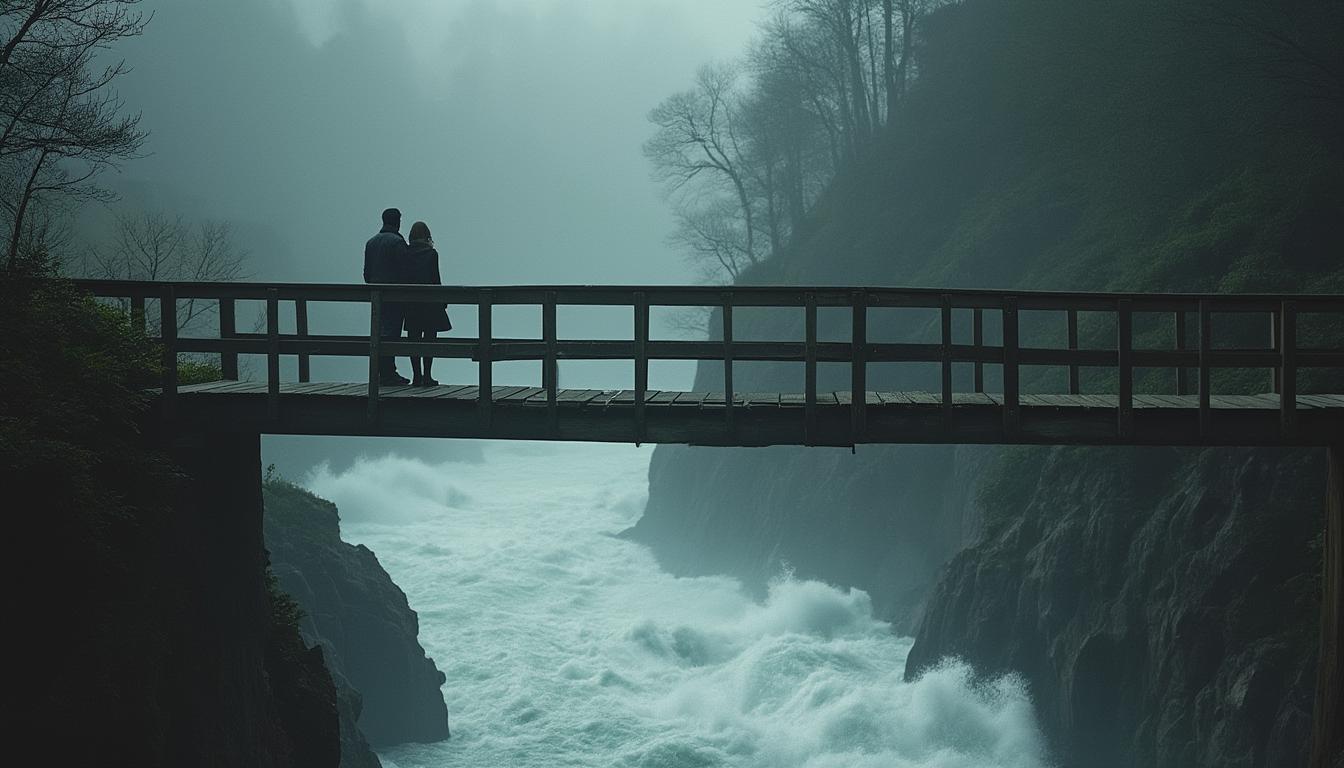

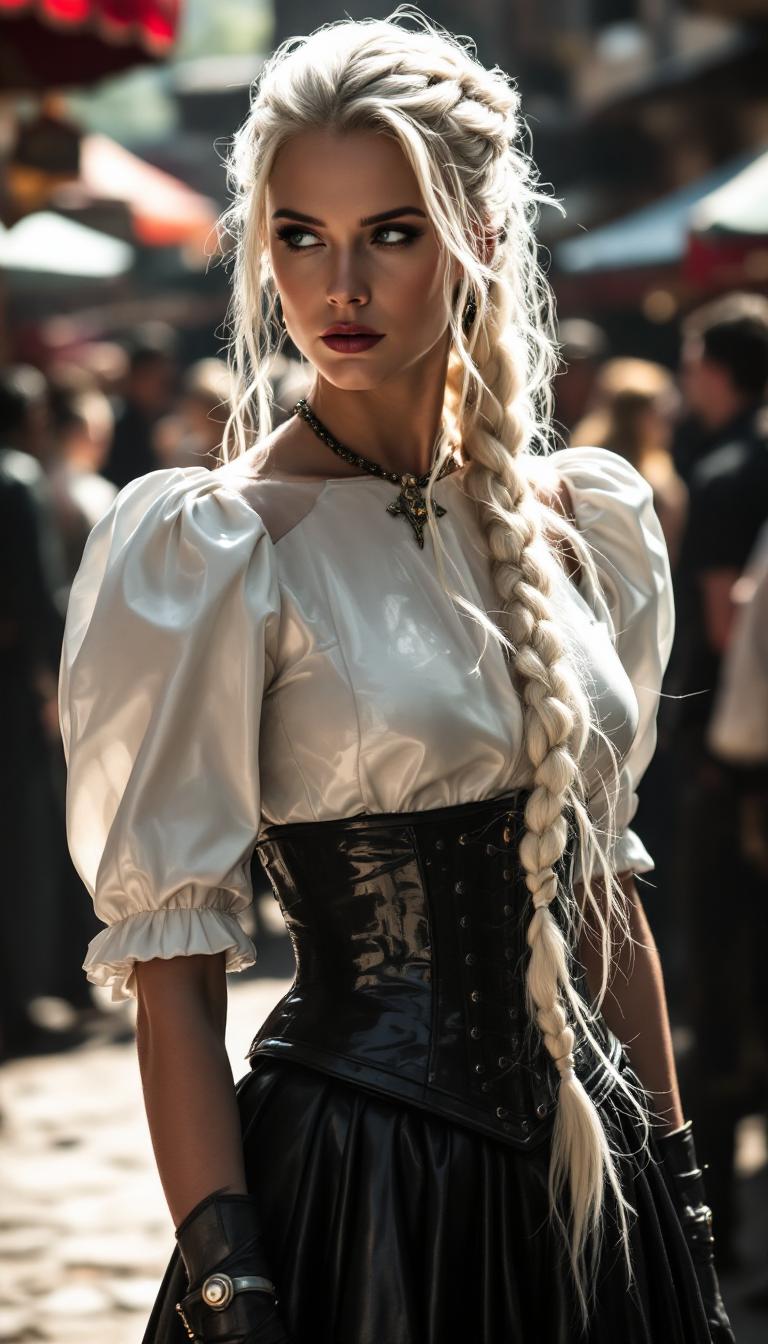

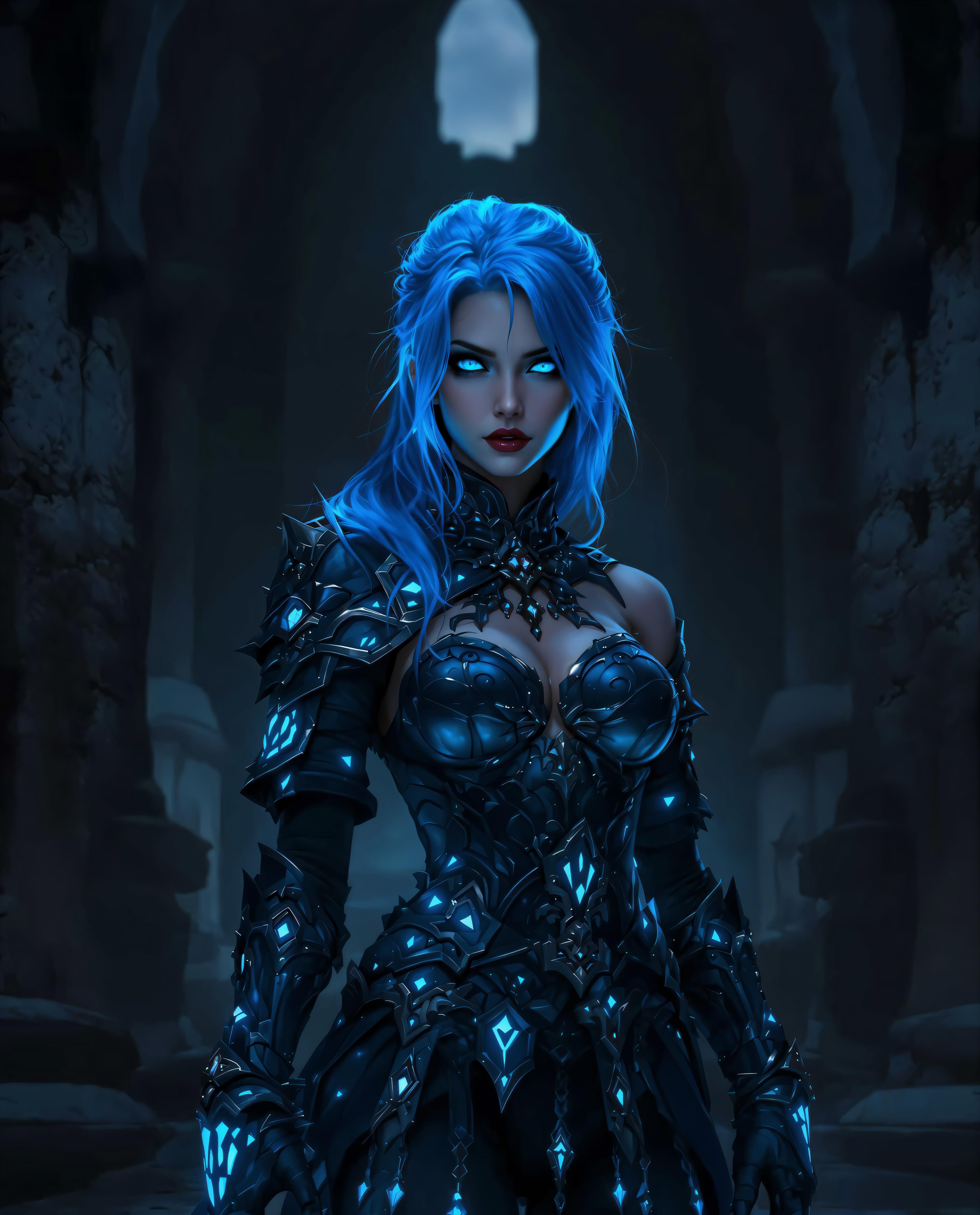


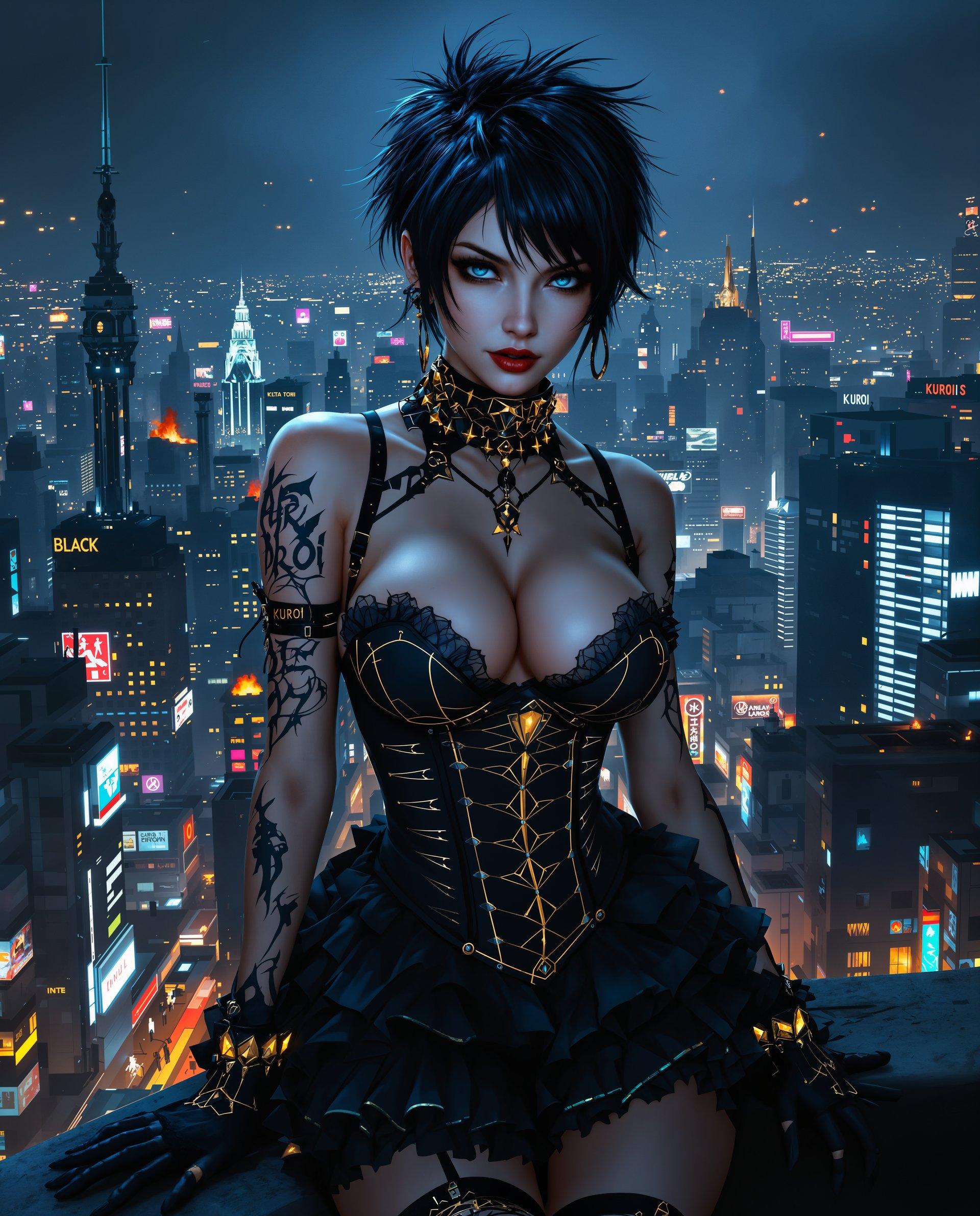

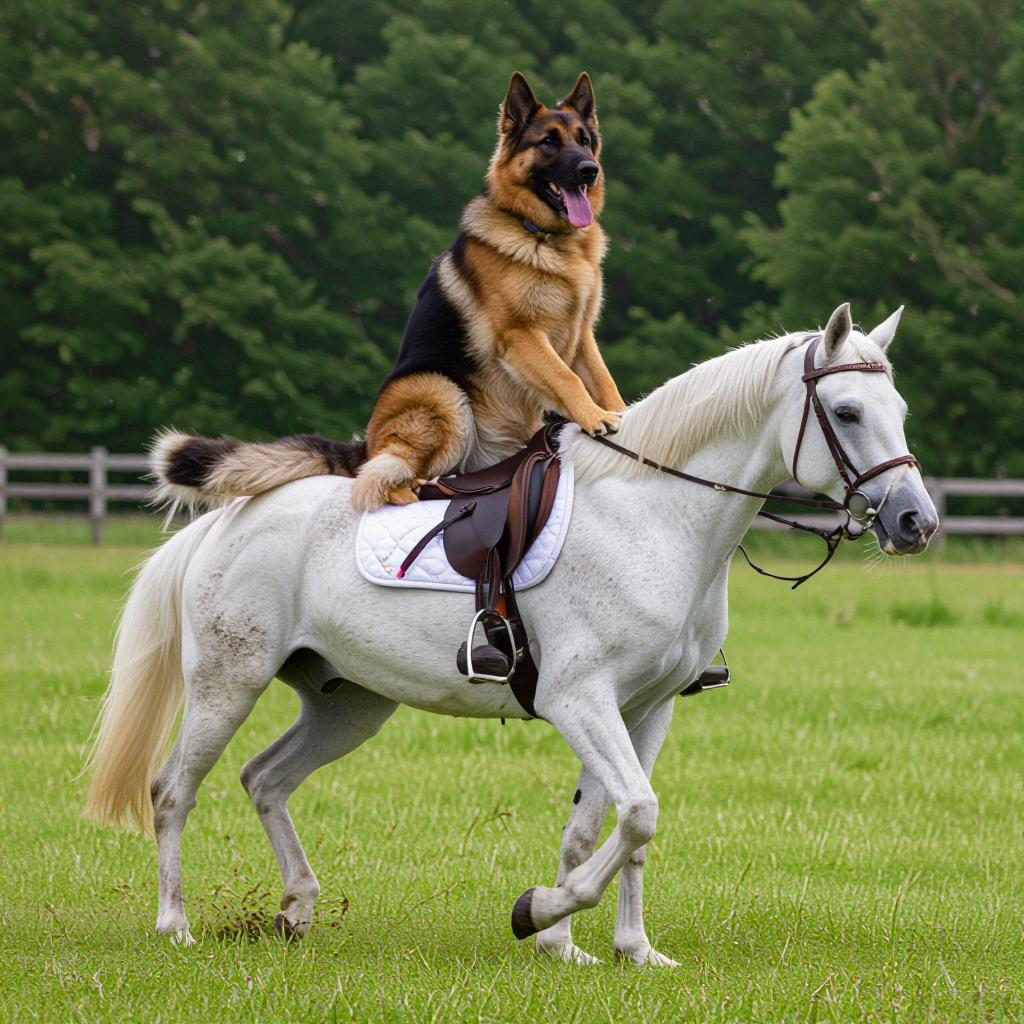

The Pixel Dojo Advantage
Why PixelDojo's Seedream 4 Image Editor stands out in the realm of AI image generation:
| Others | Pixel Dojo |
|---|---|
| Traditional Image Creation | Eliminates the need for manual design skills, enabling rapid image production with AI assistance. |
| Generic AI Tools | Offers a more intuitive interface and higher-quality outputs tailored to diverse creative needs. |
| Manual Photo Editing | Reduces the time and effort required for complex edits, allowing for quick adjustments and variations. |
Loved by Creators
See what our community says about seedream 4 image editor
"PixelDojo's Seedream 4 has revolutionized my design process. I can now create high-quality visuals in minutes, which used to take hours."
Alex Johnson
Graphic Designer
"As a marketer, I need engaging visuals quickly. Seedream 4 delivers stunning images that resonate with our audience, all with minimal effort."
Samantha Lee
Marketing Manager
Common Questions
Everything you need to know about seedream 4 image editor AI generation
How does Seedream 4 Image Editor enhance my creative workflow?
Seedream 4 streamlines the image creation process by allowing you to generate high-quality visuals quickly using AI, reducing the time and effort traditionally required for design tasks.
Can I use Seedream 4 for commercial projects?
Yes, images created with Seedream 4 can be used for commercial purposes, providing flexibility for various professional applications.
Is technical expertise required to use Seedream 4?
No, Seedream 4 is designed with a user-friendly interface that caters to both beginners and professionals, making it accessible without prior technical knowledge.
What types of images can I create with Seedream 4?
You can create a wide range of images, including landscapes, portraits, abstract art, and more, tailored to your specific project needs.
How does Seedream 4 compare to other AI image generators?
Seedream 4 offers faster generation times, higher resolution outputs, and a more intuitive user experience compared to many other AI image generation tools.
Is there a limit to the number of images I can generate?
PixelDojo offers various subscription plans to suit different needs, with higher-tier plans providing increased generation limits to accommodate extensive creative projects.