seedream 4 text to image AI Generator
Imagine turning your ideas into stunning visuals within seconds. With PixelDojo's Seedream 4 text-to-image tool, you can effortlessly create high-quality images from simple text descriptions. Whether you're a designer, marketer, or content creator, Seedream 4 empowers you to bring your concepts to life without any technical expertise.
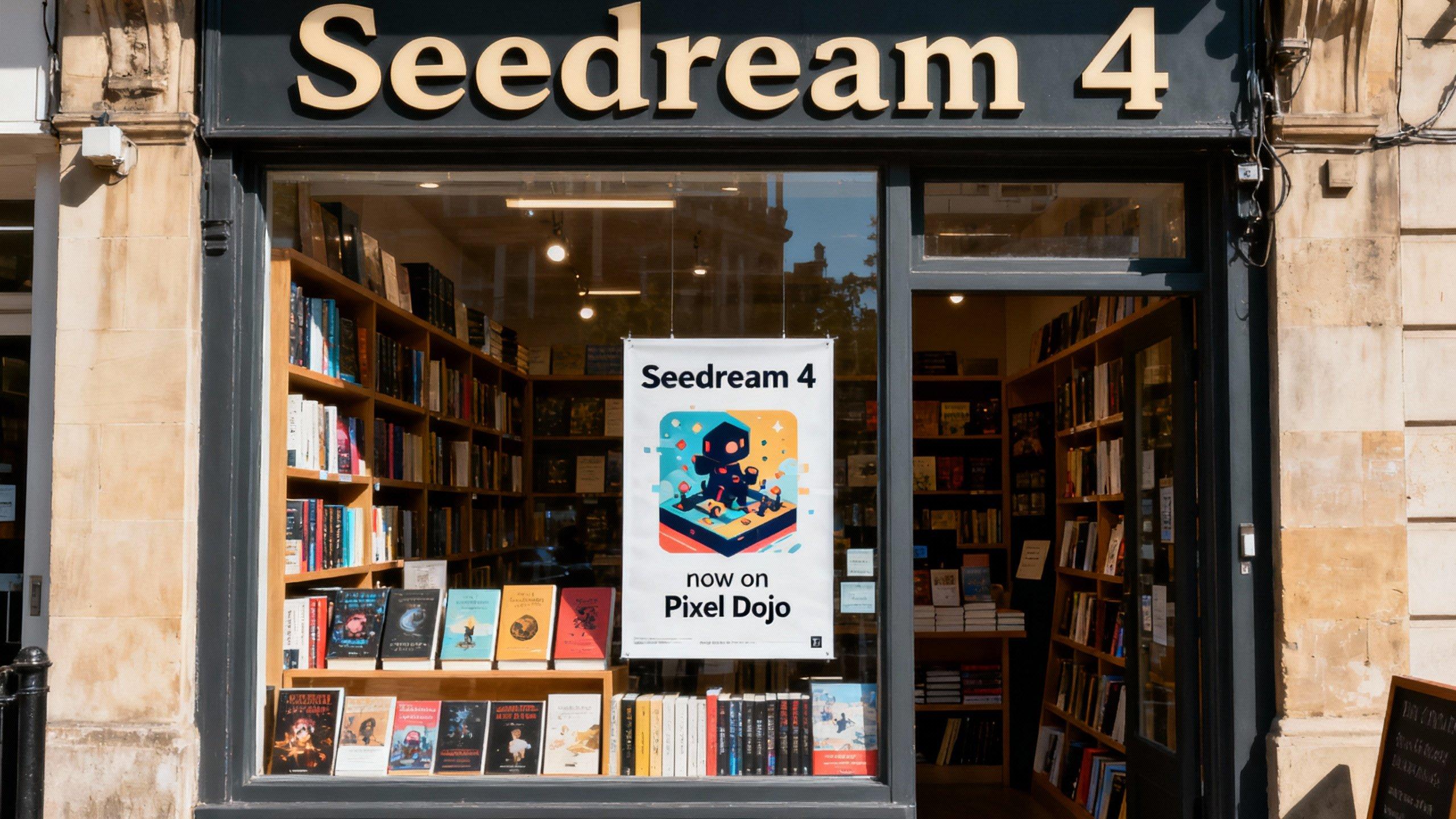
Join over 10,000 satisfied users who have generated more than 50,000 images using PixelDojo's AI tools. Rated 4.8/5 based on 1,200+ reviews.
Why Choose Pixel Dojo for seedream 4 text to image
Professional-quality results with cutting-edge AI technology
Instant Image Generation
Create high-resolution images in under 2 seconds, accelerating your creative workflow.
Versatile Artistic Styles
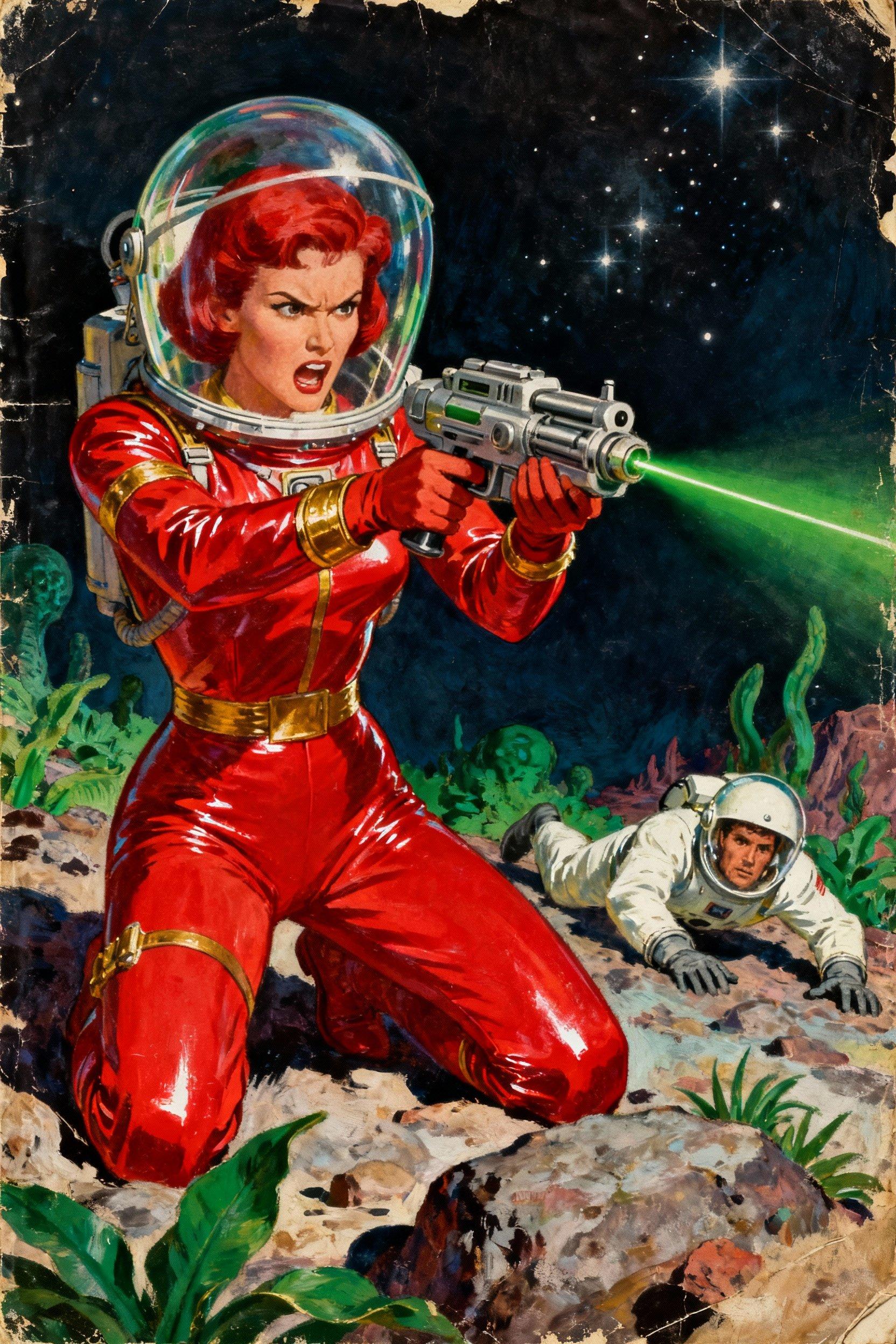
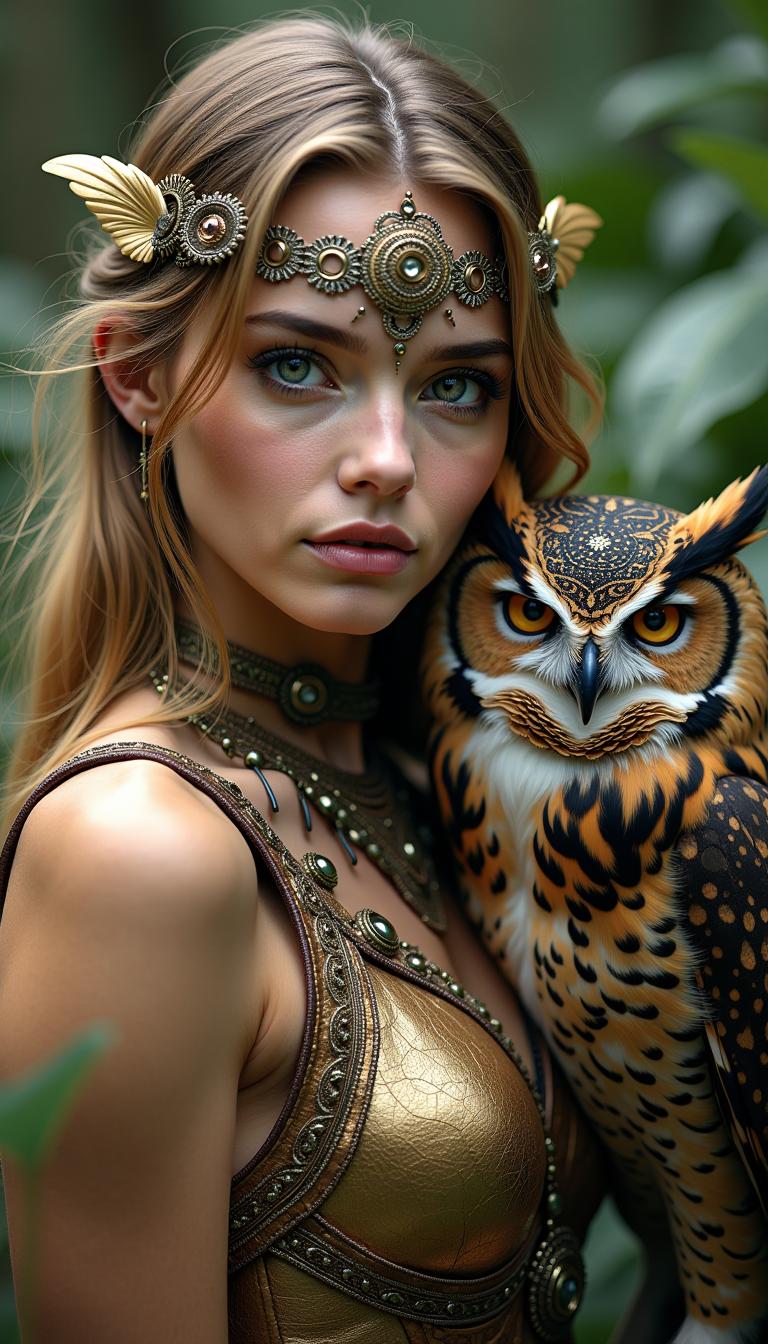
Apply diverse styles, from photorealistic to abstract art, to match your project's needs.
User-Friendly Interface
Generate images with simple text prompts—no design skills required.
How It Works
Creating stunning images with Seedream 4 is a straightforward process. Follow these steps to bring your ideas to life:
Step 1: Access Seedream 4
Log in to your PixelDojo account and navigate to the Seedream 4 text-to-image tool.
Step 2: Enter Your Text Prompt
Describe the image you want to create using clear and specific language. For example, 'A serene sunset over a mountain range in watercolor style.'
Step 3: Generate and Download
Click 'Generate' and watch as Seedream 4 produces your image in seconds. Once satisfied, download the high-resolution image for your use.
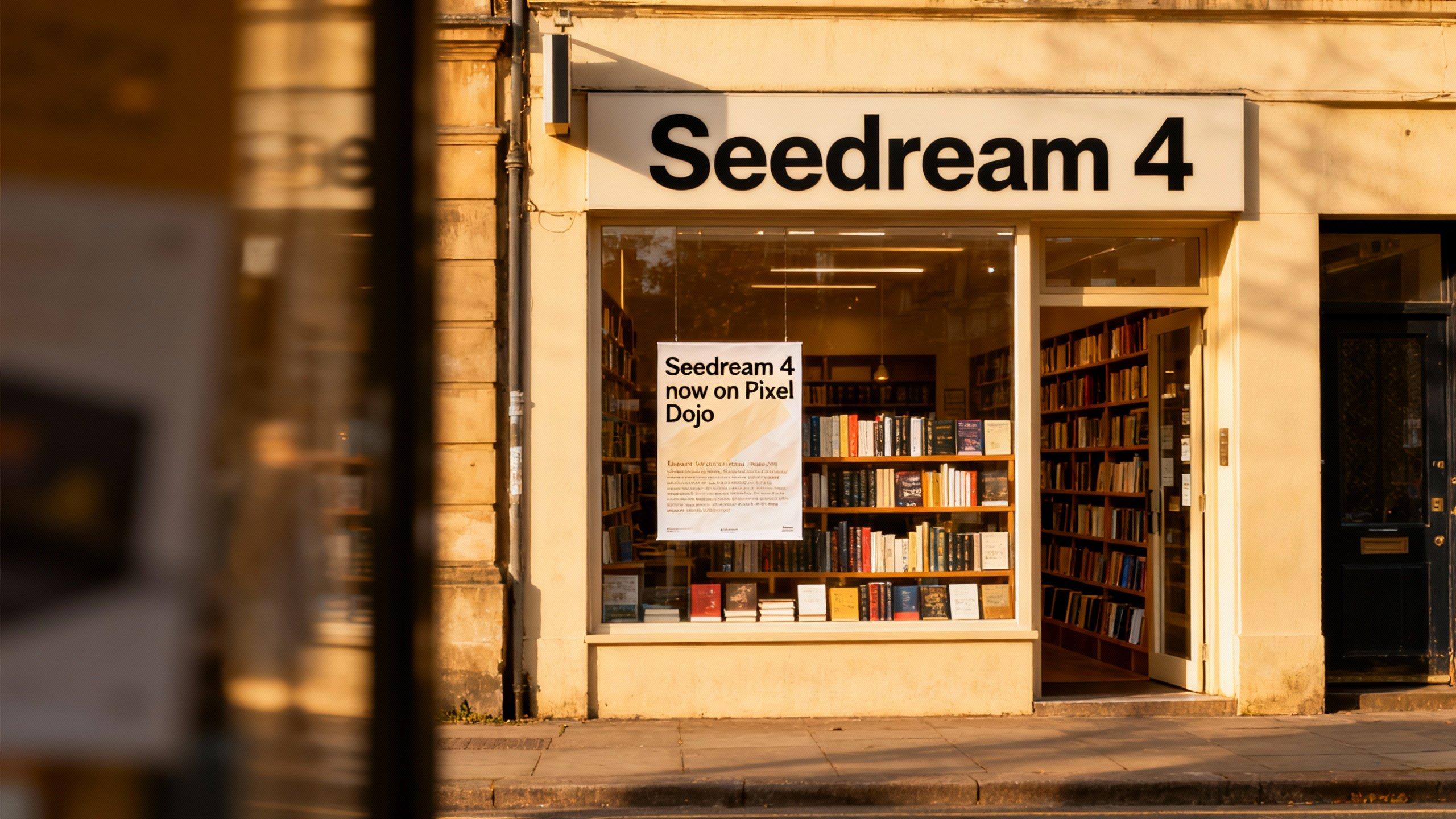
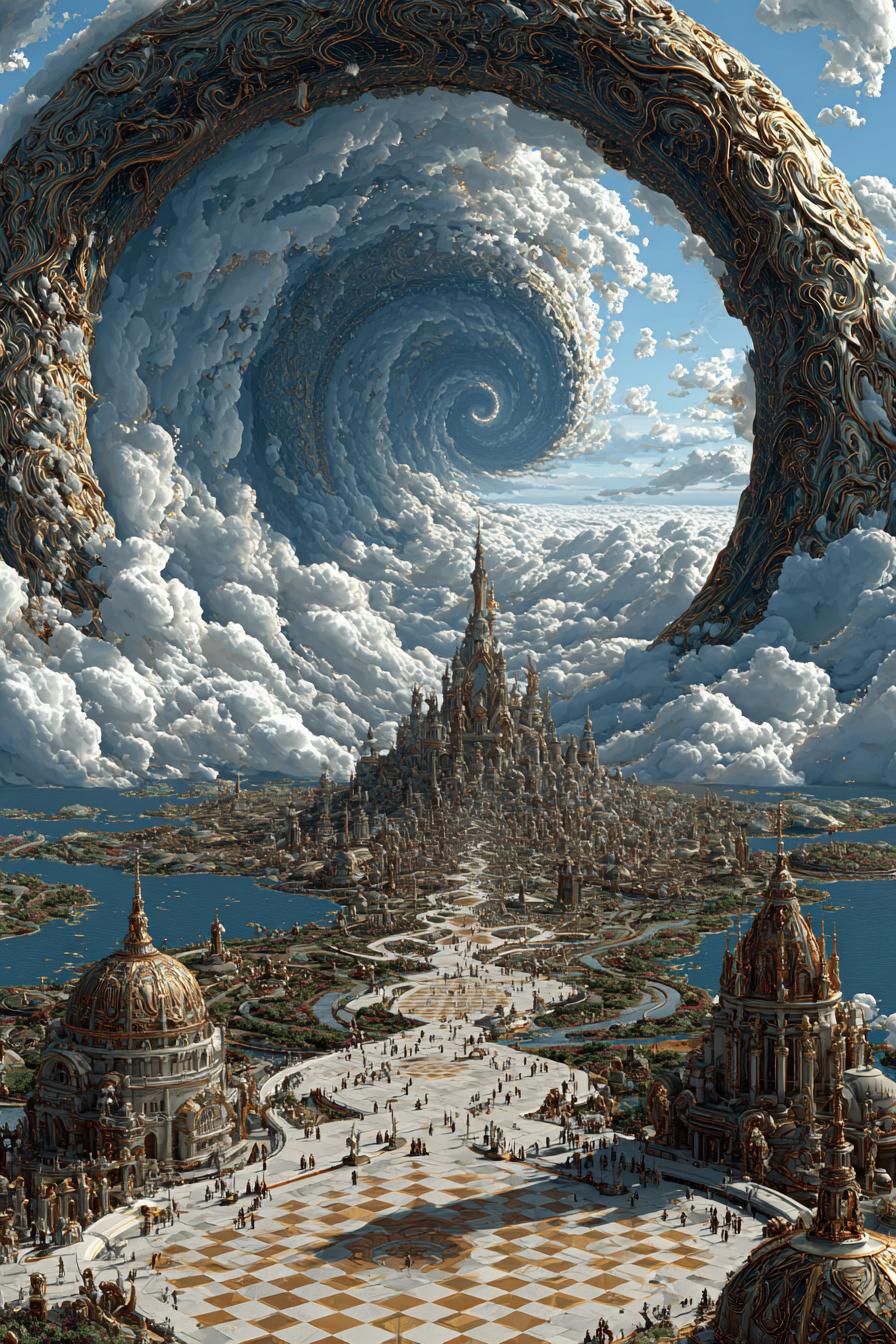
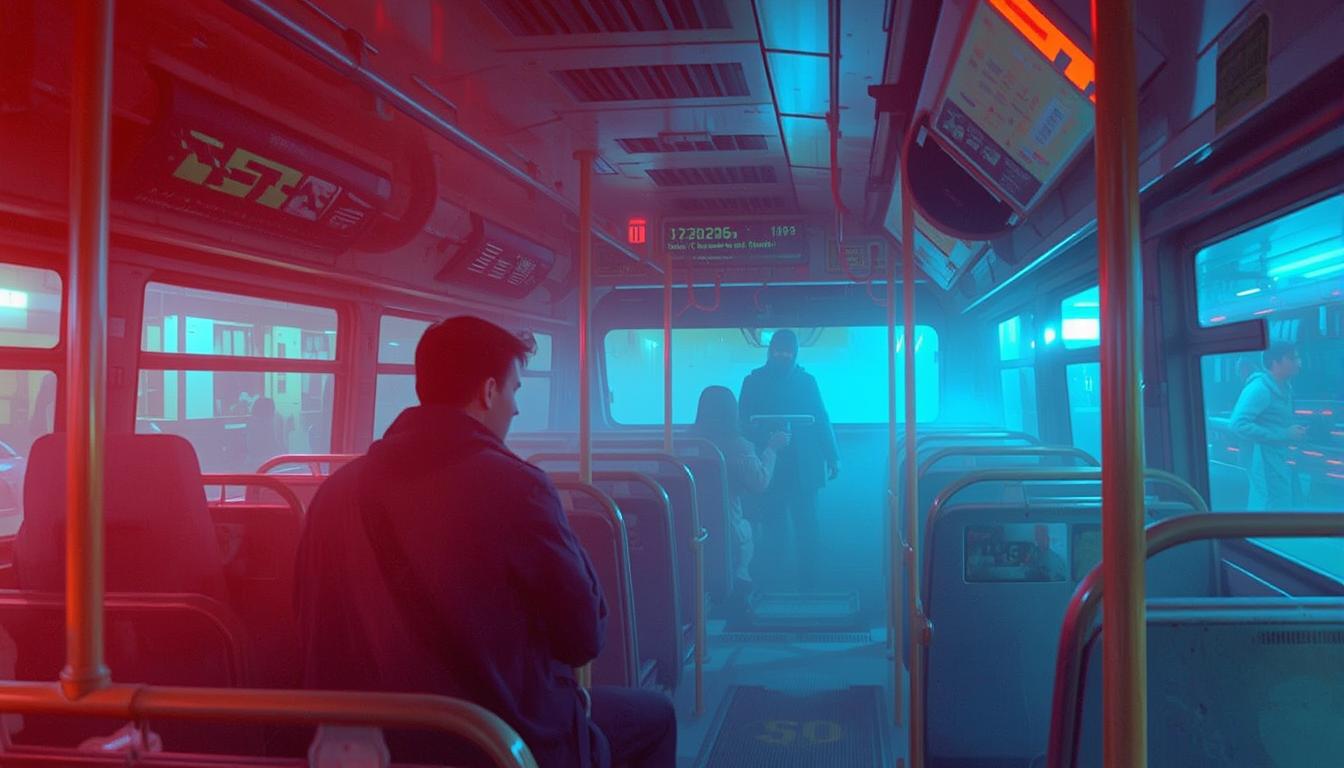






![Turn your image into a cartoon with FLUX.1 Kontext [pro] - cartoonify](https://cdn.pixeldojo.ai/cdn-cgi/image/f=auto,q=75,w=3840/pixeldojo/generated-images/1752258771272-zpnmk426d.png)




The Pixel Dojo Advantage
Why choose PixelDojo's Seedream 4 over other image generation methods?
| Others | Pixel Dojo |
|---|---|
| Traditional Design Software | Eliminate the steep learning curve and time-consuming processes associated with traditional design tools. |
| Generic AI Image Generators | Enjoy faster generation times and higher-quality outputs tailored to your specific prompts. |
| Manual Illustration | Save hours of manual work by generating detailed images instantly from text descriptions. |
Loved by Creators
See what our community says about seedream 4 text to image
"Seedream 4 has revolutionized my design process. I can now create high-quality visuals in seconds, allowing me to meet tight deadlines with ease."
Alex Johnson
Graphic Designer
"As a content creator, Seedream 4 enables me to produce unique images that resonate with my audience, all without any design background."
Maria Lopez
Content Creator
Common Questions
Everything you need to know about seedream 4 text to image AI generation
How does Seedream 4 generate images from text?
Seedream 4 utilizes advanced AI algorithms to interpret your text descriptions and generate corresponding high-quality images. By understanding the context and details in your prompt, it creates visuals that align with your vision.
Can I use the images created with Seedream 4 for commercial purposes?
Yes, images generated with Seedream 4 can be used for commercial projects. However, it's advisable to review PixelDojo's terms of service for specific usage guidelines.
What types of styles can Seedream 4 apply to generated images?
Seedream 4 supports a wide range of artistic styles, including photorealistic, watercolor, oil painting, and abstract art. You can specify your desired style in the text prompt to achieve the desired effect.
Is there a limit to the number of images I can generate with Seedream 4?
PixelDojo offers various subscription plans that include different usage limits. Depending on your plan, you can generate a certain number of images per month. Check your account details for specific information.
How can I improve the quality of images generated by Seedream 4?
To enhance image quality, provide detailed and specific text prompts, including descriptions of colors, lighting, composition, and style. The more precise your prompt, the better the generated image will align with your vision.
Do I need any design experience to use Seedream 4?
No, Seedream 4 is designed to be user-friendly and accessible to everyone, regardless of design experience. Simply enter a text description, and the AI handles the rest.