seedream 4 width and height custom AI Generator
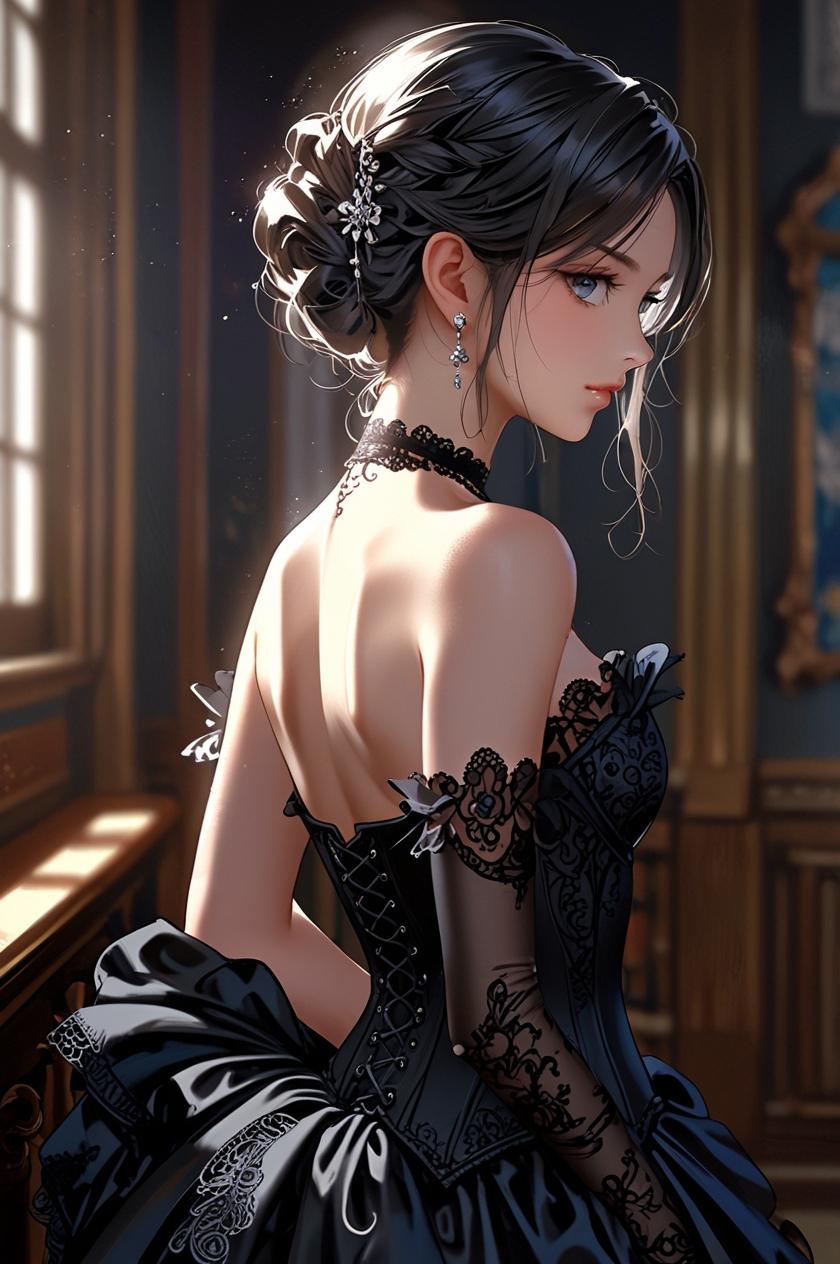
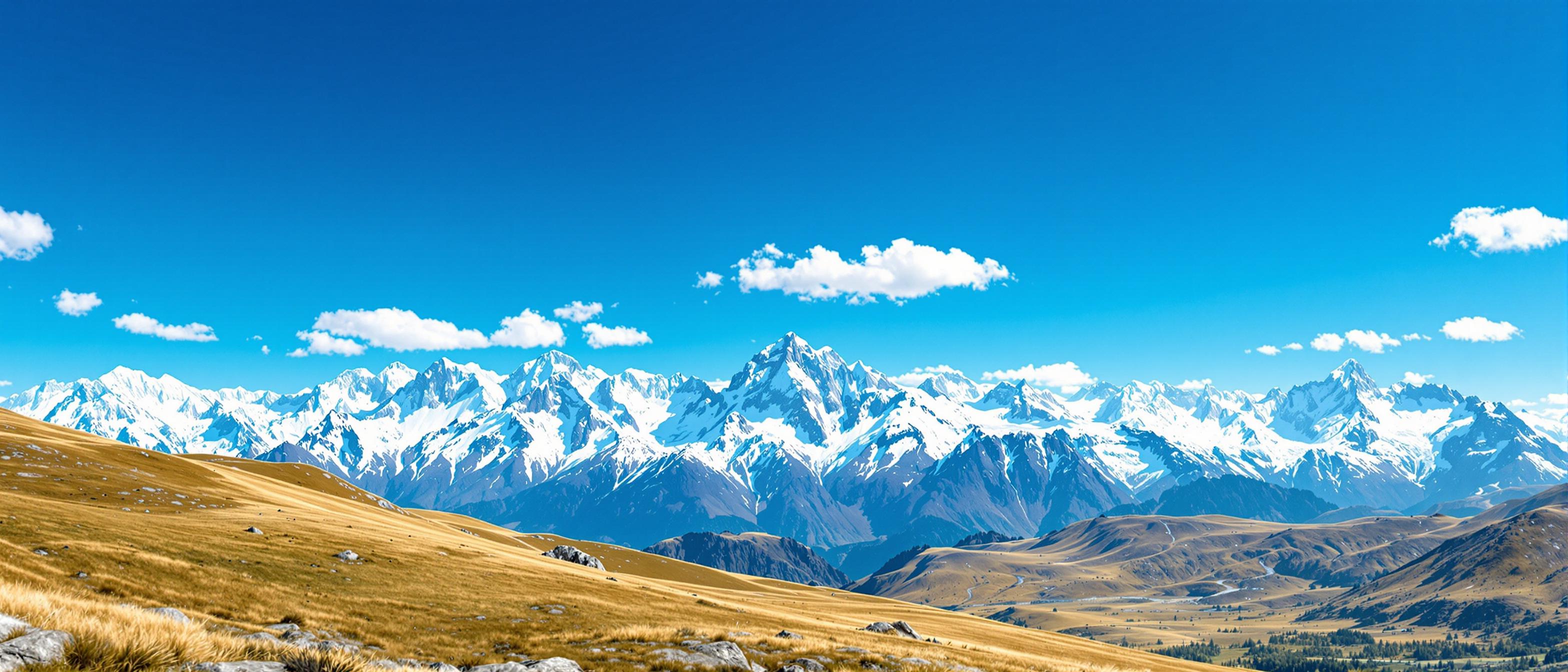
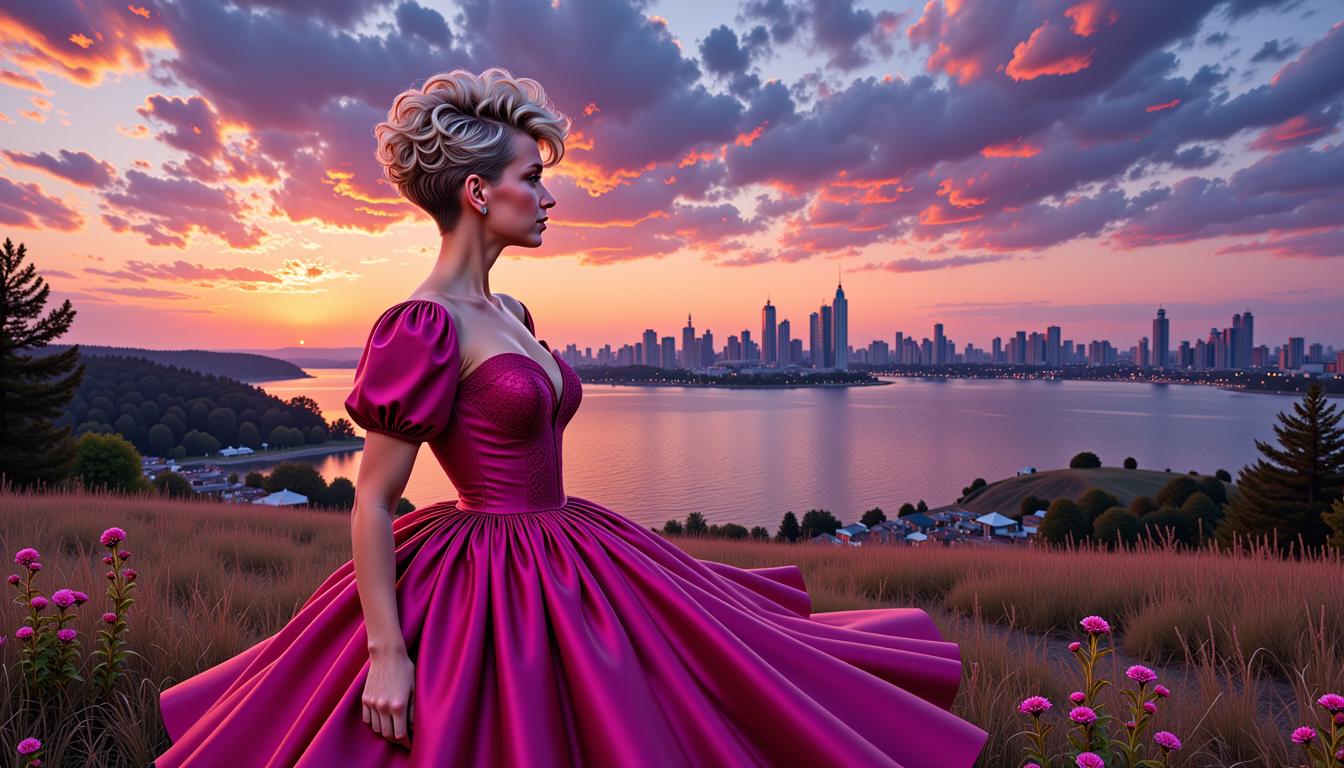
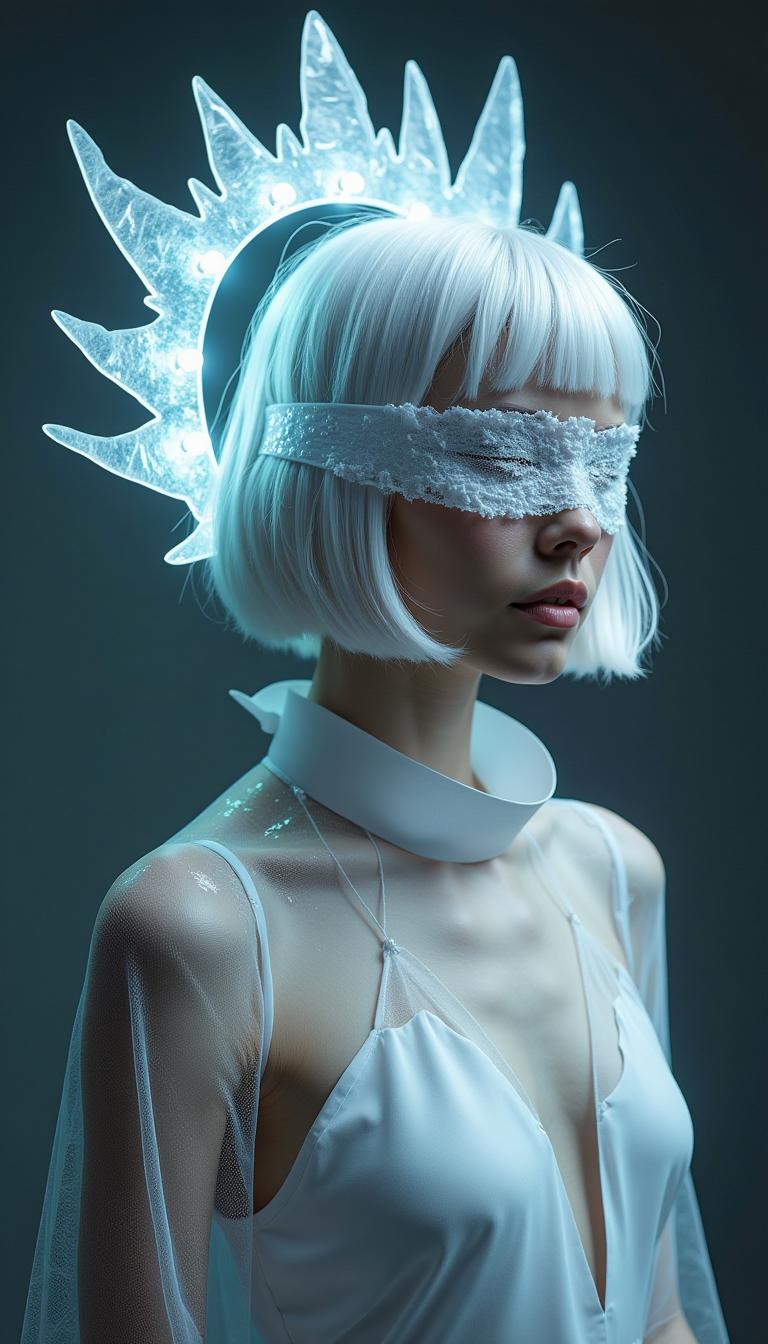
Achieve precise control over your AI-generated images with Seedream 4 on PixelDojo. Whether you're designing for specific platforms, creating marketing materials, or fulfilling unique project requirements, Seedream 4 allows you to set exact width and height dimensions, ensuring your visuals fit perfectly every time.

Join thousands of creators who trust PixelDojo for their AI image generation needs. With a 4.9/5 satisfaction rating and over 100,000 images generated daily, our platform empowers users to bring their visions to life with precision and ease.
Why Choose Pixel Dojo for seedream 4 width and height custom
Professional-quality results with cutting-edge AI technology
Exact Dimension Control
Set specific width and height for your images to meet project requirements without additional cropping or resizing.
High-Quality Outputs
Generate images up to 4K resolution, ensuring clarity and detail in every creation.
Efficient Workflow
Save time by creating images that are ready to use, eliminating the need for post-generation adjustments.
How It Works
Creating images with custom dimensions using Seedream 4 on PixelDojo is straightforward. Follow these steps to bring your exact vision to life:
Step 1: Access Seedream 4
Log in to your PixelDojo account and navigate to the Seedream 4 tool under the Image Generation section.
Step 2: Enter Your Prompt
Describe the image you want to create in the prompt field. Be as detailed as possible to guide the AI effectively.
Step 3: Set Custom Dimensions
Select 'Custom' in the size options, then input your desired width and height (between 1024 and 4096 pixels).


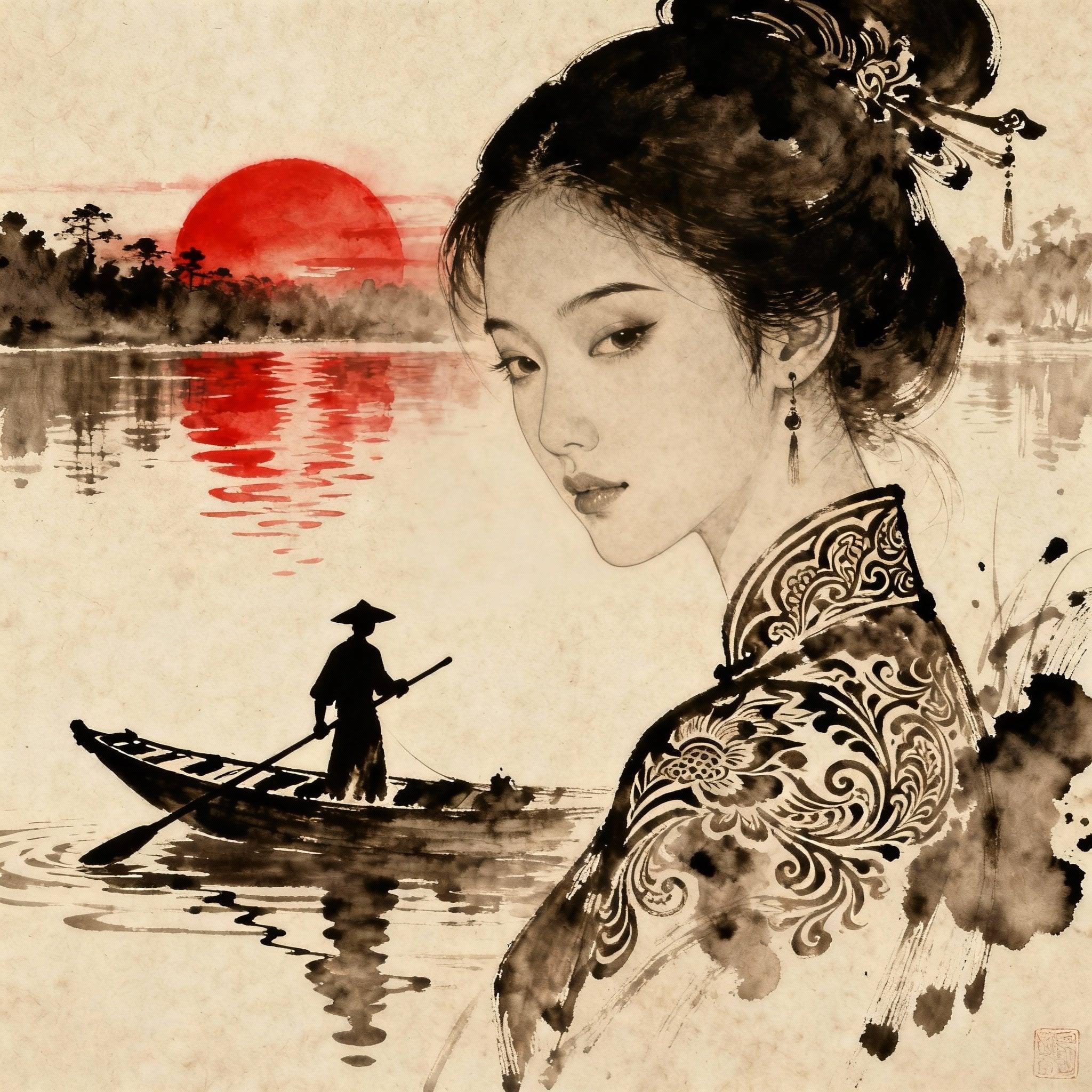
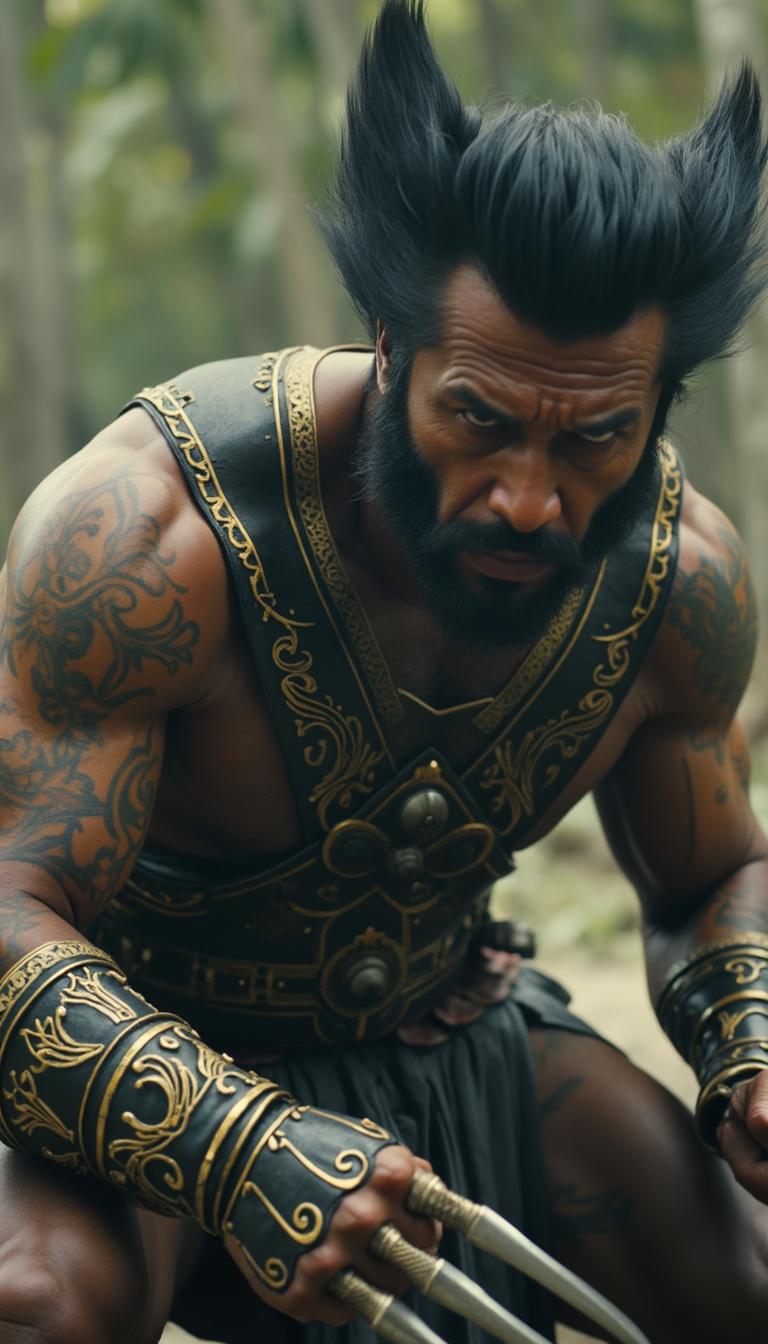


The Pixel Dojo Advantage
Why PixelDojo's Seedream 4 is the superior choice for custom-dimension AI image generation:
| Others | Pixel Dojo |
|---|---|
| Traditional Image Editing | Avoid manual resizing and cropping by generating images at the exact dimensions needed from the start. |
| Generic AI Tools | Many AI generators lack precise dimension control, leading to additional editing steps. Seedream 4 offers exact width and height settings. |
| Stock Images | Stock images rarely fit specific size requirements and may require licensing fees. Create custom images that fit your exact specifications without extra costs. |
Loved by Creators
See what our community says about seedream 4 width and height custom
"PixelDojo's Seedream 4 has revolutionized our content creation process. Being able to generate images with exact dimensions saves us countless hours of editing."
Alex Johnson
Marketing Manager
"As a designer, precision is key. Seedream 4 allows me to create visuals that fit perfectly into my layouts without any additional adjustments."
Maria Lopez
Graphic Designer
Common Questions
Everything you need to know about seedream 4 width and height custom AI generation
How do I set custom dimensions in Seedream 4?
In the Seedream 4 interface on PixelDojo, select 'Custom' under the size options, then input your desired width and height between 1024 and 4096 pixels.
What is the maximum resolution I can generate with Seedream 4?
Seedream 4 supports image generation up to 4K resolution (4096x4096 pixels), ensuring high-quality outputs suitable for various applications.
Can I use Seedream 4 for commercial projects?
Yes, images generated with Seedream 4 on PixelDojo can be used for both personal and commercial projects without additional licensing fees.
Is there a limit to the number of images I can generate with custom dimensions?
PixelDojo offers various subscription plans to accommodate different usage needs. Higher-tier plans provide more credits for image generation.
Do I need technical skills to use Seedream 4?
No, Seedream 4 is designed with an intuitive interface that allows users of all skill levels to generate custom-sized images easily.
How long does it take to generate an image with custom dimensions?
Seedream 4 is optimized for speed, typically generating high-resolution images within a few seconds, depending on the complexity of the prompt.