sora v2 AI Generator
Imagine turning your creative ideas into captivating videos without the need for complex software or extensive editing skills. With Sora V2, you can effortlessly generate high-quality, cinematic videos from simple text prompts or static images. Whether you're a marketer aiming to enhance your campaigns, a content creator seeking engaging visuals, or a business professional needing compelling presentations, Sora V2 empowers you to bring your vision to life with ease.
Join over 2,300 creators who have transformed their content with Sora V2's cutting-edge AI video generation technology.
Why Choose Pixel Dojo for sora v2
Professional-quality results with cutting-edge AI technology
Effortless Video Creation
Generate professional-quality videos from text or images without prior editing experience.
Time-Saving Automation
Produce engaging videos in minutes, significantly reducing production time.
Versatile Applications
Create content suitable for social media, marketing campaigns, presentations, and more.
How It Works
Creating stunning videos with Sora V2 is a straightforward process. Follow these simple steps to bring your ideas to life:
Step 1: Choose Your Generation Mode
Select between 'Text to Video' or 'Image to Video' based on your starting point.
Step 2: Input Your Content
For 'Text to Video', enter a detailed description of the scene you envision. For 'Image to Video', upload your static image and provide any additional prompts to guide the animation.
Step 3: Customize Settings
Adjust the aspect ratio, resolution, and duration to fit your project's requirements.
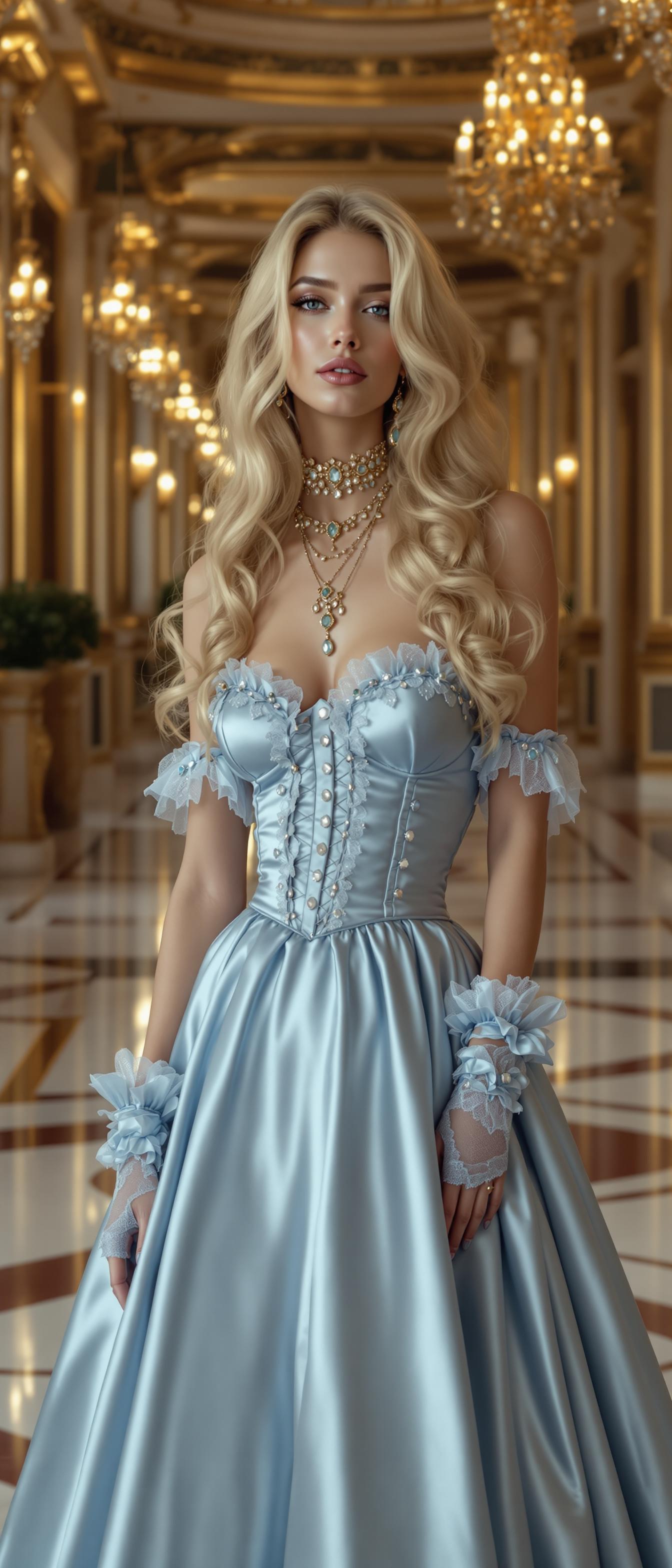

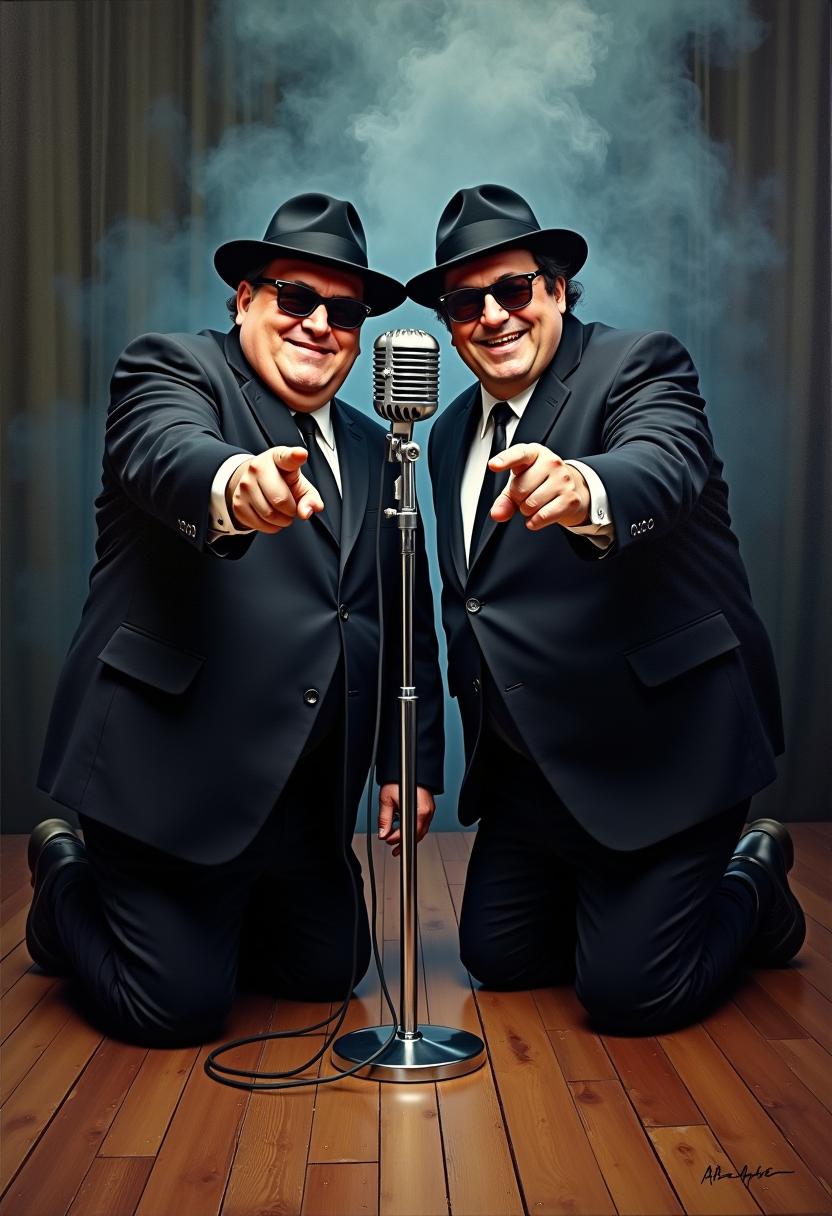
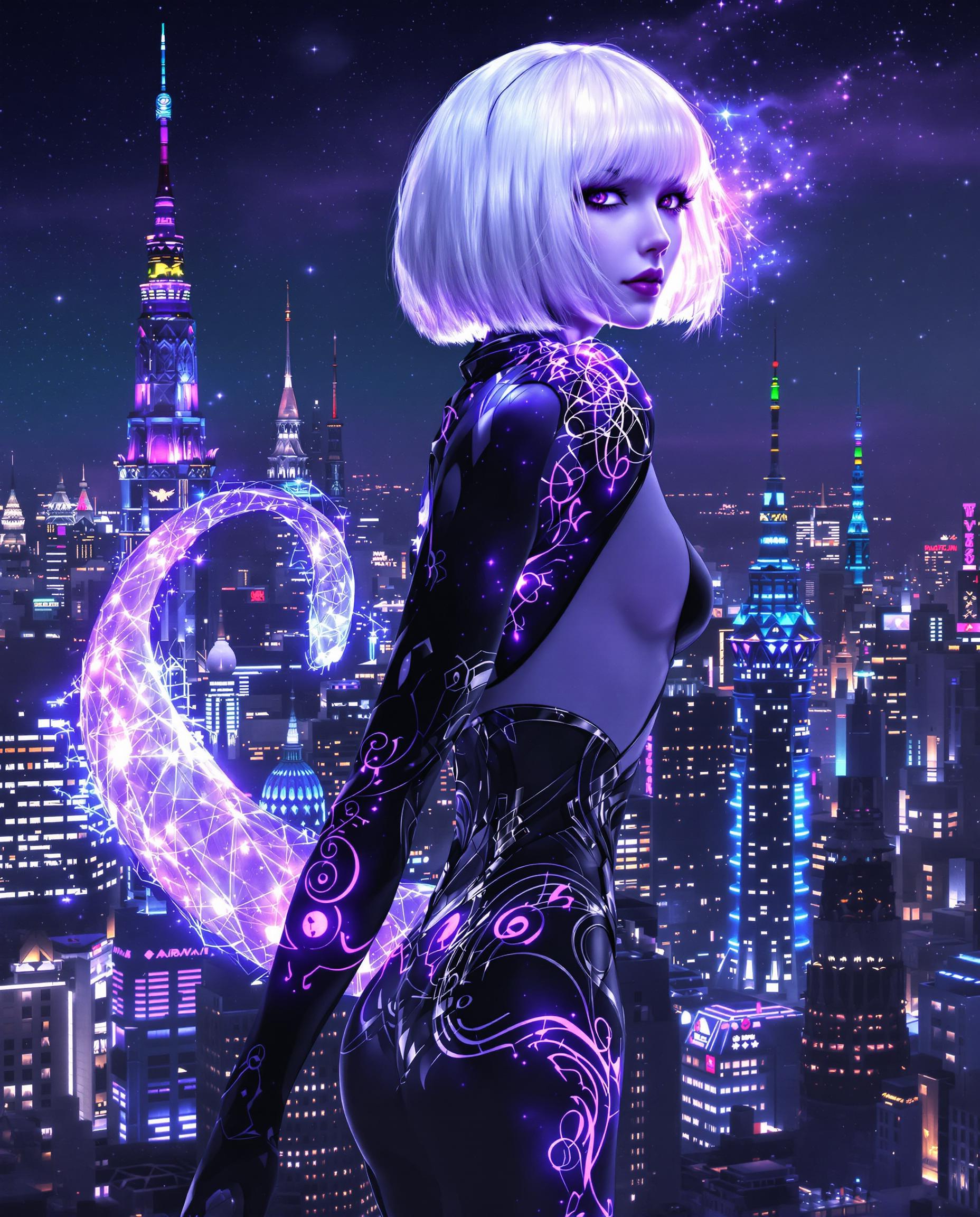
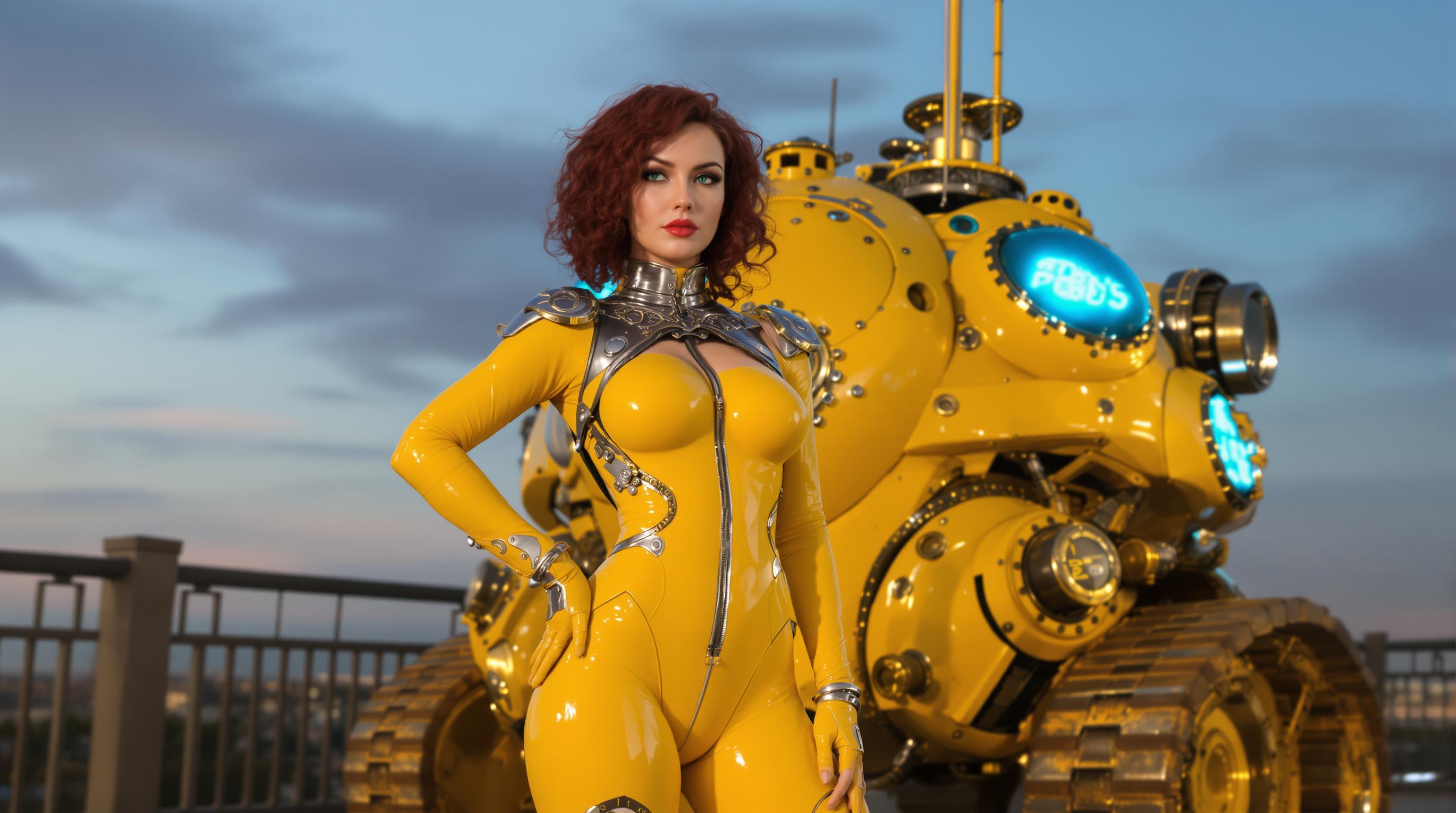



The Pixel Dojo Advantage
Discover how Sora V2 stands out in the realm of AI video generation:
| Others | Pixel Dojo |
|---|---|
| Traditional Video Production | Eliminates the need for expensive equipment and extensive editing skills, making video creation accessible to all. |
| Generic AI Tools | Offers synchronized audio and realistic motion physics, providing a more immersive and professional output. |
| Manual Animation | Automates the animation process, saving countless hours while delivering high-quality results. |
Loved by Creators
See what our community says about sora v2
"Sora V2 has revolutionized the way I create content. The ease of use and quality of output are unparalleled."
Alex Johnson
Content Creator
"As a marketer, Sora V2 has been a game-changer for producing engaging videos quickly and efficiently."
Maria Lopez
Marketing Manager
Common Questions
Everything you need to know about sora v2 AI generation
How does Sora V2 generate videos from text prompts?
Sora V2 utilizes advanced AI algorithms to interpret your text descriptions, generating corresponding video scenes with realistic motion and synchronized audio.
Can I use Sora V2 for commercial projects?
Yes, Sora V2 is suitable for commercial use, allowing you to create videos for marketing, advertising, and other professional purposes.
What file formats does Sora V2 support for image uploads?
Sora V2 supports JPEG, PNG, and WEBP formats for image uploads, with a maximum file size of 10MB.
Is there a limit to the length of videos I can create with Sora V2?
Free users can generate videos up to 15 seconds long, while Pro users can create videos up to 25 seconds in length.
Does Sora V2 provide audio integration in the generated videos?
Yes, Sora V2 includes native audio generation, producing synchronized dialogue and sound effects to enhance the realism of your videos.
How long does it take to generate a video with Sora V2?
Video generation typically takes between 1 to 3 minutes, depending on the resolution and duration of the video.