stock video AI Generator
Elevate your content creation with PixelDojo's AI-powered stock video generation tools. Whether you're a marketer, educator, or content creator, our platform enables you to produce high-quality, customizable stock videos that align perfectly with your vision. Say goodbye to generic footage and hello to personalized, engaging videos that captivate your audience.

Join thousands of creators who have enhanced their projects with PixelDojo's AI tools. With a 4.8/5 satisfaction rating and over 10,000 videos generated monthly, our platform is trusted by professionals worldwide.
Why Choose Pixel Dojo for stock video
Professional-quality results with cutting-edge AI technology
Unlimited Customization
Tailor every aspect of your stock videos to match your brand and message, ensuring unique and engaging content.
Time and Cost Efficiency
Generate professional-quality videos in minutes, reducing production time and expenses associated with traditional methods.
User-Friendly Interface
No prior experience needed—our intuitive platform makes video creation accessible to everyone.
How It Works
Creating custom stock videos with PixelDojo is simple and straightforward. Follow these steps to bring your ideas to life:
Step 1: Select Your AI Tool
Choose from our suite of AI video generation tools, such as LTX-2 Video or VEO 3.1, to best suit your project needs.
Step 2: Input Your Description
Enter a detailed prompt describing the scene, style, and elements you want in your video. The more specific, the better the results.
Step 3: Generate and Customize
Click 'Generate' to create your video. Use our editing tools to refine and adjust the output to your satisfaction.













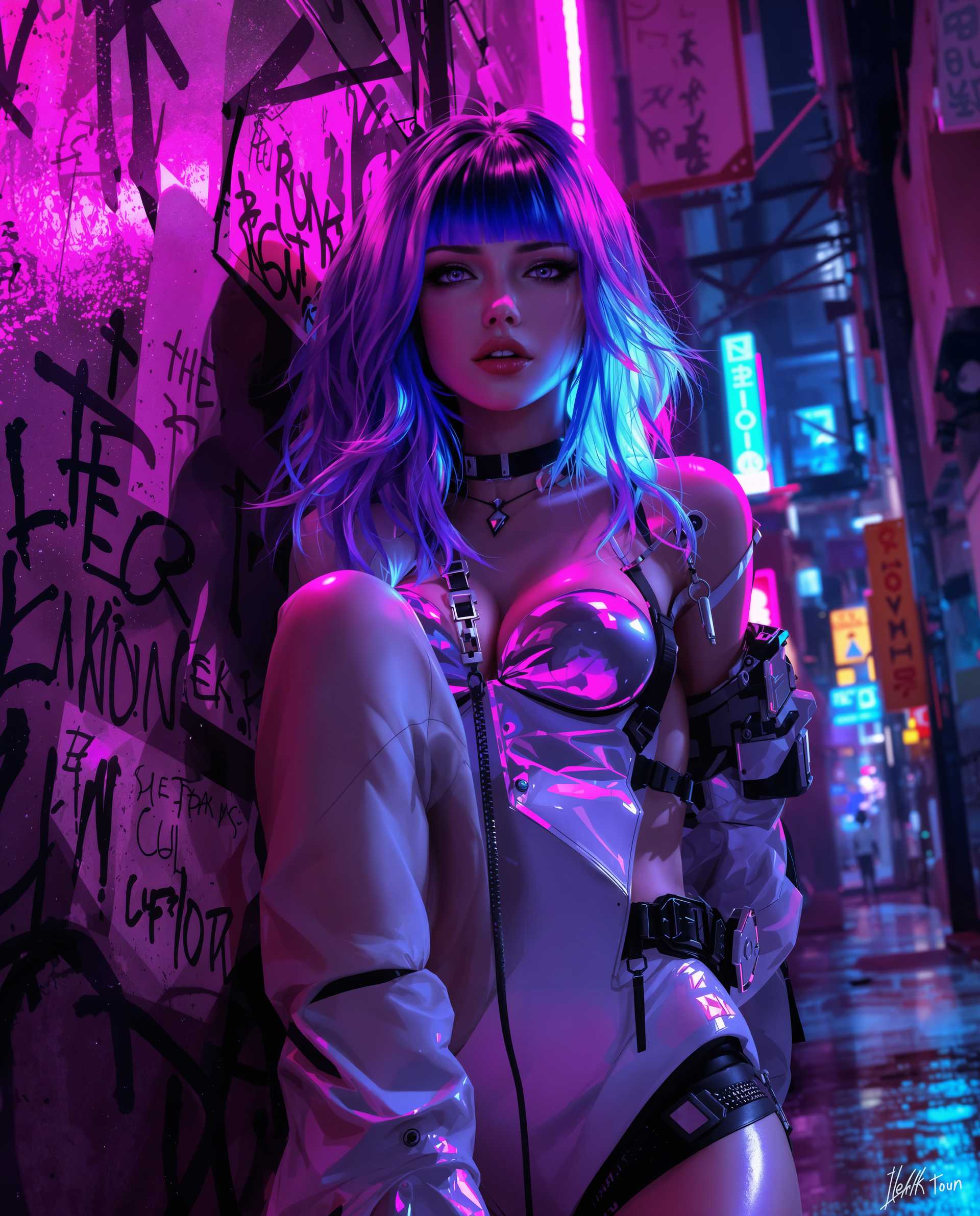
The Pixel Dojo Advantage
Why PixelDojo is the Superior Choice for Stock Video Creation
| Others | Pixel Dojo |
|---|---|
| Traditional Stock Footage | Avoid the limitations of pre-existing footage by generating videos tailored to your exact specifications. |
| Generic AI Video Tools | Benefit from our specialized tools designed specifically for high-quality stock video generation. |
| Manual Video Production | Save time and resources by automating the video creation process without compromising on quality. |
Loved by Creators
See what our community says about stock video
"PixelDojo transformed our content strategy by allowing us to create bespoke stock videos that resonate with our audience."
Alex Johnson
Marketing Director
"As an educator, PixelDojo's AI tools have enabled me to produce engaging videos that enhance my teaching materials effortlessly."
Dr. Emily Carter
University Professor
Common Questions
Everything you need to know about stock video AI generation
How does PixelDojo's AI stock video generator work?
Our AI tools, such as LTX-2 Video and VEO 3.1, generate videos based on your text descriptions, allowing for customized and high-quality stock footage creation.
Can I use the generated videos for commercial purposes?
Yes, videos created with PixelDojo can be used for personal, educational, or commercial projects without any restrictions.
Is there a limit to the number of videos I can create?
With our subscription plans, you have access to unlimited video generation, enabling you to create as many videos as you need.
Do I need prior video editing experience to use PixelDojo?
No, our platform is designed to be user-friendly and accessible to individuals with no prior video editing experience.
What formats and resolutions are available for the generated videos?
PixelDojo offers videos in multiple formats and resolutions, including 1080p and 4K, to suit various project requirements.
How long does it take to generate a video?
The generation time varies depending on the complexity of your prompt, but most videos are ready within minutes.