Synchronized audio visuals Wan AI Generator
Imagine captivating your audience with videos where visuals and audio are perfectly synchronized, enhancing storytelling and engagement. With PixelDojo's advanced AI tools, you can effortlessly create professional-quality synchronized audio-visual content, transforming your creative visions into reality without the need for complex editing or technical expertise.
Join over 50,000 creators who have generated more than 200,000 videos using PixelDojo's AI tools, achieving a 95% satisfaction rate.
Why Choose Pixel Dojo for Synchronized audio visuals Wan
Professional-quality results with cutting-edge AI technology
Effortless Video Creation
Generate high-quality videos with synchronized audio in minutes, reducing production time and costs.
Seamless Audio-Visual Integration
Ensure your video's dialogue and visuals are perfectly synchronized, creating a more immersive experience for your audience.
Enhanced Audience Engagement
Dynamic audio-visual content captures attention more effectively, increasing viewer retention and interaction.
How It Works
Creating synchronized audio-visual content with PixelDojo is simple and intuitive. Follow these steps to bring your ideas to life:
Step 1: Choose Your Tool
Select the appropriate AI tool for your project. For synchronized audio-visual content, PixelDojo offers tools like OVI and Sora 2.
Step 2: Enter Your Prompt
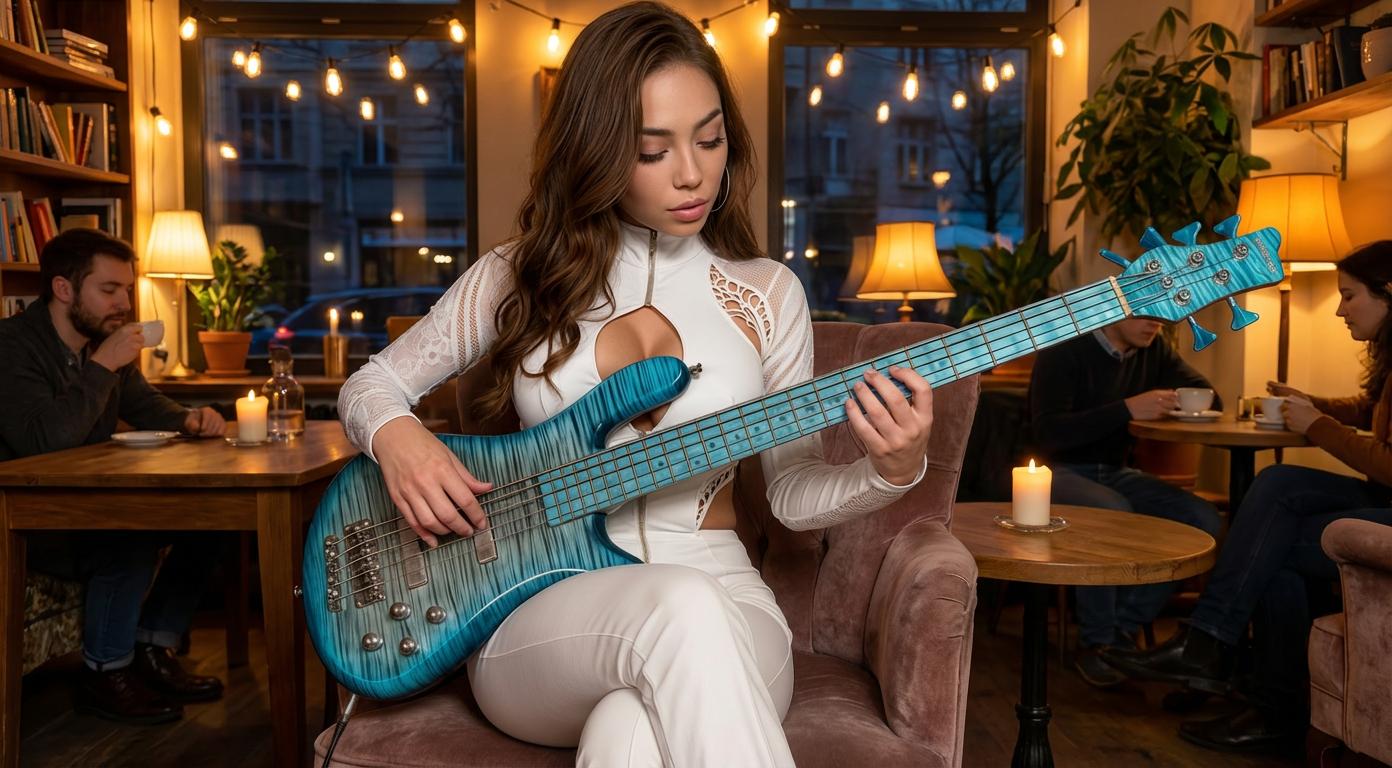
Input your desired text or image prompt. For example, describe the scene and audio elements you want to include.
Step 3: Customize & Download
Review the generated video, make any necessary adjustments, and download the final product.










The Pixel Dojo Advantage
Why PixelDojo outperforms other options for synchronized audio-visual content creation
| Others | Pixel Dojo |
|---|---|
| Traditional Video Production | Eliminates the need for complex editing software and technical skills, allowing for faster and more cost-effective content creation. |
| Generic AI Tools | Offers specialized tools designed specifically for synchronized audio-visual content, ensuring higher quality and better integration. |
| Manual Synchronization | Automates the synchronization process, reducing the potential for human error and saving valuable time. |
Loved by Creators
See what our community says about Synchronized audio visuals Wan
"PixelDojo's AI tools have revolutionized the way I create content. The synchronized audio-visual feature has taken my videos to the next level."
Alex Johnson
Content Creator
"As a marketer, engaging content is key. PixelDojo's synchronized audio-visual capabilities have significantly improved our campaign performance."
Samantha Lee
Marketing Manager
Common Questions
Everything you need to know about Synchronized audio visuals Wan AI generation
How does PixelDojo ensure perfect synchronization between audio and visuals?
PixelDojo utilizes advanced AI algorithms that analyze and align audio and visual elements, ensuring seamless synchronization without manual intervention.
Can I customize the audio elements in the generated videos?
Yes, PixelDojo allows you to input specific audio prompts or upload your own audio files to tailor the sound to your project's needs.
Is technical expertise required to use PixelDojo's synchronized audio-visual tools?
No, PixelDojo is designed with user-friendliness in mind, enabling creators of all skill levels to produce professional-quality content effortlessly.
What types of projects can benefit from synchronized audio-visual content?
Synchronized audio-visual content is ideal for marketing videos, educational materials, social media content, and any project aiming to enhance audience engagement through dynamic storytelling.
How long does it take to generate a video with synchronized audio using PixelDojo?
The generation time varies depending on the complexity of the project, but most videos are produced within minutes, significantly reducing traditional production timelines.
Are there any limitations on the length or resolution of the videos I can create?
PixelDojo supports various video lengths and resolutions. Specific limitations, if any, are detailed within each tool's specifications on the platform.