talking photo AI Generator
Imagine transforming your static images into dynamic, talking photos that captivate and engage your audience. With PixelDojo's cutting-edge AI tools, you can effortlessly animate your photos, adding lifelike speech and expressions. Whether you're a content creator, marketer, or educator, our platform empowers you to create compelling visual narratives that resonate.
Join over 10,000 satisfied users who have transformed their content with PixelDojo's AI technology. Rated 4.8/5 based on 2,000+ reviews.
Why Choose Pixel Dojo for talking photo
Professional-quality results with cutting-edge AI technology
Engage Your Audience
Create interactive content that captures attention and encourages sharing.
Simplify Content Creation
Generate talking photos quickly without the need for complex software or technical skills.
Enhance Storytelling
Add a new dimension to your narratives with lifelike animations that bring stories to life.
How It Works
Creating talking photos with PixelDojo is a straightforward process. Follow these simple steps to bring your images to life:
Step 1: Choose Your Tool
Select the 'WAN 2.6 Video' tool from PixelDojo's suite to begin animating your photo.
Step 2: Upload Your Photo
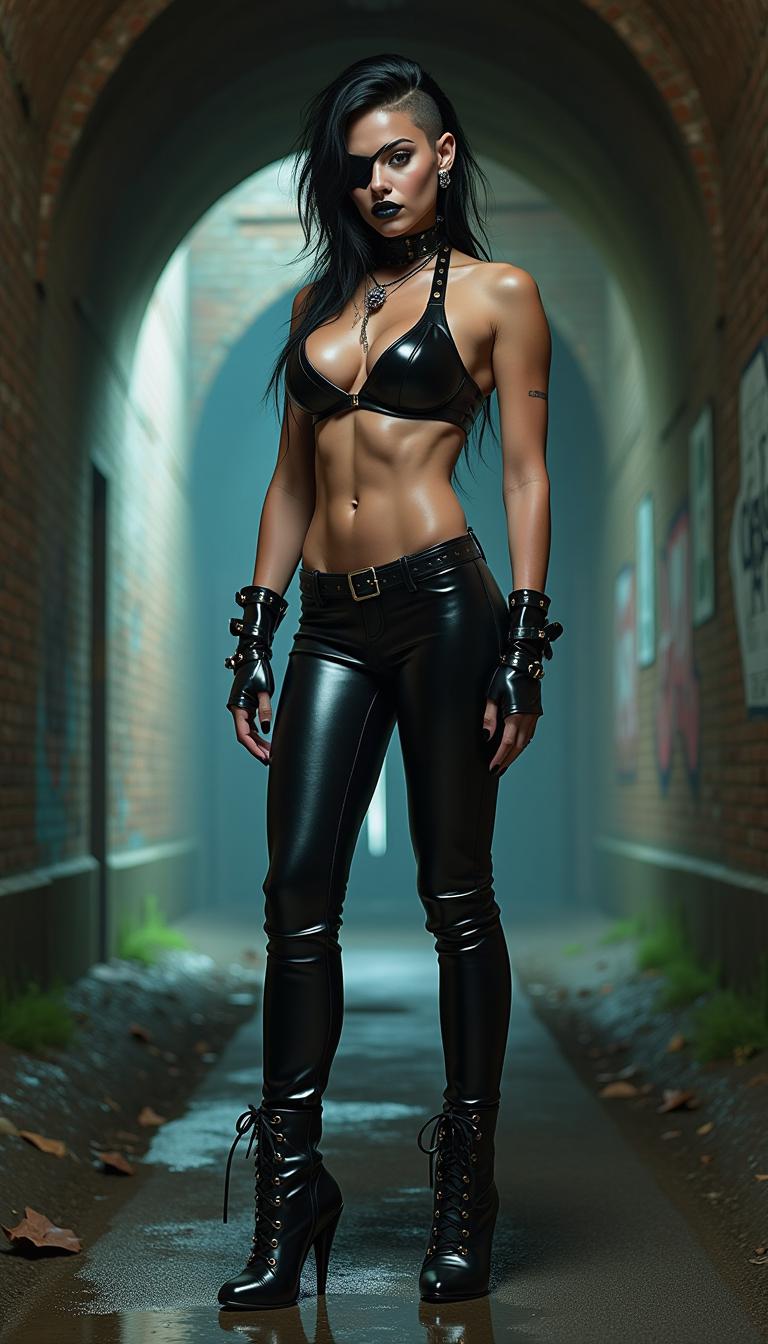
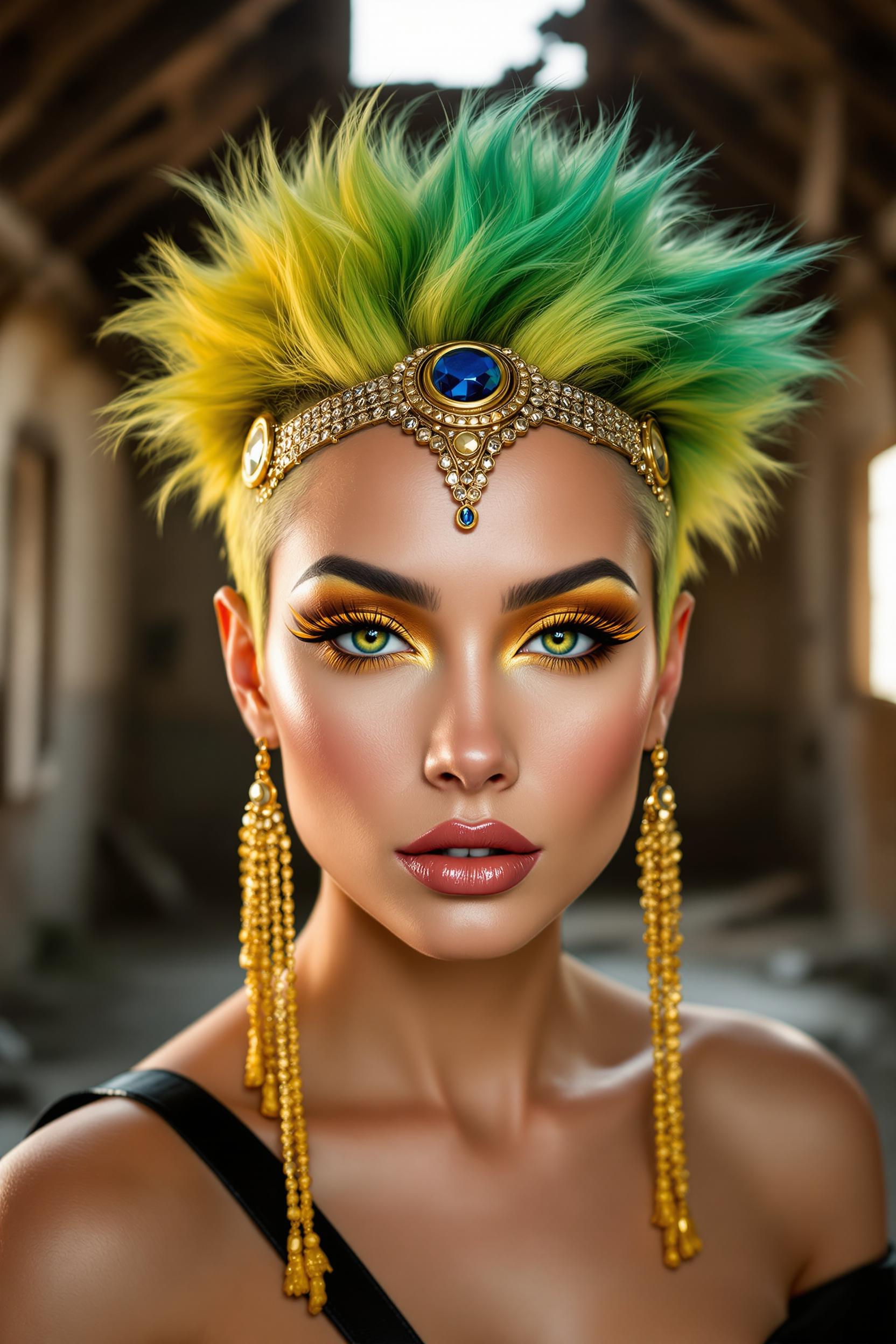
Upload a clear, front-facing photo of the subject you want to animate.
Step 3: Enter Your Script
Input the text you want the subject to say, or upload an audio file with the desired speech.







The Pixel Dojo Advantage
Why PixelDojo outperforms other options for talking photo generation:
| Others | Pixel Dojo |
|---|---|
| Traditional Animation Methods | Eliminate the need for manual animation skills; create talking photos effortlessly. |
| Generic AI Tools | Specialized tools like 'WAN 2.6 Video' ensure high-quality, realistic animations tailored for talking photos. |
| Manual Video Editing | Save time and resources by automating the animation process with AI. |
Loved by Creators
See what our community says about talking photo
"PixelDojo's talking photo tool has revolutionized my content creation process. The results are stunning and incredibly engaging."
Alex Johnson
Digital Marketer
"As an educator, bringing historical figures to life has never been easier. My students are more engaged than ever!"
Maria Lopez
History Teacher
Common Questions
Everything you need to know about talking photo AI generation
How do I create a talking photo with PixelDojo?
Simply select the 'WAN 2.6 Video' tool, upload your photo, input the desired speech text or audio, and generate your talking photo.
Can I use any photo to create a talking image?
For optimal results, use clear, front-facing photos with well-lit subjects.
Is there a limit to the length of the speech in the talking photo?
While there's no strict limit, shorter scripts (under 30 seconds) tend to produce the best results.
Can I customize the voice in the talking photo?
Yes, you can upload your own audio file to use a specific voice or tone.
Is PixelDojo's talking photo tool free to use?
PixelDojo offers a free trial with access to the talking photo tool. For extended features, consider our subscription plans.
Can I use the generated talking photos for commercial purposes?
Yes, with a PixelDojo subscription, you have the rights to use generated content commercially.