turn yourself into anime AI Generator
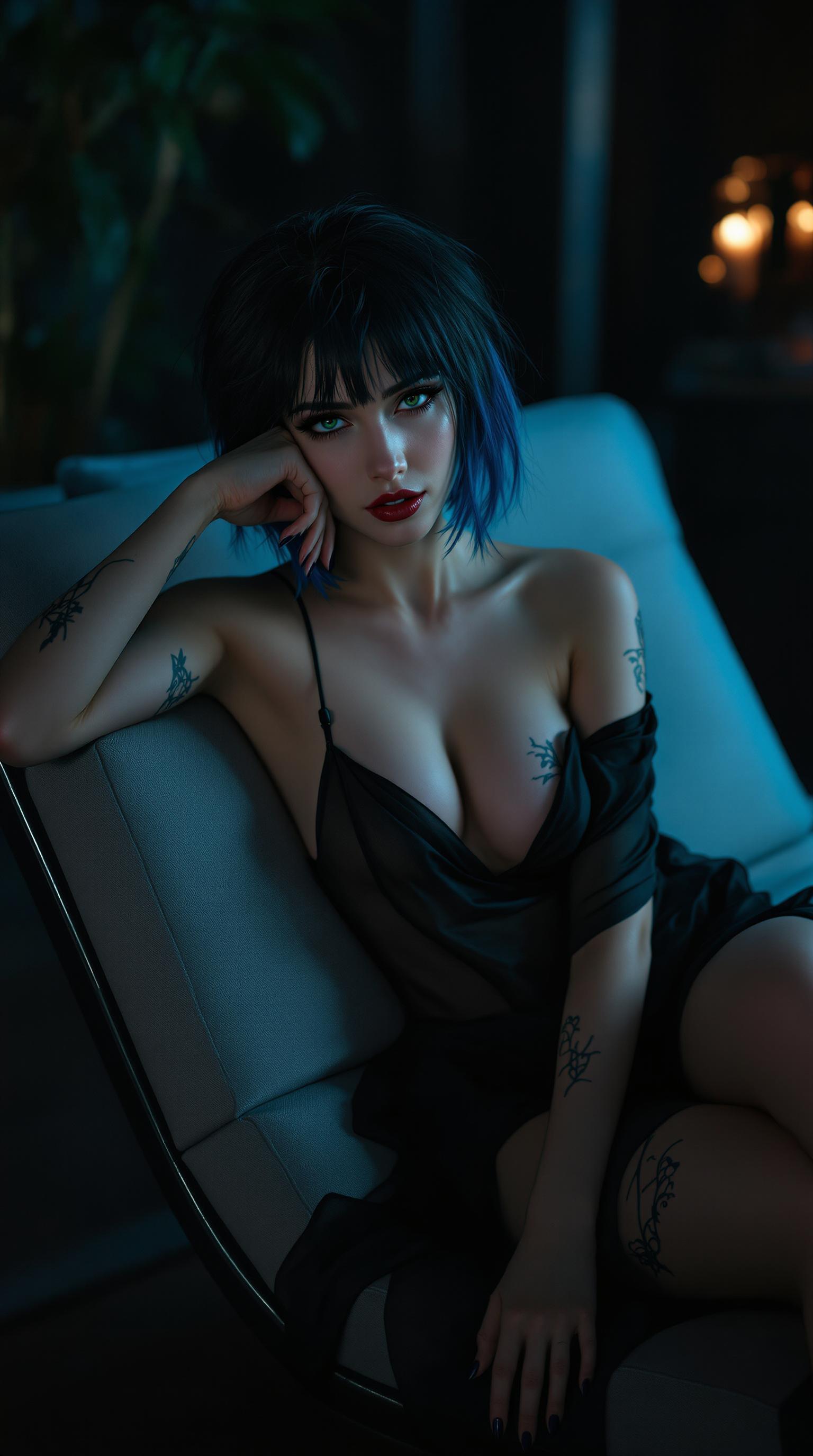
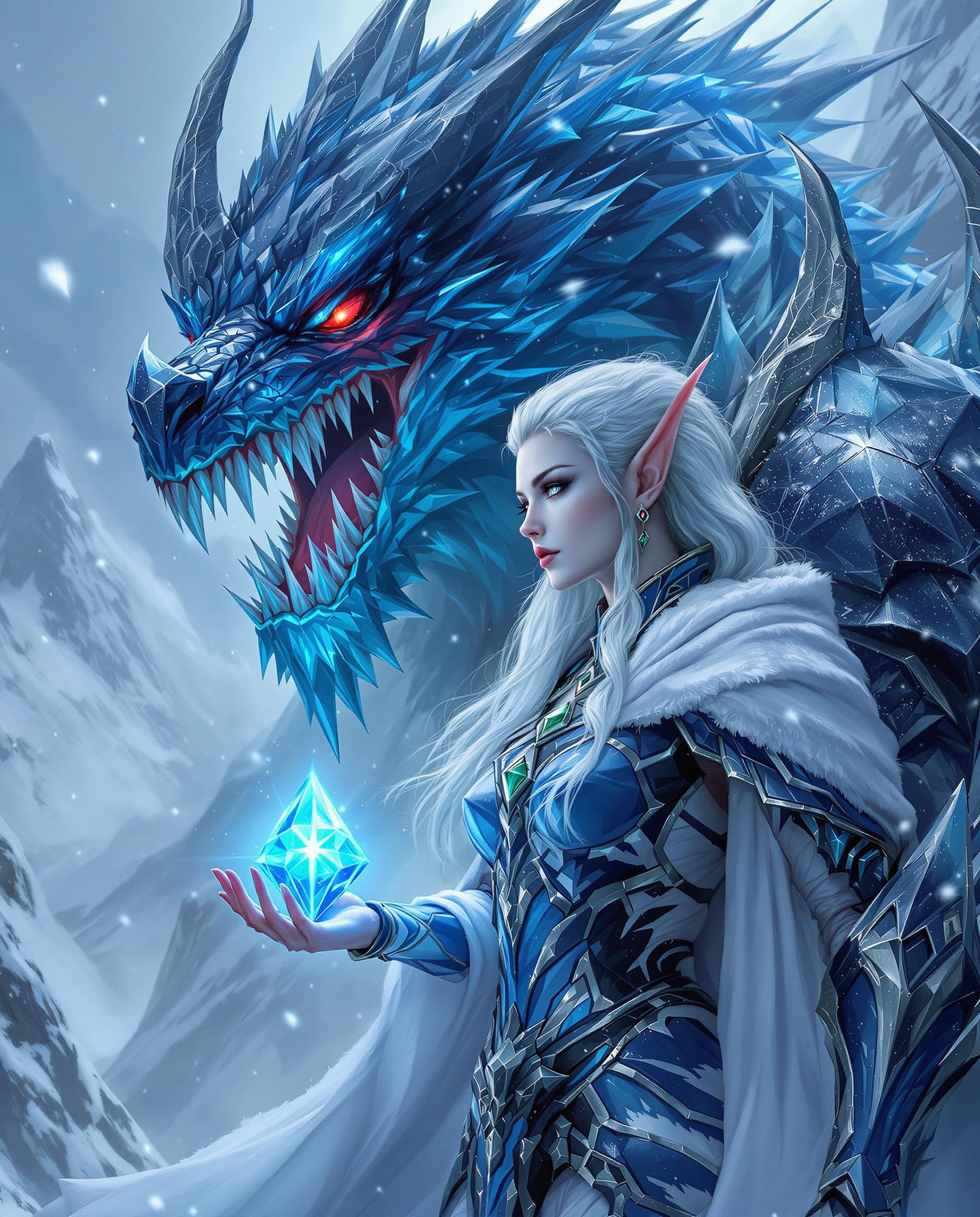
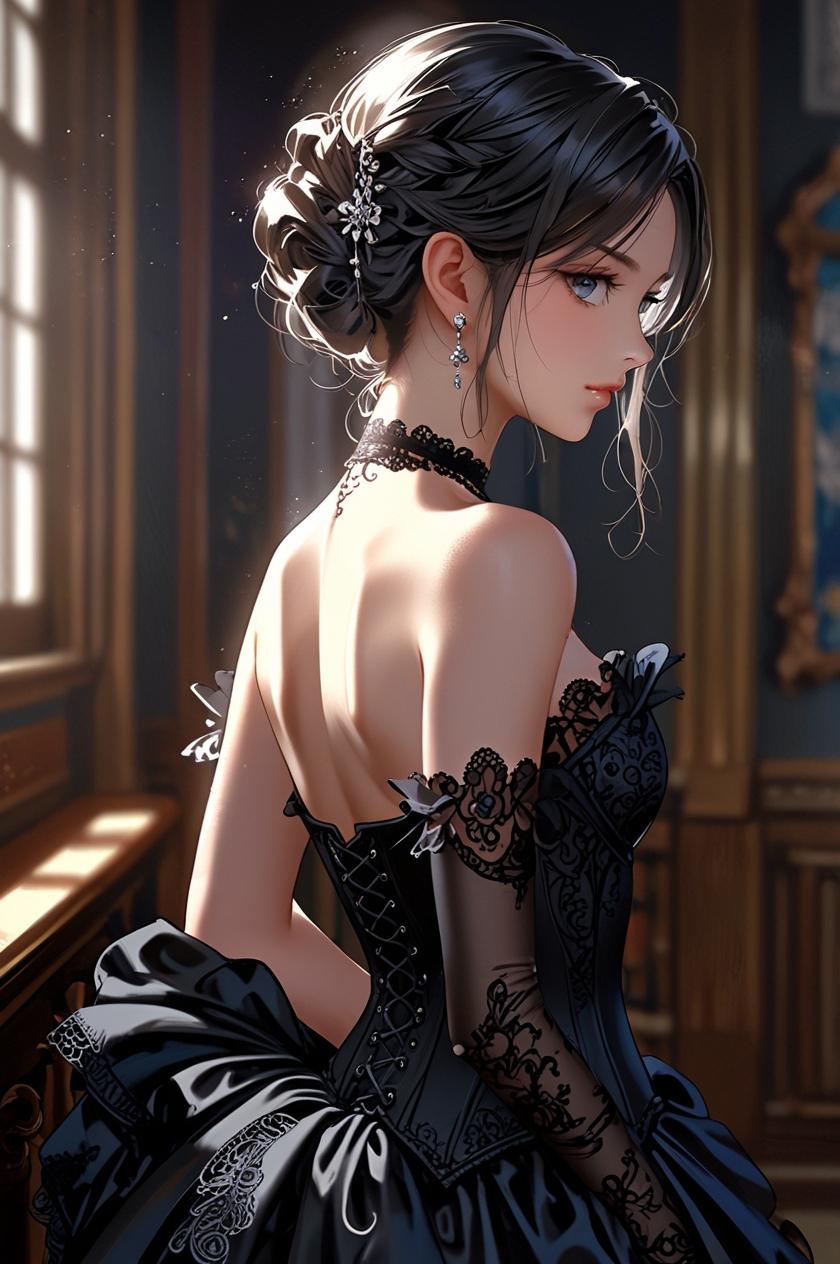
Ever wondered how you'd look as an anime character? With PixelDojo's cutting-edge AI tools, you can effortlessly transform your photos into stunning anime-style artworks. Whether you're looking to create a unique avatar, enhance your social media presence, or simply explore your creativity, PixelDojo makes it easy and fun.

Join over 100,000 satisfied users who have transformed their photos into anime masterpieces with PixelDojo's AI technology.
Why Choose Pixel Dojo for turn yourself into anime
Professional-quality results with cutting-edge AI technology
Effortless Transformation
Convert your photos into anime art with just a few clicks, no artistic skills required.
High-Quality Results
Achieve professional-grade anime images that capture intricate details and vibrant colors.
Time-Saving
Generate stunning anime portraits in seconds, saving you hours of manual editing.
How It Works
Creating anime-style images with PixelDojo is simple and intuitive. Follow these steps to bring your photos to life:
Step 1: Choose Your Tool
Select from PixelDojo's specialized tools like Flux Creator or SDXL Image Creator, optimized for anime-style image generation.
Step 2: Upload Your Photo
Upload the photo you wish to transform into an anime-style image. Ensure the photo is clear and well-lit for the best results.
Step 3: Customize & Download
Adjust settings such as color vibrancy and detail level to match your vision. Once satisfied, download your high-resolution anime image.

The Pixel Dojo Advantage
Why PixelDojo outperforms other options for anime image generation
| Others | Pixel Dojo |
|---|---|
| Traditional Anime Creation | Eliminates the need for manual drawing skills, making anime art accessible to everyone. |
| Generic AI Tools | Specialized algorithms tailored for anime styles ensure more accurate and appealing results. |
| Manual Photo Editing | Significantly reduces the time and effort required to achieve high-quality anime transformations. |
Loved by Creators
See what our community says about turn yourself into anime
"PixelDojo transformed my photos into anime art effortlessly. The results were stunning and exceeded my expectations."
Alex Johnson
Digital Artist
"As someone with no artistic skills, I was amazed at how easy it was to create anime versions of my photos using PixelDojo."
Emily Chen
Content Creator
Common Questions
Everything you need to know about turn yourself into anime AI generation
How can I turn my photo into an anime image using PixelDojo?
Simply select a specialized tool like Flux Creator, upload your photo, customize the settings to your preference, and download the anime-style image.
Do I need any artistic skills to use PixelDojo's anime transformation tools?
No, PixelDojo is designed to be user-friendly and requires no prior artistic experience.
Can I customize the anime style of my transformed photo?
Yes, PixelDojo offers various customization options, including color vibrancy and detail levels, to match your desired anime style.
Is there a limit to the number of photos I can transform into anime images?
PixelDojo offers various subscription plans, some of which include unlimited transformations. Please refer to our pricing page for more details.
What file formats are supported for uploading photos?
PixelDojo supports common image formats such as JPEG and PNG for photo uploads.
How long does it take to transform a photo into an anime image?
The transformation process is quick, typically taking only a few seconds to generate the anime-style image.