veo 3.1 AI Generator

Imagine transforming a simple idea or a few reference photos into breathtaking cinematic videos that captivate audiences, drive engagement, and look like they came from a professional studio. With PixelDojo's Veo 3.1, you can generate hyper-realistic videos complete with natural dialogue, synchronized sound effects, dynamic camera movements, and expressive character performances—all in minutes instead of weeks. The latest Veo 3.1 excels at turning reference images into lively, consistent videos. Upload up to three 'ingredient' images to lock in your characters, environments, and style, then watch as it creates natural movements, rich audio, and cohesive storytelling. Native vertical (9:16) support means your videos are perfectly optimized for YouTube Shorts, TikTok, Instagram Reels, and other platforms without cropping or quality loss. You can even upscale to stunning 1080p or 4K resolution for premium results. On PixelDojo, Veo 3.1 isn't just another generation tool—it's the heart of a complete creative ecosystem. Combine it with our Consistent Characters, Video Upscaler, Lip Sync, Video Autocaption, and advanced editors like Kling Video Edit or Grok Video Edit to refine, extend, and perfect every project. Whether you're a marketer creating scroll-stopping ads, a YouTuber building a series with recurring characters, a storyteller crafting short films, or a brand producing social content that converts, you'll achieve professional outcomes faster and more affordably than ever before. Join thousands of creators worldwide who rely on our 40+ cutting-edge AI tools to bring visions to life without crews, cameras, or massive budgets. No long-term contracts, cancel anytime, and start generating today with our risk-free trial. Your next viral video, compelling brand story, or cinematic masterpiece is just a prompt away.

AI Generated
Get Started TodayResults in seconds50+ AI models

Trusted by 28,000+ creators • 4.9/5 from 4,872 reviews • Generated over 1.2 million videos • "Veo 3.1 on PixelDojo gave me perfectly consistent characters and native audio for my entire YouTube series. Engagement skyrocketed." – Alex Rivera, YouTube Creator with 250K subscribers

Why Choose Pixel Dojo for veo 3.1

Professional-quality results with cutting-edge AI technology

Create Cinematic Videos with Native Audio & Realism

You generate high-fidelity videos that feel alive with synchronized dialogue, realistic sound effects, ambient music, and natural physics. Viewers stay engaged longer, brands see higher conversion rates, and your content stands out as professionally produced without any filming or expensive post-production. Veo 3.1 on PixelDojo delivers expressive performances and cinematic quality that drives real results for marketing campaigns, storytelling, and social media growth.

Achieve Flawless Character & Scene Consistency

Using reference images as ingredients, you create characters that look identical across every scene, video, and project. Build entire series, branded campaigns, or multi-episode stories without the visual breaks that ruin immersion. Combine with PixelDojo's Consistent Characters and LoRA tools for even greater control, saving you hours of rework while maintaining audience connection and professional polish.

Produce Viral Vertical Videos Ready for Any Platform

Generate native 9:16 videos perfectly framed for YouTube Shorts, TikTok, and Reels that perform without additional editing for aspect ratios. Add auto-captions, refine pacing with our editors, and upscale for maximum quality. Creators using Veo 3.1 on PixelDojo report doubled engagement and faster content production, turning ideas into scroll-stopping, shareable videos that grow audiences and revenue.

How It Works

Creating outstanding videos with Veo 3.1 on PixelDojo is straightforward and empowering. Our platform combines the power of Google's latest model with intuitive controls, prompt assistance, and a full editing suite so you can move from concept to polished video faster than ever. Focus on your story while we handle the technology.

1

Step 1: Choose VEO 3.1 and Add Your Ingredients

Navigate to the Generate Videos section in PixelDojo and select VEO 3.1. Choose your aspect ratio—select vertical 9:16 for instant social media readiness. Upload 1-3 reference images of your characters, key objects, or desired visual style. These 'ingredients' ensure consistency in appearance, lighting, and environment. Describe your vision in natural language, specifying the action, mood, camera movement, and audio style you want. Our AI prompt enhancer will optimize it specifically for Veo 3.1's strengths.

2

Step 2: Generate Expressive Videos with Rich Audio

Review the optimized prompt and generate your video. Veo 3.1 will create dynamic clips featuring consistent characters performing naturally, complete with synchronized dialogue, sound effects, and music that matches the scene. You'll receive high-quality output with realistic motion and cinematic framing. Preview instantly and regenerate variations with one click if needed. This step typically takes under a minute, giving you professional-looking footage ready for refinement.

3

Step 3: Edit, Enhance, Upscale & Export

Take your Veo 3.1 video into PixelDojo's powerful editor. Use Video Upscaler or Magnific for 4K sharpness, add or refine captions with Video Autocaption, perfect lip movements with Lip Sync, or extend scenes using Grok Imagine Video Extend and Kling Video Edit. Apply Style Transfer, Magic Lighting, or merge multiple clips seamlessly. Save character references for future projects to maintain perfect consistency across your entire library. Download in your preferred resolution or share directly to social platforms. Your finished video will look and sound professionally produced.
Community veo 3.1 Gallery

Real examples created by our community

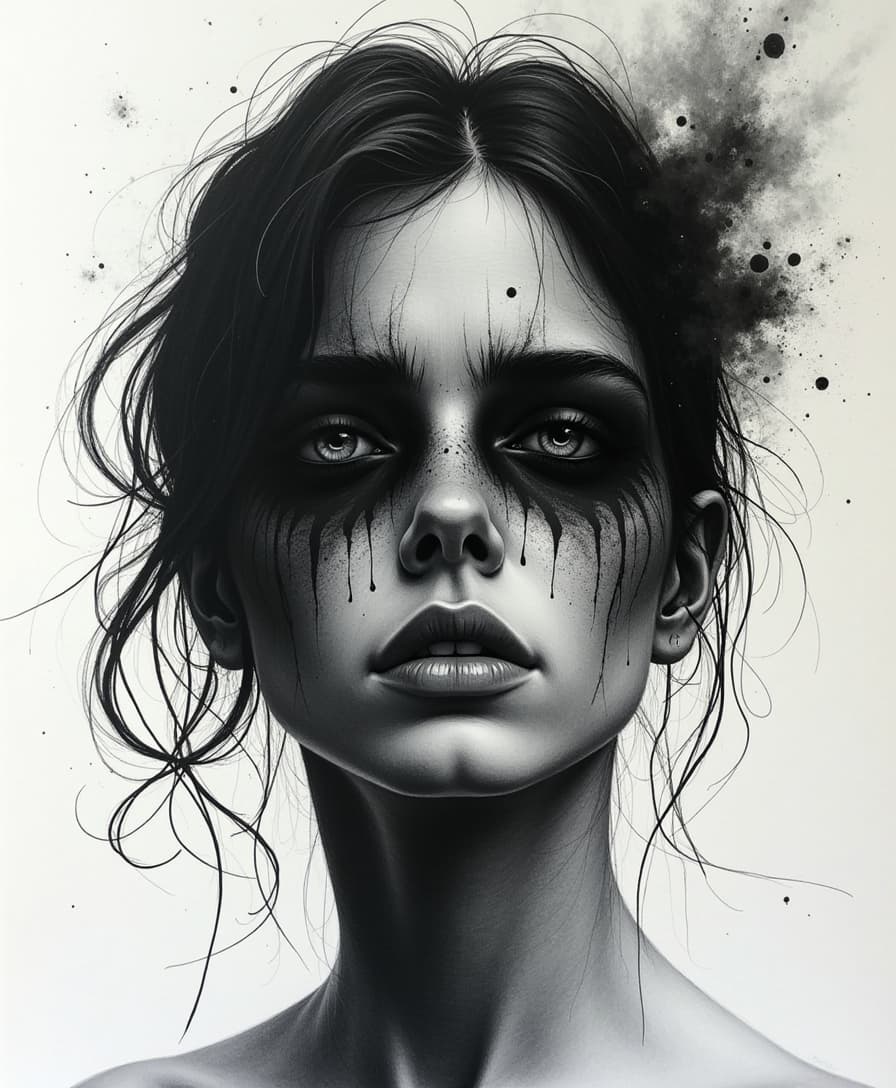
Create a hauntingly expressive ink and coal drawing that conveys raw emotion through bold, gestural strokes and delicate, whispery textures, with deep, rich blacks and subtle, velvety grays that seem to reverberate with the subject's inner turmoil, evoking a sense of visceral empathy in the viewer, as if the emotions themselves have been distilled onto the page in a fleeting, yet eternal, moment of vulnerability, with every line, smudge, and scratch telling a story of pain, longing, or triumph.
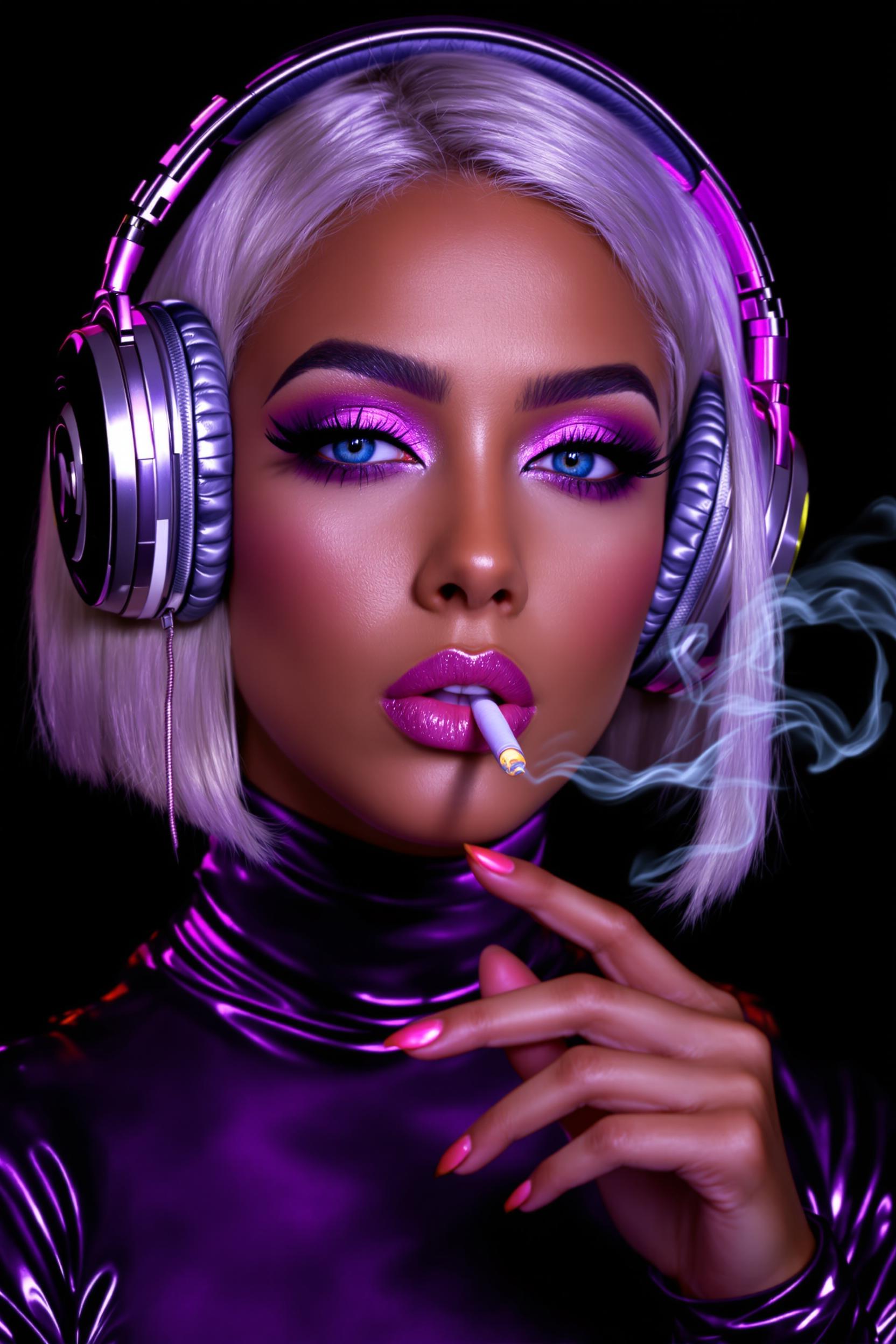
A highly detailed digital portrait of a glamorous young woman with "Tan" skin, and platinum blonde hair styled in a sleek bob, wearing oversized purple metallic headphones adorned with subtle sparkles. She has dramatic makeup, bold purple eyeshadow with shimmering highlights, thick black eyeliner, and glossy pink lips slightly parted. She holds a lit cigarette delicately between her fingers, exhaling a thin trail of swirling white smoke that drifts upward against a deep black background. Her expression is confident and seductive, with piercing blue eyes gazing directly at the viewer. She wears a shiny, form-fitting purple metallic turtleneck top that reflects light with a glossy, latex-like sheen. The art style is hyper-realistic digital painting in a cyberpunk glamour aesthetic, reminiscent of artists like Alphonse Mucha meets modern fashion photography, with vibrant neon purples, and silvers dominating the color palette, high contrast lighting from an unseen source casting dramatic shadows and highlights, ultra-high resolution, intricate details on textures like the headphone cushions and fabric sheen, cinematic composition focused on her face and upper body.
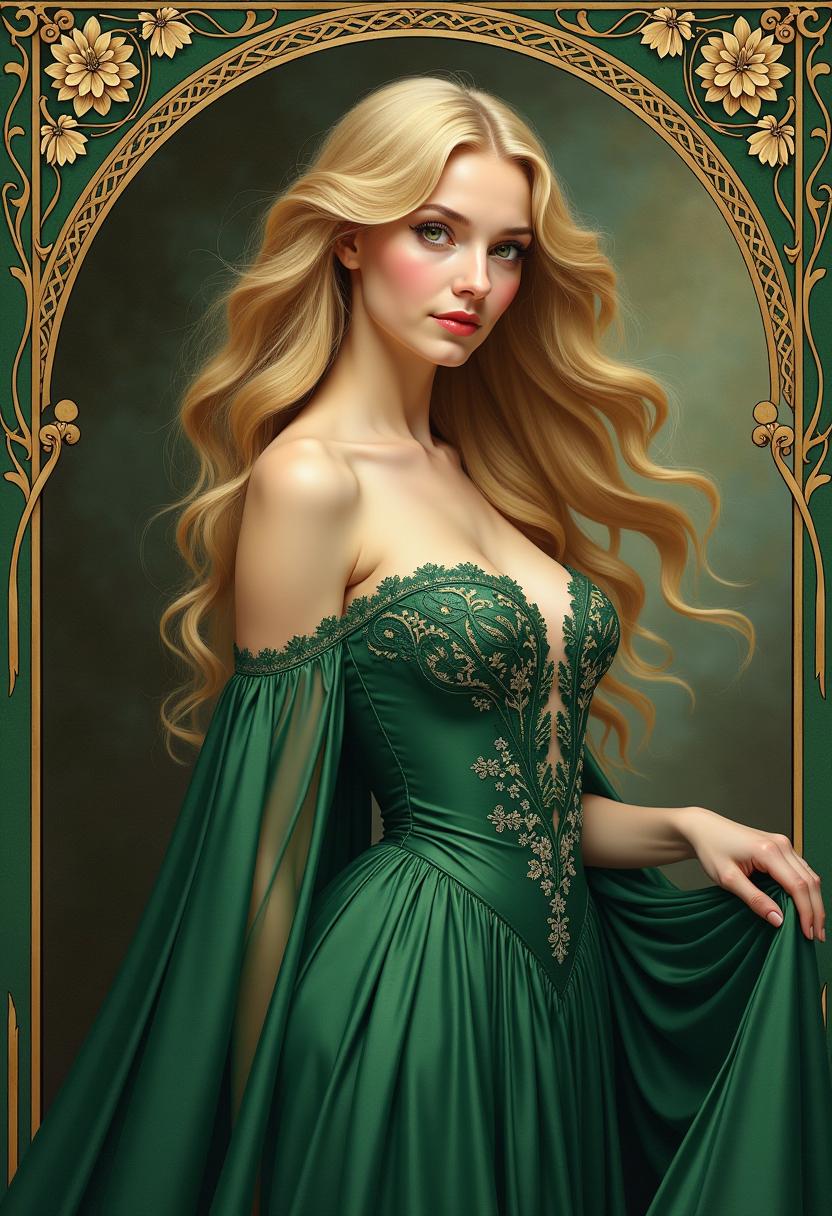
In the style of Alphonse Mucha, paint a stunning portrait of a captivating 20-year-old woman exuding an air of elegance and allure. Her blonde hair is styled in intricate, flowing locks, framing her delicate features. She wears a **flowing green gown** with delicate lace and floral patterns, emphasizing her youthful beauty and sophistication. The gown's fabric should shimmer subtly, reflecting the light in a way that enhances her figure.

**Visual Details:**
- The gown's color is a deep, rich dark green, creating a striking contrast with her fair skin and the lighter tones of the background.
- Her eyes should sparkle with a hint of mystery, perhaps in a shade that complements the gown, like a soft sapphire blue or a deep emerald green.
- The texture of her skin should be smooth and luminous, with a slight blush on her cheeks to add to her natural beauty.

**Composition:**
- Position her in a three-quarter view, slightly turned towards the viewer, allowing the gown to cascade around her, creating dynamic lines that lead the eye.
- She is set against a **intricately curved frame** that mimics the decorative borders typical in Mucha's work, with intricate Art Nouveau patterns and motifs like flowers, vines, and peacock feathers.

**Lighting and Atmosphere:**
- Use soft, diffused lighting to give the painting a dreamlike quality, with the light source subtly highlighting her features and the gown's contours.
- The background should transition from darker shades to lighter, creating depth and placing the focus on her.

**Mood:**
- The overall mood should be one of serene beauty and timeless charm, capturing the essence of Mucha's romanticism with an undercurrent of sensuality.

**Technical Aspects:**
- Employ Mucha's signature techniques like delicate line work, pastel colors, and intricate detailing in both the gown and background patterns.
- Use a shallow depth of field to keep the focus on her, with the background elements slightly blurred yet still visible, creating a harmonious blend of foreground and background.
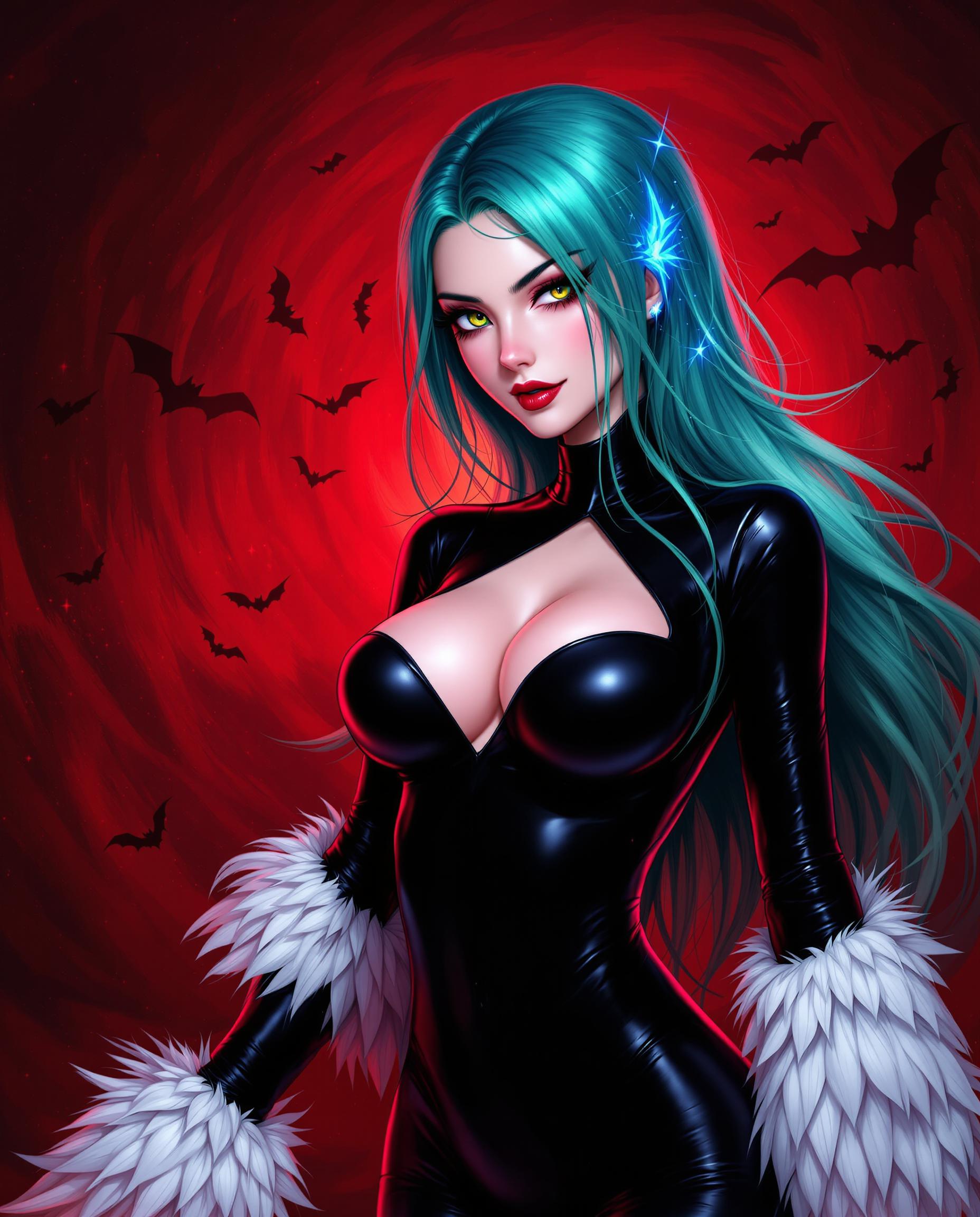
This is a realistic photo (photograph) of a female real person digital artwork that features a character with a striking appearance. The art style is realistic, with its clean lines, vibrant colors, and exaggerated features. The medium appears to be a digital painting, given the smooth blending of colors and the lack of texture that might be present in traditional mediums.The character has long, flowing hair that transitions from a deep teal at the roots to a lighter, almost aqua hue at the tips. The hair is adorned with what looks like glowing, electric blue strands that give off a sense of energy or magic. The hair is styled in a way that it cascades down the characters back, with some strands gently framing the face and neck.The characters eyes are a piercing green, with a hint of yellow, and they have a mischievous glint. The eyes are accentuated with long, black eyelashes and a hint of blush on the cheeks, adding to the characters enigmatic charm.The character is wearing a formfitting, black bodysuit with a heartshaped cutout at the chest. The bodysuit is shiny, with a glossy finish that reflects the light, giving it a sleek and modern look. The sleeves are long and feathered, with white feathers that extend past the wrists, adding a touch of elegance and fantasy to the outfit.The characters skin is a pale, almost translucent pink, with a subtle blush on the cheeks and lips. The skin is smooth and without any visible imperfections, contributing to the characters ethereal and otherworldly appearance.The background of the image is a dramatic red, with a swirling, chaotic pattern that resembles a galaxy or a nebula. This red backdrop contrasts sharply with the cool tones of the character, drawing the viewers attention to the figure. The red background is filled with dark, flying shapes that could be interpreted as bats or other creatures, adding to the mystical and ominous atmosphere of the scene.Overall, the image is a blend of fantasy and modernity, with a strong emphasis on the characters striking appearance and the dramatic, otherworldly background. The use of color is vibrant and dynamic, with a clear contrast between the cool tones of the character and the warm reds of the background, creating a visually compelling and intriguing piece of art.
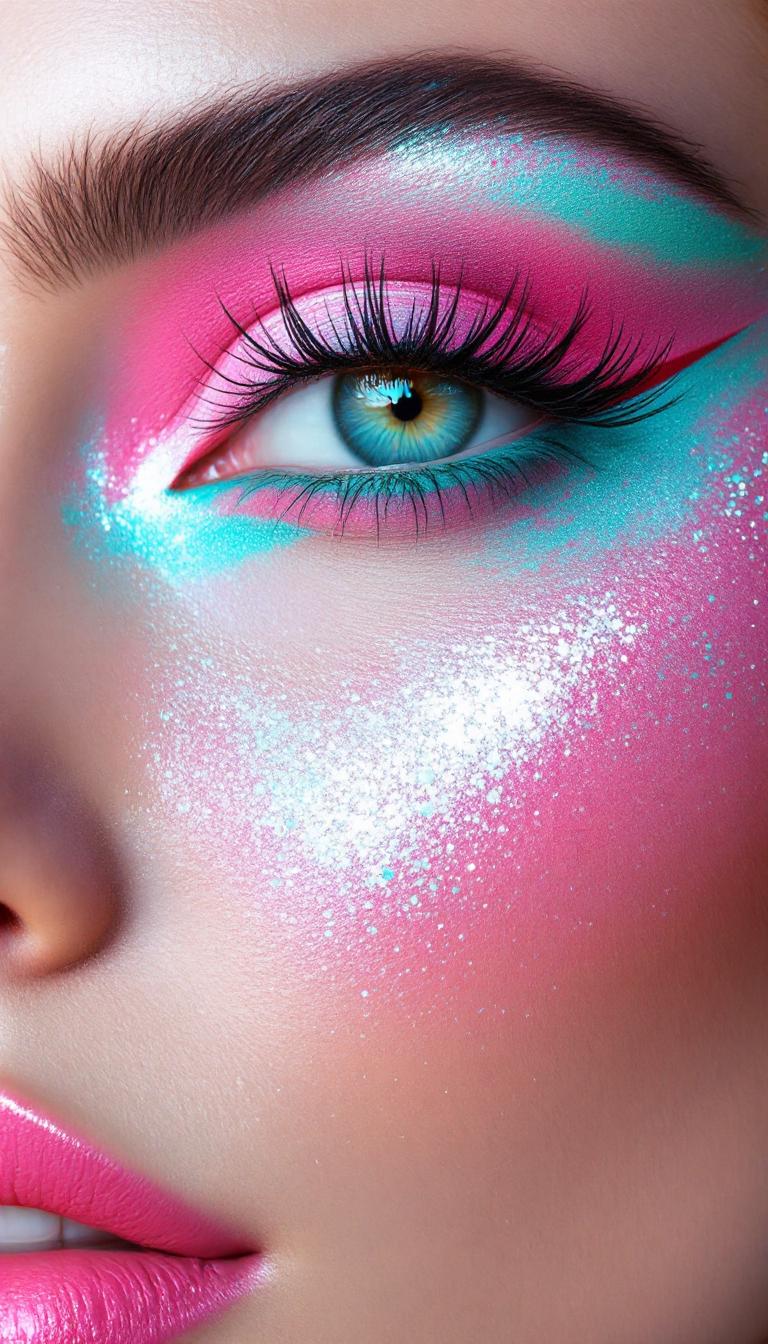
A striking eye makeup close-up with icy mint liner, hot pink shadows, and dreamy sparkle. Use thick impasto for the eyeliner strokes and fluttery lashes, while soft brush blending creates a surreal glow around the eye. Paint the skin with subtle shimmer and smooth gradations for realism.
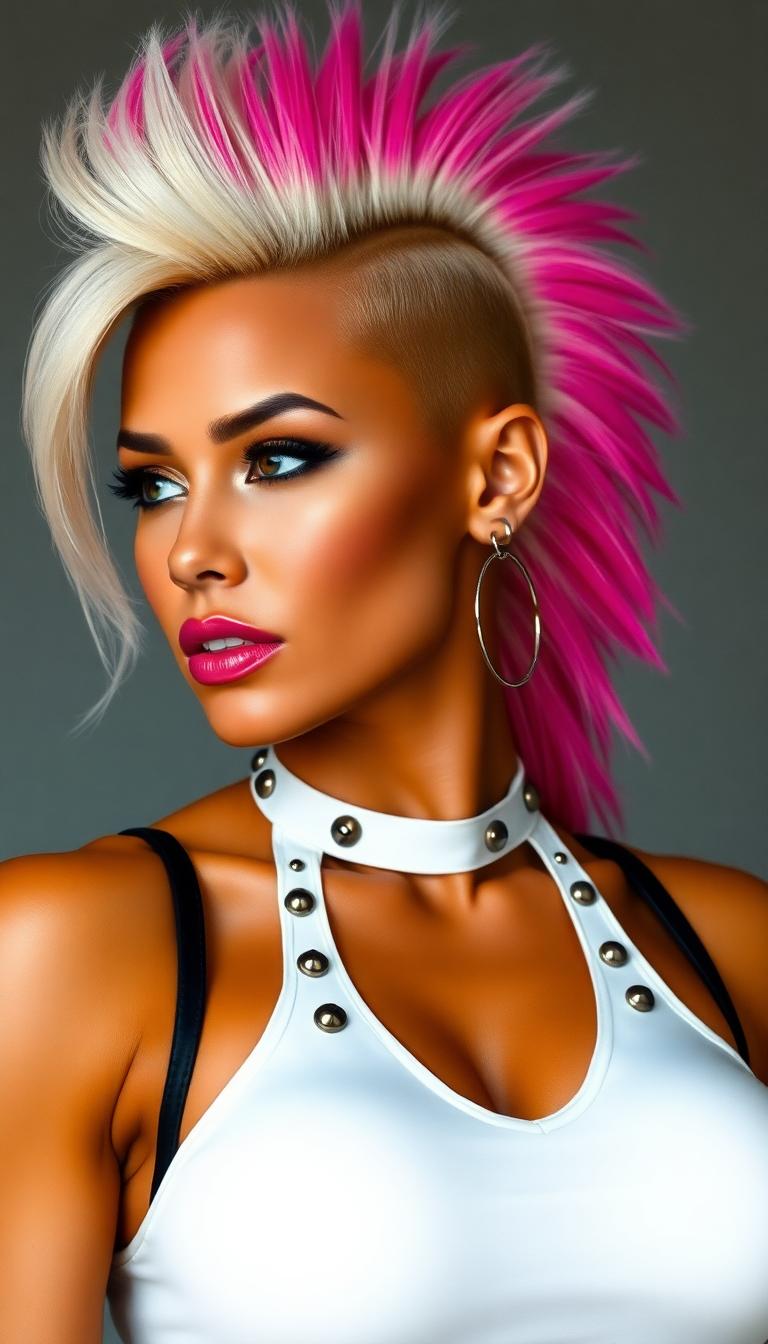
a muscle-bound bimbo amazon standing 6'2" with an impossible physique—massive breasts that remain perfectly firm despite their size, biceps larger than most men's, thighs that could crush skulls, all while maintaining a tiny waist and feminine features. Her skin takes on a golden hue with a permanent sheen like oil. Her once-conservative hair is now a platinum blonde mohawk with hot pink tips. Her face combines hyper-feminine features (pouty lips, long lashes) with strong masculine elements (defined jawline, prominent brow). Wearing a shiny white latex halter top, decorated with straps and studs.
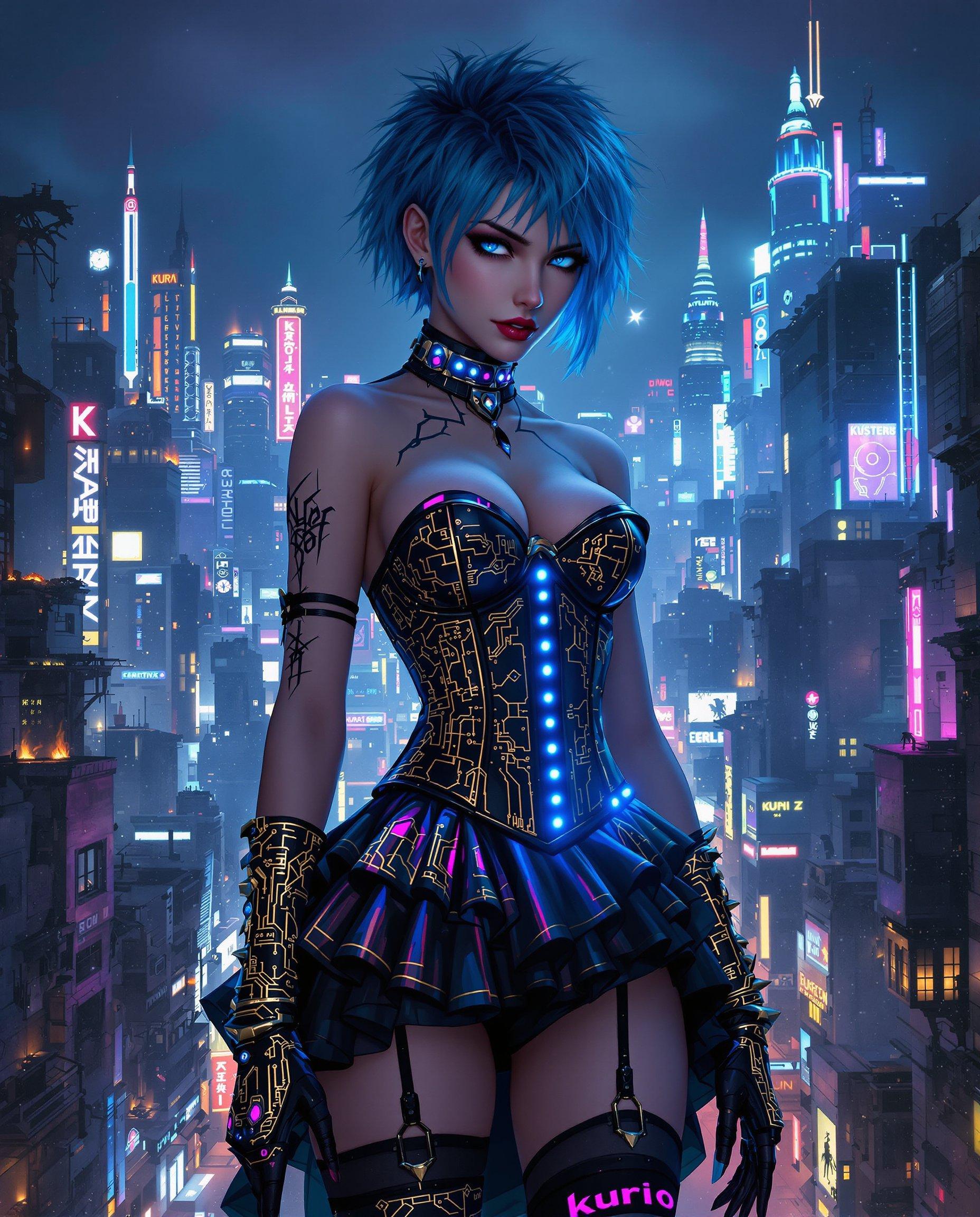
masterpiece, best quality, highres, sharp image, more detail <lora:more_details:0.5> <lora:SDXLrender_v2.0:1>, Create a highly detailed digital painting in a cyberpunk style, capturing the essence of a futuristic, nocturnal urban landscape. The image should feature:

**Subject**: A female figure with short, spiky hair dyed an unnatural color like electric blue or neon pink, and piercing blue eyes. Her attire should blend gothic and futuristic elements, showcasing:
- A corset-style top with intricate gold and black patterns, reminiscent of circuit boards.
- A ruffled skirt made of metallic fabric with LED lights embedded, creating a shimmering effect.
- Thigh-high stockings with holographic patterns, and gloves that extend to the elbows with similar designs.

**Setting**: 
- **Background**: A sprawling cityscape at night, with towering skyscrapers. The skyline should include:
  - Neon signs glowing in various colors, particularly blues, purples, and pinks.
  - Some buildings are dilapidated, showing signs of decay with parts collapsing or on fire, adding to the dystopian atmosphere.
  - A mix of old and new architecture, where ancient structures are adorned with modern, high-tech elements.
- **Lighting**: Utilize chiaroscuro lighting with deep shadows and bright highlights from neon lights, street lamps, and occasional fire outbreaks, creating a stark contrast that enhances the cyberpunk aesthetic.

**Mood and Atmosphere**:
- The overall mood should evoke mystery, intrigue, and a hint of melancholy. 
- The scene should feel alive with the chaos of urban life at night, yet there's an underlying sense of solitude and reflection.

**Visual Elements**:
- **Colors**: Predominantly blues, blacks, and dark purples, with gold and white highlights for contrast. Use vibrant colors sparingly to highlight key elements like the woman's outfit and important city features.
- **Textures**: Incorporate textures that reflect the theme - smooth, metallic surfaces alongside rough, decaying concrete or brickwork.
- **Details**: Pay attention to small details like the tattoo on her left arm, "Kuroi" in kanji, and the intricate designs on her clothing. The city should have small, hidden details like drones, flying cars, or graffiti.

**Composition**:
- **Framing**: Use a medium close-up shot of the woman, with the cityscape sprawling behind her, creating depth. The woman should be slightly off-center, allowing for the dynamic cityscape to balance the composition.
- **Angle**: A slight low-angle perspective to give the woman a commanding presence against the backdrop of the city.

**Technical Aspects**:
- Employ techniques like motion blur for fast-moving elements in the city
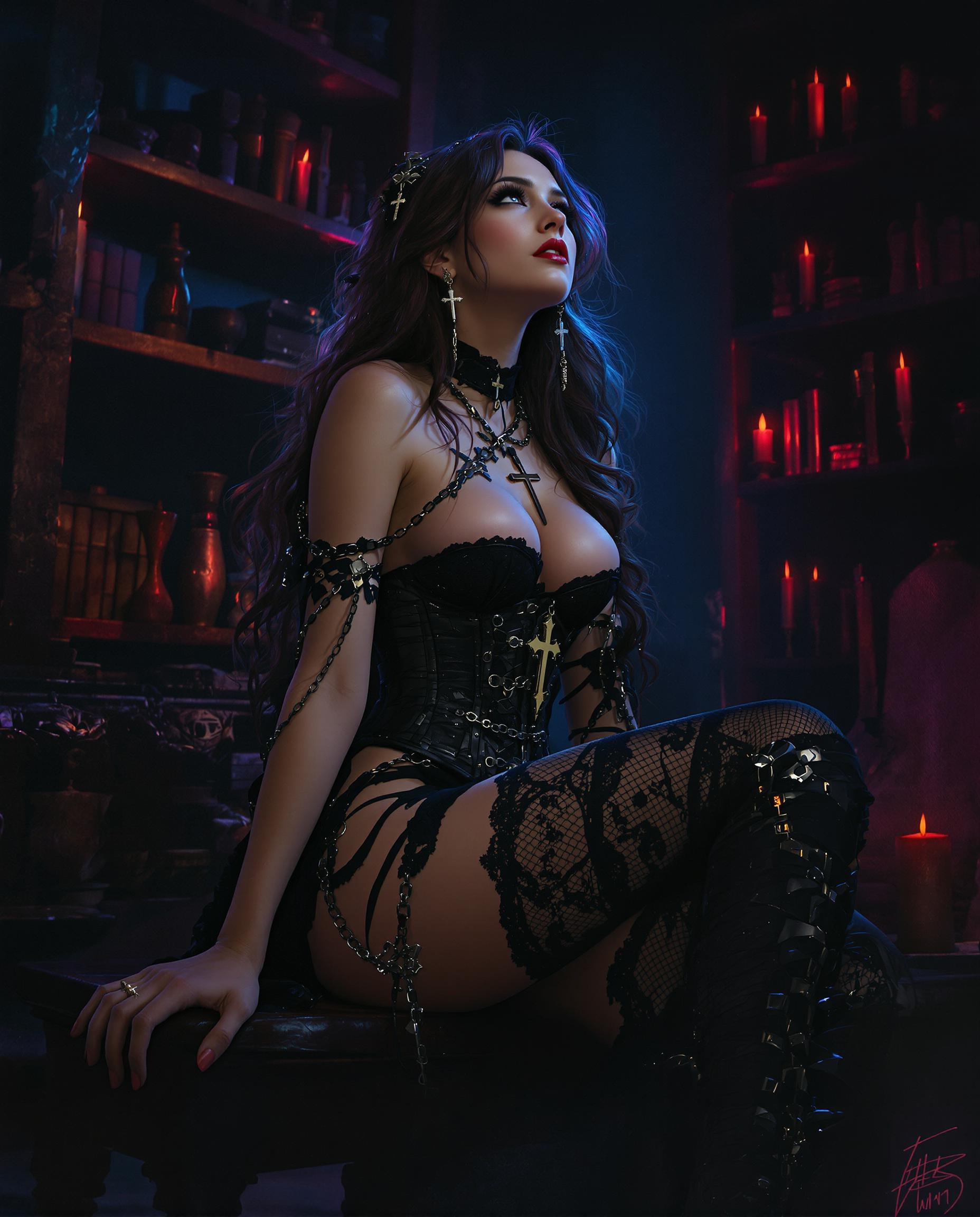
A captivating digital painting of a female figure, rendered in a photorealistic style with clean lines and vibrant, dramatic colors, set in a moody, atmospheric scene. She sits angled slightly to the right, gazing upward with a thoughtful expression, her long, flowing hair adorned with a cross pendant and chains, cascading with subtle highlights over a lace-detailed corset bodice and a mid-thigh skirt, paired with thigh-high boots and lace stockings, all accented by gothic chains. The mysterious setting, illuminated by flickering candlelight, features deep blues and purples contrasted with warm reds and oranges, with shelves of indistinct objects in the background adding depth to this dark, fantasy-inspired library or storeroom.
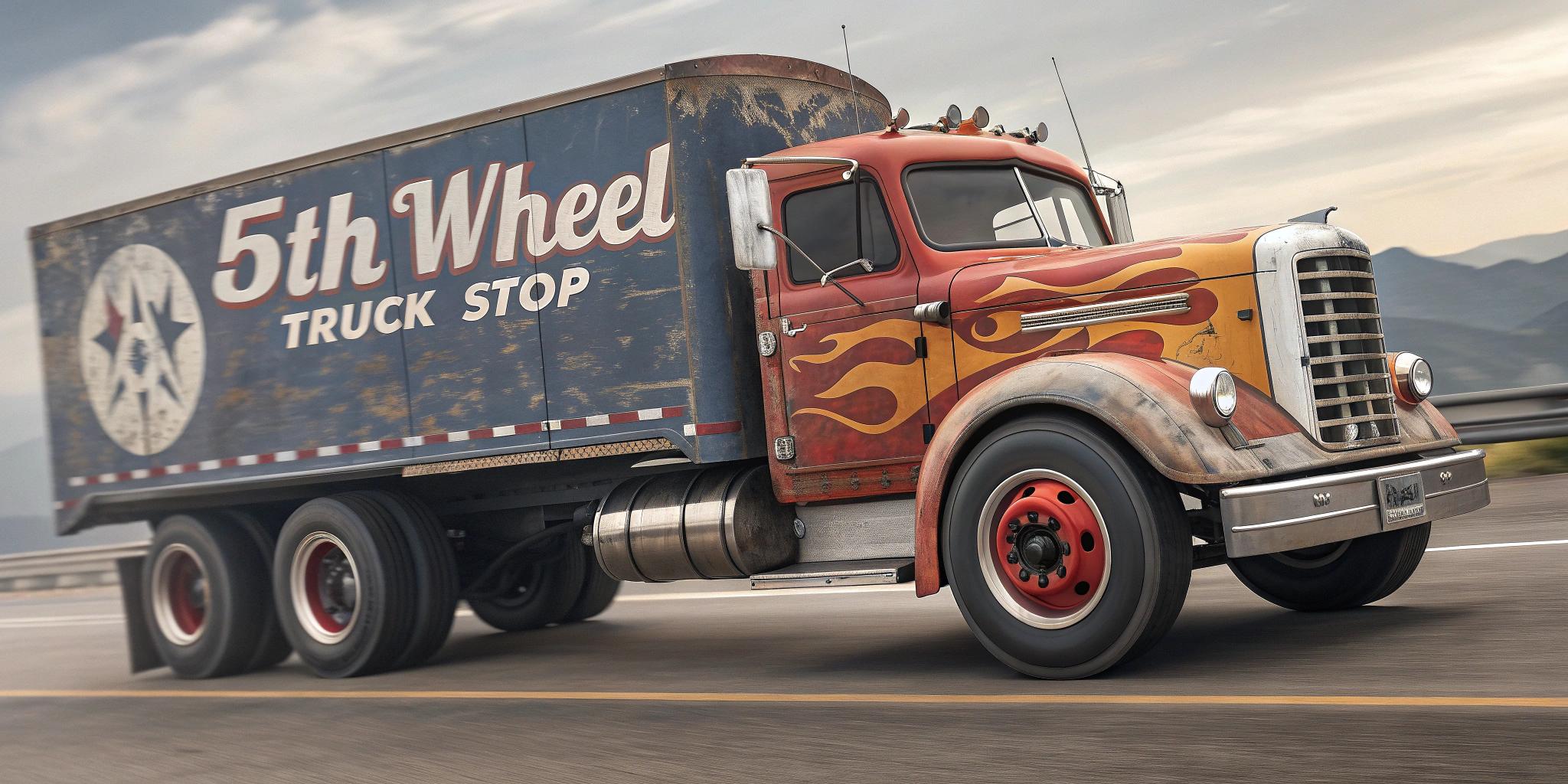
This image is a 1950's photo, retro 3D, pixar, chipped paint. The photo depicts a large, detailed semi truck with a striking flame design on the hood and cab. The truck is in motion, with its wheels and tires in sharp focus, giving the impression that it is speeding down the road. The truck is emblazoned with the words  read "5th Wheel TRUCK STOP" across the side, indicating that this is likely an advertisement for a trucking company or service. The art style of the photo is reminiscent of American road culture and the classic American trucking aesthetic. The colors are bold and vibrant, with a predominance of yellows, blacks, and whites. The flames on the truck are a bright yellow with black outlines, and the truck itself is primarily black with white detailing. The road beneath the truck is painted in black with white lines, and the surrounding area is a muted yellow and blue, suggesting a desert or open road setting.The mural also includes a highway sign on the left side, which reads NEW MEXICO US 66. This reference to Route 66, an iconic American highway that stretches from Chicago to Los Angeles, adds to the nostalgic feel of the photo and suggests that "5th Wheel TRUCK STOP" is located along this historic route. Overall, the PHOTO is a dynamic and eye catching piece of advertising art that captures the spirit of American road travel and trucking culture. HYPER-REALISTIC, PHOTOGRAPHY DISNEY PIXAR
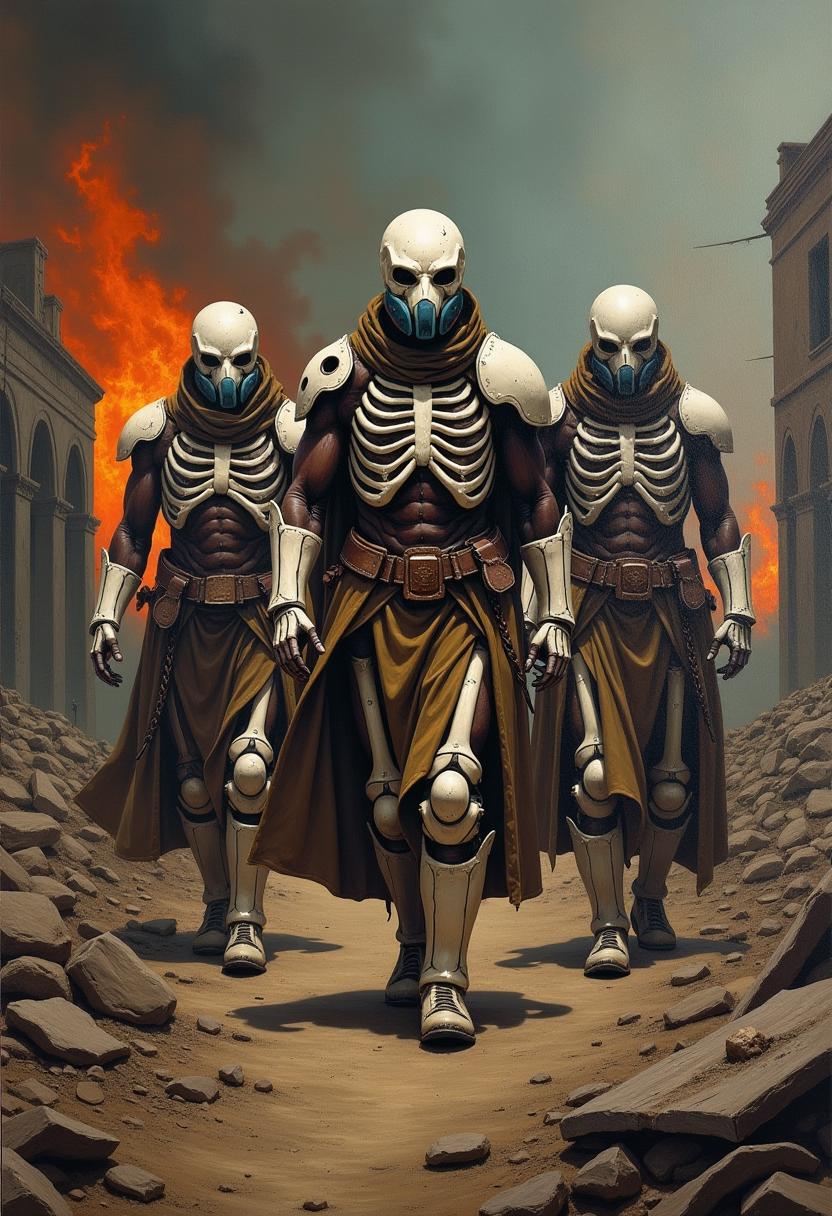
Oil painting - ultra-detailed - film epic: showing post-apocalyptic Zulu warriors walking through the ruins of a burnt city. The bodies are covered in armor made of metal and bones - white - faces are clear with realistic precision. In their hands they hold different types of armor. Small oxygen masks on their mouths. The figures are resolute and determined. Camera shot - perspective. The scene is full of darkness and dystopian tension, in the background burning ruins and apocalyptic sky - flames. 8k
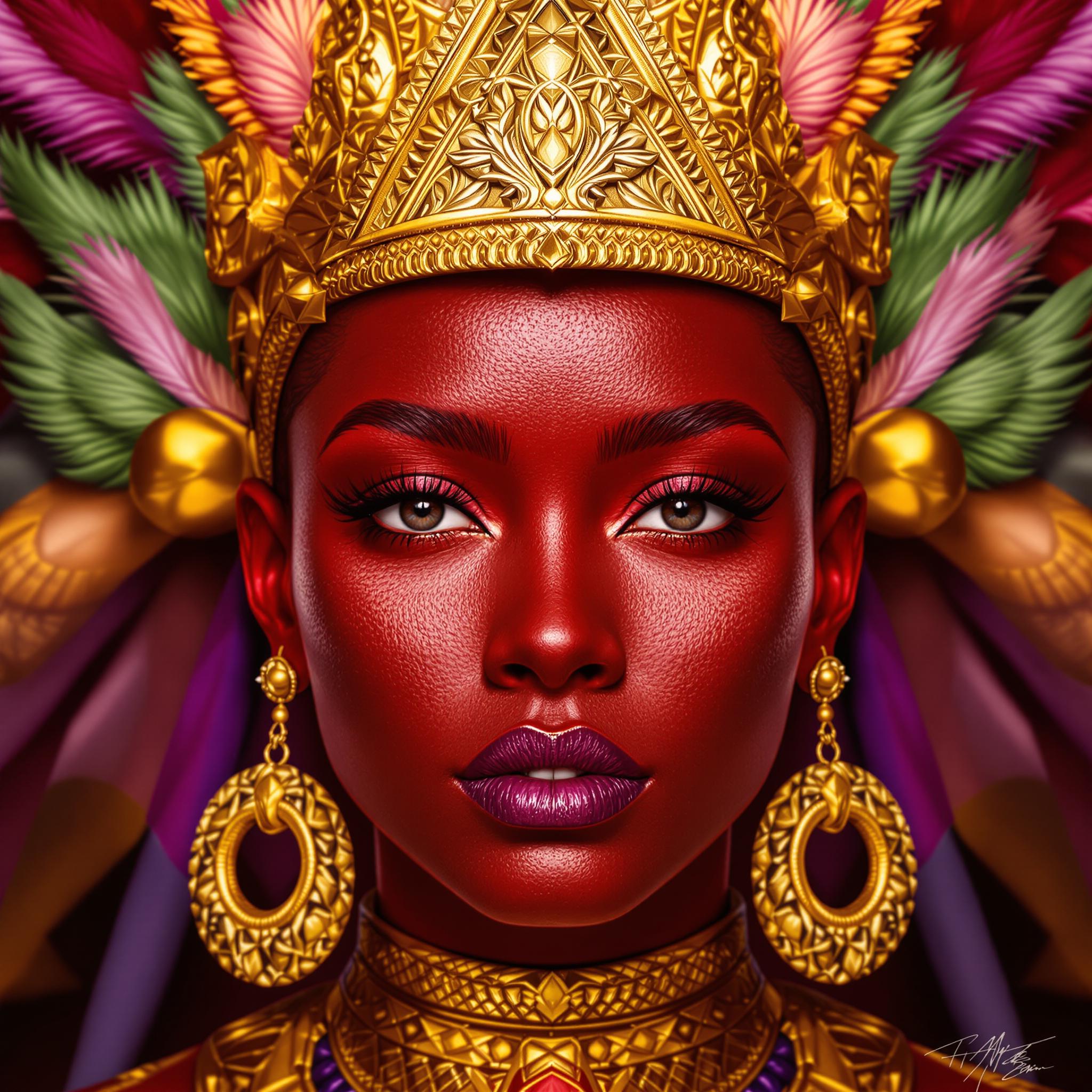
This image is a digital artwork that presents a closeup of a persons face. The art style is highly detailed and realistic, with a focus on the textures and lighting that give the image a lifelike quality. The medium appears to be a digital painting or rendering, given the smooth gradients and seamless blending of colors.The colors in the image are rich and vibrant, with a predominance of reds, golds, and purples. The reds are deep and saturated, creating a bold contrast against the lighter skin tones and the gold accents. The gold is a warm, metallic tone that stands out prominently, giving a sense of luxury and regality. The purples are used in the background and in the persons earrings, adding depth and a touch of mystique to the composition.The objects in the image are primarily accessories and adornments. The person is wearing a golden headpiece with a triangular shape that sits atop the head, adorned with intricate detailing and what appears to be feathers or leaves in green and pink hues. The earrings are large, circular, and also feature a golden finish with a similar design to the headpiece. The persons attire is not fully visible, but we can see a hint of a golden collar or necklace, which complements the overall regal aesthetic.The background is intentionally blurred, focusing the viewers attention on the detailed features of the persons face and the ornate accessories. The blurred background also adds to the sense of mystery and grandeur, drawing the viewer into the image and allowing them to fully appreciate the intricate details and textures.Overall, the image exudes a sense of power, elegance, and mystique, with a strong emphasis on the rich colors and detailed textures that bring the subject to life.
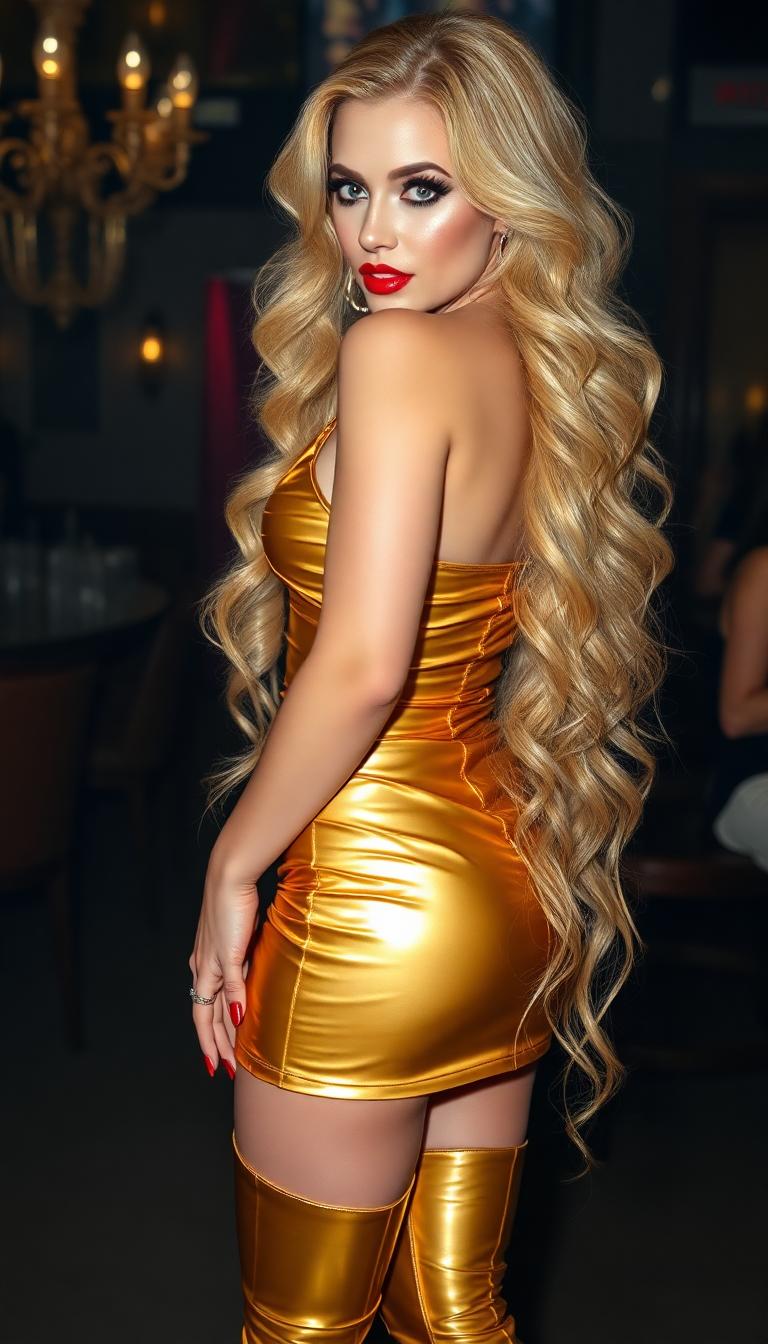
Golden blonde hair in a copious heavy thick waves falling down her back to her ankles. late 30s mature woman. Sky blue eyes, heavy makeup and shiny blood read lips. Claw length shiny red nails. Dressed in a shiny gold latex mini dress Thigh-high shiny gold latex gladiator style boots. Standing in a club.
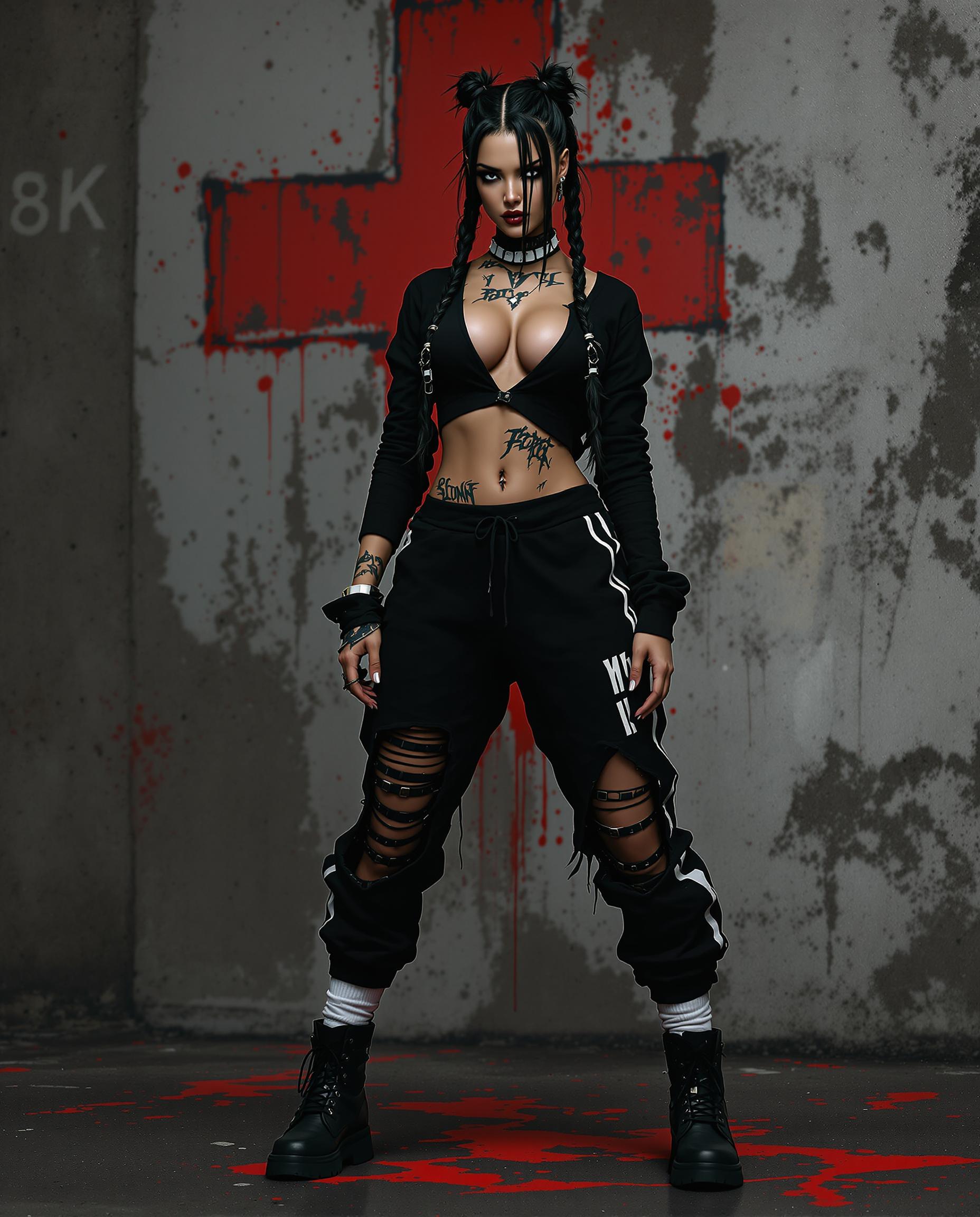
A hyper-realistic DSLR photo of a striking female character with exaggerated, detailed features, captured in a dynamic pose that conveys movement, shot with a 50mm lens for a shallow depth of field. She wears a bold black ensemble—a long-sleeved top with a plunging neckline and torn midriff, distressed sweatpants with a white stripe and torn knee, white mid-calf socks, and black boots—complemented by long dark hair in twin braids with white bands, and edgy tattoos on her neck and arms. The gritty urban background features a textured, weathered wall with a faded red cross symbol and splattered red accents, illuminated by cinematic lighting with deep shadows and vivid highlights in a stark black, white, and red palette, rendered in stunning 8K detail.
test

Start Creating Veo 3.1 Videos Today

40+ cutting edge AI tools including VEO 3.1, Kling Video, Video Upscaler & more. Loved by thousands of creators worldwide, cancel anytime, try it today

The Pixel Dojo Advantage

Why creators choose PixelDojo for Veo 3.1 video generation over traditional or limited alternatives

OthersPixel Dojo
Traditional Video ProductionInstead of spending weeks coordinating shoots, hiring crews, and paying for expensive editing, you generate cinematic videos with consistent characters and native audio in minutes. Achieve professional outcomes at a fraction of the cost while maintaining full creative control from your desktop.
Limited AI Video ToolsYou get more than basic generation. PixelDojo integrates VEO 3.1 with a complete workflow including reference-based consistency tools, one-click upscaling to 4K, advanced editing suites, lip sync, autocaptions, and character training. Create, refine, and scale your video projects all in one intuitive platform.
Manual Editing SoftwareSkip tedious frame-by-frame work. Our AI handles realistic motion, audio synchronization, and visual consistency automatically. Then use our specialized tools like Runway Aleph, WAN Video Edit, and Portrait Upscaler to polish results faster, producing higher quality output with far less effort and technical expertise.

Loved by Creators

See what our community says about veo 3.1

"Veo 3.1 on PixelDojo completely changed my content game. I created a full character-driven series with perfect consistency across 15 episodes using reference images. The native audio meant no extra voiceover work. My audience engagement increased by 340% and I saved countless hours."

Marcus Chen

YouTube Storyteller & Creator

"As a marketing director, speed and quality are everything. PixelDojo's Veo 3.1 lets me generate vertical product videos with realistic demonstrations and synced sound in minutes. The editing tools and upscaler help me produce scroll-stopping Shorts that convert. It's now our primary video creation platform."

Elena Rodriguez

Head of Marketing at GrowthBrand

Common Questions

Everything you need to know about veo 3.1 AI generation

How does Veo 3.1 on PixelDojo create consistent characters across multiple video scenes?

Veo 3.1 uses an advanced 'Ingredients to Video' approach where you upload reference images of your characters, objects, or environments. These guide the generation process to maintain identical appearances, clothing details, facial features, and lighting across every clip. On PixelDojo, this is enhanced by our dedicated Consistent Characters tool and LoRA Face Swap capabilities, allowing you to train and reuse specific looks. You can generate an entire branded series or narrative arc without the character drift common in lesser tools. Creators love this for building audience familiarity and producing cohesive long-form content efficiently. Combine generated clips with our Merge Videos and Video Reframe tools for seamless multi-scene stories. Thousands of users have created professional series this way, saving significant time and budget while achieving studio-level consistency.

Can I generate native vertical videos for YouTube Shorts and TikTok with Veo 3.1 on PixelDojo?

Yes. Veo 3.1 natively supports 9:16 vertical video generation, ensuring perfect framing without the quality loss from cropping horizontal videos. On PixelDojo, simply select the vertical aspect ratio when starting your project. The model optimizes compositions for mobile-first platforms, creating dynamic, engaging clips ideal for Shorts, Reels, and TikTok. After generation, enhance them instantly with Video Autocaption for subtitles, Lip Sync for perfect mouth movements, and our Video Upscaler for crisp 1080p or 4K delivery. Many creators report these videos achieve significantly higher completion rates and shares. You can further refine pacing or add effects using Kling Video Edit or Happy Horse Video Edit. This end-to-end workflow means you go from concept to ready-to-post viral content in under 10 minutes, helping you maintain a consistent posting schedule that grows your audience.

Does PixelDojo's Veo 3.1 generate synchronized audio, dialogue, and sound effects?

Absolutely. One of Veo 3.1's strongest capabilities is creating rich native audio that includes natural-sounding dialogue, perfectly synced sound effects, ambient noise, and background music that matches the mood and action of your video. This eliminates the need for separate voiceover recording or sound design in many cases. On PixelDojo you can guide the audio style through your prompt or refine it afterward using our Text to Speech, Text to Music, Video to Sound, and Lip Sync tools. The result is immersive videos that feel complete and professional. Users creating explainer videos, storytelling content, or social ads particularly benefit as the audio keeps viewers hooked longer. All generated content remains fully editable, so you can replace or layer sounds as needed. This integrated audio capability, combined with our full editing suite, gives you complete creative control while dramatically reducing production time.

How can I edit, extend, and upscale videos created with Veo 3.1 on PixelDojo?

PixelDojo provides a comprehensive post-generation toolkit designed specifically for Veo 3.1 outputs. After creation, load your video into our editor where you can use Grok Video Edit, Kling Video Edit, WAN 2.7 Video Edit, or Runway Aleph to trim, refine movements, or adjust pacing. Extend short clips seamlessly with Grok Imagine Video Extend or Seedance 2 Reference. Improve visual quality instantly with Video Upscaler, Magnific Upscaler, or Creative Upscaler to reach 4K resolution with enhanced details. Add professional touches using Magic Lighting, Style Transfer, Background Remover, or Smart Resize. For character-focused projects, apply Face Swap or Pose Control. Our platform keeps everything in one place so your workflow remains fast and intuitive. Many users create a base video with Veo 3.1 then iterate multiple versions until it perfectly matches their vision. This flexibility, paired with Usage Reports to track your generations, helps both hobbyists and professionals produce their best work efficiently.

What makes PixelDojo the best platform for using Veo 3.1 compared to other AI tools?

PixelDojo stands out by offering instant access to Veo 3.1 alongside 40+ complementary tools that create a complete end-to-end video production studio. While other platforms may offer the model in isolation, we integrate it with reference image handling, prompt optimization, character consistency training (Flux Trainer, LoRA), advanced editing (Kling Reference to Video, Happy Horse Video Edit), audio tools, upscalers, and analytics. Our interface is built for creators, not technicians, with helpful suggestions that improve results. You benefit from regular updates, a supportive community of thousands of active users, and the ability to cancel your subscription anytime. The combination delivers superior outcomes: faster production, higher consistency, better audio, and professional polish. Whether creating for social media, clients, or personal projects, you'll achieve results that look far more expensive than they actually are. Start with our free trial and see why so many creators have made PixelDojo their primary video creation platform.

How long are videos generated with Veo 3.1 and what file formats can I export on PixelDojo?

Veo 3.1 typically generates high-quality clips between 6-12 seconds depending on your settings, perfect for social media hooks, ad segments, or building blocks for longer content. On PixelDojo you can easily merge multiple generations using our Merge Videos tool to create longer sequences or full stories. Export options include MP4 in multiple resolutions up to 4K, with the ability to upscale further using our dedicated Video Upscaler for maximum clarity. All files are watermark-free and yours to keep. For projects needing longer runtime, combine Veo 3.1 with our other video tools like WAN 2.7 Video, PixVerse V6, or Hailuo 2.3, then refine with editing features like Video Reframe and Extract Frame. Our platform also supports batch generation so you can create an entire content library quickly. Professional users particularly appreciate the Usage Report feature that tracks credits and helps optimize their workflow. This flexibility allows you to produce everything from 15-second viral Shorts to multi-minute cinematic pieces with consistent quality throughout.

Ready to create amazing Veo 3.1 videos?

Ready to Create Amazing veo 3.1 Images?

Join thousands of creators using AI to bring their ideas to life