veo 3.1 frames to video AI Generator
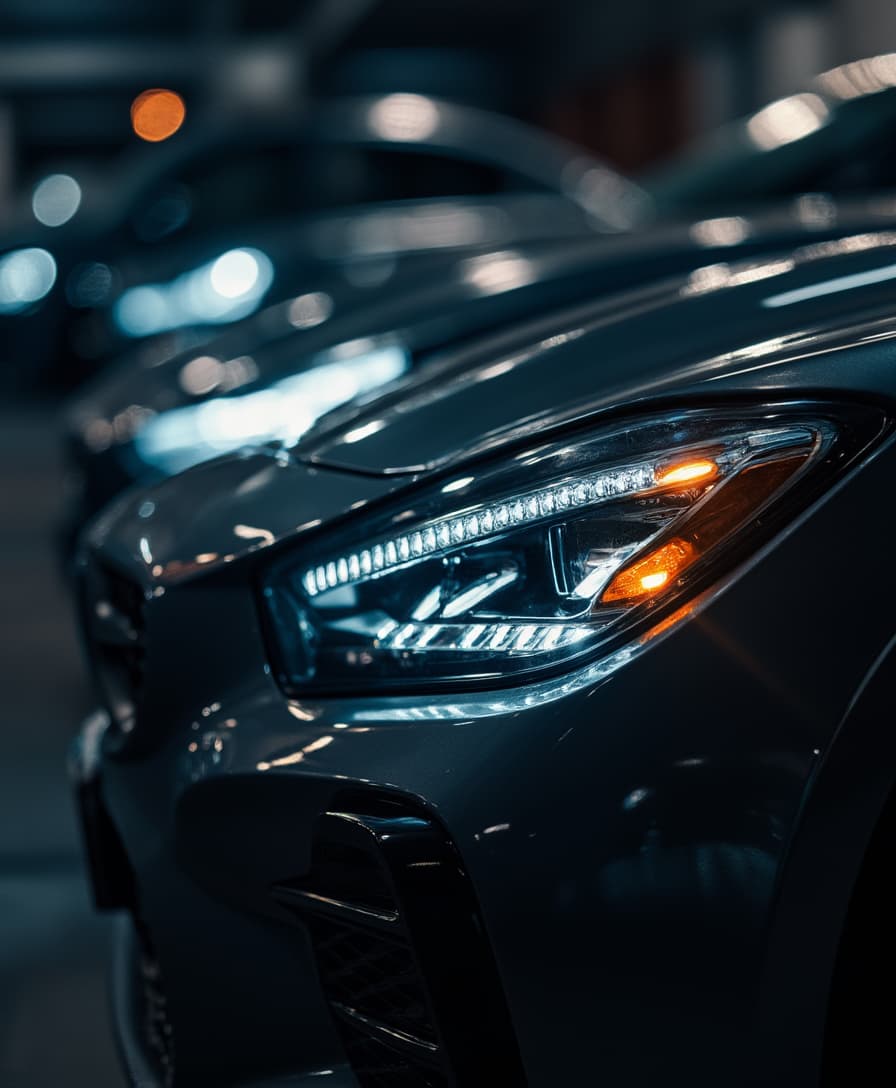
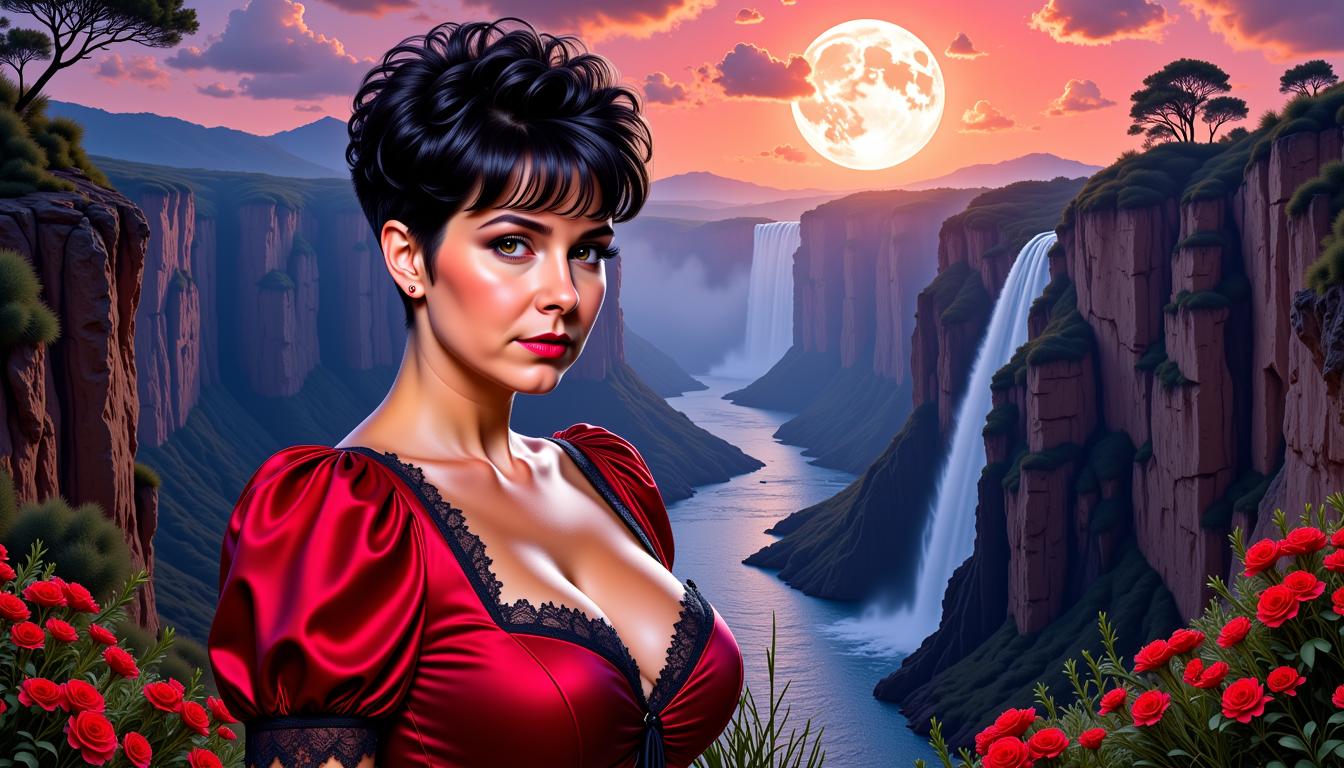
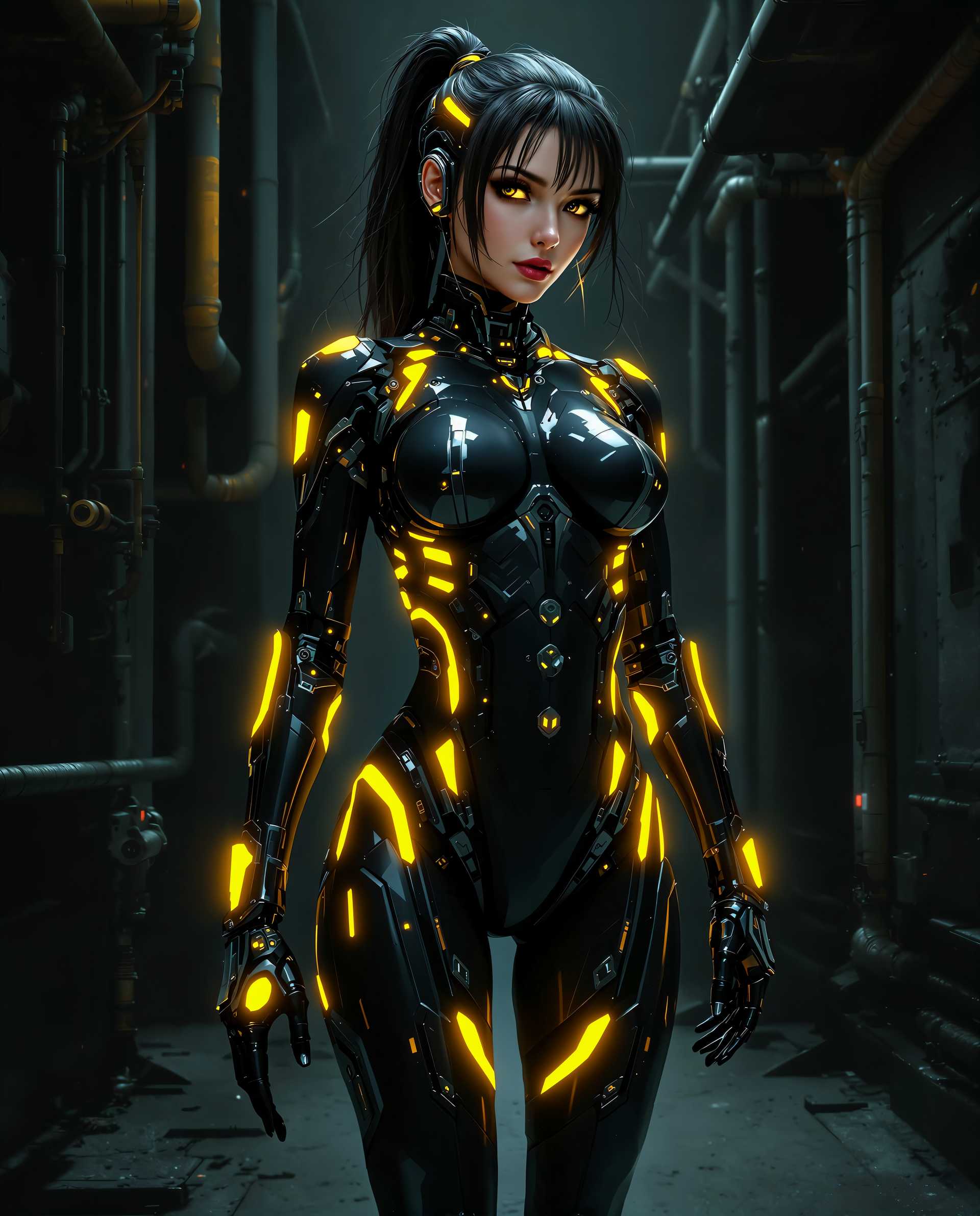
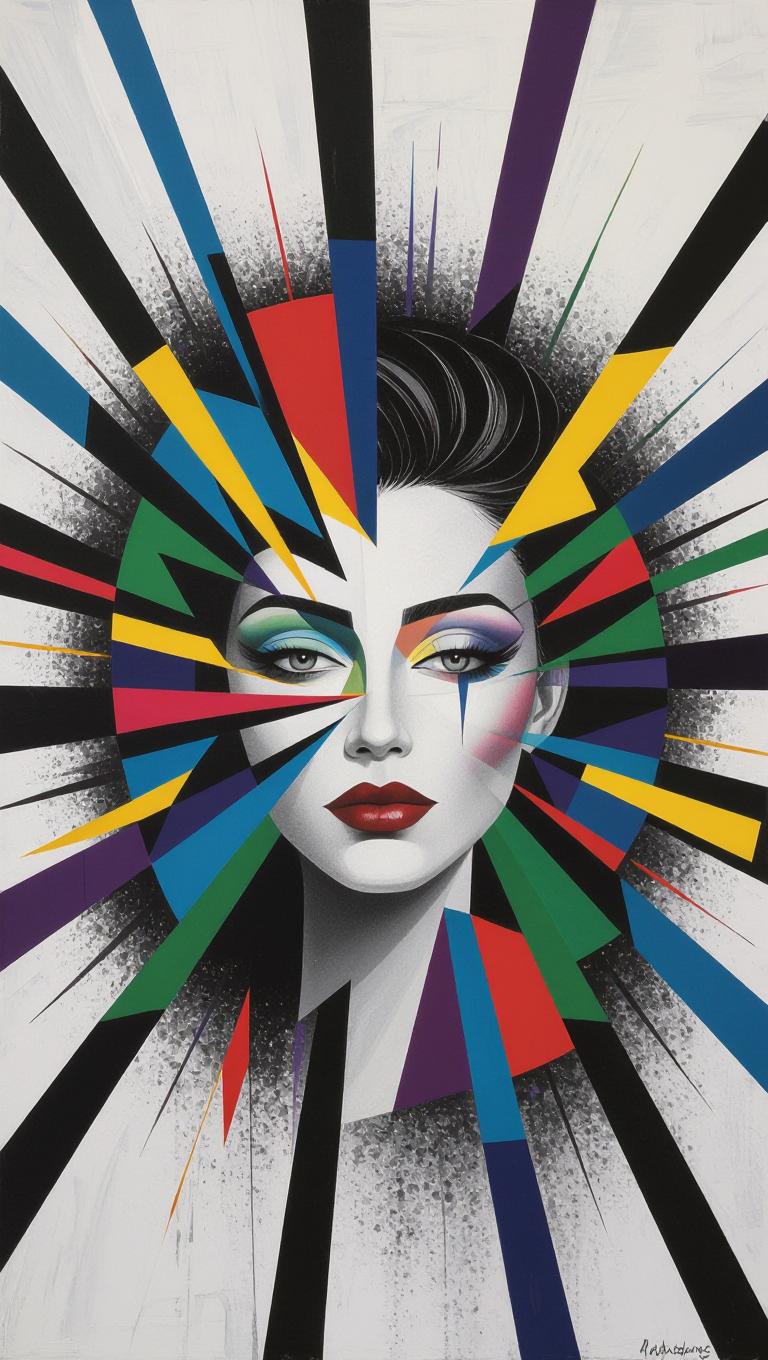
Unlock the potential of your static images by transforming them into dynamic, high-quality videos with Veo 3.1. Whether you're a content creator, marketer, or hobbyist, Veo 3.1 empowers you to produce engaging videos that captivate your audience, all without the need for complex software or technical expertise.
Join thousands of creators who have enhanced their visual storytelling with Veo 3.1, achieving over 1 million successful video transformations to date.
Why Choose Pixel Dojo for veo 3.1 frames to video
Professional-quality results with cutting-edge AI technology
Effortless Video Creation
Convert static frames into dynamic videos seamlessly, saving time and effort.
Cinematic Quality
Produce videos with high-definition resolution and synchronized audio for a professional look.
Versatile Applications
Ideal for marketing, social media, and personal projects, enhancing your content's appeal.
How It Works
Creating dynamic videos from static frames with Veo 3.1 is a straightforward process:
Step 1: Select Your Frames
Choose the static images or frames you wish to animate into a video sequence.
Step 2: Input Your Prompt
Describe the desired motion, style, and audio elements to guide the video generation.
Step 3: Generate and Download
Click 'Generate' to create your video. Once processed, download the high-quality output ready for use.
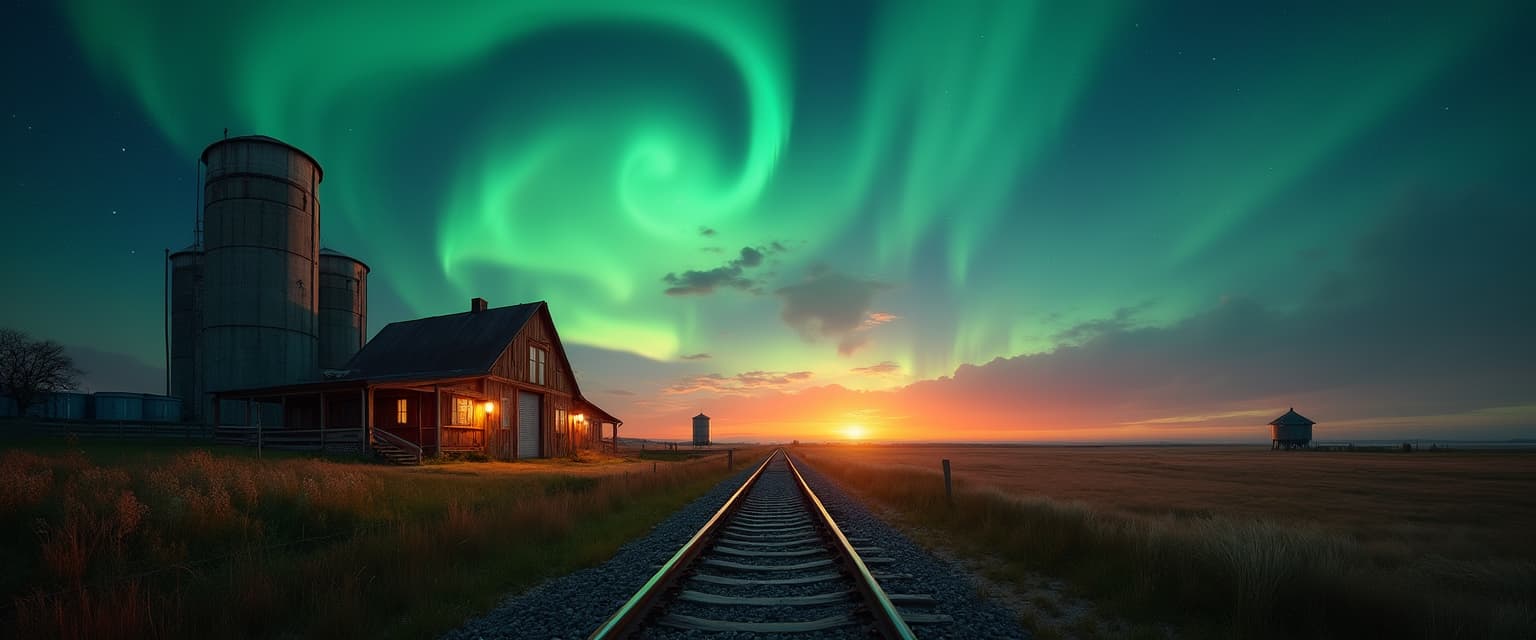
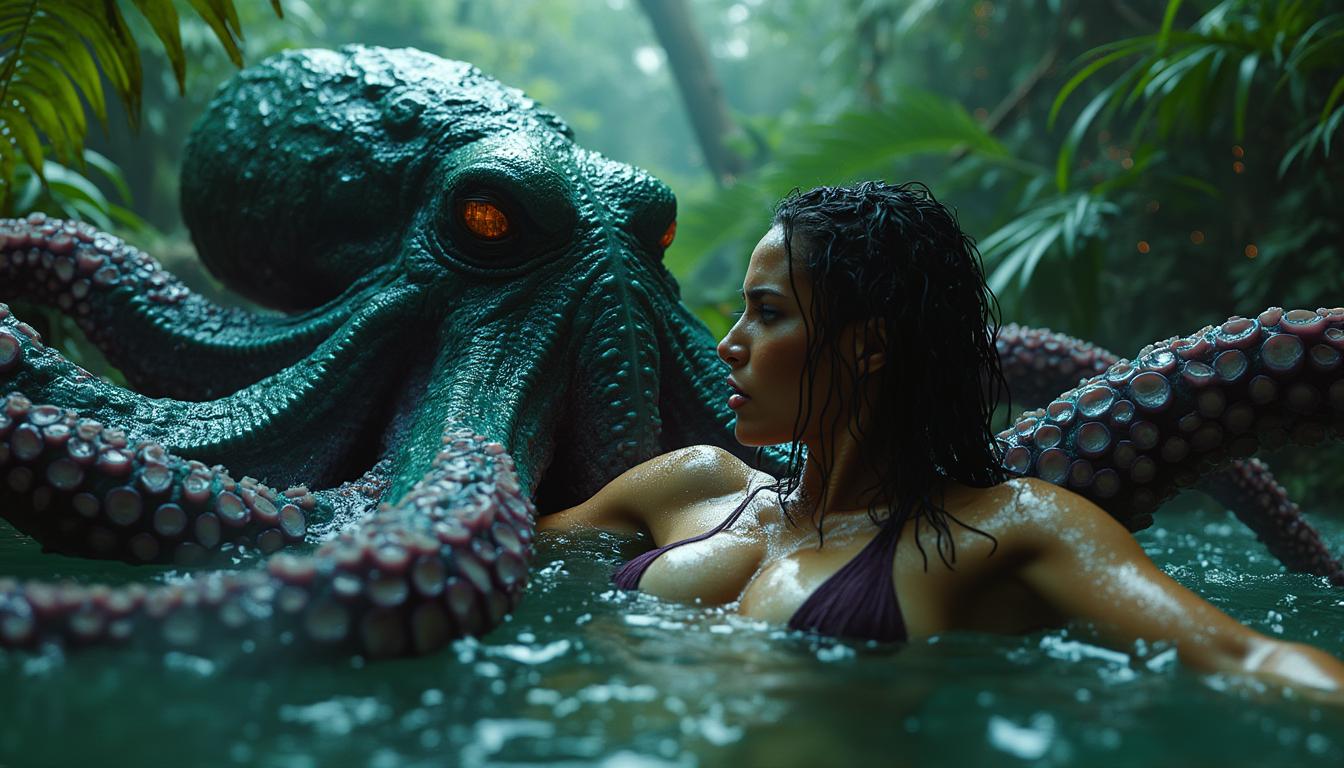
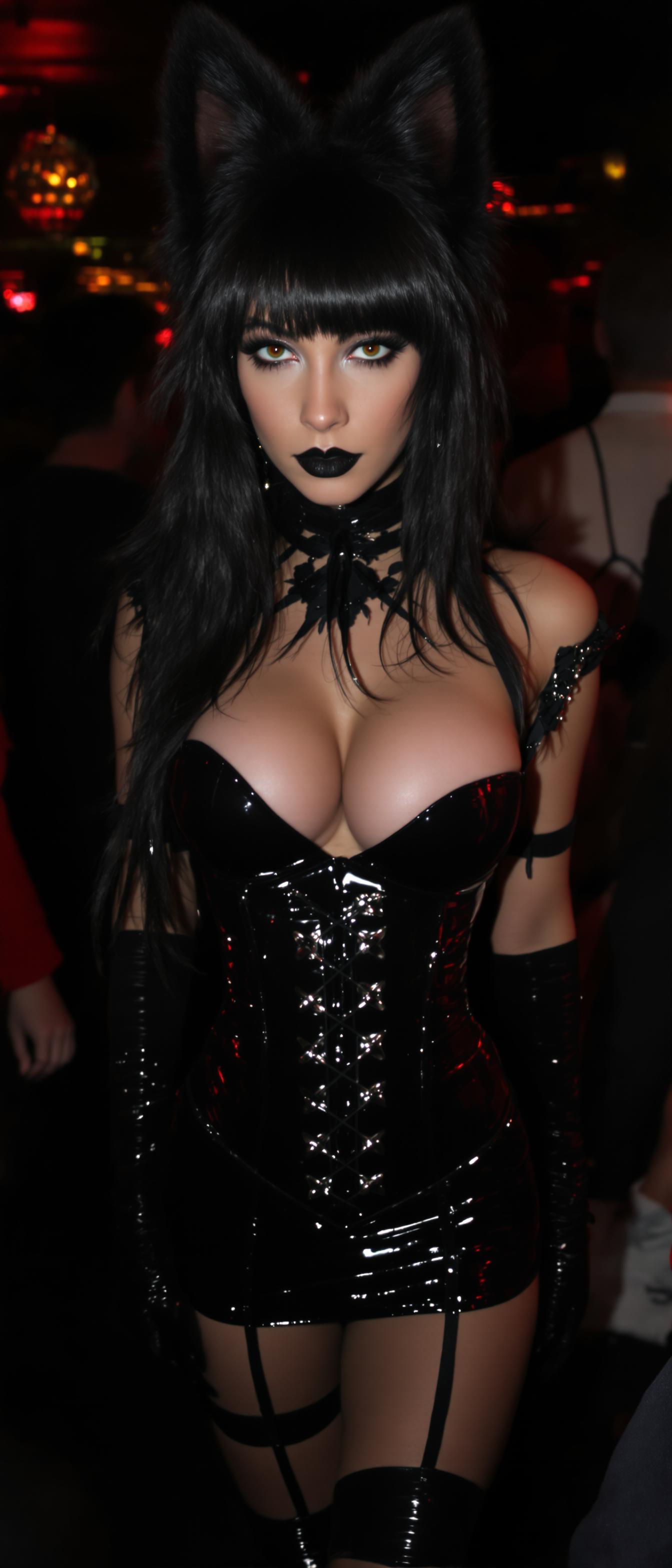
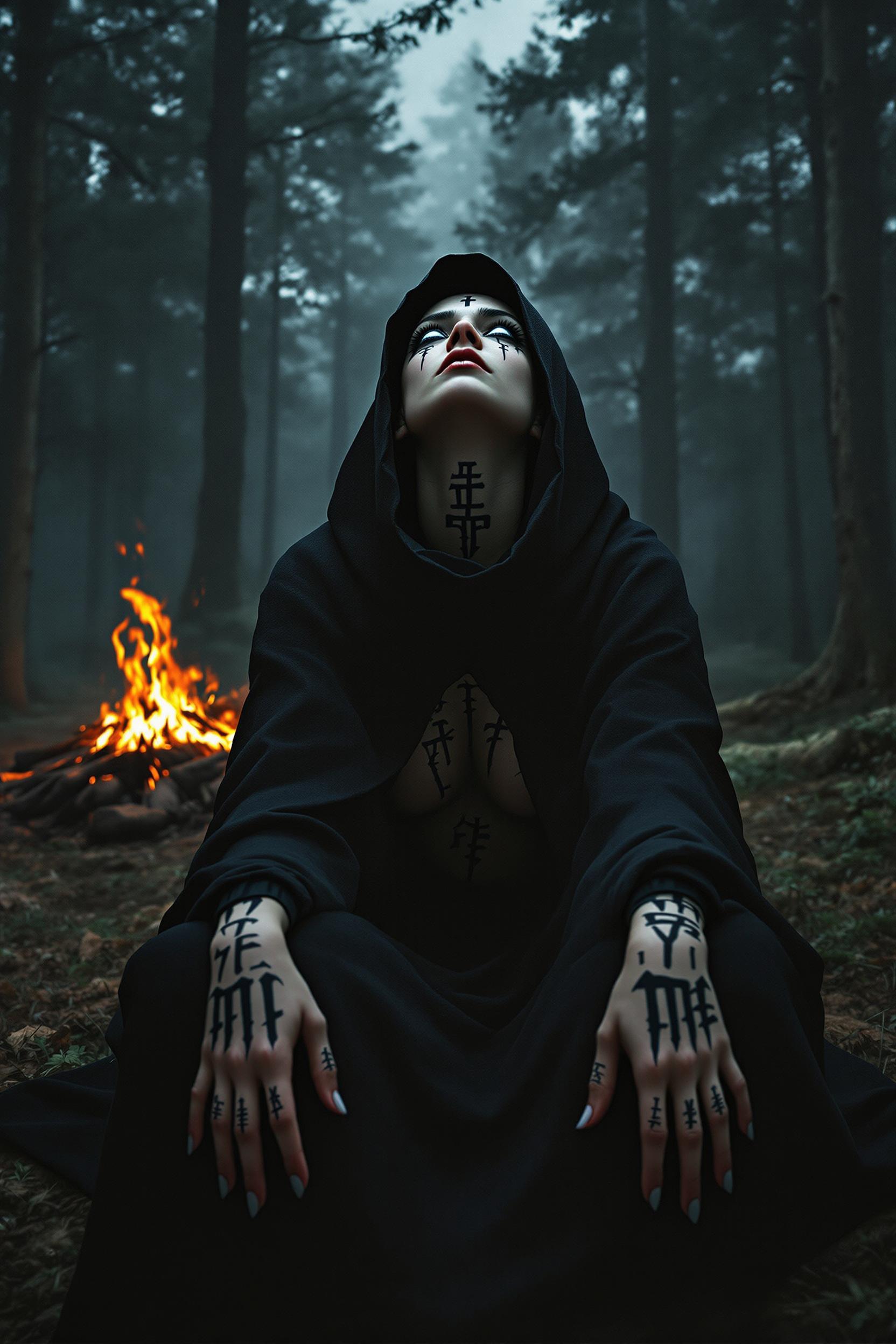





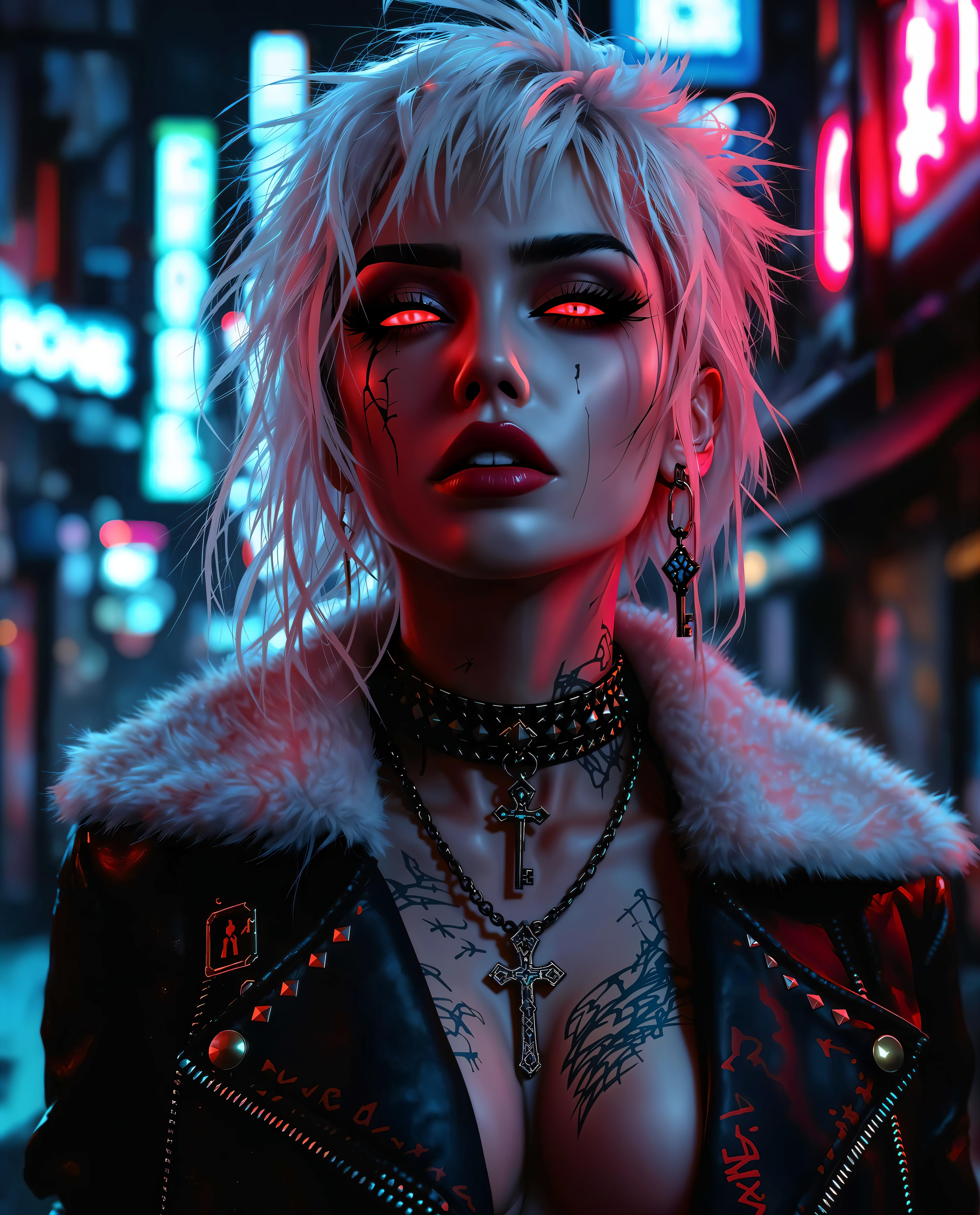
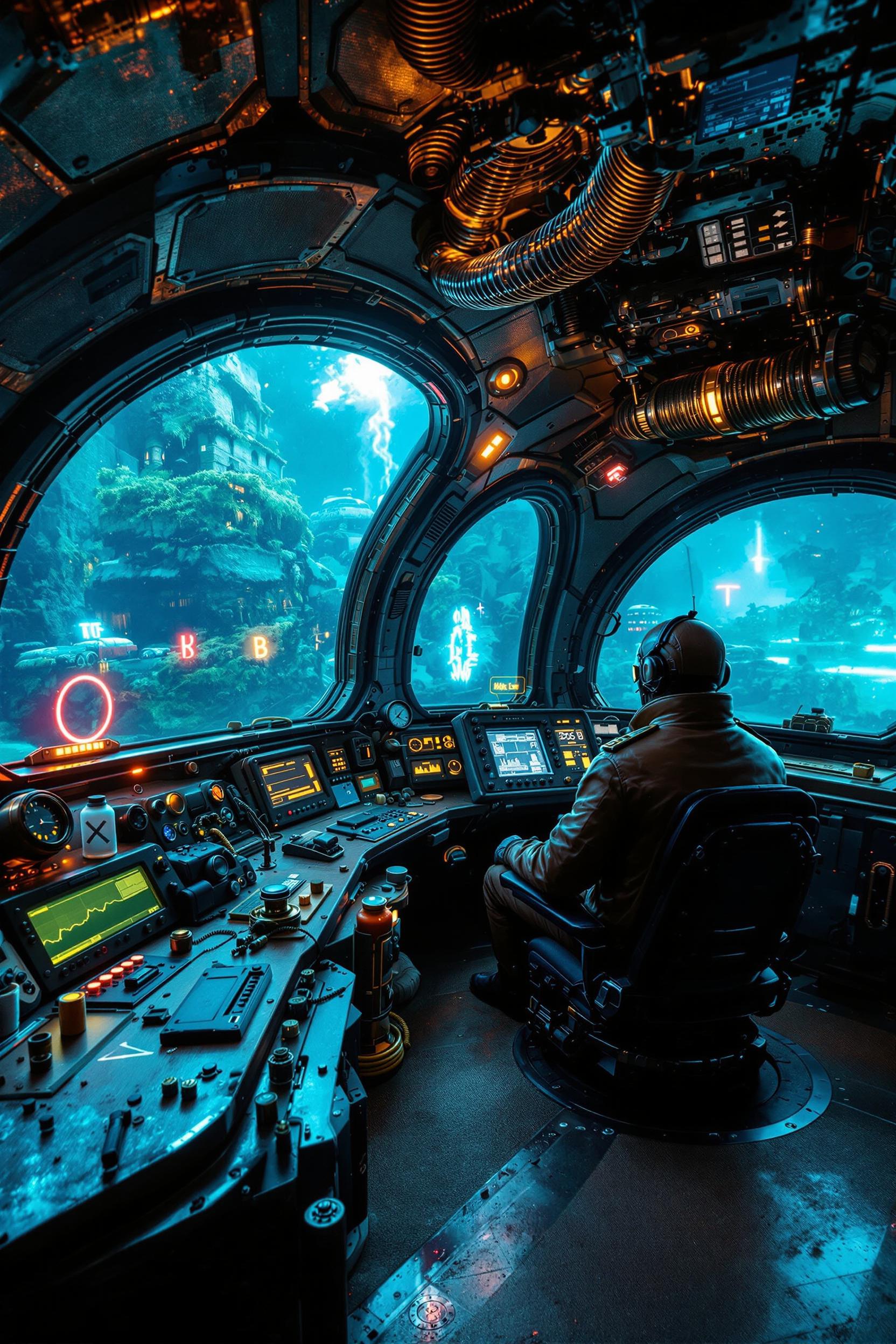
The Pixel Dojo Advantage
Why Veo 3.1 stands out in transforming frames into videos:
| Others | Pixel Dojo |
|---|---|
| Traditional Video Editing Software | Simplifies the process, eliminating the need for complex timelines and manual animations. |
| Other AI Video Tools | Offers superior audio synchronization and higher resolution outputs up to 1080p. |
| Manual Animation Techniques | Reduces production time significantly, allowing for quick iterations and faster project completion. |
Loved by Creators
See what our community says about veo 3.1 frames to video
"Veo 3.1 transformed my static product images into engaging videos that boosted my online sales."
Alex Johnson
E-commerce Entrepreneur
"As a content creator, Veo 3.1 has been a game-changer, allowing me to produce high-quality videos effortlessly."
Maria Lopez
YouTube Influencer
Common Questions
Everything you need to know about veo 3.1 frames to video AI generation
How does Veo 3.1 convert frames into videos?
Veo 3.1 utilizes advanced AI algorithms to analyze your static frames and generate smooth, dynamic video sequences with synchronized audio, bringing your images to life.
What file formats are supported for input frames?
Veo 3.1 supports various image formats, including JPEG, PNG, and BMP, allowing flexibility in your input choices.
Can I add custom audio to the generated videos?
Yes, Veo 3.1 allows you to integrate custom audio tracks, ensuring your videos have the desired soundscape to match the visuals.
Is there a limit to the video length I can create?
Veo 3.1 supports video generation up to 60 seconds in length, providing ample time for most projects.
Do I need prior video editing experience to use Veo 3.1?
No, Veo 3.1 is designed for users of all skill levels, offering an intuitive interface that simplifies the video creation process.
How long does it take to generate a video?
The generation time depends on the complexity and length of the video, but Veo 3.1 is optimized for quick processing, often delivering results within minutes.