veo cam 2 AI Generator
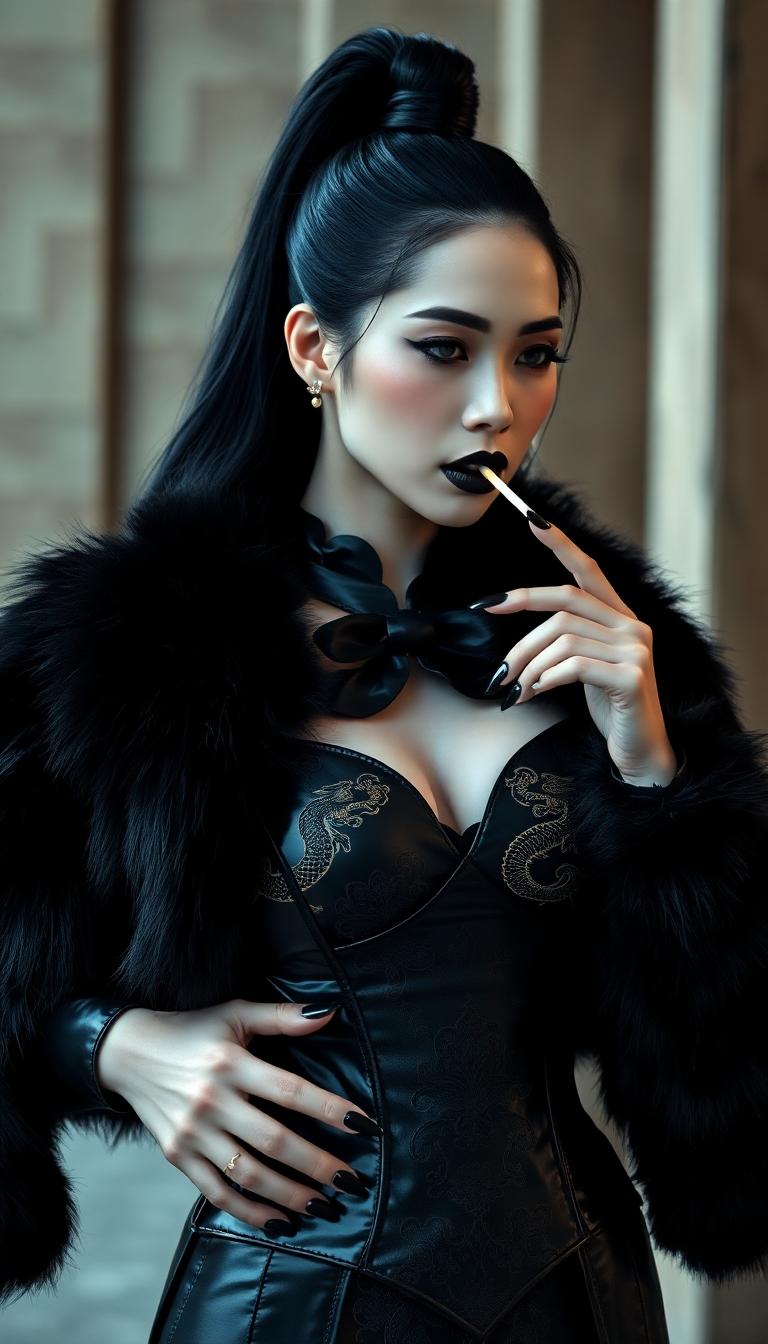
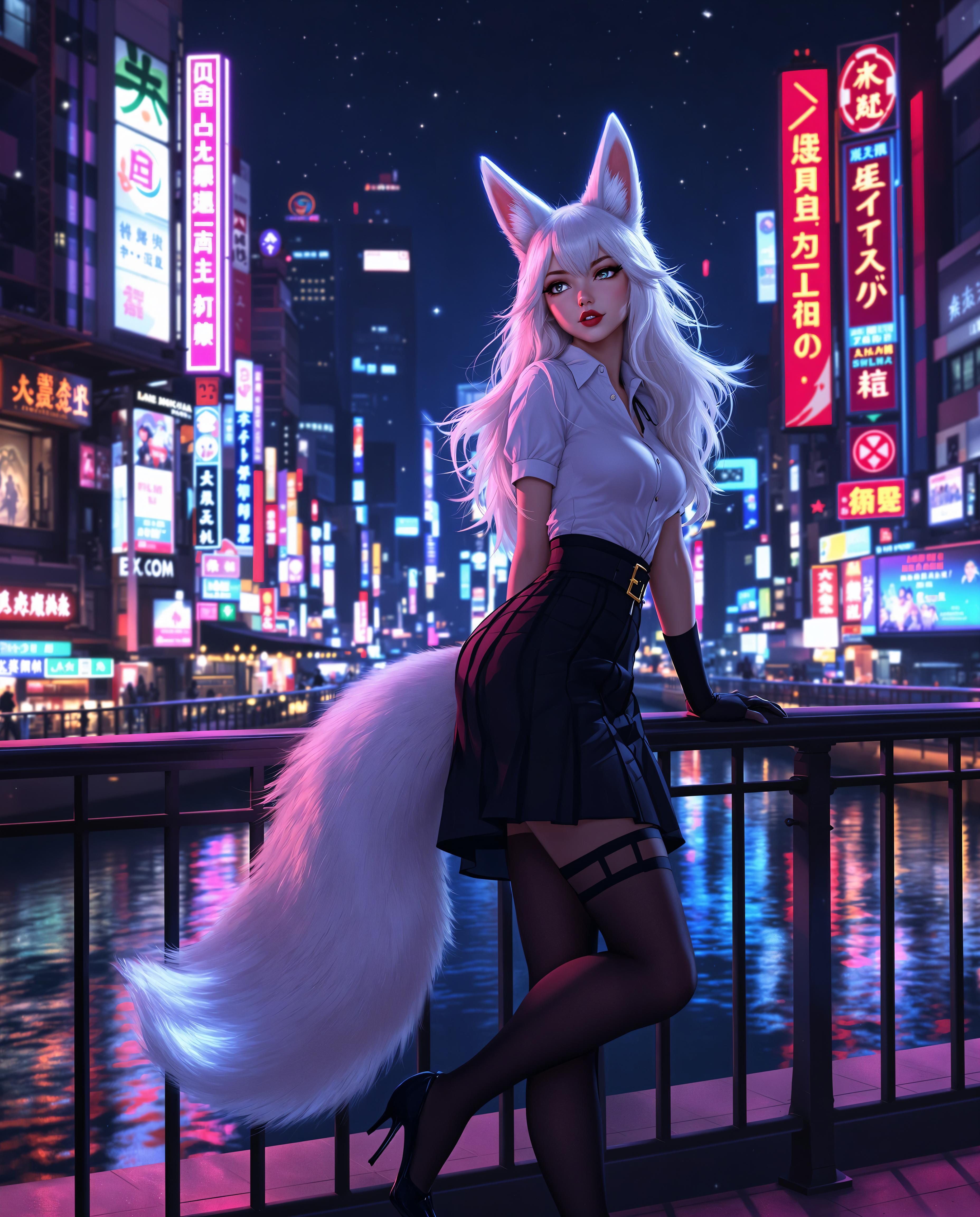
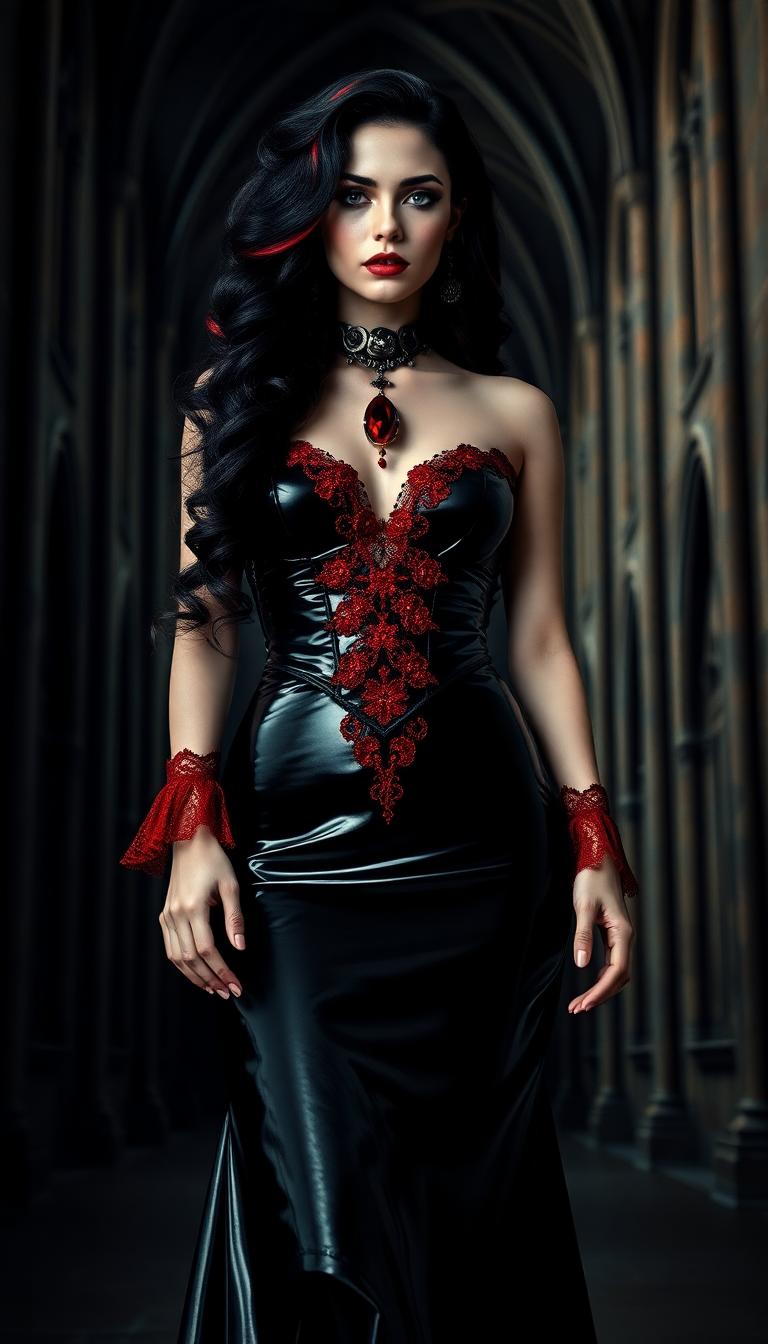
Imagine bringing your creative visions to life with cinematic precision and ease. With PixelDojo's Veo Cam 2, you can transform simple prompts into stunning 4K videos, capturing the essence of your ideas without the need for expensive equipment or extensive editing skills. Whether you're a content creator, marketer, or storyteller, Veo Cam 2 empowers you to produce professional-quality videos that captivate and engage your audience.
Join over 10,000 creators who have elevated their content with PixelDojo's AI tools. Rated 4.8/5 based on 2,500+ reviews.
Why Choose Pixel Dojo for veo cam 2
Professional-quality results with cutting-edge AI technology
Effortless High-Quality Video Creation
Generate 4K videos with realistic motion and detail using simple text prompts.
Cinematic Control at Your Fingertips
Customize camera angles, movements, and effects to achieve your desired cinematic style.
Time and Cost Efficiency
Produce professional videos without the need for expensive equipment or lengthy editing processes.
How It Works
Creating cinematic videos with Veo Cam 2 is straightforward and intuitive. Follow these steps to bring your ideas to life:
Step 1: Select Veo Cam 2
Log in to your PixelDojo account and navigate to the 'Animate' section. Choose 'Veo Cam 2' from the list of AI tools.
Step 2: Input Your Prompt
Enter a detailed description of the scene you want to create. Include specifics like setting, characters, actions, and desired camera angles.
Step 3: Generate and Download
Click 'Generate' to let Veo Cam 2 process your prompt. Once the video is ready, preview it and download the final 4K output.
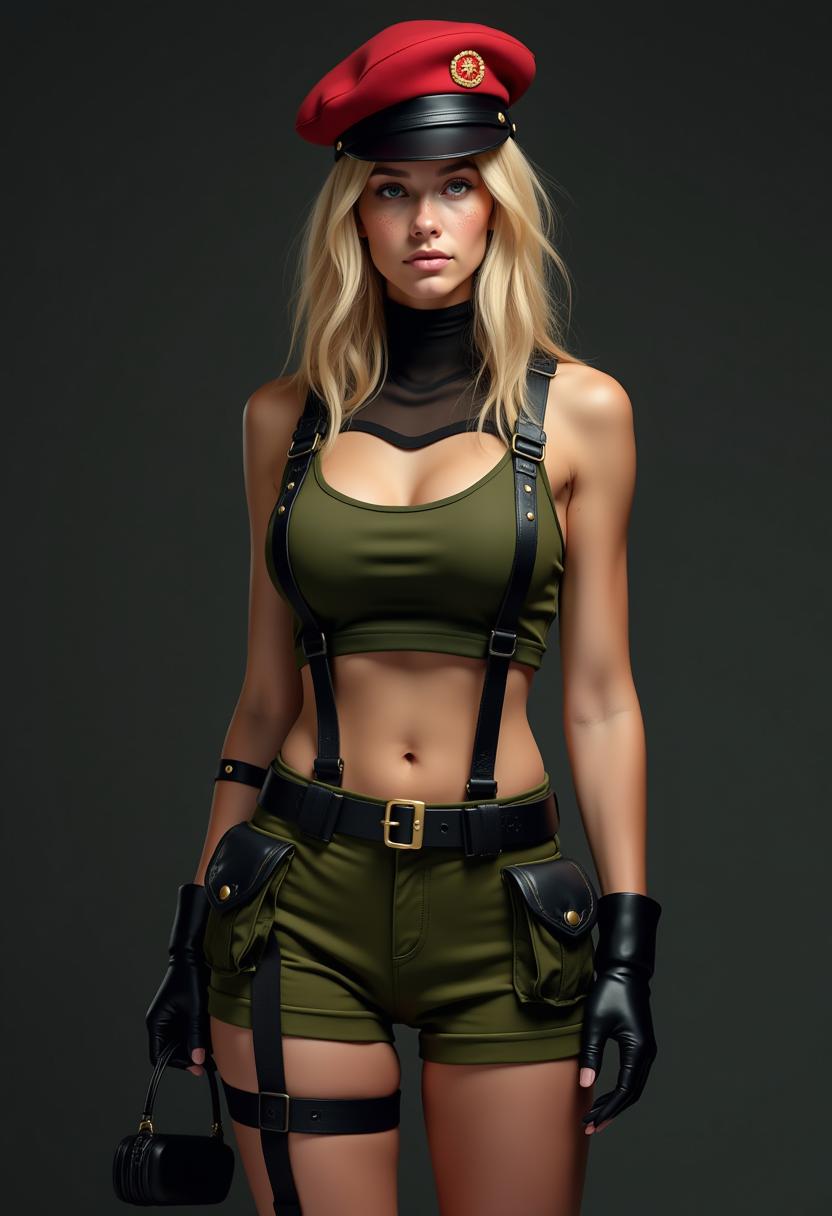

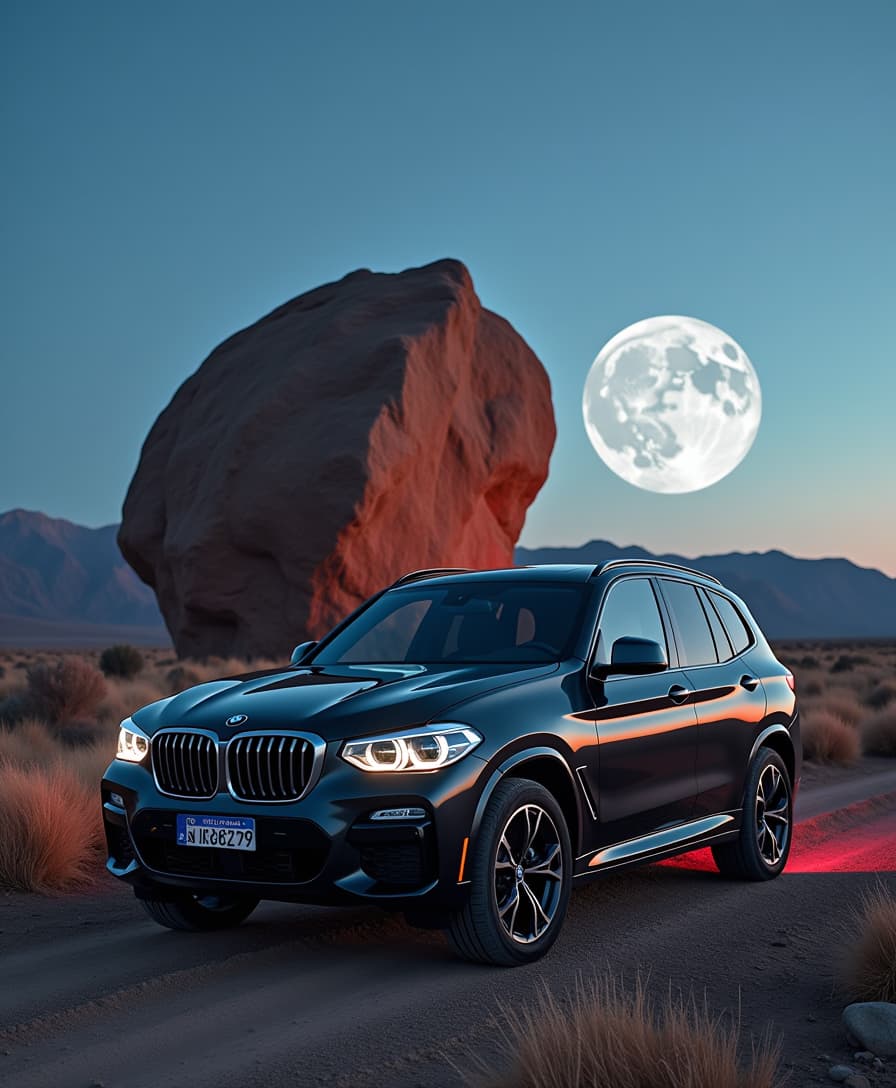


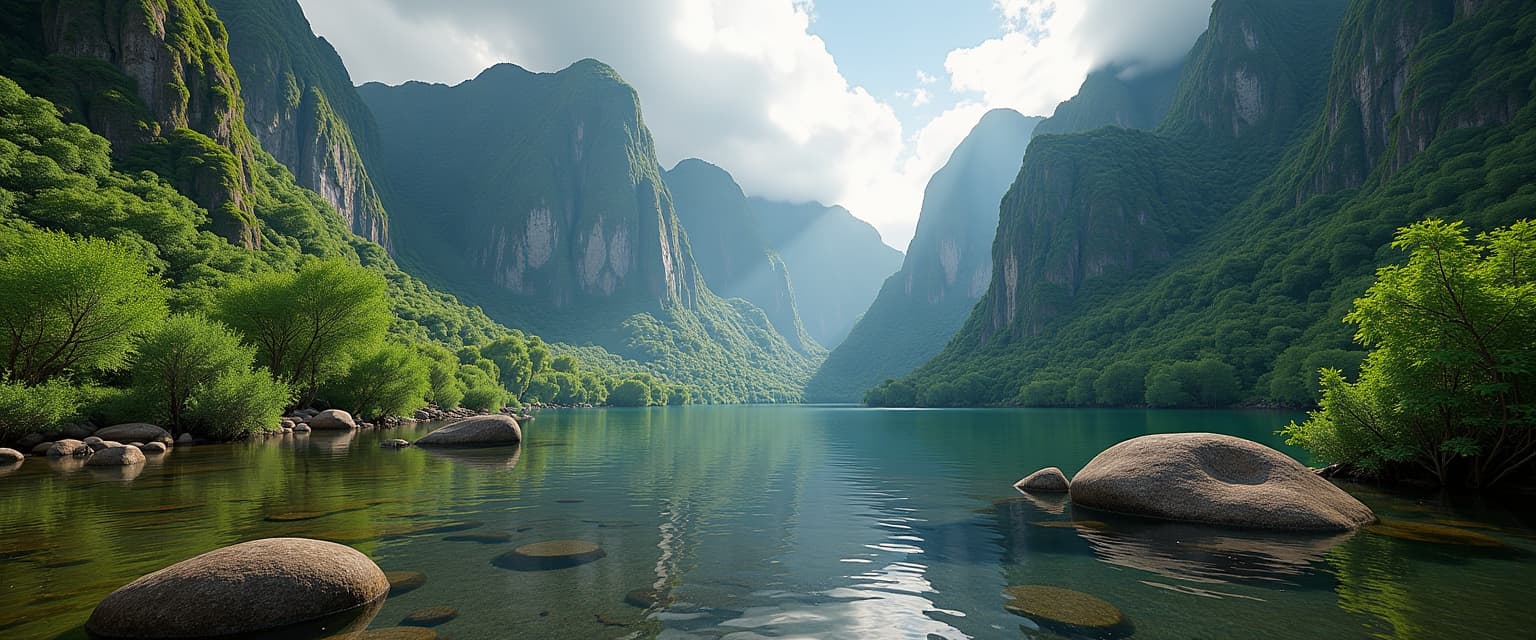


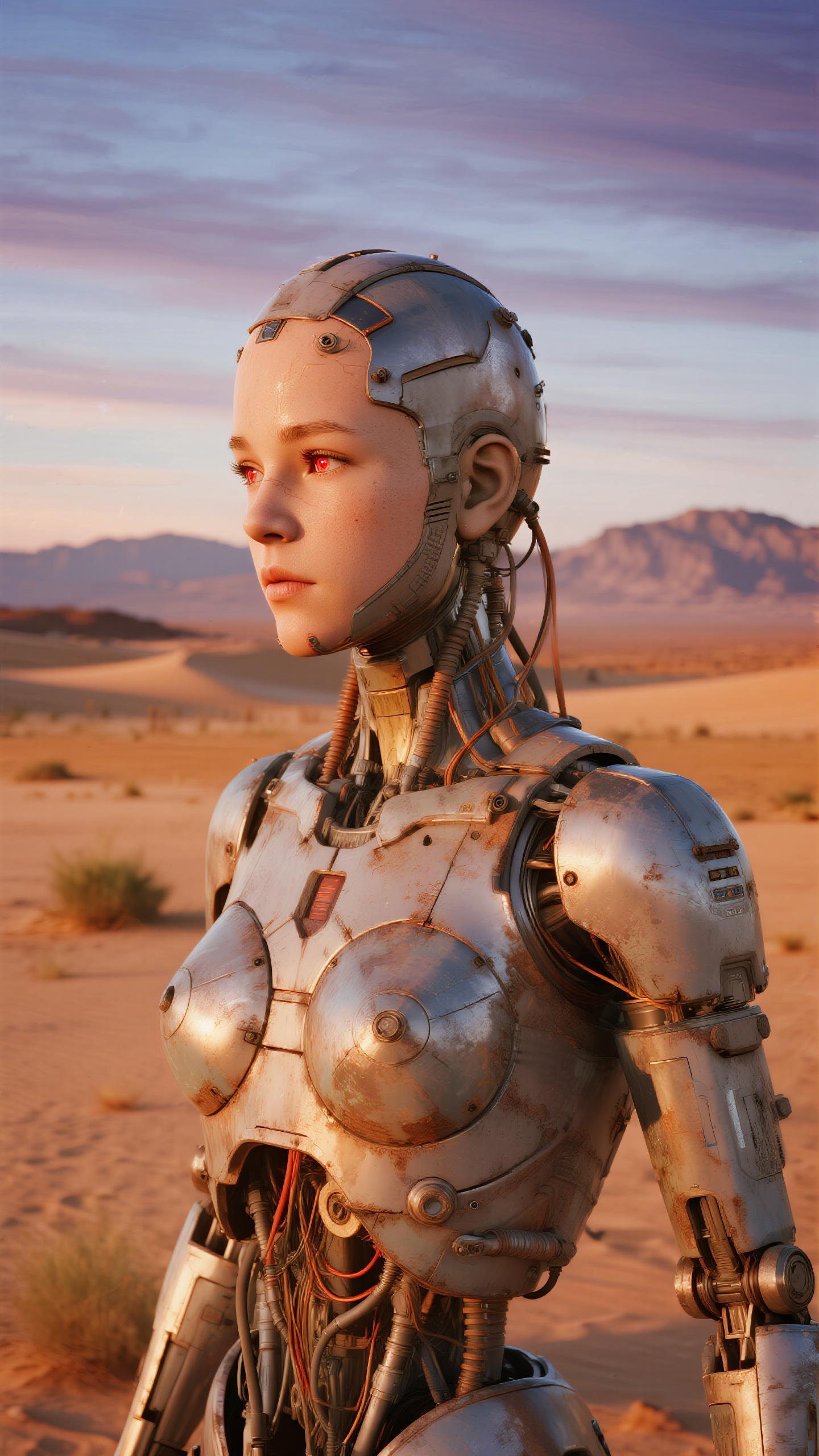

![headless horseman riding a ghostly black horse through a dense forest at midnight, the moon giving of the light, the riders cape trailing through the fog. The rider holds a sword up to the air. Gothic horror with dark tones and heavy use of shadows.looking toward the viewer, getting ready to swing the sword, huge dark creepy rotten tree as the background, on a puddle made out of blood, The scene is awash in blood red splatters and dripping textures, creating an eerie, nightmarish atmosphere , [ ( Terrifying nighttime horror photograph)]
stretches endlessly, roses and vines twist throughout the field, some sporting withered, decayed, rider without head](https://cdn.pixeldojo.ai/cdn-cgi/image/f=auto,q=75,w=3840/pixeldojo/generated-images/1741699572183-k5l7zxi9h.png)
The Pixel Dojo Advantage
Why PixelDojo's Veo Cam 2 stands out in AI video generation:
| Others | Pixel Dojo |
|---|---|
| Traditional Video Production | Eliminates the need for costly equipment and extensive editing, making high-quality video creation accessible to all. |
| Generic AI Video Tools | Offers advanced cinematic controls and 4K resolution, surpassing the capabilities of standard AI video generators. |
| Manual Animation | Automates the animation process, saving countless hours while delivering professional results. |
Loved by Creators
See what our community says about veo cam 2
"Veo Cam 2 has revolutionized my content creation process. The quality and ease of use are unparalleled."
Alex Johnson
Content Creator
"As a marketer, creating engaging videos quickly is crucial. Veo Cam 2 delivers stunning results with minimal effort."
Samantha Lee
Digital Marketer
Common Questions
Everything you need to know about veo cam 2 AI generation
How does Veo Cam 2 generate 4K videos from text prompts?
Veo Cam 2 utilizes advanced AI algorithms to interpret your text descriptions and generate high-resolution videos that match your vision.
Can I customize camera angles and movements in Veo Cam 2?
Yes, Veo Cam 2 allows you to specify camera angles, movements, and effects to achieve your desired cinematic style.
Is Veo Cam 2 suitable for beginners with no video editing experience?
Absolutely. Veo Cam 2 is designed with an intuitive interface, making it accessible for users of all skill levels.
What types of videos can I create with Veo Cam 2?
You can create a wide range of videos, including promotional content, storytelling pieces, educational videos, and more.
How long does it take to generate a video with Veo Cam 2?
The generation time depends on the complexity of your prompt, but Veo Cam 2 is optimized for quick processing to deliver results efficiently.
Is there a limit to the length of videos I can create with Veo Cam 2?
Veo Cam 2 supports extended video lengths, allowing you to create videos that suit your project's needs.