Wan 2.2 Animate 720p resolution tips AI Generator
Imagine turning your static images into dynamic, high-resolution videos that captivate audiences and elevate your storytelling. With PixelDojo's WAN 2.2 Animate, you can achieve professional 720p animations without complex software or endless editing hours. Whether you're a content creator, marketer, or hobbyist, these tips empower you to produce smooth, vivid videos that stand out on social media, websites, or presentations. Focus on your creative vision while our AI handles the heavy lifting, delivering results that drive engagement and impress viewers. Start animating today and see your ideas come to life in stunning clarity.
Join over 50,000 creators who trust PixelDojo for AI animation. Rated 4.9/5 stars from 2,500+ reviews on Trustpilot. Featured in top creative blogs for revolutionary video tools.
Why Choose Pixel Dojo for Wan 2.2 Animate 720p resolution tips
Professional-quality results with cutting-edge AI technology
Achieve Crystal-Clear 720p Animations
Produce videos with sharp details and smooth motion, perfect for professional presentations or social media shares that keep viewers hooked and boost your online presence.
Save Time on Complex Edits
Quickly animate images into engaging videos, freeing you to focus on creativity rather than technical tweaks, so you can launch projects faster and meet deadlines effortlessly.
Enhance Storytelling with AI Precision
Create narratives that resonate deeply, using optimized 720p resolution to deliver immersive experiences that captivate audiences and elevate your brand's impact.
How It Works
Creating stunning 720p animations with WAN 2.2 Animate on PixelDojo is straightforward and user-friendly. Follow these steps to transform your images into professional videos.
Step 1: Select WAN 2.2 Animate Tool
Log into PixelDojo and navigate to the Video Editing section. Choose WAN 2.2 Animate for its advanced animation capabilities. Upload your base image and set the resolution to 720p for optimal clarity and performance.
Step 2: Input Your Animation Prompt
Enter a detailed prompt describing the motion, style, and effects you want. Incorporate tips like specifying frame rates around 30fps for smooth playback and using keywords for subtle transitions to enhance realism in 720p.
Step 3: Refine and Export Your Video
Preview the animation, adjust parameters like duration or effects using PixelDojo's Video Upscaler for finer details, then download in 720p format ready for sharing or further editing.
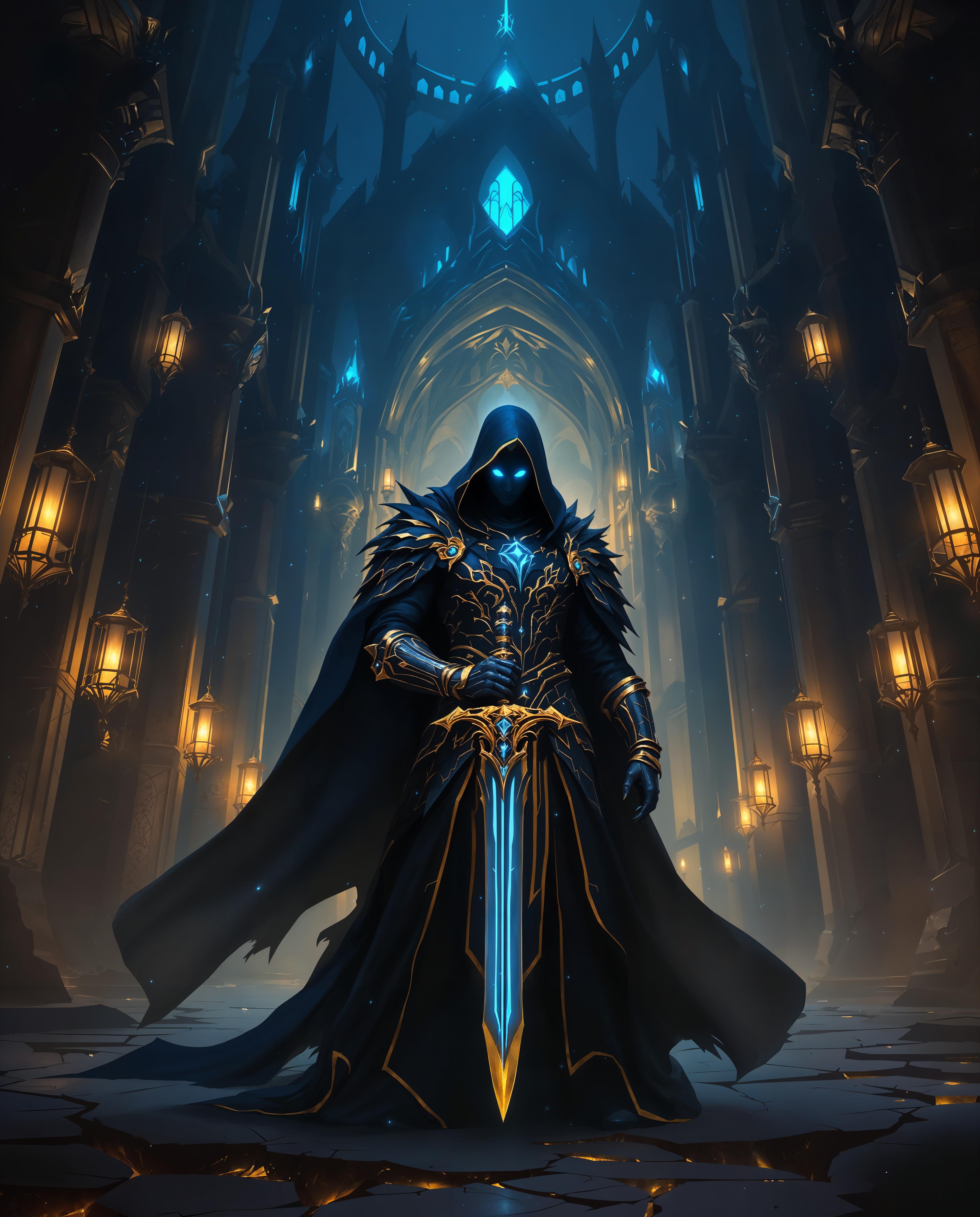








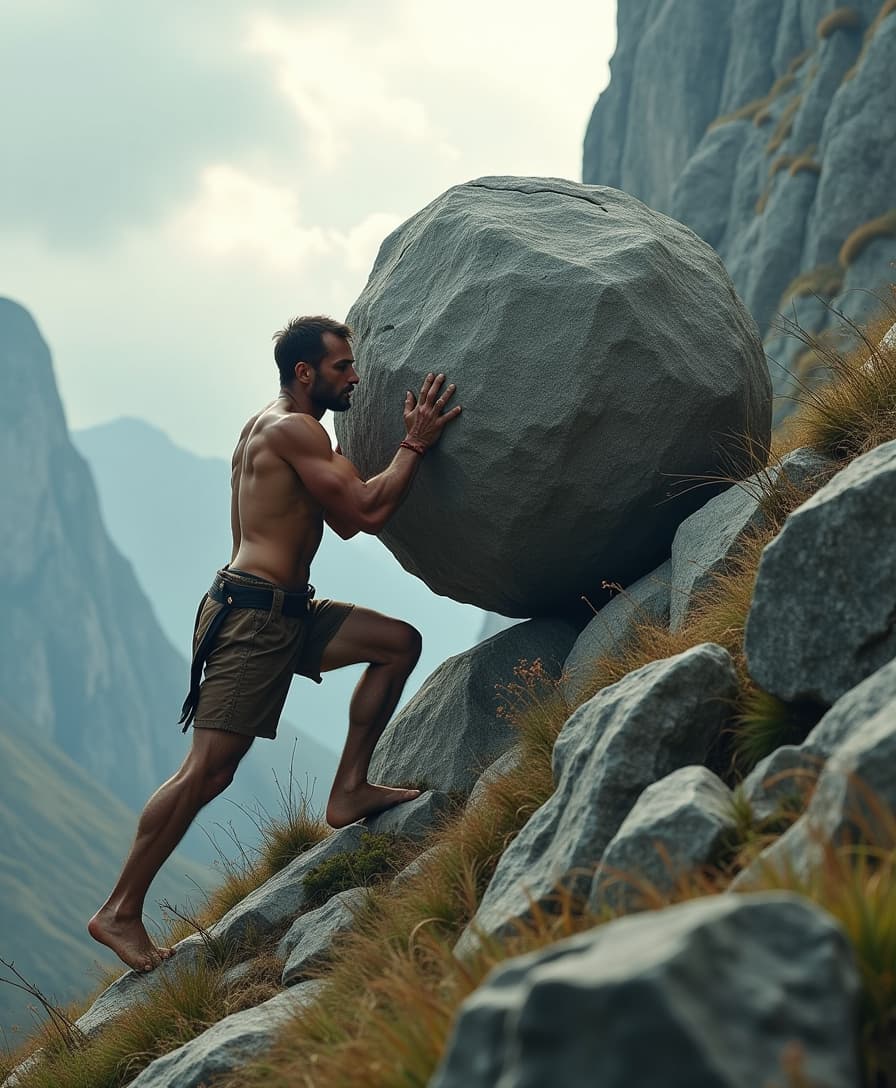



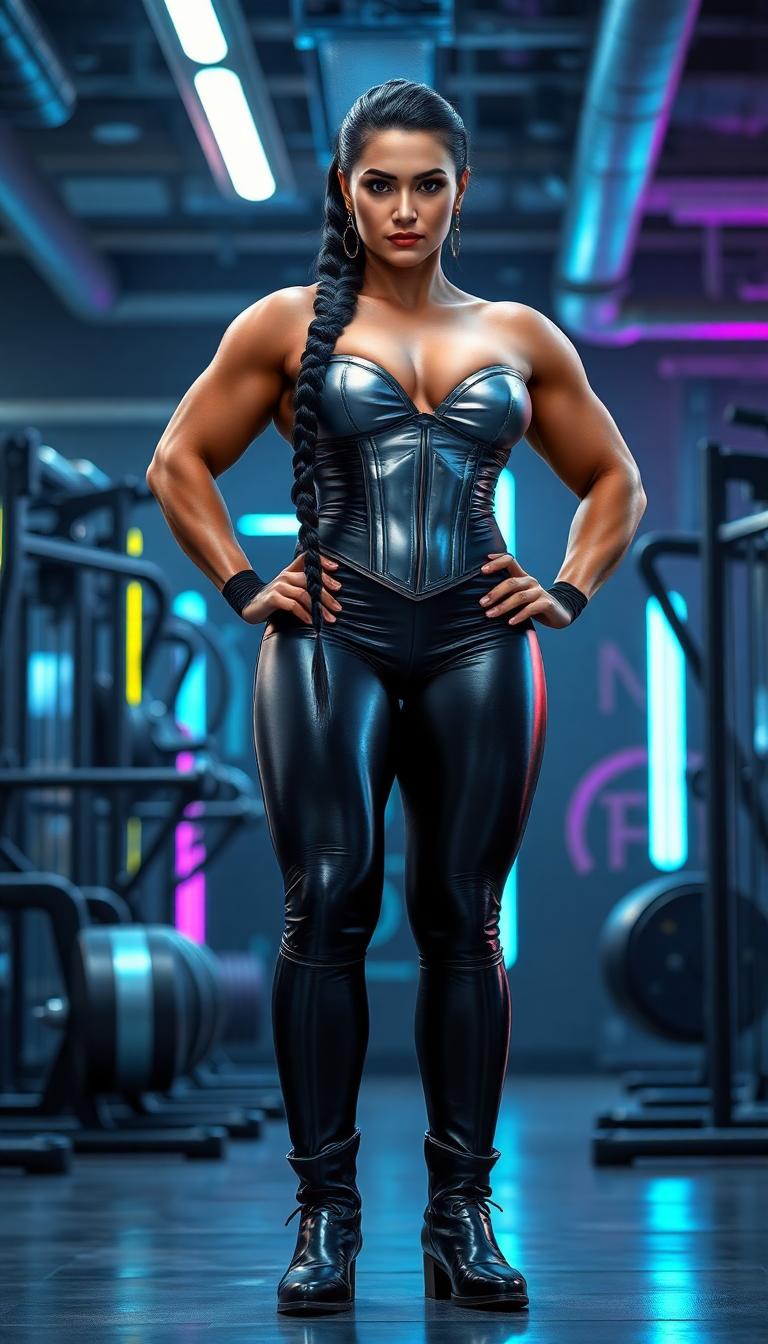



The Pixel Dojo Advantage
Why PixelDojo outperforms other options for WAN 2.2 Animate 720p resolution video creation
| Others | Pixel Dojo |
|---|---|
| Traditional animation software | Eliminates the need for manual keyframing and hours of rendering, delivering instant 720p results so you can create more content in less time. |
| Generic AI tools | Offers specialized WAN 2.2 Animate with tailored 720p tips for superior quality and customization, ensuring your videos are optimized for any platform. |
| Manual video editing | Automates animation processes, reducing errors and effort, so you achieve professional-grade 720p videos without advanced skills or expensive equipment. |
Loved by Creators
See what our community says about Wan 2.2 Animate 720p resolution tips
"PixelDojo's WAN 2.2 Animate turned my static designs into breathtaking 720p videos overnight. It's a game-changer for my marketing campaigns!"
Sarah Chen
Digital Marketer
"The 720p resolution tips in WAN 2.2 Animate helped me create smooth animations that wowed my clients. PixelDojo makes pro-level video accessible to everyone."
Mike Rodriguez
Freelance Animator
Common Questions
Everything you need to know about Wan 2.2 Animate 720p resolution tips AI generation
What are the best WAN 2.2 Animate 720p resolution tips for beginners?
For beginners, start with simple prompts focusing on key elements like motion speed and lighting. PixelDojo's WAN 2.2 Animate allows easy adjustments to achieve smooth 720p output. Use integrated tools like Video Upscaler to enhance details, ensuring your animations look professional without prior experience. This approach helps you create engaging videos quickly, building confidence as you experiment.
How to optimize prompts for WAN 2.2 Animate in 720p resolution?
Optimize by including specific descriptors like 'smooth 30fps motion' and 'high-detail textures' in your prompts. PixelDojo's interface guides you with real-time previews, combining WAN 2.2 Animate with Enhance Realism for polished results. This method ensures your 720p videos maintain clarity and fluidity, perfect for social media or presentations.
Can WAN 2.2 Animate handle complex scenes in 720p resolution?
Yes, WAN 2.2 Animate on PixelDojo excels at complex scenes by processing intricate details efficiently. Pair it with Multidiffusion Upscaler for even sharper 720p output. You'll achieve dynamic animations like bustling cityscapes or animated characters, delivering outcomes that captivate and engage your audience effectively.
What trends in WAN 2.2 Animate 720p video generation should I know?
Current trends include hyper-realistic animations and AI-driven storytelling. PixelDojo stays ahead with updates to WAN 2.2 Animate, allowing you to incorporate trends like subtle particle effects or narrative flows in 720p. This keeps your content fresh and competitive, helping you stand out in digital spaces.
How does PixelDojo's WAN 2.2 Animate improve 720p video quality?
It improves quality through advanced AI algorithms that refine motion and resolution. Integrate with tools like Magic Lighting for enhanced visuals, resulting in 720p videos that are vibrant and professional. You'll save time while producing content that boosts viewer retention and shares.
Are there examples of successful WAN 2.2 Animate 720p animations?
Examples include animated product demos and short films. PixelDojo users have created viral 720p content, like nature scenes with flowing water effects. Access templates and community shares via Discord to inspire your projects, turning ideas into shareable masterpieces effortlessly.