Wan 2.2 Animate character motion transfer AI Generator
Imagine transforming your static character images into dynamic, lifelike animations without the need for complex software or extensive animation skills. With Wan 2.2 Animate, you can effortlessly bring your characters to life by transferring motion and expressions from reference videos directly onto your images. This AI-driven technology simplifies the animation process, allowing you to create engaging content that captivates your audience.

Join over 200,000 creators who have generated more than 400,000 animations using Wan 2.2 Animate, achieving a 4.9/5 user satisfaction rating.
Why Choose Pixel Dojo for Wan 2.2 Animate character motion transfer
Professional-quality results with cutting-edge AI technology
Effortless Character Animation
Transform static images into dynamic animations by transferring motion and expressions from reference videos, eliminating the need for manual keyframing.
Consistent Character Identity
Maintain your character's unique appearance and expressions across all frames, ensuring a cohesive and professional result.
Seamless Scene Integration
Replace characters in existing videos while preserving environmental lighting and color tones for natural and realistic integration.
How It Works
Creating lifelike animations with Wan 2.2 Animate is a straightforward process that involves three simple steps:
Step 1: Upload Your Character Image
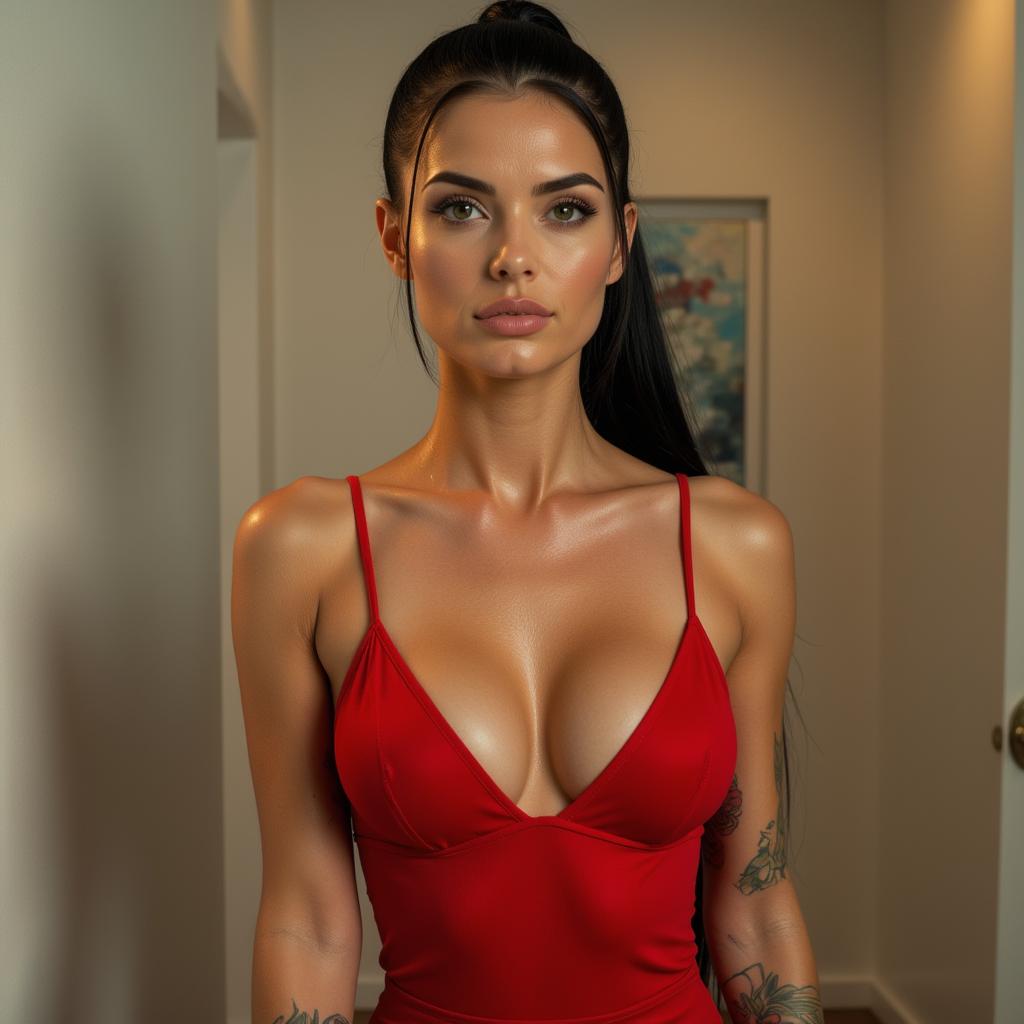
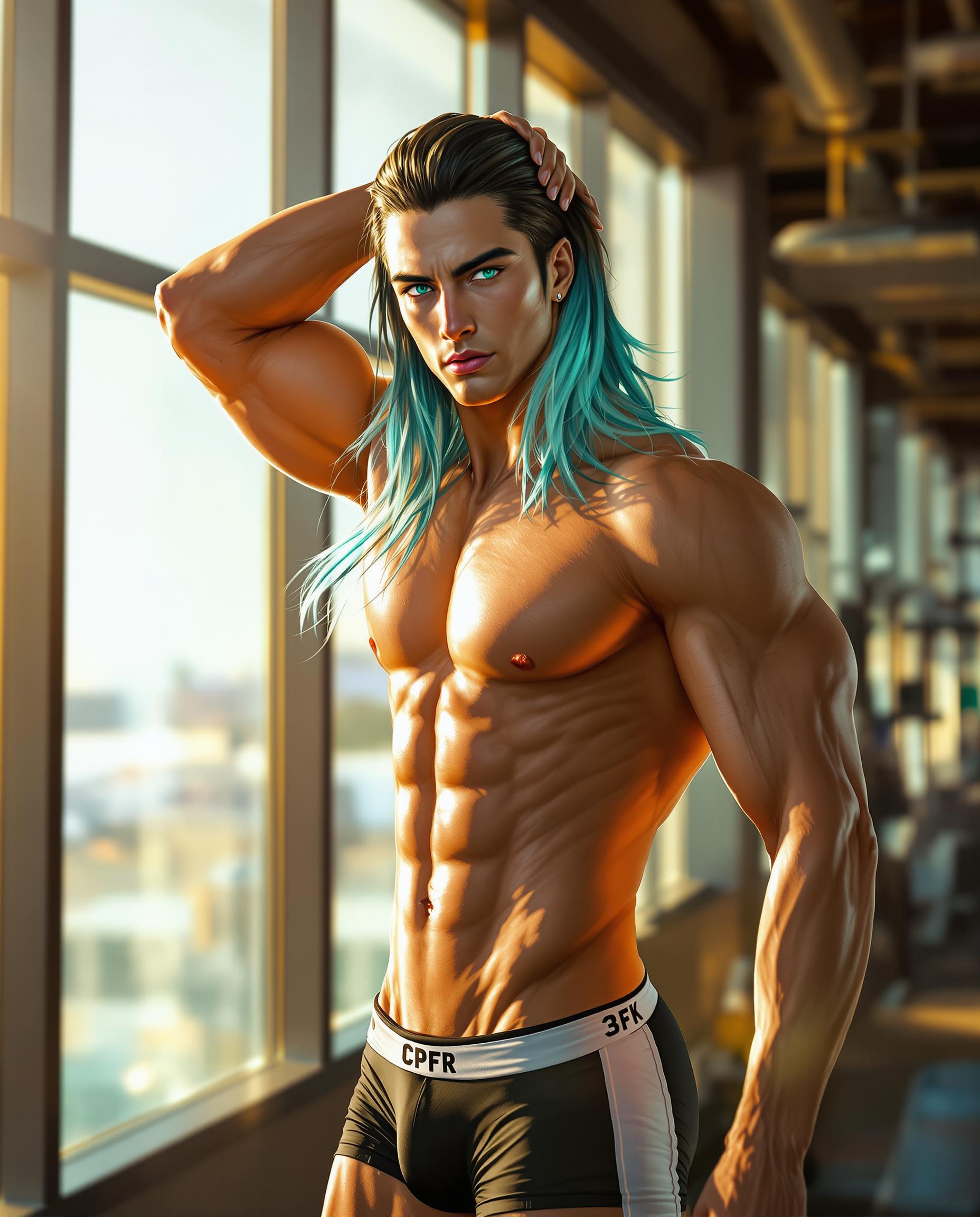
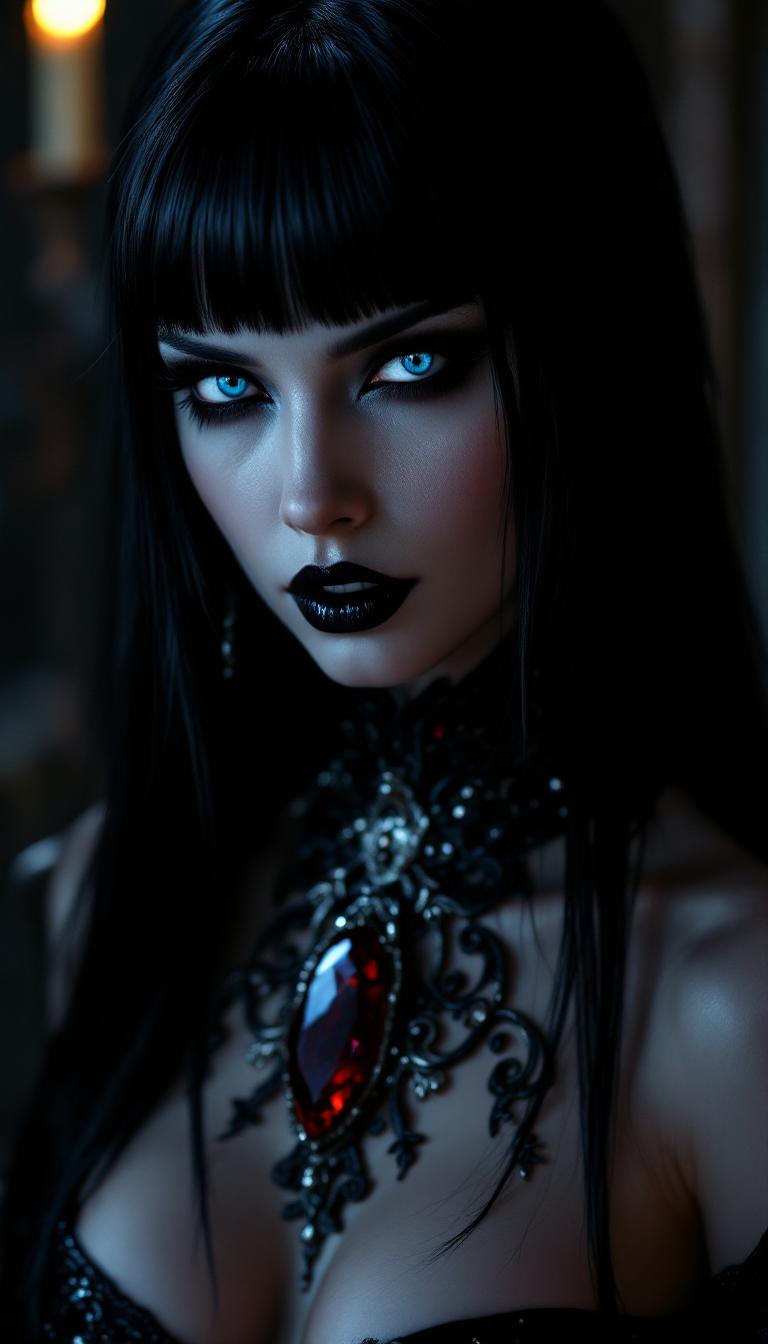
Select a clear, high-quality image of the character you wish to animate. Ensure the character's face is visible and unobstructed for optimal results.
Step 2: Provide a Reference Video
Choose a video that showcases the desired movements and expressions. This video will serve as the motion guide for your character animation.
Step 3: Generate and Download Your Animation
Utilize Wan 2.2 Animate to process the inputs and create your animated character. Once generated, you can download the high-quality animation for use in your projects.




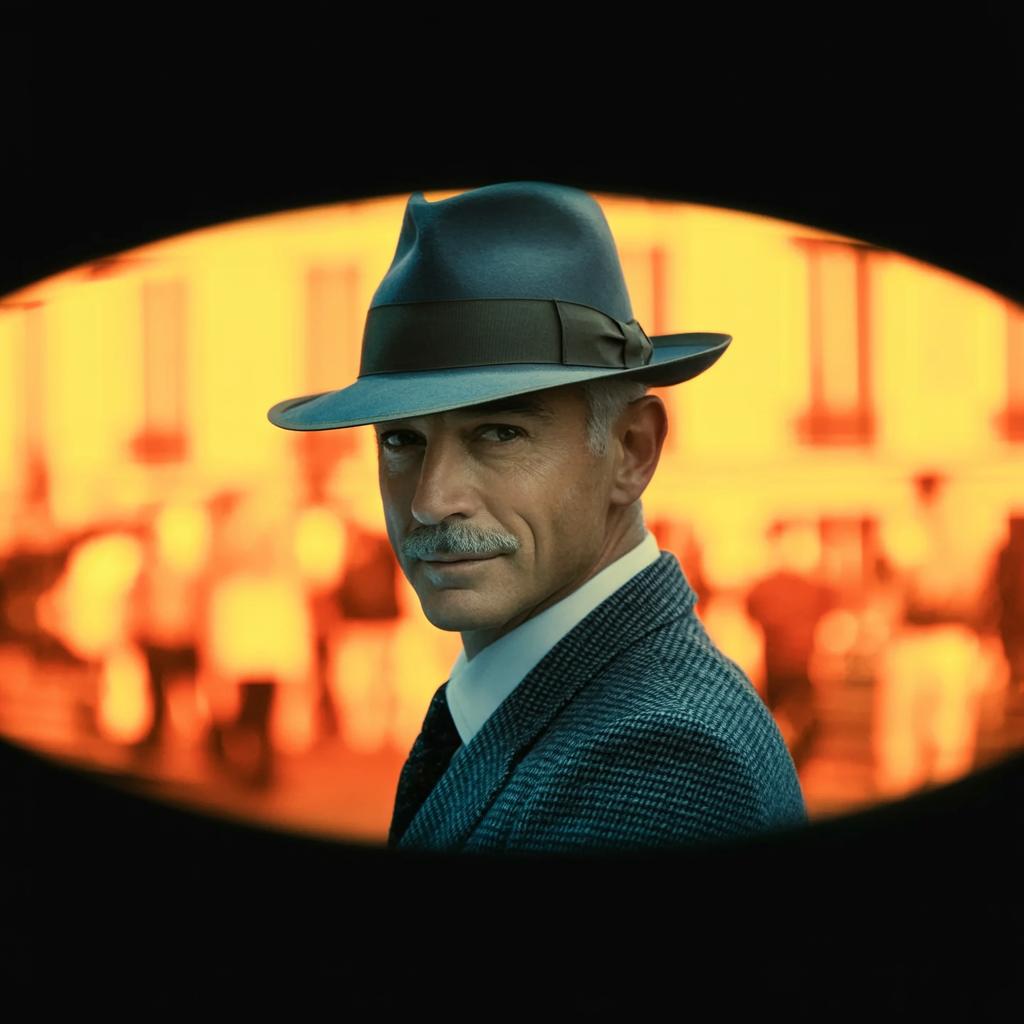
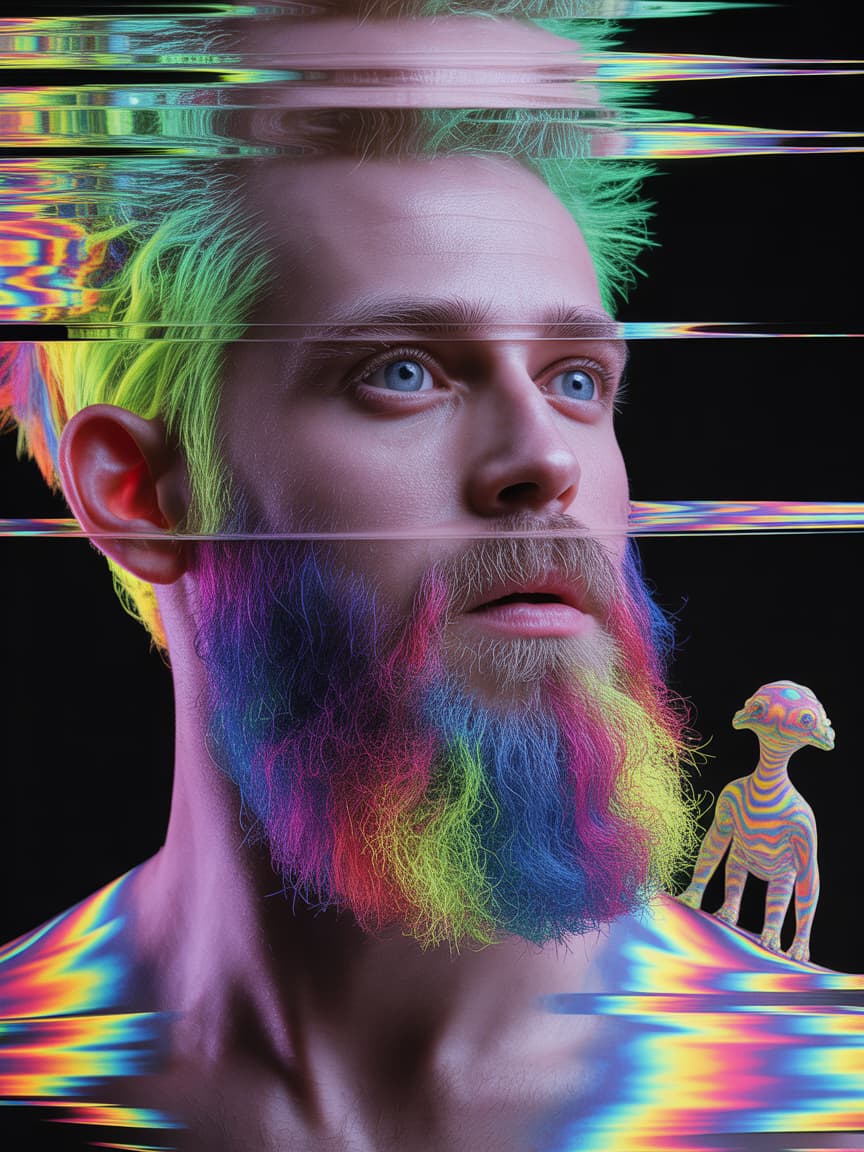
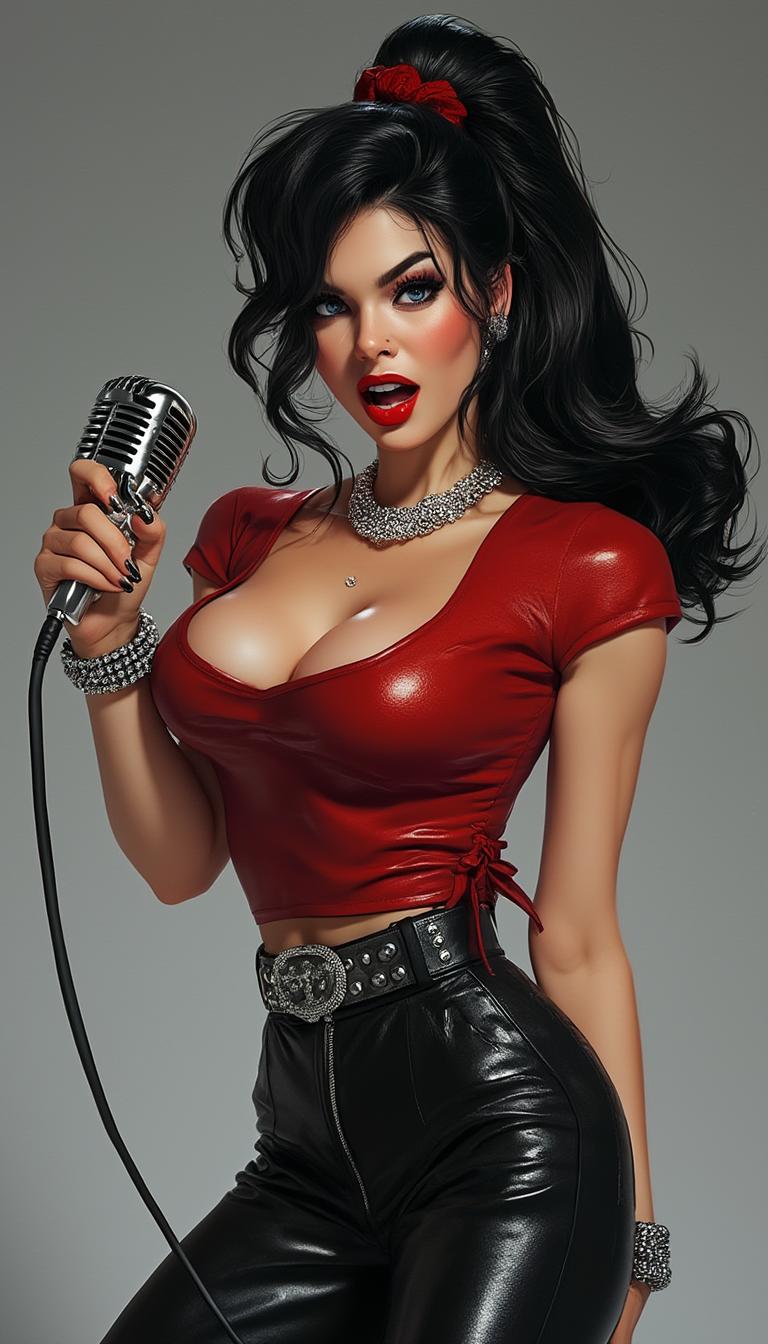
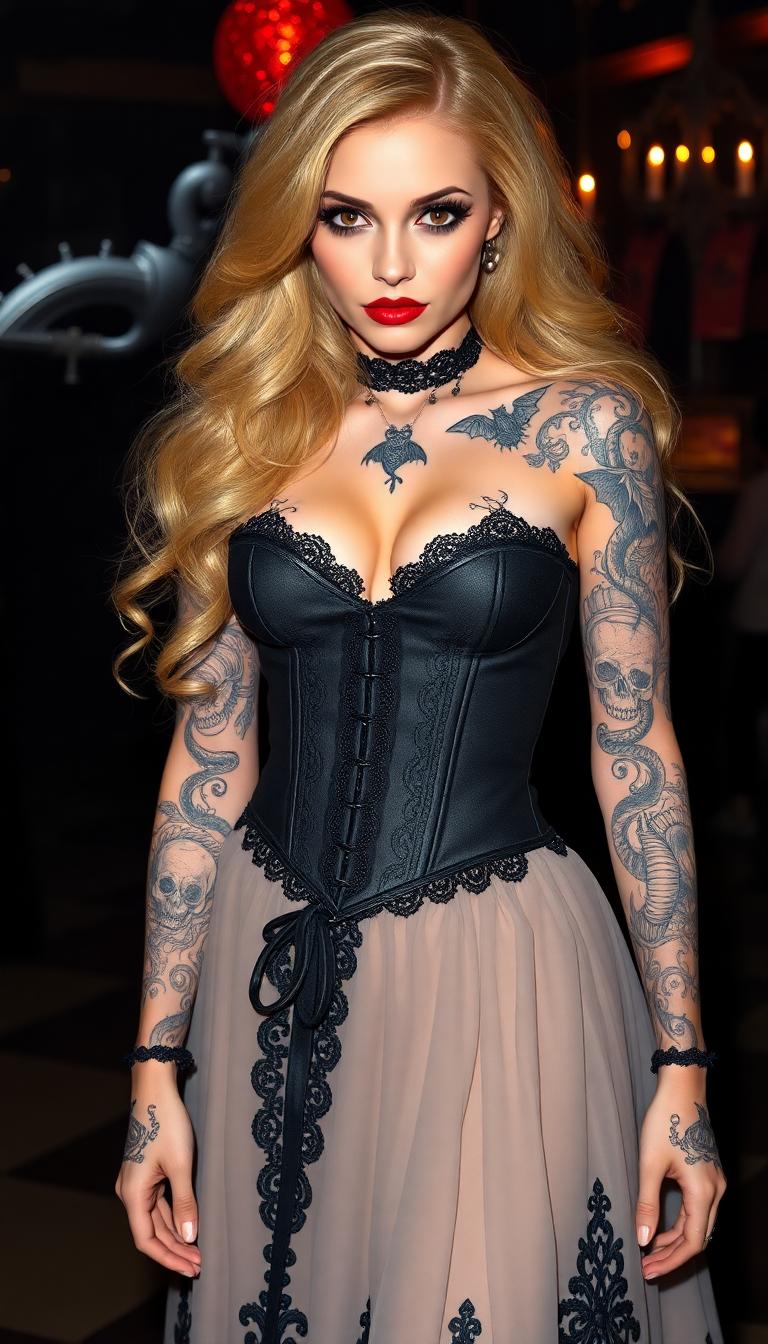
The Pixel Dojo Advantage
Discover how Wan 2.2 Animate stands out in the realm of character animation:
| Others | Pixel Dojo |
|---|---|
| Traditional Animation Methods | Eliminates the need for manual keyframing and extensive animation skills, significantly reducing production time and effort. |
| Generic AI Animation Tools | Offers advanced features like character replacement with scene-aware lighting and color tone adjustments for more realistic results. |
| Manual Video Editing | Automates the animation process, allowing for quick iterations and consistent character identity without the need for complex editing software. |
Loved by Creators
See what our community says about Wan 2.2 Animate character motion transfer
"Wan 2.2 Animate revolutionized our content creation process. We can now produce high-quality animations in a fraction of the time."
Alex Johnson
Digital Content Creator
"The ability to maintain character consistency across animations has been a game-changer for our brand storytelling."
Maria Lopez
Marketing Manager
Common Questions
Everything you need to know about Wan 2.2 Animate character motion transfer AI generation
How does Wan 2.2 Animate transfer motion to static images?
Wan 2.2 Animate utilizes advanced AI algorithms to analyze the movements and expressions in a reference video and applies them to a static character image, creating a dynamic animation that mirrors the reference performance.
Can I use Wan 2.2 Animate for commercial projects?
Yes, Wan 2.2 Animate is suitable for both personal and commercial use, allowing creators to produce professional-quality animations for various applications.
What types of input files are supported by Wan 2.2 Animate?
Wan 2.2 Animate supports common image formats such as JPG, PNG, and BMP for character images, and video formats like MP4, AVI, and MOV for reference videos.
Is any animation experience required to use Wan 2.2 Animate?
No prior animation experience is necessary. Wan 2.2 Animate is designed to be user-friendly, enabling creators of all skill levels to produce high-quality animations.
How long does it take to generate an animation with Wan 2.2 Animate?
The processing time depends on the complexity and length of the reference video, but most animations are generated within a few minutes.
Can I replace characters in existing videos using Wan 2.2 Animate?
Yes, Wan 2.2 Animate offers a character replacement feature that allows you to swap characters in existing videos while maintaining scene lighting and color consistency.