Wan 2.2 Animate real-time replacement AI Generator
Imagine effortlessly replacing characters in your videos with lifelike precision, preserving original movements and expressions. With Wan 2.2 Animate, you can achieve this seamlessly, transforming your content into engaging, high-quality productions without the need for complex editing skills.

Join thousands of creators who have enhanced their videos using Wan 2.2 Animate, achieving over 95% identity consistency and 720p high-definition output.
Why Choose Pixel Dojo for Wan 2.2 Animate real-time replacement
Professional-quality results with cutting-edge AI technology
Effortless Character Replacement
Replace characters in your videos while maintaining natural movements and expressions, enhancing storytelling without reshoots.
High-Quality Output
Generate videos up to 720p resolution with smooth, cinematic results, ensuring professional-grade content.
Seamless Integration
Match lighting and color tones to integrate new characters naturally into existing scenes, preserving the original ambiance.
How It Works
Creating stunning character replacements with Wan 2.2 Animate is straightforward. Follow these steps to transform your videos:
Step 1: Upload Character Image
Select and upload a clear image of the character you wish to insert into your video. High-quality images yield the best results.
Step 2: Upload Target Video
Choose the video where you want the character replacement to occur. The AI will analyze the video's movements and expressions.
Step 3: AI Processing & Download
Wan 2.2 Animate processes the inputs to generate a seamless character replacement. Once complete, download your transformed video.


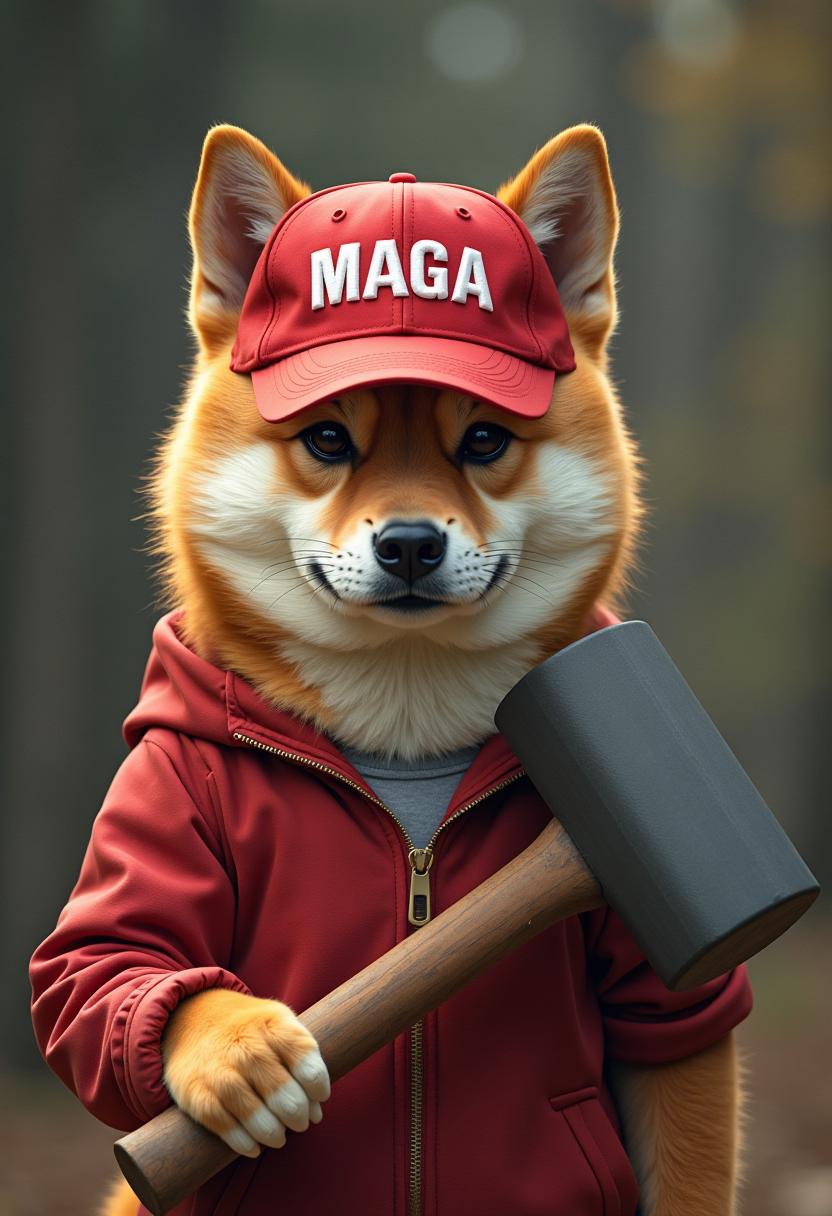
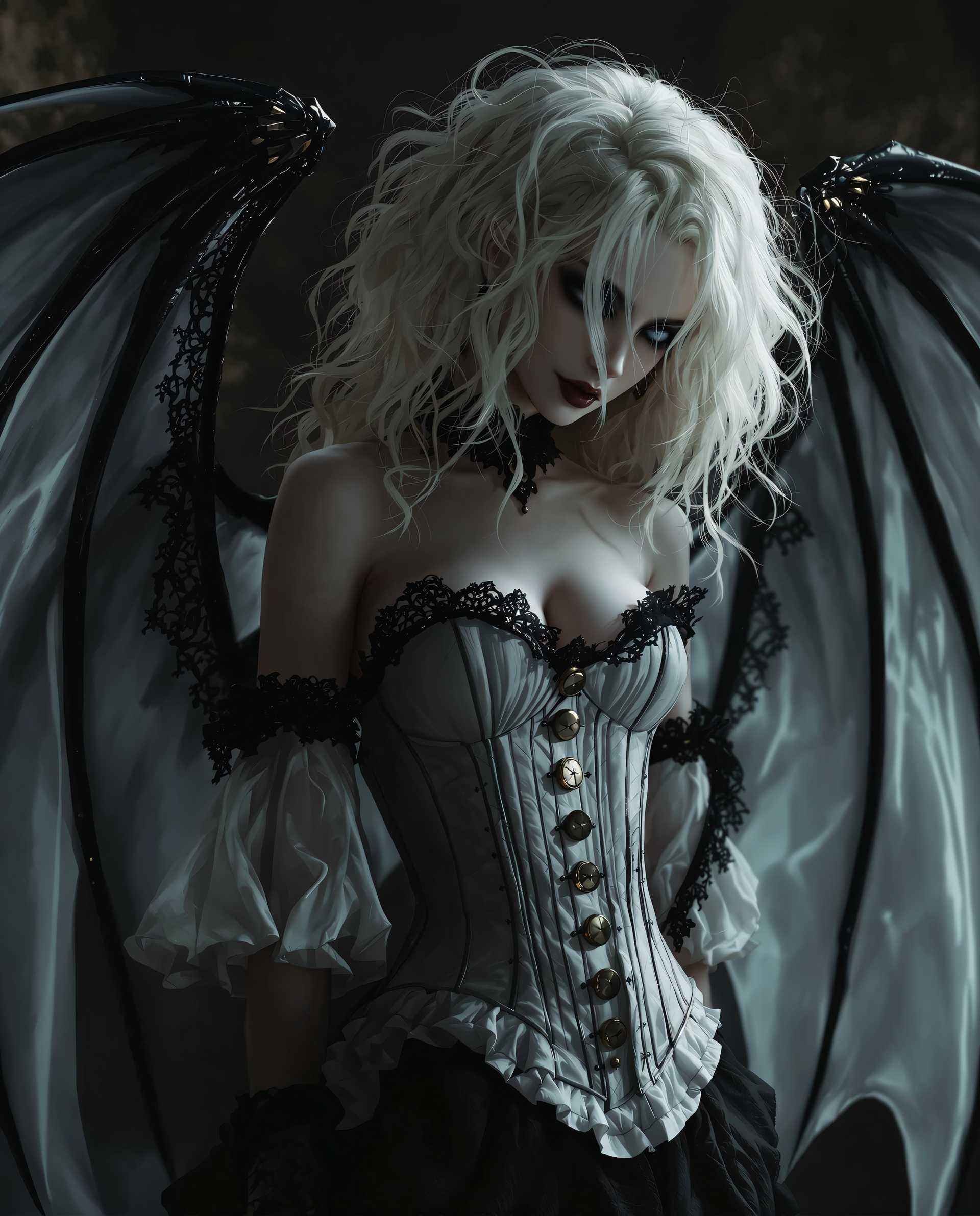
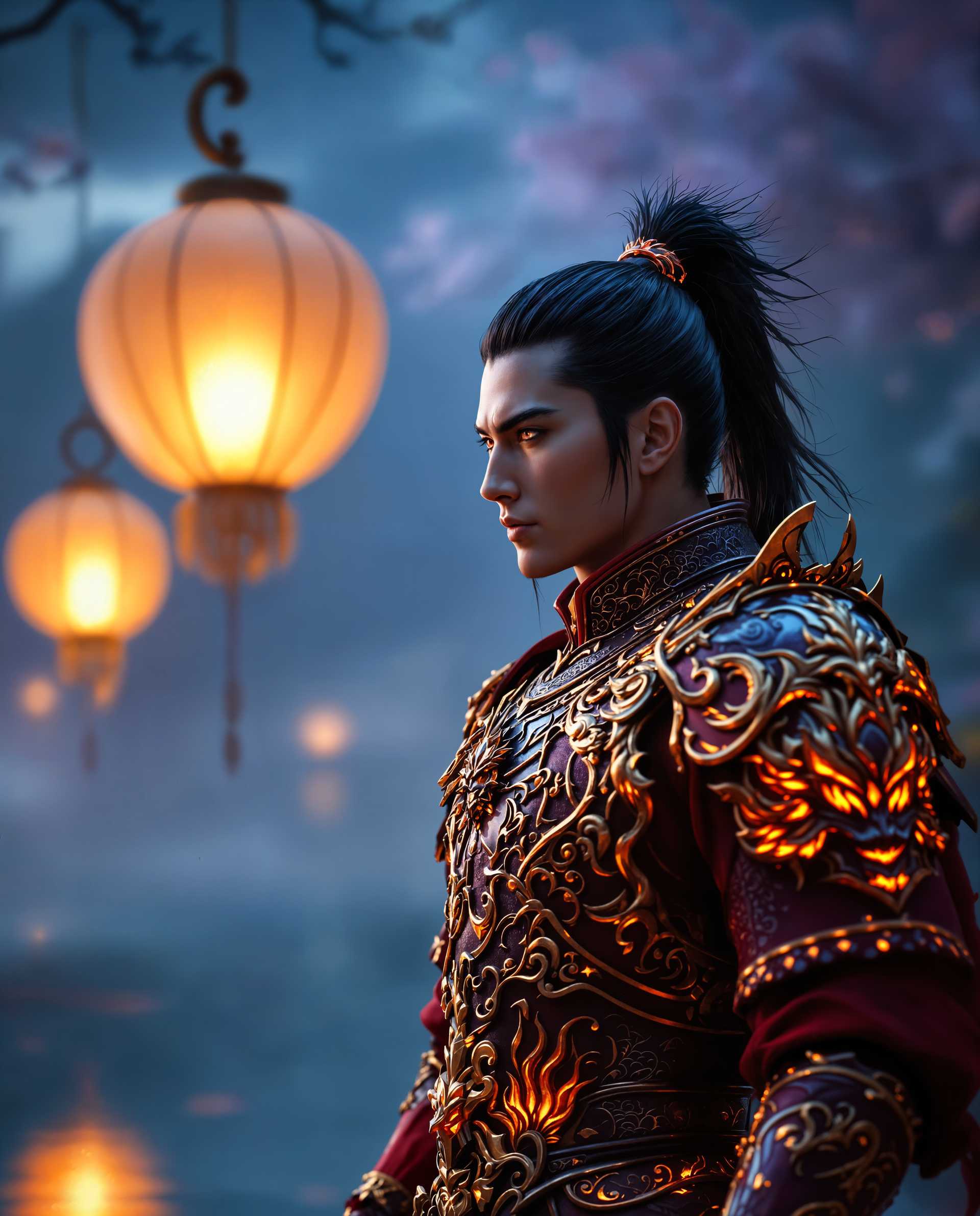
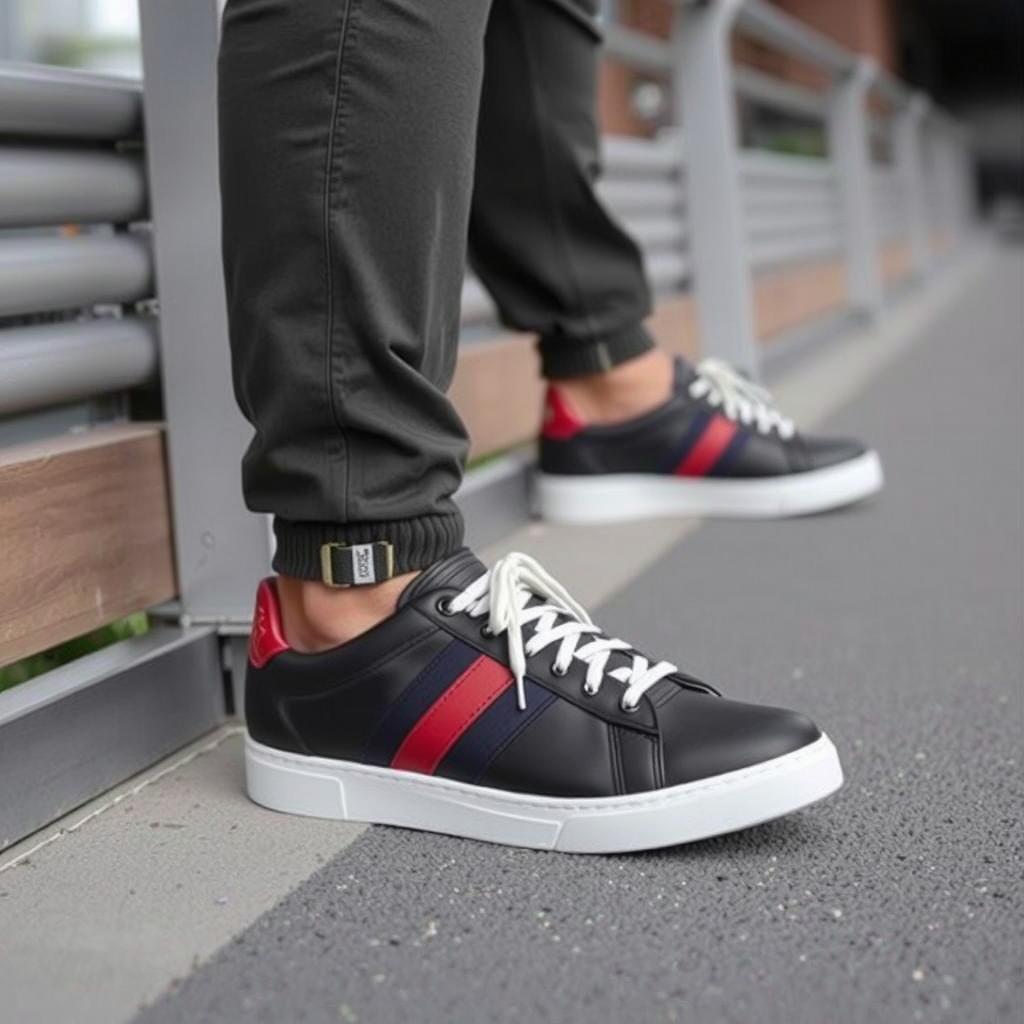
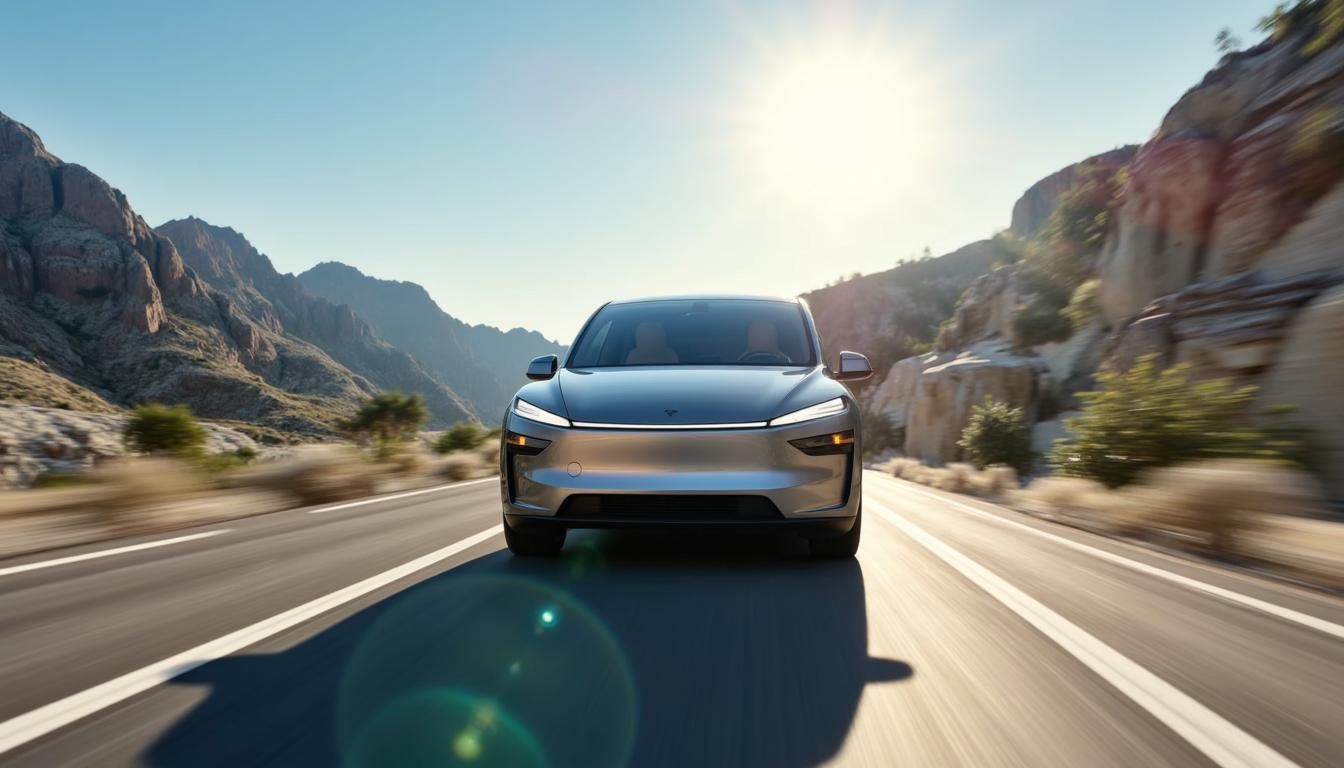
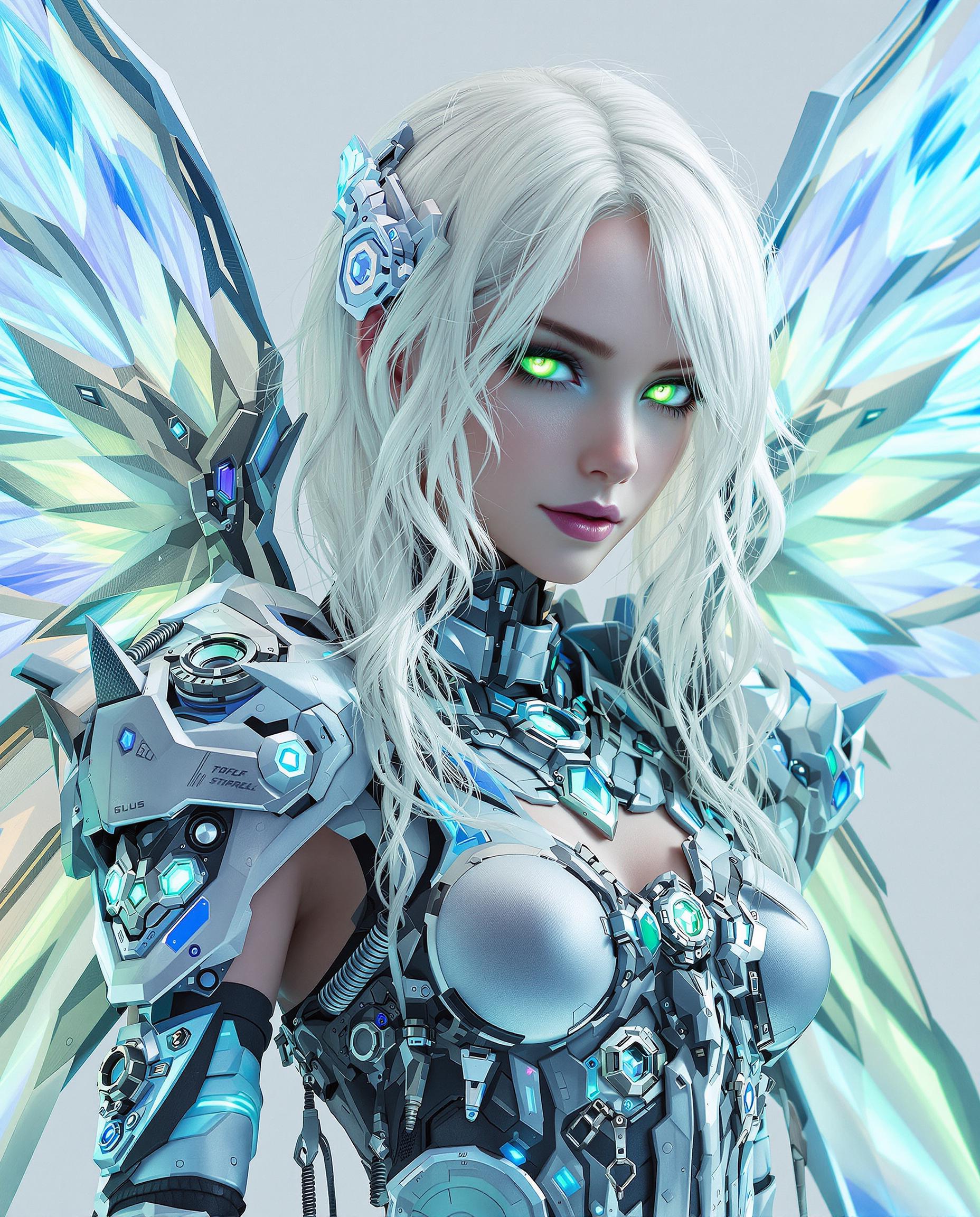
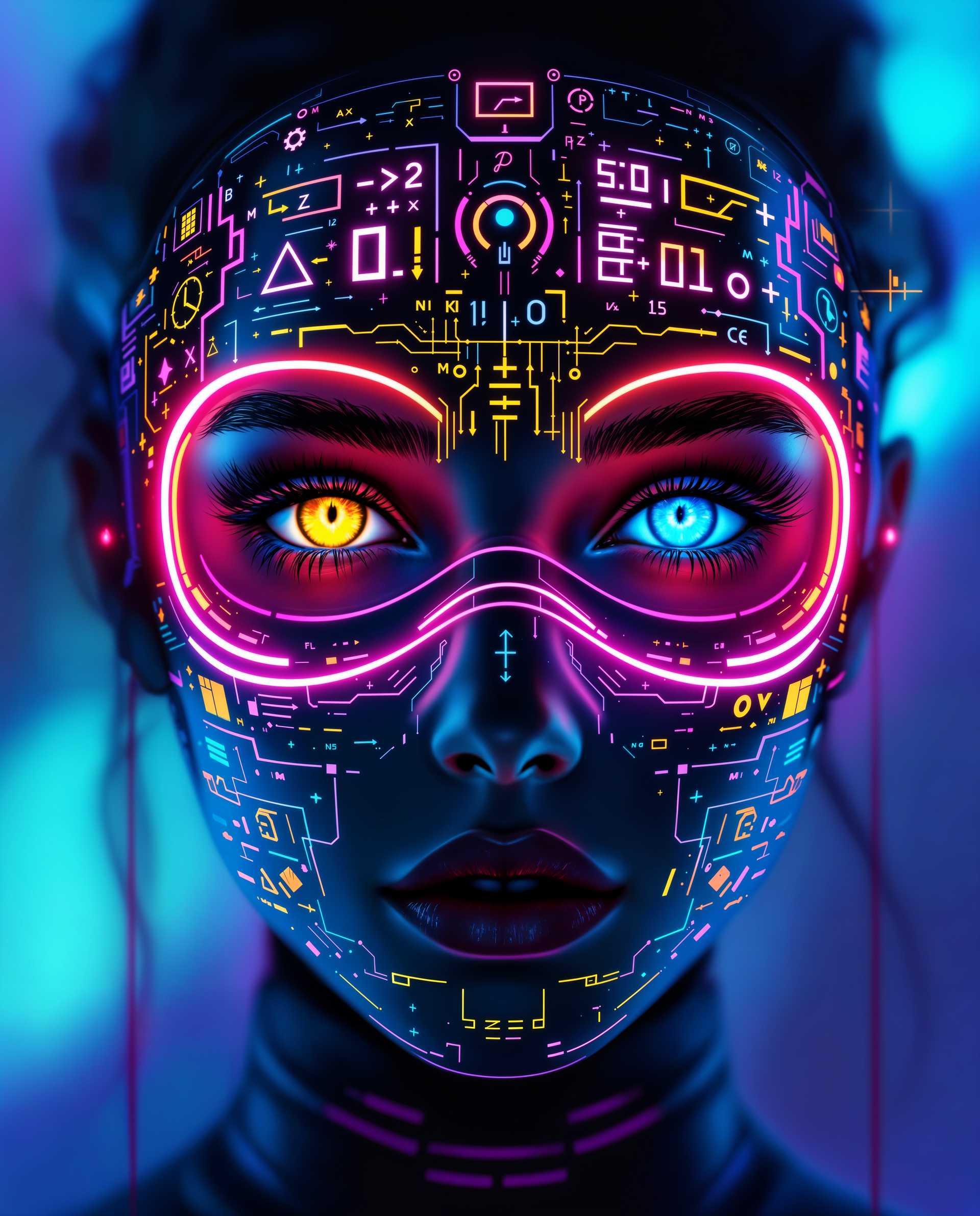

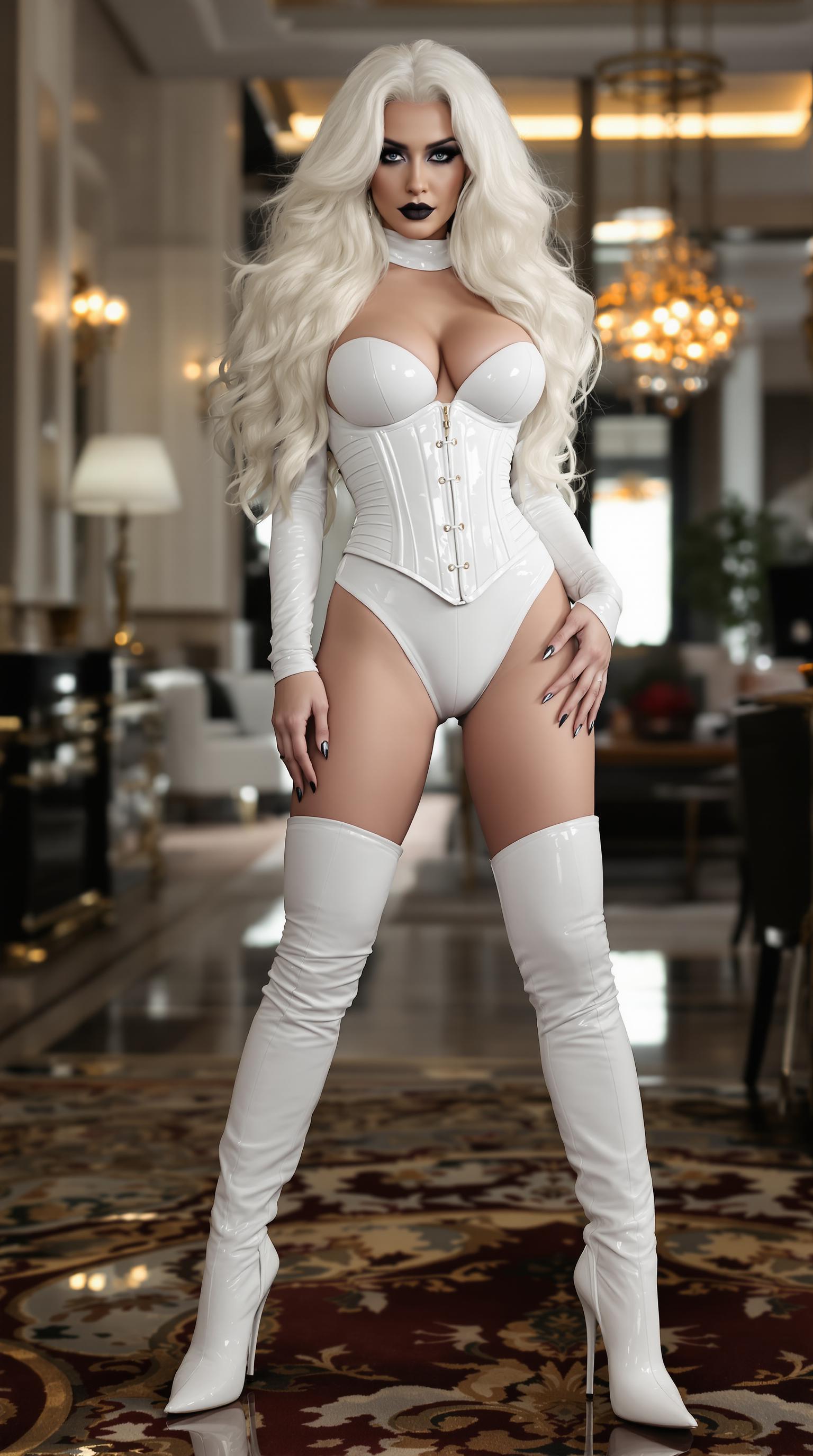
The Pixel Dojo Advantage
Why Wan 2.2 Animate is the superior choice for AI character replacement:
| Others | Pixel Dojo |
|---|---|
| Traditional Video Editing | Eliminates the need for manual frame-by-frame editing, saving time and effort. |
| Generic AI Tools | Offers specialized character replacement with high identity consistency and scene integration. |
| Manual Reshoots | Avoids costly and time-consuming reshoots by digitally replacing characters. |
Loved by Creators
See what our community says about Wan 2.2 Animate real-time replacement
"Wan 2.2 Animate revolutionized our video production process, allowing us to replace characters seamlessly without reshoots."
Alex Johnson
Video Producer
"The quality and realism achieved with Wan 2.2 Animate are unparalleled. It's a game-changer for content creators."
Maria Lopez
Content Creator
Common Questions
Everything you need to know about Wan 2.2 Animate real-time replacement AI generation
How does Wan 2.2 Animate ensure realistic character replacements?
Wan 2.2 Animate utilizes advanced AI to analyze and replicate facial expressions, body movements, and scene lighting, ensuring the new character integrates naturally into the video.
What file formats are supported for character images and videos?
Wan 2.2 Animate supports common image formats like JPG and PNG, and video formats such as MP4, AVI, and MOV.
Is there a limit to the video length for character replacement?
For optimal performance, it's recommended to use videos up to 120 seconds in length.
Can I use Wan 2.2 Animate for commercial projects?
Yes, Wan 2.2 Animate is suitable for both personal and commercial projects, providing high-quality outputs for various applications.
Do I need advanced editing skills to use Wan 2.2 Animate?
No, Wan 2.2 Animate is designed for ease of use, allowing users without advanced editing skills to achieve professional results.
How long does it take to process a video with Wan 2.2 Animate?
Processing times vary based on video length and complexity but typically range from a few minutes to an hour.