WAN 2.6 auto-storyboard AI Generator
Transform your concepts into compelling visual narratives effortlessly with PixelDojo's WAN 2.6 Auto-Storyboard. This advanced AI tool enables you to create dynamic, multi-shot storyboards from simple text prompts, streamlining your creative process and bringing your ideas to life with professional-grade visuals.
Join over 10,000 creators who have enhanced their storytelling with PixelDojo's AI tools, achieving a 95% satisfaction rate.
Why Choose Pixel Dojo for WAN 2.6 auto-storyboard
Professional-quality results with cutting-edge AI technology
Rapid Storyboard Generation
Quickly convert your ideas into detailed, multi-shot storyboards without the need for manual sketching.
Consistent Character Representation
Maintain character consistency across all frames, ensuring a cohesive visual narrative.
Seamless Scene Transitions
Achieve smooth and logical scene transitions, enhancing the flow of your story.
How It Works
Creating engaging storyboards with WAN 2.6 Auto-Storyboard is a straightforward process:
Step 1: Input Your Narrative
Enter your story's text description, detailing scenes, characters, and actions.
Step 2: Generate Storyboard
Click 'Generate' to let WAN 2.6 Auto-Storyboard create a sequence of images representing your narrative.
Step 3: Review and Refine
Examine the generated storyboard and make any necessary adjustments to align with your vision.


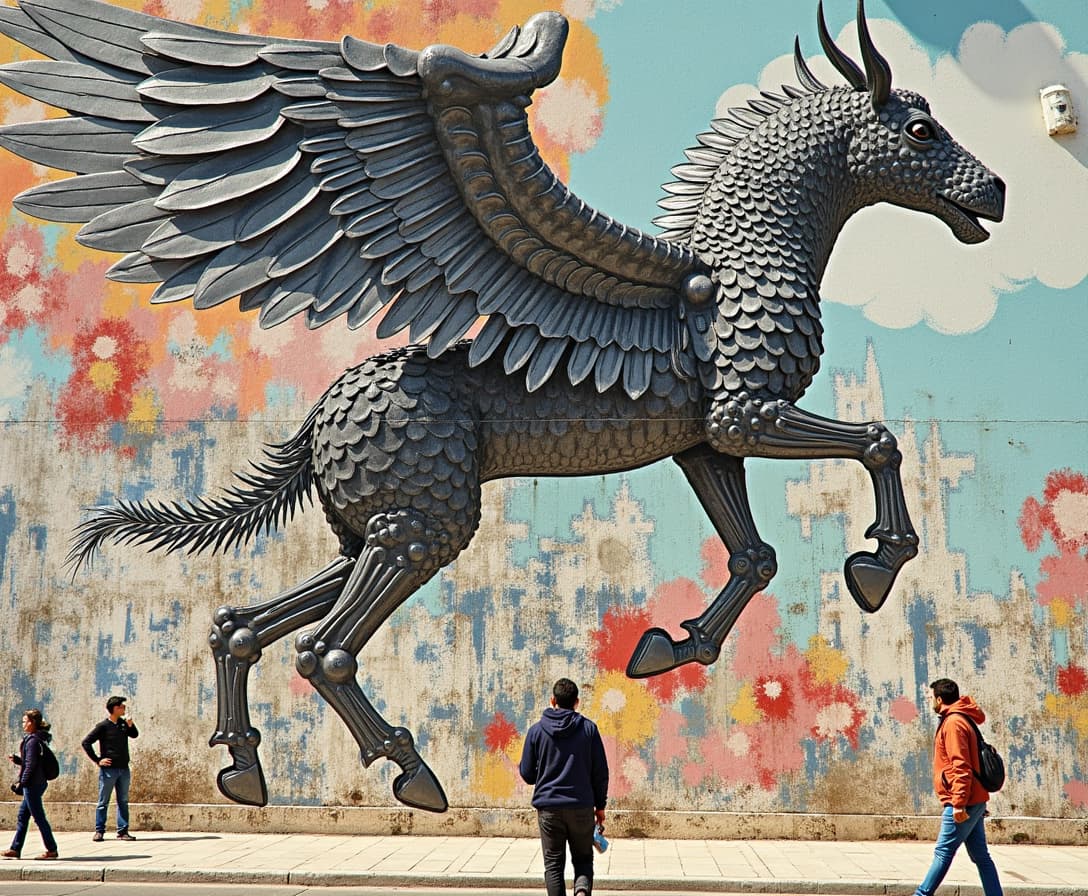
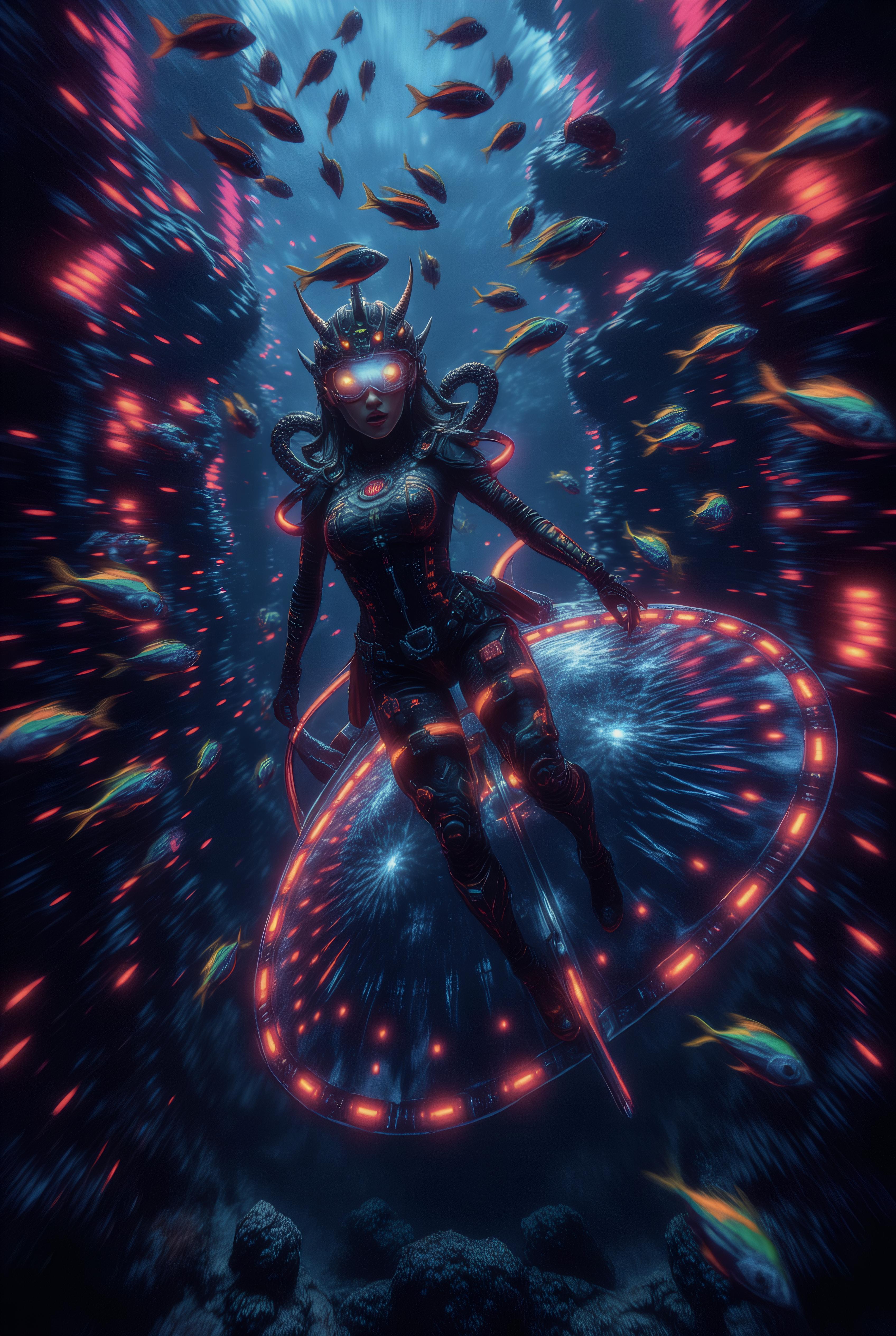










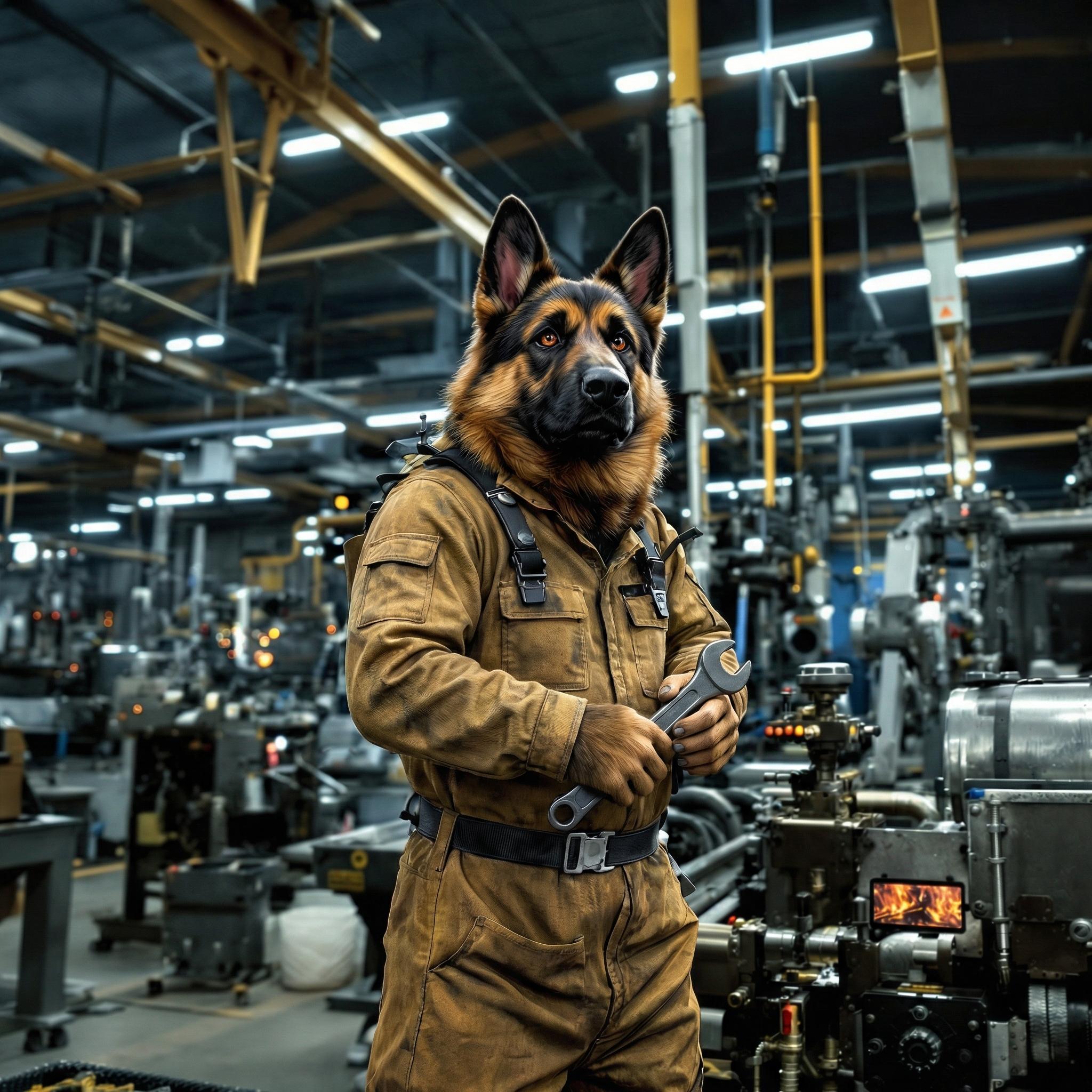
The Pixel Dojo Advantage
Why PixelDojo's WAN 2.6 Auto-Storyboard stands out in AI storyboard creation:
| Others | Pixel Dojo |
|---|---|
| Traditional Storyboarding Methods | Eliminates manual drawing, saving time and effort. |
| Generic AI Tools | Offers specialized features for multi-shot narratives and character consistency. |
| Manual Photo Editing | Automates the entire process, reducing the need for extensive editing. |
Loved by Creators
See what our community says about WAN 2.6 auto-storyboard
"PixelDojo's WAN 2.6 Auto-Storyboard transformed my script into a vivid storyboard in minutes. It's a game-changer for my creative process."
Alex Johnson
Screenwriter
"The character consistency and scene transitions are remarkable. PixelDojo has significantly streamlined our pre-production workflow."
Maria Lopez
Film Director
Common Questions
Everything you need to know about WAN 2.6 auto-storyboard AI generation
How does WAN 2.6 Auto-Storyboard ensure character consistency?
WAN 2.6 Auto-Storyboard utilizes advanced AI algorithms to maintain consistent character appearances across all storyboard frames, ensuring a cohesive visual narrative.
Can I edit the generated storyboards?
Yes, after generation, you can review and make adjustments to the storyboard frames to better align with your creative vision.
Is WAN 2.6 Auto-Storyboard suitable for beginners?
Absolutely. The intuitive interface and automated processes make it accessible for users of all skill levels.
What file formats are the storyboards available in?
Generated storyboards can be downloaded in various formats, including JPEG and PNG, for easy integration into your projects.
Does PixelDojo offer support for WAN 2.6 Auto-Storyboard users?
Yes, PixelDojo provides comprehensive support, including tutorials and customer service, to assist you in using WAN 2.6 Auto-Storyboard effectively.
Can I use WAN 2.6 Auto-Storyboard for commercial projects?
Yes, the tool is designed for both personal and commercial use, allowing you to create professional storyboards for any project.