Wan 2.6 style transfer AI Generator
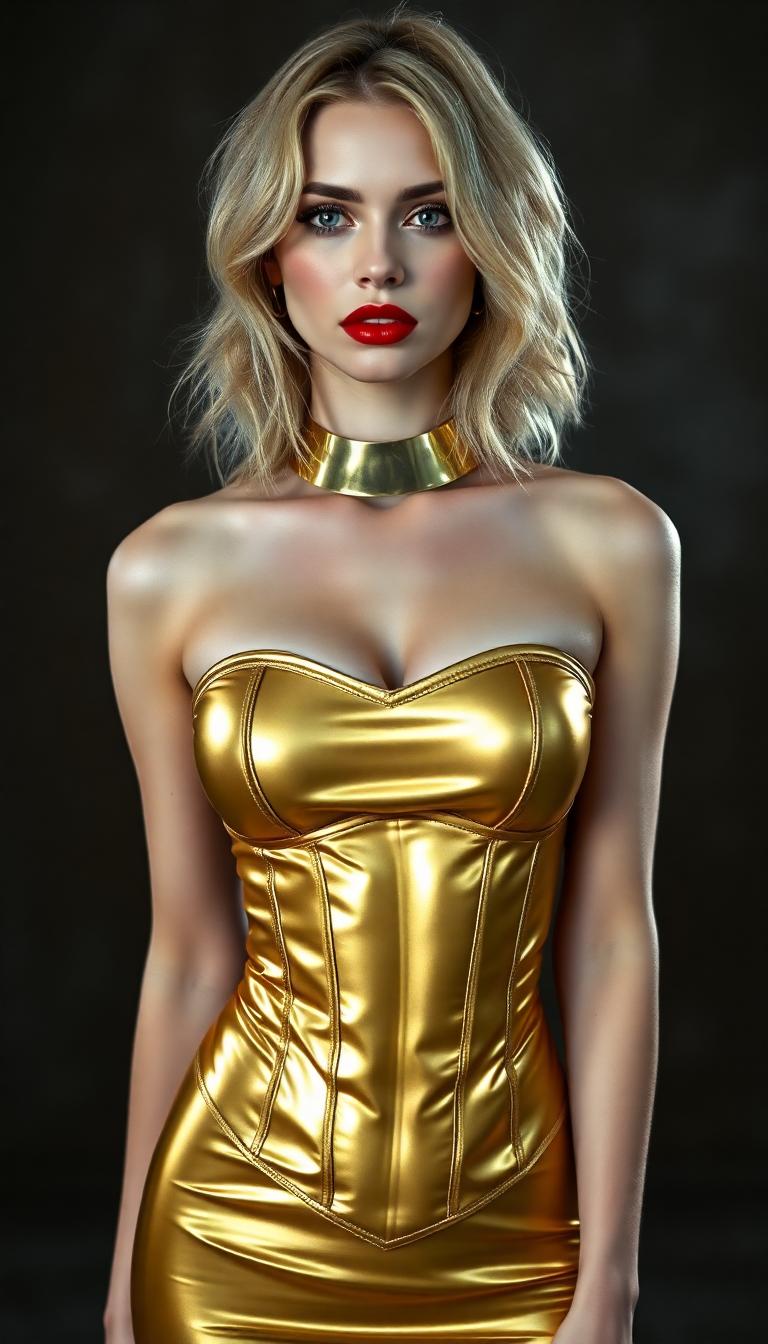
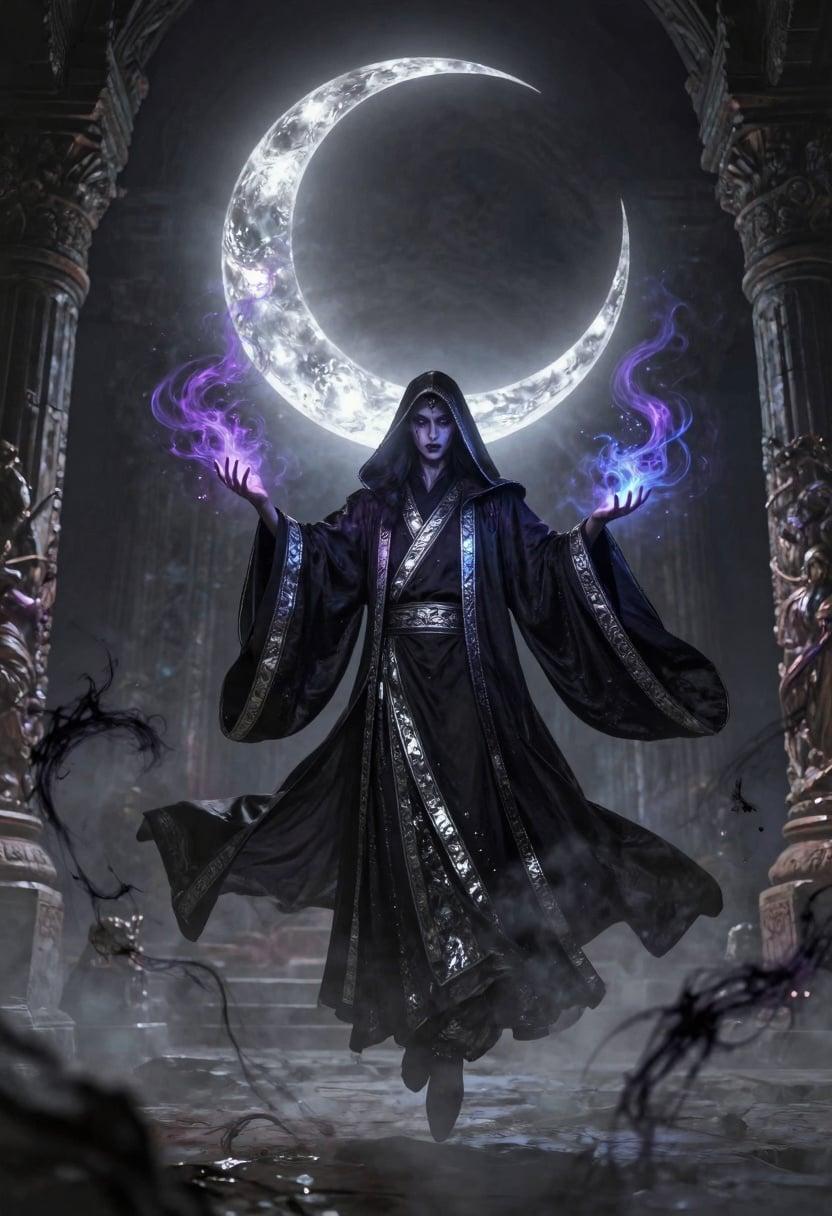
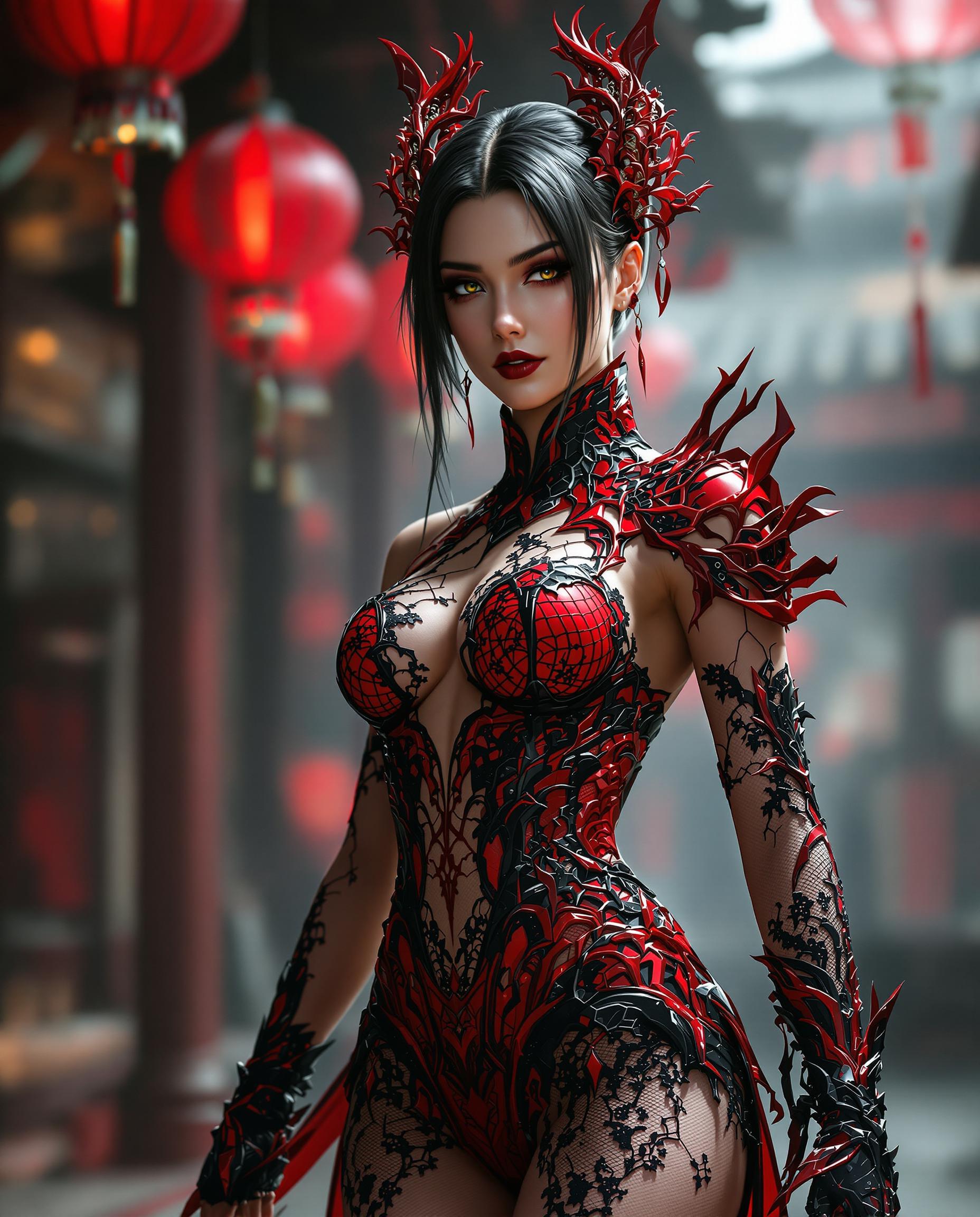
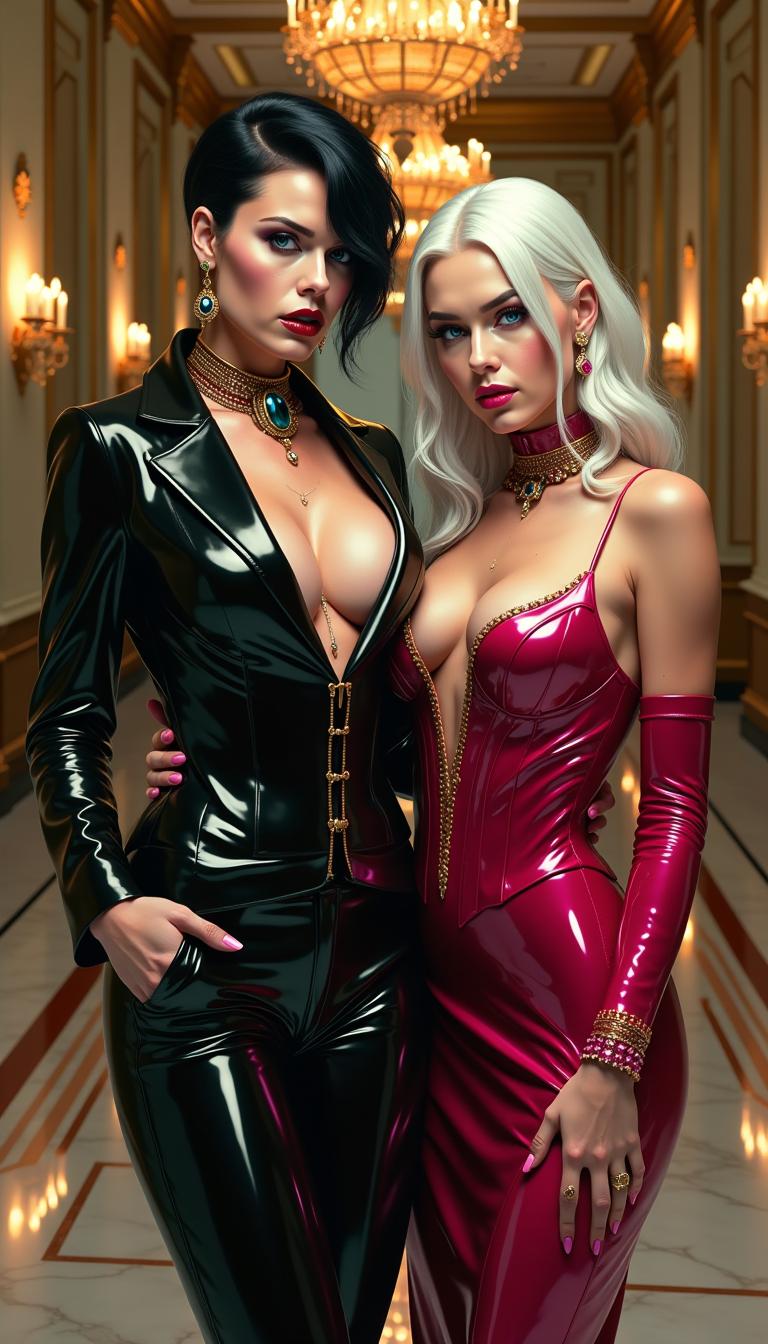
Unlock the potential of your images with PixelDojo's WAN 2.6 style transfer. Whether you're a designer, marketer, or content creator, our advanced AI tools enable you to produce unique, high-quality visuals that stand out. Transform your photos into stunning artworks effortlessly, saving time and resources while achieving professional-grade results.
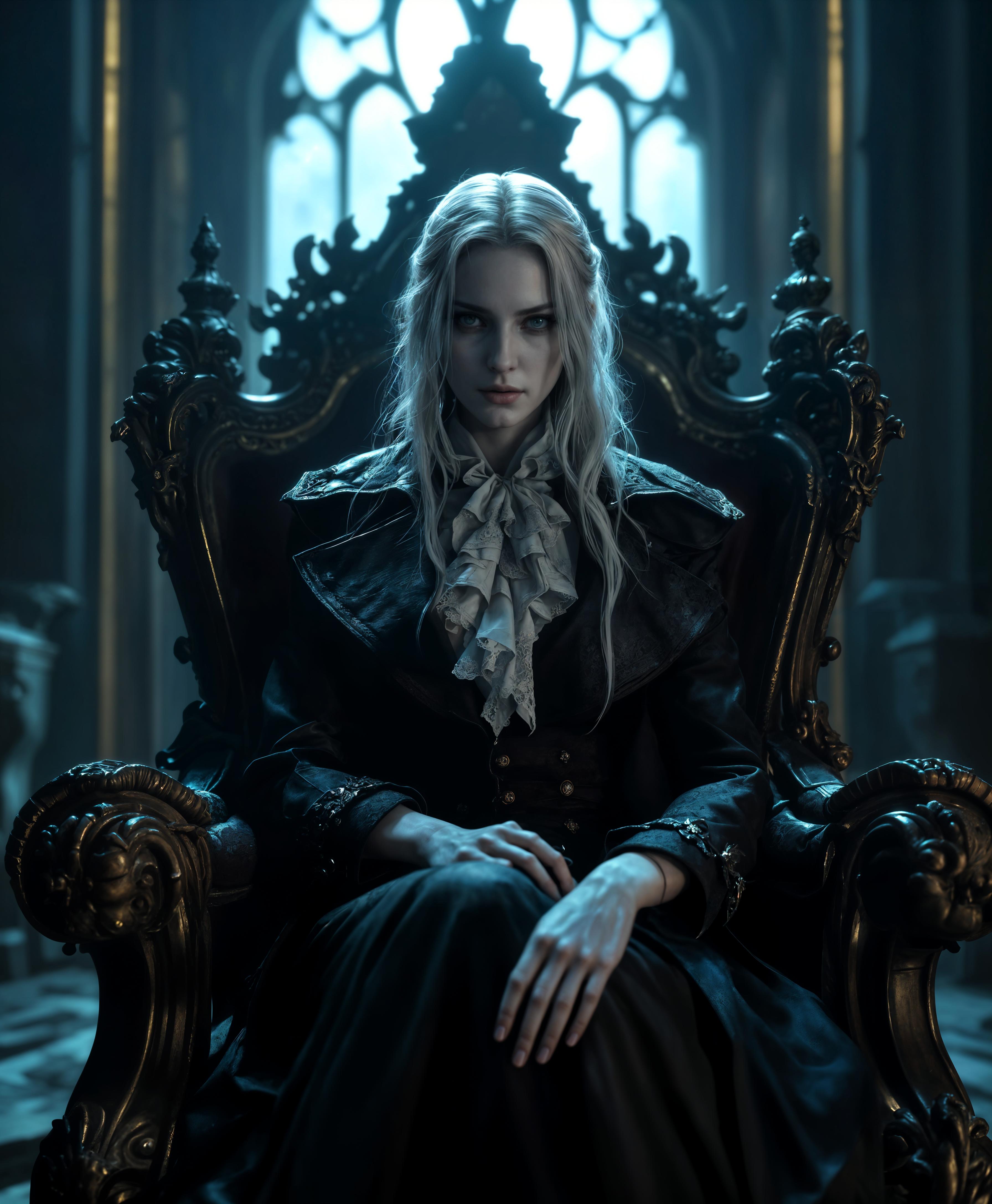
Join over 500,000 creators who have generated stunning stylized images with a 95% satisfaction rate on PixelDojo.
Why Choose Pixel Dojo for Wan 2.6 style transfer
Professional-quality results with cutting-edge AI technology
Effortless Creativity
Generate unique, stylized images without the need for complex software or artistic skills.
Time-Saving Automation
Quickly apply stylized effects to your images, streamlining your creative workflow.
High-Quality Outputs
Produce professional-grade images suitable for various applications, from marketing to personal projects.
How It Works
Creating WAN 2.6 stylized images on PixelDojo is simple and intuitive. Follow these steps to transform your images:
Step 1: Choose Your Tool
Navigate to PixelDojo's 'Create Images' section and select the 'WAN Image' tool to begin your style transfer process.
Step 2: Upload Your Image
Upload the image you wish to transform. This serves as the base for applying the desired style.
Step 3: Enter Your Prompt
Describe the style you want to apply. For example, 'Apply a watercolor painting style with soft brush strokes.'
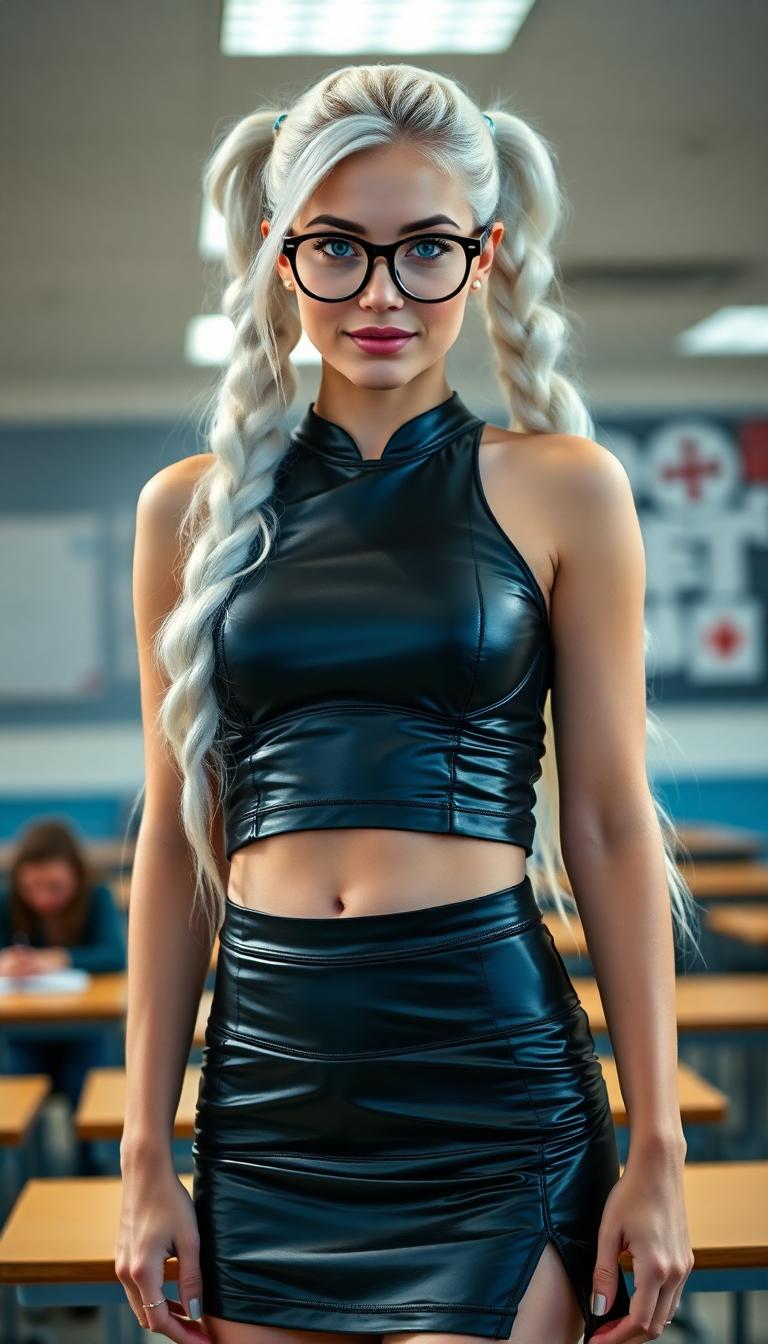
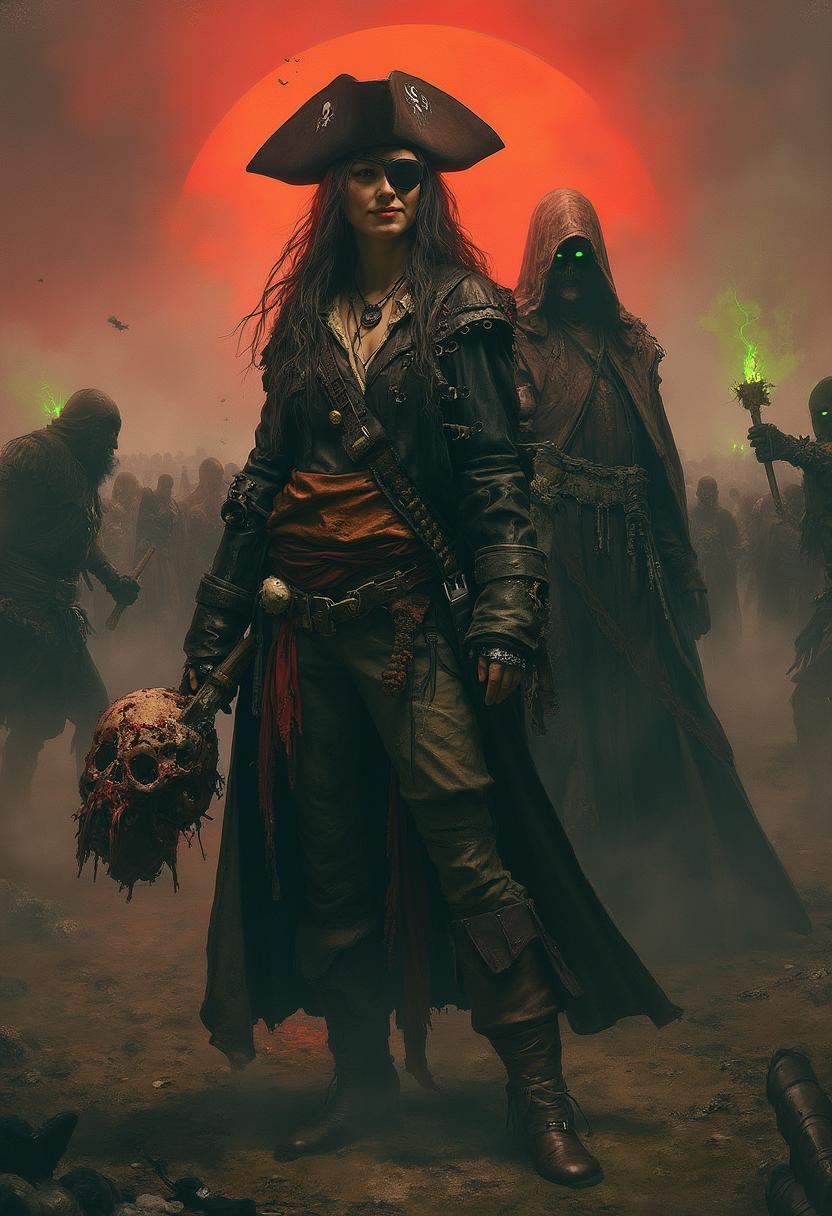


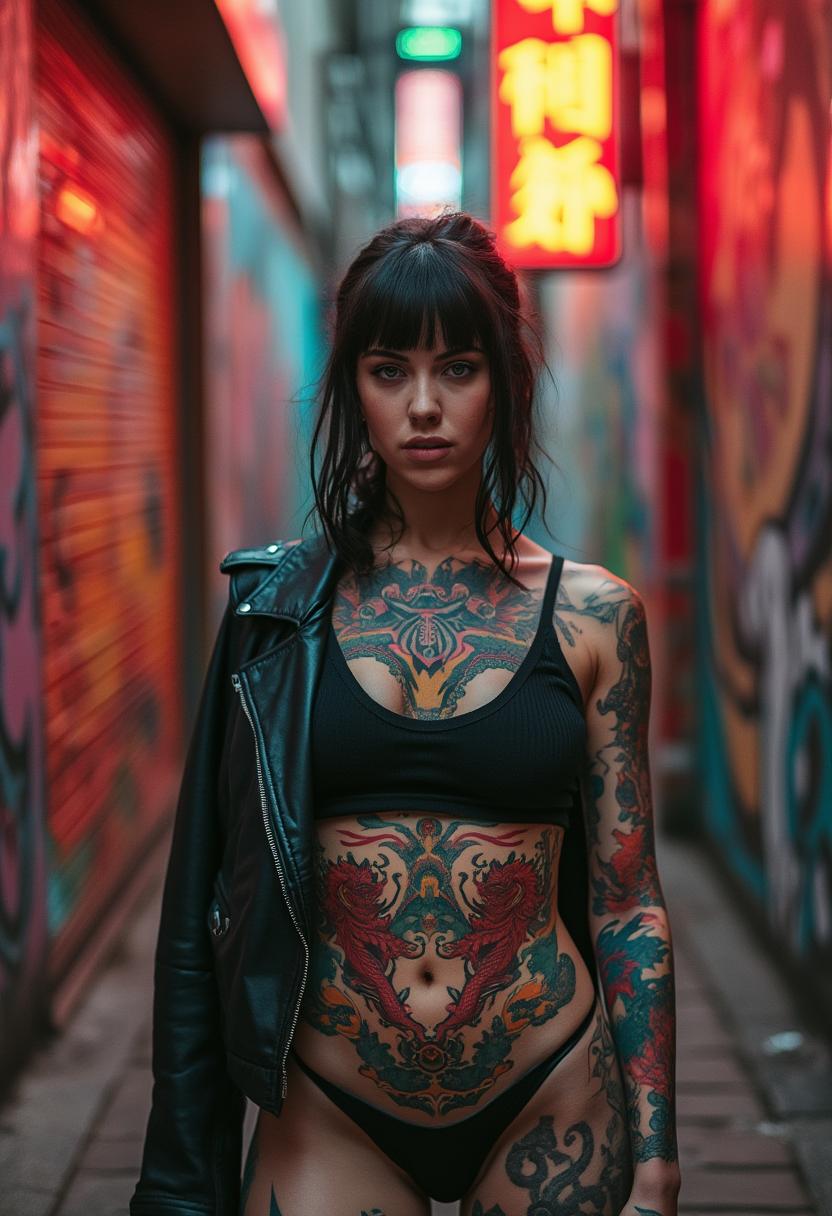
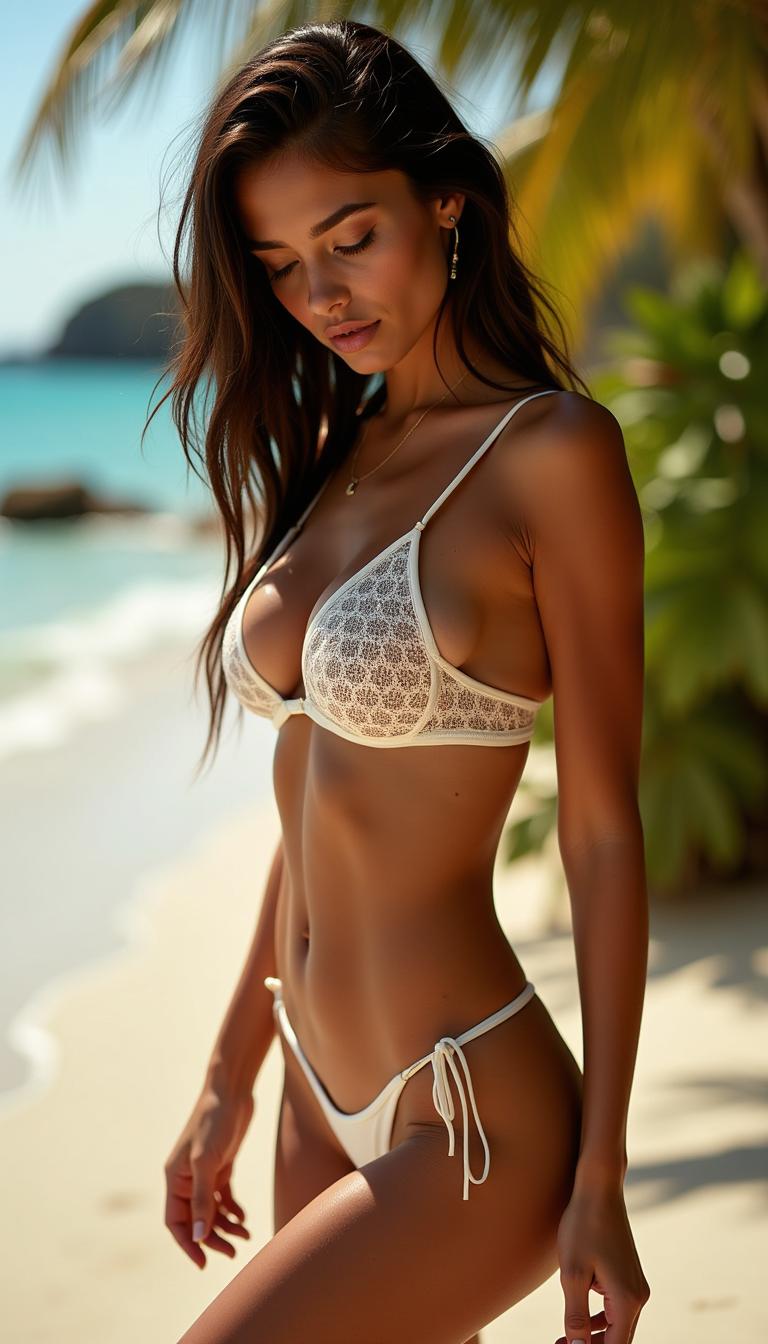
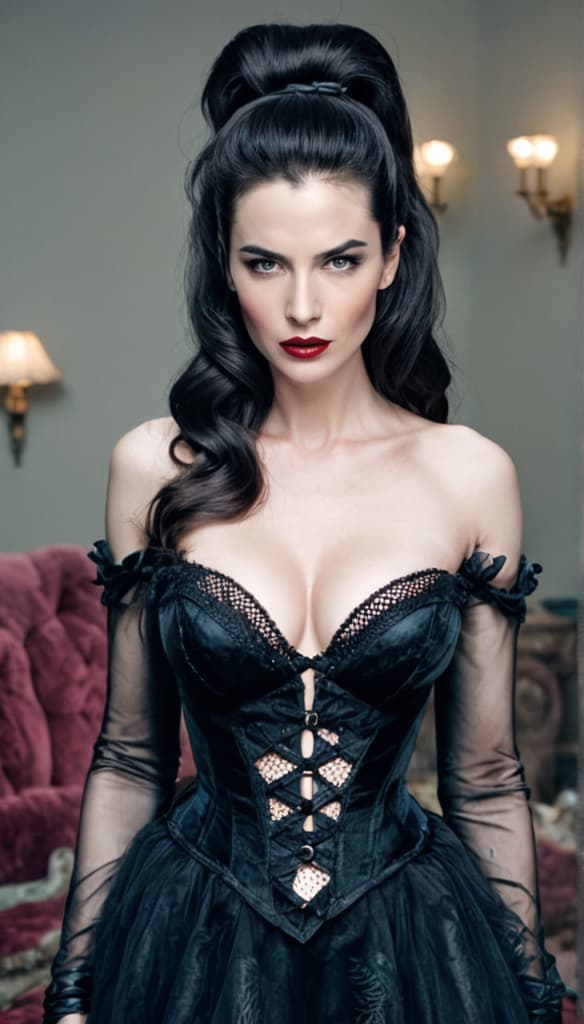
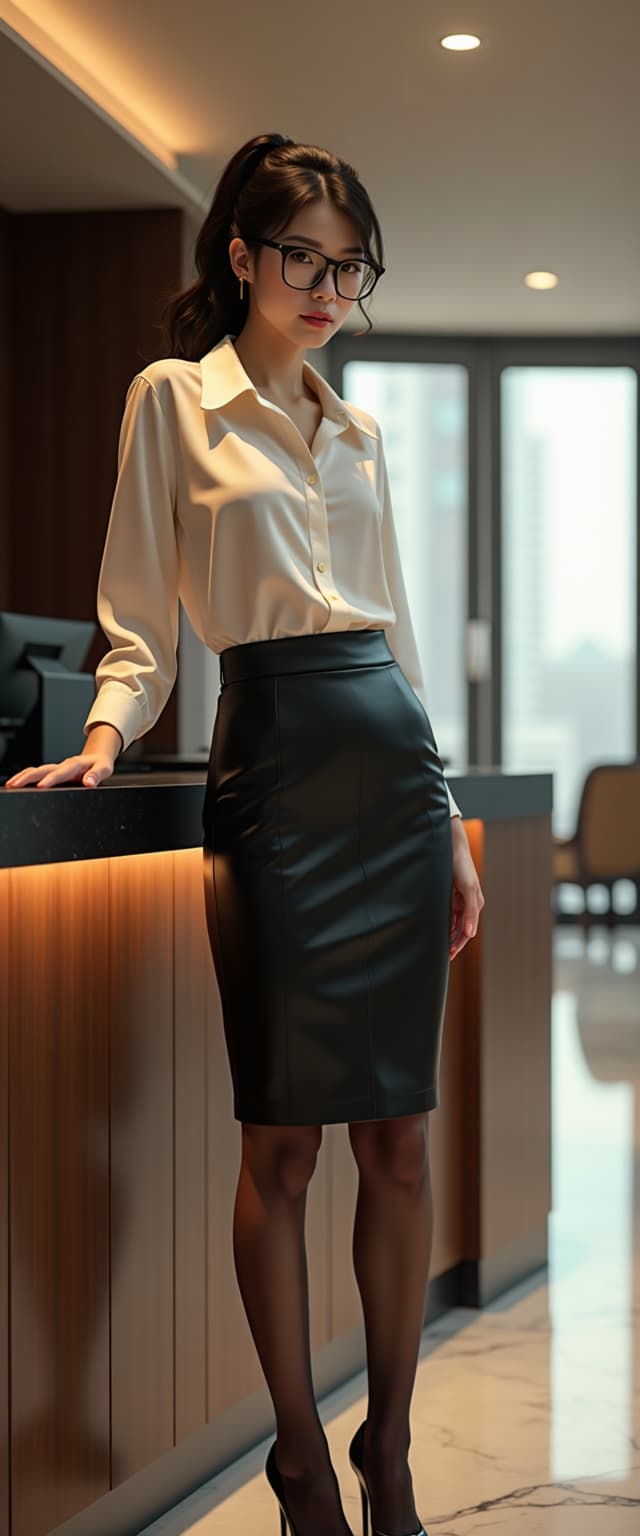

The Pixel Dojo Advantage
Why PixelDojo outperforms other options for AI-driven style transfer:
| Others | Pixel Dojo |
|---|---|
| Traditional Photo Editing | Achieve complex style transformations without manual editing, saving time and effort. |
| Generic AI Tools | Access specialized tools like WAN 2.6 for precise and high-quality style transfers. |
| Manual Artistic Rendering | Generate artistic images instantly without the need for advanced artistic skills. |
Loved by Creators
See what our community says about Wan 2.6 style transfer
"PixelDojo's WAN 2.6 style transfer has revolutionized my design process, allowing me to create stunning visuals effortlessly."
Alex Johnson
Graphic Designer
"As a marketer, the ability to quickly generate high-quality, stylized images has been a game-changer for our campaigns."
Samantha Lee
Marketing Manager
Common Questions
Everything you need to know about Wan 2.6 style transfer AI generation
What is WAN 2.6 style transfer?
WAN 2.6 style transfer is an AI-driven process that applies specific artistic styles to your images, transforming them into unique artworks.
Do I need prior experience to use PixelDojo's style transfer tools?
No, PixelDojo's interface is user-friendly, allowing anyone to create stylized images without prior experience.
Can I customize the intensity of the style applied?
Yes, you can adjust the strength of the style application to achieve your desired effect.
Is there a limit to the number of images I can transform?
PixelDojo offers various subscription plans to suit different needs, including options for unlimited transformations.
What file formats are supported for upload and download?
PixelDojo supports common image formats like JPEG and PNG for both upload and download.
Can I use the generated images for commercial purposes?
Yes, images created with PixelDojo can be used for commercial purposes, subject to the terms of service.