WAN 2.7 artistic style transfer AI Generator
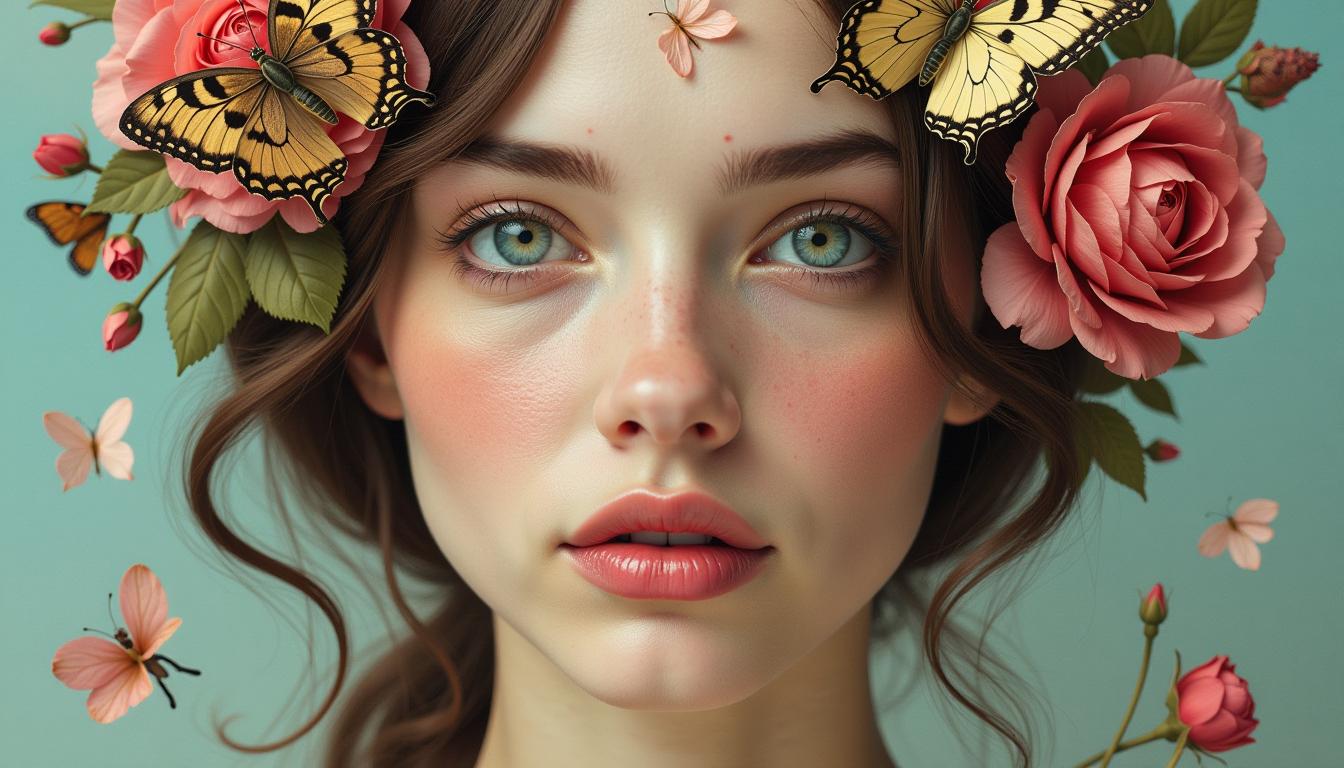
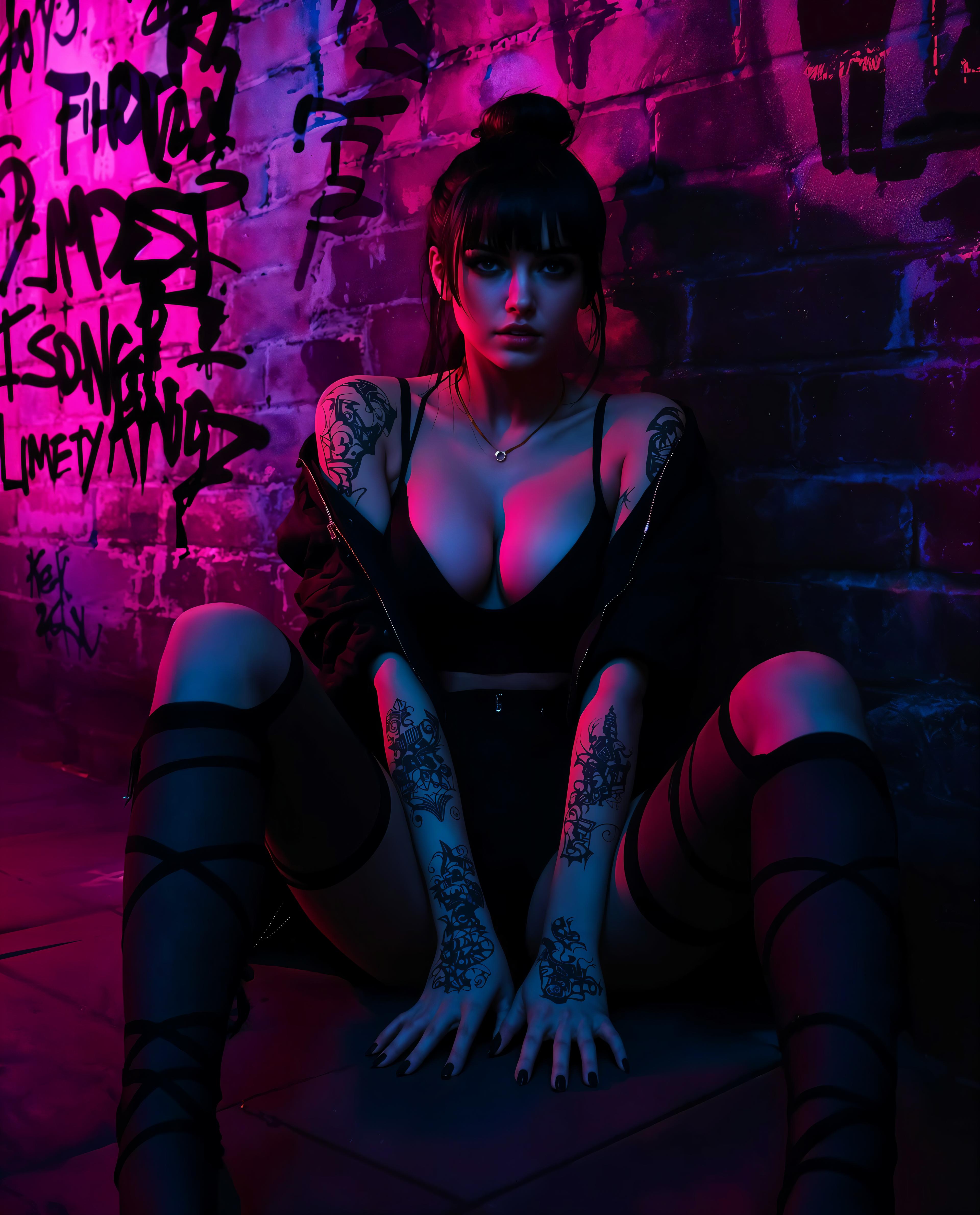
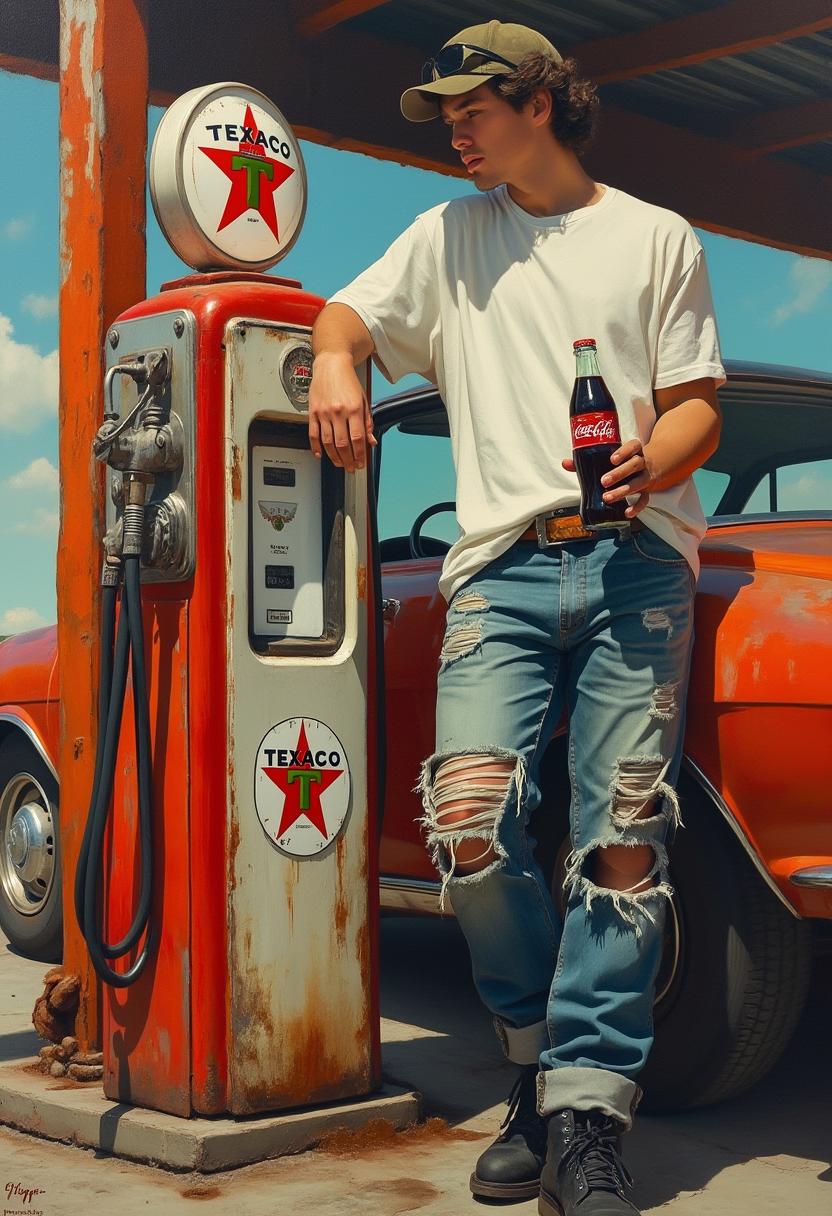
Unlock the power of artistic expression with PixelDojo's WAN 2.7 Artistic Style Transfer. Transform your ordinary photos into extraordinary artworks by seamlessly blending your content with renowned artistic styles. Whether you're aiming to emulate the brushstrokes of Van Gogh or the abstract forms of Picasso, WAN 2.7 makes it effortless to achieve stunning, personalized visuals that captivate and inspire.
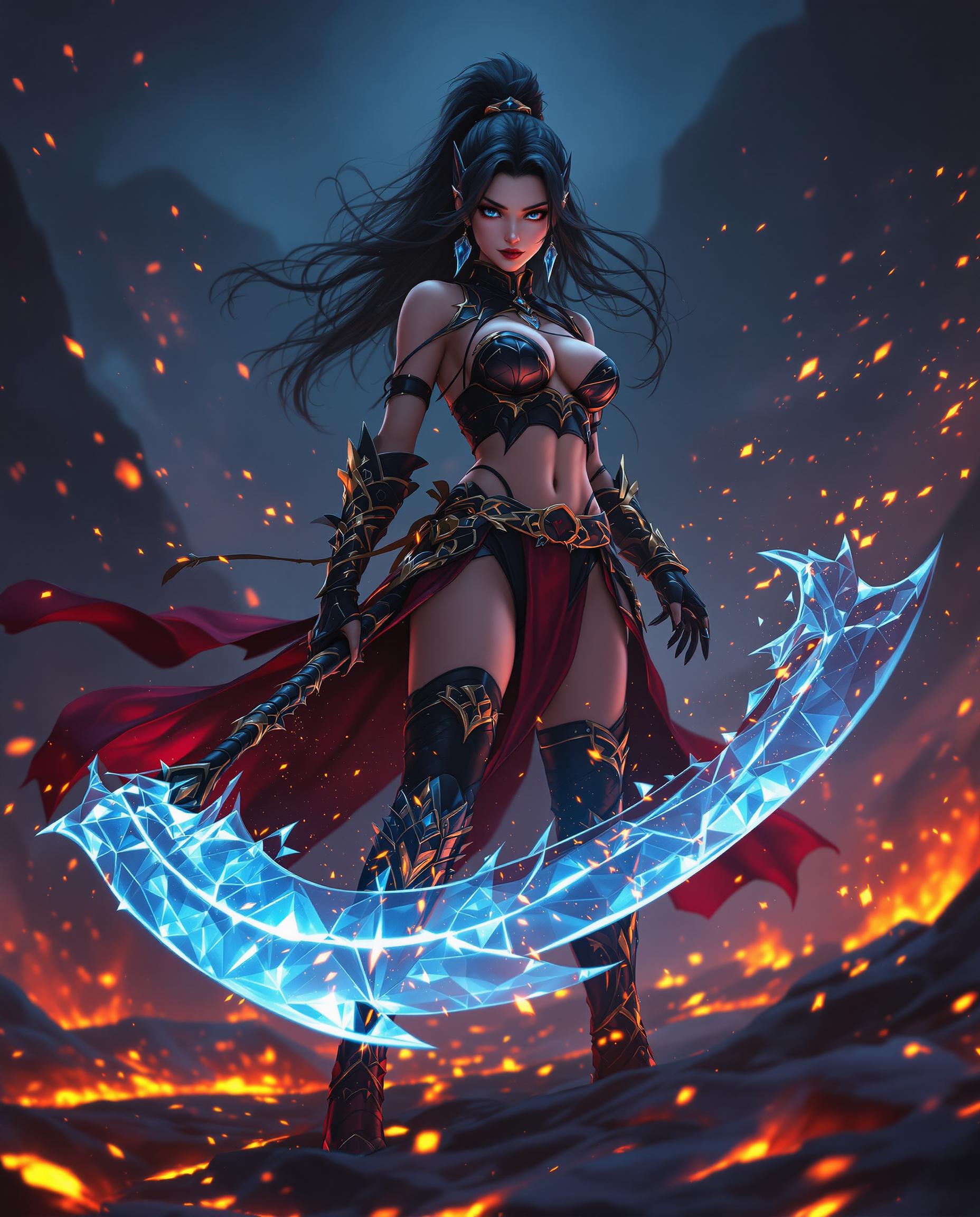
Join over 10,000 creators who have enhanced their projects with PixelDojo's AI tools, achieving a 95% satisfaction rate and generating over 1 million images to date.
Why Choose Pixel Dojo for WAN 2.7 artistic style transfer
Professional-quality results with cutting-edge AI technology
Effortless Artistic Transformation
Apply complex artistic styles to your images with just a few clicks, eliminating the need for manual editing or artistic expertise.
Consistent Quality Across Projects
Maintain a uniform artistic style across multiple images, ensuring brand consistency and professional-grade results.
Time-Saving Creativity
Generate high-quality, stylized images in seconds, allowing you to focus more on your creative vision and less on technical details.
How It Works
Creating stunning artistic images with WAN 2.7 is a straightforward process. Follow these simple steps to transform your photos:
Step 1: Select Your Base Image
Choose the photo you wish to transform. This will serve as the content image that retains the original structure and subject matter.
Step 2: Choose an Artistic Style
Browse through a diverse collection of artistic styles available in WAN 2.7. Select the one that best fits your creative vision.
Step 3: Generate and Download
Click 'Generate' to apply the chosen style to your image. Once processed, download your newly stylized artwork.
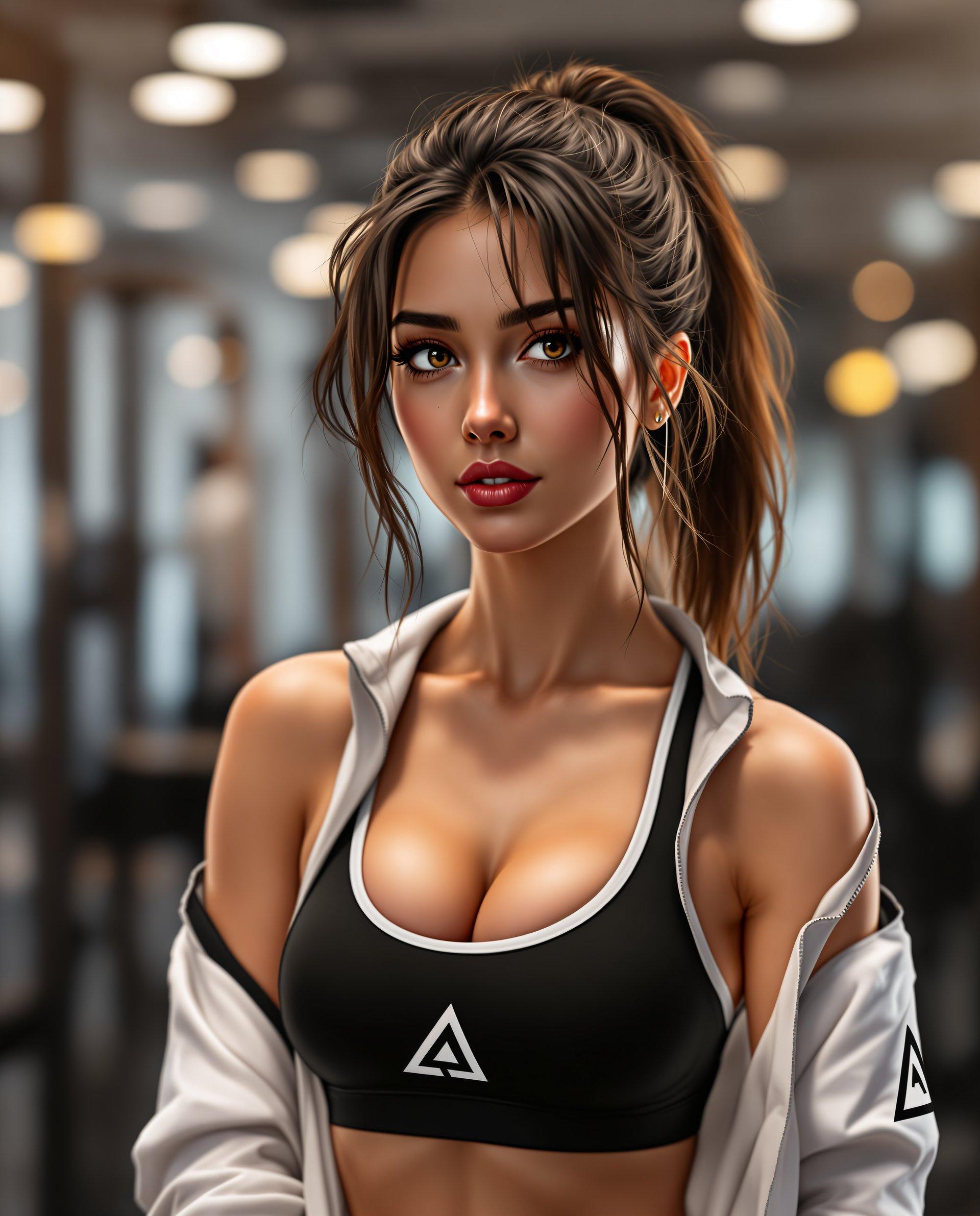
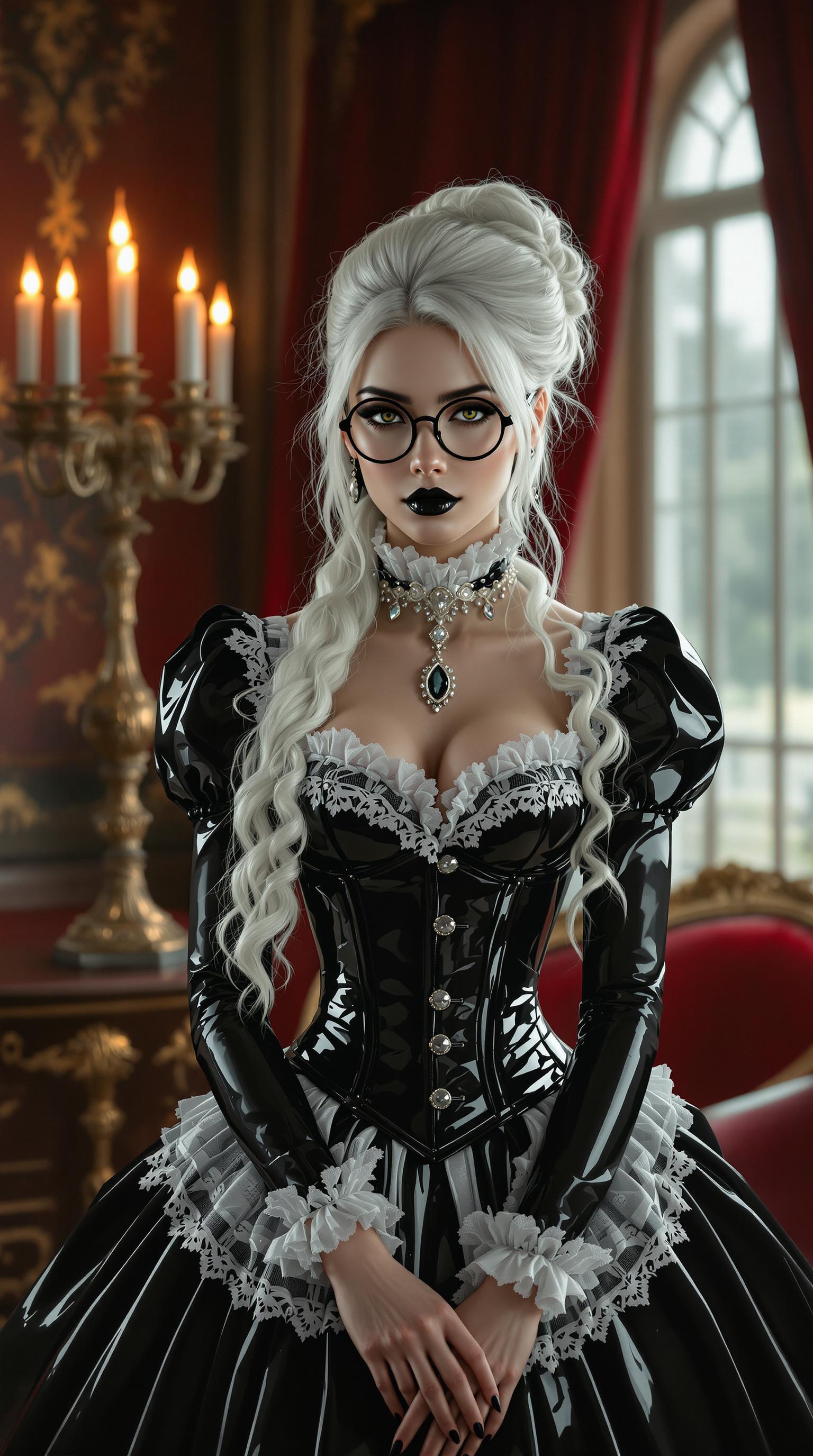
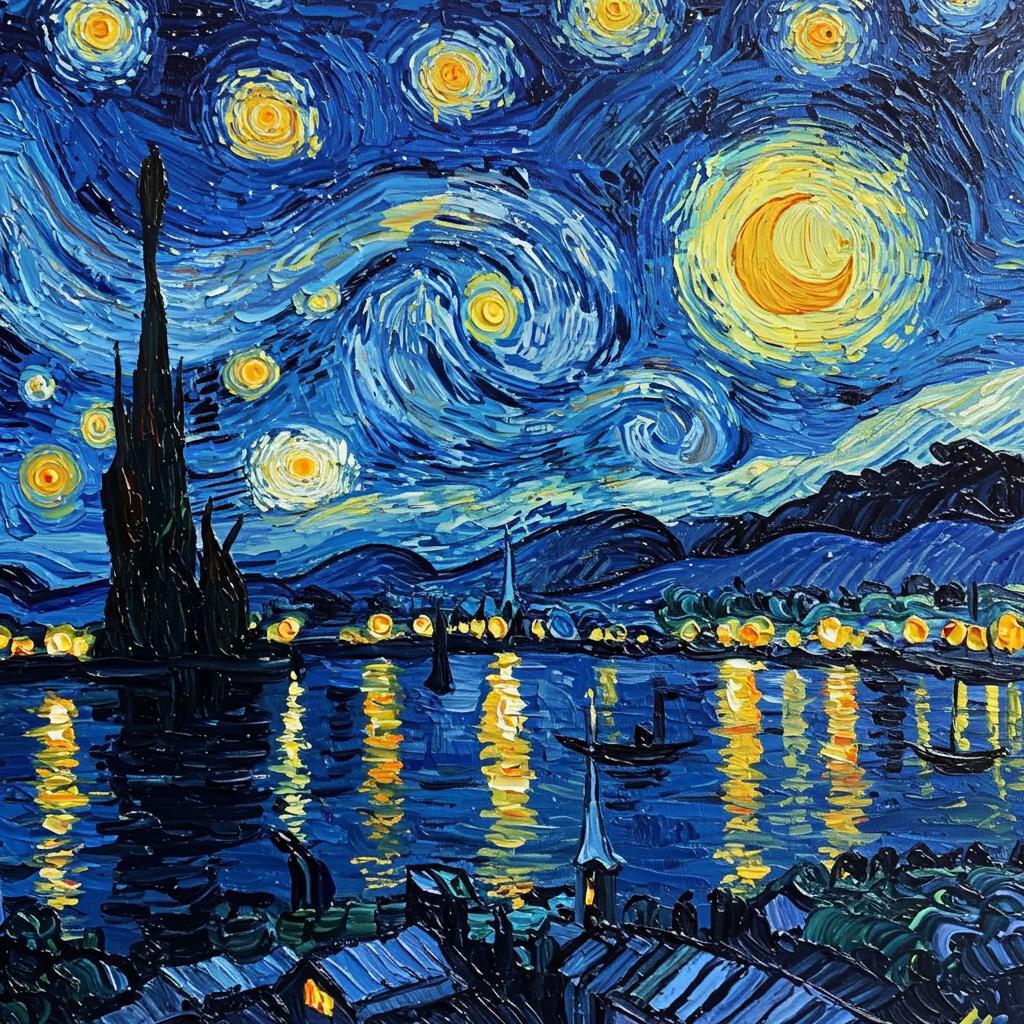
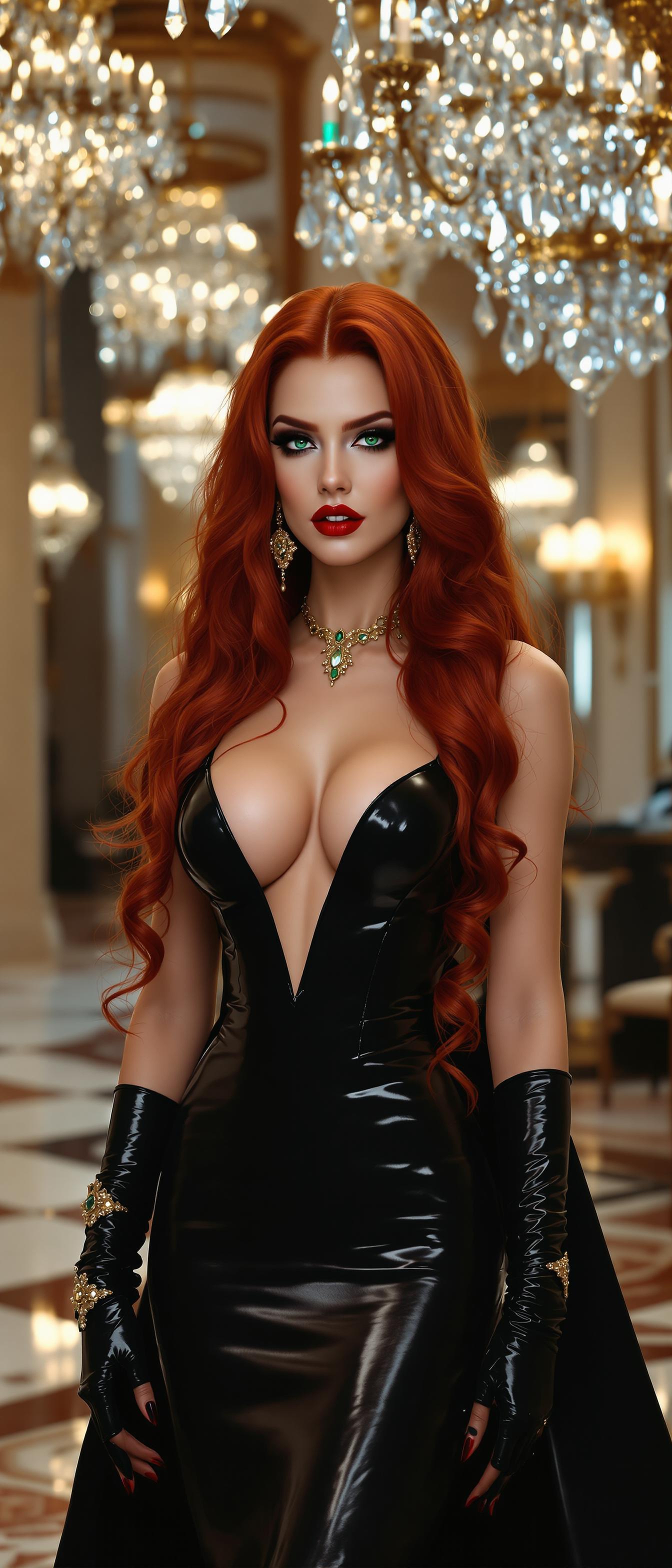
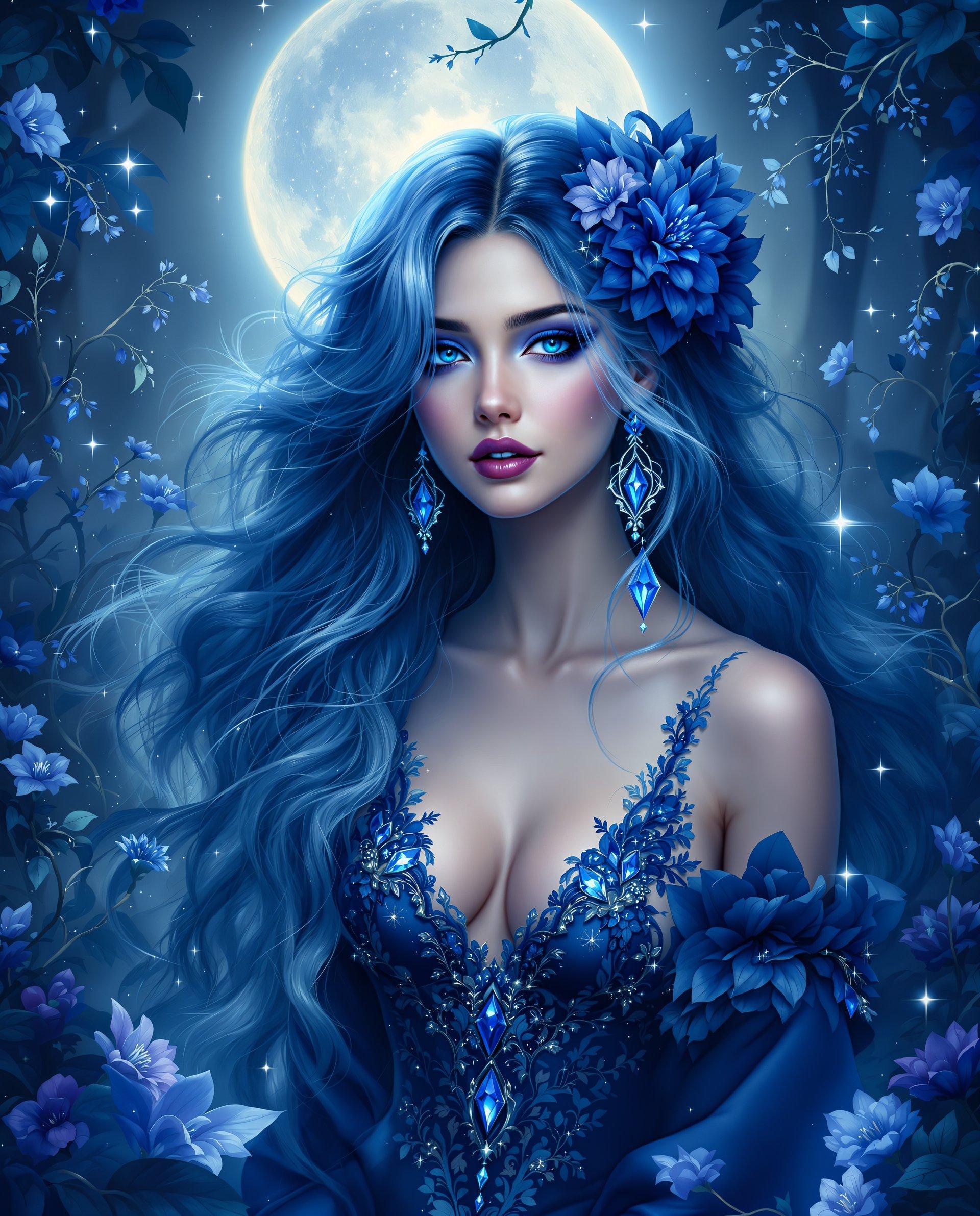
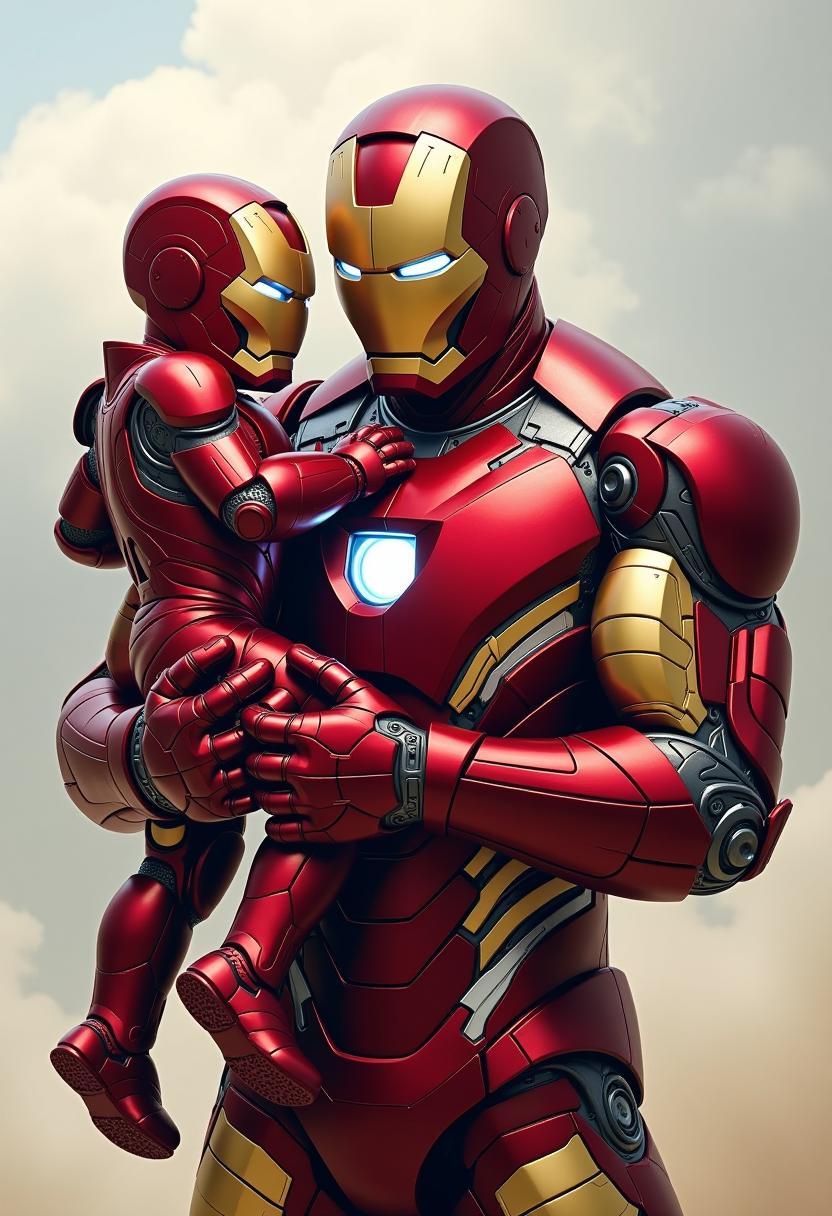
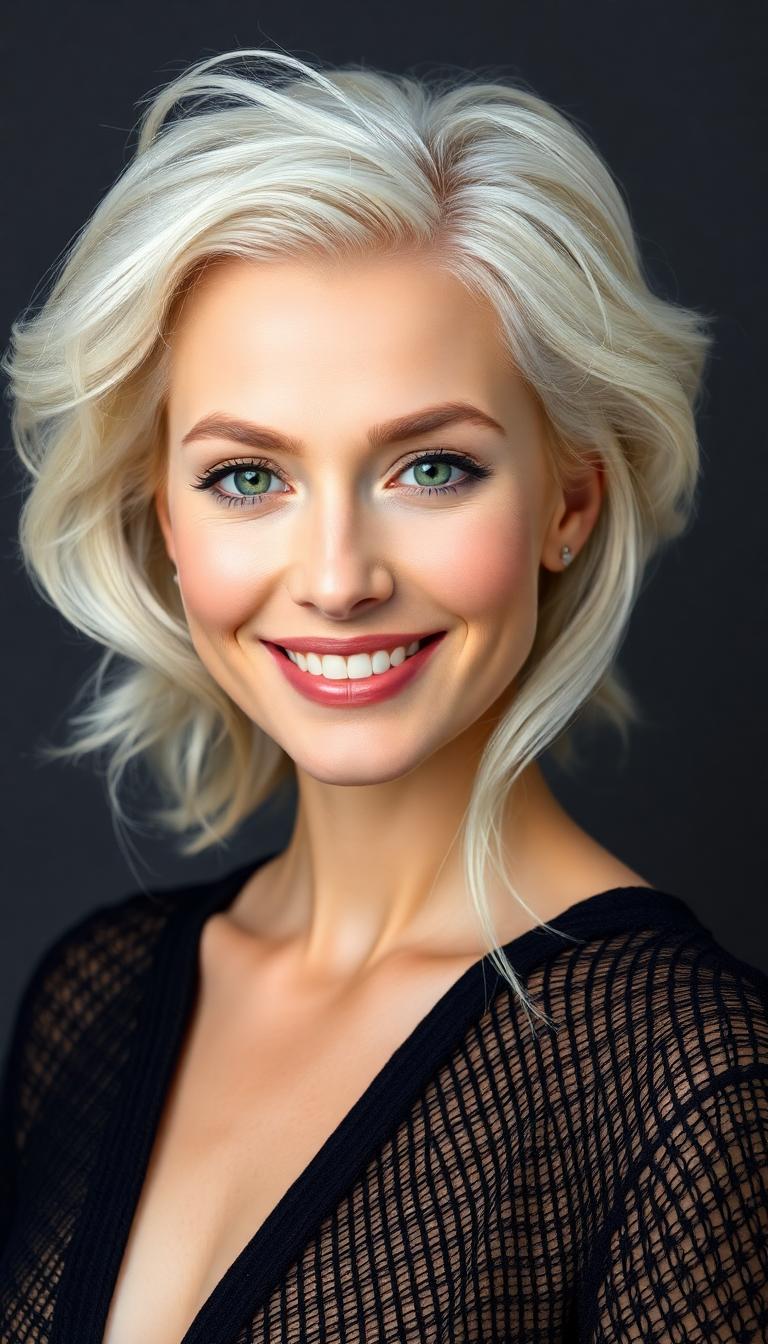
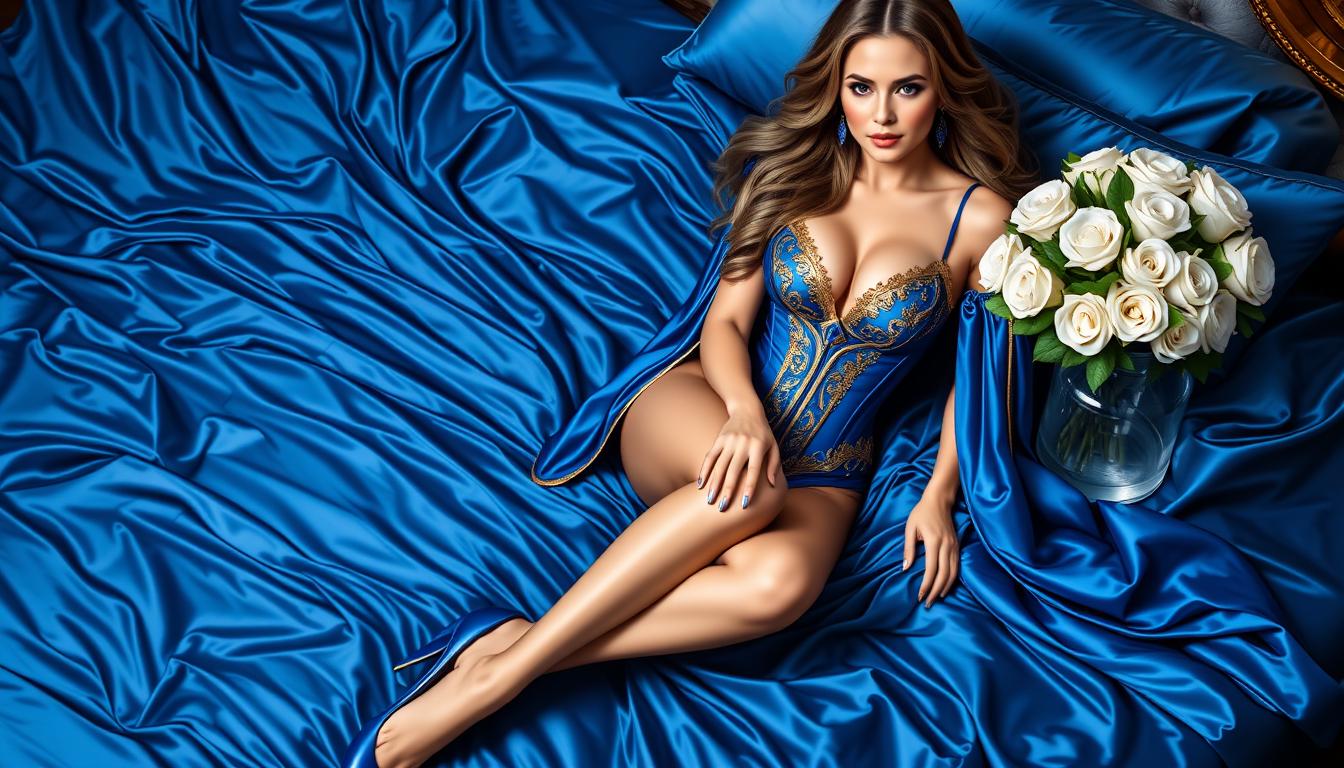
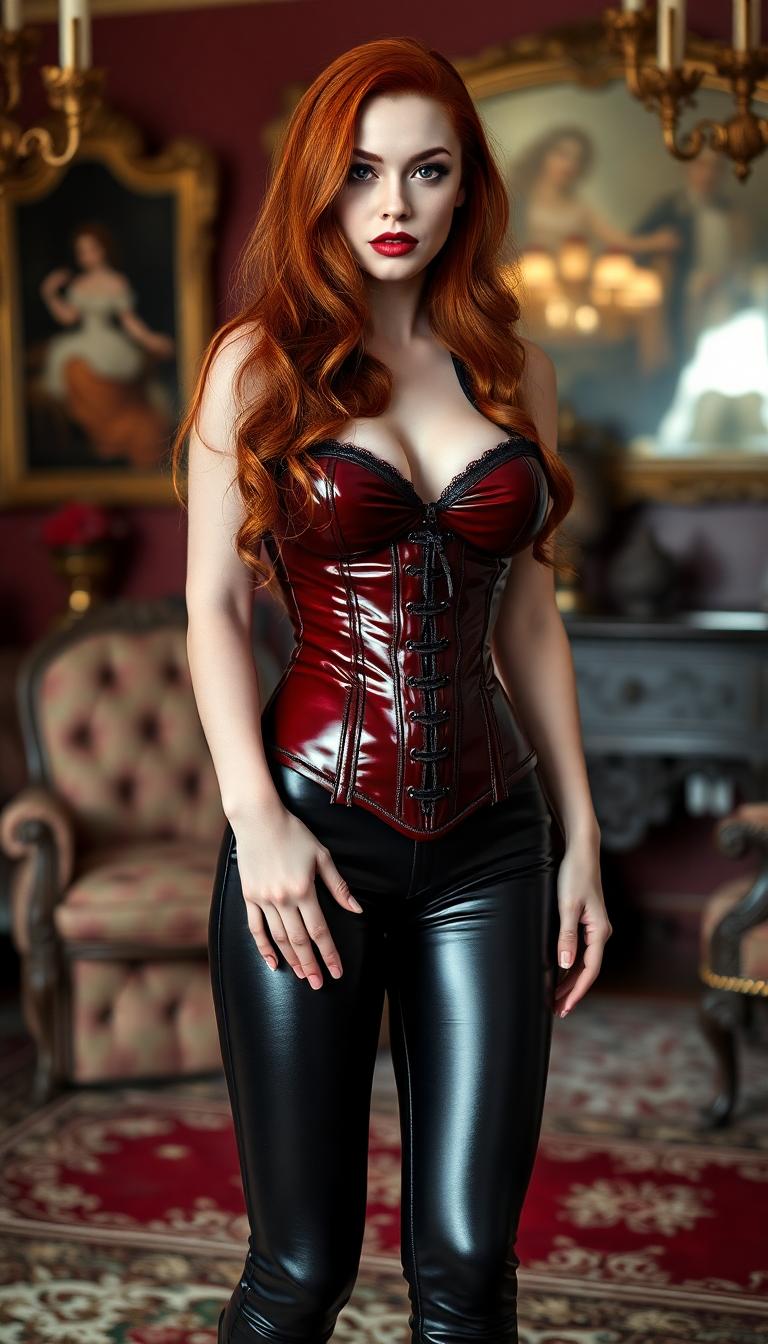
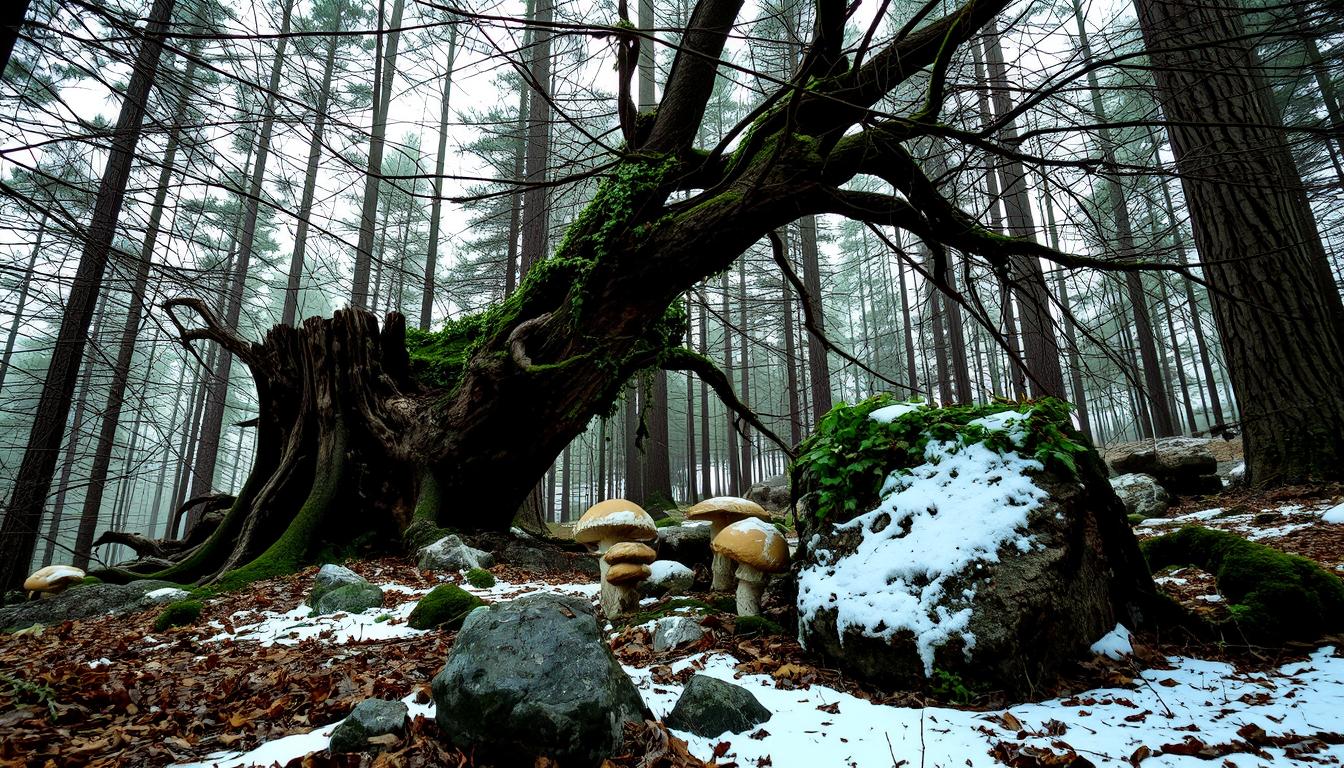
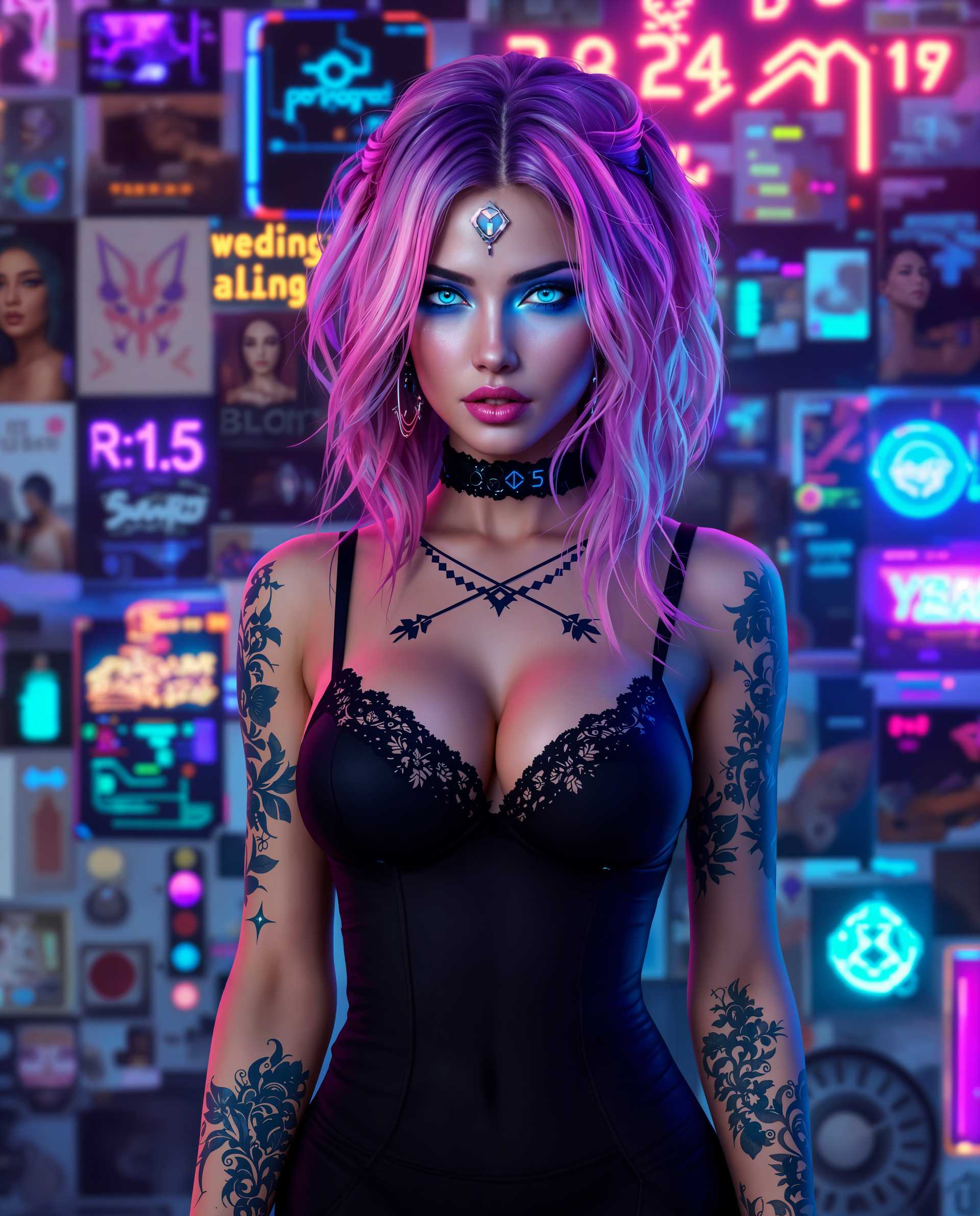
The Pixel Dojo Advantage
Why PixelDojo's WAN 2.7 stands out in artistic style transfer:
| Others | Pixel Dojo |
|---|---|
| Traditional Manual Editing | Eliminates the need for extensive manual work, delivering faster and more consistent results. |
| Generic AI Tools | Offers a specialized focus on artistic style transfer with a wide range of styles and high-quality outputs. |
| Stock Filters | Provides unique, customizable artistic transformations beyond standard filters, allowing for personalized creativity. |
Loved by Creators
See what our community says about WAN 2.7 artistic style transfer
"PixelDojo's WAN 2.7 transformed my photography portfolio, adding a unique artistic flair that clients love."
Alex Johnson
Professional Photographer
"As a graphic designer, WAN 2.7 has become an indispensable tool for creating compelling visuals quickly and efficiently."
Maria Lopez
Graphic Designer
Common Questions
Everything you need to know about WAN 2.7 artistic style transfer AI generation
How does WAN 2.7 ensure high-quality artistic style transfer?
WAN 2.7 utilizes advanced AI algorithms to accurately apply artistic styles while preserving the original content's structure and details, resulting in high-quality, visually appealing images.
Can I use WAN 2.7 for commercial projects?
Yes, images generated with WAN 2.7 can be used for both personal and commercial projects, providing flexibility for various creative endeavors.
Is there a limit to the number of images I can process with WAN 2.7?
PixelDojo offers various subscription plans to suit different needs, including options with unlimited image processing. Choose the plan that best fits your requirements.
Do I need prior experience in image editing to use WAN 2.7?
No prior experience is necessary. WAN 2.7 is designed with a user-friendly interface that makes artistic style transfer accessible to everyone, regardless of their technical background.
What file formats are supported for input and output?
WAN 2.7 supports common image formats such as JPEG and PNG for both input and output, ensuring compatibility with most digital platforms.
How long does it take to process an image with WAN 2.7?
Processing times are typically a few seconds per image, depending on the complexity of the style and the resolution of the input image.