WAN 2.7 single to multi reference AI Generator
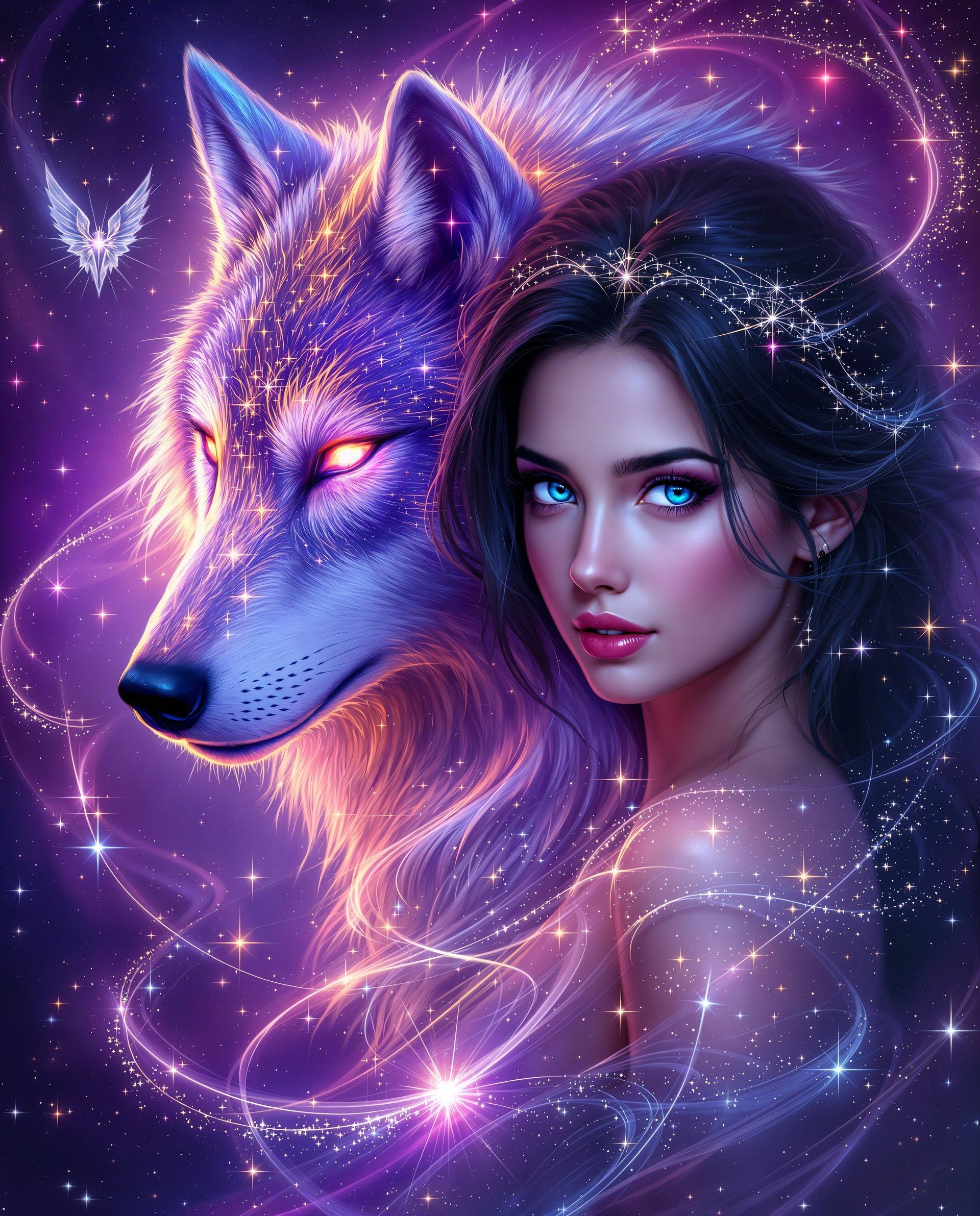
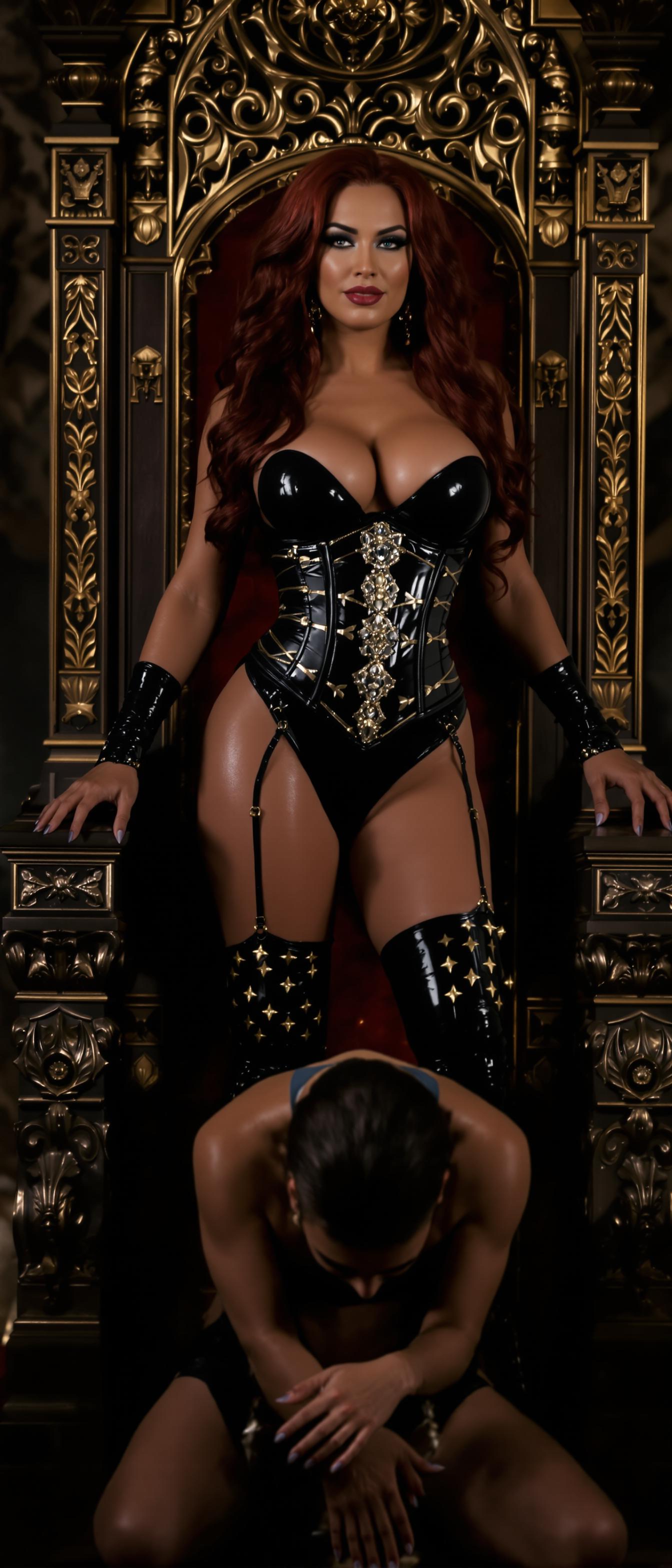
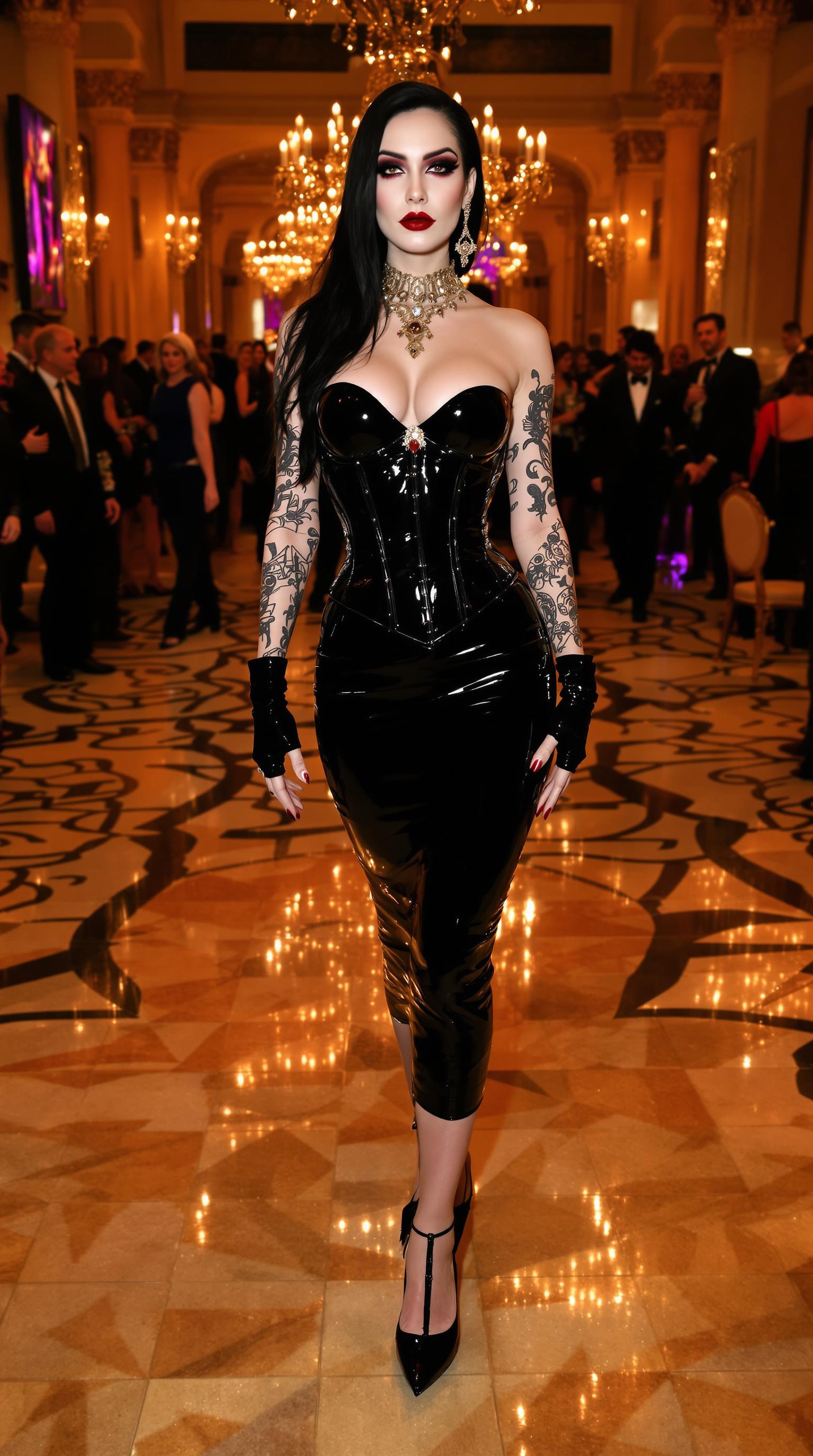
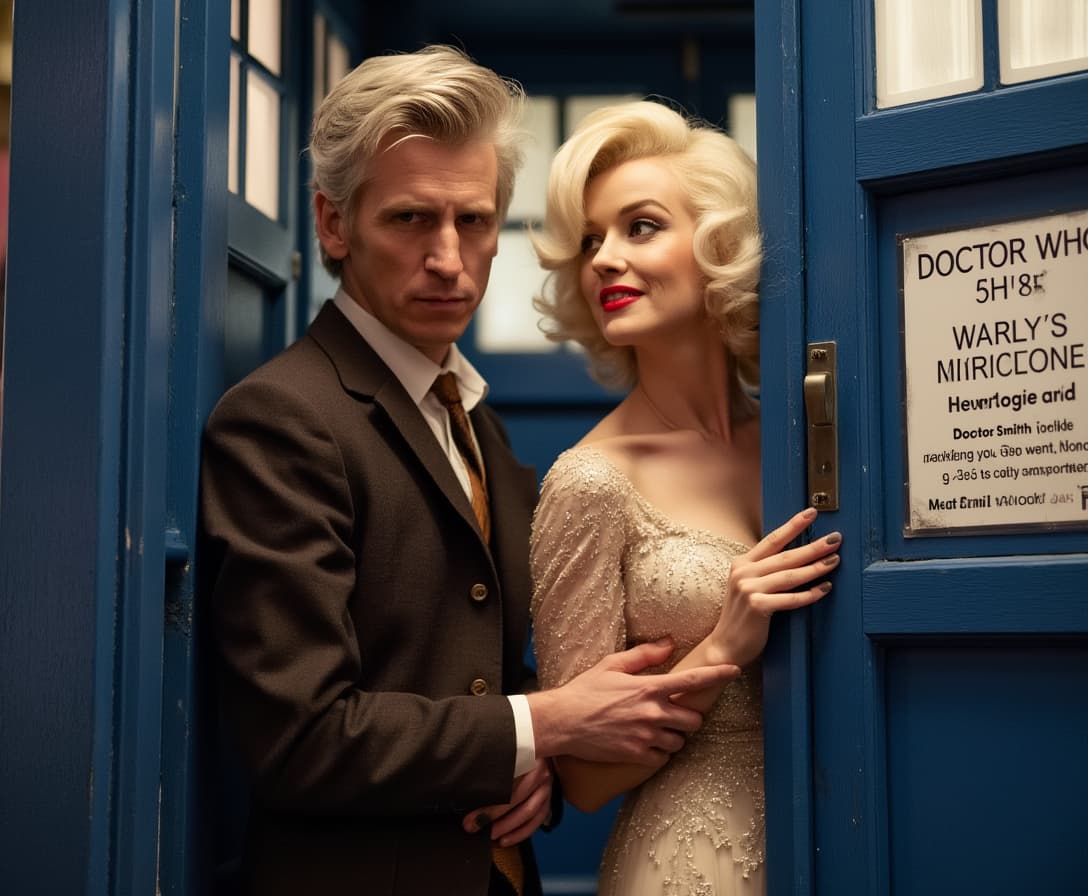
Unlock the power of WAN 2.7 to seamlessly blend multiple visual references into cohesive, high-quality images. Whether you're a designer, marketer, or content creator, WAN 2.7 empowers you to produce consistent and compelling visuals that align perfectly with your creative vision.
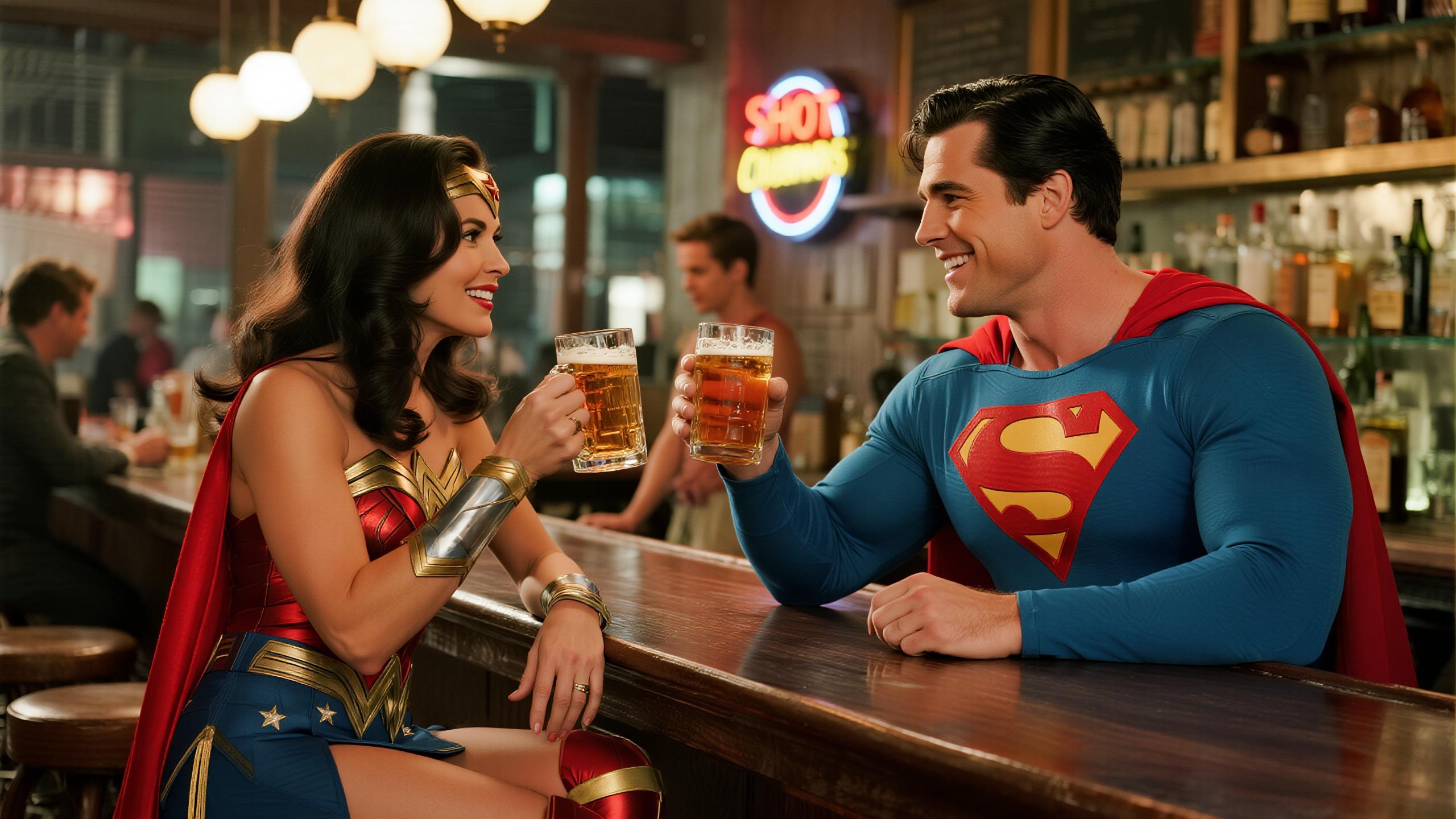
Join thousands of creators who have enhanced their visual content using WAN 2.7's multi-reference image generation capabilities.
Why Choose Pixel Dojo for WAN 2.7 single to multi reference
Professional-quality results with cutting-edge AI technology
Achieve Visual Consistency
Combine multiple reference images to create unified visuals that maintain consistent style and elements.
Save Time on Design
Generate high-quality images quickly, reducing the need for manual adjustments and revisions.
Enhance Creative Control
Utilize advanced AI tools to fine-tune images, ensuring they meet your exact specifications.
How It Works
Creating cohesive images from multiple references with WAN 2.7 is straightforward. Follow these steps to bring your vision to life:
Step 1: Select Your Reference Images
Choose the images that you want to combine. These can include various angles, styles, or elements you wish to incorporate.
Step 2: Input Your Creative Prompt
Describe the desired outcome, specifying how the elements from your reference images should be integrated.
Step 3: Generate and Refine Your Image
Use WAN 2.7 to process your inputs and generate the image. Review the output and make any necessary adjustments to achieve the perfect result.
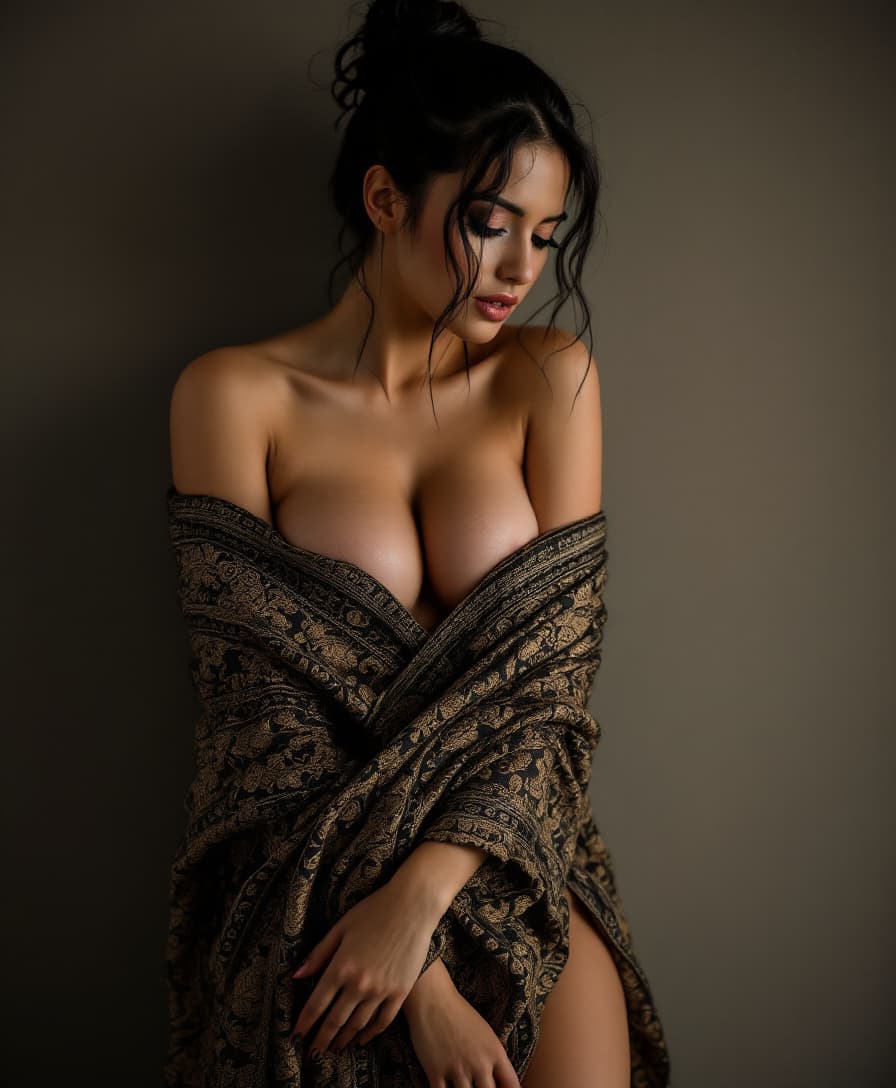
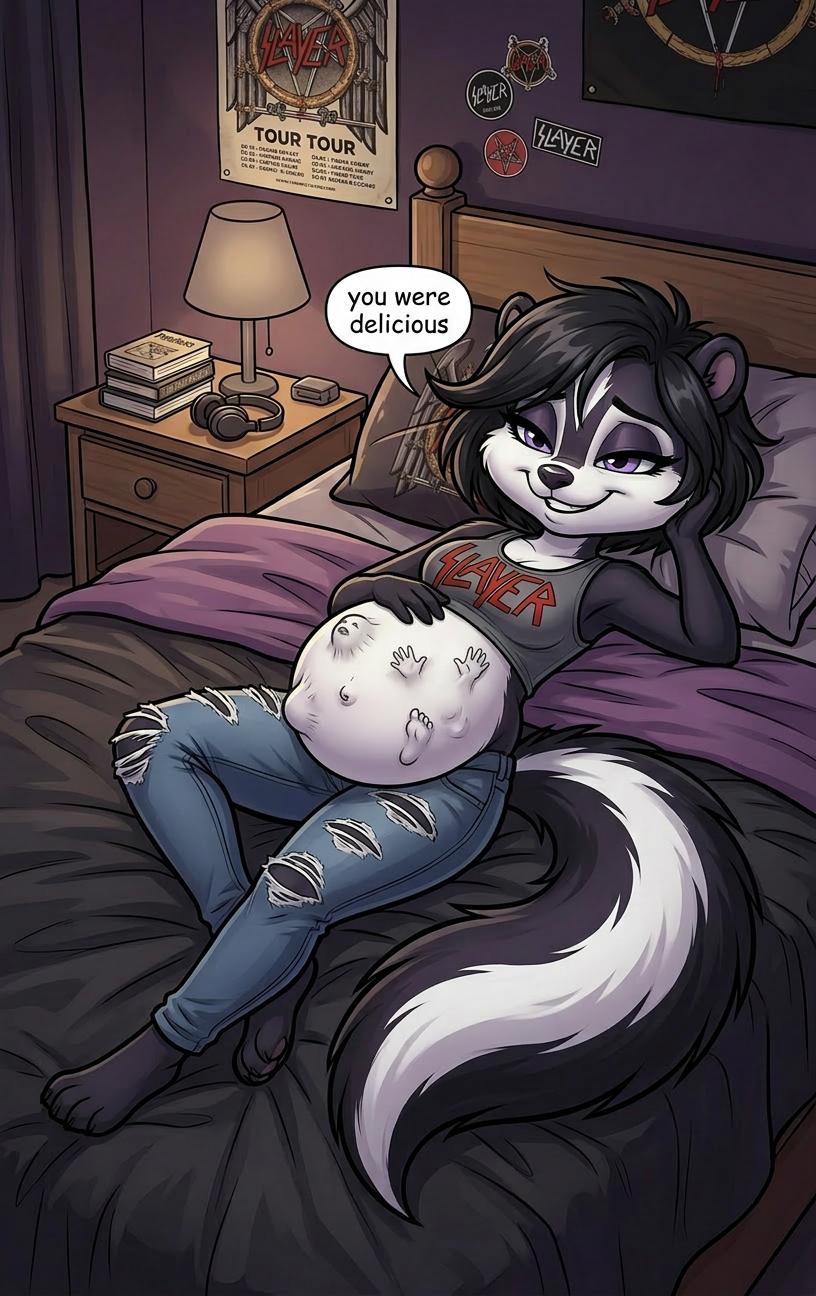
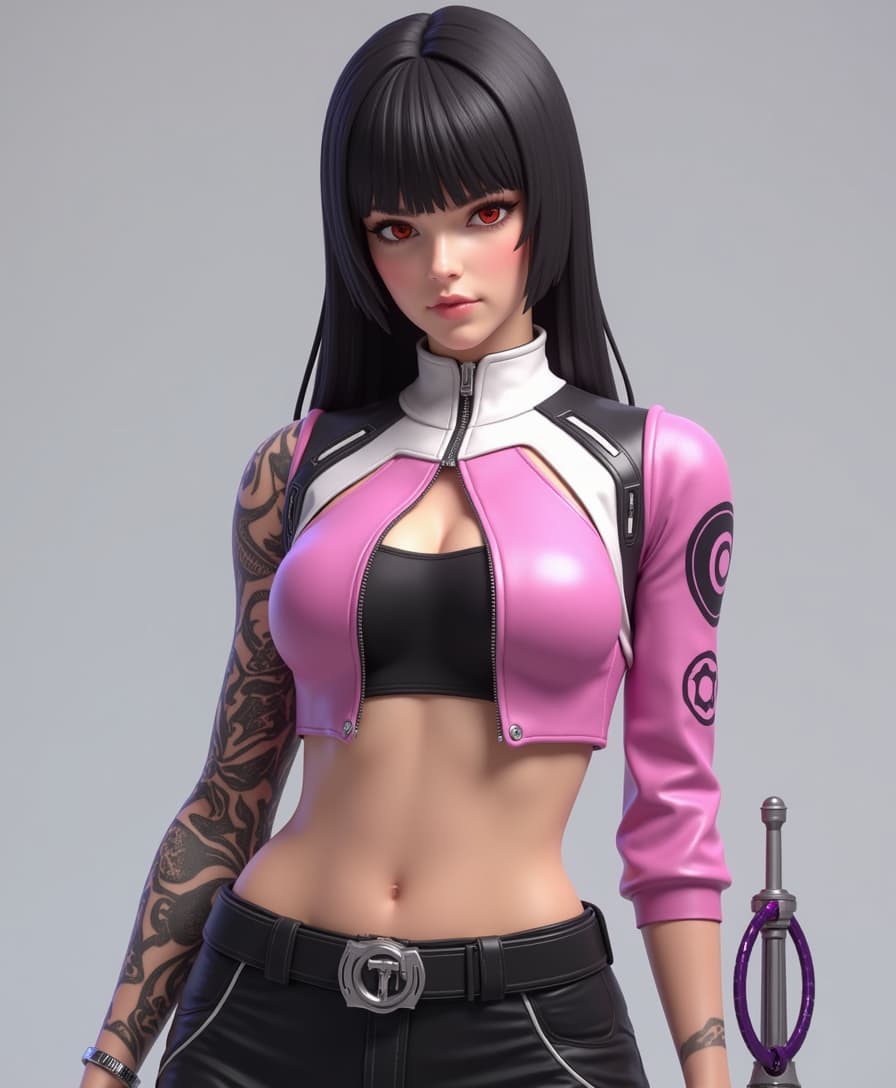
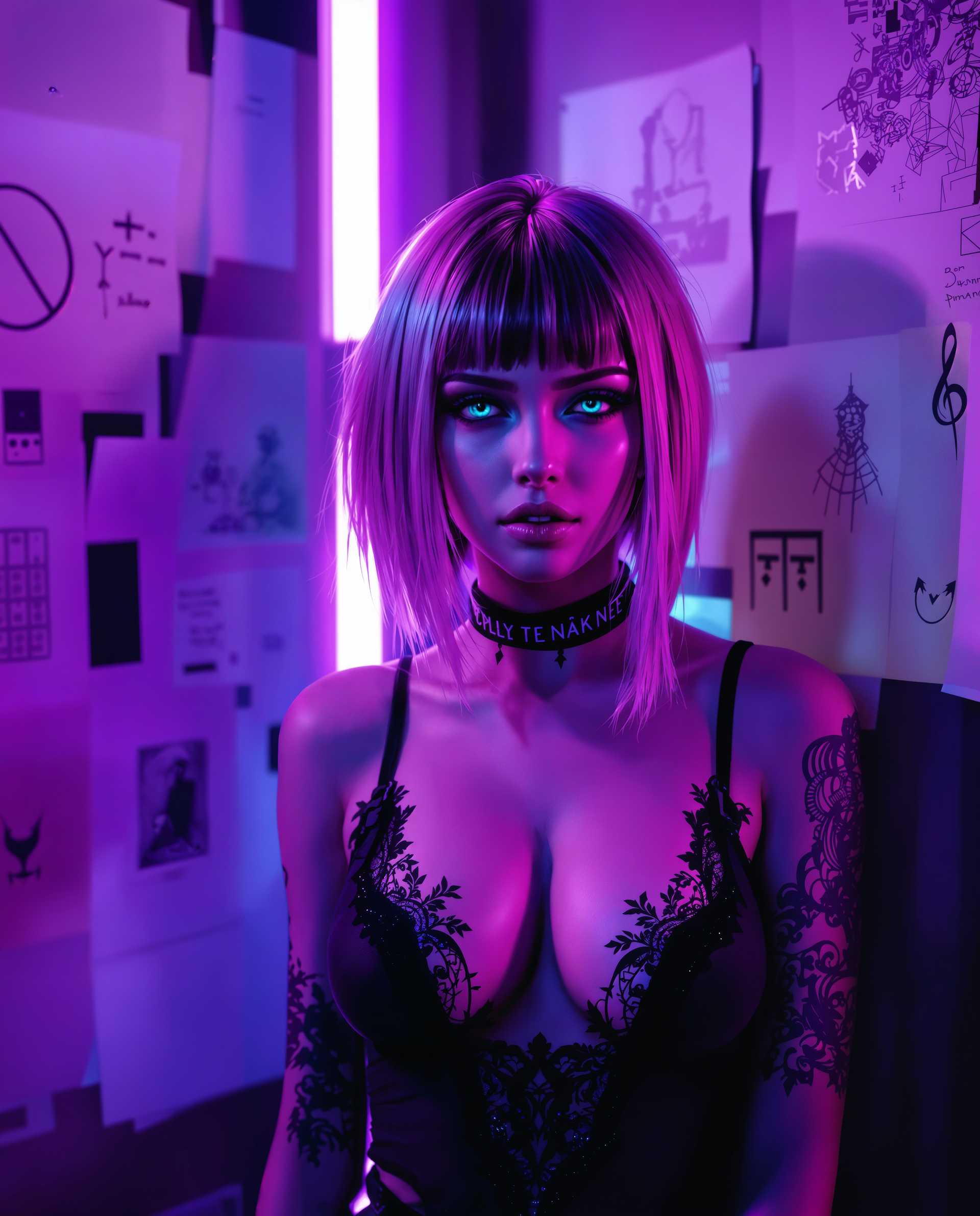
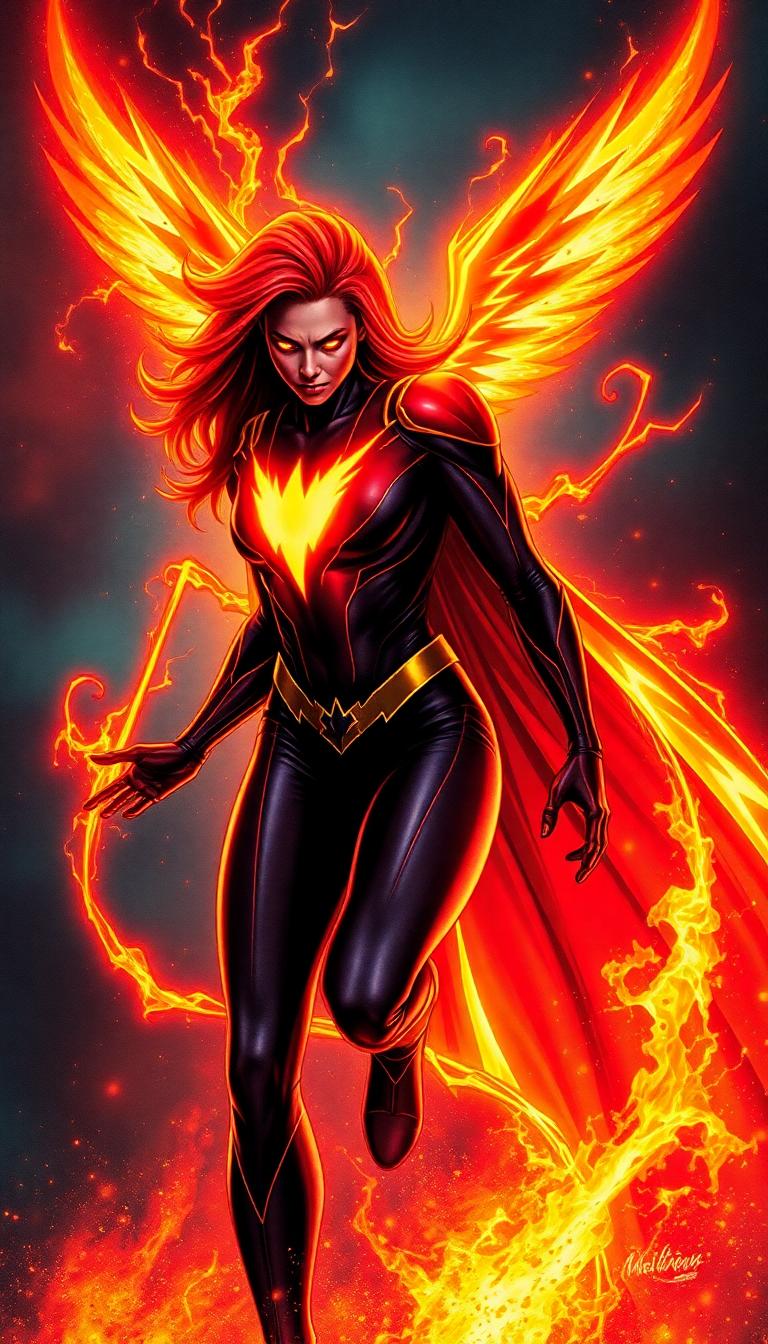

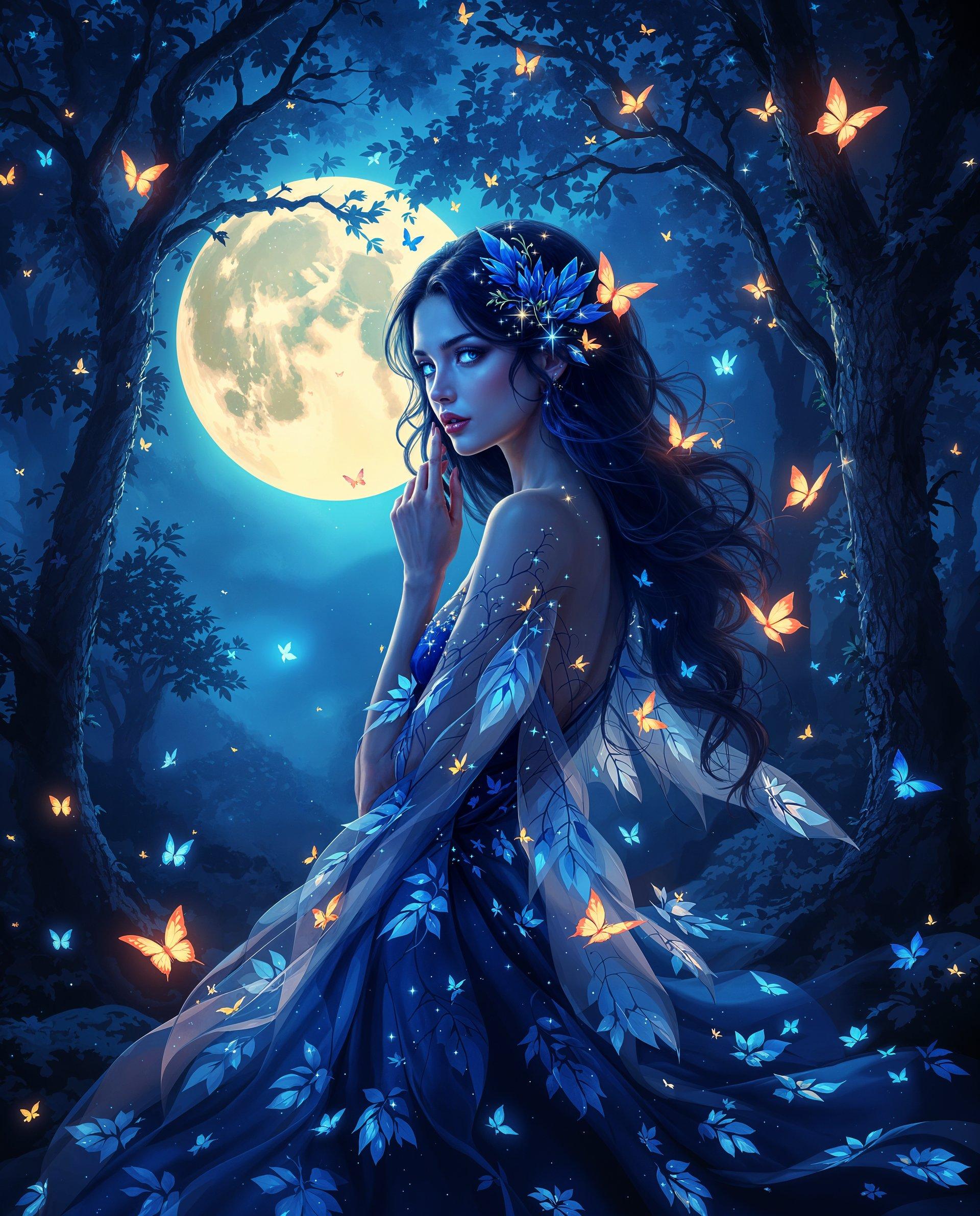

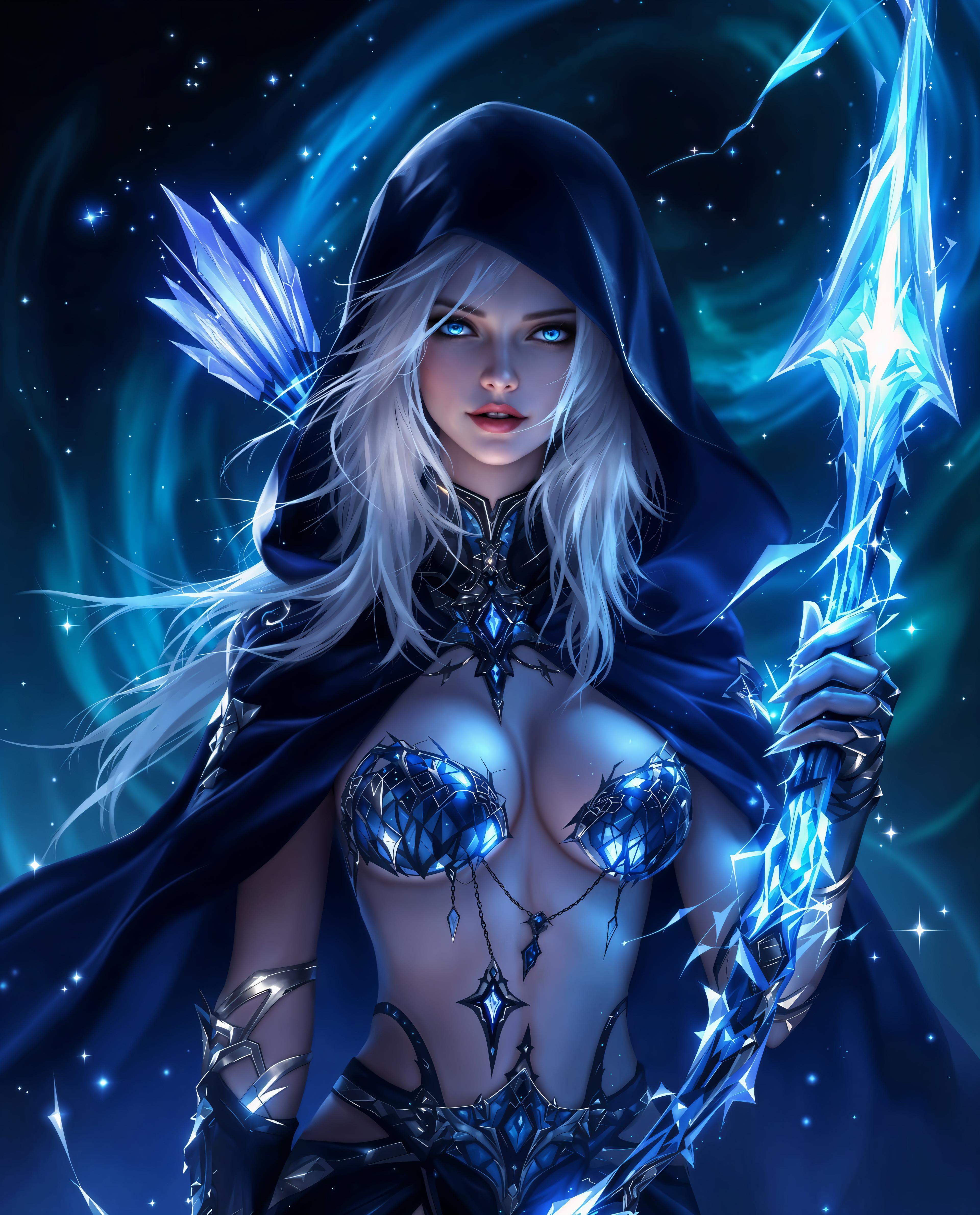
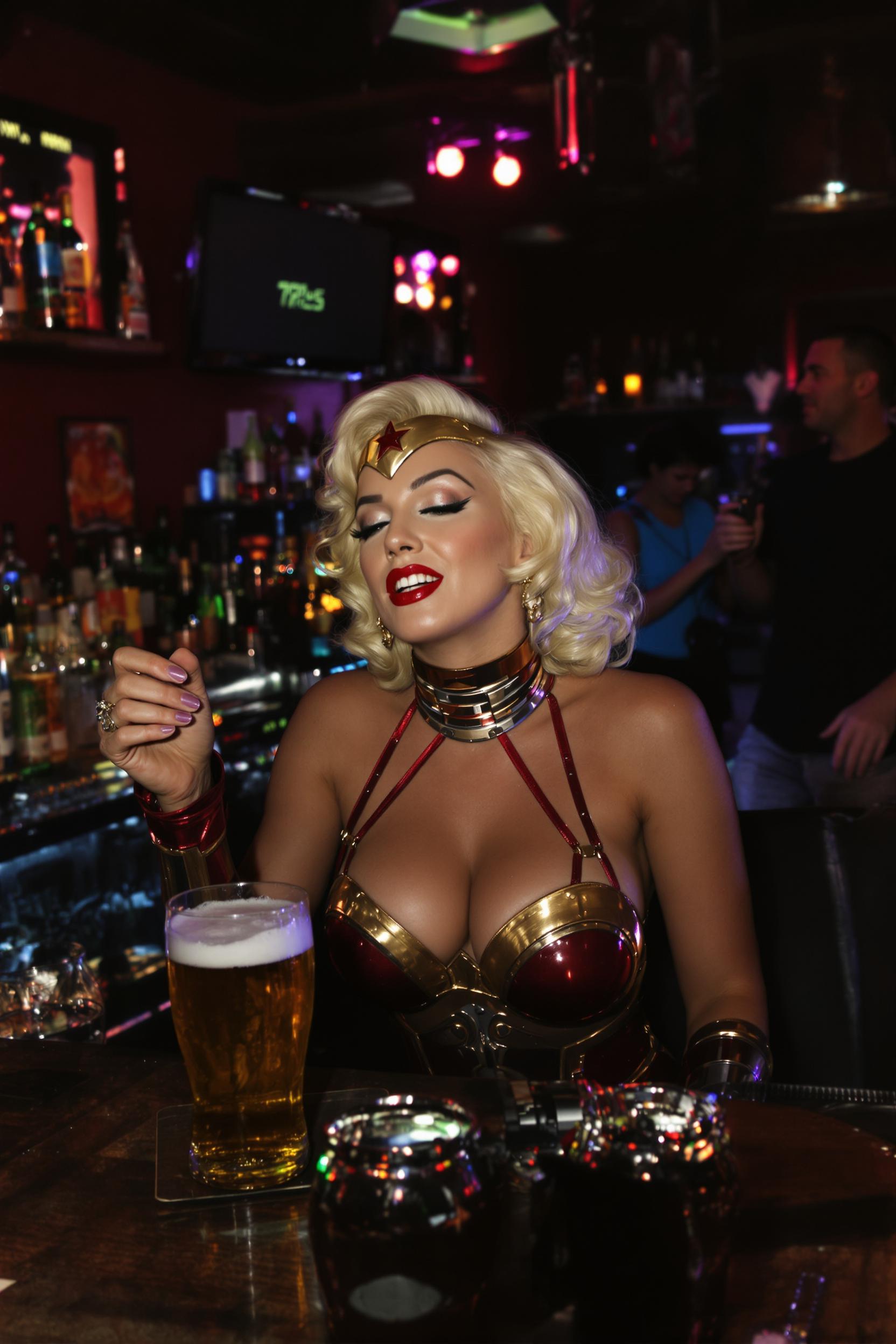
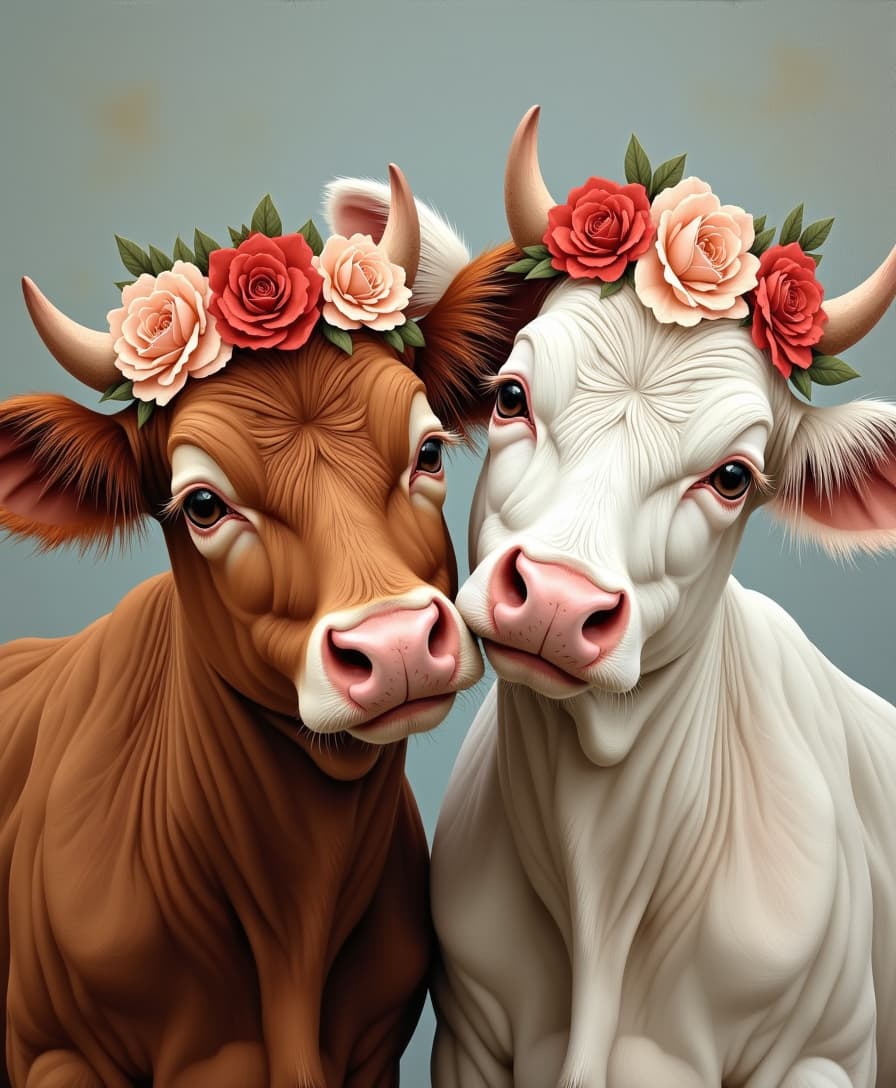
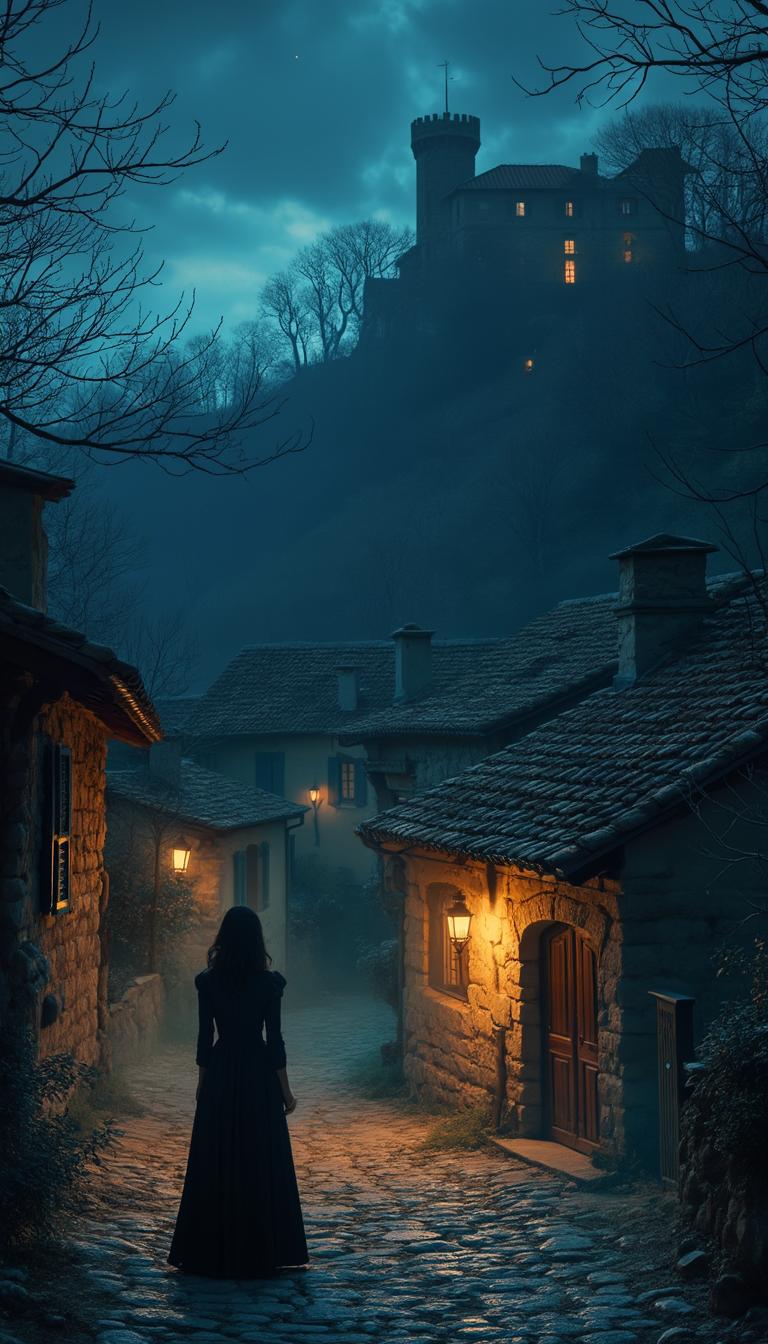
The Pixel Dojo Advantage
Discover how WAN 2.7 stands out in multi-reference image generation:
| Others | Pixel Dojo |
|---|---|
| Traditional Manual Design | Automates the blending of multiple references, reducing time and effort compared to manual design processes. |
| Basic AI Image Generators | Offers advanced multi-reference integration capabilities, providing more control and consistency than standard AI tools. |
| Stock Image Libraries | Enables the creation of unique, tailored images that align precisely with your brand, unlike generic stock photos. |
Loved by Creators
See what our community says about WAN 2.7 single to multi reference
"WAN 2.7 revolutionized our design process, allowing us to create consistent visuals from multiple references effortlessly."
Alex Johnson
Graphic Designer
"The multi-reference feature of WAN 2.7 has been a game-changer for our marketing campaigns, ensuring brand consistency across all visuals."
Samantha Lee
Marketing Manager
Common Questions
Everything you need to know about WAN 2.7 single to multi reference AI generation
How does WAN 2.7 handle multiple reference images?
WAN 2.7 utilizes advanced AI algorithms to analyze and blend multiple reference images, creating a cohesive output that maintains the desired elements and style from each reference.
Can I edit the generated images after creation?
Yes, WAN 2.7 provides editing tools that allow you to refine and adjust the generated images to meet your exact specifications.
Is there a limit to the number of reference images I can use?
WAN 2.7 supports multiple reference images, allowing you to incorporate various elements into your final image. For optimal performance, it's recommended to use up to 9 reference images.
Do I need prior design experience to use WAN 2.7?
No, WAN 2.7 is designed to be user-friendly and accessible to both beginners and experienced designers. Its intuitive interface guides you through the image creation process.
What file formats are supported for reference images?
WAN 2.7 supports common image formats such as JPEG, PNG, and WebP, making it easy to upload and work with your existing images.
Can I use WAN 2.7 for commercial projects?
Yes, images generated with WAN 2.7 can be used for commercial purposes, providing a valuable tool for businesses and professionals seeking high-quality visuals.