Krea 替代方案
Krea 替代方案:圖片、影片都想做,就看這裡
挑 Krea 替代方案,先看你要做什麼:用四款圖片模型探索情緒板,選出最佳成果再放大、製成影片;用 LoRA 訓練專屬風格,或交給 Sensei 這位 AI 代理統籌專案。
Krea 把多種任務整合在同一個地方。這份 Krea 替代方案指南整理了大家常用的功能,以及我們在 Pixel Dojo 上對應使用的工具。第一項任務由我們親自實測:同一份情緒板需求交給四款圖片模型,再將最佳成果放大、製成影片。
2 credits ($0.13) 所有方案皆包含,每月 US$10 起。
已經是會員? 登入
作者 Brian Lovett · 更新於
你用 Krea 做什麼,就從這裡挑替代方案
Krea 首頁列出不少功能:AI 代理、情緒板、LoRA 訓練、節點編輯器、即時生成、編輯、畫質增強、Seedance Studio、API 與應用程式。沒有人會全部用到,挑替代方案,就該看你真正需要的一兩項任務。
以下按任務列出我們在 Pixel Dojo 使用的工具。想直接比較方案與退款政策,請看 PixelDojo vs Krea。
更多任務,都用 Pixel Dojo 完成
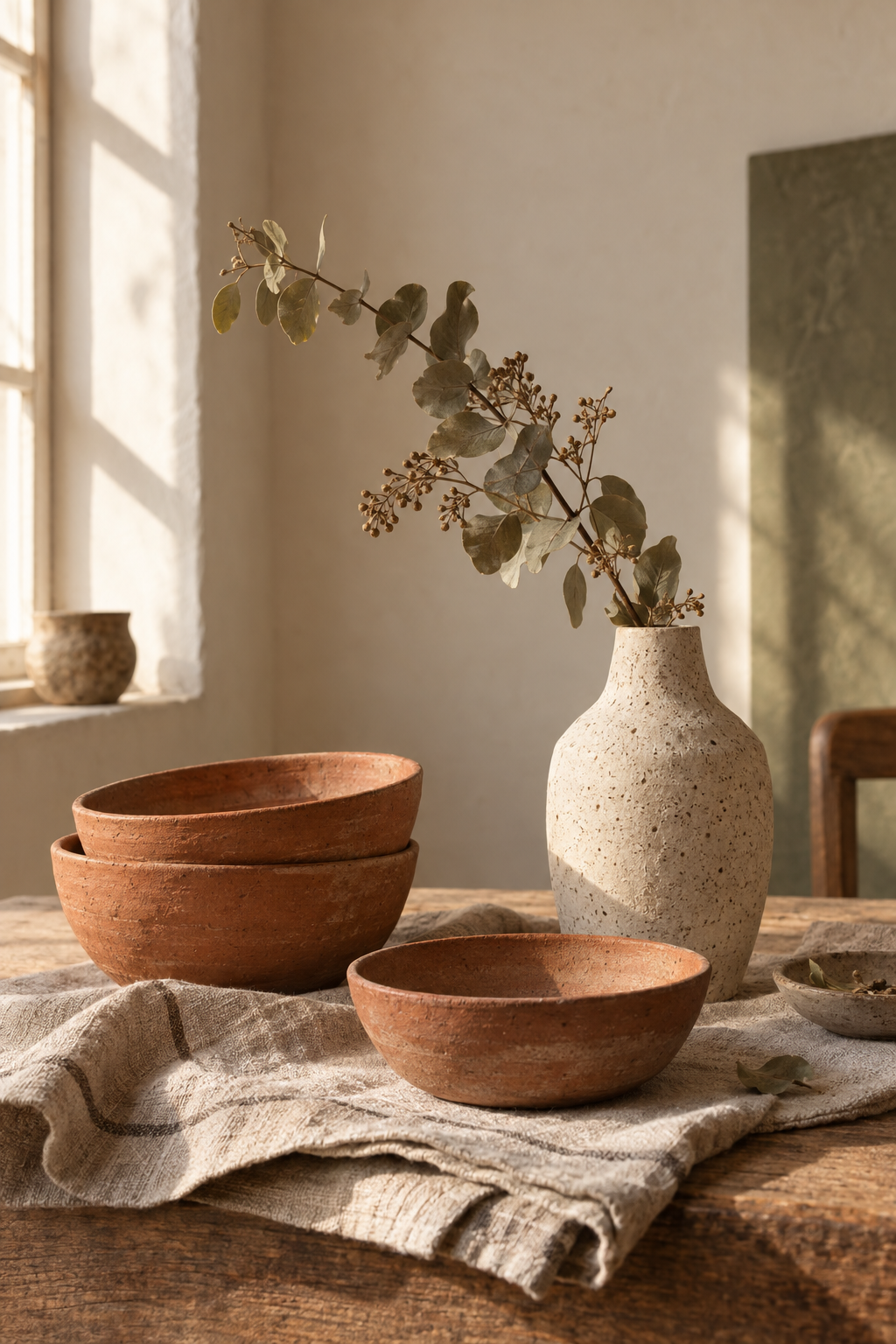
用 Seedance 2.5 將勝出的情緒板畫面製成影片,配上輕柔風聲。
The camera pushes in steadily toward the speckled vase as a band of sunlight sweeps across the linen and terracotta bowls, the eucalyptus sprig sways clearly in a breeze from the window and a few dust motes drift through the light, soft wind and a quiet room tone.
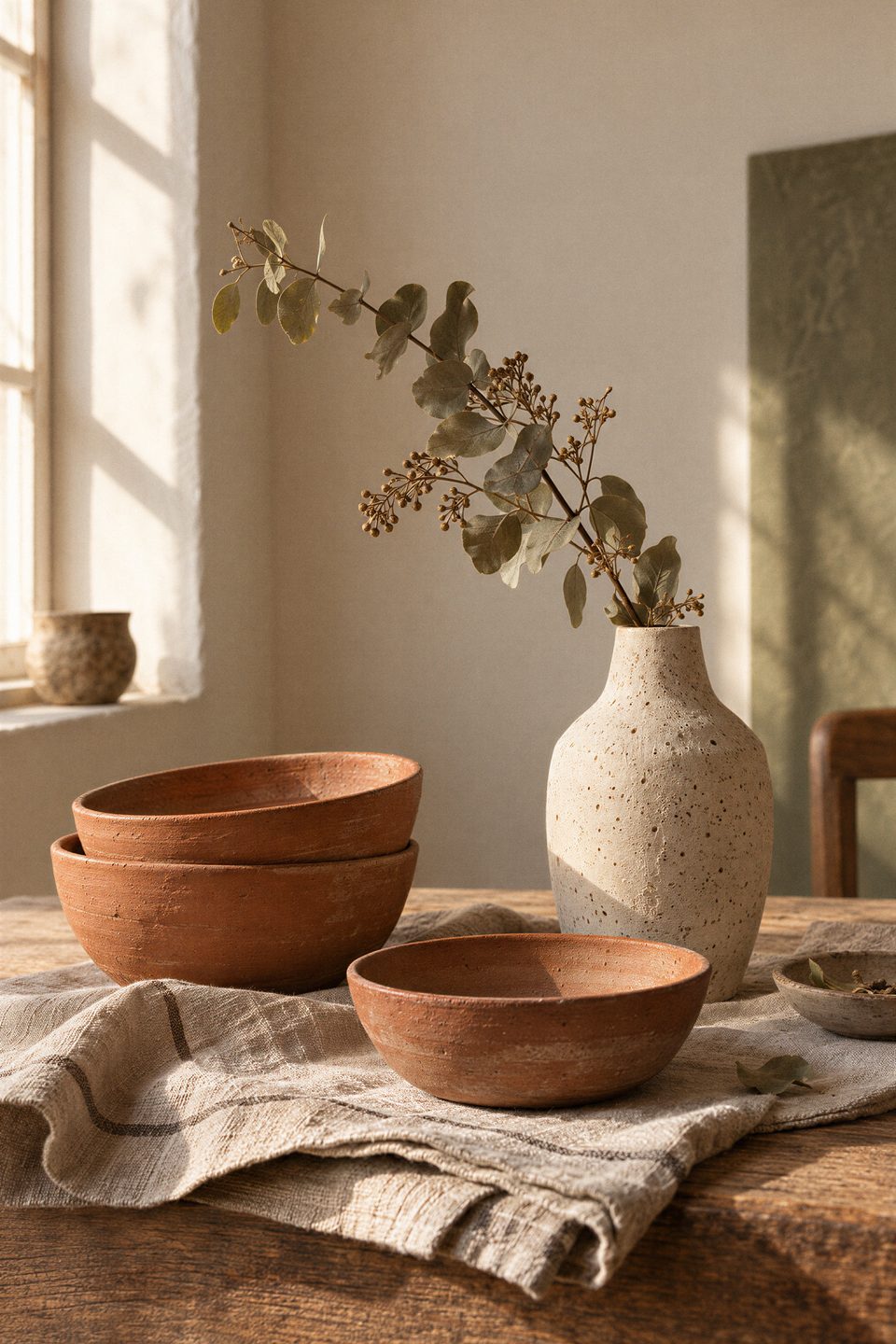
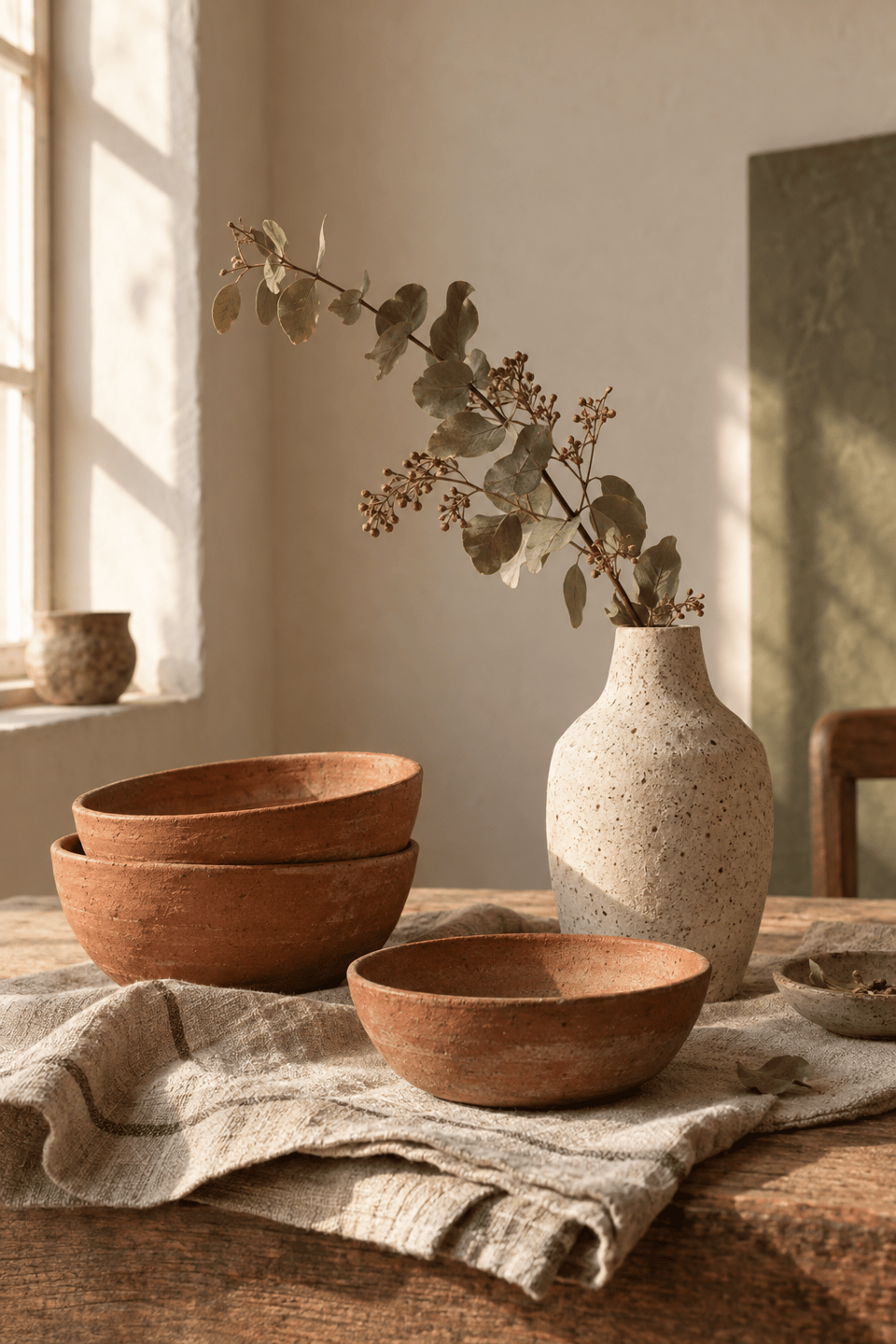
放大後保留完整構圖,碗的紋理與亞麻織紋也更清晰。Pixel Dojo 提供 Magnific 原廠放大工具,還有 Clarity Pro、Creative Upscaler 與 P-Image Upscale。

Ideogram 4.5 精準呈現輸入的標題文字。
Screen printed poster with only the words "OPEN KILN DAY" in tall condensed letters, a stack of bowls with a flame rising from it, two color terracotta and cream palette, visible paper grain, no other text.

用 Recraft V4.1 生成風格一致的整套圖示。
A set of six flat vector icons for a ceramics studio on a cream background: bowl, vase, kiln, brush, clay lump, mug, terracotta and olive colors, consistent line weight, simple shapes, no text.
同一份情緒板需求,四款圖片模型實測,再放大最佳成果
我們把同一份小型陶藝工作室情緒板需求交給四款模型,指定圖片不含文字,再選出構圖最出色的一張進行放大。
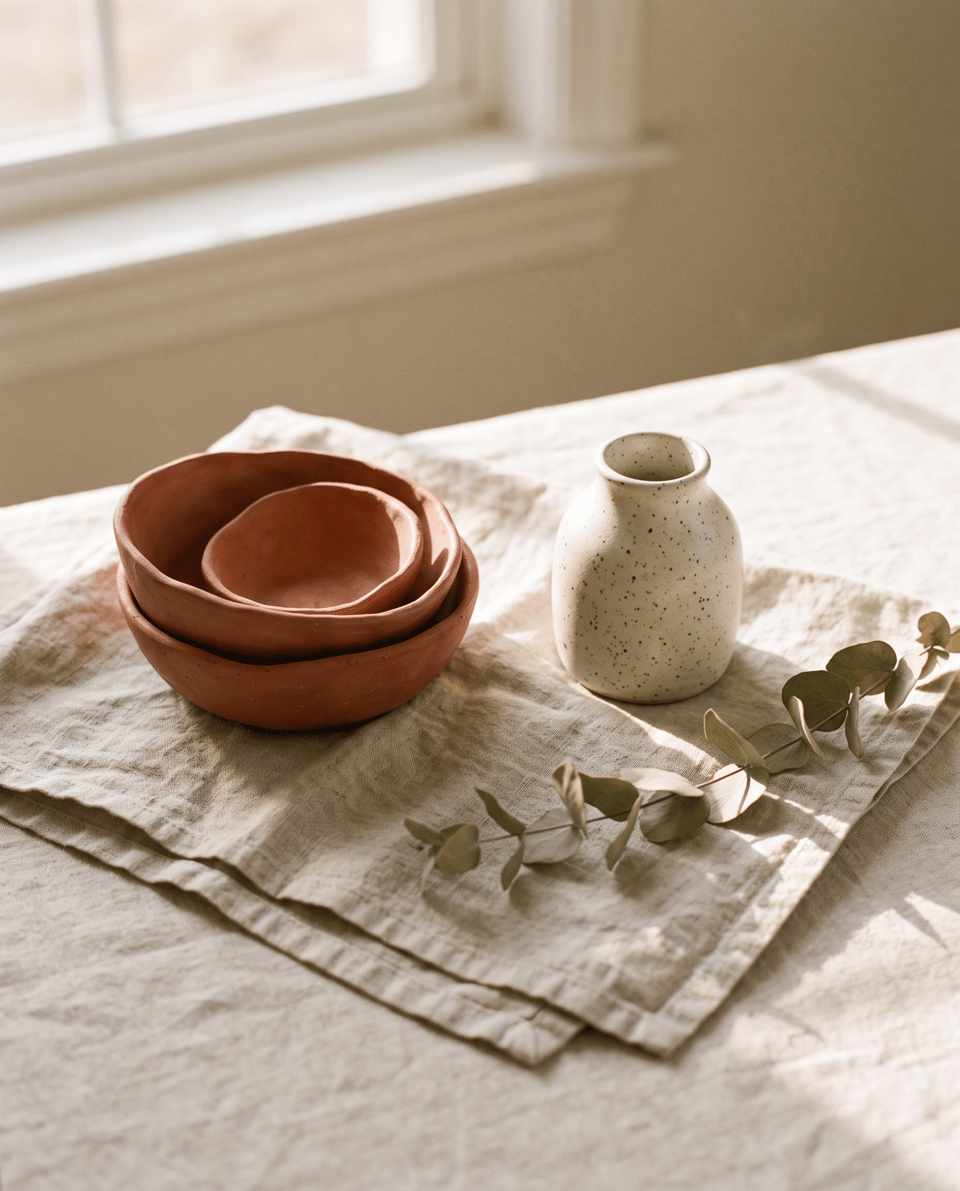
Moodboard tile for a small ceramics studio: handmade terracotta bowls and a speckled cream vase on a folded linen cloth, a sprig of dried eucalyptus, warm morning light from a window, muted earth palette of clay, sand and olive, calm editorial still life with generous negative space, no text.
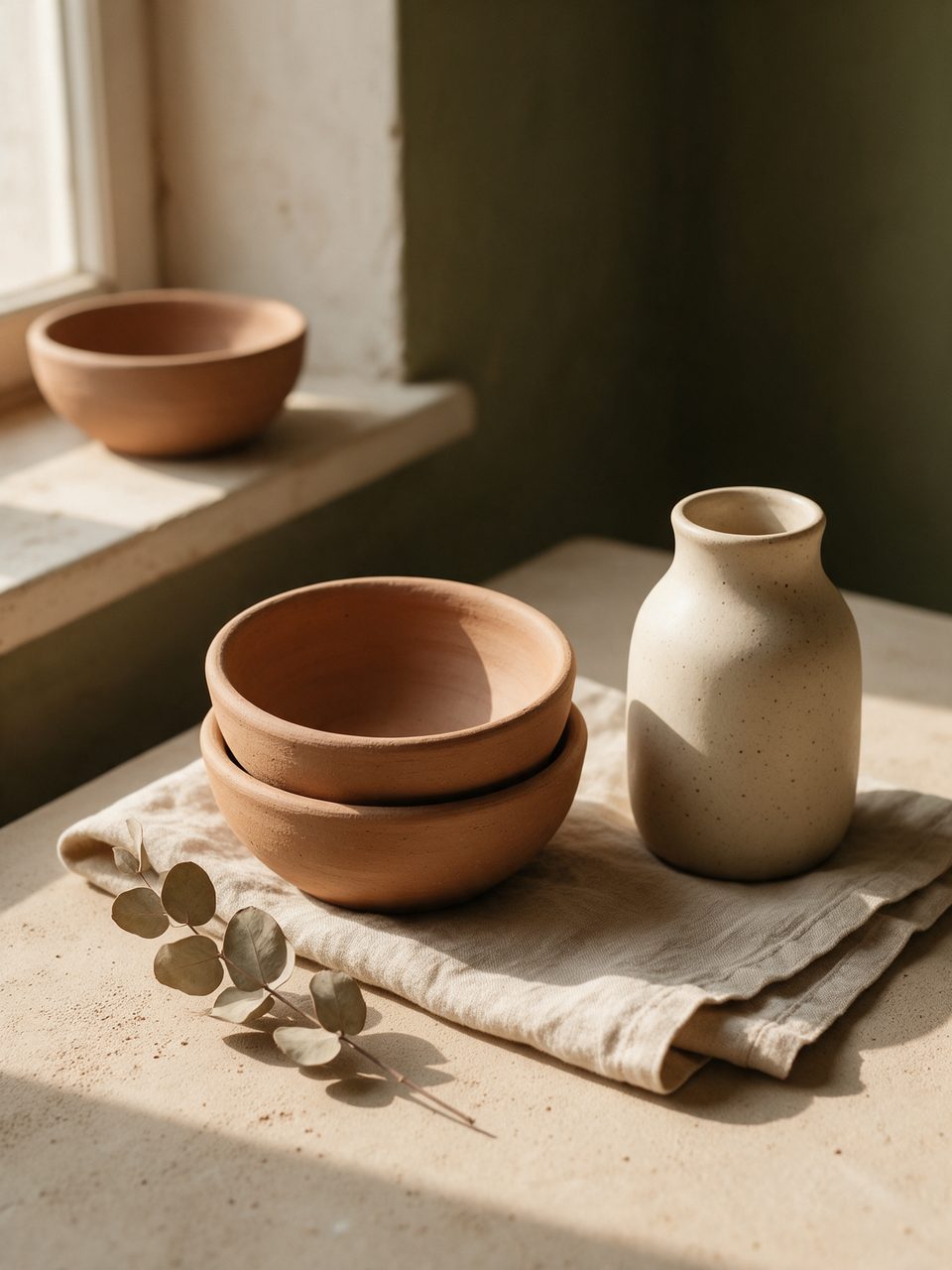
Moodboard tile for a small ceramics studio: handmade terracotta bowls and a speckled cream vase on a folded linen cloth, a sprig of dried eucalyptus, warm morning light from a window, muted earth palette of clay, sand and olive, calm editorial still life with generous negative space, no text.
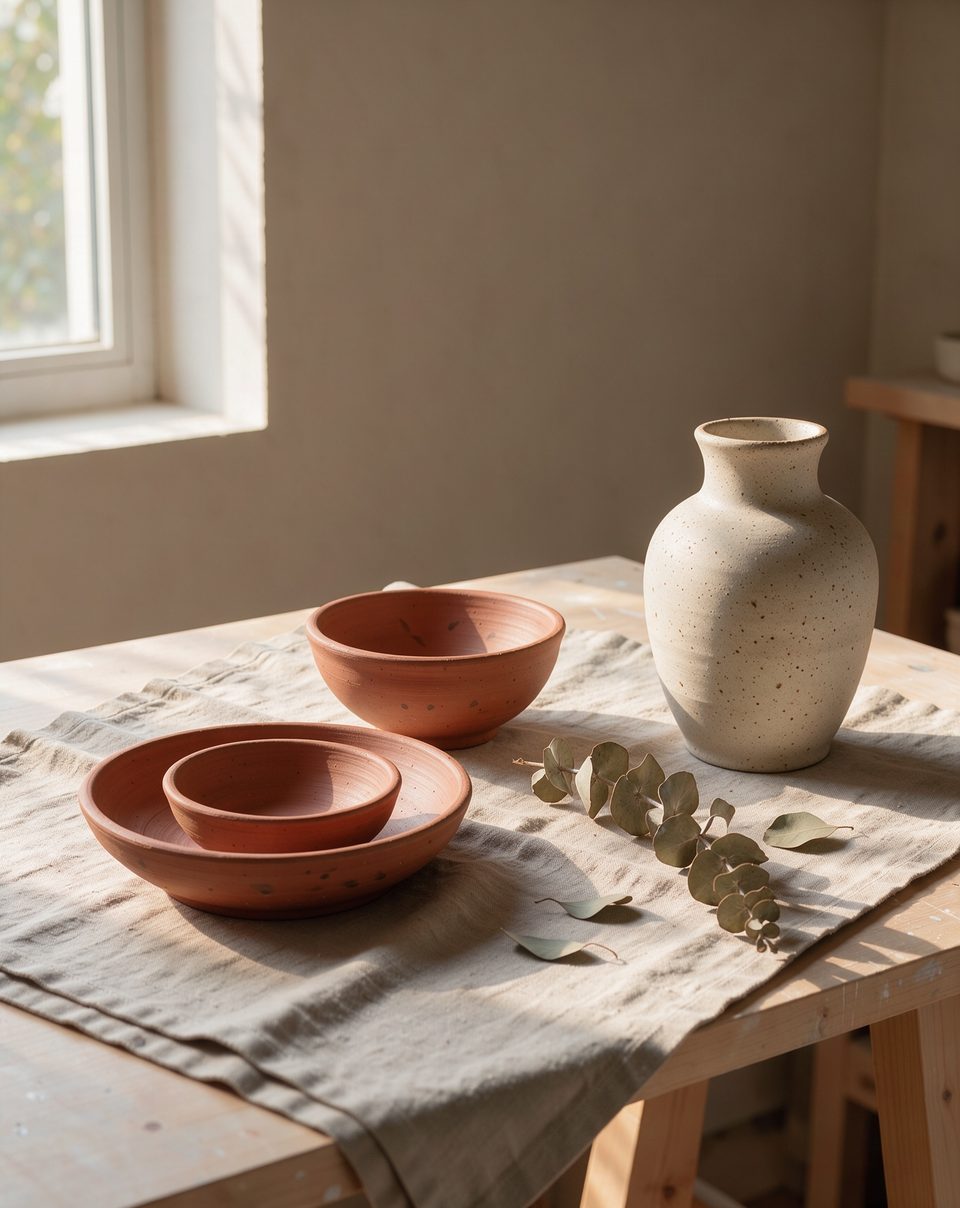
Moodboard tile for a small ceramics studio: handmade terracotta bowls and a speckled cream vase on a folded linen cloth, a sprig of dried eucalyptus, warm morning light from a window, muted earth palette of clay, sand and olive, calm editorial still life with generous negative space, no text.
Moodboard tile for a small ceramics studio: handmade terracotta bowls and a speckled cream vase on a folded linen cloth, a sprig of dried eucalyptus, warm morning light from a window, muted earth palette of clay, sand and olive, calm editorial still life with generous negative space, no text.
- 四款模型都保留了需求中的赤陶碗、斑點花瓶、亞麻布與尤加利葉,並以溫暖大地色調呈現。
- GPT Image 2.5 的場景最完整:尤加利葉從花瓶中挺立,映襯灑滿陽光的窗戶,因此我們選它進行放大。
- Seedream 5 與 Nano Banana 2.1 採用更近、更靜謐的桌面構圖;FLUX 3 Image 的取景最廣,連桌緣都納入畫面。
- 每張圖片都標示各自的點數用量,這四款模型每次花費介於 1 到 2.5 點數,全部試過一輪也很省。
Krea 常見任務,Pixel Dojo 這樣做
情緒板與風格探索
就像上方實測,把同一份需求交給 Nano Banana 2.1、Seedream 5、FLUX 3 Image 與 GPT Image 2.5,再留下你喜歡的風格。每款模型頁面都會先顯示所需點數。
即時草繪
Krea 的即時畫布有自己的特色。Pixel Dojo 的 Canvas 則能在同一次操作中串接生成、編輯、放大與動畫步驟,專為完成作品打造。
訓練專屬風格
提供 FLUX、Qwen、WAN 與 Z-Image 的 LoRA 訓練工具,還能用 Character Studio 儲存角色,在任何提示詞中以 @name 呼叫。
圖片放大與畫質增強
Magnific 放大工具、Clarity Pro、Creative Upscaler 與 P-Image Upscale 都能在 Pixel Dojo 使用,直接拿自己的圖片比較效果。
靜態圖片變影片
像上方影片一樣,把靜態圖片當作首幀,交給 Seedance 2.5、Kling 3.0 或 Veo 3.1。想一鍵變換風格,到 /effects 探索 283 種影片特效,每天免費使用 3 次。
讓 AI 代理統籌專案
Sensei 會規劃任務、列出每一步的費用,等你核准預算才開始花費。Krea 也有 AI 代理,直接比較兩者如何控管成本。
Krea 與 Pixel Dojo 方案比較
Krea 資料取自其定價頁與首頁,查閱日期為 2026 年 10 月 16 日,價格以月繳計。
| 快速比較 | Krea | Pixel Dojo |
|---|---|---|
| 付費方案 | Basic 每月 $9、Pro 每月 $35、Max 每月 $105、Business 每月 $200 | Lite 每月 $10、Pro 每月 $25、Pro Max 每月 $50 |
| 用量單位 | 運算單位:Basic 為 5,000,Business 最高 80,000 | 點數:160 至 1,100,每款模型頁面皆標示所需點數 |
| 未用完額度 | Basic、Pro 與 Max 的運算單位不遞延;運算加購包有效期限為 90 天 | 只要持續訂閱,點數永不過期 |
| 免費使用 | 免費方案每天提供 100 運算單位 | 無須訂閱,每天可使用 3 次一鍵影片特效,附浮水印 |
| LoRA 訓練 | 所有方案皆提供;Pro 以下每個 LoRA 最多 50 張圖片,Max 為 2,000 張 | 提供 FLUX、Qwen、WAN 與 Z-Image 的 LoRA 訓練工具 |
| 即時畫布與節點編輯器 | 有 | Canvas 可在同一次操作中串接生成、編輯、放大與動畫步驟 |
| 整部影片剪輯 | Krea 導覽選單未列出 | Film Studio 提供整部影片的編輯流程 |
為什麼 Krea 使用者轉向 Pixel Dojo
每個方案都能無限用
所有付費方案都能透過 Relax 無限使用 Qwen Image 2.1、FLUX 3 Image Klein、MiniMax H3 Turbo,以及全部影片與照片特效,不花點數。
Sensei,你的 AI 導演
描述專案,Sensei 就會規劃流程、估算費用、等待你核准,並檢視每一次生成的鏡頭。
單一任務 AI 工具
35 款專用工具,上傳檔案就能完成一項編輯:移除浮水印、物件或文字,修復老照片並上色,更換背景、修飾人像,或製作縮圖。
照片特效
45+ 種照片特效,一鍵改造圖片風格,從手繪動畫劇照、盒裝公仔到雜誌封面,每一種都從你上傳的照片開始。
Character Studio
儲存一次臉孔,就能在任何提示詞中用 @name 呼叫,讓同一位角色出現在每張圖片與每段影片裡。
點數自動累積
只要持續訂閱,未用完的點數就會保留,不讓你付費買的額度在月底歸零。
頂尖模型一次到位,還有 API
一個帳號就能使用超過 80 款圖片模型與 60 款影片模型,並提供公開 API 與代管 MCP 伺服器,供你自己的應用程式與 AI 助理串接。
圖片創作者的 Pixel Dojo 方案價格
Lite 每月 $10,享 160 點數;Pro 每月 $25,享 500 點數;Pro Max 每月 $50,享 1,100 點數。所有方案皆可商用,只要持續訂閱,點數就不會到期。
依退款政策,首次購買可於 7 天內申請退款。點數使用未滿 20% 可全額退款,超過則按比例退款。
Krea常見問題
有哪些好用的 Krea 替代方案?
Pixel Dojo 一個方案就能使用頂尖圖片與影片模型,每次生成前都會清楚顯示所需點數,還整合 Film Studio、Marketing Studio、Character Studio 與 Sensei。
有支援影片製作的 Krea 替代方案嗎?
有。Pixel Dojo 可用 Seedance 2.5、Kling 3.0 或 Veo 3.1 讓靜態圖片動起來,還提供 283 種一鍵影片特效,不用訂閱,每天免費用 3 次。
除了 Krea,還能在哪裡訓練自己的 LoRA?
可以用 Pixel Dojo,支援 FLUX、Qwen、WAN 與 Z-Image 的 LoRA 訓練。Krea 的所有方案也都支援 LoRA 訓練,Pro 及以下方案每個 LoRA 可用 50 張圖片,Max 則可用 2,000 張。
該用哪款圖片放大工具?
多試幾款,直接比。Pixel Dojo 整合 Magnific 圖片放大工具、Clarity Pro、Creative Upscaler 與 P-Image Upscale,讓你用自己的圖片比較效果。
Pixel Dojo 和 Krea 的價格怎麼比?
Krea 方案每月 $9 至 $200,以運算單位計費。Pixel Dojo 方案每月 $10 至 $50,以點數計費,每個模型頁面都會在生成前顯示單次所需點數。
資料來源
關於 Krea 的資訊來自以下公開頁面,查證日期為 2026年10月16日。價格與方案可能變動,購買前請確認來源。