PixelDojo 實際生成圖片範例
以下每個範例都是在 PixelDojo 上製作。將滑鼠移到上方即可查看提示詞。

Upscaled version
flux-studio
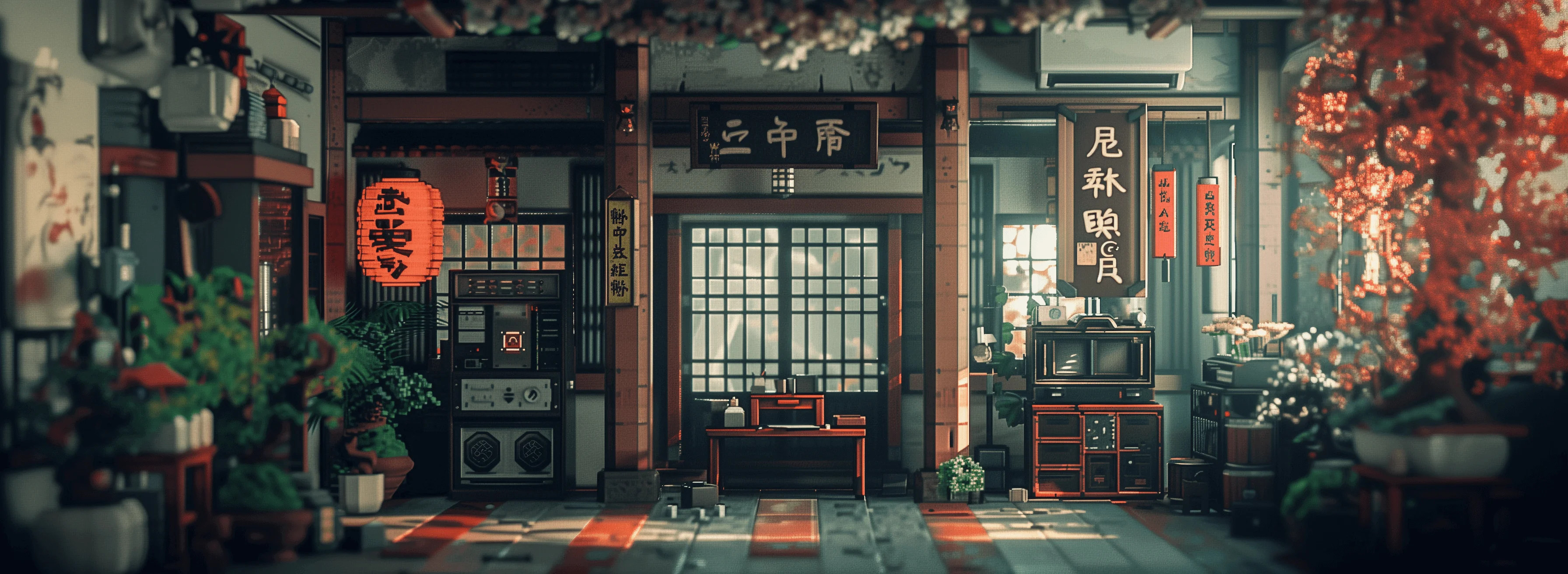
Masterpiece
creative-upscaler
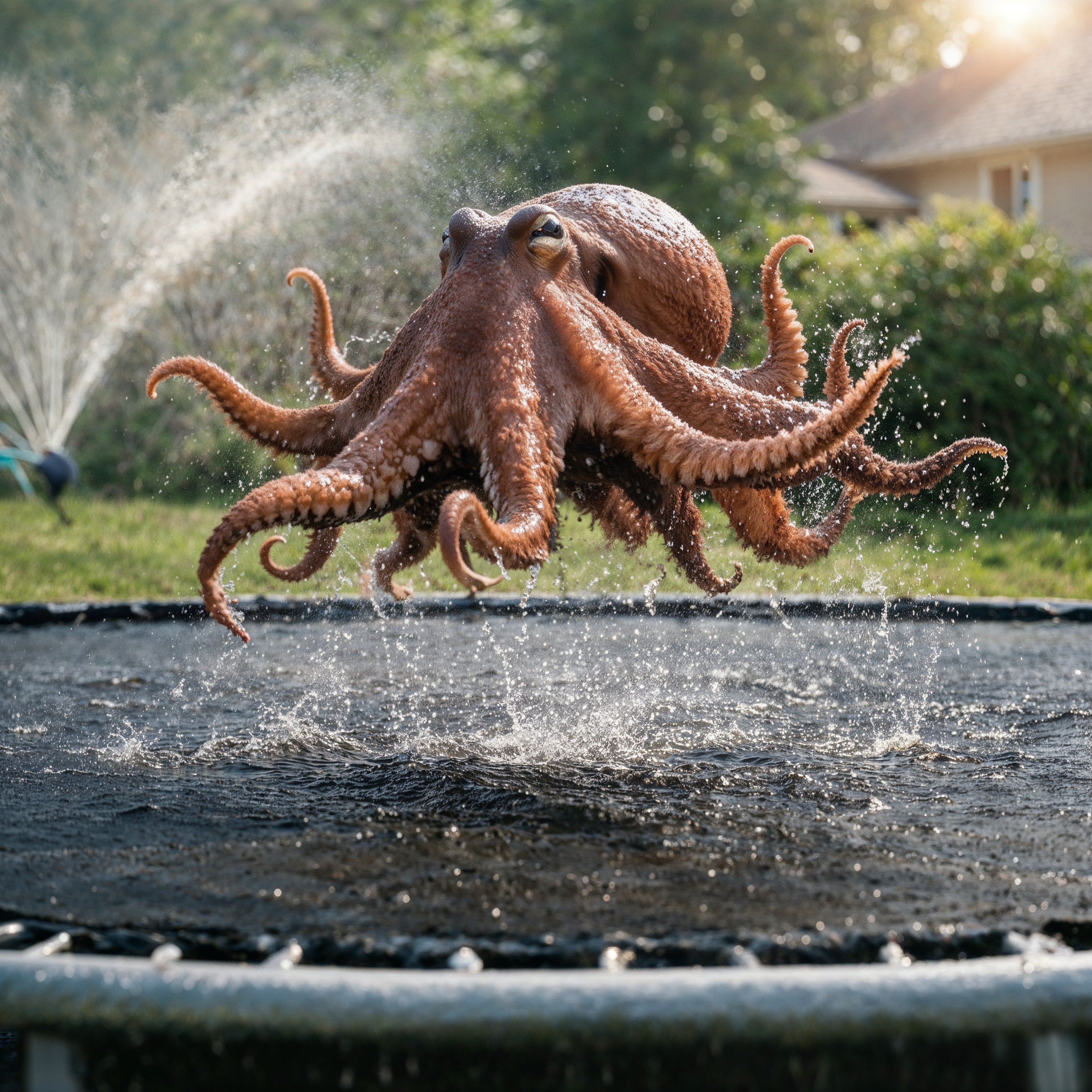
magnific upscaler on PixelDojo
magnific-creative
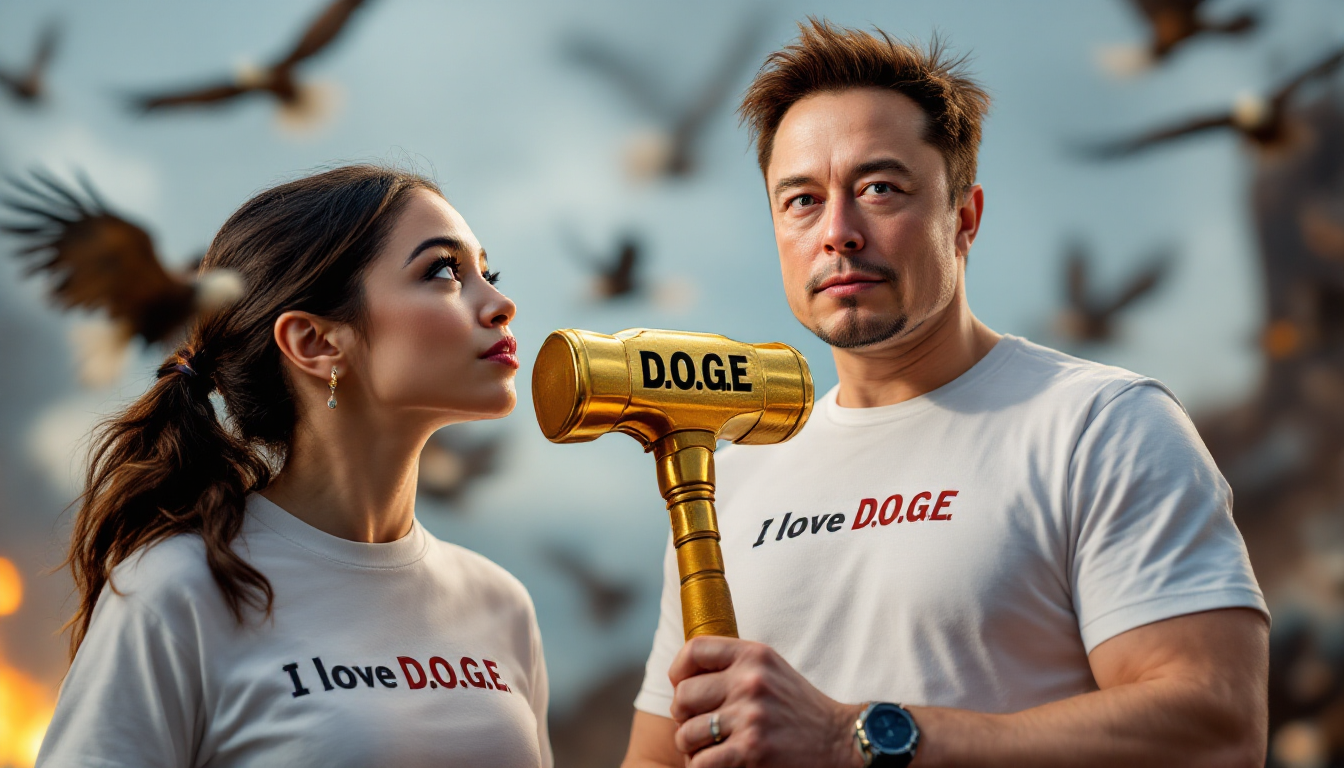
Create an Image with Alexandria Ocasio-Cortez AOC wearing a white shirt that says "I love…
flux
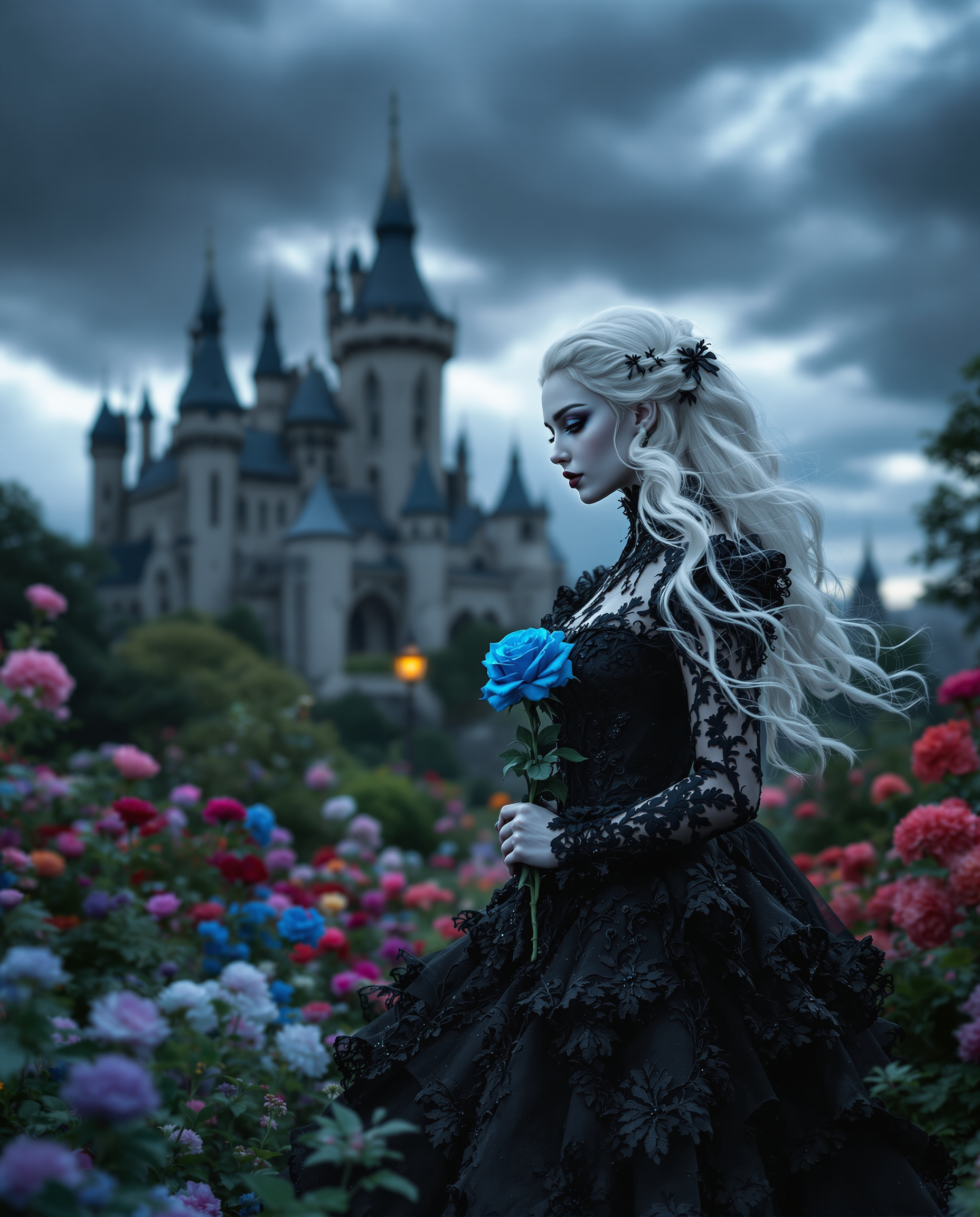
A strikingly close-up beautiful woman with a baby face with flowing white hair
flux
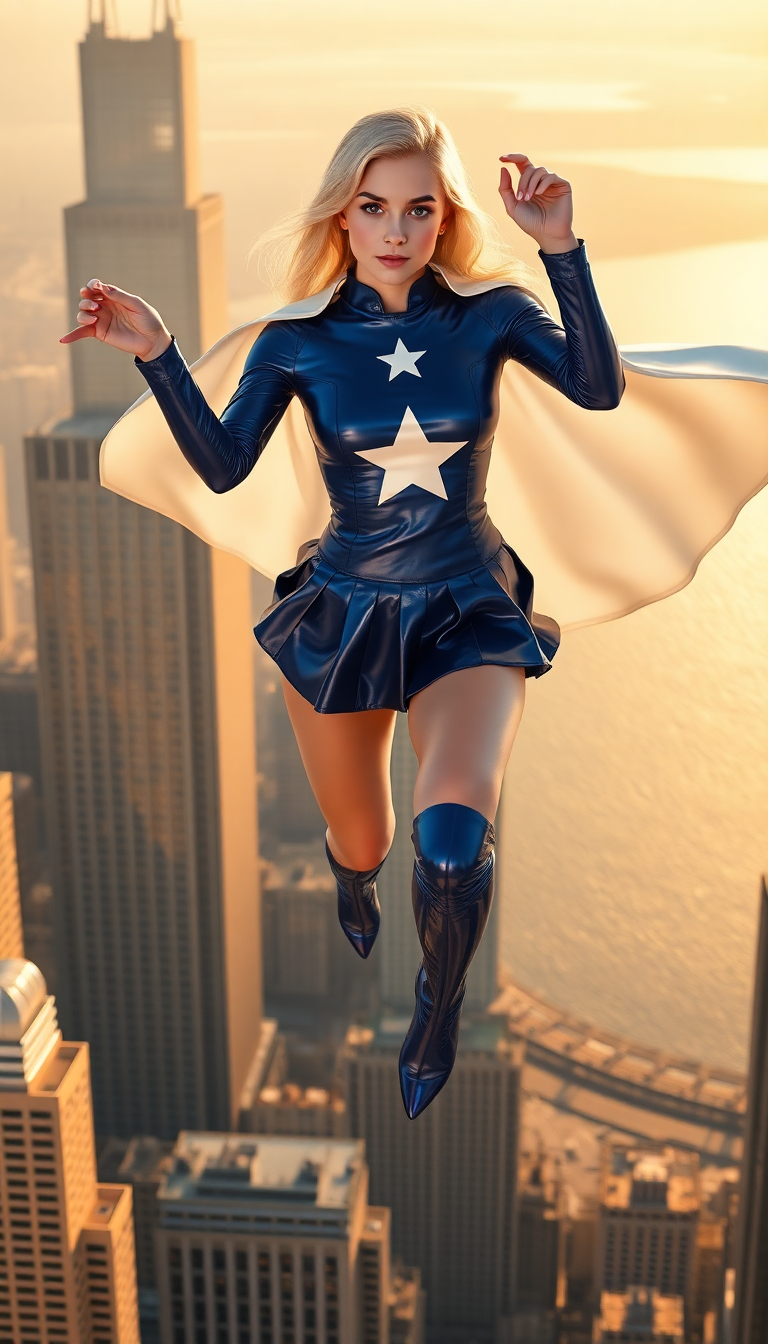
A petite blonde woman in her late teens
flux
PixelDojo 上可用於 Magnific Upscaler 的模型
換模型不必換工具,所有模型都在同一個 PixelDojo 工作室執行。
在 PixelDojo 用 Magnific Upscaler 能做什麼
高解析度圖片輸出
提高圖片像素尺寸,同時保留完整結構。創作者可取得適合列印或大尺寸顯示的檔案。
細節精修
針對放大後圖片的邊緣與表面進行銳化,保留原始生成影像的清晰度。
支援多種格式
支援常見圖片檔案類型,放大後可保留原格式或選擇其他格式,直接用於創作專案。
無縫串接工作流程
直接放大在 PixelDojo 生成的圖片,不必傳輸檔案。在同一平台就能繼續編輯或匯出。
超過 10,000 位滿意的創作者,已用 PixelDojo 的 AI 圖片放大工具升級影像。累積 2,500+ 則評價,獲得 4.8/5 高分。
為什麼選擇 Pixel Dojo 製作magnific upscaler
最先進的 AI 技術,帶來專業級成果
清晰畫質,細節到位
讓滿是像素格的照片變得清晰銳利、解析度更高,同時保留原有畫質。
省時又省力
幾秒內提升畫質,不必手動修圖,也不需要複雜軟體。
依需求自由調整
透過直覺操作調整細節與風格,讓圖片精準呈現你的創意。
使用方式
用 PixelDojo Magnific Upscaler 提升畫質,就是這麼簡單。跟著以下步驟,讓影像全面升級:
步驟 1:上傳圖片
選擇想提升畫質的圖片,上傳至 PixelDojo 平台。
步驟 2:選擇圖片放大工具
依照需求,從多款 AI 圖片放大工具中選擇,例如 Creative Upscaler 或 Multidiffusion Upscaler。
步驟 3:自訂畫質提升設定
依照喜好調整創意程度、HDR 與相似度等參數,精準掌控畫質提升效果。
The Pixel Dojo Advantage
AI 圖片放大,為什麼 PixelDojo 更出色
| Others | Pixel Dojo |
|---|---|
| 傳統圖片放大方法 | 我們的 AI 工具智慧補足細節與紋理,打造自然的高解析度圖片。 |
| 一般 AI 圖片放大工具 | PixelDojo 提供多款專用工具,針對不同圖片類型與使用需求,帶來更精準、可自訂的效果。 |
| 手動修圖 | 告別耗時的手動修圖,讓自動化 AI 工具在幾秒內完成專業級畫質提升。 |
PixelDojo 創作者好評推薦
來自 PixelDojo 使用者的真實回饋,取自我們的產品內問卷。
Excellent website for creating all types of media
Very eay to use, works well to train SDXL loras.
The amazing tools
Top notch quality and strong prompt adherence.
A well resourced sunscription with attention to updates.
Easy to use and there's lots of options.
探索更多 PixelDojo AI 工具
熱門 AI 模型
AI 工具
比較與轉換
- All AI Tool Alternatives
- Pollo AI Alternative
- PixelDojo vs Pollo AI
- Pollo AI Review
- MotionMuse AI Alternative
- MioCreate Alternative
- Dessi AI Alternative
- Runway Alternatives
- CapCut Alternatives
- Leonardo Alternatives
- OpenArt Alternatives
- Midjourney Alternatives
- Canva AI Alternatives
- Pika Alternatives
- InVideo Alternatives
- Higgsfield Alternatives
- Krea Alternatives
- Luma Alternatives
- Magic Hour Alternatives
- HeyGen Alternatives
- PixAI Alternatives
- Vidu Alternatives
- Seedream Alternatives
- Tensor.Art Alternatives
常見問題
關於magnific upscaler,你需要知道的一切
用 PixelDojo Magnific Upscaler 放大圖片需要多久?
經過最佳化的 AI 處理,讓大多數圖片在幾秒內就能完成畫質提升並開放下載,維持高效率的工作流程。
PixelDojo Magnific Upscaler 有免費試用嗎?
有,PixelDojo 提供免費試用,讓你在訂閱前探索 AI 圖片放大工具,親自體驗畫質提升效果。
可以自訂圖片放大時增加的細節程度嗎?
當然可以!透過直覺操作,依照喜好調整創意程度、HDR 與相似度等參數,精準掌控畫質提升效果。
PixelDojo Magnific Upscaler 支援哪些圖片格式?
我們支援 JPG、PNG、WebP 等所有主流圖片格式,也能依照你的需求選擇輸出格式。
PixelDojo Magnific Upscaler 適合專業用途嗎?
適合,我們的 AI 圖片放大工具專為各產業的專業需求打造,提供適用於商業專案的高品質成果。
PixelDojo Magnific Upscaler 可以同時放大多張圖片嗎?
可以,我們的平台支援批次處理,一次提升多張圖片的畫質,讓工作流程更順暢、產出更有效率。