qwen image super-resolution upscaler

Generated on PixelDojo. Produced by PixelDojo's generation pipeline.
Imagine turning your blurry, low-resolution images into crisp, high-definition masterpieces with just a few clicks. With PixelDojo's QWEN Image Super-Resolution Upscaler, you can effortlessly enhance your visuals, making them more engaging and professional. Whether you're a photographer, marketer, or content creator, our cutting-edge technology empowers you to achieve stunning results without the need for expensive equipment or complex software.
Real image examples generated on PixelDojo
Every example below was produced on PixelDojo. Hover to see the prompt.
Qwen-text
image-to-image
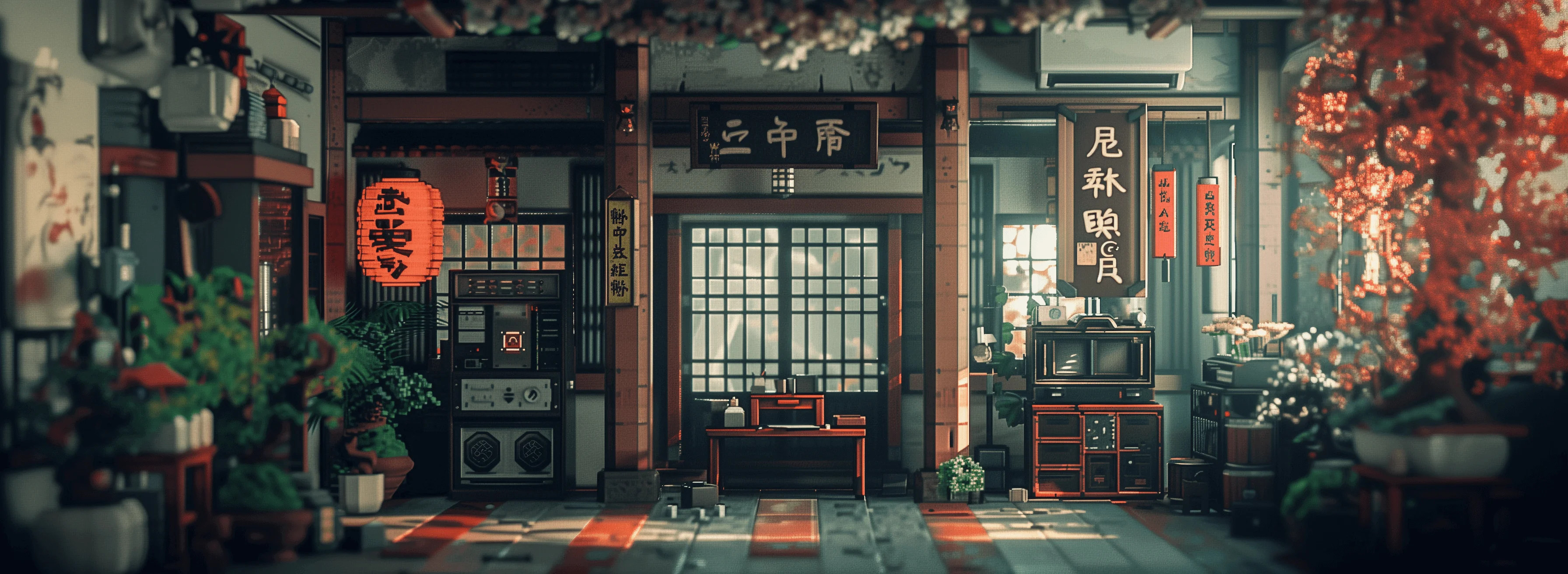
Masterpiece
creative-upscaler
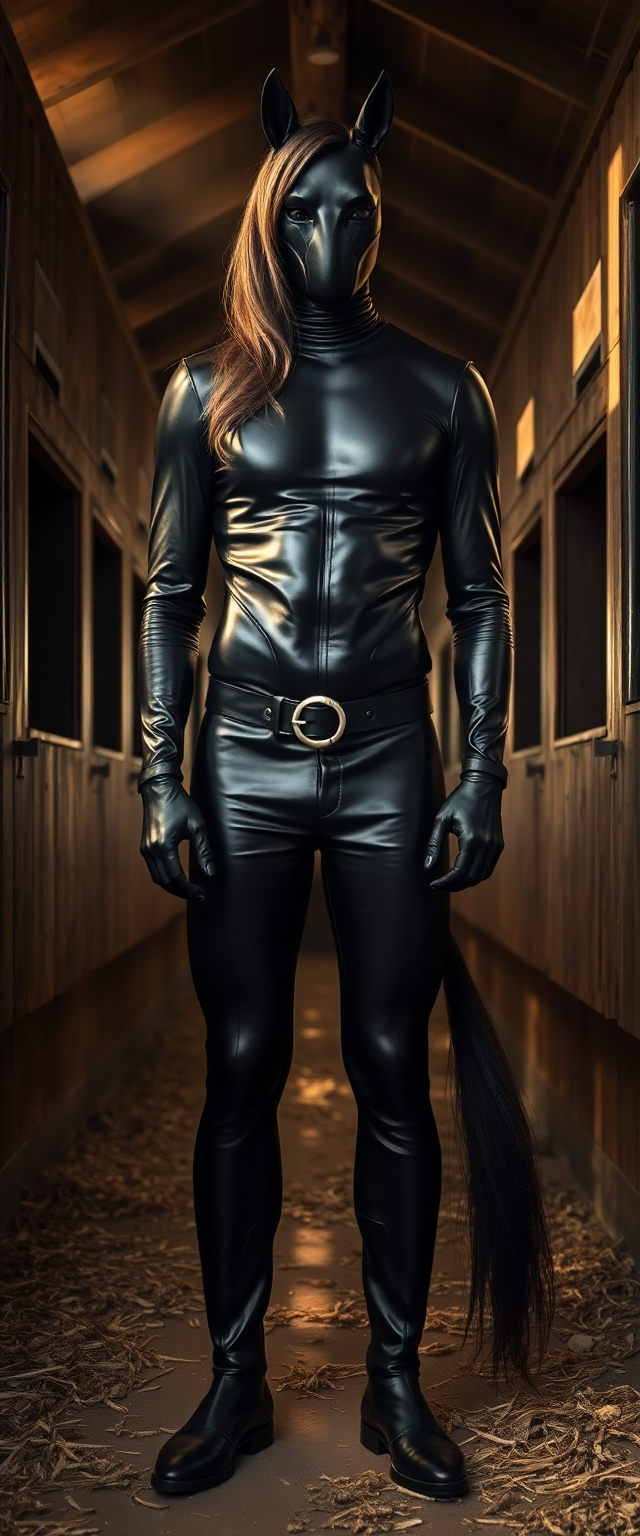
qwen image super-resolution upscaler on PixelDojo
flux

Comic book villainess
flux

Stern looking mid 50s dark skinned Nubian woman
flux

A Christmas themed air max 90 custom themed sneaker make it realistic and pro pics
flux
Models you can run on PixelDojo for qwen image super-resolution upscaler
Switch models without switching tools. Each one runs in the same PixelDojo studio.
What you can do with qwen image super-resolution upscaler on PixelDojo
Upscale Images to Higher Resolution
We run the Qwen model on your images to increase pixel count while retaining visible details.
Apply Super Resolution to Outputs
Creators select any generated image and receive an upscaled version through the same workspace.
Reduce Pixelation in Enlargements
The tool processes low resolution files and produces larger versions with smoother gradients.
Integrate Upscaling in Workflows
We allow direct upscaling of images inside existing generation projects without file transfers.
Join over 10,000 satisfied users who have transformed their images using PixelDojo's AI Super Resolution tools. Rated 4.8/5 based on 2,000+ reviews.
Why Choose Pixel Dojo for qwen image super-resolution upscaler
Professional-quality results with cutting-edge AI technology
Achieve Stunning Visuals Effortlessly
Transform low-resolution images into high-quality visuals without the need for advanced editing skills.
Save Time and Resources
Enhance image quality quickly, eliminating the need for costly reshoots or expensive equipment.
Preserve and Restore Memories
Bring old or damaged photos back to life by improving their clarity and detail.
How It Works
Enhancing your images with PixelDojo's QWEN Image Super-Resolution Upscaler is simple and straightforward. Follow these steps to achieve remarkable results:
Step 1: Select the Creative Upscaler Tool
Navigate to the 'Enhance' section on PixelDojo and choose the 'Creative Upscaler' tool designed for AI-powered image enhancement.
Step 2: Upload Your Image
Click on the upload button to select the low-resolution image you wish to enhance. The tool supports various image formats for your convenience.
Step 3: Customize Enhancement Settings
Adjust the enhancement parameters to suit your preferences. You can control the level of upscaling and apply additional enhancements as needed.
The Pixel Dojo Advantage
Discover why PixelDojo's QWEN Image Super-Resolution Upscaler stands out from other image enhancement methods:
| Others | Pixel Dojo |
|---|---|
| Traditional Image Editing Software | Achieve superior results without the steep learning curve or time investment required by traditional software. |
| Generic AI Tools | Benefit from specialized tools tailored for various enhancement needs, ensuring optimal outcomes. |
| Manual Photo Restoration | Save time and effort with automated enhancements that deliver professional-quality results instantly. |
Loved by creators on PixelDojo
Real feedback from people using PixelDojo, pulled from our in-product surveys.
Ease of use, friendliness and support of the owner, continued innovation.
it is an amazing site to create a pics and vids for those who don't have the hardware themselves
good tools in one place
Prompt updates, strong features, and a community that is always willing to help and hear/act on professional feedback. I've never had a better experience.
user friendly all in one thing
I really like the schedule of AI work performed!
Explore more AI tools on PixelDojo
Popular AI Models
AI Tools
Compare & Switch
- Best AI Image Generators
- Best AI Video Generators
- Midjourney Alternatives
- Civitai Alternatives
- Runway Alternatives
- Leonardo Alternatives
- Pika Alternatives
- Luma Alternatives
- Magnific Alternatives
- Veo Alternatives
- Flux Alternatives
- Freepik Alternatives
- Seedance Alternatives
- Seedream Alternatives
- Pixverse Alternatives
- GPT Image Alternatives
- Synthesia Alternatives
- Playground Alternatives
- NightCafe Alternatives
- Canva AI Alternatives
- ElevenLabs Alternatives
- ComfyUI Alternatives
- Fal Alternatives
- Replicate Alternatives
Common Questions
Everything you need to know about qwen image super-resolution upscaler
How does PixelDojo's AI Super Resolution enhance image quality?
Our AI algorithms analyze and upscale your images, adding detail and clarity to produce high-resolution results without manual editing.
Is there a limit to the image size I can upload?
PixelDojo supports a wide range of image sizes. For optimal performance, we recommend uploading images up to 20MB in size.
Can I use PixelDojo's tools for commercial projects?
Yes, our tools are designed for both personal and commercial use, allowing you to enhance images for any project.
Do I need any prior experience to use the AI Super Resolution tool?
No prior experience is necessary. Our user-friendly interface guides you through the enhancement process step by step.
What file formats are supported for image uploads?
PixelDojo supports common image formats including JPEG, PNG, and TIFF for your convenience.
Is there a free trial available for PixelDojo's AI tools?
Yes, we offer a free trial so you can experience the benefits of our AI tools before committing to a subscription.