gpt image 2 edit
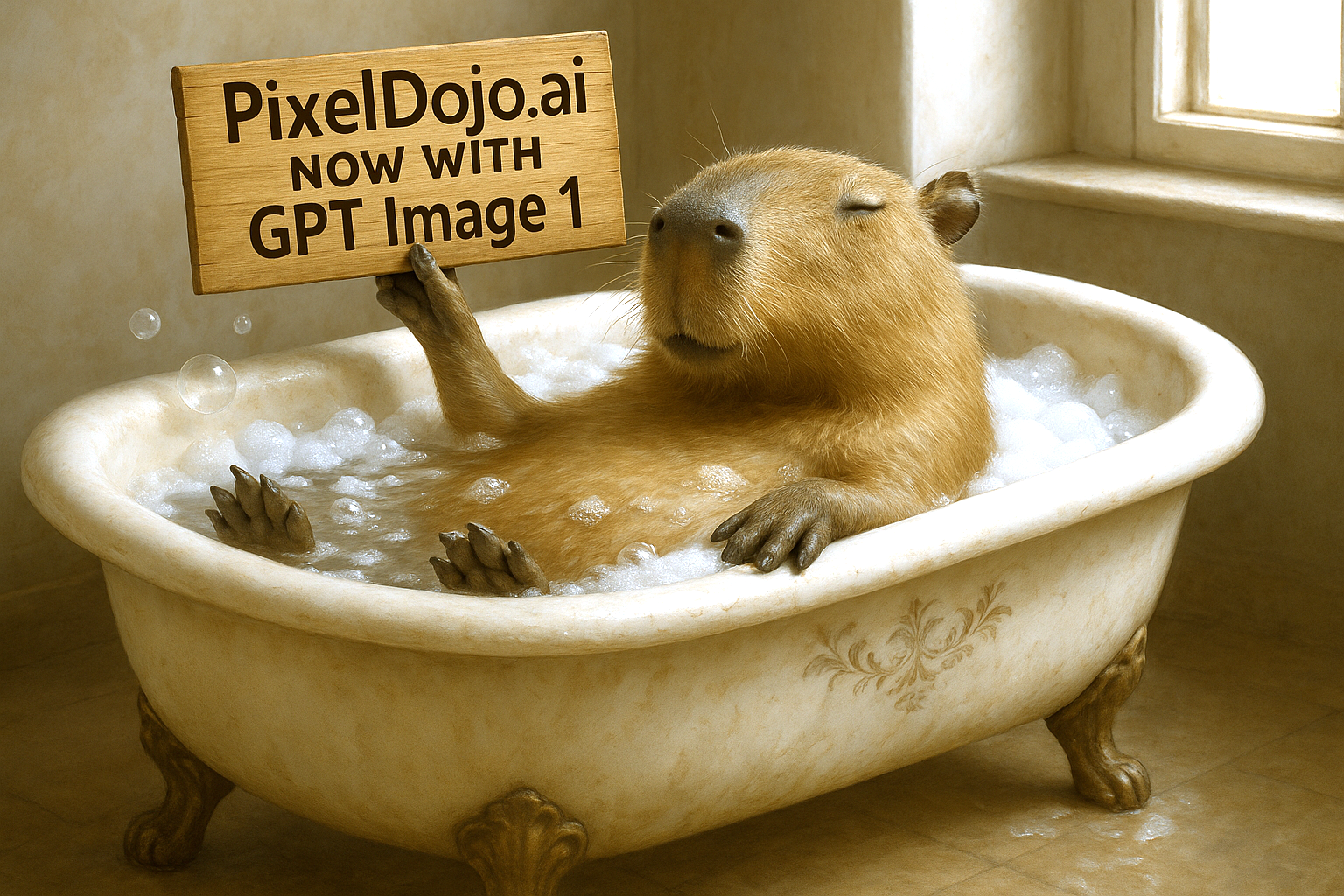
Generated on PixelDojo. Produced by PixelDojo's generation pipeline.
You have the photos. Now make them extraordinary with GPT Image 2 Edit on PixelDojo. Whether you're refreshing old product shots for a new campaign, turning casual portraits into LinkedIn-ready headshots, or adding promotional text that actually looks professional, you achieve results that convert visitors into customers. GPT Image 2 understands your existing image and applies only the changes you specify—backgrounds become cinematic, objects vanish seamlessly, lighting matches perfectly, and text renders crystal clear in any language. No more starting from scratch or dealing with artifacts that scream 'AI-generated.' Combined with PixelDojo's Image to Image, Inpainting, Style Transfer, Magic Lighting, Background Remover, and Reality Polisher, you have a complete professional studio at your fingertips. Creators worldwide use this to produce social content, ads, mockups, and catalog images that stand out and drive sales. Imagine iterating on a single upload: first swap the scene, then adjust the mood, add branded elements, then upscale to 4K with P-Image Upscale or Magnific Upscaler. Your workflow becomes dramatically faster, your output consistently more professional. That's the outcome PixelDojo delivers every time. With 100+ cutting-edge AI tools loved by 1M+ creators worldwide and the freedom to cancel anytime, there's zero risk in getting started. Your next high-converting image is just a natural-language prompt away.
Real image examples generated on PixelDojo
Every example below was produced on PixelDojo. Hover to see the prompt.
Make it photo realistic edit
stable-diffusion
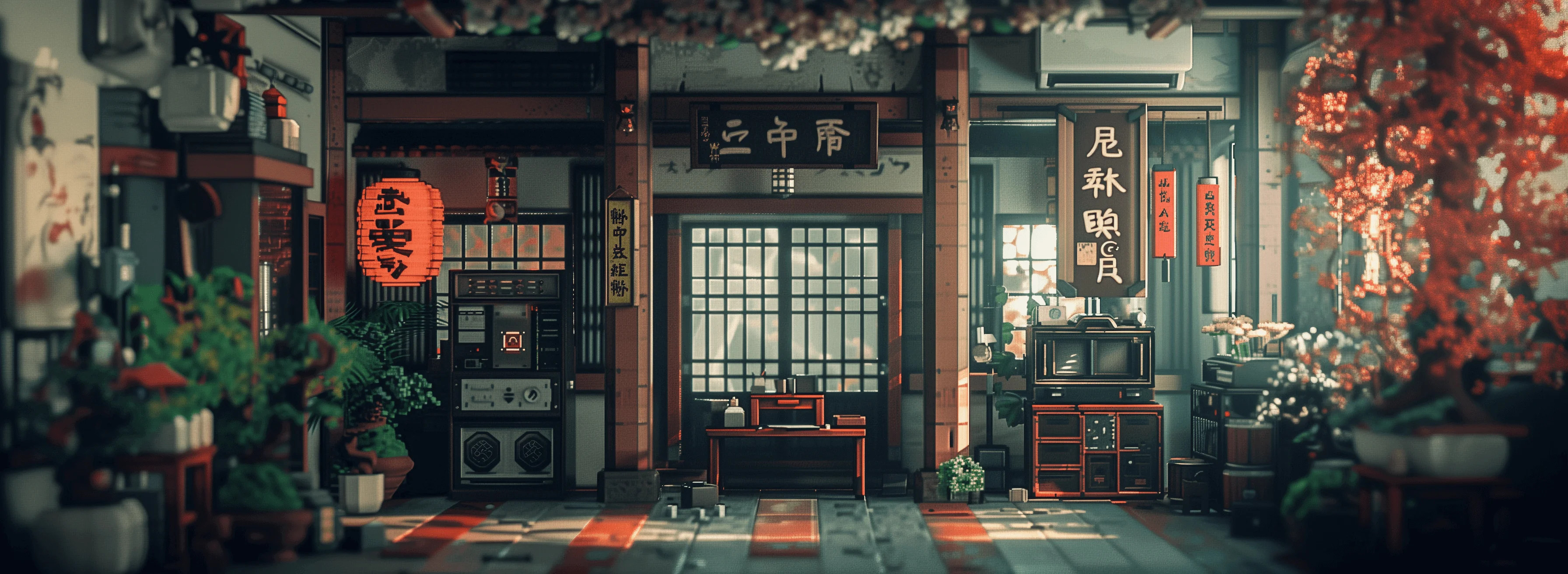
Masterpiece
creative-upscaler
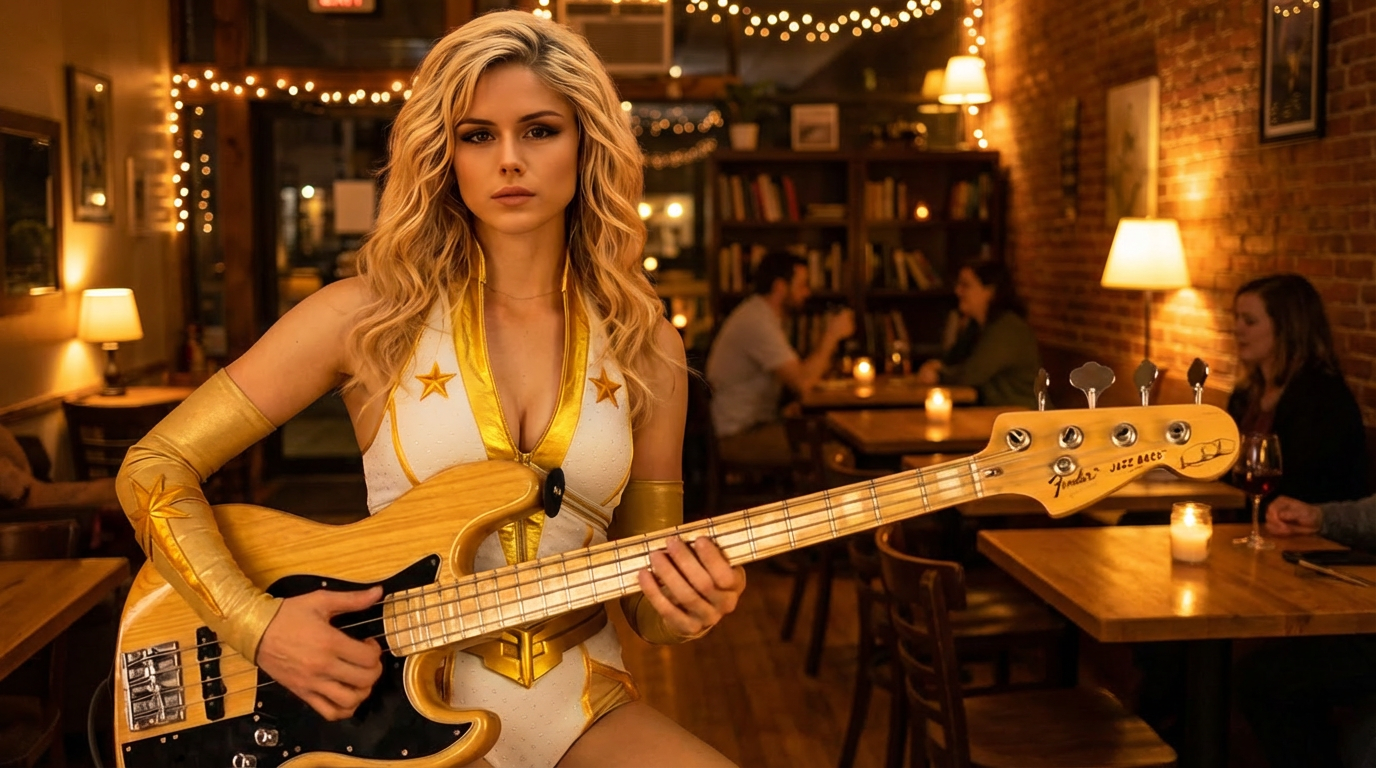
Cafe evening
image-relighting
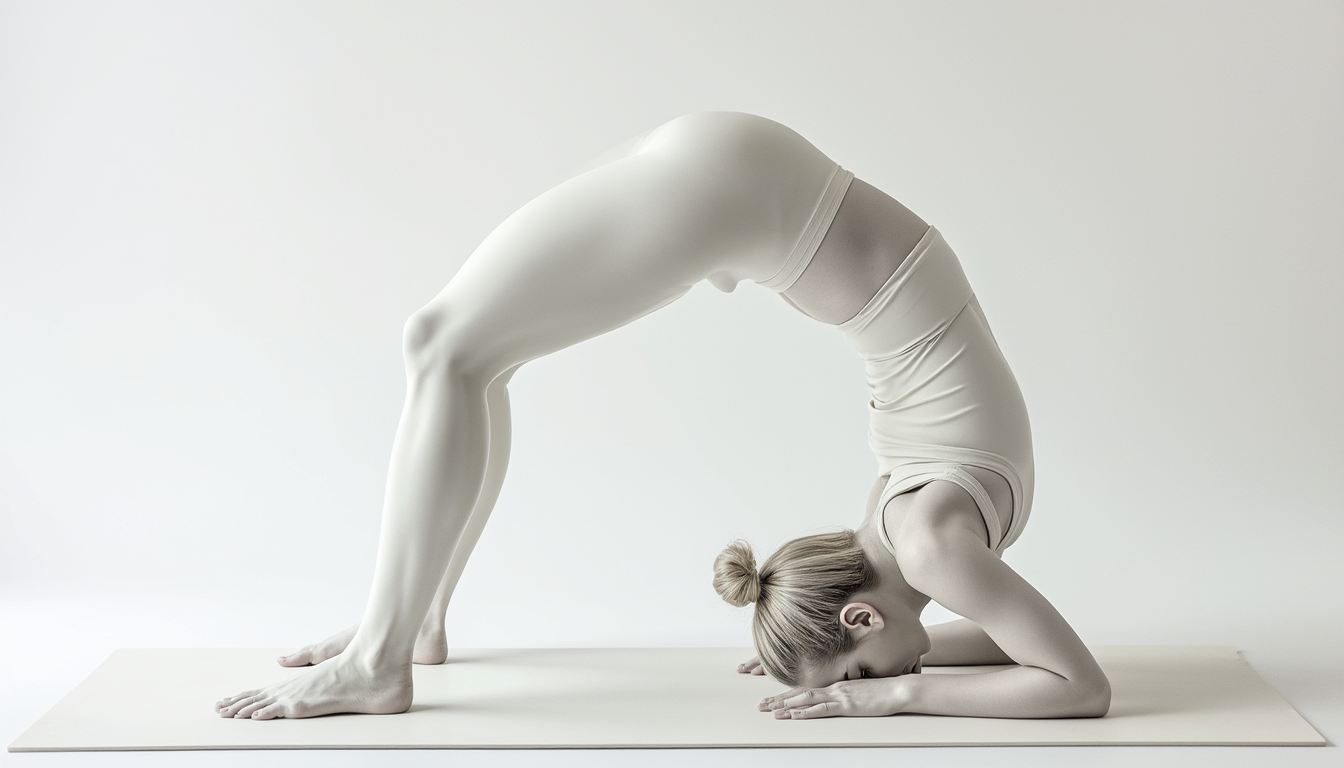
A beautiful woman is doing yoga
flux
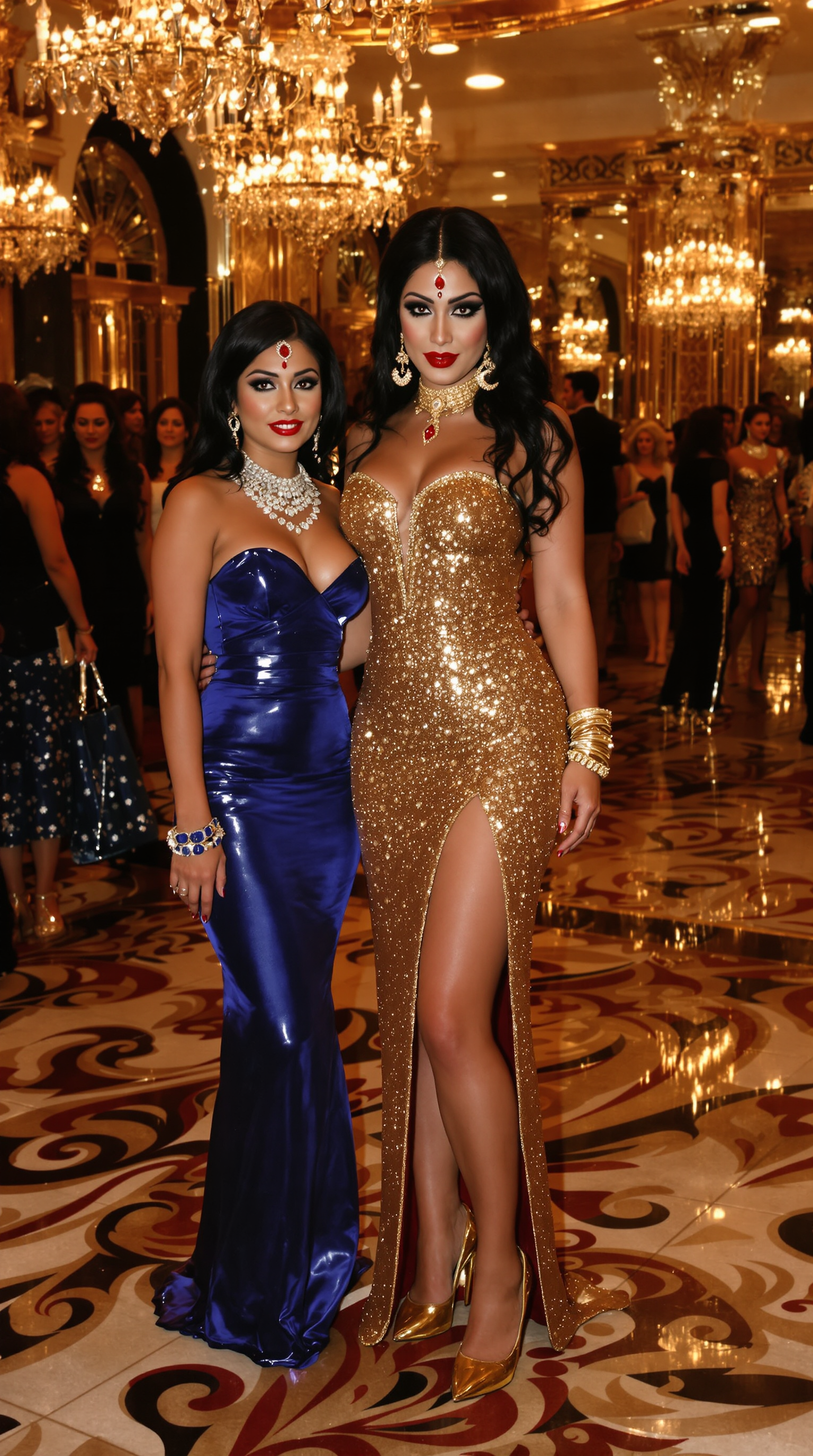
In an ornate
stable-diffusion
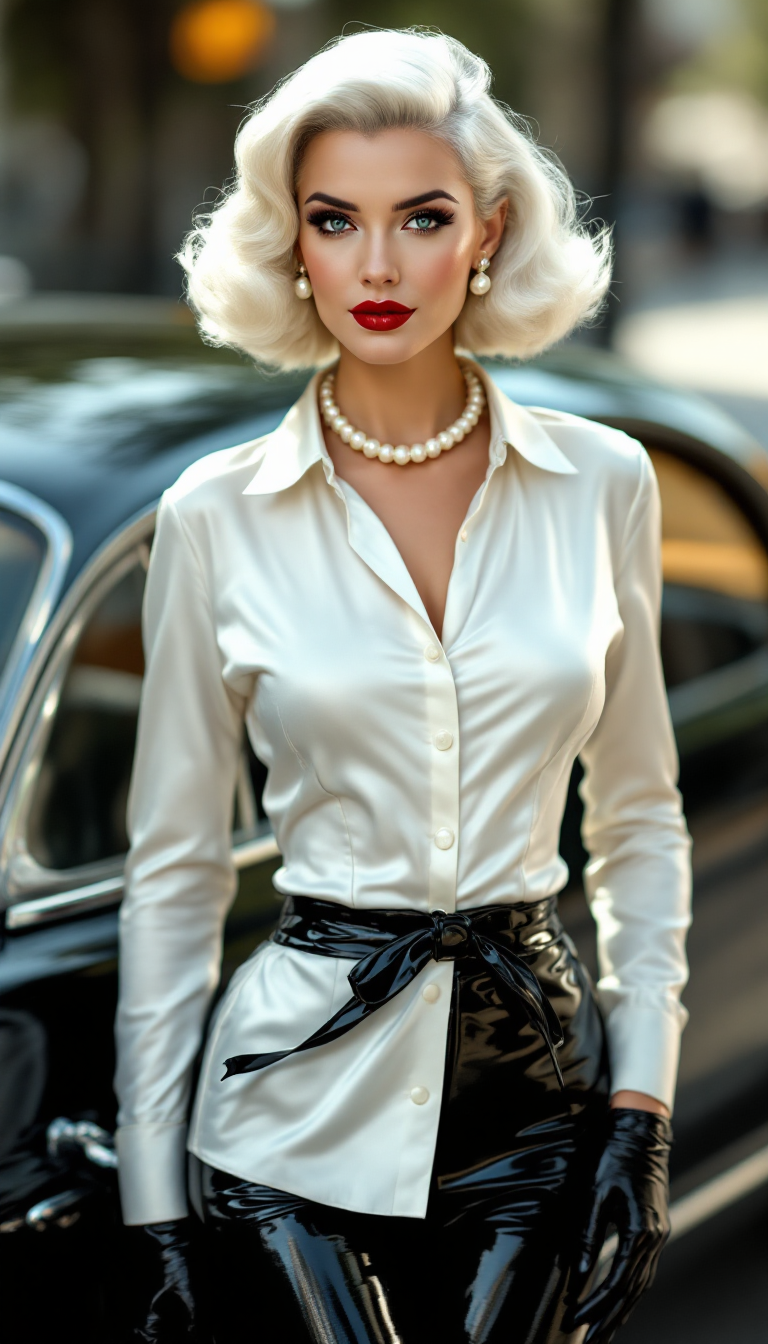
"SHOT COMPOSITION": "Medium shot captured with a Canon 5D camera using an 85mm portrait le…
stable-diffusion
Models you can run on PixelDojo for gpt image 2 edit
Switch models without switching tools. Each one runs in the same PixelDojo studio.
What you can do with gpt image 2 edit on PixelDojo
Natural Language Image Edits
We apply the change you describe to an existing image while preserving the rest of the scene, so you can fix details without starting over.
Prompt Based Image Generation
We turn your text prompts into new images you can then edit, helping you move from a rough idea to a usable still.
Step By Step Refinement
We accept follow-up instructions so you can adjust objects, lighting, and composition in small passes instead of one large rewrite.
Subject And Style Control
We help you keep people, products, and visual style recognizable across generations and edits so a set stays coherent.
Join 80,000+ creators generating millions of GPT Image 2 edits monthly. 4.9-star average from verified users. 'Easiest workflow to get the best output image' – PixelDojo community. Full commercial-use license on every download.
Why Choose Pixel Dojo for gpt image 2 edit
Professional-quality results with cutting-edge AI technology
Keep What Works, Change Only What Matters
You achieve seamless GPT Image 2 edits that preserve original composition, lighting, shadows, and subject identity while swapping backgrounds, removing distractions, or adding elements. The result looks like it was captured that way in camera—perfect for e-commerce, portraits, and branded content that converts.
Studio-Quality Results in Seconds, Not Hours
You produce 4K-ready images with unmatched multilingual text accuracy, precise object placement, and matched lighting. Launch ads, social posts, and product mockups instantly using GPT Image 2 plus PixelDojo upscalers like Clarity Pro and Portrait Upscaler.
Unlimited Creative Control Across 100+ Tools
You refine endlessly by combining GPT Image 2 with Inpainting, Change Camera Angle, Style Transfer, Magic Lighting, and Character tools. From one photo you generate converting variations that grow your brand without extra photoshoots.
How It Works
Anyone can create professional GPT Image 2 edits on PixelDojo. Follow these three simple steps to transform ordinary photos into high-converting assets using GPT Image 2 together with Image to Image, Inpainting, and more.
Step 1: Choose Your Tool and Upload
Log into PixelDojo and select GPT Image 2 from Generate Images, or go to Edit Images and pick Image to Image or Inpainting. Upload your source photo—product shot, portrait, interior, or social image. High-resolution inputs give GPT Image 2 the best foundation for precise, photorealistic results.
Step 2: Enter Your Precise Edit Prompt
Describe exactly what should change and what must stay the same. Example: 'Replace the background with a sunlit luxury kitchen, keep the product, lighting, shadows and branding unchanged, add the text "New Collection" in elegant gold lettering on the label.' Specific preservation language plus GPT Image 2's instruction following delivers natural, professional edits.
Step 3: Customize, Upscale and Download
Generate your GPT Image 2 edit in seconds. Iterate with additional prompts, apply Style Transfer or Magic Lighting, then enhance with P-Image Upscale, Magnific Upscaler or Reality Polisher. Download high-resolution PNG or JPEG with full commercial rights. Repeat to create a full set of converting variations.
The Pixel Dojo Advantage
Why PixelDojo outperforms other options for GPT Image 2 edit image generation
| Others | Pixel Dojo |
|---|---|
| Traditional photo editing software | You skip hours of masking, layers and learning curves. GPT Image 2 on PixelDojo plus Inpainting and Background Remover delivers precise, natural-looking edits in seconds with photorealism and perfect text that manual tools simply cannot match at this speed. |
| Generic AI tools | PixelDojo gives you dedicated GPT Image 2 Edit plus 100+ specialized tools like Style Transfer, Magic Lighting, Consistent Characters and multiple upscalers in one place, so you get consistent, high-converting results across every campaign instead of isolated one-off generations. |
| Manual photo editing or hiring specialists | You get studio-quality GPT Image 2 edits on demand 24/7 at a fraction of the cost, with fast revisions, commercial licenses included, and the ability to combine models for even better outcomes. Scale content without waiting or extra budget. |
Loved by creators on PixelDojo
Real feedback from people using PixelDojo, pulled from our in-product surveys.
The site is easy to navigate and use.
All the tools, readily available and easy to understand
You guys, the LORA training is the BEST in the space right now, great job with that!
Tons of variety. Ease of use. Tools for beginners and advance users.
easiest workflow to get best output image or video
awesome functionality, UX, constant flood of improvements, discord interactivity
Explore more AI tools on PixelDojo
Popular AI Models
AI Tools
Compare & Switch
- All AI Tool Alternatives
- Pollo AI Alternative
- PixelDojo vs Pollo AI
- Pollo AI Review
- MotionMuse AI Alternative
- MioCreate Alternative
- Dessi AI Alternative
- Runway Alternatives
- CapCut Alternatives
- Leonardo Alternatives
- OpenArt Alternatives
- Midjourney Alternatives
- Canva AI Alternatives
- Pika Alternatives
- InVideo Alternatives
- Higgsfield Alternatives
- Krea Alternatives
- Luma Alternatives
- Magic Hour Alternatives
- HeyGen Alternatives
- PixAI Alternatives
- Vidu Alternatives
- Seedream Alternatives
- Tensor.Art Alternatives
Common Questions
Everything you need to know about gpt image 2 edit
How do I edit product photos with GPT Image 2 on PixelDojo for e-commerce?
Upload your product image to GPT Image 2 or Image to Image. Use a prompt such as 'Place this product on a marble countertop in a bright luxury kitchen, match existing lighting and shadows exactly, keep all product details and branding unchanged, add subtle steam.' Then apply Background Remover and Reality Polisher. You get catalog-ready shots that increase conversions without a new photoshoot.
What GPT Image 2 edit techniques preserve facial identity in portraits?
Always include preservation language: 'Keep exact facial features, skin texture, hair, eye color and expression unchanged.' GPT Image 2 on PixelDojo excels at identity lock. Follow with Magic Lighting or Style Transfer for professional headshots. 1M+ creators create LinkedIn and brand portraits this way from casual phone photos.
Can I add or change text inside images using GPT Image 2 edit?
Yes. GPT Image 2 leads in accurate multilingual text rendering. Specify the exact wording, font style, color, placement and lighting, for example 'Add the text "Limited Edition" in elegant serif gold lettering perfectly aligned on the packaging.' Combine with Image Analyzer if you need to verify details. Perfect for labels, signs, posters and infographics.
How is GPT Image 2 edit better than generating a new image from scratch?
Editing with GPT Image 2 keeps your original composition, lighting, perspective and details while applying only targeted changes. You maintain brand consistency, save time, and produce more natural, believable results—especially valuable for product photography, character work and campaign assets that must match existing visuals.
Which PixelDojo tools work best with GPT Image 2 for advanced edits?
Start with GPT Image 2 Edit or Image to Image, then layer Inpainting for local fixes, Change Camera Angle, Style Transfer, Magic Lighting, Background Remover and Reality Polisher. Finish with P-Image Upscale, Magnific Upscaler or Portrait Upscaler. For people, add Consistent Characters or Face Swap. This combination delivers professional, converting outcomes fast.
Is there risk-free way to try GPT Image 2 edit on PixelDojo?
Yes. PixelDojo gives you access to GPT Image 2 and 100+ cutting-edge AI tools with flexible plans. Cancel anytime. 1M+ creators start today, experience precise photorealistic edits that convert, and keep going because the results speak for themselves. Sign up and generate your first GPT Image 2 edit in minutes.