flux edit AI Generator
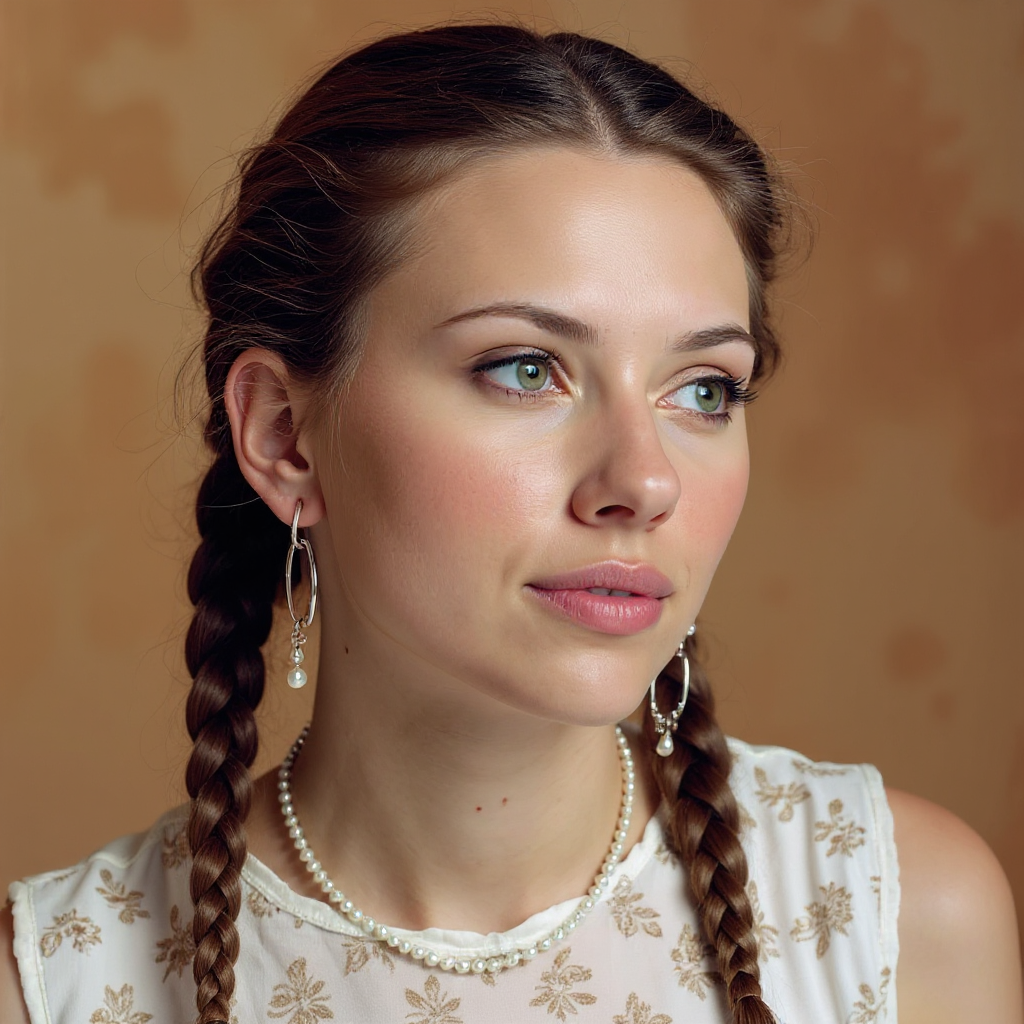
Generated on PixelDojo. Produced by PixelDojo's generation pipeline.
Imagine turning your everyday photos into campaign-ready masterpieces, product shots that sell, or artistic series that captivate audiences – all without design skills or expensive software. That's the power of Flux Edit on PixelDojo. You upload an image, describe the exact transformation you want, and receive photorealistic, identity-preserving results in seconds. Marketers create endless product variants with consistent branding. Artists explore new styles while keeping core elements intact. Content creators maintain character likeness across entire campaigns. Flux Edit, powered by Flux.2 Studio, Image to Image, Inpainting, Style Transfer, and more, delivers professional outcomes that drive engagement and conversions. No more wrestling with layers or waiting days for revisions. You achieve studio-quality edits that look like they came from a high-end agency, ready to boost your social feeds, websites, or ads. PixelDojo puts 100+ cutting-edge AI tools at your fingertips so you can iterate freely, cancel anytime, and start seeing results today.
Real image examples generated on PixelDojo
Every example below was produced on PixelDojo. Hover to see the prompt.
Quickly change someone's hair style and hair color
stable-diffusion
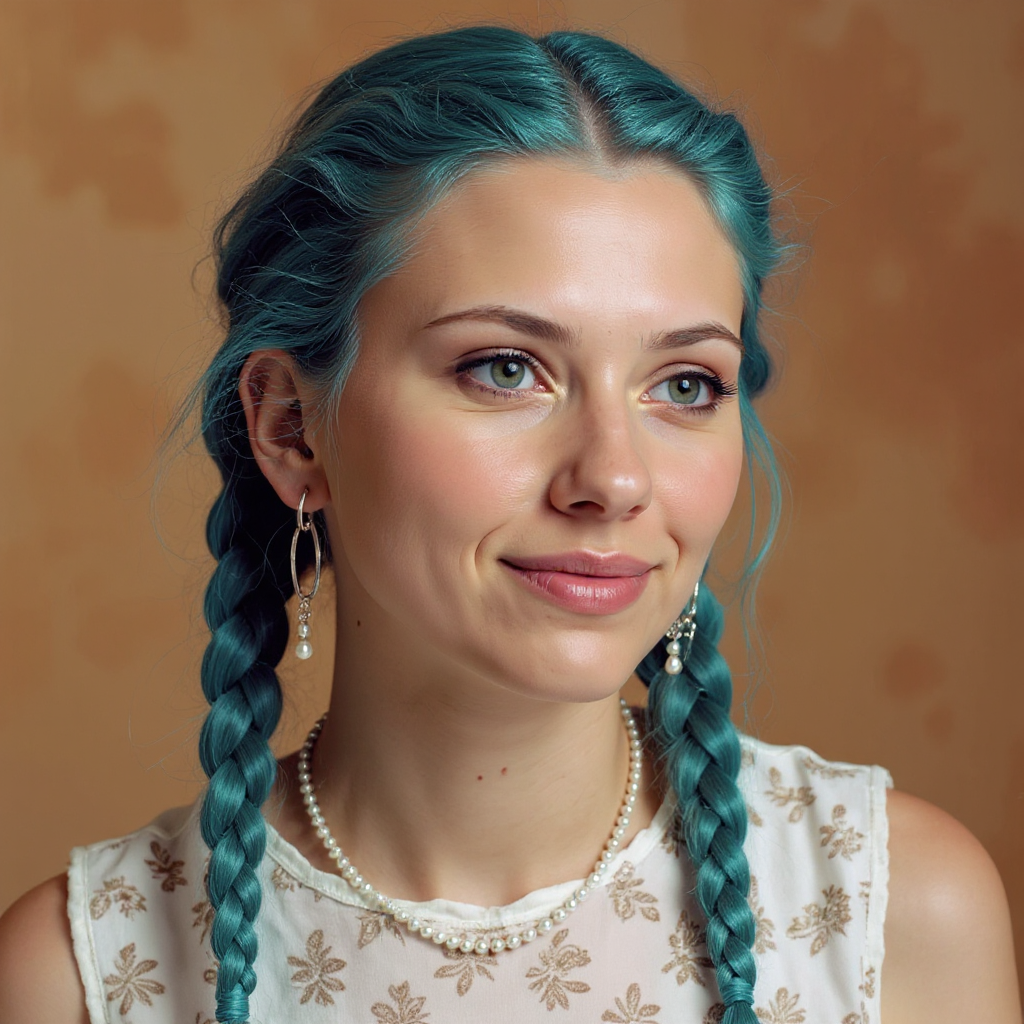
Quickly change someone's hair style and hair color
stable-diffusion
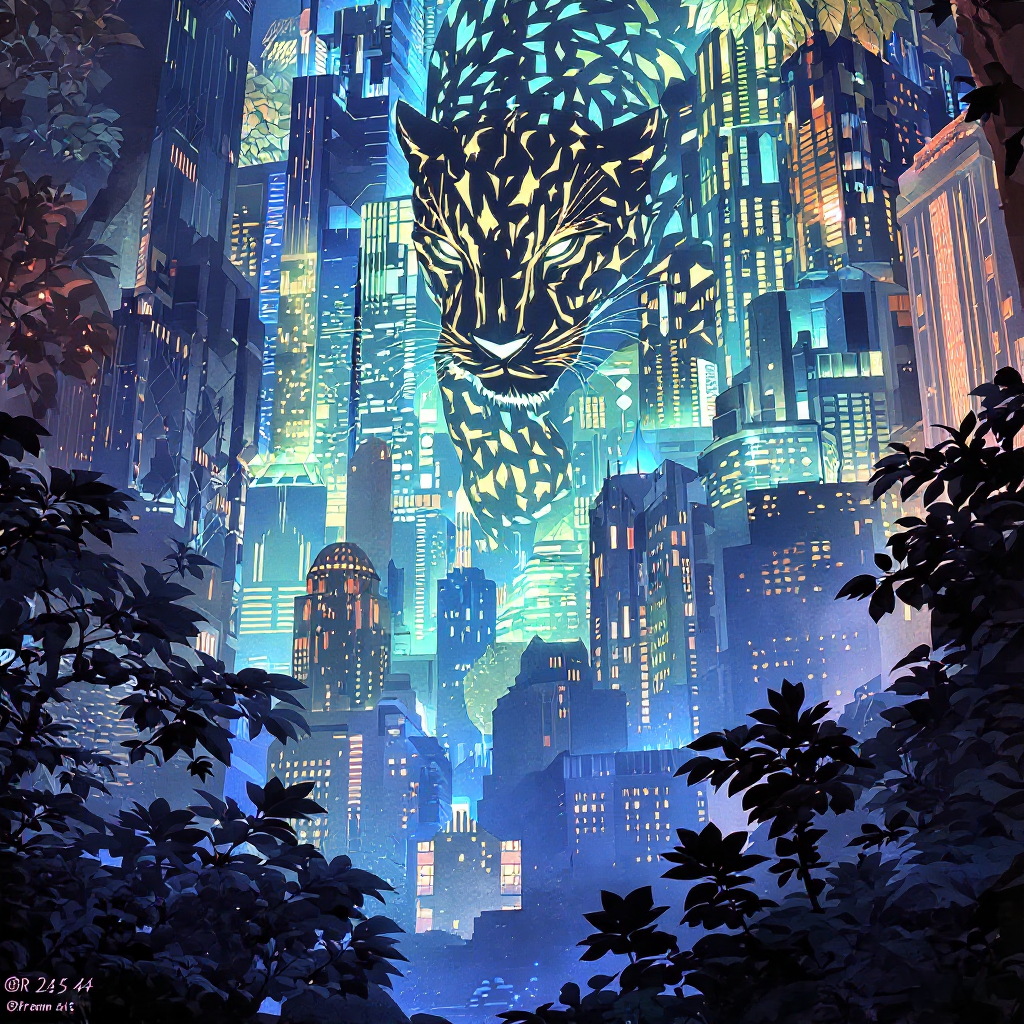
Delete text
flux-studio
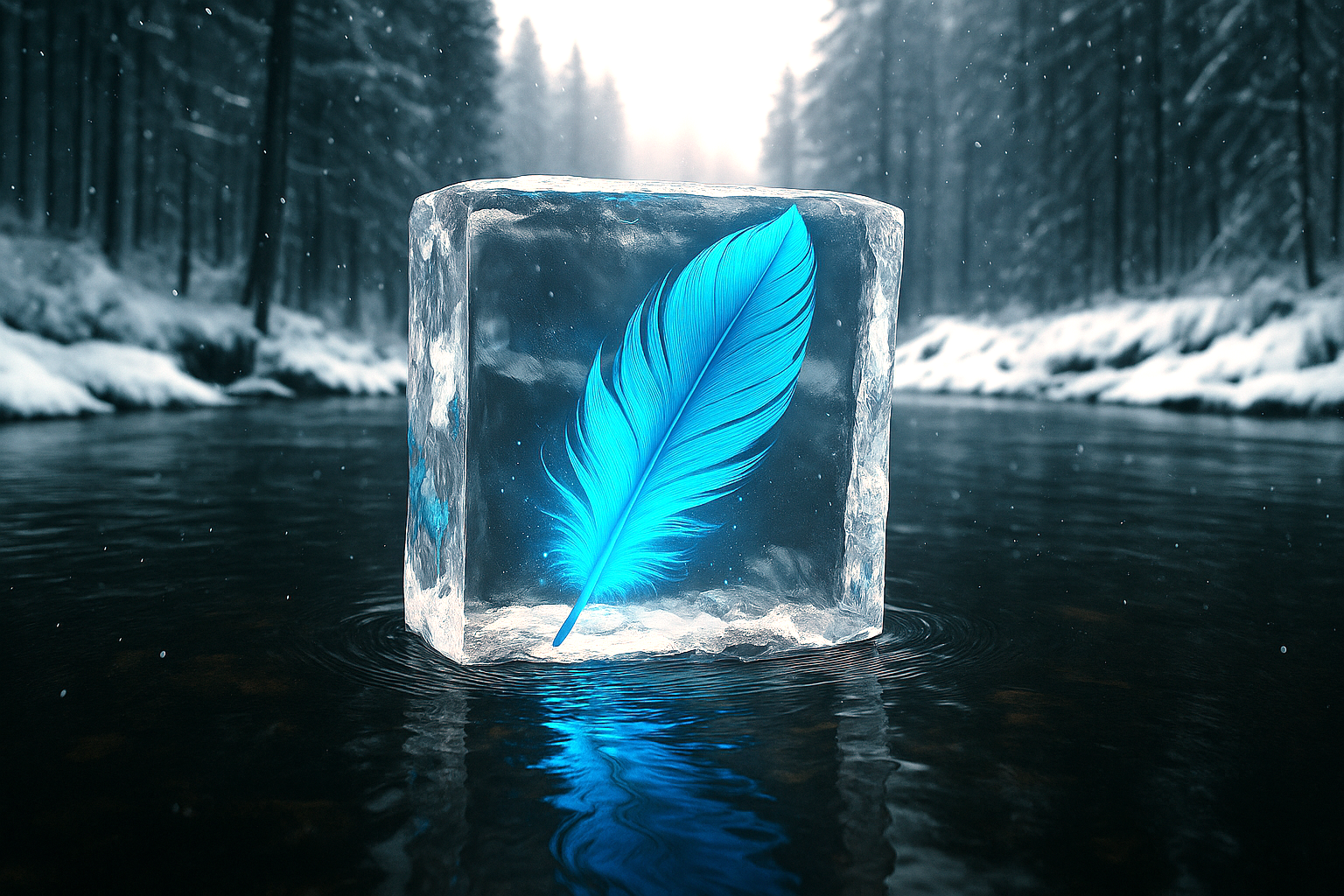
Make the feather blue edit
stable-diffusion
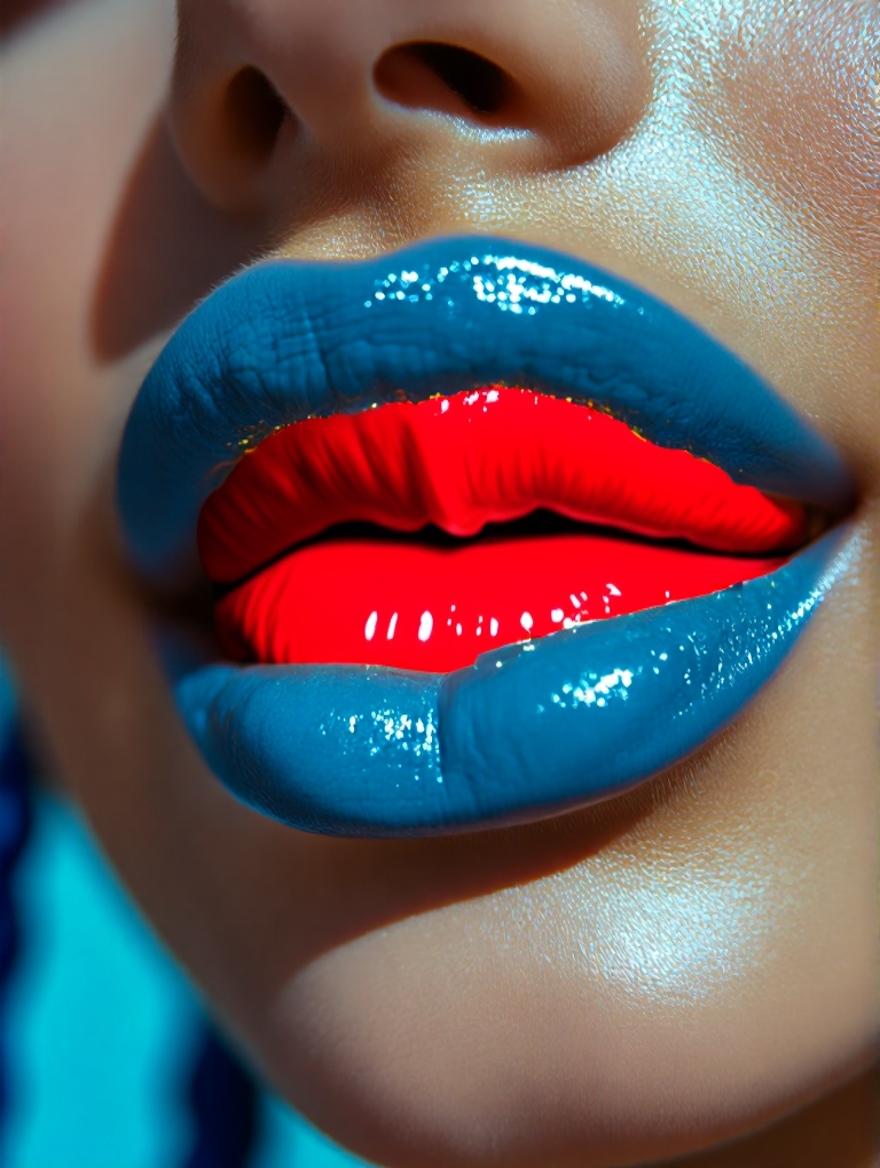
Change the lipstick to red edit
hidream
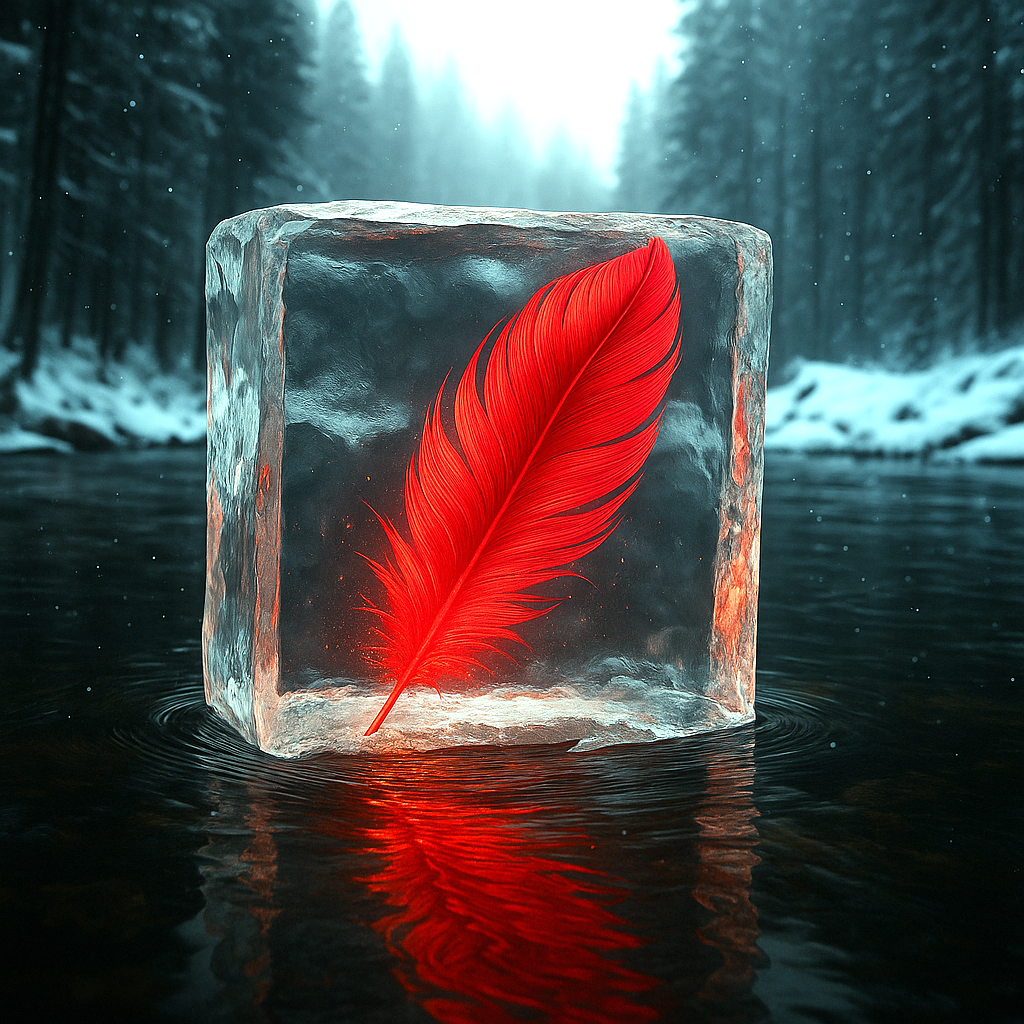
Make the feather red edit
stable-diffusion
Models you can run on PixelDojo for flux edit
Switch models without switching tools. Each one runs in the same PixelDojo studio.
What you can do with flux edit on PixelDojo
Flux-Powered Image Edits
We run Flux so you can generate new images or revise existing ones from a prompt and a source photo.
Keep What You Need
Tell us what to change and we update those areas while holding subject, lighting, and layout as close as the model allows.
Detail For Creative Work
You get sharp stills you can use for concepts, mockups, thumbnails, and social posts without leaving PixelDojo.
Fast Prompt Iteration
We let you tweak wording, re-run the same edit, and compare variants until the frame matches what you asked for.
Loved by 1M+ creators worldwide who generate professional Flux Edit images daily. PixelDojo's 100+ cutting-edge AI tools deliver consistent, high-quality results that convert visitors into customers. Join them – cancel anytime.
Why Choose Pixel Dojo for flux edit
Professional-quality results with cutting-edge AI technology
Keep Perfect Character and Object Consistency
You maintain exact facial features, clothing details, lighting, and composition through multiple edits. Create cohesive series for stories, ads, or branding without identity drift that plagues other methods.
Produce Campaign-Ready Visuals in Seconds
You generate high-resolution, photorealistic Flux Edit images instantly instead of spending hours in traditional software. Iterate rapidly on backgrounds, styles, or objects to meet tight deadlines and test more ideas.
Unlock Professional Results Without Any Expertise
You achieve gallery-worthy transformations like style transfers, object additions, text replacements, and camera angle changes using simple descriptions. PixelDojo's tools handle the complexity so your ideas become polished assets immediately.
How It Works
You create professional Flux Edit images in three straightforward steps using PixelDojo's dedicated tools. No technical knowledge required – just your vision and a few clicks to outstanding results.
Step 1: Choose Your Tool
Log into PixelDojo and select Flux.2 Studio for advanced multi-reference Flux Edit capabilities, or go to Image to Image and Inpainting for precise targeted changes. Upload your source photo – portraits, products, or scenes work perfectly. You can also combine with Background Remover or Style Transfer for even more control from the start.
Step 2: Enter Your Prompt
Describe exactly what to change and what to preserve for best Flux Edit results. Be specific: 'Change the background to a modern city skyline at dusk, keep the person's pose, clothing, facial features, and lighting unchanged, photorealistic quality.' You can add multiple reference images in Flux.2 Studio for combining elements like clothing or products. PixelDojo's tools understand context so your edits stay natural.
Step 3: Customize & Download
Generate your Flux Edit image, then refine with Magic Lighting, Change Camera Angle, Reality Polisher, or Image Outpainting. Upscale using P-Image Upscale or Magnific Upscaler for print-ready quality. Download in high resolution and use immediately in your projects. Train custom models with Flux Trainer if you need recurring branded looks.
The Pixel Dojo Advantage
Why PixelDojo outperforms other options for flux edit image generation
| Others | Pixel Dojo |
|---|---|
| Traditional photo editing software | You skip hours of manual masking, layering, and color matching. PixelDojo's Flux.2 Studio and Inpainting deliver seamless, context-aware Flux Edit results in seconds with professional photorealism you can use right away. |
| Generic AI image tools | You get superior character consistency, multi-reference support, and integrated editing suite including Style Transfer, Magic Lighting, and Reality Polisher. Flux Edit on PixelDojo preserves details better and offers 100+ specialized tools in one place. |
| Manual photo retouching services | You eliminate wait times, high costs, and revision loops. Generate Flux Edit variations instantly, iterate quickly, and maintain complete creative control while producing agency-level quality at a fraction of the time and expense. |
Loved by creators on PixelDojo
Real feedback from people using PixelDojo, pulled from our in-product surveys.
the number of options, and especially the quick response to questions on Discord
Love you guys!!
Trained my Lora super fast. Still working out how to creat content wit it, but I love it so far.
I love this app
It has all the tools I can think of...
deployment rate of splendid features is incredible. Legend
Explore more AI tools on PixelDojo
Popular AI Models
AI Tools
Compare & Switch
- All AI Tool Alternatives
- Pollo AI Alternative
- PixelDojo vs Pollo AI
- Pollo AI Review
- MotionMuse AI Alternative
- MioCreate Alternative
- Dessi AI Alternative
- Runway Alternatives
- CapCut Alternatives
- Leonardo Alternatives
- OpenArt Alternatives
- Midjourney Alternatives
- Canva AI Alternatives
- Pika Alternatives
- InVideo Alternatives
- Higgsfield Alternatives
- Krea Alternatives
- Luma Alternatives
- Magic Hour Alternatives
- HeyGen Alternatives
- PixAI Alternatives
- Vidu Alternatives
- Seedream Alternatives
- Tensor.Art Alternatives
Common Questions
Everything you need to know about flux edit
What is flux edit image generation and how does PixelDojo make it easy?
Flux Edit uses advanced Flux.2 and Kontext models to transform existing images based on simple text instructions while preserving important elements. On PixelDojo you access this through Flux.2 Studio, Image to Image, and Inpainting. Upload any photo, describe changes like background swaps or style transfers, and receive photorealistic results that keep identity and composition intact. 1M+ creators use it daily for marketing, art, and content because it requires no expertise and delivers professional outcomes immediately. Start with one credit per edit and explore 100+ tools – cancel anytime.
How do I change backgrounds with flux edit on PixelDojo for product photography?
You use Background Remover first if needed, then Flux.2 Studio or Image to Image. Prompt specifically: 'Place the product on a luxury marble surface with soft studio lighting, keep the product exactly as is including reflections and labels.' PixelDojo's tools maintain perfect object consistency and photorealism so your product shots look professionally photographed in any setting. Combine with Magic Lighting or Reality Polisher for extra polish. This approach lets you create dozens of variants in minutes for e-commerce and ads, far faster than traditional methods.
Can I maintain character consistency across multiple flux edit images using PixelDojo tools?
Yes, Flux.2 Studio excels at this with multi-reference support and identity-preserving technology. Upload your character image plus additional references, then prompt 'Keep the exact facial features, hairstyle, and clothing while changing the scene to a beach at sunset.' You can iterate across a series without drift. Pair with Consistent Characters or Face Swap tools for even stronger results. Creators build entire visual stories and brand campaigns this way. PixelDojo makes it simple so you focus on creativity rather than technical fixes.
What are the best flux.2 studio image editing techniques for style transfer and object changes?
Be explicit about changes and preservation in your prompts. For style transfer: 'Transform this photo into an oil painting with visible brushstrokes, keep the original composition and subject details unchanged.' For objects: 'Replace the coffee cup with a branded water bottle, maintain lighting, shadows, and table surface.' Use Inpainting for precise areas and Image Outpainting to expand scenes. PixelDojo's Flux.2 Studio handles complex instructions with high fidelity. Follow with Upscale tools for final quality. These techniques produce stunning, usable images that convert because they look authentic and professional.
Is flux edit better than traditional methods for marketers creating social media and ad visuals?
Absolutely. You generate on-brand, high-converting visuals in seconds instead of days. Flux Edit on PixelDojo lets you test multiple concepts, maintain consistency across campaigns, and produce photorealistic results that outperform stock or generic AI. Tools like Change Camera Angle, Style Transfer, and Marketing Studio integrate seamlessly. Marketers report faster turnaround, lower costs, and better engagement. With 100+ tools and the ability to cancel anytime, you scale your visual content without hiring extra designers or waiting on revisions.
How do I get started with flux edit AI image generation on PixelDojo for free or low cost?
Sign up and try Flux.2 Studio or Image to Image immediately. Each Flux Edit costs just one credit with professional quality output. Upload your first image, enter a simple prompt, and download your result. Explore Inpainting, Style Transfer, and enhancement tools like Reality Polisher at no extra complexity. PixelDojo offers 100+ cutting-edge AI tools loved by 1M+ creators worldwide. You can cancel anytime, making it risk-free to discover how Flux Edit transforms your workflow and results. Start creating today and see the difference professional AI editing makes.