grok imagine edit AI Generator
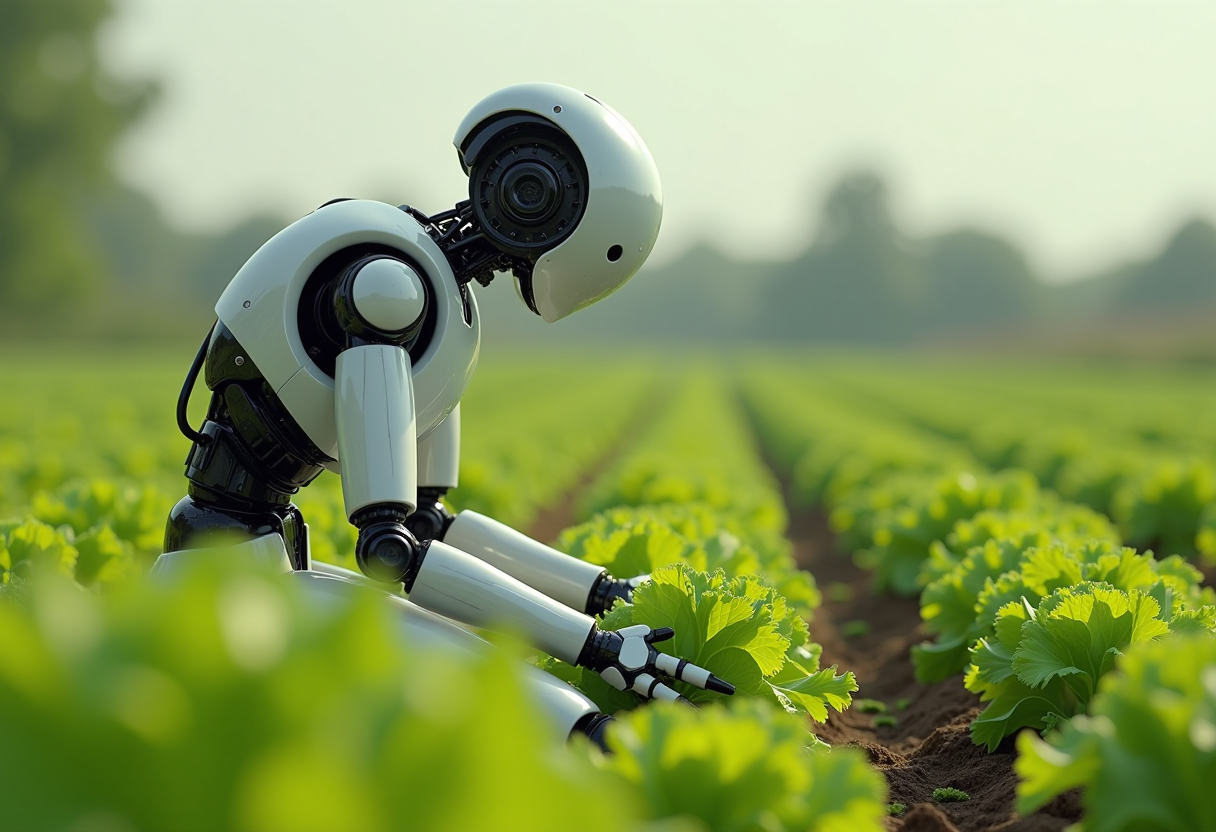
Generated on PixelDojo. Produced by PixelDojo's generation pipeline.
You already have the photo. Now you need it to work harder—new background, different lighting, extra versions for every social size, or a complete restyle that still looks like the same person and product. Grok Imagine edit on PixelDojo lets you do exactly that. Upload once, describe what stays and what changes in plain language, and receive production-ready images that keep identity, pose, textures and composition intact. Marketers launch full campaigns from a single shot. E-commerce teams produce consistent product grids without reshoots. Creators restyle portraits into editorial, cinematic or illustrated looks without losing the original spark. PixelDojo brings Grok Image together with Image to Image, Inpainting, Style Transfer, Background Remover, Magic Lighting, Reality Polisher and Image Outpainting so every edit stays under your control. You skip the hours of masking and layering. You get assets that convert.
Real image examples generated on PixelDojo
Every example below was produced on PixelDojo. Hover to see the prompt.
Create an image of a many streampunk android robot on their knees picking lettuce
flux
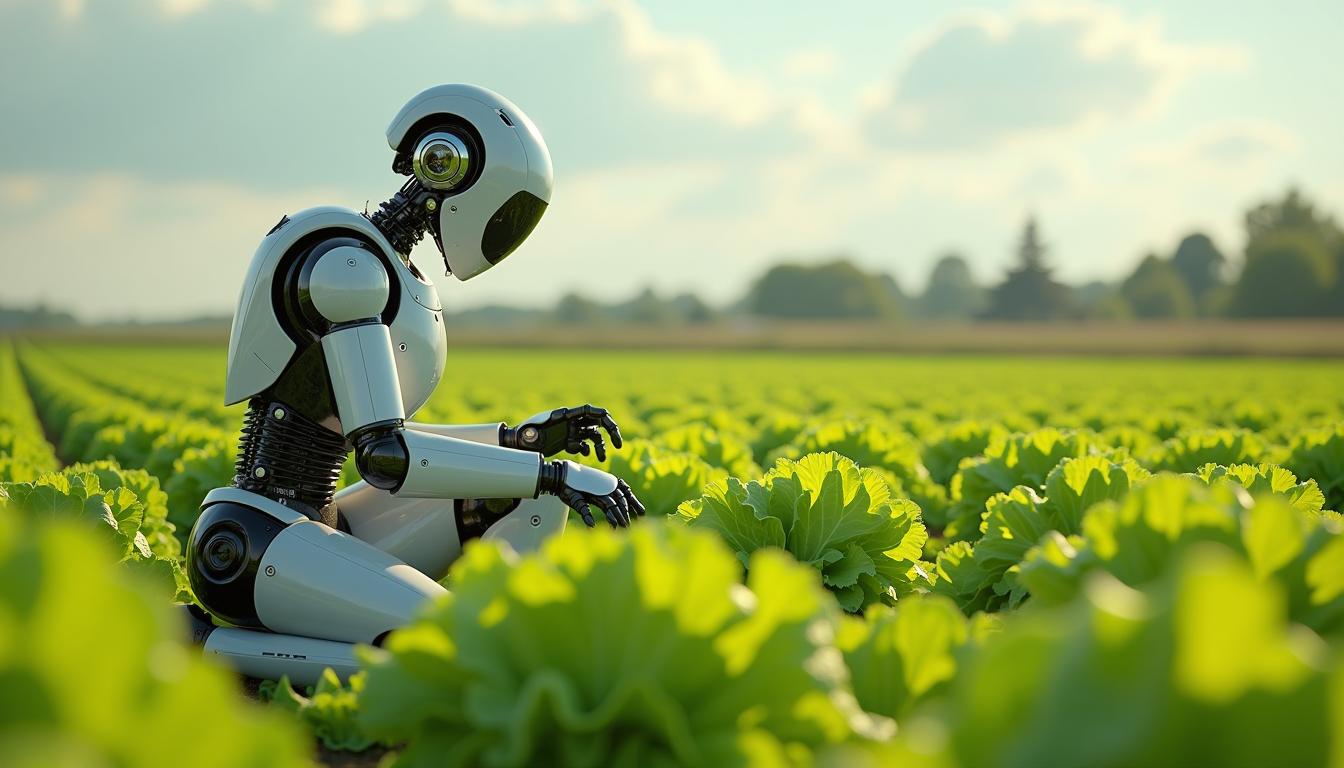
Create an image of a many lots 10 streampunk android robot on their knees picking lettuce
flux
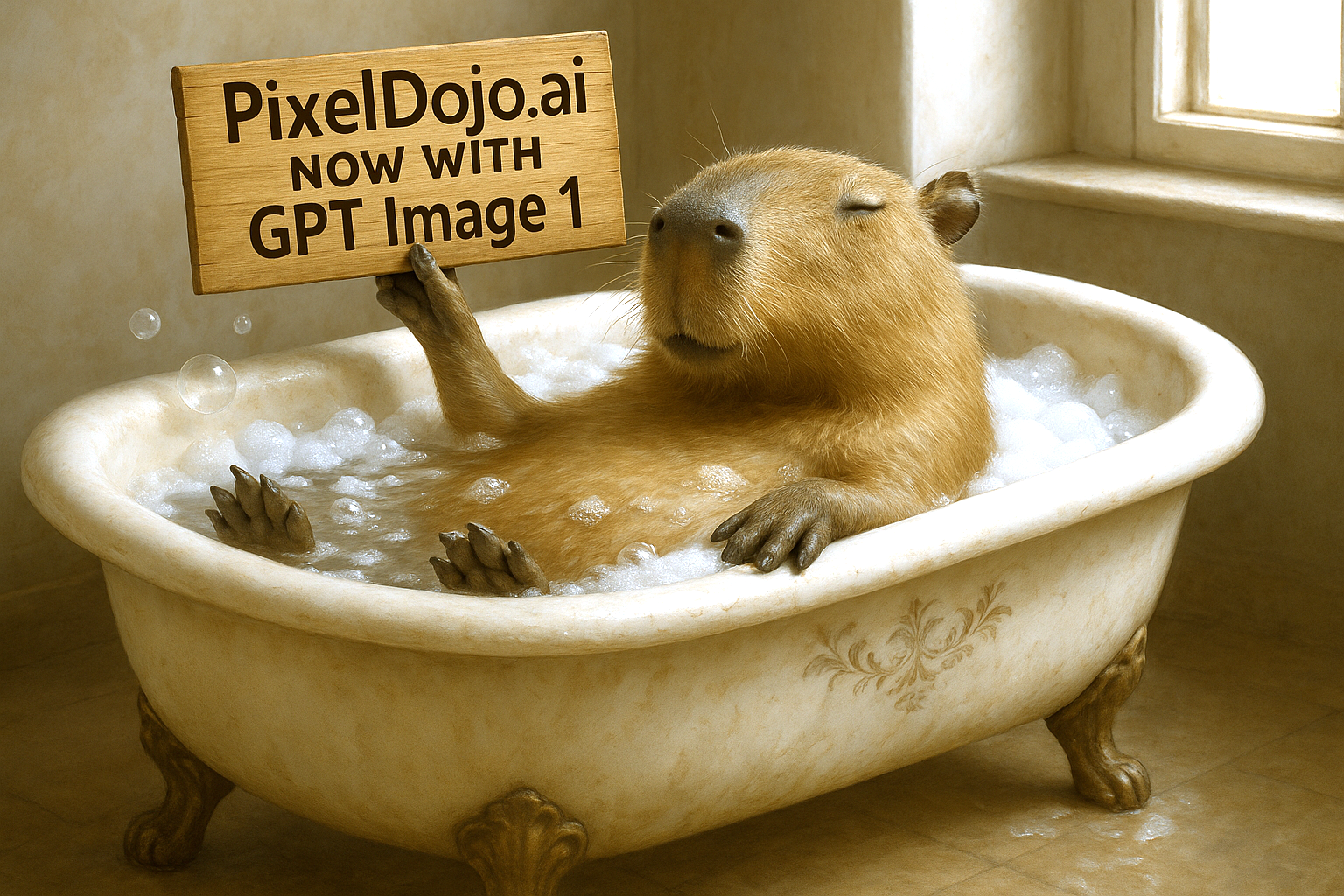
Make it photo realistic edit
stable-diffusion
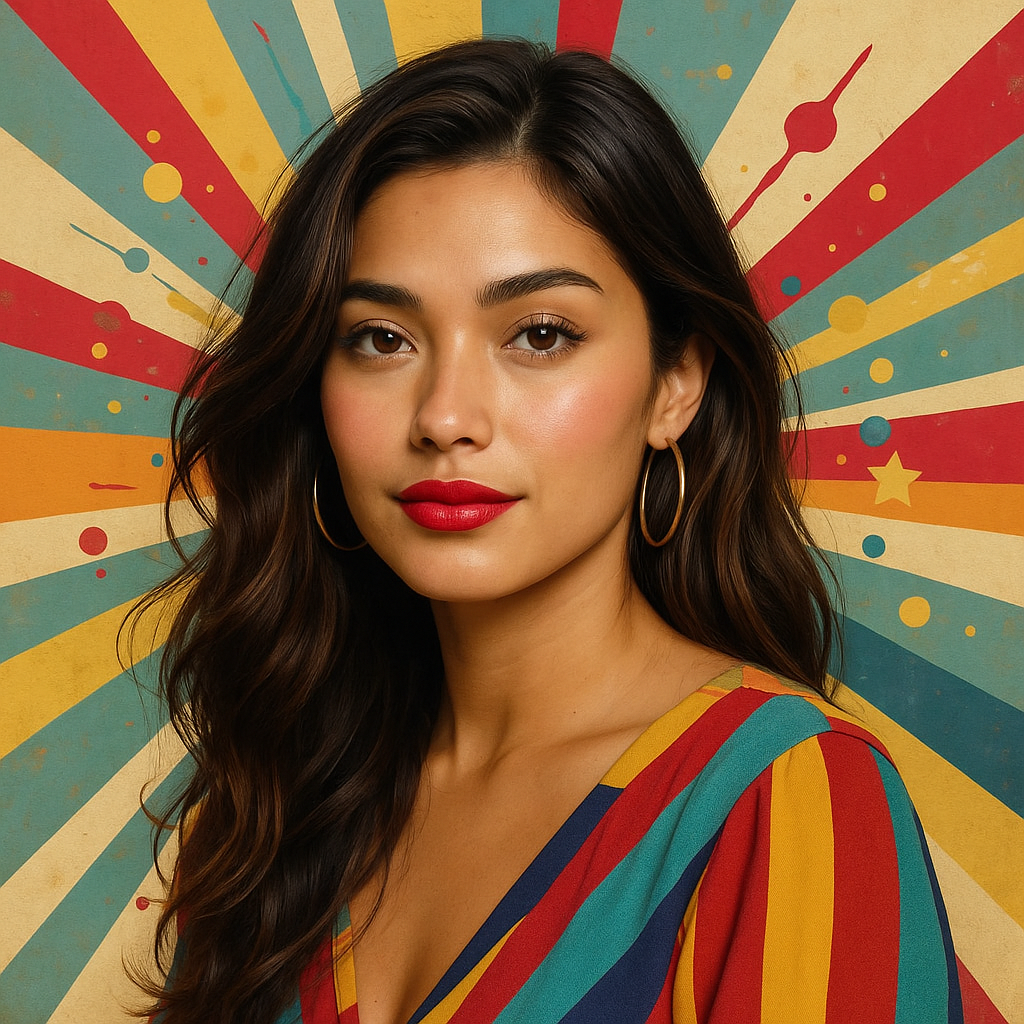
Make this photo realistic edit
stable-diffusion
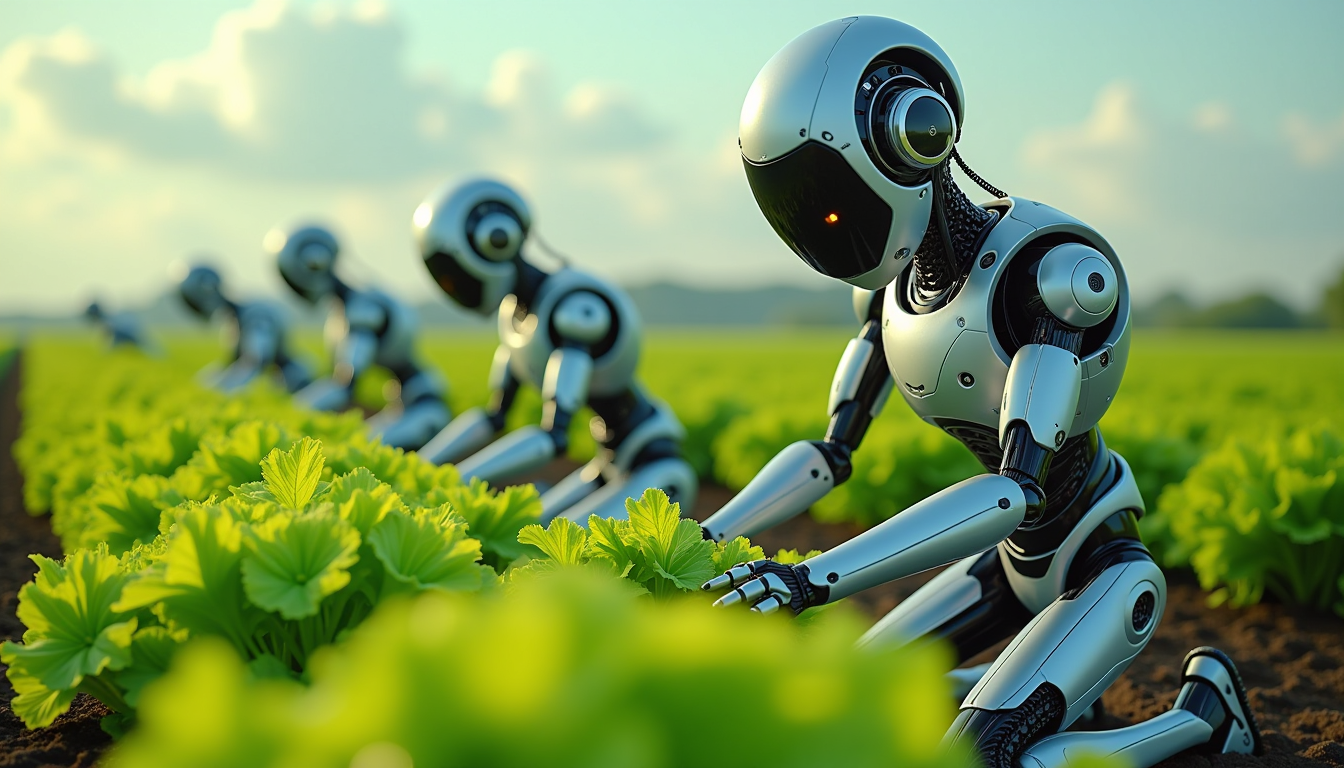
Create an image of a many lots 10 streampunk androids robots on their knees picking lettuc…
flux
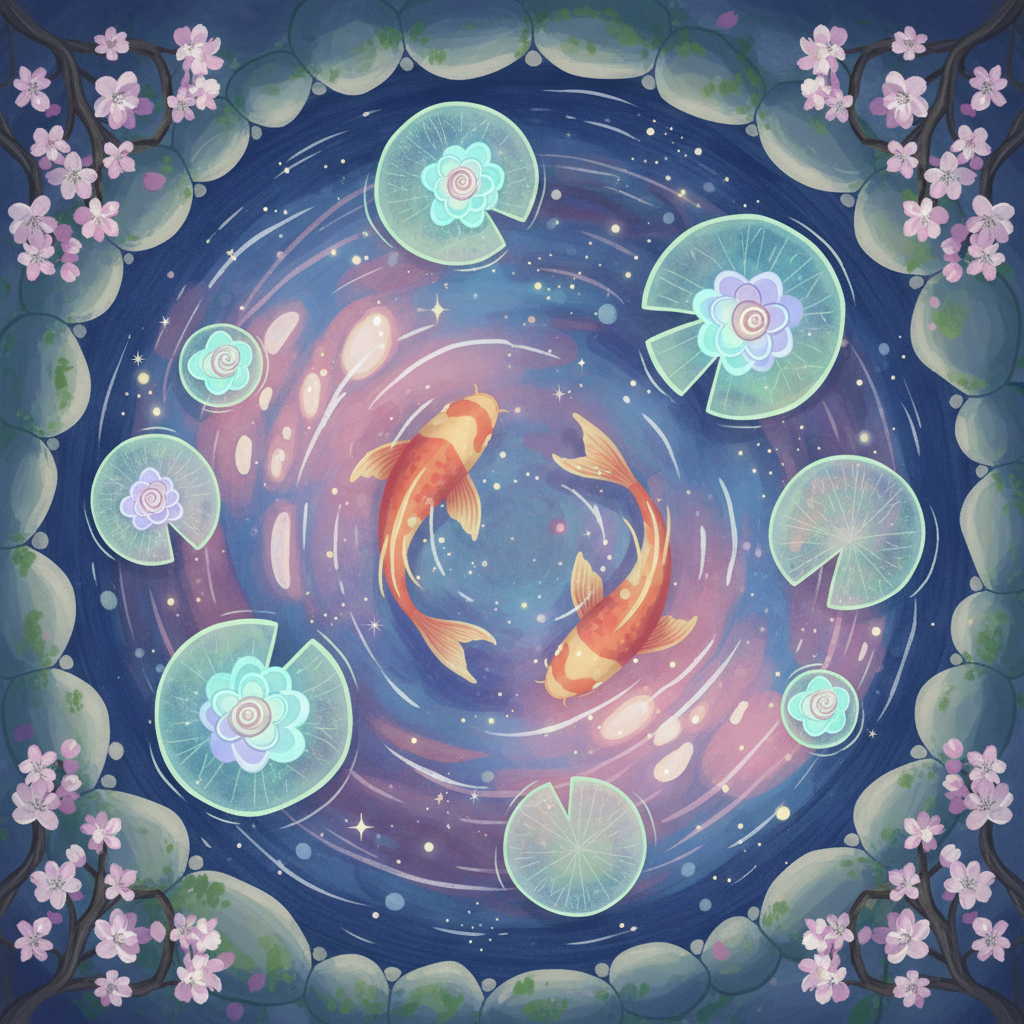
Gg-illustration
image-to-image
Models you can run on PixelDojo for grok imagine edit
Switch models without switching tools. Each one runs in the same PixelDojo studio.
What you can do with grok imagine edit on PixelDojo
Grok Imagine generation
We give you Grok Imagine on PixelDojo so you can turn text prompts into still images for concepts, ads, and social posts. You pick aspect ratio and iterate until the frame matches the brief.
Prompt-based image edits
We let you start from an existing image and describe the change you want, from lighting and wardrobe to background swaps. Edits stay on the same canvas so you can refine without rebuilding the scene from scratch.
Guided creative iteration
We keep prompt history and variations in one workspace so you can compare takes and lock the look you prefer. You reuse winning prompts across a series without leaving the editor.
Creator-ready exports
We output standard image files you can drop into design tools, storyboards, and publishing flows. You control size and format so assets fit the channel you are shipping to.
Loved by 1M+ creators worldwide. 100+ cutting-edge AI tools in one place. Cancel anytime. High-converting visuals delivered every day.
Why Choose Pixel Dojo for grok imagine edit
Professional-quality results with cutting-edge AI technology
Keep Identity Perfect While You Change Everything Else
Your model's face, the product's exact color, the original lighting direction and every fine texture stay locked in. You simply tell PixelDojo what to replace—background, clothing, sky, mood—and Grok Imagine edit plus Inpainting and Style Transfer deliver the new version without drift. The result looks professionally retouched, not regenerated.
Turn One Photo Into a Full Campaign Set
Generate Instagram, Stories, YouTube thumbnails, print ads and banners from the same source. Smart resize-style workflows combined with Change Camera Angle and Image Outpainting recompose the scene instead of cropping it. Multi-reference compositing with Grok Image lets you pull a face from one shot, a product from another and a location from a third. You walk away with a complete, on-brand asset library in minutes.
Professional Results Without Software Skills
No layers, no brushes, no learning curve. Natural-language prompts plus PixelDojo's Background Remover, Magic Lighting and Reality Polisher give you studio-quality lighting, clean cut-outs and polished realism. Iterate until it is perfect, then upscale. Anyone on your team can produce work that used to require a retoucher.
How It Works
PixelDojo makes Grok Imagine edit simple. Start with Grok Image or upload directly into Image to Image and Inpainting. Describe the keep-and-change instructions, refine with Style Transfer or Magic Lighting, then download campaign-ready files.
Step 1: Choose Your Tool and Upload
Open Grok Image for a fresh start or jump straight into Image to Image and Inpainting if you already have a photo. Drop in one image or several references. PixelDojo's interface lets you combine Grok Imagine capabilities with Background Remover and Change Camera Angle so you begin with the exact composition you need.
Step 2: Enter Your Keep-and-Change Prompt
Write exactly what must stay and what must change: “Keep the woman's face, pose, clothing and product packaging. Replace the studio background with a golden-hour beach, add cinematic rim lighting, maintain original shadows.” Use Style Transfer for artistic looks or Magic Lighting for mood. Grok Imagine edit follows the boundaries you set so nothing important drifts.
Step 3: Refine, Resize and Download
Apply Reality Polisher for extra realism, Image Outpainting to extend the canvas, or Background Remover for transparent cut-outs. Generate variants at every aspect ratio you need. Upscale with P-Image Upscale or Portrait Upscaler, then download high-resolution files ready for ads, social and print. Iterate as many times as you want—cancel anytime.
The Pixel Dojo Advantage
Why PixelDojo outperforms other options for grok imagine edit image generation
| Others | Pixel Dojo |
|---|---|
| Traditional photo creation and retouching | You finish in minutes instead of hours. Natural-language Grok Imagine edit plus Inpainting and Style Transfer replace complex masking, lighting setups and manual compositing while preserving every important detail. |
| Generic AI tools | PixelDojo's dedicated Grok Image, Image to Image and Reality Polisher stack keeps faces, products and layouts consistent across edits. You get precise region control and multi-reference compositing instead of full-frame regeneration that loses identity. |
| Manual photo editing | Anyone on your team can produce studio-quality results. Background Remover, Magic Lighting and Change Camera Angle remove the need for advanced software skills, yet you still control every pixel that matters. |
Loved by creators on PixelDojo
Real feedback from people using PixelDojo, pulled from our in-product surveys.
Very fair and very broad in tools.
Accurate results
Great site and so much fun to use!
everyone has gotten so expensive and limits what can be done, you all are simply the best available option by miles
Easy to use and good quality and fun
very useful set of tools for image creation, upscaling and enhancement
Explore more AI tools on PixelDojo
Popular AI Models
AI Tools
Compare & Switch
- All AI Tool Alternatives
- Pollo AI Alternative
- PixelDojo vs Pollo AI
- Pollo AI Review
- MotionMuse AI Alternative
- MioCreate Alternative
- Dessi AI Alternative
- Runway Alternatives
- CapCut Alternatives
- Leonardo Alternatives
- OpenArt Alternatives
- Midjourney Alternatives
- Canva AI Alternatives
- Pika Alternatives
- InVideo Alternatives
- Higgsfield Alternatives
- Krea Alternatives
- Luma Alternatives
- Magic Hour Alternatives
- HeyGen Alternatives
- PixAI Alternatives
- Vidu Alternatives
- Seedream Alternatives
- Tensor.Art Alternatives
Common Questions
Everything you need to know about grok imagine edit
How do I do grok imagine edit on PixelDojo without losing the original face or product details?
Upload your photo to Image to Image or Inpainting, then write a keep-and-change prompt: name exactly what must stay (face, pose, packaging, lighting direction) and what must change (background, style, time of day). Grok Imagine edit combined with Reality Polisher and Style Transfer follows those boundaries so identity and product accuracy remain intact. Iterate until the result is perfect.
Can I combine multiple photos in one grok imagine edit session?
Yes. PixelDojo supports multi-reference workflows with Grok Image and Image to Image. Feed a portrait, a product shot and a location photo together, then describe how they should merge. The model composites them into one coherent scene while you keep control over lighting and composition. Perfect for e-commerce and campaign work.
What is the fastest way to create different sizes from one grok imagine edit?
After your main edit, use Image Outpainting and Change Camera Angle to recompose the scene for Stories, feed, YouTube, print or banners. PixelDojo fills the new frame intelligently instead of stretching or cropping. You generate a complete set of on-brand assets from a single source image in one sitting.
Does grok imagine edit work for product photography and e-commerce?
Absolutely. Keep the product, its color, texture and label perfectly while you swap backgrounds, add consistent lighting with Magic Lighting, or restyle the entire set with Style Transfer. Background Remover gives you clean cut-outs. The result is a professional, matching grid that converts better than mixed studio shots.
How do I restyle a photo into illustration, cinematic or brand look with grok imagine edit?
Upload to Style Transfer or Image to Image and describe the target aesthetic while locking the original subject: “Keep the person and clothing, apply cinematic teal-and-orange grade with dramatic rim light” or “Turn into watercolor illustration, preserve facial features.” Grok Imagine edit plus Reality Polisher delivers the new look without destroying the source identity.
Is there a free way to try grok imagine edit and all the other PixelDojo tools?
Yes. PixelDojo gives you access to Grok Image, Image to Image, Inpainting, Style Transfer, Background Remover, Magic Lighting, Reality Polisher and 100+ other cutting-edge tools. Loved by 1M+ creators worldwide. Cancel anytime. Generate your first edited image today and see the difference.