ai generate pictures AI Generator
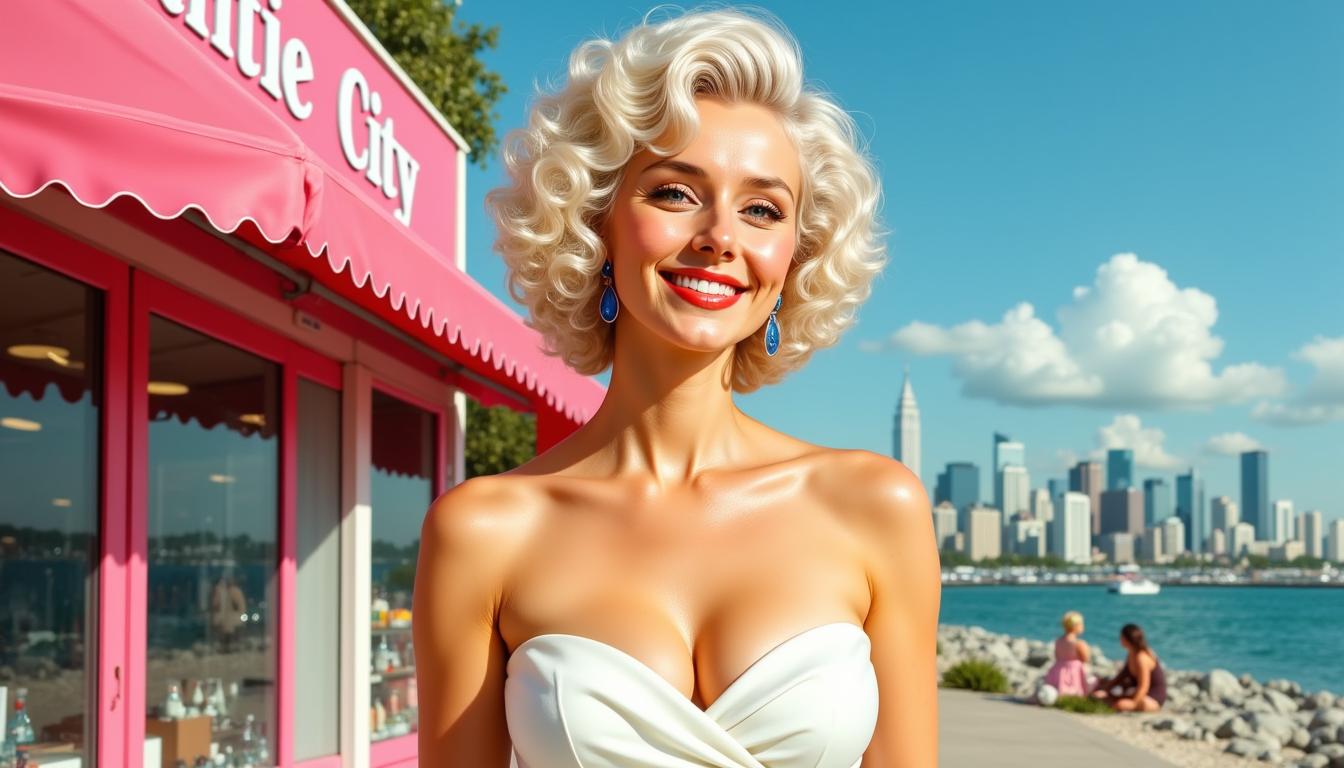
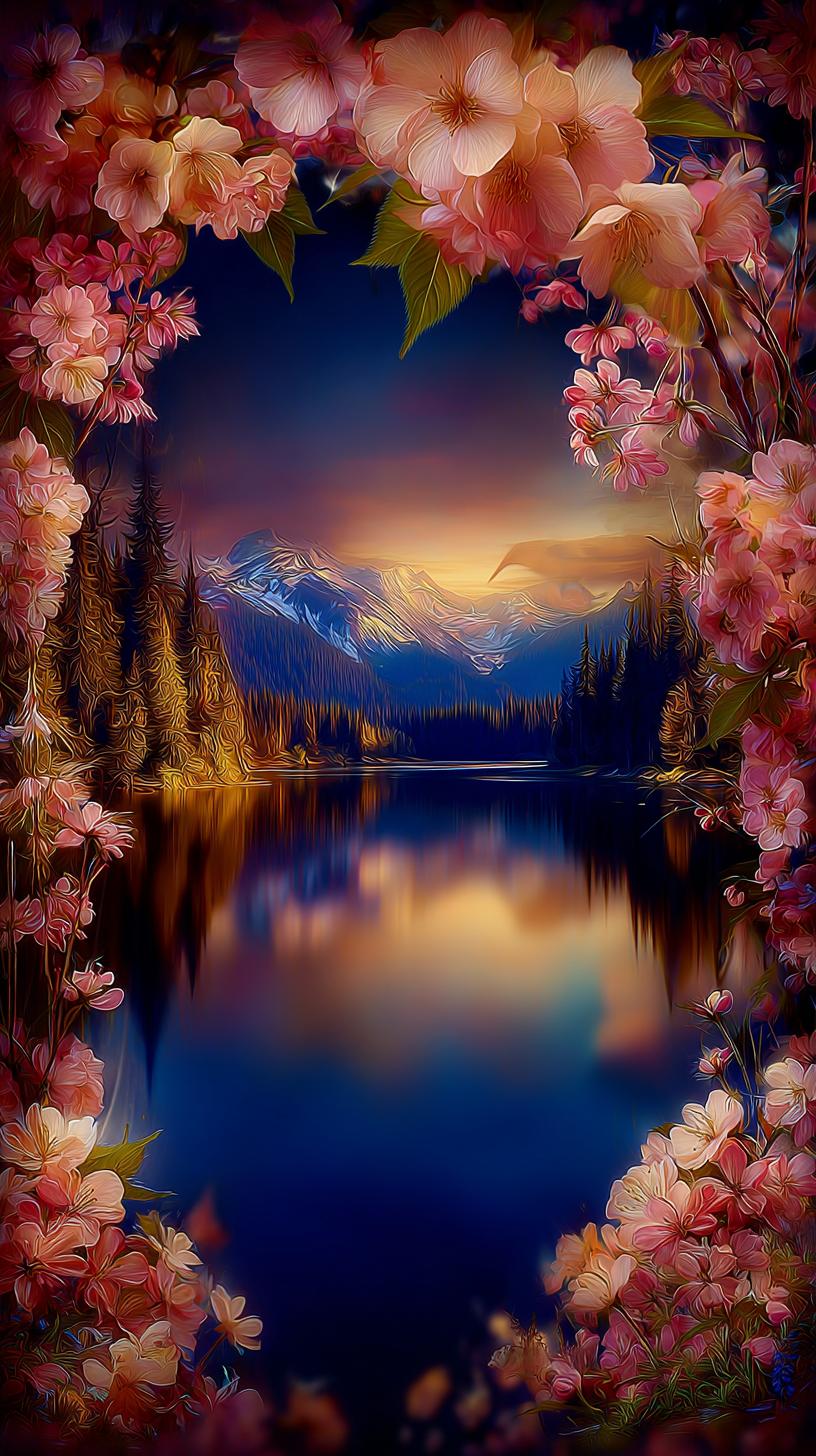
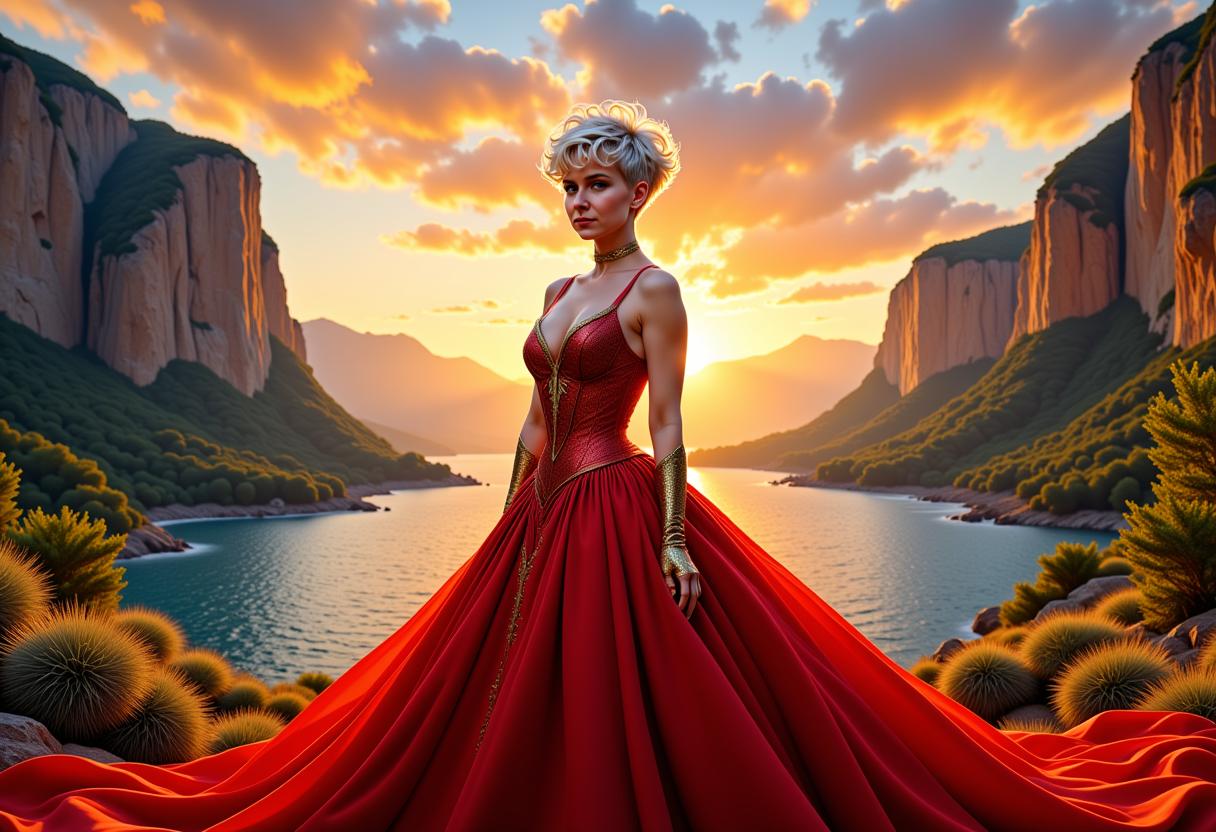
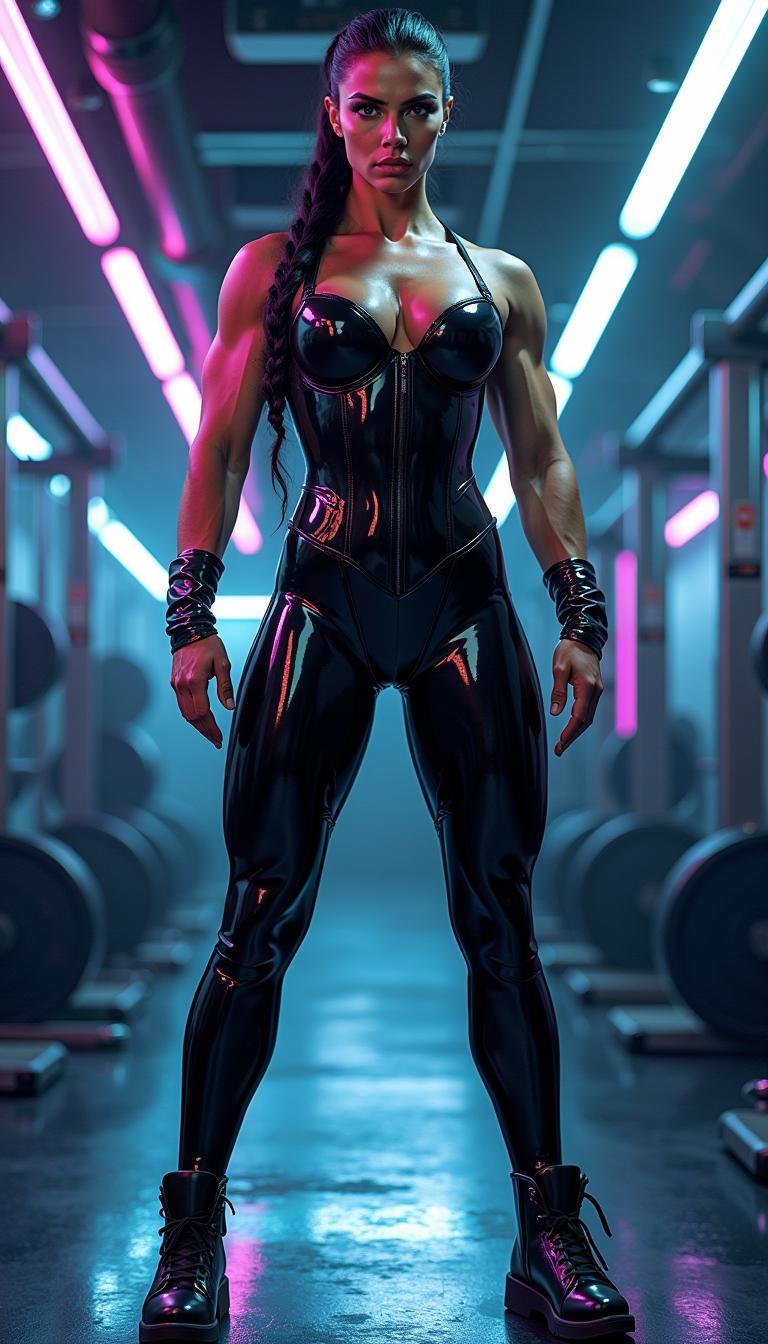
Imagine bringing your creative visions to life in seconds. With PixelDojo's AI-powered tools, you can effortlessly transform your ideas into stunning, high-quality images. Whether you're a marketer needing eye-catching visuals, a designer seeking inspiration, or an entrepreneur aiming to enhance your brand, PixelDojo empowers you to create captivating images without the need for extensive design skills.
Join over 10,000 satisfied creators who have generated more than 1 million images using PixelDojo's AI tools. Rated 4.8/5 by our users for ease of use and quality results.
Why Choose Pixel Dojo for ai generate pictures
Professional-quality results with cutting-edge AI technology
Rapid Image Creation
Generate high-quality images in seconds, allowing you to meet tight deadlines and keep your content fresh.
Cost-Effective Visuals
Save on design costs by creating professional-grade images without hiring expensive designers or purchasing stock photos.
User-Friendly Interface
No design experience? No problem. Our intuitive tools make image creation accessible to everyone.
How It Works
Creating stunning AI-generated pictures with PixelDojo is simple and straightforward. Follow these steps to bring your ideas to life:
Step 1: Choose Your Tool
Select from our range of AI image generation tools, such as Flux Creator or Imagen 3, to suit your specific needs.
Step 2: Enter Your Prompt
Describe the image you want to create using a text prompt. Be as detailed as possible to achieve the best results.
Step 3: Customize & Download
Review the generated image, make any necessary adjustments, and download your final creation.




The Pixel Dojo Advantage
Why PixelDojo outperforms other options for AI image generation:
| Others | Pixel Dojo |
|---|---|
| Traditional Image Creation | Eliminate the need for manual design skills and lengthy creation times by generating images instantly. |
| Generic AI Tools | Access a comprehensive suite of specialized tools tailored for various creative needs, offering more versatility and control. |
| Manual Photo Editing | Avoid the complexity and time investment of traditional editing software with our intuitive, AI-driven solutions. |
Loved by Creators
See what our community says about ai generate pictures
"PixelDojo has revolutionized the way I create content. The AI tools are intuitive and produce stunning results every time."
Alex Johnson
Digital Marketer
"As a small business owner, PixelDojo has saved me both time and money. I can now create professional images without hiring a designer."
Maria Lopez
Entrepreneur
Common Questions
Everything you need to know about ai generate pictures AI generation
How does PixelDojo's AI image generation work?
PixelDojo utilizes advanced AI algorithms to interpret your text prompts and generate corresponding images. By selecting the appropriate tool and providing a detailed description, you can create high-quality visuals tailored to your needs.
Do I need design experience to use PixelDojo?
No, PixelDojo is designed for users of all skill levels. Our user-friendly interface and intuitive tools make it easy for anyone to create stunning images without prior design experience.
Can I customize the images generated by PixelDojo?
Yes, after generating an image, you can make adjustments to ensure it aligns perfectly with your vision. Our tools offer various customization options to meet your specific requirements.
Is there a limit to the number of images I can create?
PixelDojo offers various subscription plans to suit different needs. Depending on your plan, you can generate a specific number of images per month. Check our pricing page for more details.
What types of images can I create with PixelDojo?
With PixelDojo, you can create a wide range of images, including illustrations, concept art, product visuals, and more. Our diverse set of tools caters to various creative needs.
How do I get started with PixelDojo?
Getting started is easy. Simply sign up for an account, choose the AI tool that fits your project, enter your prompt, and let PixelDojo do the rest. You'll have your image ready in no time.