datamosh AI Generator
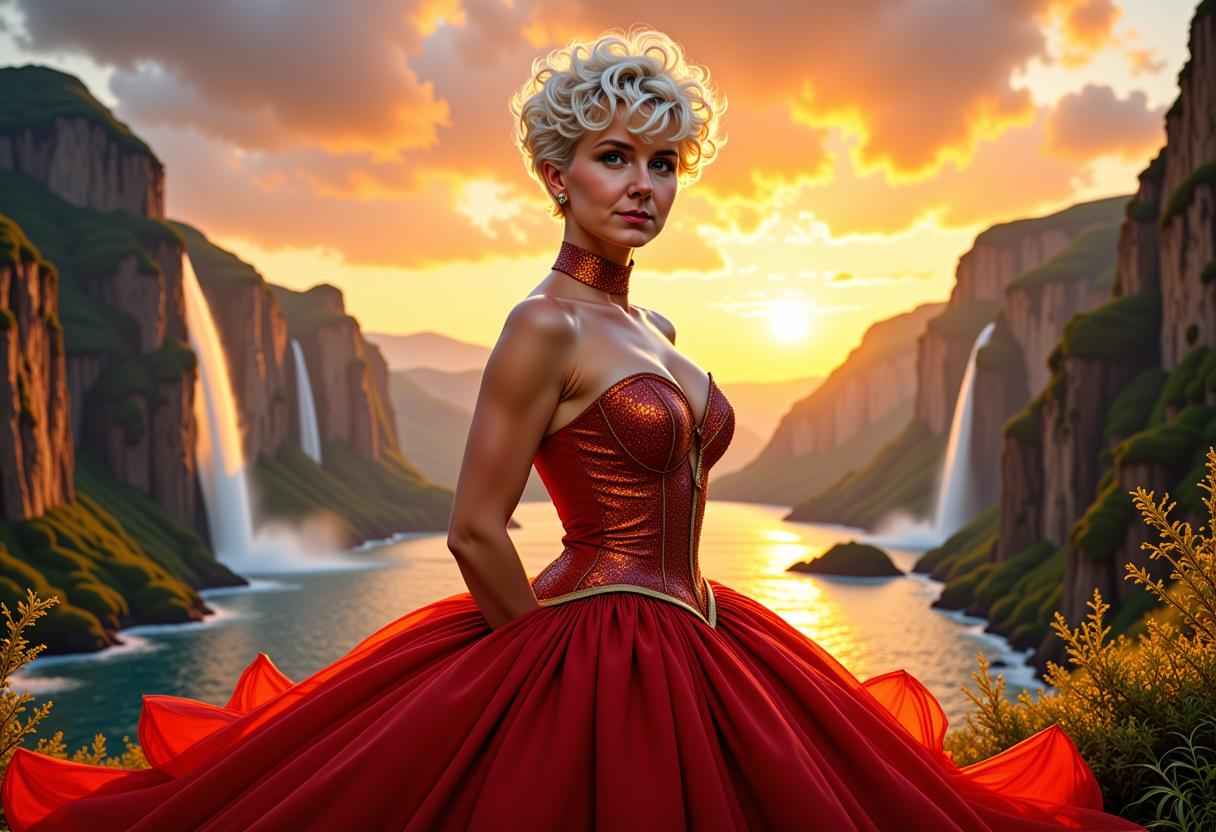
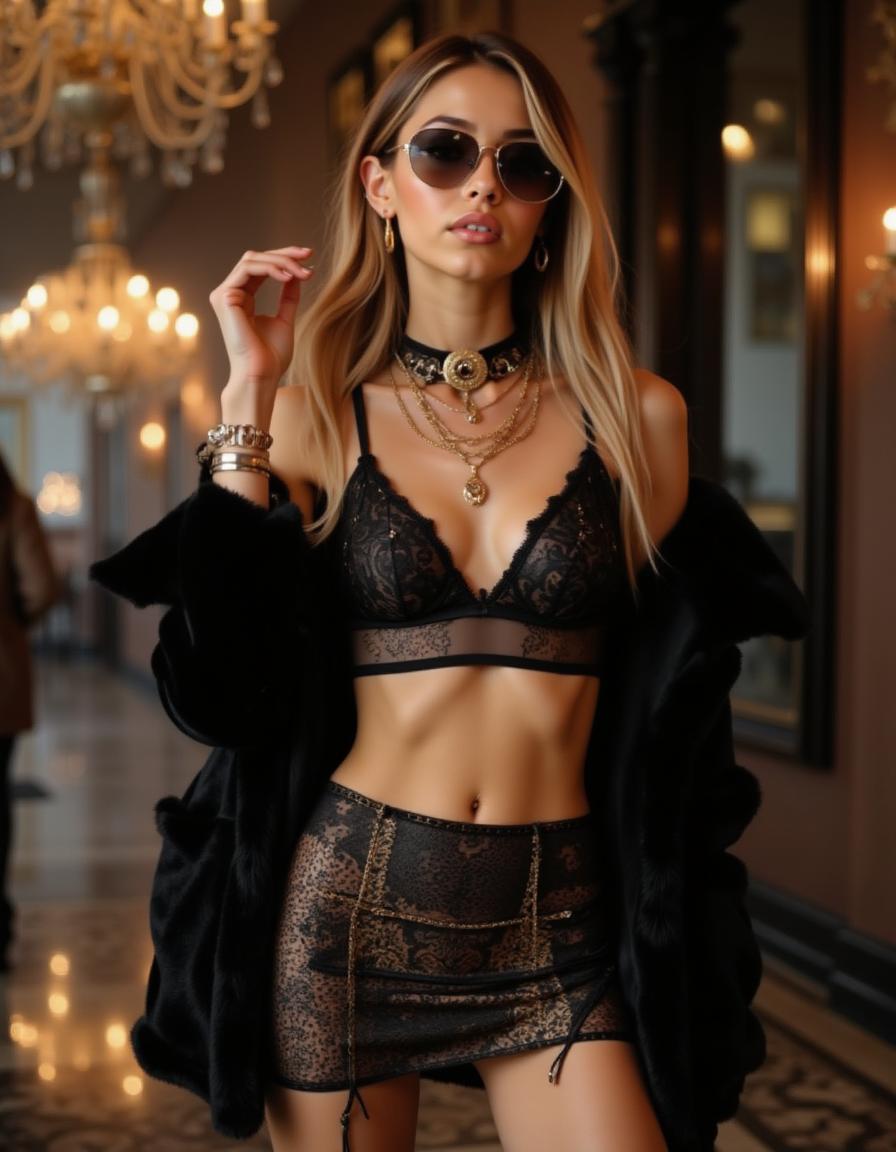
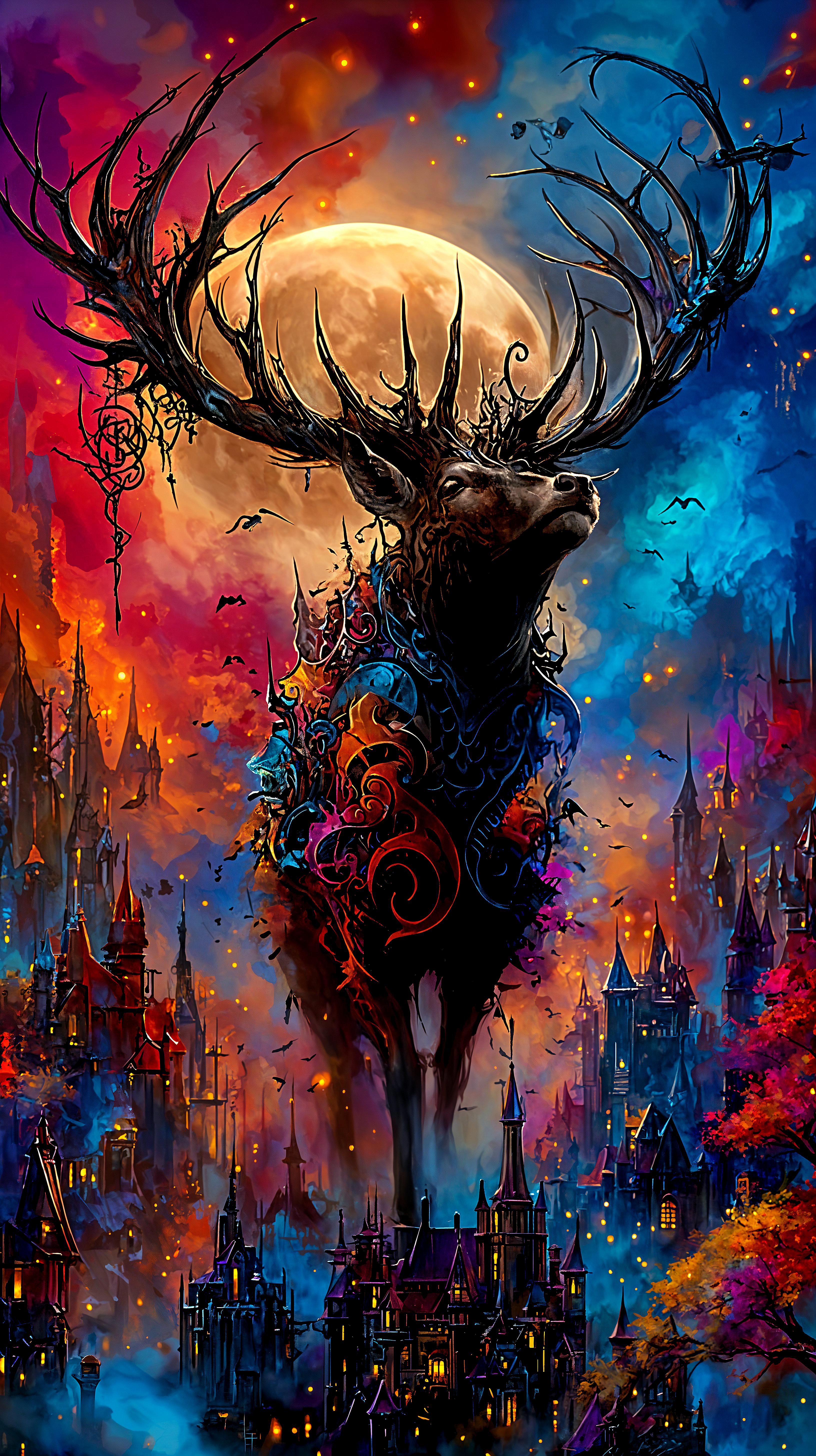
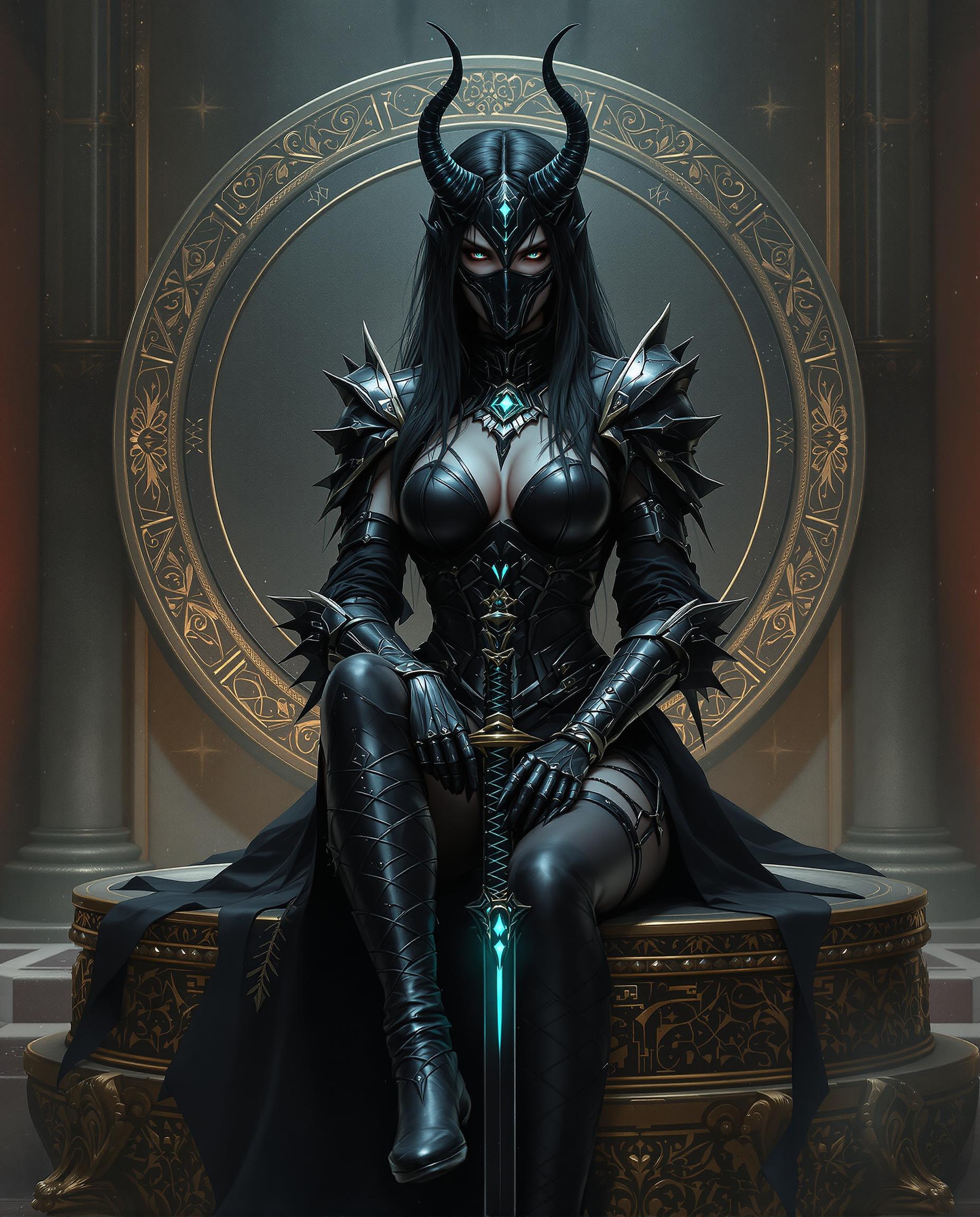
Unleash your creativity by generating mesmerizing datamosh-style images with PixelDojo's cutting-edge AI tools. Whether you're an artist, designer, or content creator, our platform empowers you to produce unique, glitch-inspired visuals that captivate and engage your audience.

Join over 10,000 creators who have transformed their visuals using PixelDojo's AI-powered tools, achieving a 95% satisfaction rate.
Why Choose Pixel Dojo for datamosh
Professional-quality results with cutting-edge AI technology
Effortless Creation
Generate complex datamosh effects without any technical expertise, saving time and effort.
Customization at Your Fingertips
Tailor the intensity and style of glitches to match your artistic vision perfectly.
High-Quality Outputs
Produce professional-grade images suitable for various applications, from digital art to marketing materials.
How It Works
Creating datamosh-style images with PixelDojo is simple and intuitive. Follow these steps to bring your glitch art to life:
Step 1: Choose Your Tool
Select from PixelDojo's suite of AI tools designed for image generation, such as Flux Studio or SDXL Image Creator.
Step 2: Enter Your Prompt
Input a descriptive prompt detailing the desired datamosh effect, like 'a portrait with intense datamosh glitch effects.'
Step 3: Customize & Download
Adjust the generated image using customization options to fine-tune the glitch intensity and style, then download your final masterpiece.




The Pixel Dojo Advantage
Why PixelDojo outperforms other options for datamosh image generation
| Others | Pixel Dojo |
|---|---|
| Traditional Datamosh Creation | Eliminates the need for manual file manipulation and complex software, making the process accessible to all. |
| Generic AI Tools | Offers specialized features tailored for datamosh effects, providing more control and better results. |
| Manual Photo Editing | Significantly reduces the time and effort required to achieve intricate glitch effects compared to manual editing. |
Loved by Creators
See what our community says about datamosh
"PixelDojo's AI tools have revolutionized my creative process, allowing me to produce stunning datamosh images effortlessly."
Alex Johnson
Digital Artist
"The customization options are fantastic! I can fine-tune every aspect of the glitch effect to match my vision perfectly."
Maria Lopez
Graphic Designer
Common Questions
Everything you need to know about datamosh AI generation
How can I create datamosh images using PixelDojo's AI tools?
Simply select an image generation tool like Flux Studio, input a descriptive prompt detailing the desired datamosh effect, customize the output to your liking, and download the final image.
Do I need technical skills to generate datamosh images?
No, PixelDojo's user-friendly interface allows anyone to create datamosh images without any technical expertise.
Can I customize the intensity of the glitch effects?
Yes, our tools offer adjustable parameters to control the intensity and style of the glitch effects, ensuring your image aligns with your artistic vision.
Are the generated images high-resolution?
Absolutely, PixelDojo's AI tools produce high-quality, high-resolution images suitable for various applications.
Is there a cost to use PixelDojo's AI tools?
PixelDojo offers a range of subscription plans, including a free trial, allowing you to explore our tools before committing.
Can I use the generated images for commercial purposes?
Yes, images created with PixelDojo's tools can be used for both personal and commercial projects, subject to our terms of service.