image expander ai AI Generator
Unlock the full potential of your images with PixelDojo's AI Image Expander. Whether you're adjusting compositions, fitting images to specific aspect ratios, or enhancing visual storytelling, our advanced AI tools empower you to achieve professional results with ease.
Join thousands of creators who trust PixelDojo for their image enhancement needs. With over 40 cutting-edge AI tools and a vibrant community, we're committed to helping you bring your creative visions to life.
Why Choose Pixel Dojo for image expander ai
Professional-quality results with cutting-edge AI technology
Seamless Image Expansion
Effortlessly extend your images beyond their original borders without compromising quality. Our AI ensures that the expanded areas blend naturally with the existing content.
Perfect Aspect Ratios for Any Platform
Adapt your images to fit various social media formats, from Instagram posts to YouTube thumbnails, ensuring optimal presentation across all platforms.
User-Friendly Interface
Achieve professional results without the need for advanced technical skills. Our intuitive tools make image expansion accessible to everyone.
How It Works
Creating extended images with PixelDojo is a straightforward process:
Step 1: Choose Your Tool
Select the 'Outpainting' feature from PixelDojo's suite of AI tools to begin the image expansion process.
Step 2: Upload Your Image
Upload the image you wish to extend. Our AI will analyze the content to prepare for seamless expansion.
Step 3: Customize Expansion
Specify the desired dimensions or aspect ratio for your image. Our AI will generate the extended areas to match your specifications.
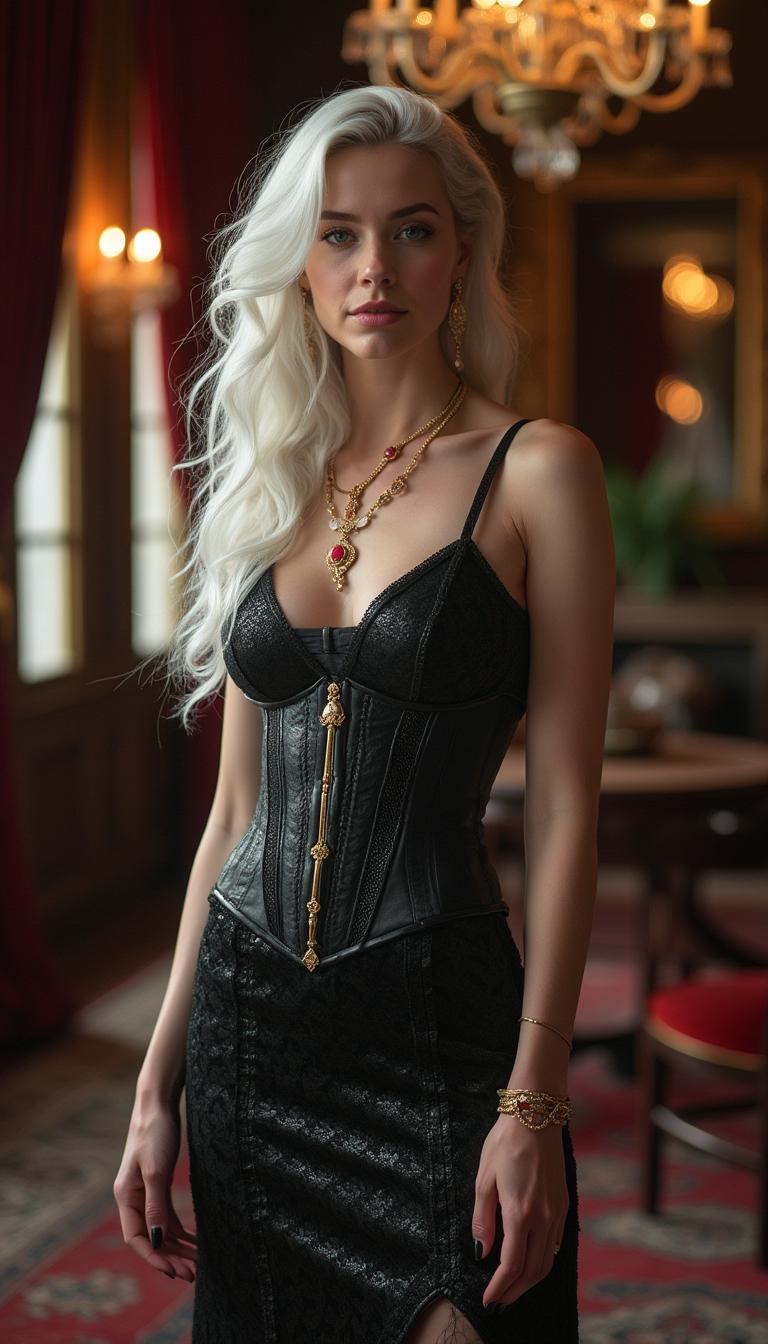
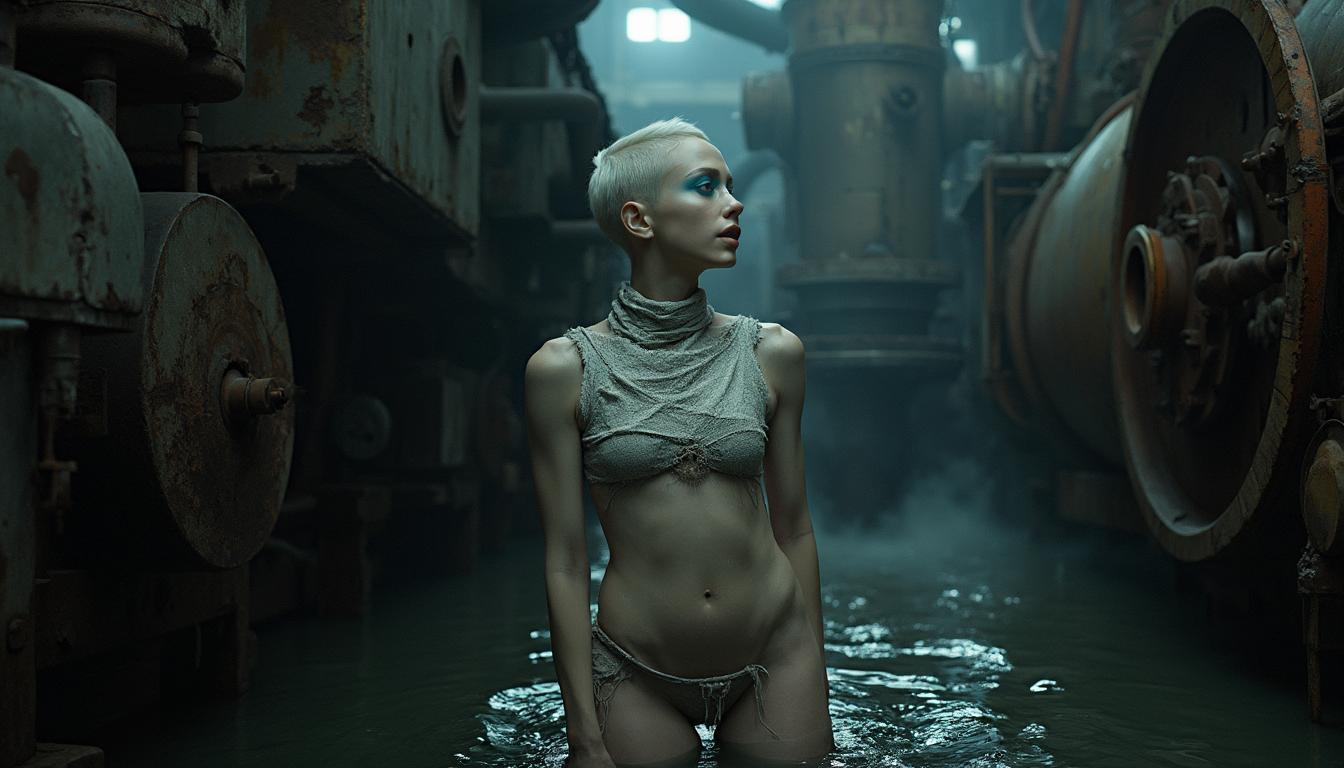
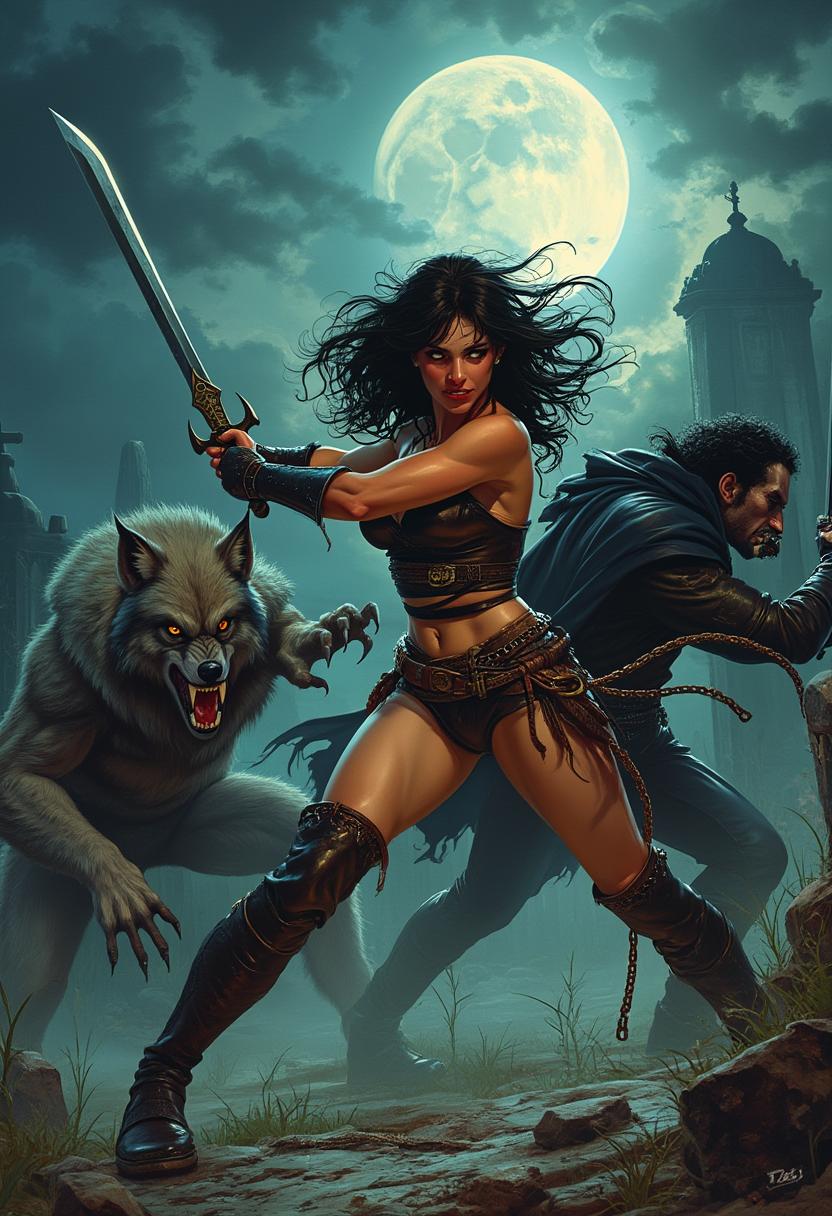
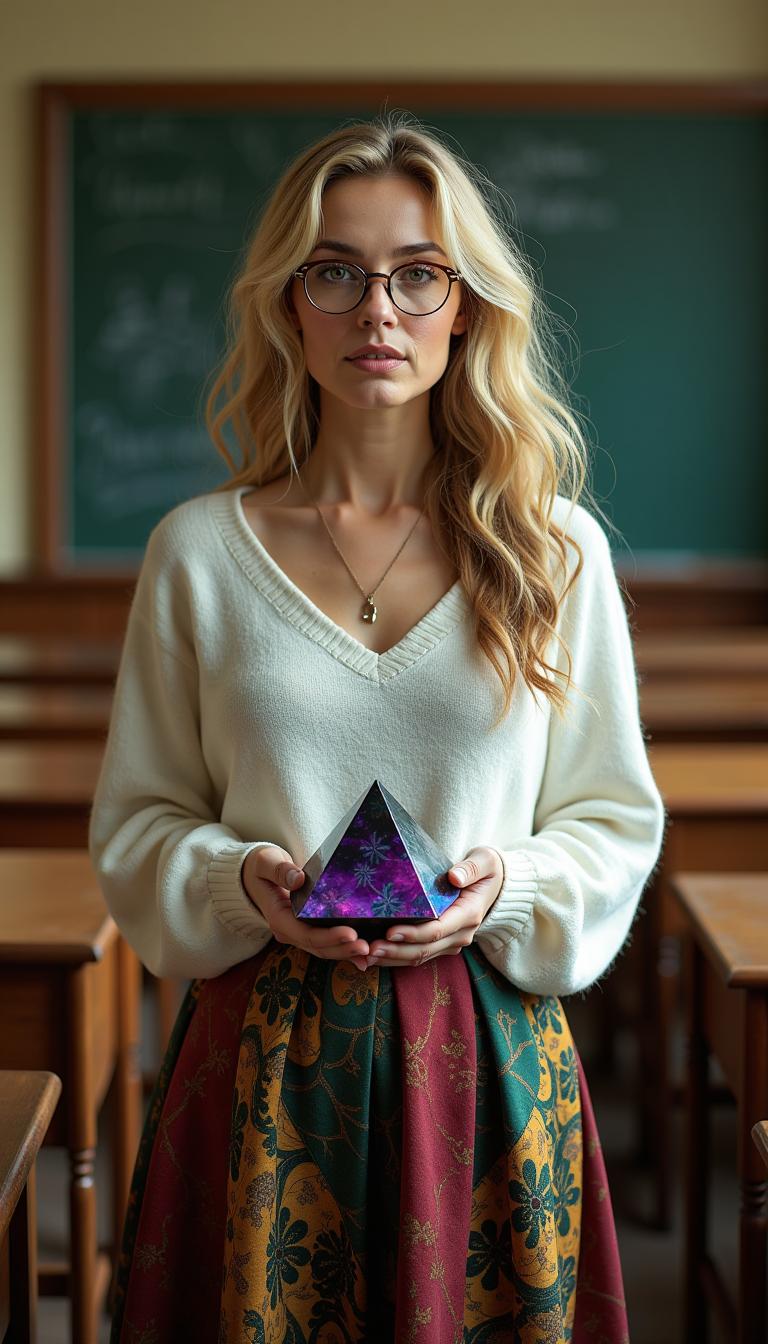
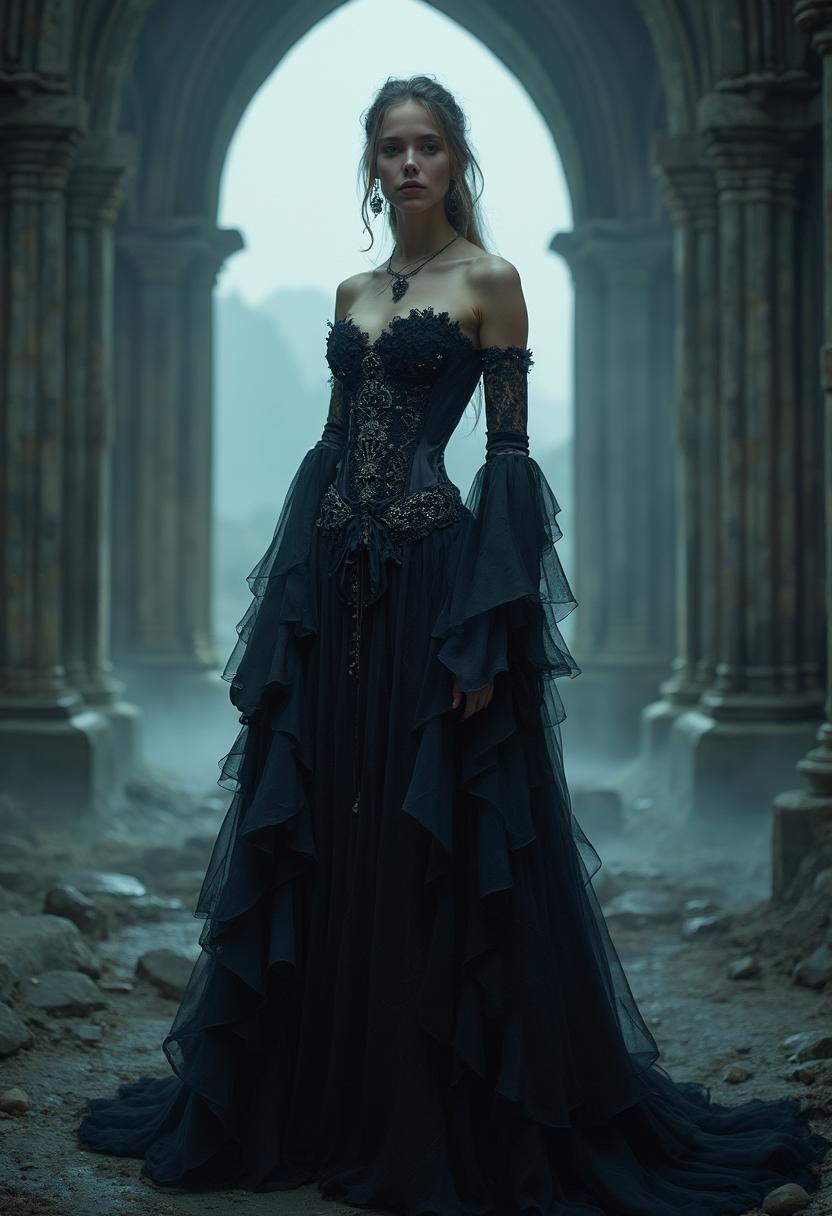
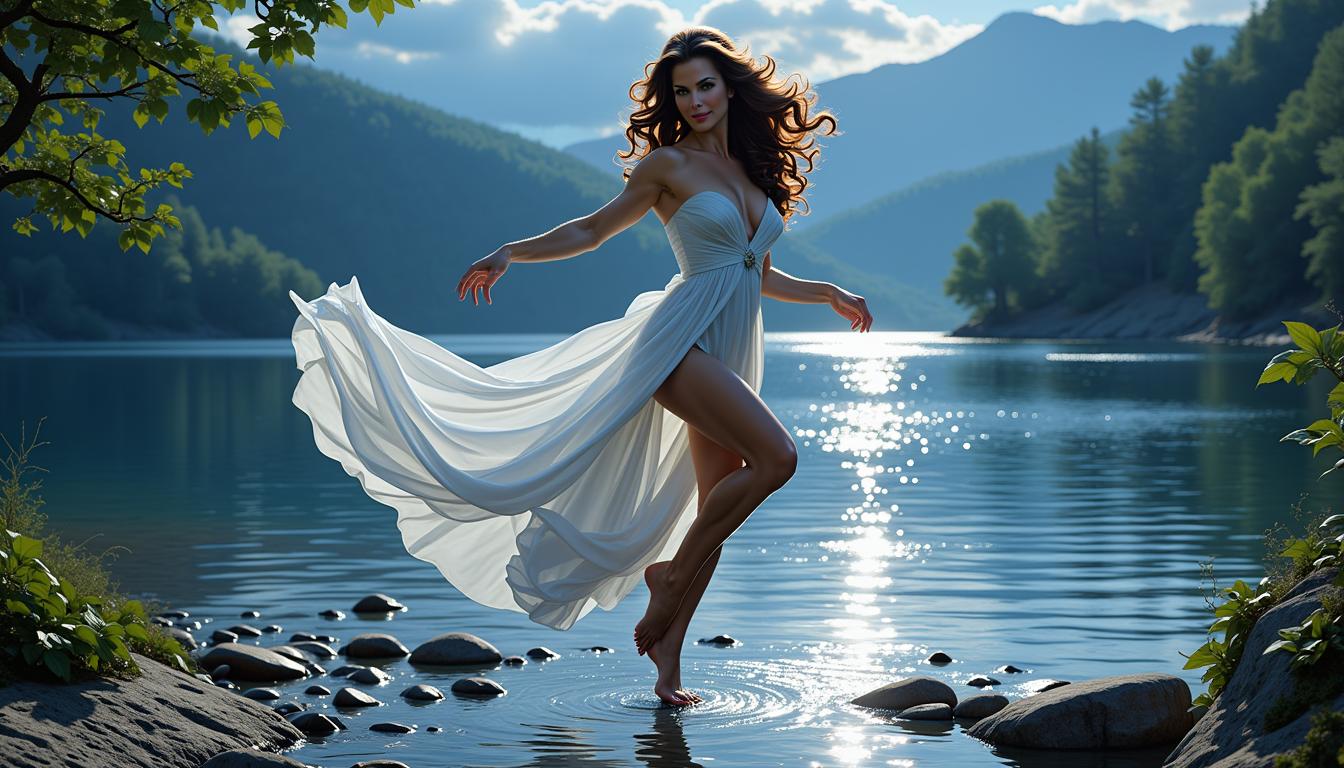
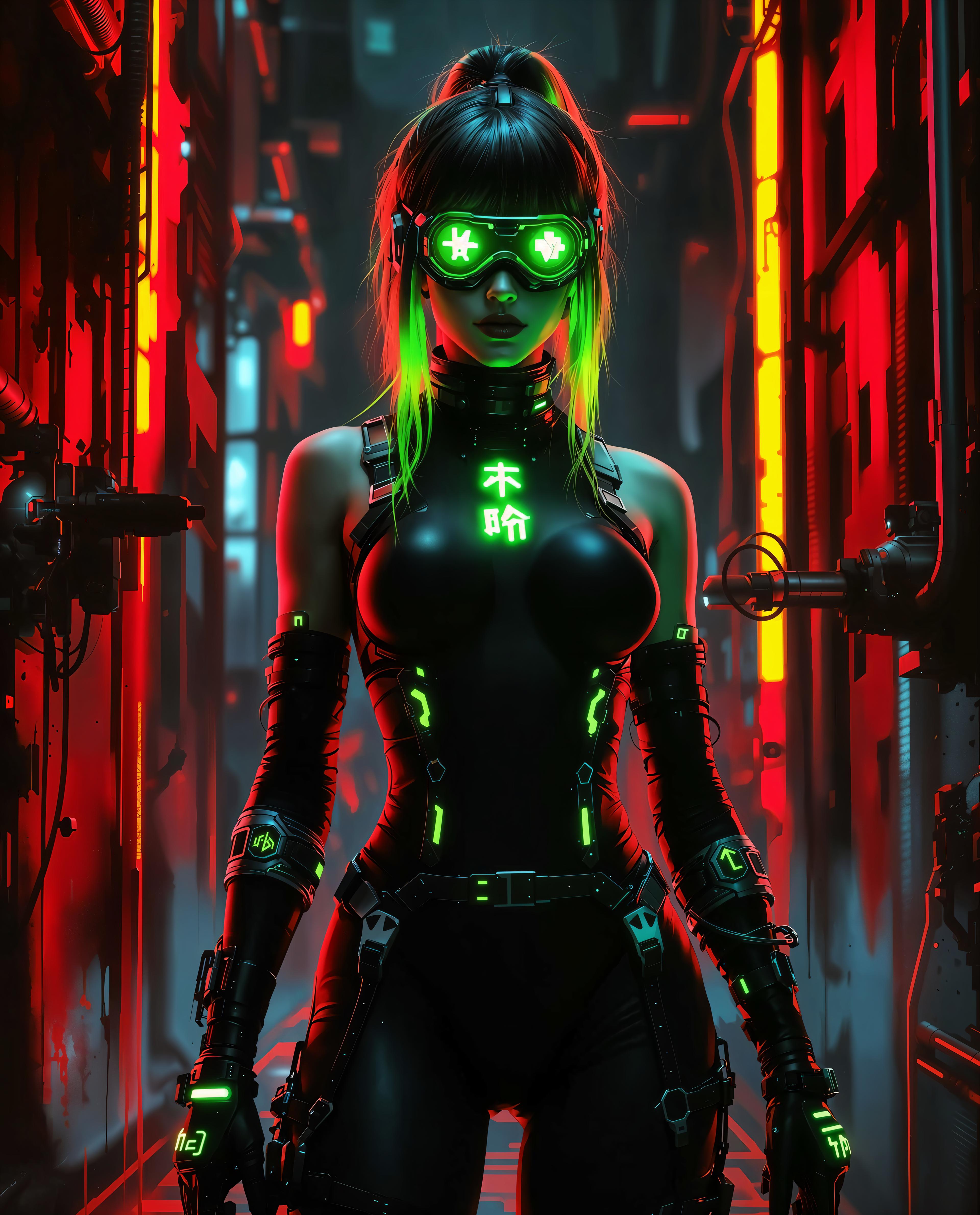
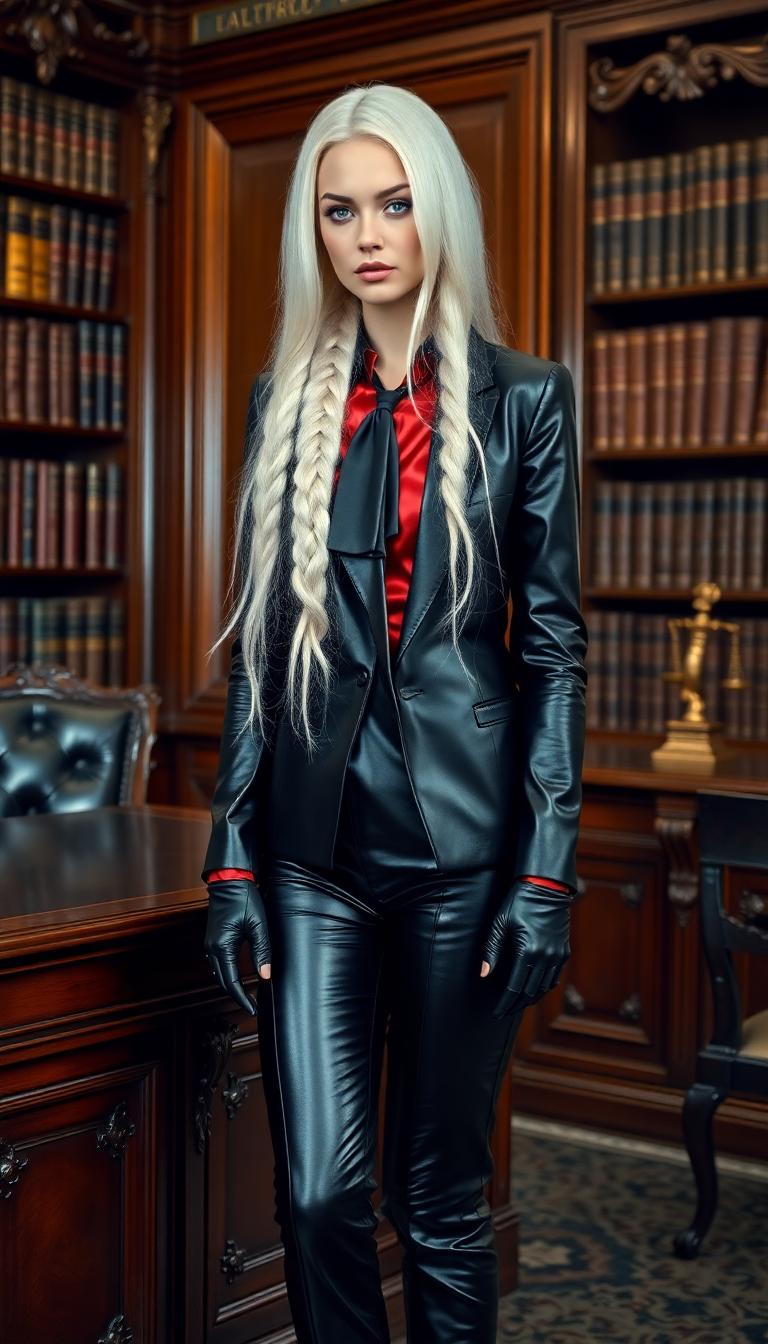
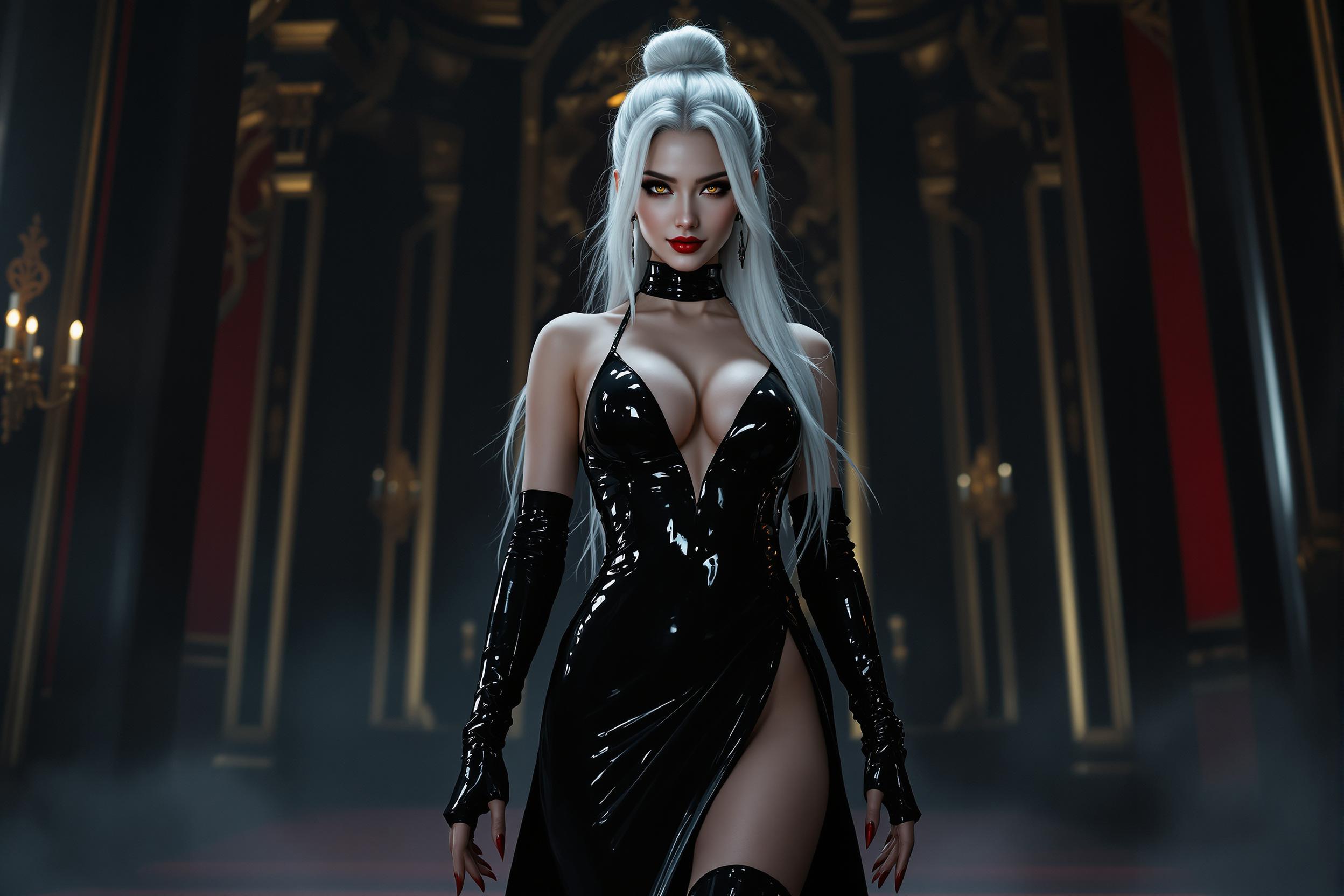
The Pixel Dojo Advantage
Why PixelDojo stands out in AI image extension:
| Others | Pixel Dojo |
|---|---|
| Traditional Photo Editing Software | Automates the expansion process, saving time and effort compared to manual editing. |
| Generic AI Tools | Offers specialized features tailored for seamless image extension and aspect ratio adjustments. |
| Manual Cropping and Resizing | Maintains image quality and context without the distortions often caused by manual adjustments. |
Loved by Creators
See what our community says about image expander ai
"PixelDojo's AI Image Expander transformed how I prepare images for my design projects. The results are consistently high-quality and save me hours of work."
Alex Johnson
Graphic Designer
"As a social media manager, adapting images for various platforms was always a challenge. PixelDojo made it effortless to create perfectly sized images without losing quality."
Maria Lopez
Social Media Manager
Common Questions
Everything you need to know about image expander ai AI generation
How does PixelDojo's AI Image Expander work?
Our AI analyzes your image's content and intelligently generates extended areas that blend seamlessly with the original, maintaining quality and context.
Can I use the extended images for commercial purposes?
Yes, images created with PixelDojo can be used for both personal and commercial projects, provided you have the rights to the original image.
Is there a limit to the image size I can upload?
PixelDojo supports a wide range of image sizes. For optimal performance, we recommend uploading images up to 10MB in size.
Do I need any technical skills to use the AI Image Expander?
No, our user-friendly interface is designed for users of all skill levels. Simply follow the guided steps to achieve professional results.
How long does it take to process an image?
Processing times vary depending on image size and complexity, but most images are processed within a few seconds to a minute.
Is my original image altered during the process?
No, your original image remains unchanged. The AI creates a new, extended version while preserving the original file.