kling video 3.0 scene transformations AI Generator
Unlock the full potential of your video content with Kling Video 3.0's scene transformation capabilities. Whether you're a filmmaker, marketer, or content creator, Kling Video 3.0 empowers you to produce cinematic-quality videos with ease. Transform static scenes into dynamic narratives, enhance visual storytelling, and captivate your audience like never before.

Join over 15 million users worldwide who trust Kling Video 3.0 for their video creation needs. With a 4.9/5 rating and over 500 million videos generated across 180+ countries, Kling Video 3.0 is the preferred choice for creators seeking quality and innovation.
Why Choose Pixel Dojo for kling video 3.0 scene transformations
Professional-quality results with cutting-edge AI technology
Achieve Cinematic Quality Effortlessly
Transform your videos with professional-grade scene transitions and motion control, bringing your creative vision to life without the need for extensive editing skills.
Maintain Consistency Across Scenes
Ensure character and object consistency throughout your videos, providing a seamless viewing experience that enhances storytelling and brand identity.
Save Time with Automated Processes
Leverage AI-driven scene transformations to reduce manual editing time, allowing you to focus more on creativity and less on technical details.
How It Works
Creating stunning scene transformations with Kling Video 3.0 is a straightforward process. Follow these steps to elevate your video content:
Step 1: Choose Your Input Method
Select between text-to-video or image-to-video options. For text-to-video, describe your desired scene in detail. For image-to-video, upload a static image to animate.
Step 2: Customize Scene Parameters
Define camera movements such as pan, tilt, and zoom. Set the desired duration, aspect ratio, and style to match your creative vision.
Step 3: Generate and Download Your Video
Click 'Generate' to let Kling Video 3.0 process your inputs. Once complete, preview and download your transformed video ready for use.
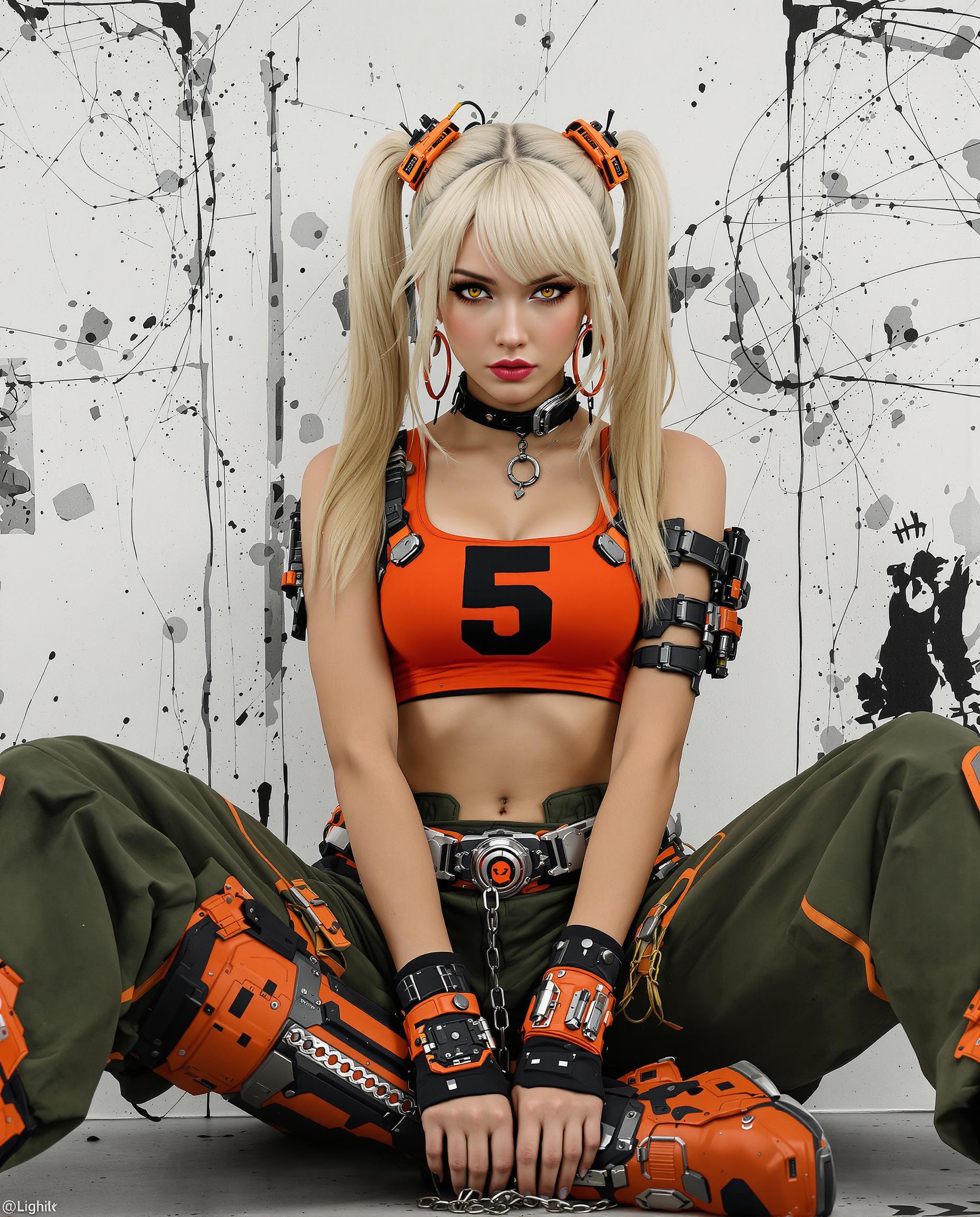
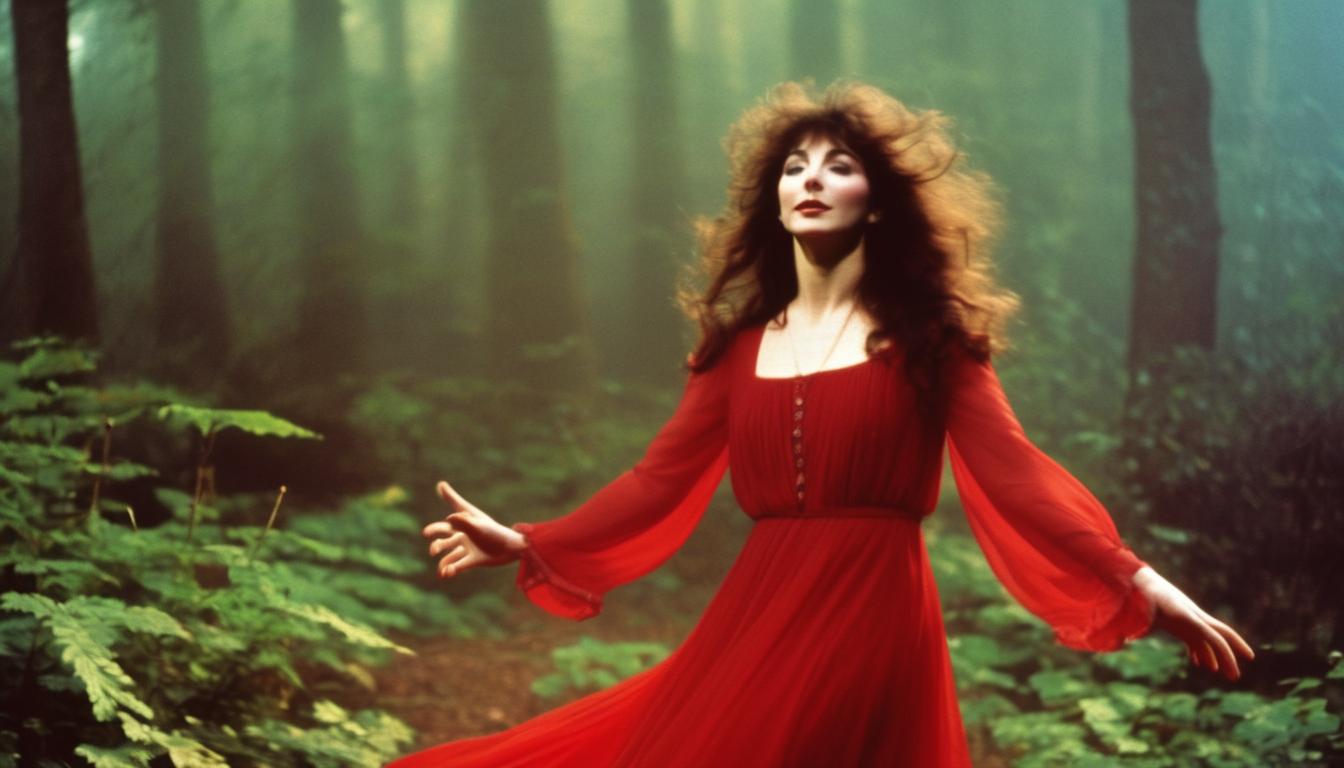
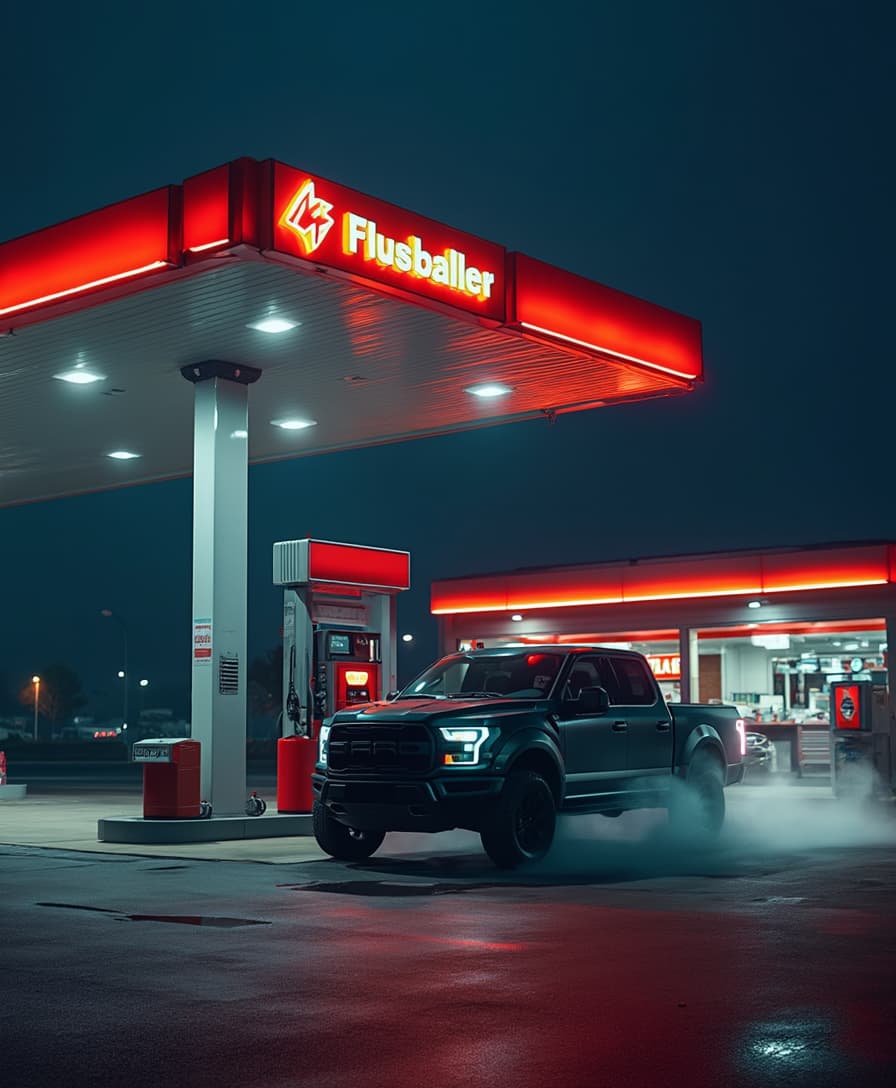

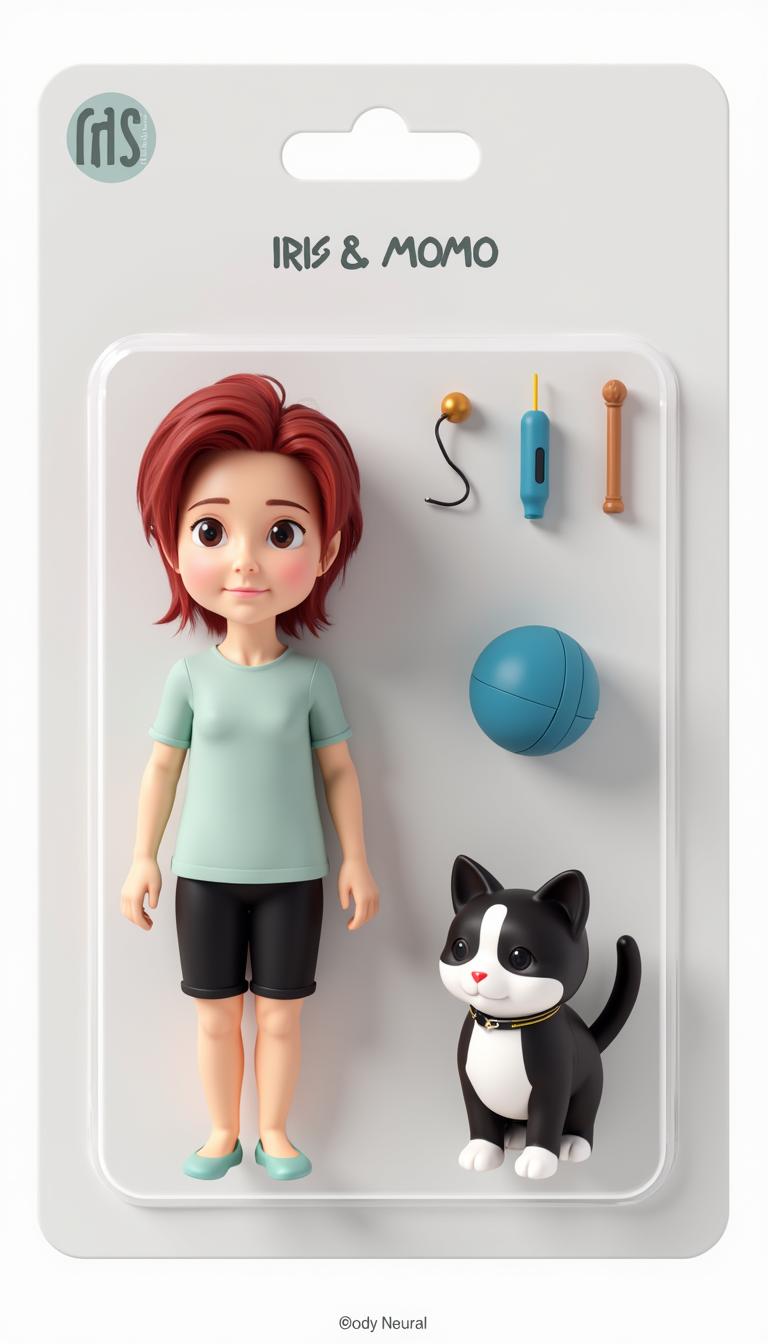







The Pixel Dojo Advantage
Why Kling Video 3.0 Outperforms Other Video Creation Tools
| Others | Pixel Dojo |
|---|---|
| Traditional Video Editing Software | Kling Video 3.0 automates complex scene transformations, reducing the need for manual editing and technical expertise. |
| Generic AI Video Tools | Unlike generic tools, Kling Video 3.0 offers advanced motion control and scene consistency, ensuring professional-quality outputs. |
| Manual Animation Techniques | Kling Video 3.0's AI-driven processes significantly reduce the time and effort required for scene animations compared to manual methods. |
Loved by Creators
See what our community says about kling video 3.0 scene transformations
"Kling Video 3.0 has revolutionized our content creation process. The scene transformation features are intuitive and produce stunning results."
Sarah Chen
Creative Director
"The consistency across scenes and the ease of use make Kling Video 3.0 an invaluable tool for our marketing campaigns."
David Kim
Marketing Lead
Common Questions
Everything you need to know about kling video 3.0 scene transformations AI generation
How does Kling Video 3.0 ensure character consistency across scenes?
Kling Video 3.0 utilizes advanced AI algorithms to maintain consistent character and object appearances throughout your video, ensuring a seamless narrative flow.
Can I control camera movements in Kling Video 3.0?
Yes, Kling Video 3.0 allows you to define precise camera movements such as pan, tilt, and zoom, giving you full control over the visual dynamics of your scenes.
Is Kling Video 3.0 suitable for beginners?
Absolutely. Kling Video 3.0 is designed with an intuitive interface that makes it accessible for users of all skill levels, from beginners to professionals.
What output resolutions does Kling Video 3.0 support?
Kling Video 3.0 supports native generation up to 4K resolution, ensuring high-quality outputs suitable for professional use.
Can I use Kling Video 3.0 for commercial projects?
Yes, Kling Video 3.0 offers commercial usage rights with its premium subscription plans, allowing you to monetize the videos you create.
How long does it take to generate a video with Kling Video 3.0?
Generation time varies based on server load and video complexity but typically ranges from 2 to 5 minutes for a standard clip.