Kuaishou Kling 2.6 video generator AI Generator
Imagine turning a simple text prompt or static image into breathtaking, hyper-realistic videos that captivate audiences – all in minutes. With PixelDojo's Kuaishou Kling 2.6 Video Generator, you achieve Hollywood-quality motion, fluid human movements, and dynamic scenes up to 2 minutes long without needing cameras, crews, or editing suites. Whether you're crafting viral social media reels, marketing ads, or storytelling visuals, Kling 2.6 delivers outcomes that boost engagement and save you hours of production time. Access this cutting-edge tool alongside 40+ AI creators on PixelDojo and start transforming your ideas into motion today.
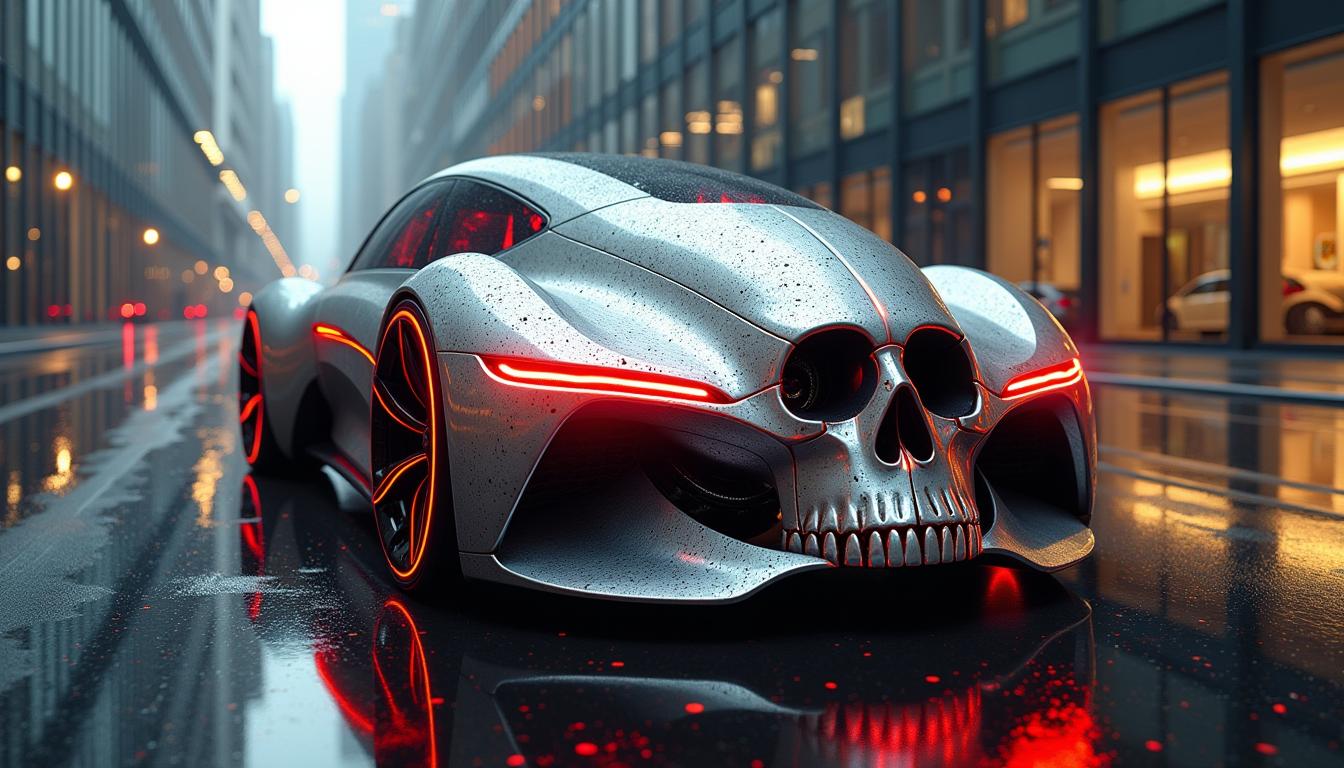
Trusted by 50K+ creators | 4.9/5 stars from 12K reviews | 1M+ videos generated | Featured in Creator Economy reports
Why Choose Pixel Dojo for Kuaishou Kling 2.6 video generator
Professional-quality results with cutting-edge AI technology
Craft Hyper-Realistic Human Motions
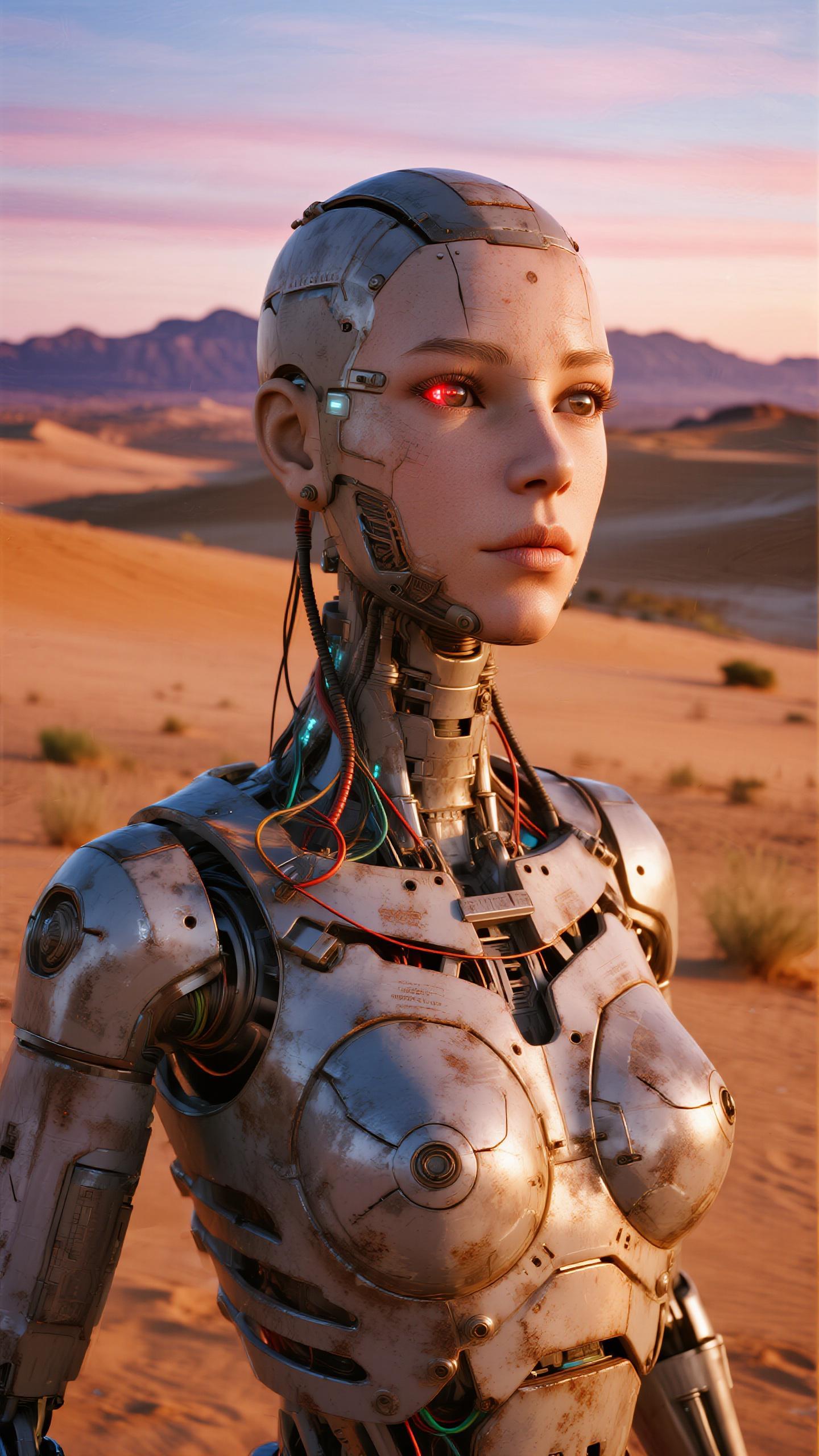
Produce videos with lifelike gestures, expressions, and physics-accurate movements that make viewers believe they're watching real footage, perfect for character-driven stories or ads that convert.
Generate Long-Form Cinematic Clips
Effortlessly create up to 2-minute videos with consistent quality throughout, ideal for YouTube shorts, TikTok series, or product demos that hold attention longer and drive more views.
Seamlessly Animate Images to Video
Upload any image and watch it come alive with smooth transitions and professional effects, empowering you to repurpose photos into engaging videos for social media or e-commerce instantly.
How It Works
Creating stunning videos with Kuaishou Kling 2.6 on PixelDojo is as simple as 1-2-3. Leverage our optimized interface for pro results every time.
Step 1: Select Kling v2.6 Pro
Head to PixelDojo's Create Videos section, choose Kling v2.6 Pro from our lineup including LTX-2 Video and Sora 2. Upload an image or start with text for instant animation.
Step 2: Craft Your Prompt
Enter a detailed prompt like 'A futuristic cityscape at dusk with flying cars and neon lights, smooth camera pan, cinematic lighting.' Add motion cues, styles, or reference PixelDojo's Flux.1 Studio images for hybrid workflows.
Step 3: Customize & Download
Adjust duration (up to 120s), aspect ratio (16:9, 9:16), camera controls, and strength via sliders. Hit generate, then download your HD video or edit further with Video Upscaler or Lip Sync tools.








The Pixel Dojo Advantage
Why PixelDojo's Kuaishou Kling 2.6 outperforms other video generation options
| Others | Pixel Dojo |
|---|---|
| Traditional video production | Slash production time from days to minutes while achieving superior realism without hiring teams or renting gear |
| Generic AI video tools | Exclusive Kling 2.6 Pro access delivers unmatched motion fidelity and length, integrated with edit tools like Runway Gen-4 Video |
| Manual video editing | Automate complex animations and effects, freeing you to focus on creativity with one-click outputs ready for social sharing |
Loved by Creators
See what our community says about Kuaishou Kling 2.6 video generator
"Kling 2.6 on PixelDojo turned my static sketches into viral 1-minute animations overnight. Engagement tripled!"
Sarah Chen
Content Creator
"Finally, realistic human videos without green screens. PixelDojo's Kling 2.6 is a game-changer for my ad agency."
Mike Rivera
Marketing Director
Common Questions
Everything you need to know about Kuaishou Kling 2.6 video generator AI generation
What makes Kuaishou Kling 2.6 video generator ideal for hyper-realistic human motion videos?
Kling 2.6 excels at natural physics, facial expressions, and limb movements, letting you create believable characters for stories or demos. On PixelDojo, combine it with Consistent Characters or Face Swap for personalized avatars, ensuring videos that outperform stock footage in viewer retention.
How do I create image-to-video with Kuaishou Kling 2.6 on PixelDojo?
Upload your image via Kling v2.6 Pro, add a motion prompt like 'gentle wave crashing on the shore,' and set animation strength. PixelDojo enhances this with tools like WAN 2.2 Animate for refinements, delivering seamless 1080p videos ready for Instagram or YouTube.
Can Kuaishou Kling 2.6 generate long videos up to 2 minutes?
Yes, produce coherent 120-second clips with consistent scenes and no quality drop. Use PixelDojo's prompts optimized for trends like dynamic camera pans, and extend with Merge Videos or Video Reframe for epic narratives that keep audiences hooked.
What prompt techniques work best for Kuaishou Kling 2.6 video generator?
Incorporate specifics: subject, action, environment, style (e.g., 'cinematic, 35mm film'), and motion ('slow zoom, particles'). PixelDojo's Image Analyzer helps refine inputs from your GPT-Image 1.5 creations, yielding trends-aligned outputs like viral ASMR or product unboxings.
Is Kuaishou Kling 2.6 free to try on PixelDojo?
Absolutely – start with our free tier featuring Kling v2.6 Pro alongside Hailuo 2.3 and VEO 3.1. Upgrade for unlimited generations, Usage Report tracking, and cancel anytime. Thousands love our risk-free model for daily video creation.
How does PixelDojo optimize Kuaishou Kling 2.6 for social media videos?
Tailor with 9:16 ratios, auto-captions via Video Autocaption, and upscaling for crisp exports. Integrate Lip Sync for talking heads or OmniHuman 1.5 for avatars, boosting shareability and conversions on TikTok or Reels.