loras ai AI Generator
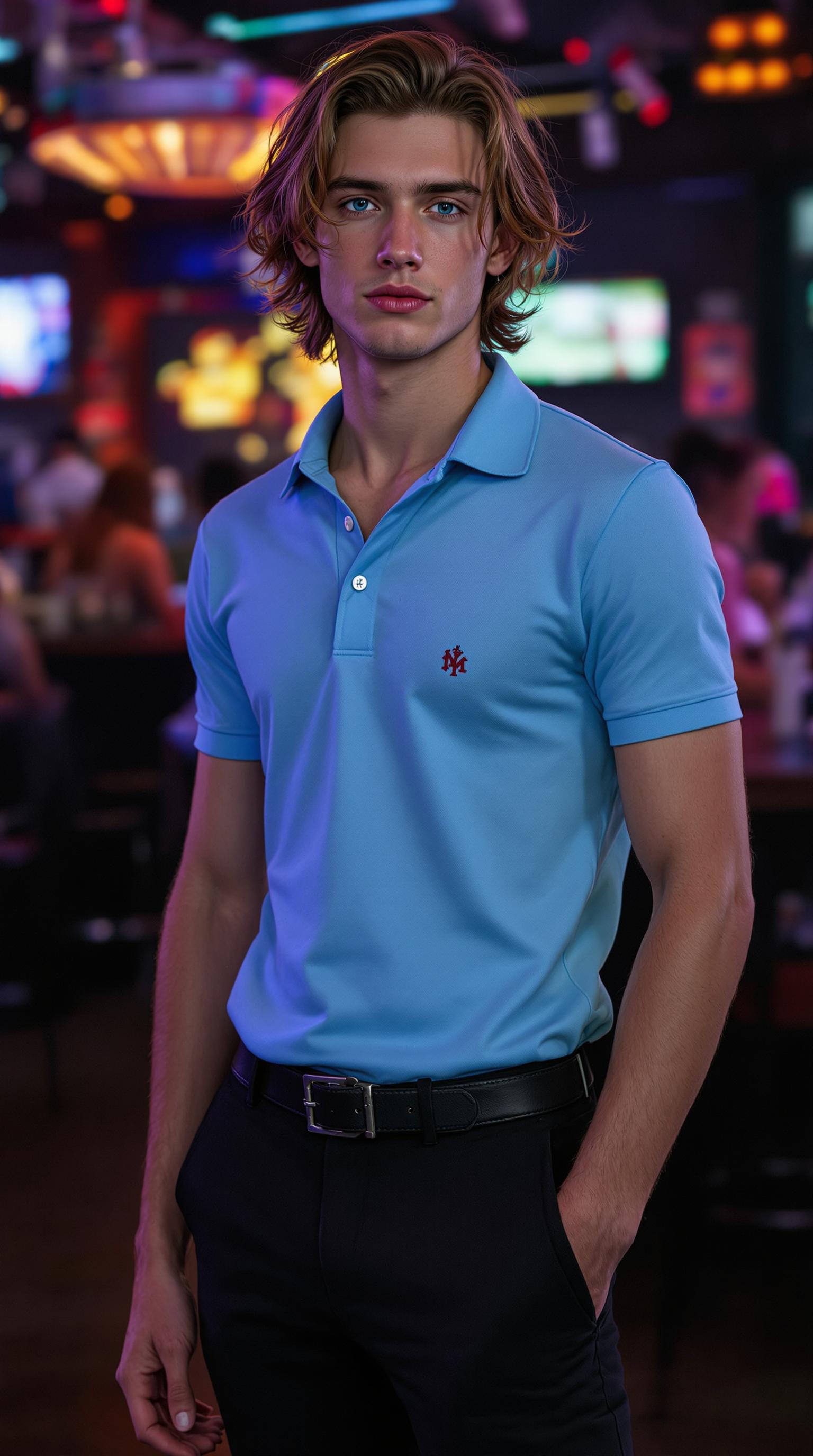
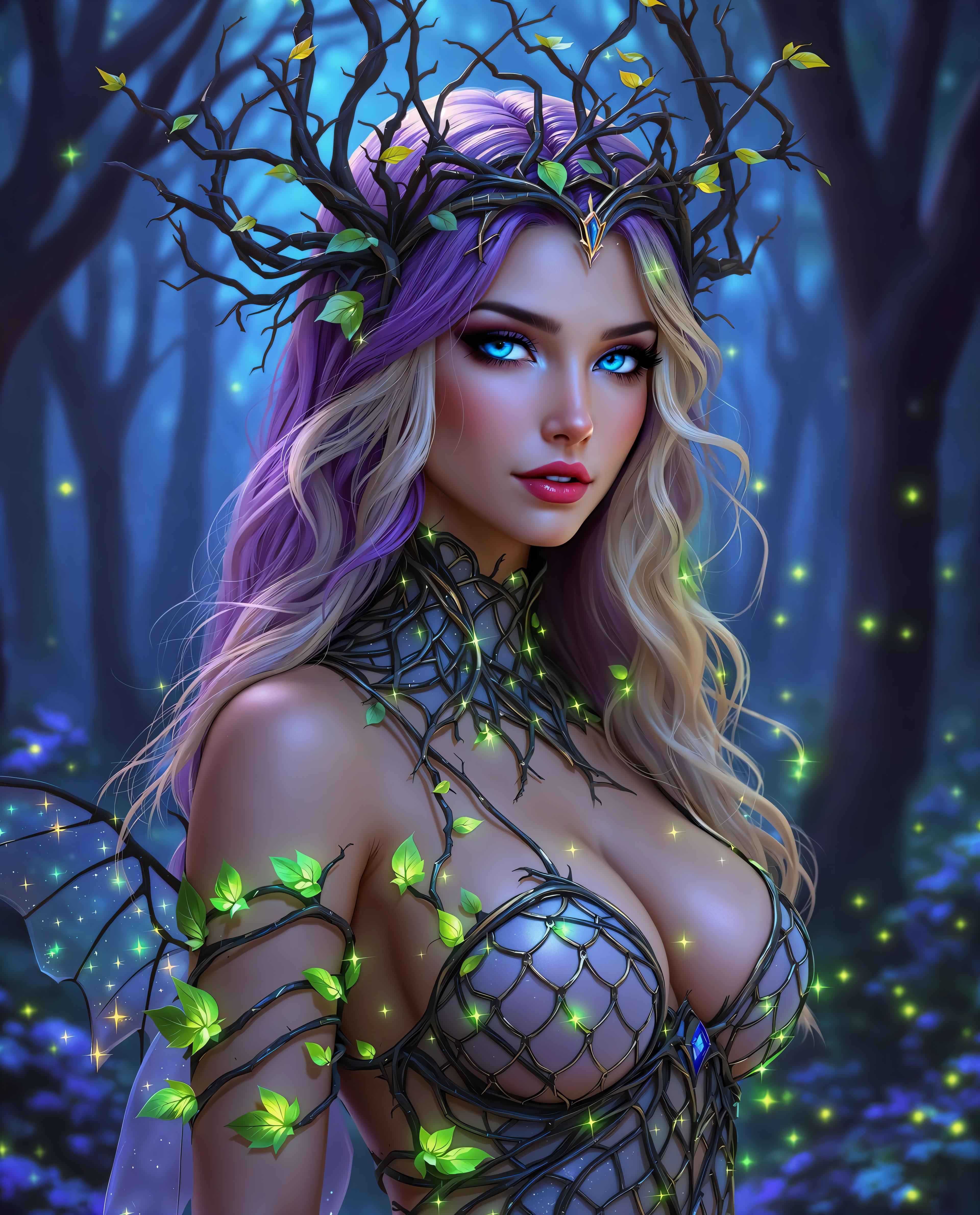
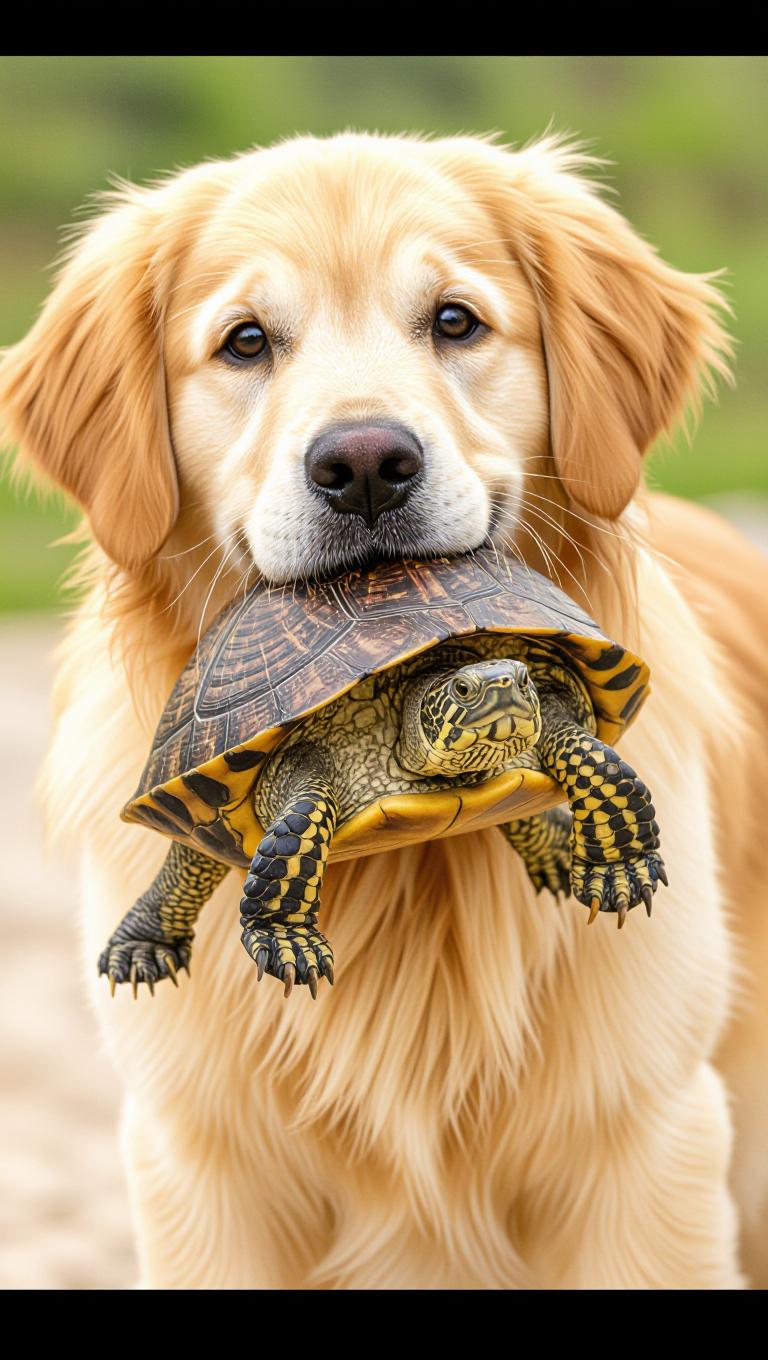
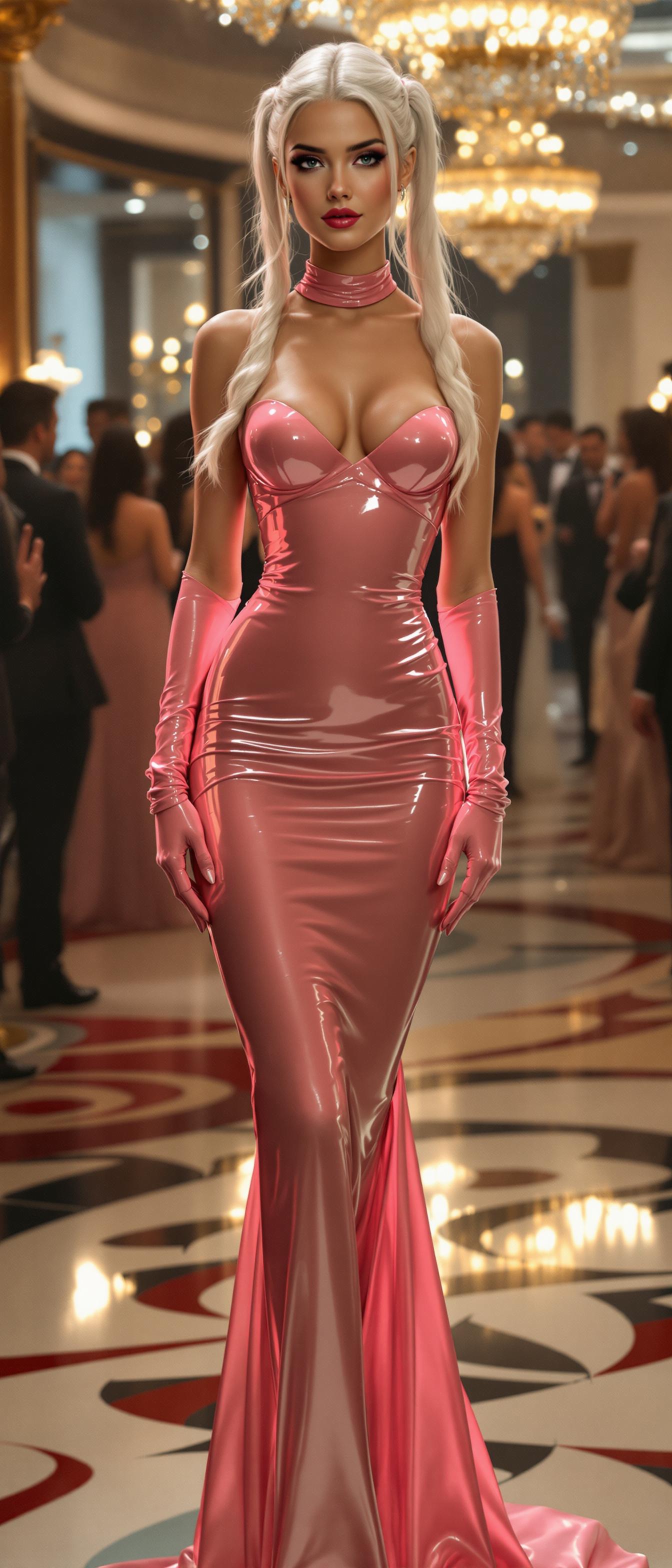
Unlock the power of LoRA (Low-Rank Adaptation) technology with PixelDojo to create AI-generated images that are uniquely yours. Whether you're aiming to replicate a specific art style, maintain character consistency, or develop brand-aligned visuals, our LoRA tools provide the flexibility and precision you need. With PixelDojo, you can achieve professional-quality results without the complexity of traditional model training.
Join over 10,000 creators who have enhanced their projects using PixelDojo's LoRA tools, achieving a 95% satisfaction rate.
Why Choose Pixel Dojo for loras ai
Professional-quality results with cutting-edge AI technology
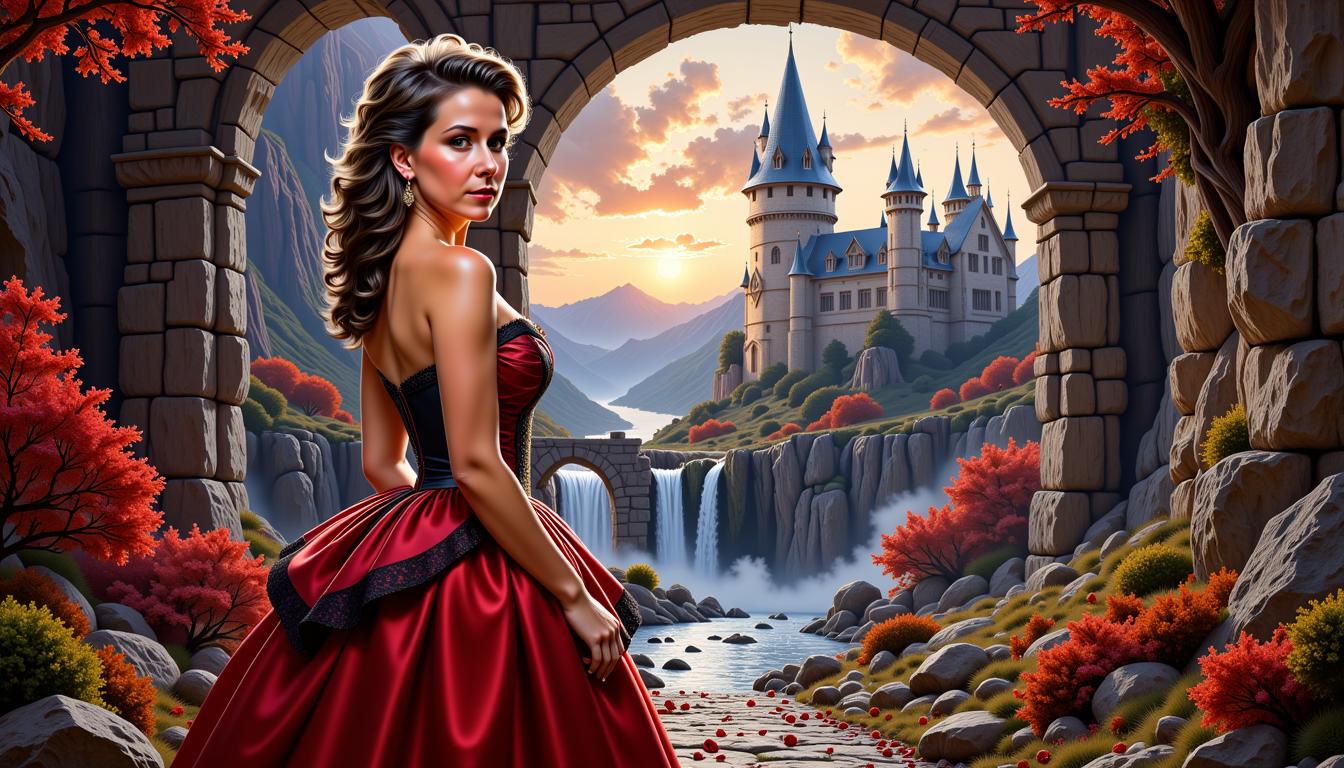
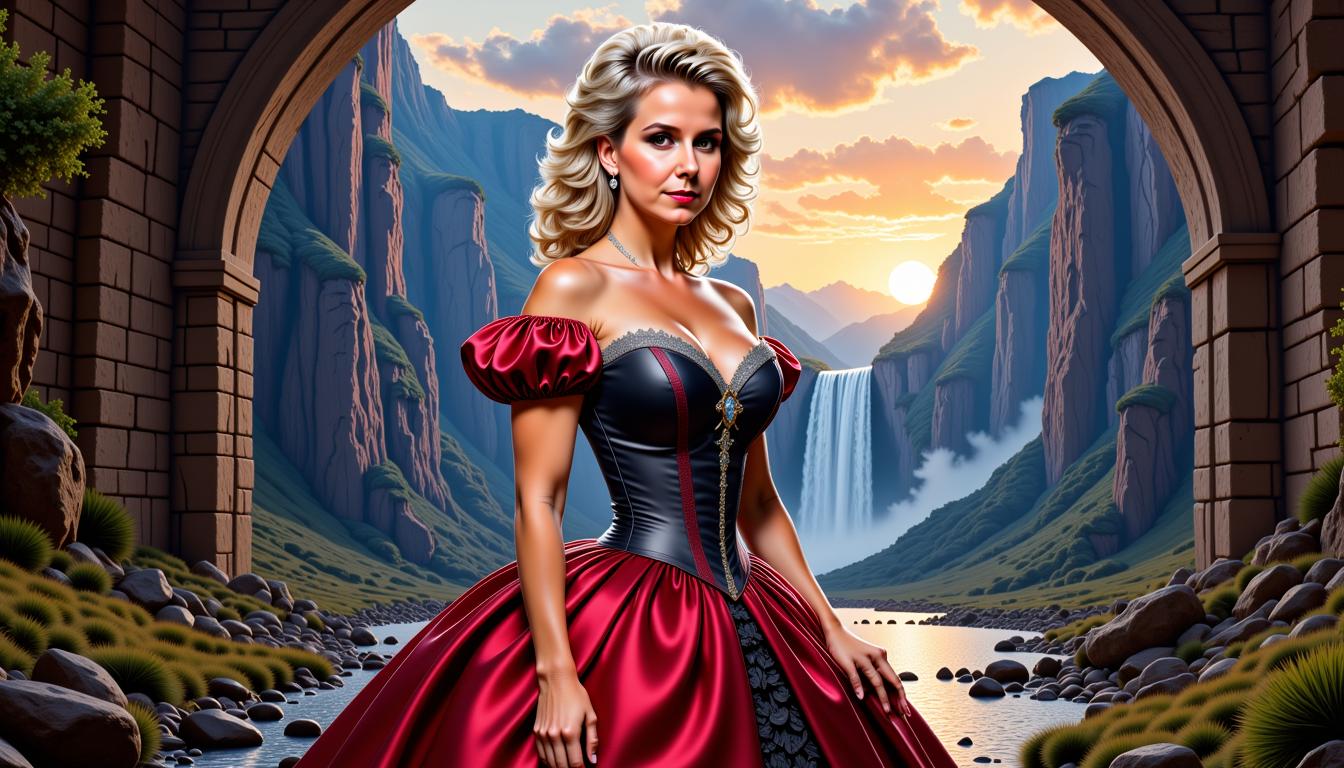
Achieve Consistent Character Designs
Ensure your characters maintain their unique features across various poses and settings, enhancing storytelling and brand identity.
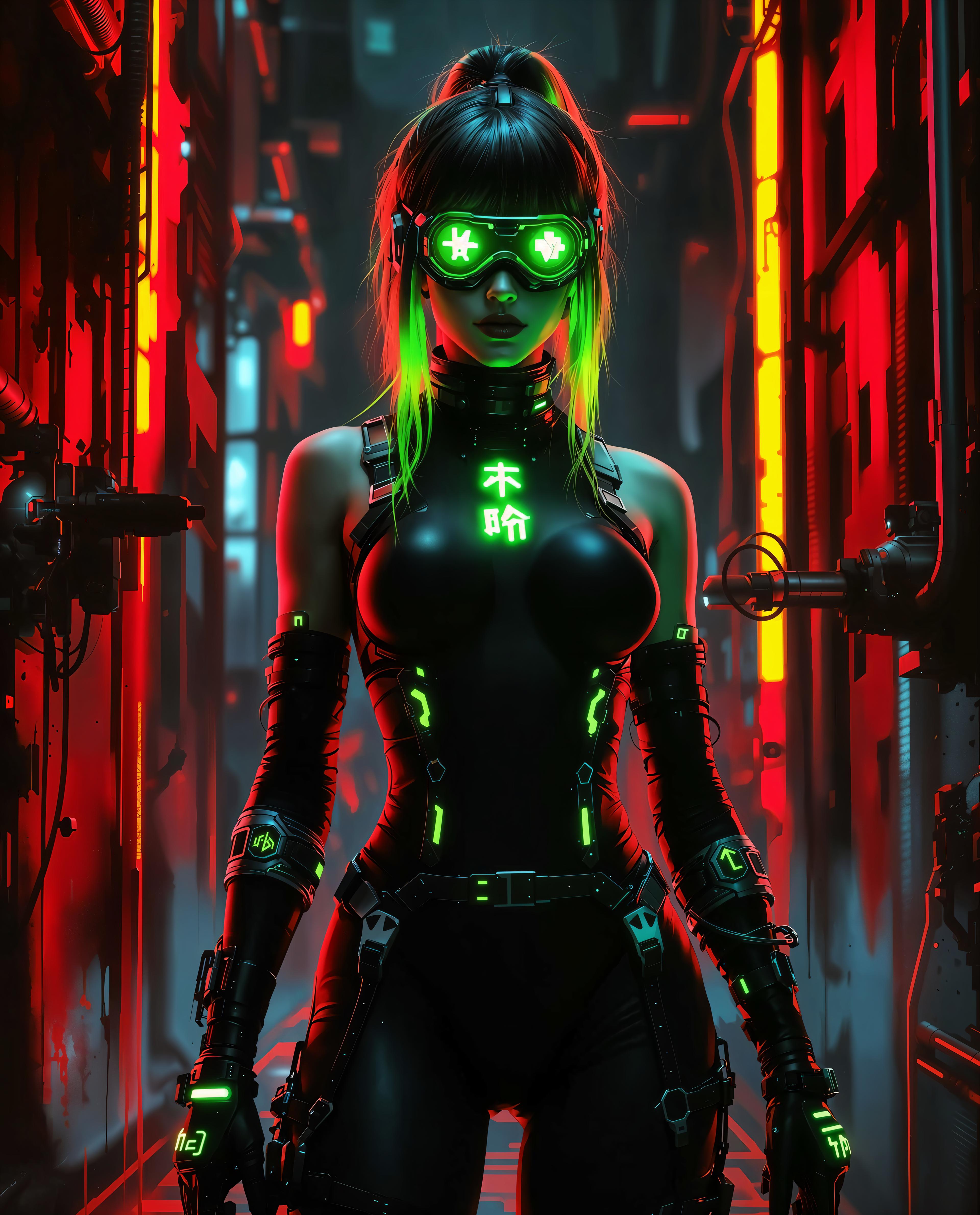
Replicate Specific Art Styles
Emulate desired artistic styles effortlessly, allowing for creative exploration and stylistic consistency in your projects.
Customize AI Outputs Efficiently
Fine-tune AI models quickly to align with your creative vision, reducing time and resources compared to traditional methods.
How It Works
Creating custom AI images with PixelDojo's LoRA tools is a straightforward process designed to bring your creative ideas to life.
Step 1: Select Your LoRA Model
Choose from our extensive library of pre-trained LoRA models that best fit your desired style or character.
Step 2: Input Your Creative Prompt
Enter a detailed description of the image you want to generate, guiding the AI to produce accurate results.
Step 3: Generate and Refine Your Image
Click 'Generate' to produce your image. Use our intuitive tools to make any necessary adjustments to perfect your creation.
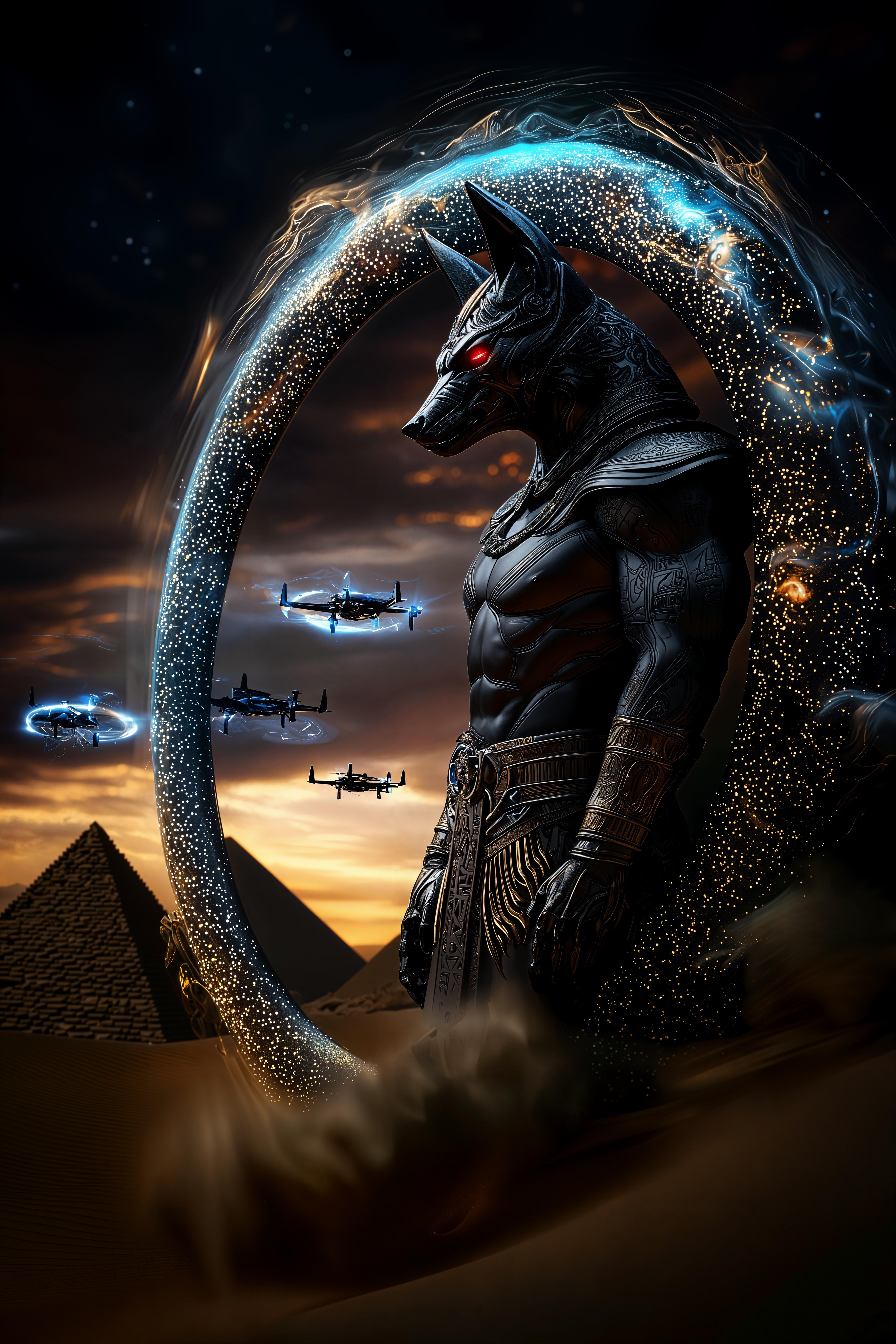
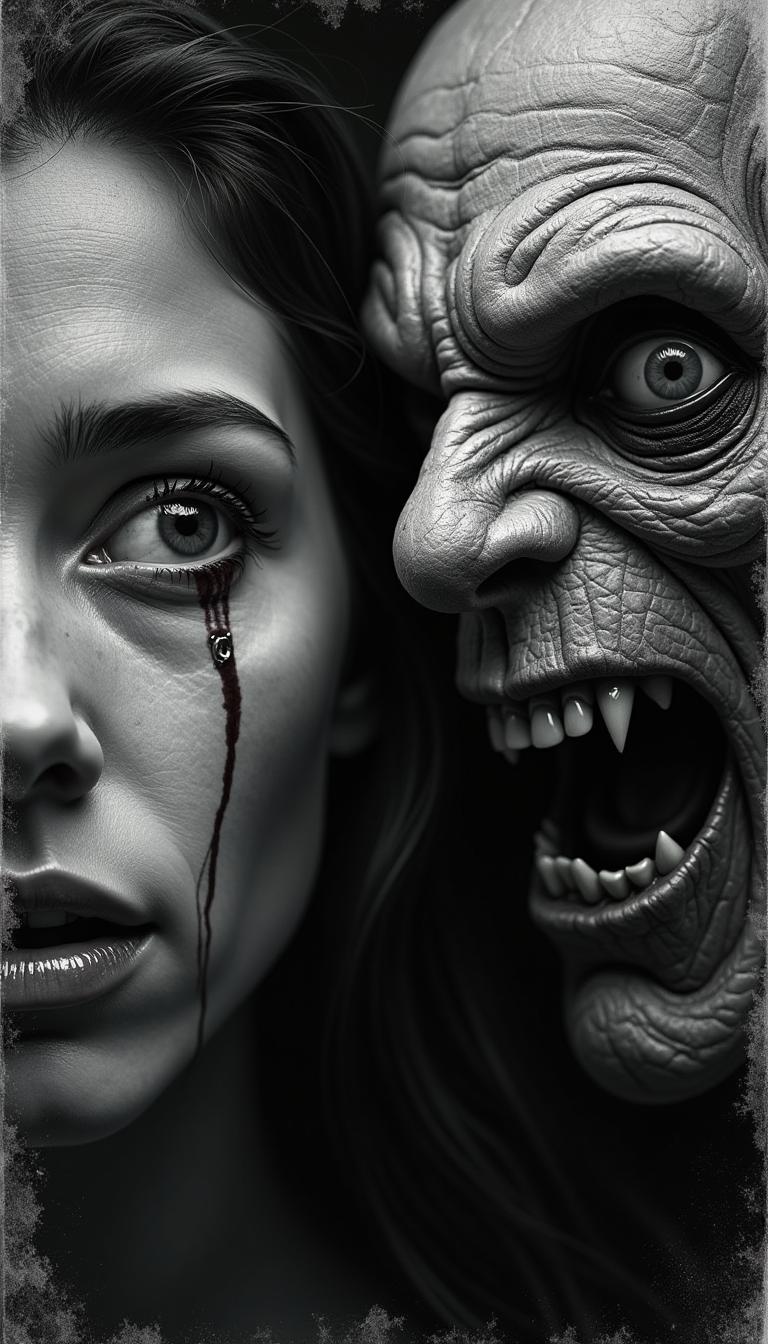
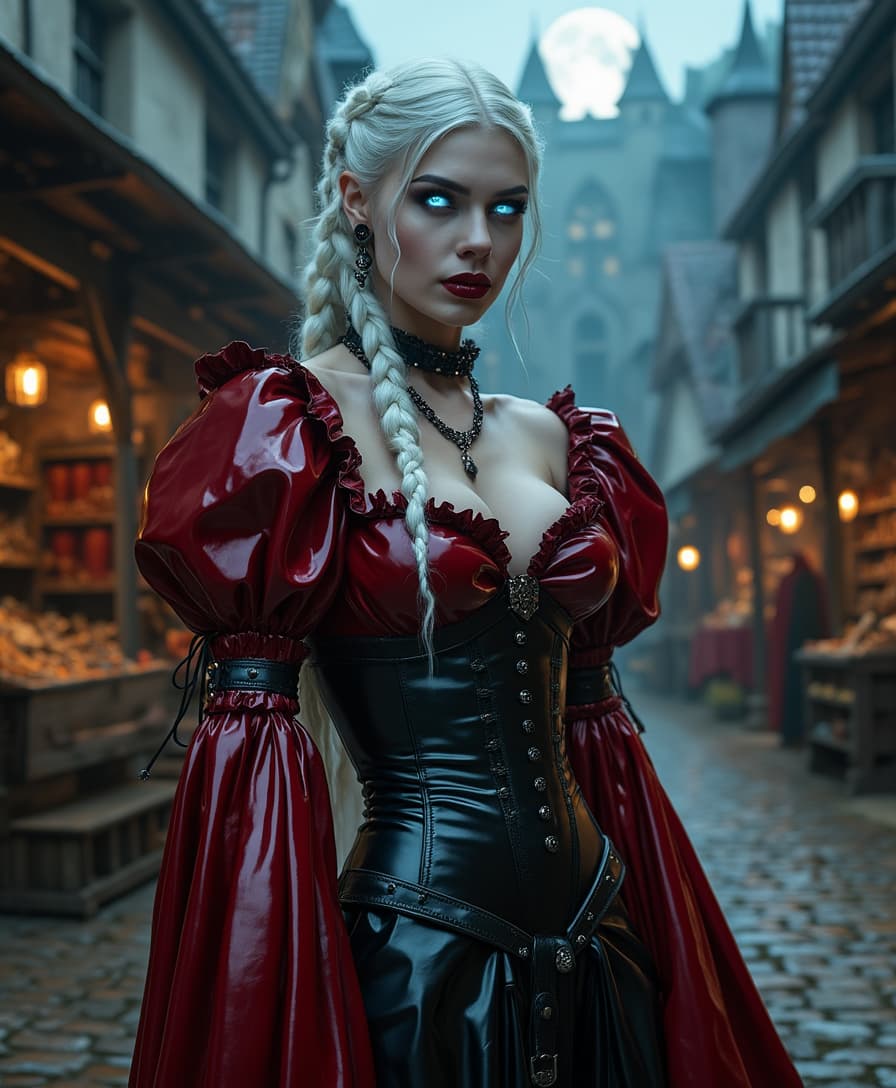
The Pixel Dojo Advantage
Discover how PixelDojo's LoRA tools offer superior advantages over other image generation methods.
| Others | Pixel Dojo |
|---|---|
| Traditional Model Training | PixelDojo's LoRA tools allow for rapid fine-tuning without the need for extensive datasets or computational resources. |
| Generic AI Image Generators | Our platform provides precise control over styles and characters, ensuring outputs align with your specific vision. |
| Manual Image Editing | Automate the creation of complex images, saving time and effort while achieving high-quality results. |
Loved by Creators
See what our community says about loras ai
"PixelDojo's LoRA tools have revolutionized my design process, allowing me to create consistent character art effortlessly."
Alex Johnson
Graphic Designer
"The ability to replicate specific art styles with PixelDojo has opened new creative avenues for my projects."
Maria Lopez
Digital Artist
Common Questions
Everything you need to know about loras ai AI generation
How does PixelDojo's LoRA technology enhance AI image generation?
PixelDojo's LoRA tools enable efficient fine-tuning of AI models, allowing you to customize outputs to match specific styles or characters without extensive retraining.
Can I use multiple LoRA models simultaneously on PixelDojo?
Yes, you can combine multiple LoRA models to achieve complex and unique image styles, providing greater creative flexibility.
Is PixelDojo suitable for beginners interested in AI image generation?
Absolutely. PixelDojo's user-friendly interface and comprehensive tutorials make it accessible for users of all skill levels.
What types of projects can benefit from PixelDojo's LoRA tools?
PixelDojo's LoRA tools are ideal for projects requiring consistent character designs, specific art styles, or brand-aligned visuals, such as game development, marketing materials, and digital art.
How do I get started with PixelDojo's LoRA tools?
Simply sign up on our platform, explore the available LoRA models, and start generating custom AI images tailored to your needs.
Are there any limitations to using LoRA models on PixelDojo?
While LoRA models offer extensive customization, the quality of results may vary based on the specificity of your prompts and the compatibility of combined models.