talking ai avatar AI Generator

Imagine transforming a static image into a dynamic, talking avatar that captivates your audience. With PixelDojo's advanced AI tools, you can effortlessly create lifelike talking avatars from your photos, adding a new dimension to your digital content. Whether you're a content creator, educator, or business professional, our platform empowers you to engage your audience like never before.

AI Generated
Get Started TodayResults in seconds50+ AI models

Join over 10,000 satisfied users who have enhanced their content with PixelDojo's AI tools. Rated 4.8/5 for ease of use and innovation.

Why Choose Pixel Dojo for talking ai avatar

Professional-quality results with cutting-edge AI technology

Effortless Animation

Transform static images into dynamic talking avatars without any technical expertise.

Multilingual Support

Create avatars that speak in over 80 languages, broadening your global reach.

Time and Cost Efficiency

Produce high-quality animated content quickly, reducing production time and expenses.

How It Works

Creating a talking avatar with PixelDojo is a straightforward process. Follow these simple steps to bring your images to life:

1

Step 1: Choose Your Tool

Select the 'Image to Video' tool from PixelDojo's 'Animate' category to begin animating your image.

2

Step 2: Upload Your Image

Upload the photo you wish to animate. Ensure the image is clear and well-lit for optimal results.

3

Step 3: Enter Your Script

Input the text you want your avatar to speak. PixelDojo's AI will generate natural-sounding speech synchronized with your avatar's lip movements.

Community talking ai avatar Gallery

Real examples created by our community

Loading video...
Loading video...
Loading video...
Loading video...
Loading video...
A dog in a bog on a log with a sign that reads PIXELDOJO.AI
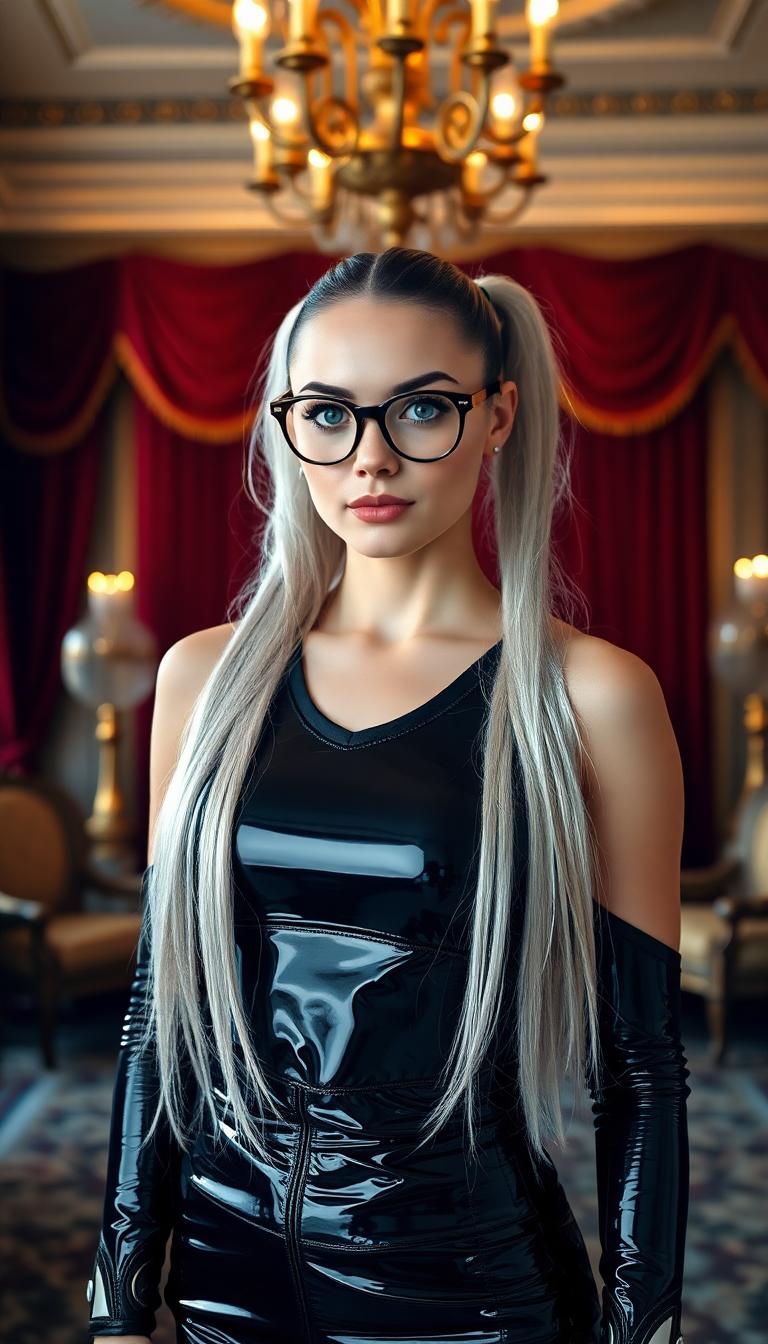
In a high-tech laboratory, a striking woman stands under harsh, clinical fluorescent lighting, her ebony-black latex bodysuit gleaming with a predatory sheen, reflecting the Cobra emblem on her chest. Her tall, high-heeled latex boots emerge from beneath a pristine, tailored shiny white latex lab coat, exuding clinical authority, while her slender, graceful frame, sharp ice-gray eyes behind silver-rimmed glasses, platinum silver hair in a high ponytail, and deep crimson lips radiate piercing intelligence its black latex lining shimmering unsettlingly in the sterile, cold light, captured in a hyper-detailed 8K DSLR photo with cinematic depth.
paparazzi photo, action, documentary style 1930s \(style\), Fill Lighting, Ilford HP5 Plus, realist detail, ue5, detailed character expressions, amazing quality, wallpaper, analog film grain, Establishing shot, Practical Lighting, Photoshop, analog film photo cinematic film still, shallow depth of field, vignette, highly detailed, high budget Hollywood film, bokeh, cinemascope, moody, epic, gorgeous, film grain, faded film, desaturated, 35mm photo, grainy, vintage, Kodachrome, Lomography, stained, found footage, ,beautiful woman, 1930's camera, in a ball room, black dress
masterpiece, best quality, highres, sharp image, more detail <lora:more_details:0.5> <lora:SDXLrender_v2.0:1>
AI-generated image
Shot composition: Medium shot from a low angle framing Batman centered behind a drum kit on the bustling street, with 35mm lens capturing urban surroundings in sharp focus.
Scene setting: Gritty nighttime city street in Gotham, illuminated by flickering neon signs and distant skyscraper lights, with a rainy atmosphere adding reflective puddles and misty haze.
Subject and wardrobe: Batman in his iconic black cape and cowl suit, dynamically striking drum cymbals and snare with intense focus and determination on his shadowed face, surrounded by scattered drum hardware.
Motion and animation: omit if not relevant to still imagery
Camera movement: none
Visual style: Dark cinematic comic book aesthetic with high contrast shadows, cool blue and purple color grade, subtle film grain for a gritty, noir-inspired texture.
A tall, voluptuous vampire pale woman with large 44EE breasts and stark white hair bound in a thick wave cascading down her back to her waist stands elegantly in a vast opulent hotel ballroom adorned with glittering chandeliers and gold accents, surrounded by many other guests dressed in similar shiny black leather attire. She wears a form-fitting shiny blood red latex floor length evening gown that accentuates her curvaceous figure, her makeup striking and sophisticated with bold eyes and red lips, evoking a sense of poised allure. Captured in a photorealistic DSLR photo with cinematic evening lighting, soft golden glows, shallow depth of field, and ultra-detailed 8K resolution. Wearing gold and ruby jewelry
Loading video...
test
A close-up, photorealistic digital painting of a female figure in profile, captured with intricate detail and vibrant colors, set against a full moon glowing softly in a night sky and a lush, enchanted forest of deep greens and blues. Her long, flowing hair and armor-like clothing shimmer with red and pink highlights, illuminated by moonlight, while intricate floral and geometric patterns adorn her attire, adding a fantasy twist. The scene is rendered with smooth shading, cinematic lighting, and an otherworldly, magical atmosphere in stunning 8K detail.
AI-generated image
show me an oscar selfie (edited with Google Nano Banana Pro)
A highly detailed, realistic portrait of a confident woman embodying Wonder Woman from the 1970s live-action TV series, portrayed by actress Lynda Carter, with striking blue-green eyes, subtle makeup including rosy cheeks and natural lips, long wavy chestnut-brown hair cascading over her shoulders, wearing a shiny golden tiara adorned with a central red star, small round red earrings, and a strapless bustier costume in vibrant red satin with metallic gold eagle emblem across the chest, gold trim, and red-and-gold striped detailing on the bodice; she has a serious yet poised expression, slight head tilt, illuminated by warm, soft indoor lighting casting gentle shadows; background features blurred elements like a framed classical painting on a wall and part of a dark military uniform with epaulets on another figure; rendered in photorealistic style, high-resolution digital photography medium, rich color palette of reds, golds, browns, and neutrals, emphasizing glossy textures, heroic atmosphere, and vintage 1970s aesthetic with sharp focus on facial features and costume details.

Start Creating AI Talking Avatars Today

Over 40 cutting-edge AI tools, loved by thousands of creators worldwide. Cancel anytime. Try it today.

The Pixel Dojo Advantage

Why PixelDojo is the superior choice for creating AI talking avatars:

OthersPixel Dojo
Traditional Animation MethodsEliminates the need for complex software and manual animation, saving time and resources.
Generic AI ToolsOffers specialized tools tailored for creating talking avatars with high-quality, realistic outputs.
Manual Video ProductionReduces production costs and time by automating the animation process without compromising quality.

Loved by Creators

See what our community says about talking ai avatar

"PixelDojo transformed my static images into engaging talking avatars, making my content more interactive and appealing."

Alex Johnson

Digital Marketer

"The ease of use and quality of the talking avatars created with PixelDojo's tools are unparalleled. Highly recommended!"

Maria Lopez

Content Creator

Common Questions

Everything you need to know about talking ai avatar AI generation

How can I create a talking avatar from an image using PixelDojo?

With PixelDojo's 'Image to Video' tool, you can upload your image, input a script, and our AI will animate the image to create a talking avatar.

Does PixelDojo support multiple languages for talking avatars?

Yes, our platform supports over 80 languages, allowing you to create talking avatars that speak in various languages and accents.

Do I need technical skills to use PixelDojo's AI tools?

No, PixelDojo is designed for users of all skill levels. Our intuitive interface makes it easy to create talking avatars without any technical expertise.

Can I customize the voice of my talking avatar?

Absolutely! PixelDojo offers a range of voice options, and you can select the one that best fits your avatar's personality and your content's tone.

Is there a limit to the number of talking avatars I can create?

No, you can create as many talking avatars as you need. Our platform is designed to support your creative endeavors without limitations.

How long does it take to generate a talking avatar?

The process is swift. Once you've uploaded your image and input your script, our AI generates the talking avatar within minutes.

Ready to create amazing AI talking avatars?

Ready to Create Amazing talking ai avatar Images?

Join thousands of creators using AI to bring their ideas to life

Help & Support

AI Online

How can we help?

Ask about features, troubleshooting, or get support. Check Discord for service announcements first.

✨ Features🛠️ Troubleshooting👤 Account
🚀

Quick Start

Popular features

📚

Learn More

Advanced tips

💡

Best Practices

Get better results