veo 3.1 access AI Generator

Imagine turning your wildest ideas into breathtaking videos without expensive equipment or hours of editing. With Veo 3.1 access on PixelDojo, you can generate professional-grade AI videos that captivate audiences, boost your content creation, and elevate your projects. Whether you're a marketer crafting viral ads, a storyteller bringing narratives to life, or a business owner producing engaging demos, Veo 3.1 empowers you to achieve stunning results quickly and affordably. Access this advanced AI video tool alongside 40+ others on PixelDojo, and start creating videos that stand out – all with the flexibility to cancel anytime.

AI Generated
Get Started TodayResults in seconds50+ AI models

Join over 50,000 creators who've generated millions of AI assets on PixelDojo. Rated 4.9/5 stars from 10,000+ reviews on Trustpilot. Featured in top tech blogs for revolutionary AI video access.

Why Choose Pixel Dojo for veo 3.1 access

Professional-quality results with cutting-edge AI technology

Create Realistic Videos Instantly

With Veo 3.1 access, you produce hyper-realistic videos that look professionally shot, saving you time and resources while impressing clients and viewers with lifelike quality.

Boost Creativity Without Limits

Unleash endless possibilities by generating dynamic videos from simple prompts, helping you explore new ideas and iterate faster to perfect your vision.

Scale Your Content Effortlessly

Easily create high-volume video content for social media, marketing, or education, allowing you to grow your audience and business without hiring a team.

How It Works

Getting started with Veo 3.1 access on PixelDojo is simple and intuitive, letting you focus on your creativity while our platform handles the heavy lifting.

1

Step 1: Choose Your Tool

Log in to PixelDojo and select Veo 3.1 from our Video Generation suite. This gives you instant access to advanced AI video creation capabilities, integrated seamlessly with tools like WAN 2.5 Video for enhanced options.

2

Step 2: Enter Your Prompt

Describe your video idea in detail – from scenes and styles to durations. Veo 3.1 interprets your input to generate customized videos, with options to refine using PixelDojo's editing tools like Video Autocaption or Lip Sync.

3

Step 3: Customize & Download

Preview your generated video, make adjustments with features like Video Upscaler or Merge Videos, then download in high resolution. Share your creation instantly and iterate as needed.


Community veo 3.1 access Gallery

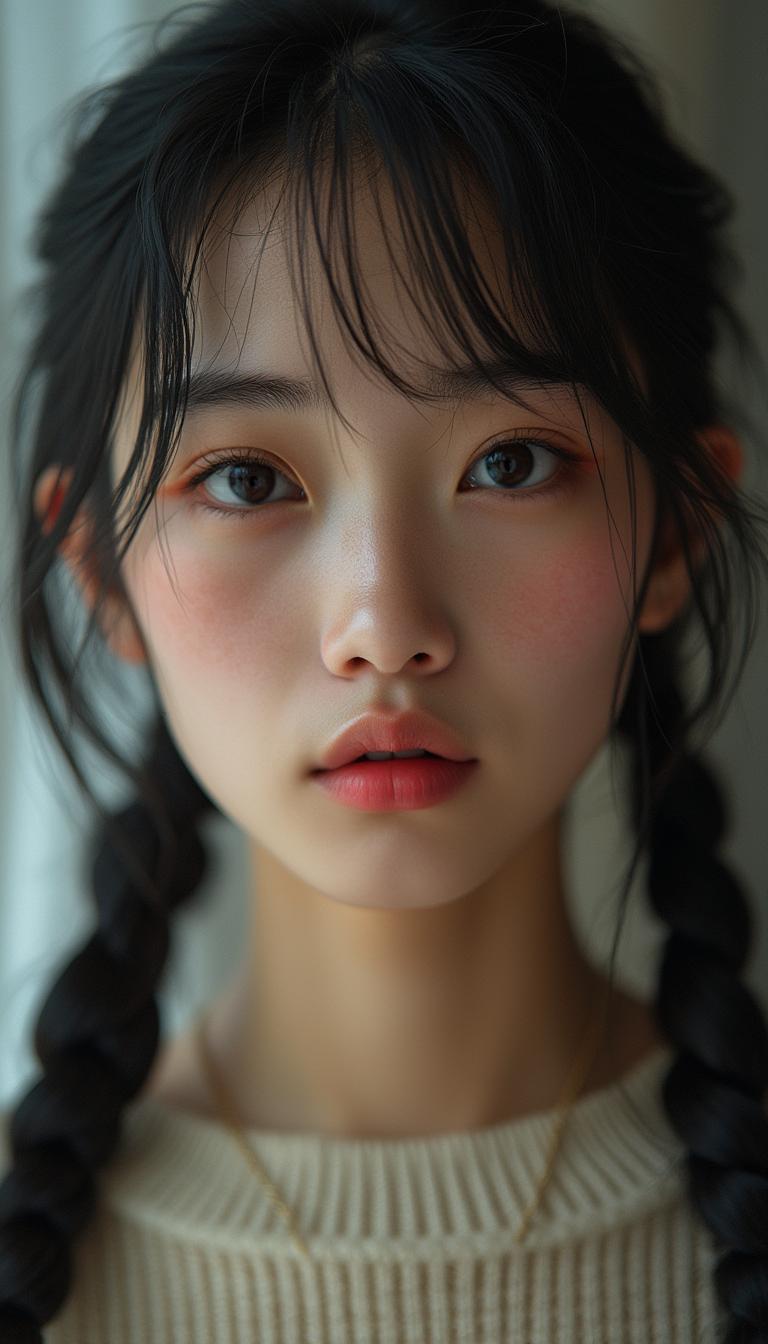
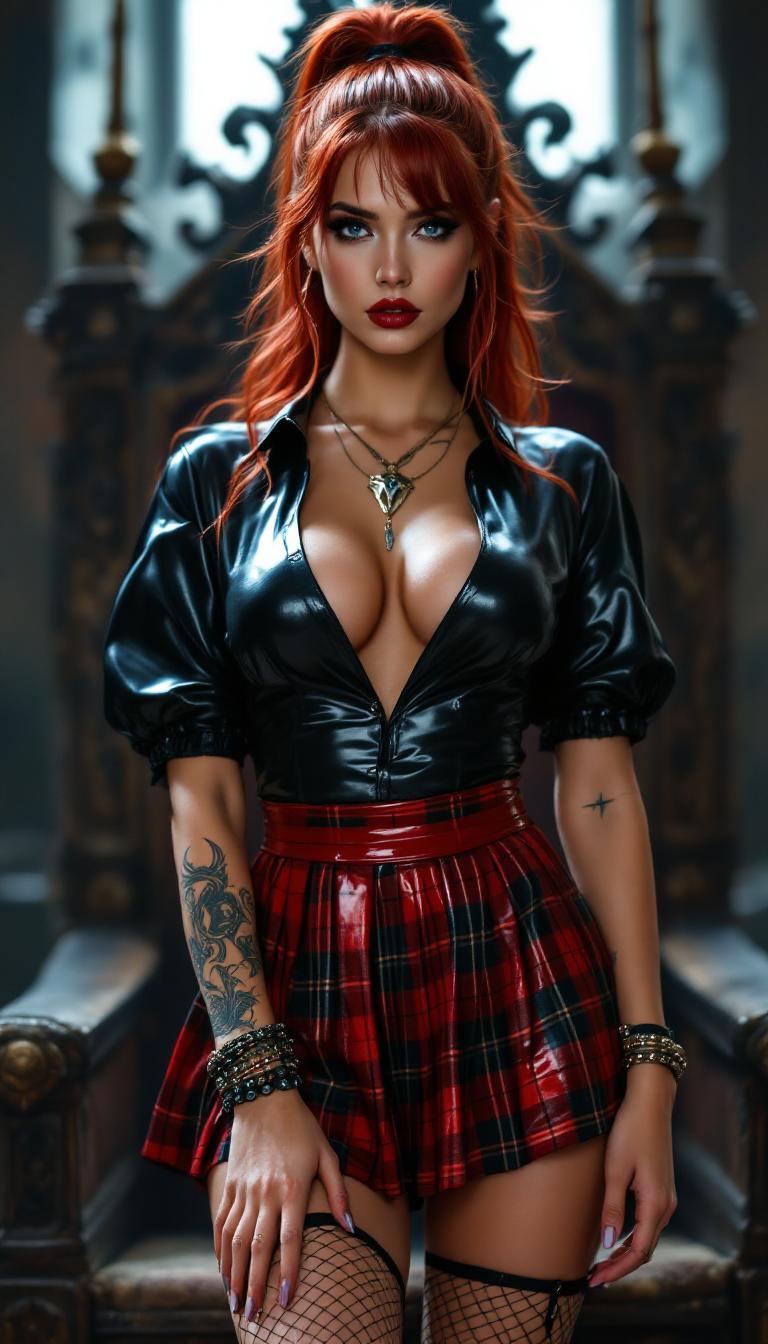
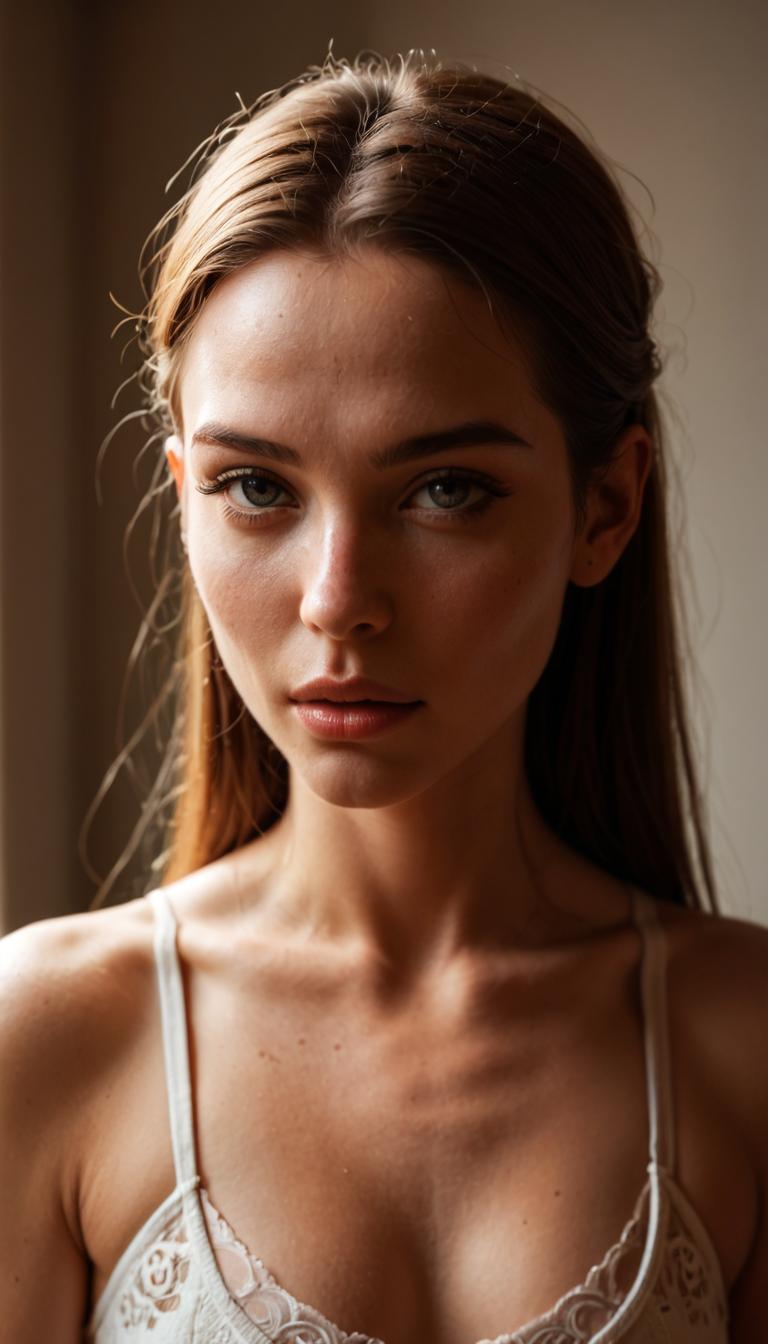
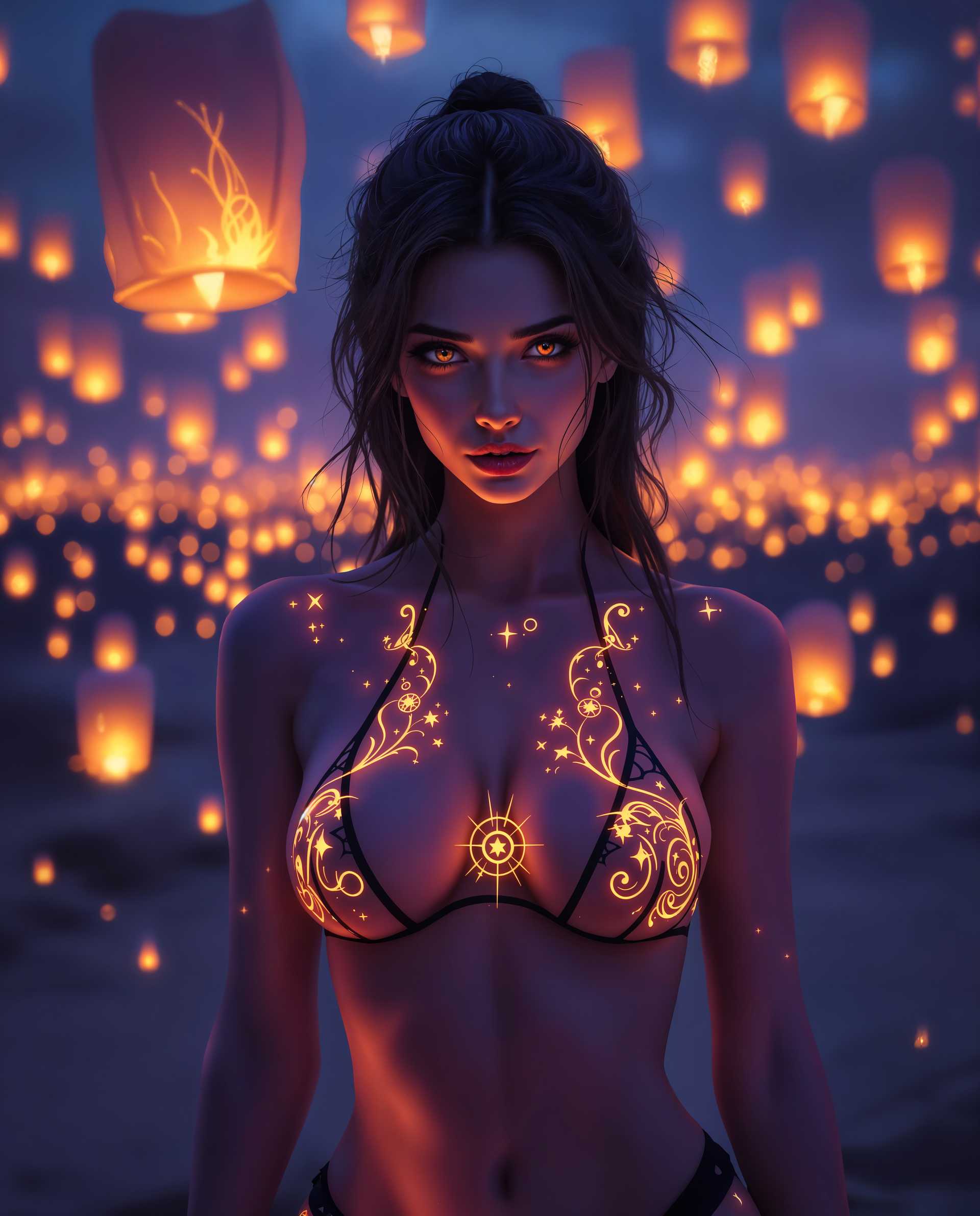
Real examples created by our community

a photo of a man flying through the air on a drone. the clouds say "PixelDojo.ai Now With Imagen 4"
Vintage 1940s pulp science fiction magazine cover. Central illustration: a determined, angry woman with short red hair inside a glass helmet, wearing a form-fitting shiny red spacesuit with gold accents, kneeling and aiming a futuristic ray gun with a thin green beam, with intense focus at a target off camera, as a fallen man in a white spacesuit and helmet crawling away on a rocky alien terrain with green foliage and distant stars. Dramatic lighting with shadows and highlights emphasizing action.  Retro painted style with vibrant colors, exaggerated poses, and slight aged paper texture with wear.
Mid 30s, gorgeous pale vampire queen. Shiny burgundy latex corset holding her ample cleavage tightly. Skintight shiny black latex pants. Standing in a lavish victorian parlour. Her thick, ample, long red hair cascades down to her waist
A stunning digital illustration in a hyper-realistic yet stylized pin-up  style, modern featuring a fierce young woman with long platinum blonde hair tied in a high ponytail with a black scrunchie, her hair flowing dynamically with soft waves and highlights. She has intense blue eyes with heavy black eyeliner and mascara, arched eyebrows, full red lips parted in a passionate scream or song, sharp cheekbones, and fair skin with subtle blush and gloss. She's gripping a classic silver vintage microphone with black ridges in her right hand, pointing dramatically with her left index finger, nails painted black. She's dressed in a fitted dark red short-sleeved t-shirt tucked into high-waisted black leather pants with a wide studded silver belt, a sparkling diamond choker necklace, and multiple silver bracelets on her wrists. The pose is dynamic and energetic, leaning slightly forward as if performing on stage, with soft volumetric lighting casting gentle shadows and highlights on her form, against a smooth gradient gray-white studio background. High detail in textures like the shiny leather, metallic microphone, and glossy hair, vibrant colors with cool tones dominating, high contrast, 8k resolution, ultra-detailed, cinematic composition.
A striking mid-30s asian vampire queen with pale, porcelain skin and thick, voluminous shiny cotton candy pink hair cascading  down her shoulders in a high ponytail exuding dark elegance. She wears a luxurious black fur coat over a shiny black latex corset and a slit qipao decoratedwithagolden asian dragon, her heavy gothic makeup, shiny black lips, and nails enhancing her menacing allure as she smokes a slim cigarette. Captured in photorealistic detail with cinematic lighting, soft shadows, the precision of an 8K DSLR shot using a 50mm lens, the scene radiates haunting sophistication. The picture shows her full body
A breathtaking portrait of a striking 19-year-old woman, the central figure exuding an air of sharp intellect and commanding elegance. She wears slim, round-framed glasses that frame her piercing, intelligent gaze with precision. Her lips are painted shiny black. Her long, flowing white hair is styled in a mesmerizing cascade of elegant ringlets and soft waves, spilling from a small bun, with strands catching the light to reveal a silky, luminous sheen. Her attire is a glossy, shiny black latex Victorian maid's uniform, meticulously detailed with delicate lace trim along the cuffs and collar, paired with voluminous petticoats that create a dramatic, sweeping silhouette. A tight, reflective black latex corset cinches her waist, accentuating her poised and statuesque presence. She stands confidently in the heart of an opulent Victorian parlour, surrounded by polished mahogany furniture with intricate carvings, ornate golden candelabras flickering with warm light, and heavy crimson velvet drapes framing tall, arched windows. The composition centers on her as the focal point, captured from a slight low angle to emphasize her towering elegance and authority, with the background softly blurred to maintain focus on her intricate details. Soft, warm lighting bathes the scene, casting gentle highlights on the reflective latex surfaces and creating subtle, dramatic shadows across the textured lace and folds of her outfit. The mood blends gothic mystery with vintage sophistication, set during the late afternoon as golden hour light filters through the windows, casting a dreamy, nostalgic glow across the room with a touch of ethereal haze. Rendered in a hyper-realistic style, inspired by 19th-century portraiture, with photorealistic detailing that captures every fine texture—from the glossy sheen of latex to the delicate grain of wood—featuring dramatic contrast, rich color depth, and a cinematic depth of field that draws the viewer into her enigmatic presence.
A stunning photorealistic portrait of a futuristic female warrior, captured through a high-end DSLR with a 50 mm lens, showcasing shallow depth of field and cinematic lighting in breathtaking 8K detail. She wears a high-tech metallic armor suit in vibrant neon green, adorned with intricate circuit-like patterns and glowing jewel embellishments, reflecting an otherworldly sheen under dramatic futuristic lighting, her open mouth revealing devilish fangs. Her long, luminous hair cascades down, mirroring the armor's brilliance, set against a sleek, dark sci-fi environment with subtle ambient glows.
This image depicts a scene at a truck stop, with a focus on a large flatbed truck carrying two armored vehicles. The vehicles are adorned with prominent logos one is blue with the Pepsi logo, and the other is green with the Mountain Dew logo. The truck is equipped with a set of dual rear axles and large tires, typical of heavyduty transport vehicles.The armored vehicles are designed to resemble Armored vehicle, with a turretlike structure on top of each vehicle. The Pepsi tank has a red, white, and blue color scheme, while the Mountain Dew tank has a green and white color scheme. Both tanks have a realistic design, with details such as headlights, wheels, and tracks, although they are clearly not operational military vehicles.The truck stop setting includes a gas station with a pump nozzle visible in the foreground. There are also road signs indicating the direction to Interstate 40, and a billboard advertising TOMMYS with an arrow pointing to the left, suggesting the location of the truck stop. The sky is partly cloudy, and the overall lighting suggests it might be either morning or late afternoon.The art style of the image is realistic with a touch of surrealism, as the armored vehicles are not typically seen in such a commercial setting. The medium appears to be a photograph, given the realistic rendering of textures and shadows. The colors are bright and vivid, with the blue and green tanks standing out against the muted tones of the truck stop environment.The objects in the image include the flatbed truck, the two armored vehicles, road signs, a gas pump, and the billboard advertising TOMMYS. The presence of these objects creates a narrative of transportation and commercial activity at the truck stop.

Start Creating Veo 3.1 Videos Today

40+ cutting edge AI tools, loved by thousands of creators worldwide, cancel anytime, try it today

The Pixel Dojo Advantage

Why PixelDojo outperforms other options for Veo 3.1 access video generation

OthersPixel Dojo
Traditional video productionSkip costly shoots and editing software – generate pro videos in minutes with Veo 3.1, saving you thousands in production costs.
Generic AI toolsGet exclusive Veo 3.1 access plus integrated editing like Lip Sync and Video Reframe, delivering superior quality and customization.
Manual video editingAutomate the entire process with Veo 3.1, reducing editing time from days to seconds while achieving polished, professional results.

Loved by Creators

See what our community says about veo 3.1 access

"Veo 3.1 access on PixelDojo transformed my content game – I created a full marketing video in under an hour that got 10x more engagement!"

Alex Rivera

Digital Marketer

"As a filmmaker, Veo 3.1 lets me prototype scenes quickly. PixelDojo's seamless access has saved me weeks of work on my latest project."

Jordan Lee

Independent Filmmaker

Common Questions

Everything you need to know about veo 3.1 access AI generation

How do I get Veo 3.1 access for AI video generation?

Sign up for PixelDojo and instantly unlock Veo 3.1 in our Video Generation tools. You'll gain access to generate up to 1080p videos with realistic motion, integrated with features like WAN Sound to Video for audio enhancements, all designed to help you create professional content without technical hurdles.

What are the best techniques for using Veo 3.1 access?

Start with detailed prompts describing scenes, styles, and durations. Combine Veo 3.1 with PixelDojo's Video Editing suite, such as Lip Sync or Video Upscaler, to refine outputs. Trends show users achieving cinematic quality by incorporating dynamic camera movements and realistic lighting, helping you produce videos that engage and convert viewers.

Is Veo 3.1 access free on PixelDojo?

PixelDojo offers a free tier for basic Veo 3.1 access, with premium subscriptions unlocking unlimited generations and advanced features like higher resolutions and faster processing. Loved by thousands, our plans are flexible – cancel anytime and start creating stunning videos today.

Can Veo 3.1 access generate long-form AI videos?

Yes, Veo 3.1 on PixelDojo supports generating videos up to several minutes long, with trends focusing on coherent storytelling and high-fidelity details. Use it alongside tools like Merge Videos to extend clips, enabling you to build comprehensive content for tutorials, ads, or stories effortlessly.

What trends are emerging in Veo 3.1 access image to video techniques?

Current trends include hybrid image-to-video workflows where you start with PixelDojo's Image Generation tools like Imagen 4, then animate using Veo 3.1. This creates seamless transitions and realistic animations, perfect for turning static concepts into dynamic videos that boost your creative output.

How does Veo 3.1 access compare to other AI video tools?

Veo 3.1 stands out for its superior realism and consistency, accessible via PixelDojo with integrations like Runway Gen-4 Video for added versatility. Users achieve better outcomes in quality and speed, making it ideal for professionals seeking reliable, high-converting video generation without complexity.

Ready to create amazing Veo 3.1 videos?

Ready to Create Amazing veo 3.1 access Images?

Join thousands of creators using AI to bring their ideas to life