veo 3.1 examples AI Generator
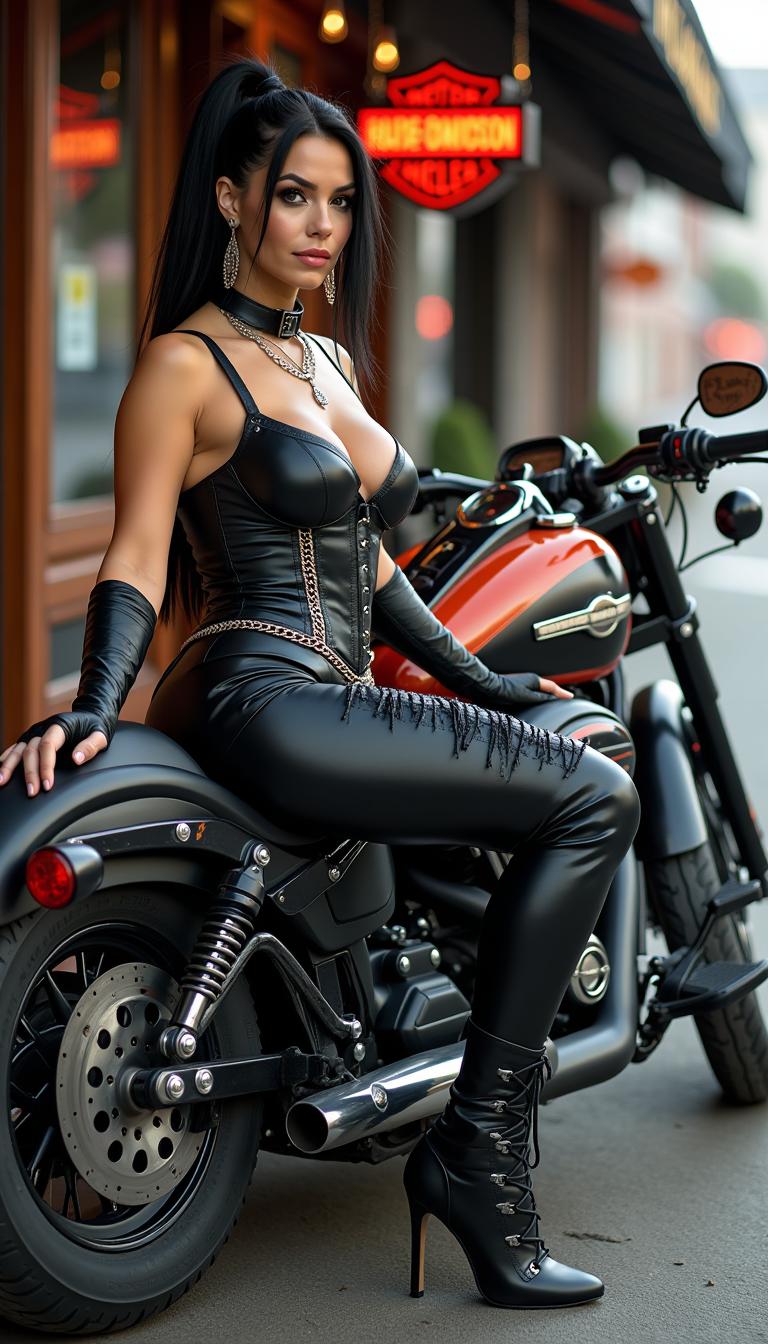
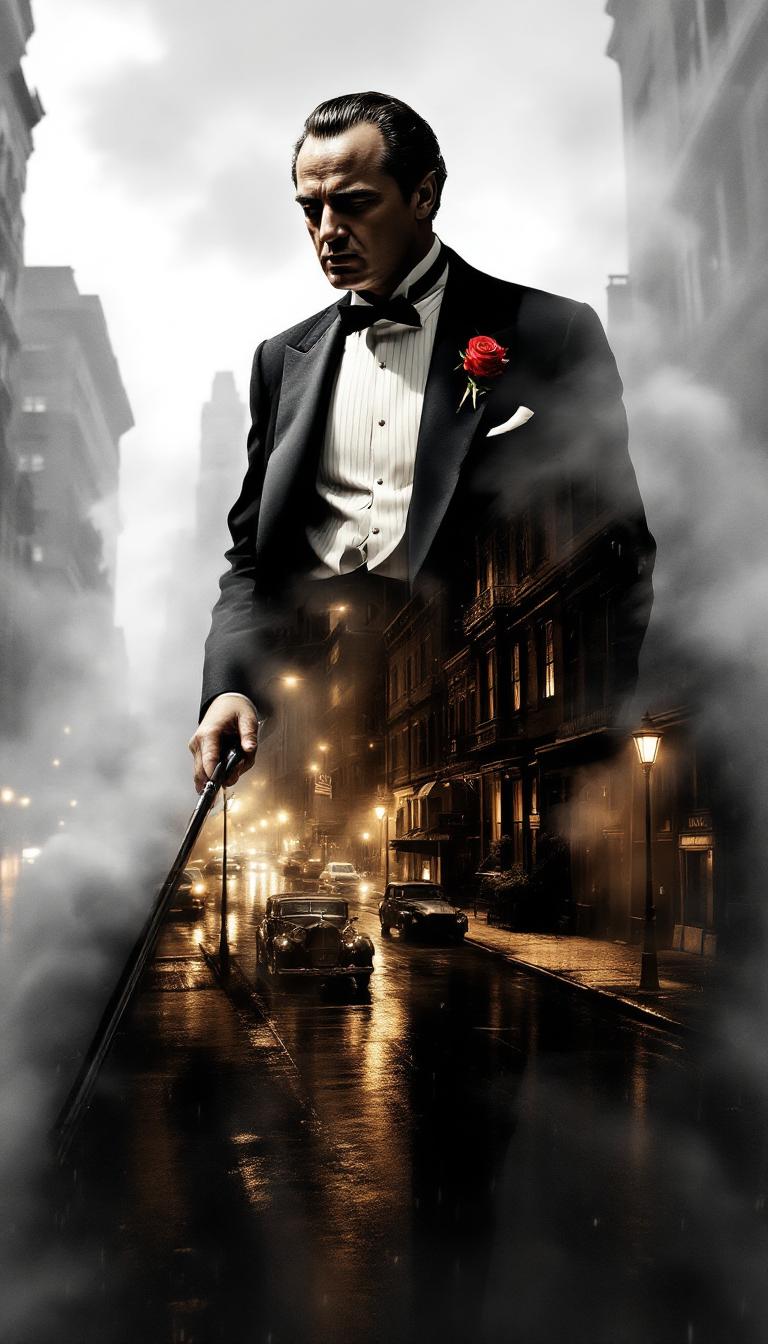
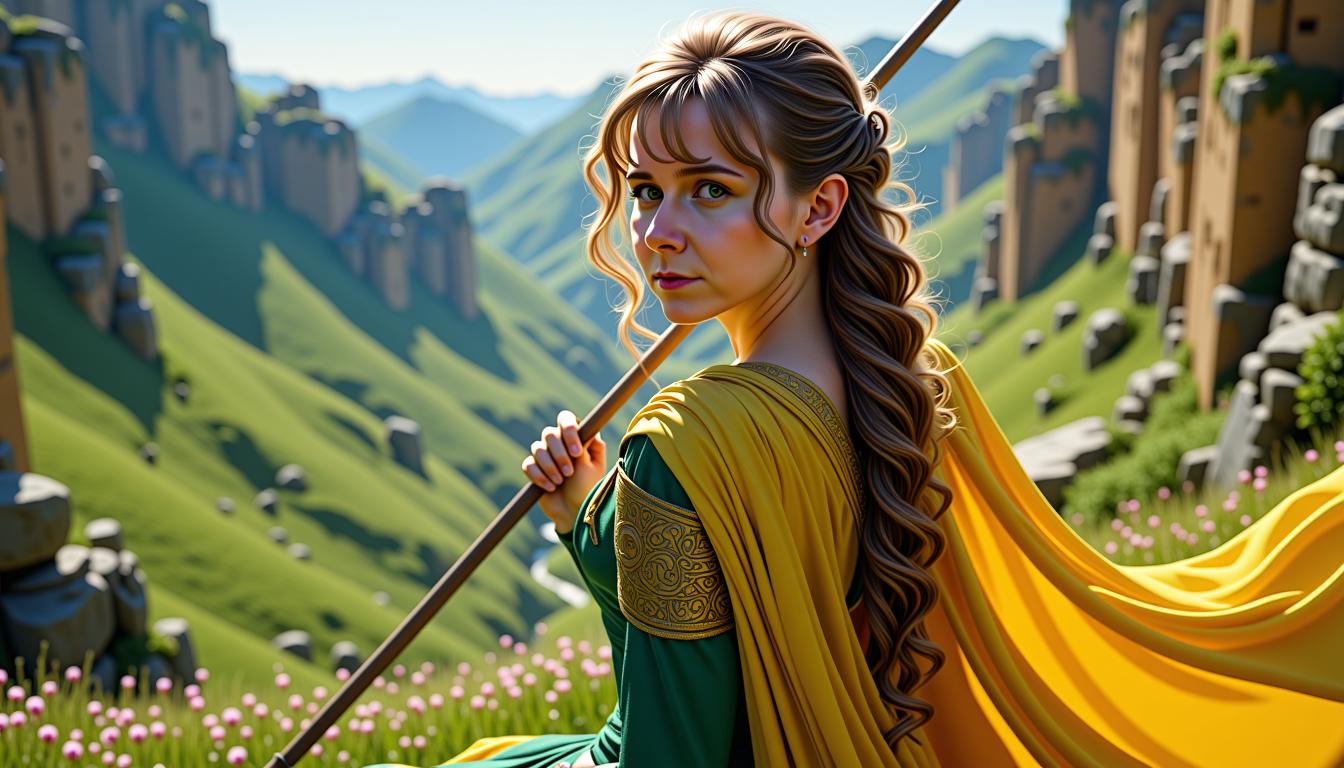
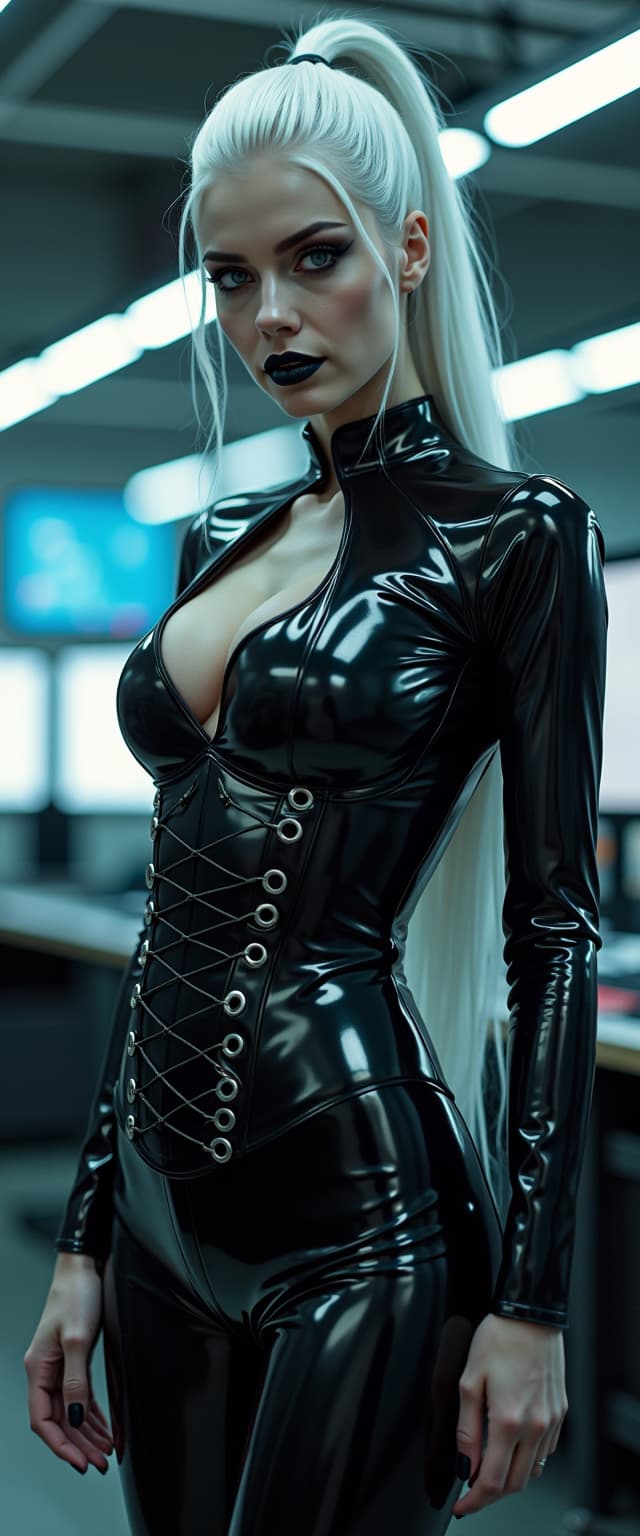
Unlock the power of Veo 3.1 examples to create breathtaking AI videos that captivate audiences and bring your visions to life. With PixelDojo, you can effortlessly generate high-fidelity videos featuring realistic movements, dynamic scenes, and seamless storytelling—perfect for marketers, educators, and creators. Imagine producing professional-grade content in minutes, saving hours of manual editing while achieving results that rival Hollywood productions. Whether you're crafting promotional clips, educational explainers, or artistic animations, Veo 3.1 examples on PixelDojo empower you to stand out and engage viewers like never before.
Join over 50,000 creators who have generated millions of AI videos on PixelDojo. Rated 4.9/5 stars from 10,000+ reviews on Trustpilot, with users praising our Veo 3.1 tool for its speed and realism. Featured in top tech blogs for revolutionizing video creation.
Why Choose Pixel Dojo for veo 3.1 examples
Professional-quality results with cutting-edge AI technology
Achieve Hyper-Realistic Video Outputs
Produce videos with lifelike details and fluid motions using Veo 3.1 examples, helping you create content that mesmerizes viewers and boosts engagement on social media or your website.
Save Time on Complex Edits
Quickly generate and refine videos inspired by Veo 3.1 trends, allowing you to focus on creativity rather than technical hurdles, so you can launch projects faster and iterate on ideas effortlessly.
Customize for Any Creative Vision
Tailor Veo 3.1-style videos to your unique style, enabling you to produce personalized content that resonates with your audience and drives conversions for your business or brand.
How It Works
Creating Veo 3.1 examples is simple with PixelDojo's intuitive interface. Follow these steps to generate professional AI videos that match the latest trends in high-coherence, extended-duration clips.
Step 1: Choose Your Tool
Log in to PixelDojo and select the VEO 3.1 tool from our Video Generation suite. This advanced model excels at producing realistic, long-form videos with improved physics and scene consistency, based on the latest Veo 3.1 updates featuring enhanced resolution and creative controls.
Step 2: Enter Your Prompt
Input a detailed prompt describing your desired video, incorporating Veo 3.1 examples like surreal dream sequences or hyper-realistic nature scenes. Use our prompt enhancer for optimal results, drawing from trends in multi-shot storytelling and emotional depth.
Step 3: Customize & Download
Refine your video with tools like Video Upscaler or Lip Sync for polished outputs. Preview, adjust parameters, and download your Veo 3.1-inspired creation ready for sharing or integration into your projects.


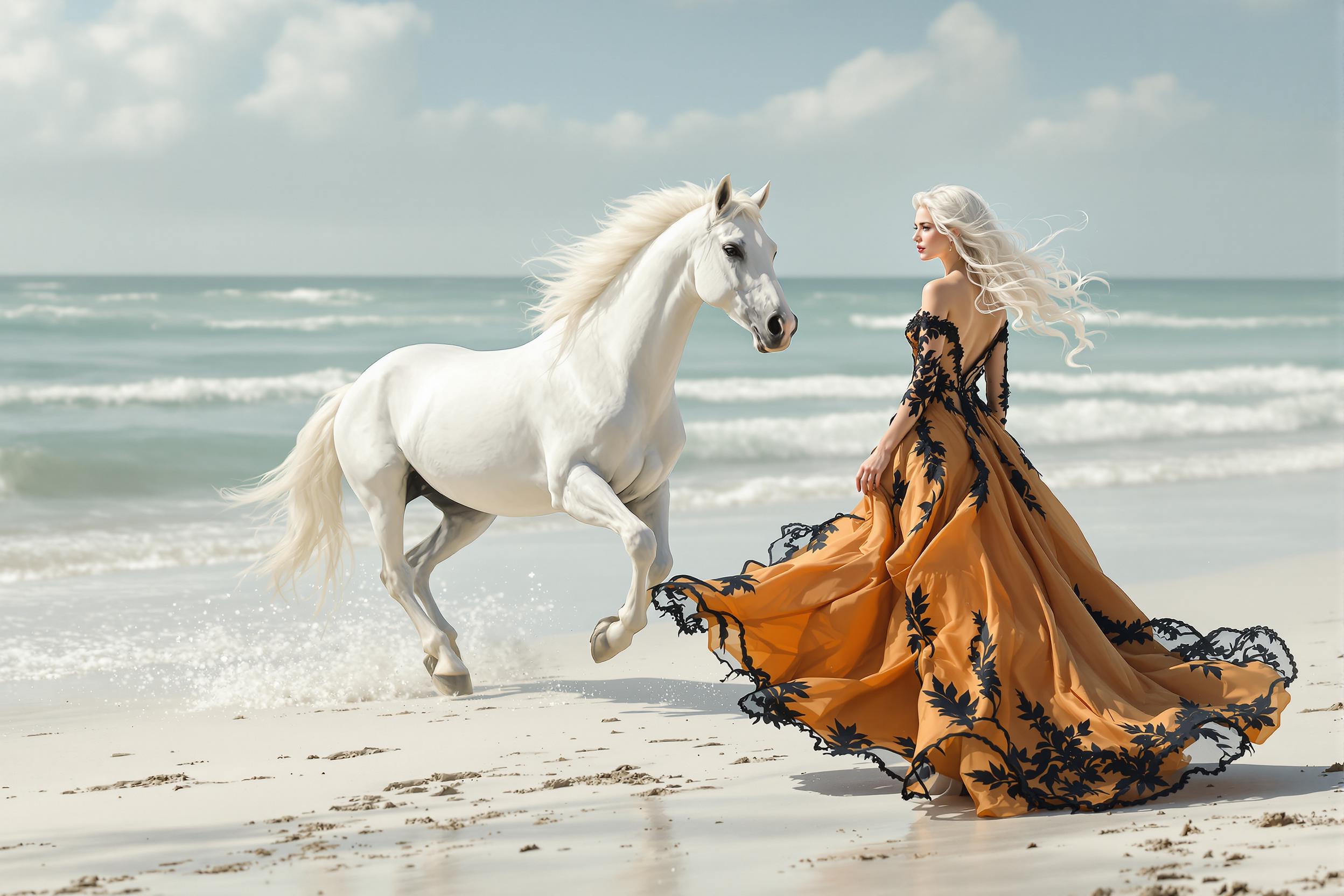

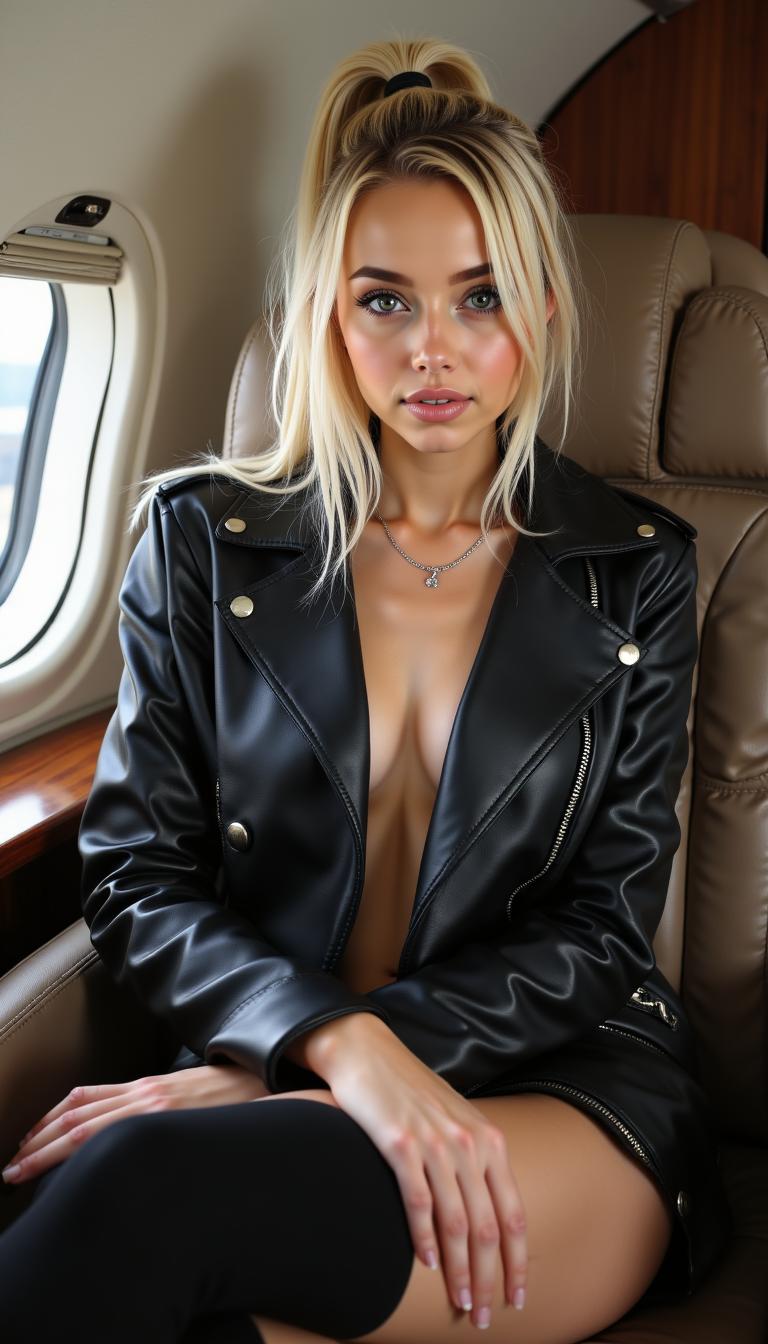
The Pixel Dojo Advantage
Why PixelDojo outperforms other options for Veo 3.1 examples in video generation
| Others | Pixel Dojo |
|---|---|
| Traditional video production | Eliminate expensive equipment and long shooting schedules by generating Veo 3.1-style videos instantly, giving you professional results without the hassle or high costs. |
| Generic AI tools | Access specialized Veo 3.1 integration with seamless editing features, ensuring higher quality and customization than basic platforms, so your videos truly stand out. |
| Manual video editing | Skip tedious frame-by-frame adjustments; PixelDojo's Veo 3.1 tool automates complex effects, letting you achieve stunning outcomes in a fraction of the time. |
Loved by Creators
See what our community says about veo 3.1 examples
"PixelDojo's Veo 3.1 examples transformed my marketing videos—now they're hyper-realistic and engage viewers instantly. It's a game-changer!"
Sarah Thompson
Digital Marketer
"I created stunning animations using Veo 3.1 on PixelDojo in minutes. The realism and ease saved me weeks of work—highly recommend!"
Mike Rivera
Content Creator
Common Questions
Everything you need to know about veo 3.1 examples AI generation
What are some Veo 3.1 examples for AI video generation?
Veo 3.1 examples include generating realistic human movements, complex scene transitions, and extended video clips up to 2 minutes with high coherence. On PixelDojo, you can create these using our VEO 3.1 tool, perfect for storytelling videos or product demos that captivate your audience and drive results.
How to create Veo 3.1 examples with PixelDojo?
Start by selecting VEO 3.1 in PixelDojo's Video Generation section, enter a prompt inspired by trends like photorealistic animations, and customize with editing tools. This lets you produce professional videos quickly, enhancing your creative output without advanced skills.
What makes Veo 3.1 examples better for video creation?
Veo 3.1 examples offer improved temporal consistency and detail in videos, such as lifelike physics in action scenes. PixelDojo integrates this with 40+ tools, allowing you to upscale, add audio, or refine outputs for polished content that boosts your brand's visibility.
Can I use Veo 3.1 examples for commercial projects?
Yes, PixelDojo's Veo 3.1 tool generates commercially viable videos with no usage restrictions. Create marketing materials or ads that look professional, helping you attract more clients and grow your business effortlessly.
What are the latest trends in Veo 3.1 examples?
Latest trends include multi-modal inputs for more dynamic videos and enhanced resolution for 4K outputs. With PixelDojo, leverage these in VEO 3.1 to create trending content like viral shorts or tutorials, keeping you ahead in the creative space.
How does PixelDojo support Veo 3.1 examples customization?
PixelDojo offers tools like Video Reframe and Lip Sync to customize Veo 3.1 examples, enabling you to adjust styles, add effects, and perfect your videos. This flexibility helps you achieve tailored results that align with your vision and engage your target audience effectively.