veo 3.1 reference image support AI Generator
Imagine turning your creative vision into breathtaking videos where every frame aligns perfectly with your reference images. With PixelDojo's Veo 3.1 reference image support, you can achieve unparalleled control and consistency in AI video generation. Whether you're crafting marketing content, storytelling visuals, or artistic animations, this powerful feature lets you guide the AI to match styles, compositions, and elements from your uploaded images. Say goodbye to generic outputs and hello to videos that truly reflect your unique ideas. Start producing professional-grade videos that captivate audiences and elevate your projects—all without needing advanced editing skills or expensive software.
Join over 50,000 creators who trust PixelDojo for AI innovation. Rated 4.9/5 on Product Hunt with 1,200+ reviews. Featured in TechCrunch for revolutionizing video creation. 'PixelDojo's Veo 3.1 has transformed how I bring concepts to life' – Verified User.
Why Choose Pixel Dojo for veo 3.1 reference image support
Professional-quality results with cutting-edge AI technology
Achieve Perfect Style Consistency
Ensure your videos match the exact aesthetic of your reference images, saving hours of revisions and helping you deliver polished content that stands out in any portfolio or campaign.
Boost Creative Efficiency
Generate customized videos faster than ever, allowing you to iterate on ideas quickly and focus more on storytelling rather than technical tweaks.
Unlock Professional Results Easily
Produce high-quality, reference-guided videos without expert skills, empowering beginners and pros alike to create stunning visuals for social media, ads, or personal projects.
How It Works
Creating videos with Veo 3.1 reference image support on PixelDojo is straightforward and intuitive. Upload your reference image and let the AI handle the rest, delivering outcomes that match your vision precisely.
Step 1: Select Veo 3.1 Tool
Log in to PixelDojo and navigate to the Video Generation section. Choose Veo 3.1 from our suite of tools like Sora 2, Kling v2.5 Turbo Pro, or WAN 2.5 Video. Upload your reference image to guide the style, composition, or elements in your video.
Step 2: Craft Your Prompt and Settings
Enter a detailed text prompt describing your desired video scene. Adjust parameters like duration, resolution, and intensity of reference image influence to fine-tune how closely the AI adheres to your uploaded image.
Step 3: Generate, Refine, and Download
Hit generate and watch Veo 3.1 create your video. Use editing tools like Video Reframe or Lip Sync for final touches, then download in high quality. Experiment with variations to perfect your outcome.
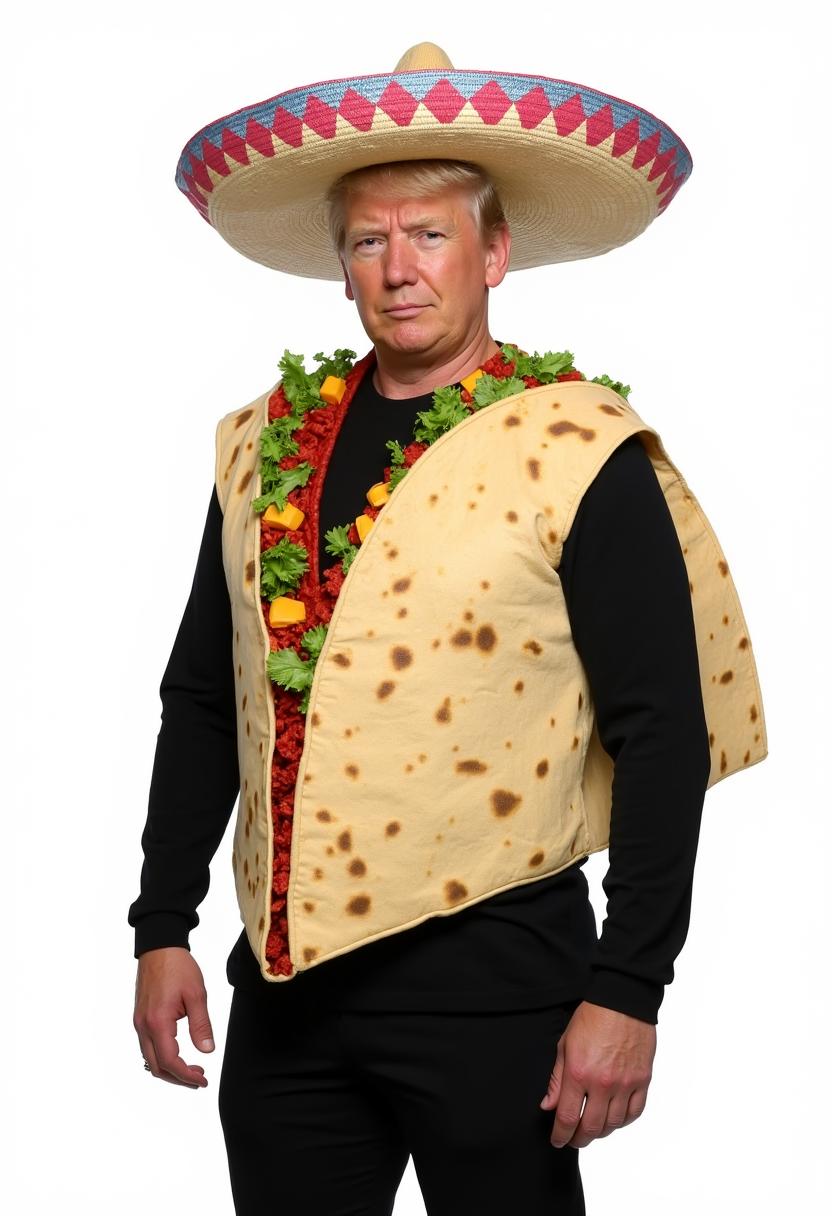
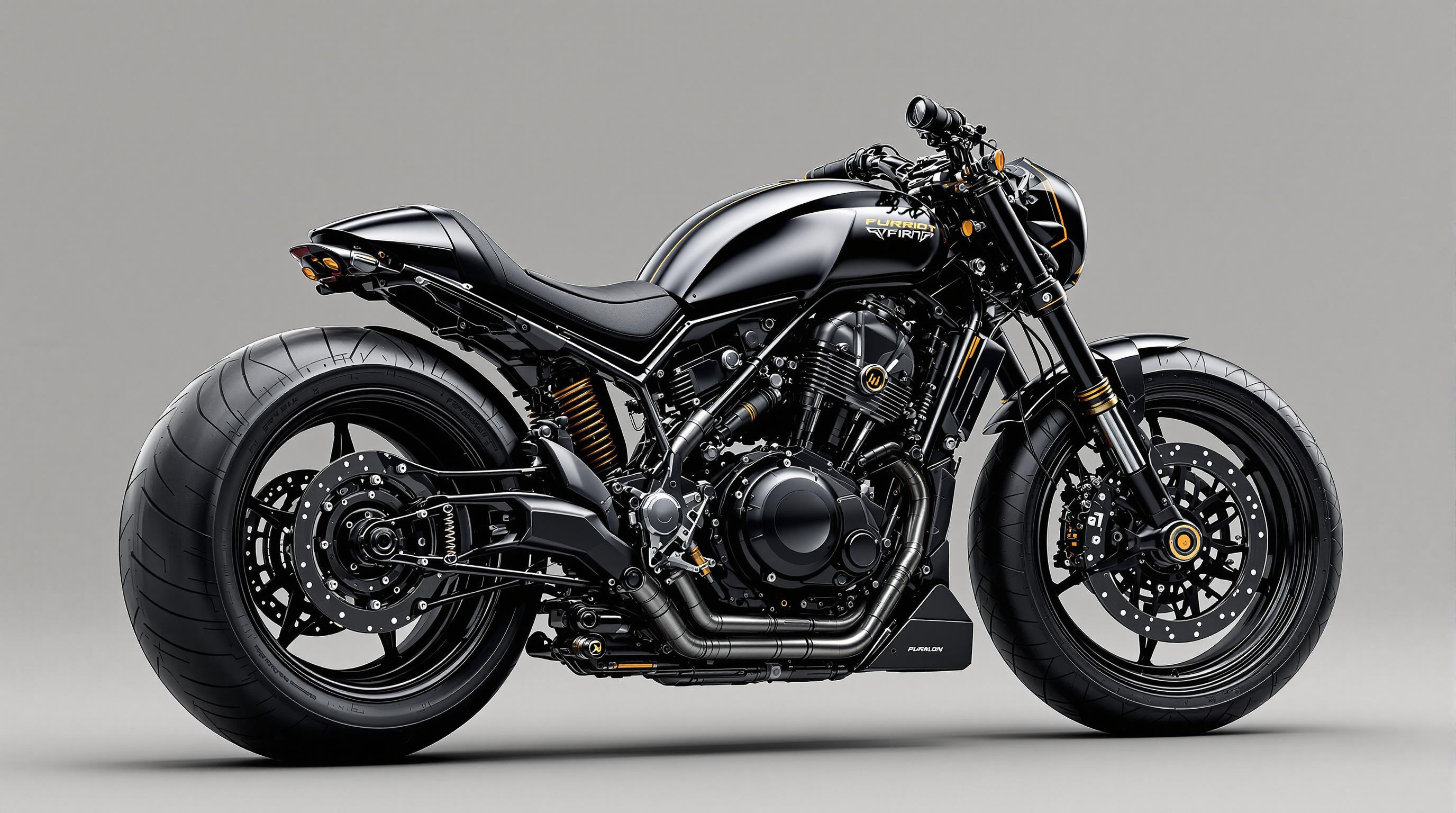
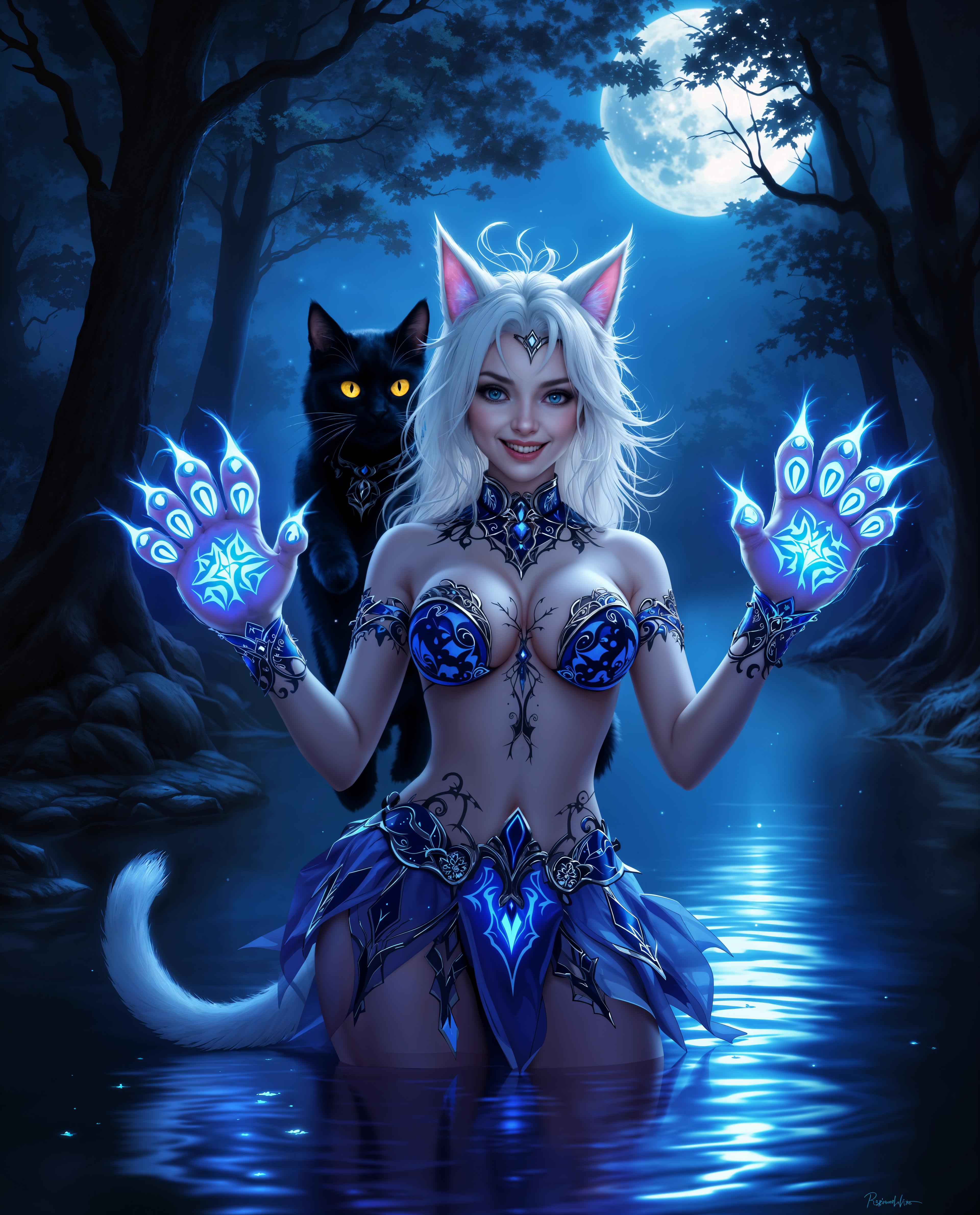
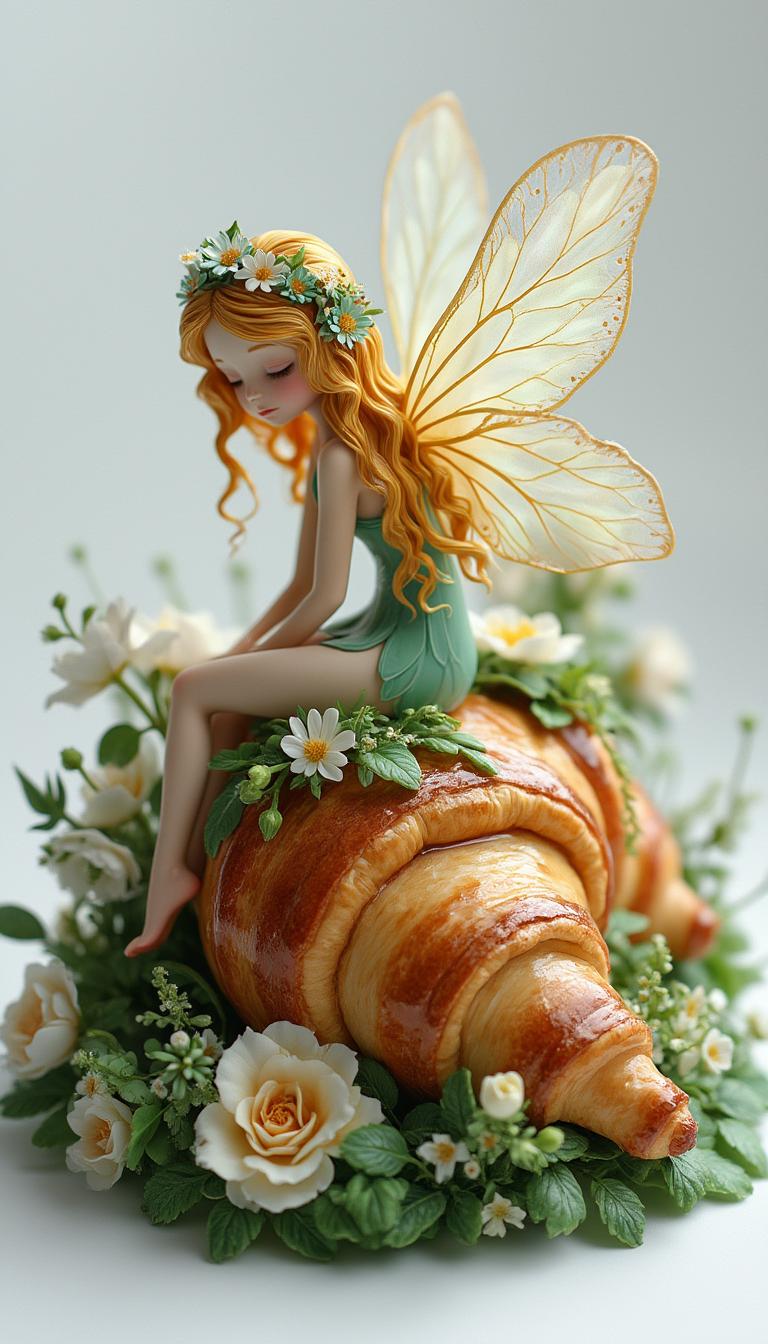
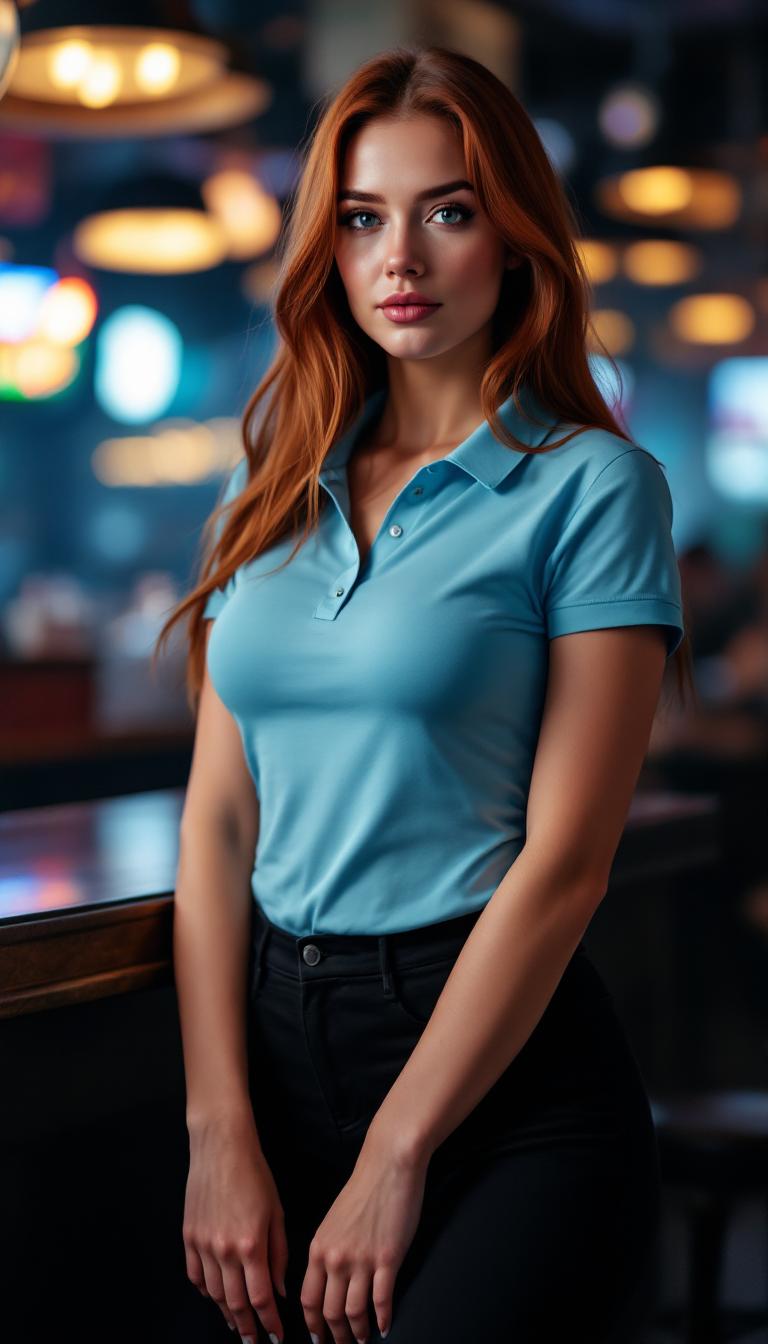
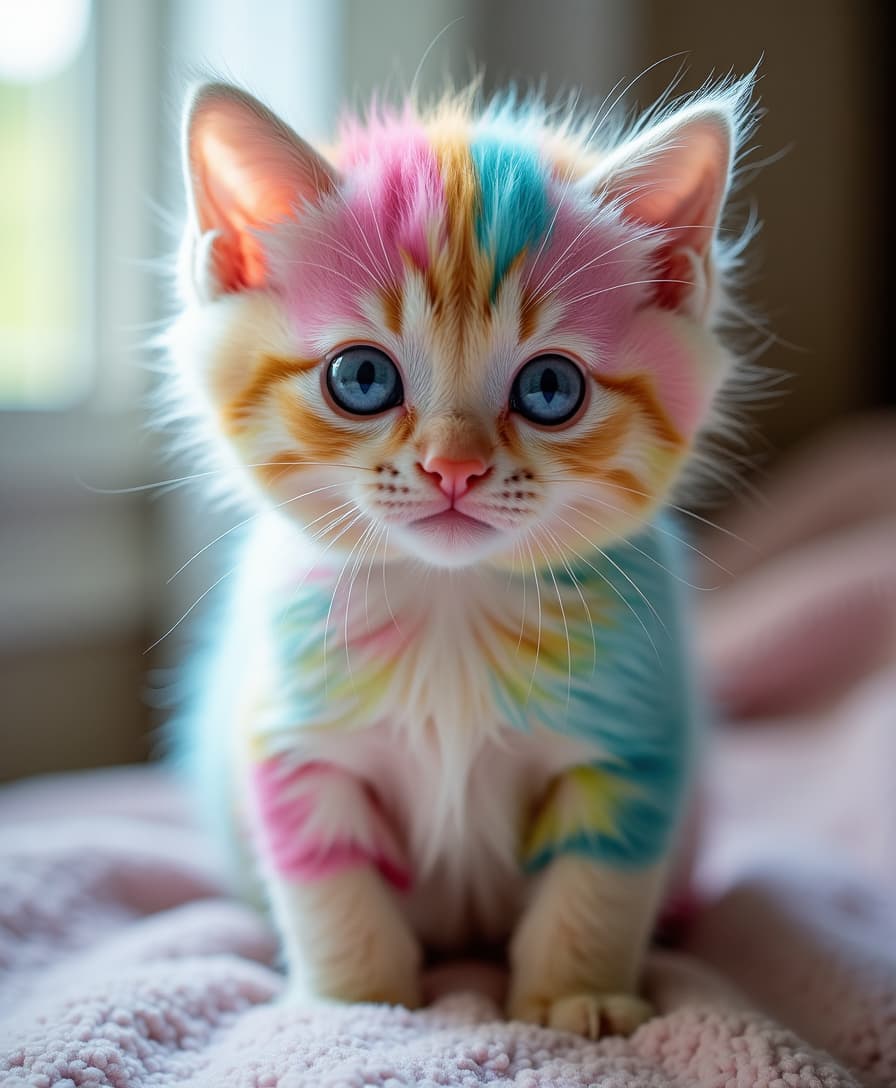

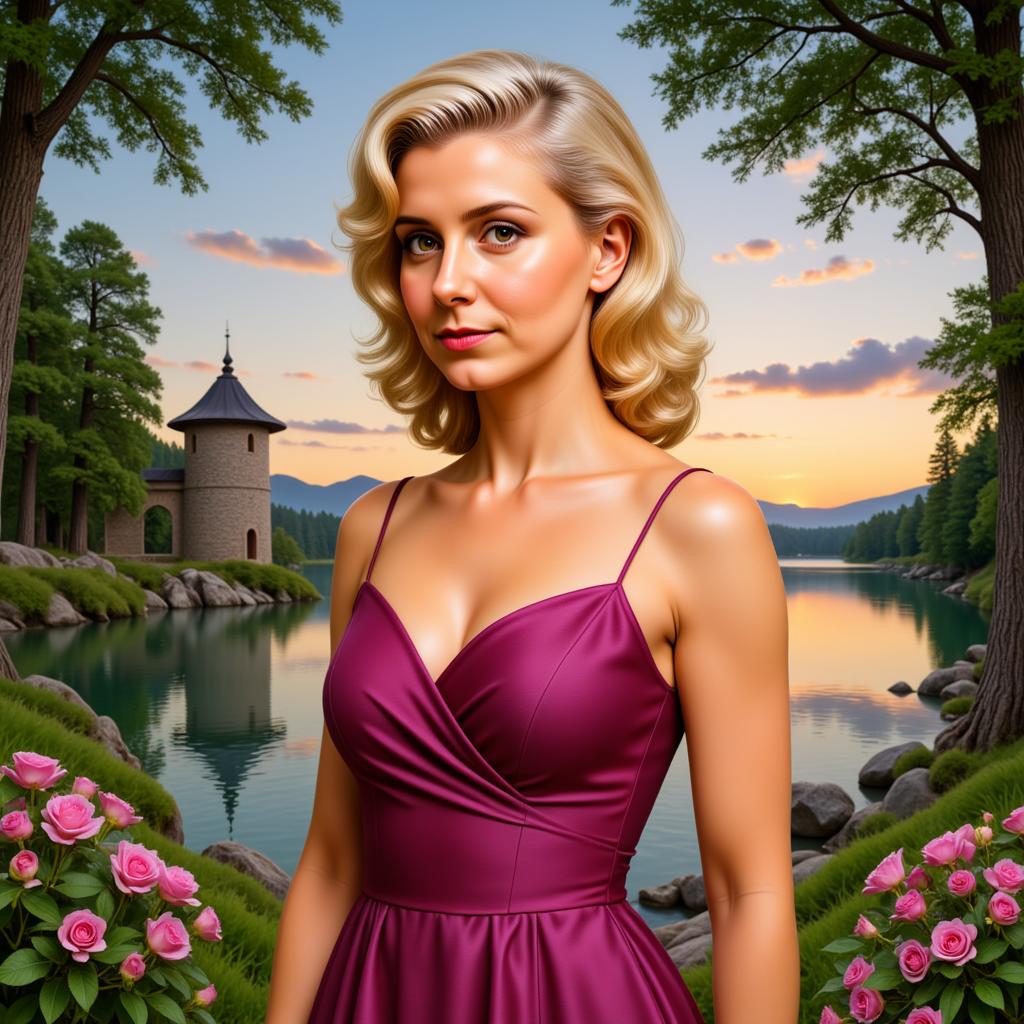
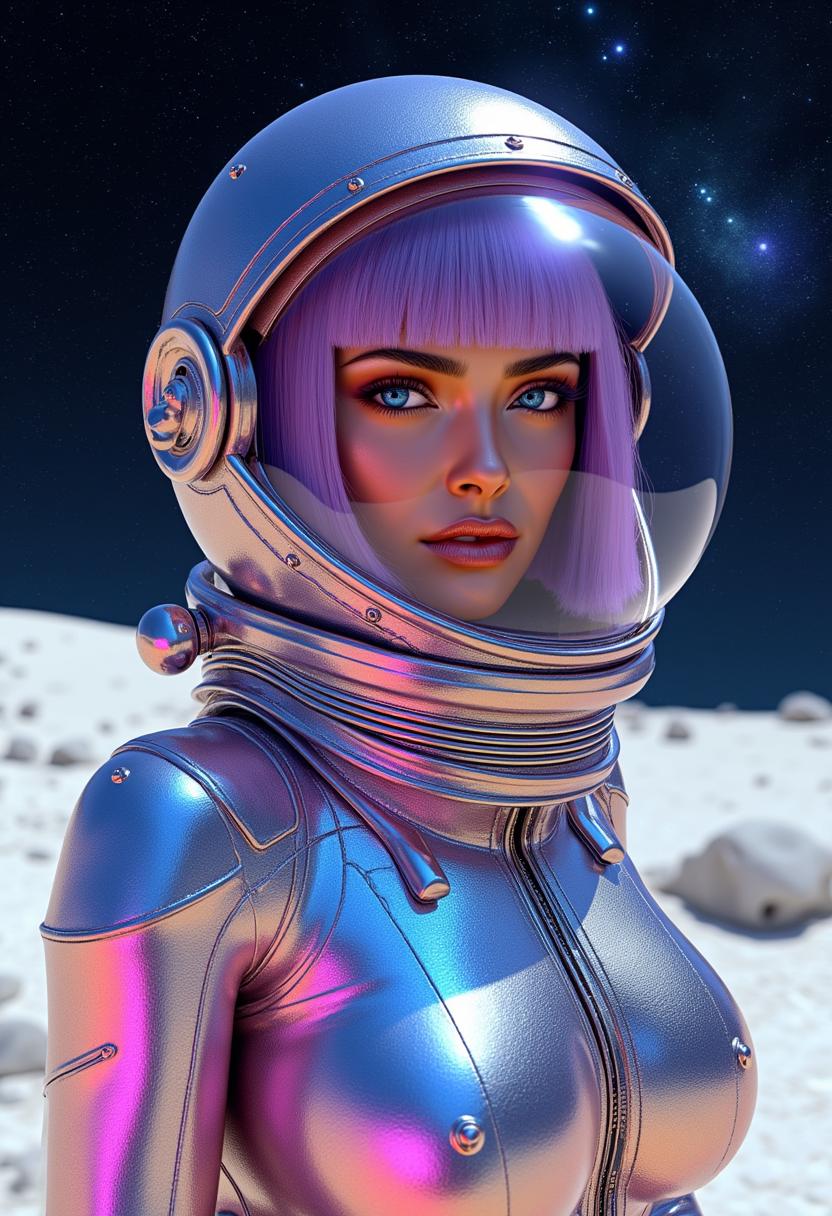
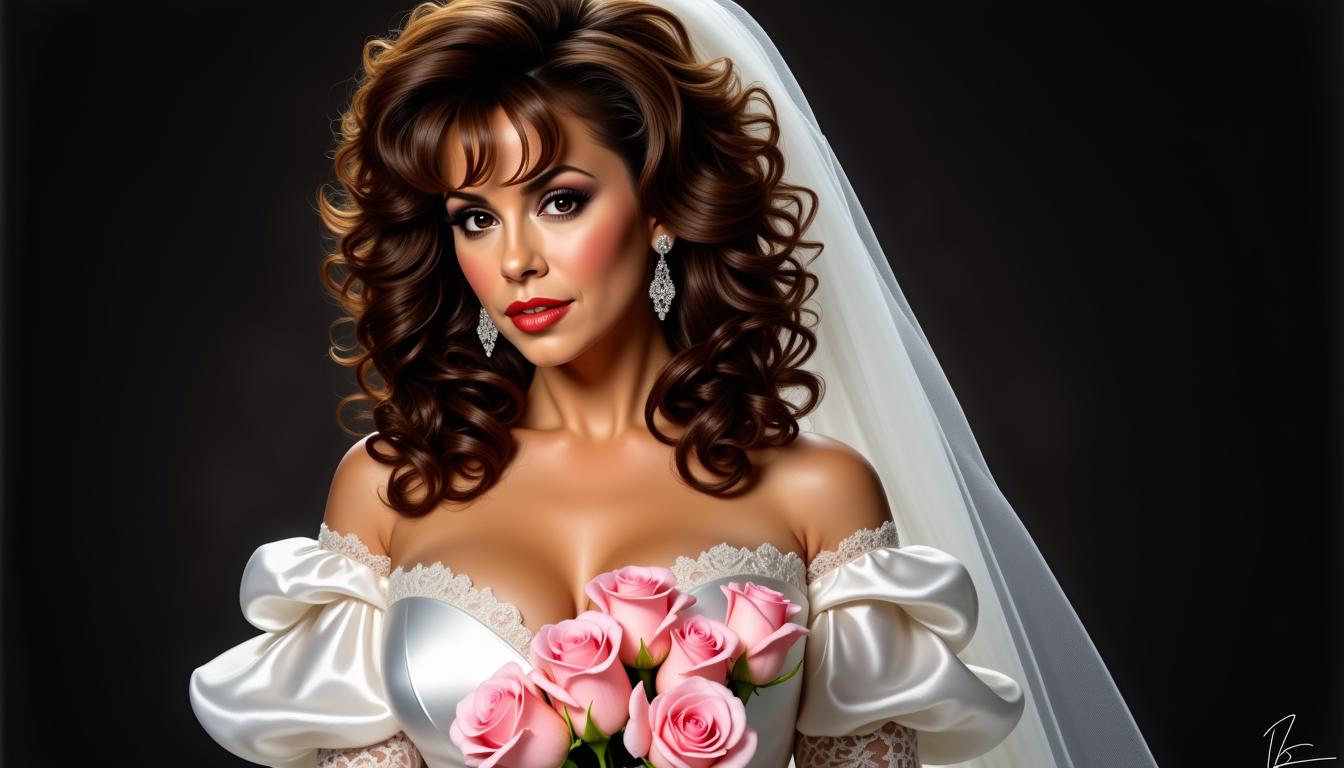

The Pixel Dojo Advantage
Why PixelDojo outperforms other options for Veo 3.1 reference image support in video generation
| Others | Pixel Dojo |
|---|---|
| Traditional video production | Skip costly equipment and lengthy shoots; generate reference-guided videos in minutes for professional results without a team. |
| Generic AI tools | Access specialized Veo 3.1 integration with seamless reference image support, offering more precise control and higher quality outputs than basic platforms. |
| Manual video editing | Automate style matching and scene creation, reducing editing time by up to 90% while achieving consistent, high-fidelity results effortlessly. |
Loved by Creators
See what our community says about veo 3.1 reference image support
"Veo 3.1 reference image support on PixelDojo let me create videos that perfectly matched my brand's style—it's a game-changer for my marketing!"
Alex Rivera
Digital Marketer
"I achieved stunning consistency in my animation projects using reference images with Veo 3.1. PixelDojo made it so easy and fast."
Jordan Lee
Freelance Animator
Common Questions
Everything you need to know about veo 3.1 reference image support AI generation
What is Veo 3.1 reference image support and how does it enhance AI video generation?
Veo 3.1 reference image support allows you to upload images that guide the AI in creating videos with matching styles, colors, and compositions. On PixelDojo, this feature integrates seamlessly with tools like VEO 3.1 and WAN 2.5 Video, helping you achieve precise outcomes for projects like ads or stories without manual adjustments.
How to use Veo 3.1 reference image support for custom video creation on PixelDojo?
Simply select Veo 3.1 in PixelDojo's Video Generation suite, upload your reference image, input a prompt, and generate. Combine with editing tools like Video Upscaler or Lip Sync for refined results, enabling you to create tailored videos quickly.
Can beginners use Veo 3.1 reference image support effectively?
Absolutely! PixelDojo's intuitive interface makes Veo 3.1 accessible for all skill levels. Upload a reference image, add a simple prompt, and let the AI do the work—perfect for achieving professional videos without prior experience.
What are the benefits of Veo 3.1 reference image support over standard AI video tools?
It provides superior control, ensuring videos align with your vision through reference guidance. PixelDojo enhances this with 40+ tools, allowing you to blend Veo 3.1 with features like Consistent Characters or Face Swap for even more creative freedom.
How does PixelDojo's Veo 3.1 reference image support handle different video styles?
Veo 3.1 adapts to various styles by analyzing your reference image for elements like lighting and texture. On PixelDojo, pair it with Style Transfer or Magic Lighting to customize further, resulting in versatile videos for any genre.
Is Veo 3.1 reference image support free to try on PixelDojo?
Yes, start with a free trial to explore Veo 3.1 and other tools. Loved by thousands, with flexible subscriptions you can cancel anytime, it's risk-free to begin creating guided AI videos today.