3d figure AI Generator
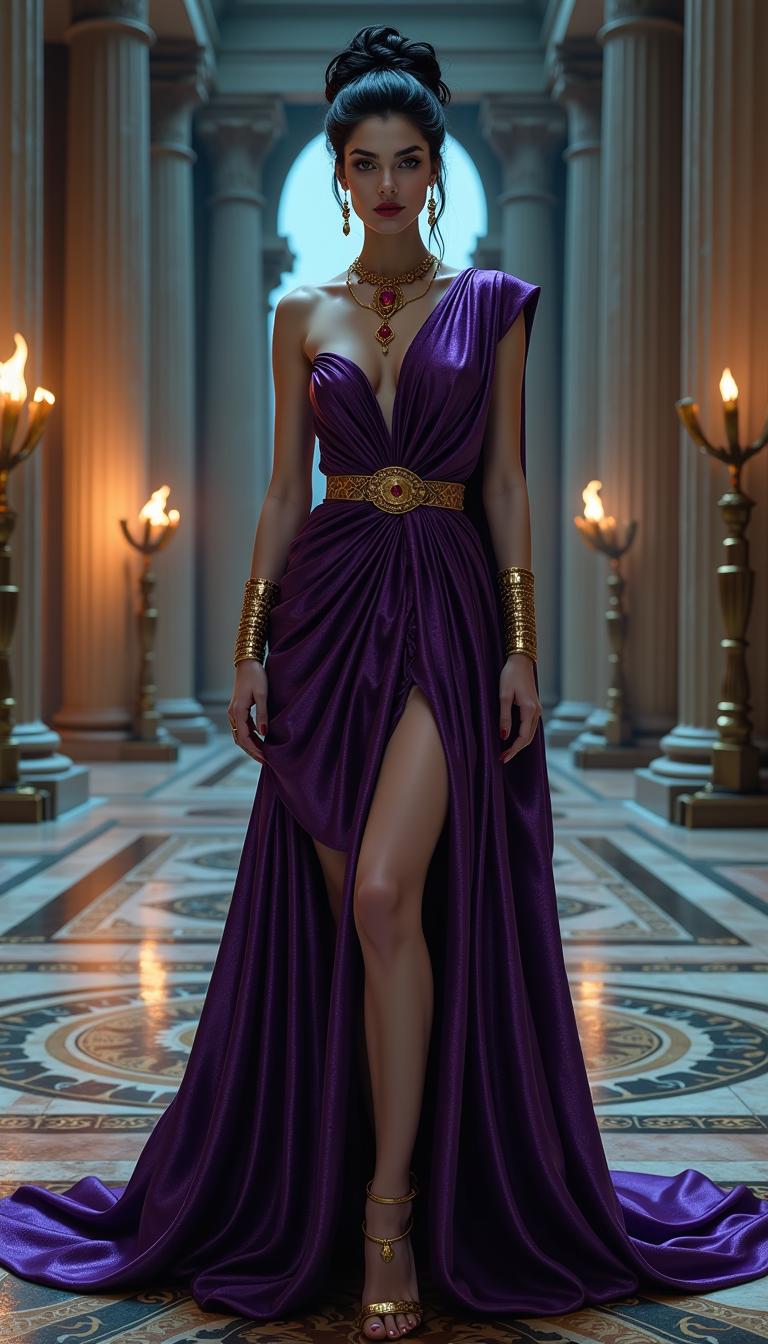
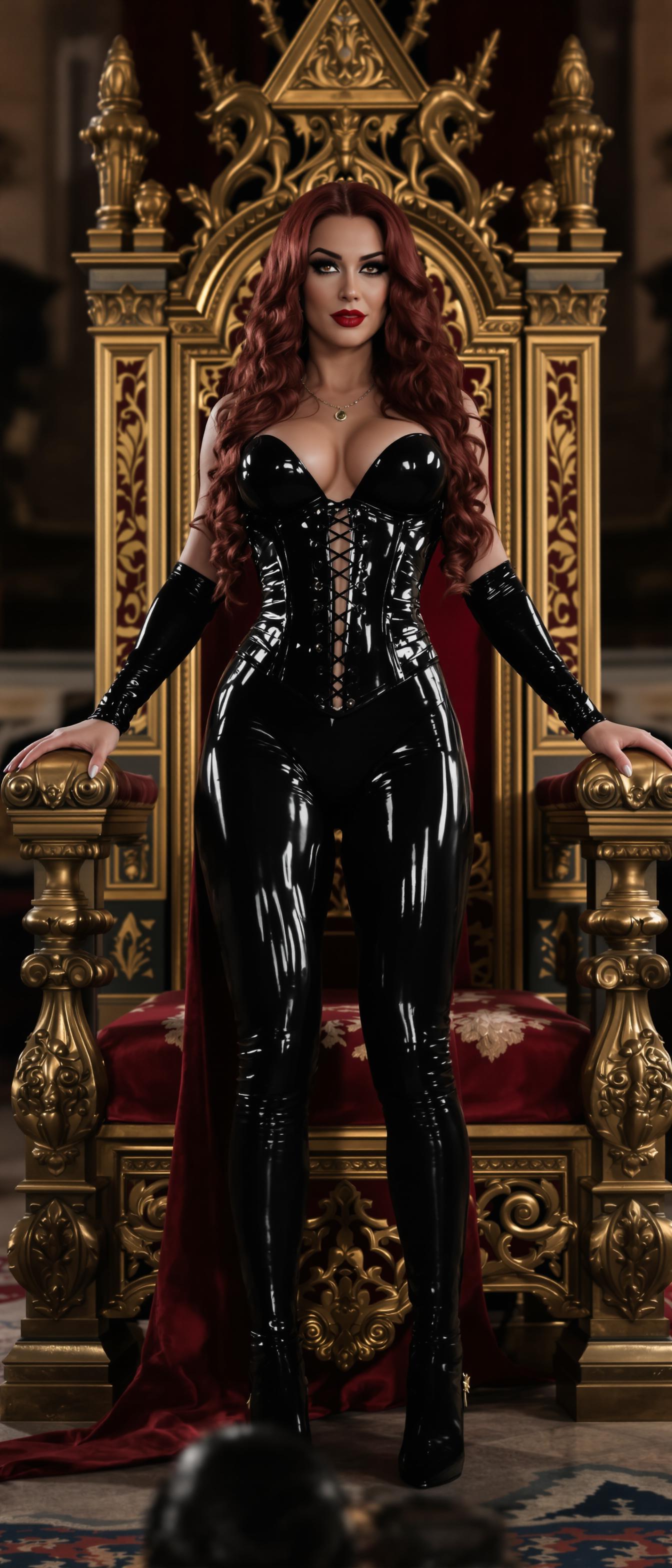
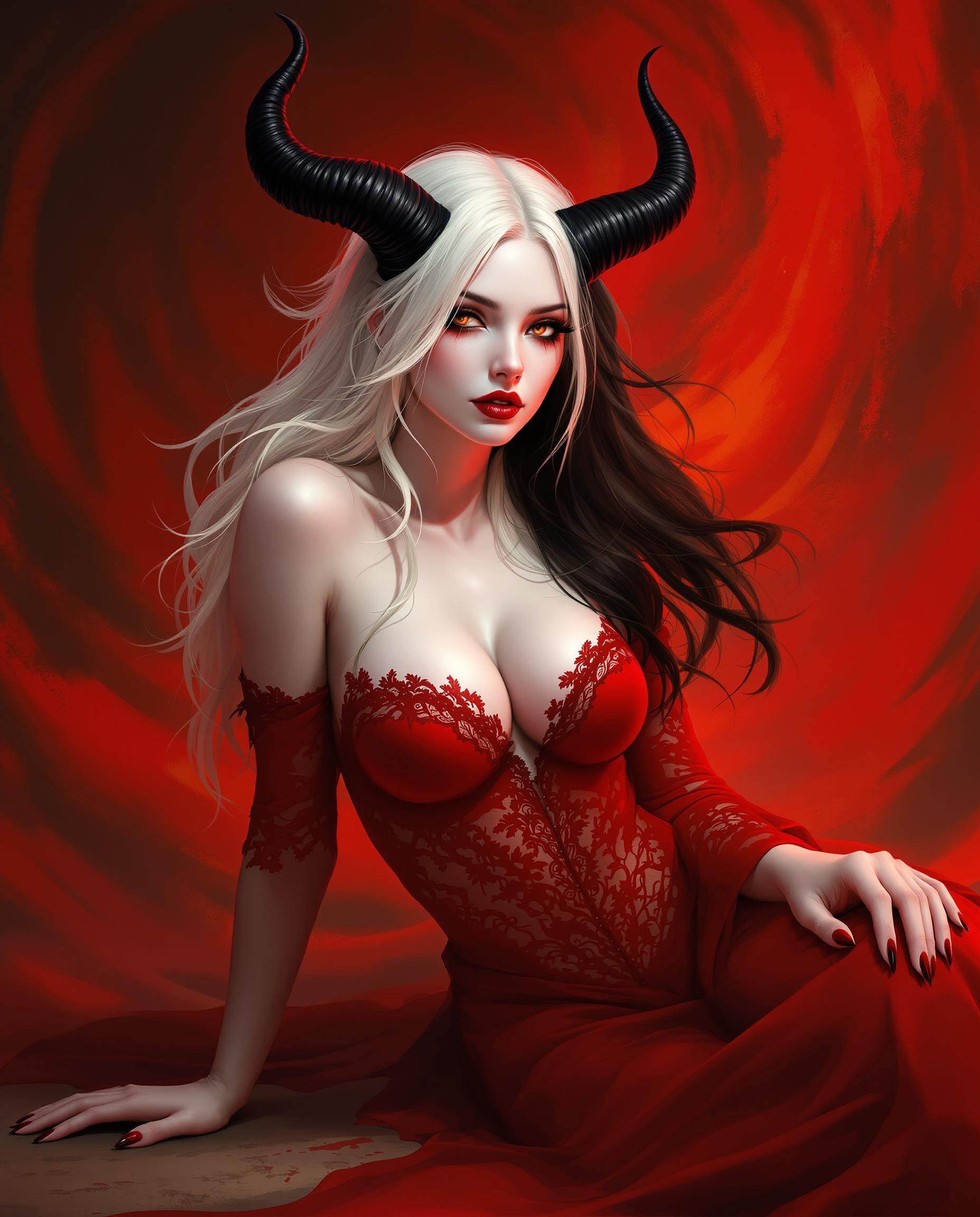
Imagine turning your ideas—whether that’s your own avatar, a collectible toy, or a hyper-realistic fantasy figure—into stunning 3D figure images without needing design skills. With PixelDojo’s advanced suite of over 40 tools—like Seedream 4, Google Nano Banana, Hunyuan Image 3, and SDXL—you can generate photorealistic or stylized figures, pose them, light them, and use them anywhere. No endless waits, no expensive equipment. Just powerful results you control.
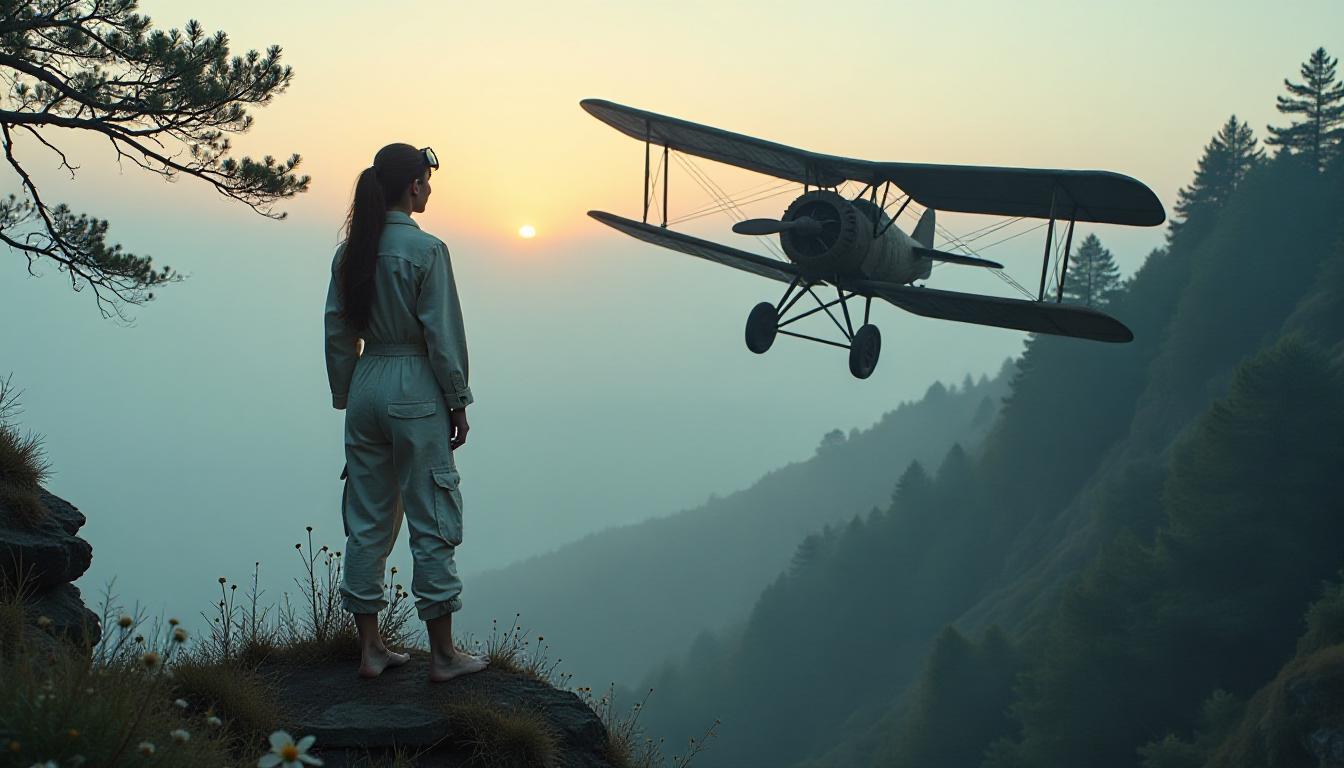
Join thousands of creators who’ve made 500,000+ 3D figure images, achieved 4.9★ satisfaction, and created the viral 'Nano Banana'–style collectible figurines in minutes. Loved by artists, game devs, influencers & brands worldwide.
Why Choose Pixel Dojo for 3d figure
Professional-quality results with cutting-edge AI technology
Show-Stopping Realism That Turns Heads
Generate figures so lifelike they feel tangible—textures, lighting, and proportions that match vivid realism whether it’s a superhero, pet, or fantasy hero using tools like Grok 2 Image, Hunyuan Image 3, and Imagen 4.
Custom Creatures & Characters, Your Way
Design custom figures—pose, style, background with Complete control. Use QWEN Image, WAN Image, Style Transfer, Pose Control, and Character Stylist so your creation matches your vision.
Share & Sell Instantly, Without Constraints
Export high-res images or printable 3D-like visuals. Perfect for social media, collectibles, merchandising. Never worry about watermarks or surprise fees—cancel anytime.
How It Works
It’s never been easier to bring your 3D figure to life. Follow these three simple steps using PixelDojo’s tools:
Step 1: Choose Your Tool
Pick an image creation model based on your style goal—want doll-like collectible vibes? Try Google Nano Banana or Seedream 4. Prefer stylized fantasy? Go with HiDream or ImagineArt 1.0. Need extreme realism? Opt for SDXL or Runway Gen-4 Image.
Step 2: Enter Your Prompt
Write a detailed prompt: subject (hero, pet, or collectible), pose (standing, dynamic, flying), materials (plastic, metal, wood), lighting style (soft, dramatic), background (plain, display case, stage). Example: “A 1/7-scale anime warrior figurine standing on marble pedestal, soft golden rim light, intricate armor, matte vs gloss mix.” Use Tone features like Flux or Hunyuan Image 3 to refine.
Step 3: Customize & Download
Tweak camera angle, style via Style Transfer or Material Transfer. Remove or change background with Outpainting or Background Remover. When satisfied, upscale with Creative Upscaler or Multidiffusion Upscaler to get high resolution. Then export. Use Image to Image or Inpainting tools if you want to refine specific areas.
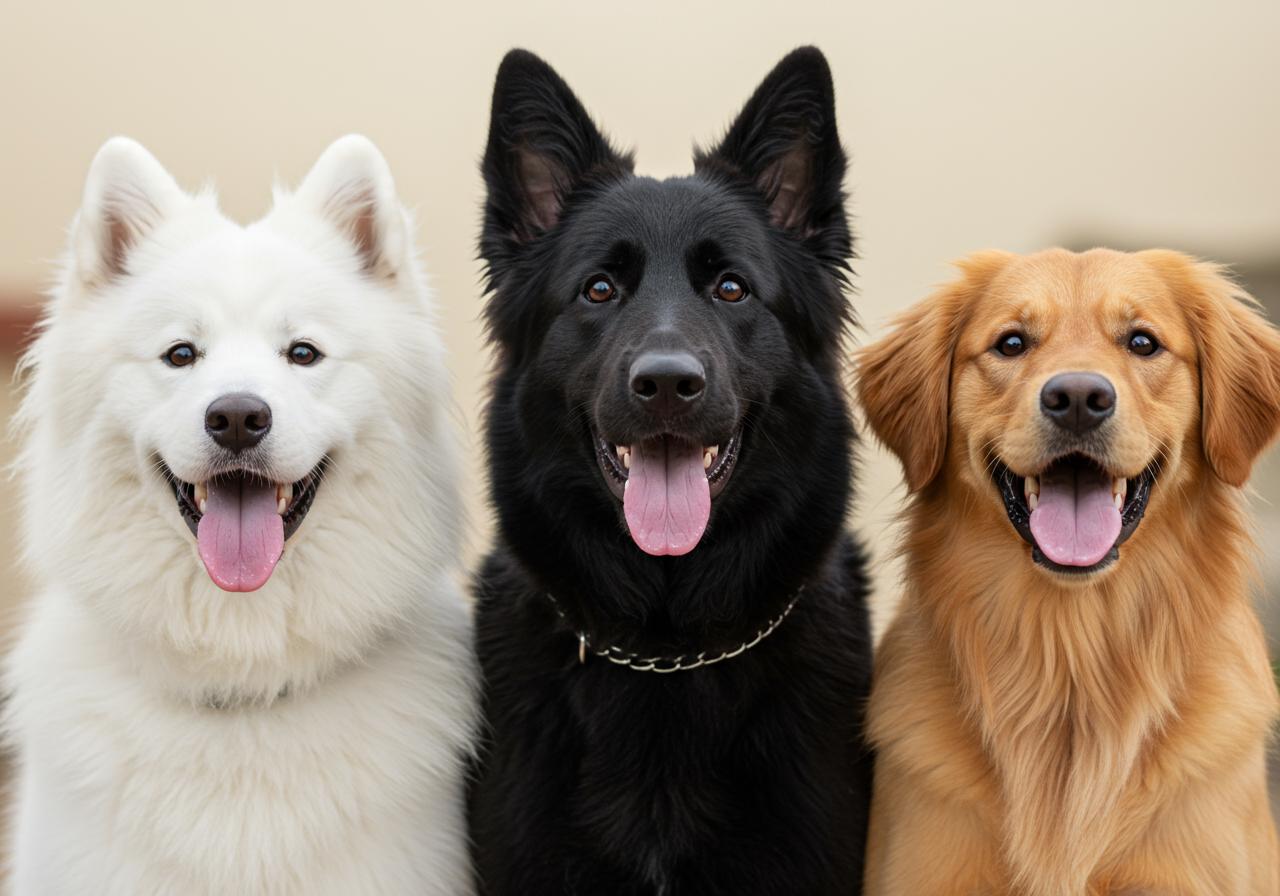

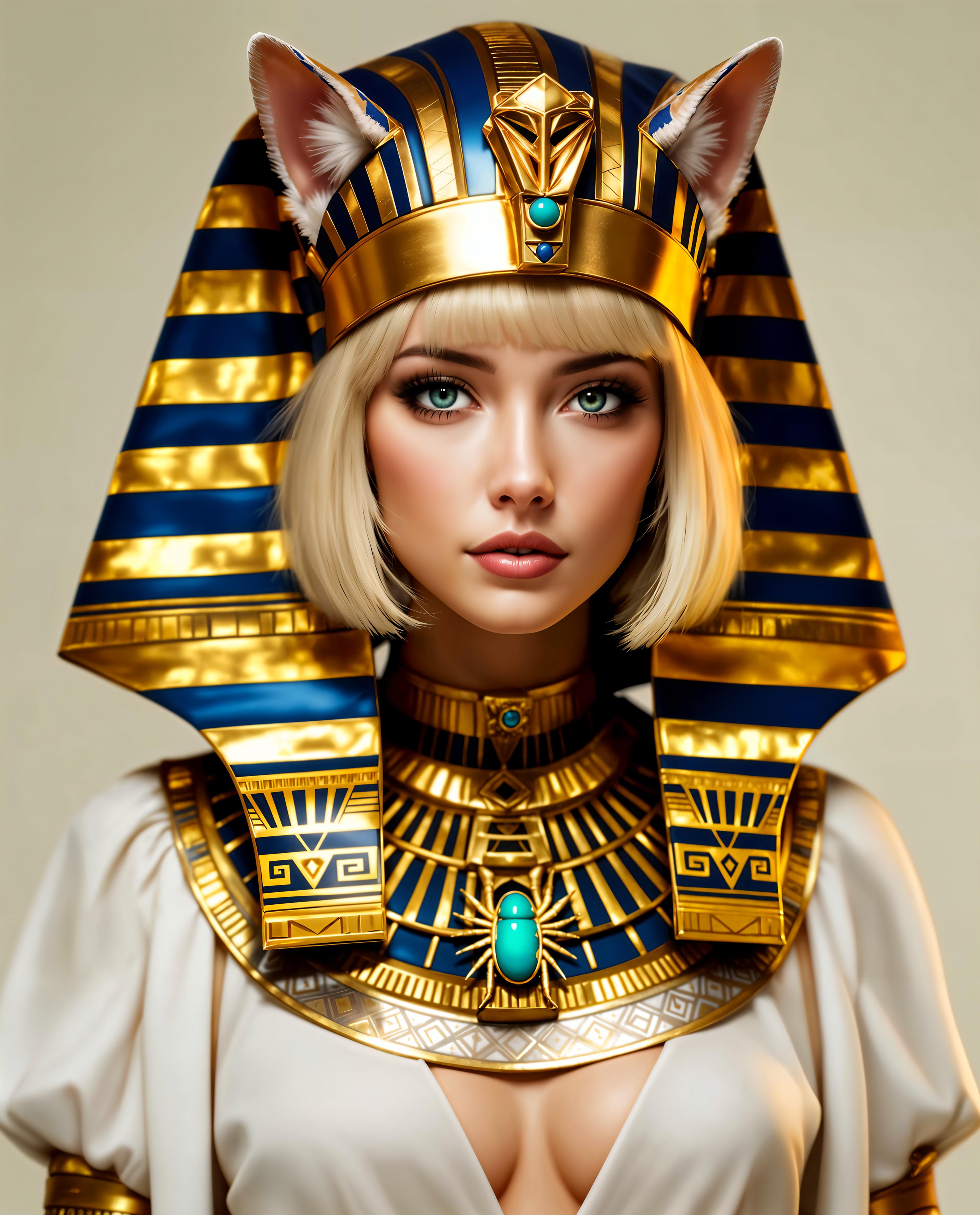
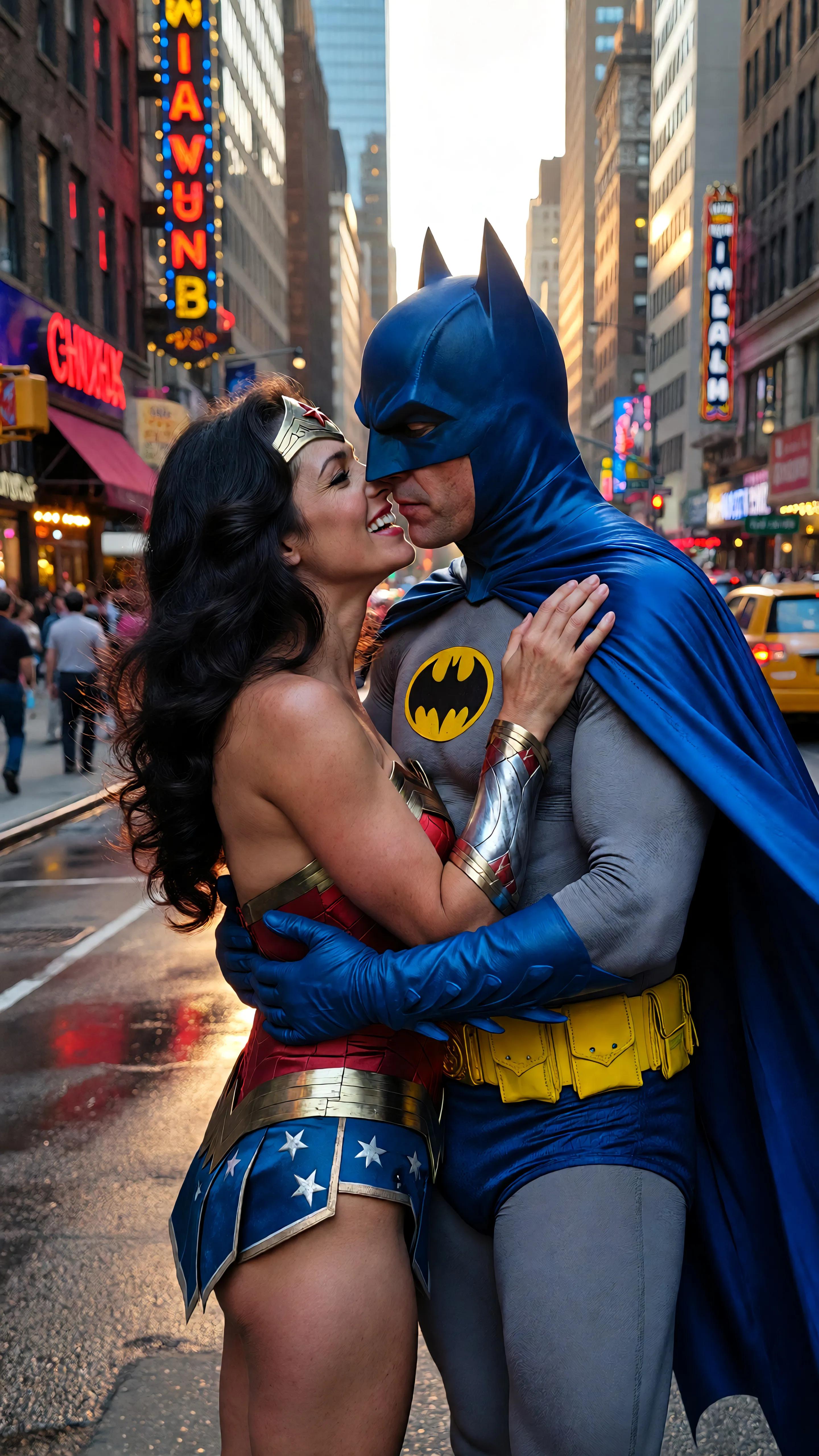
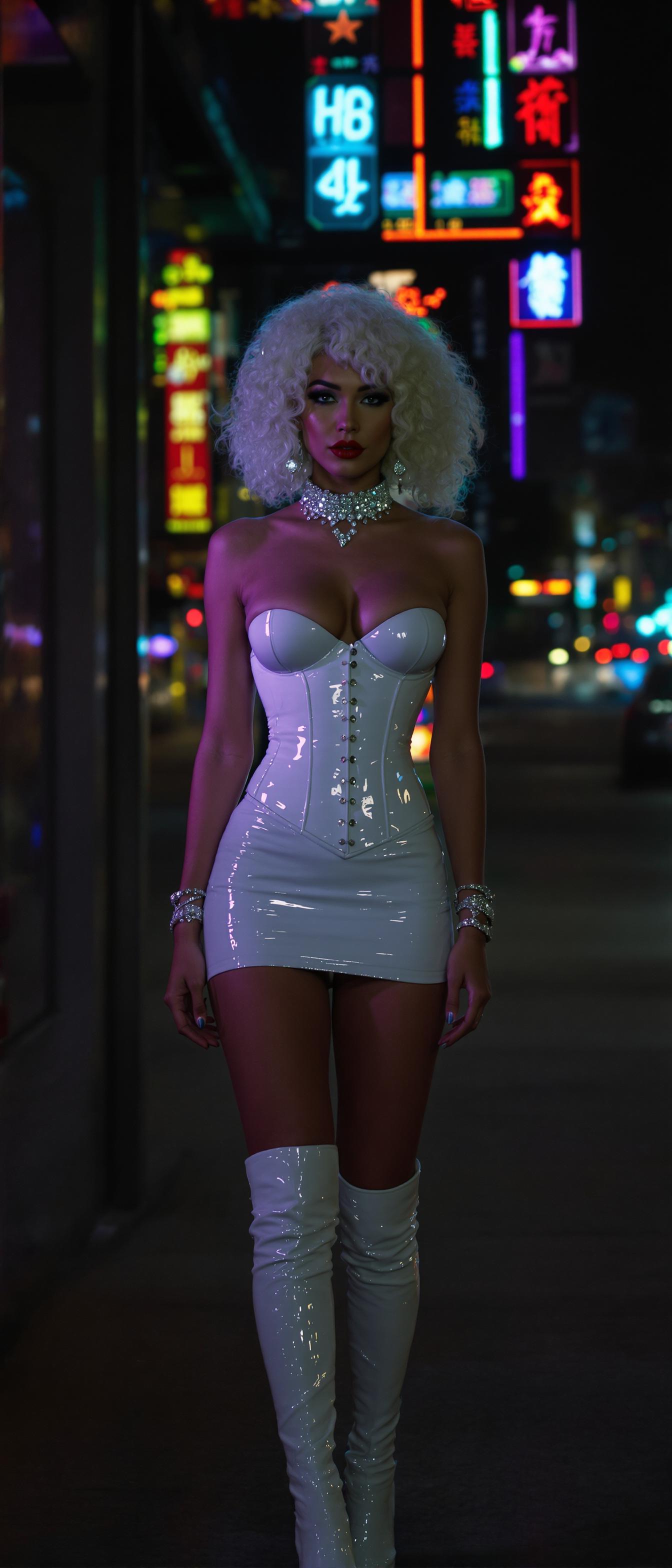
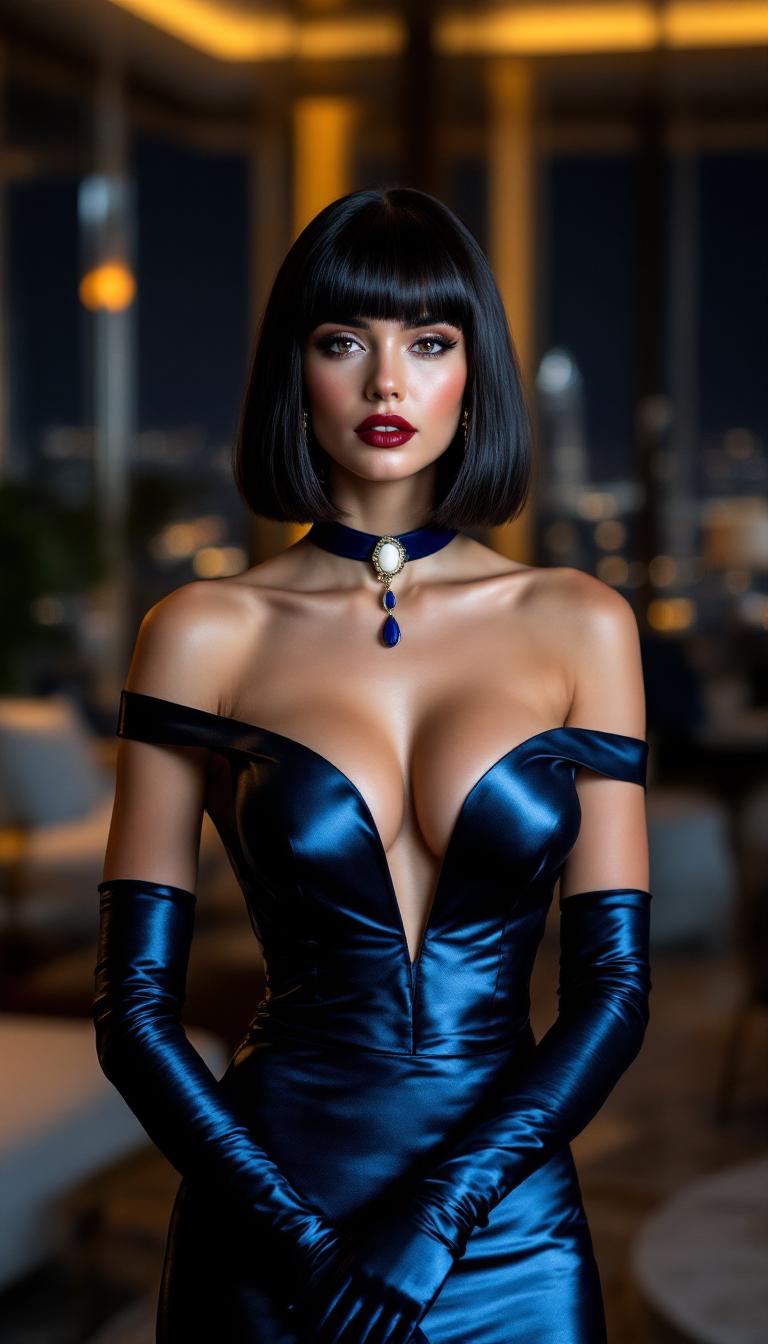
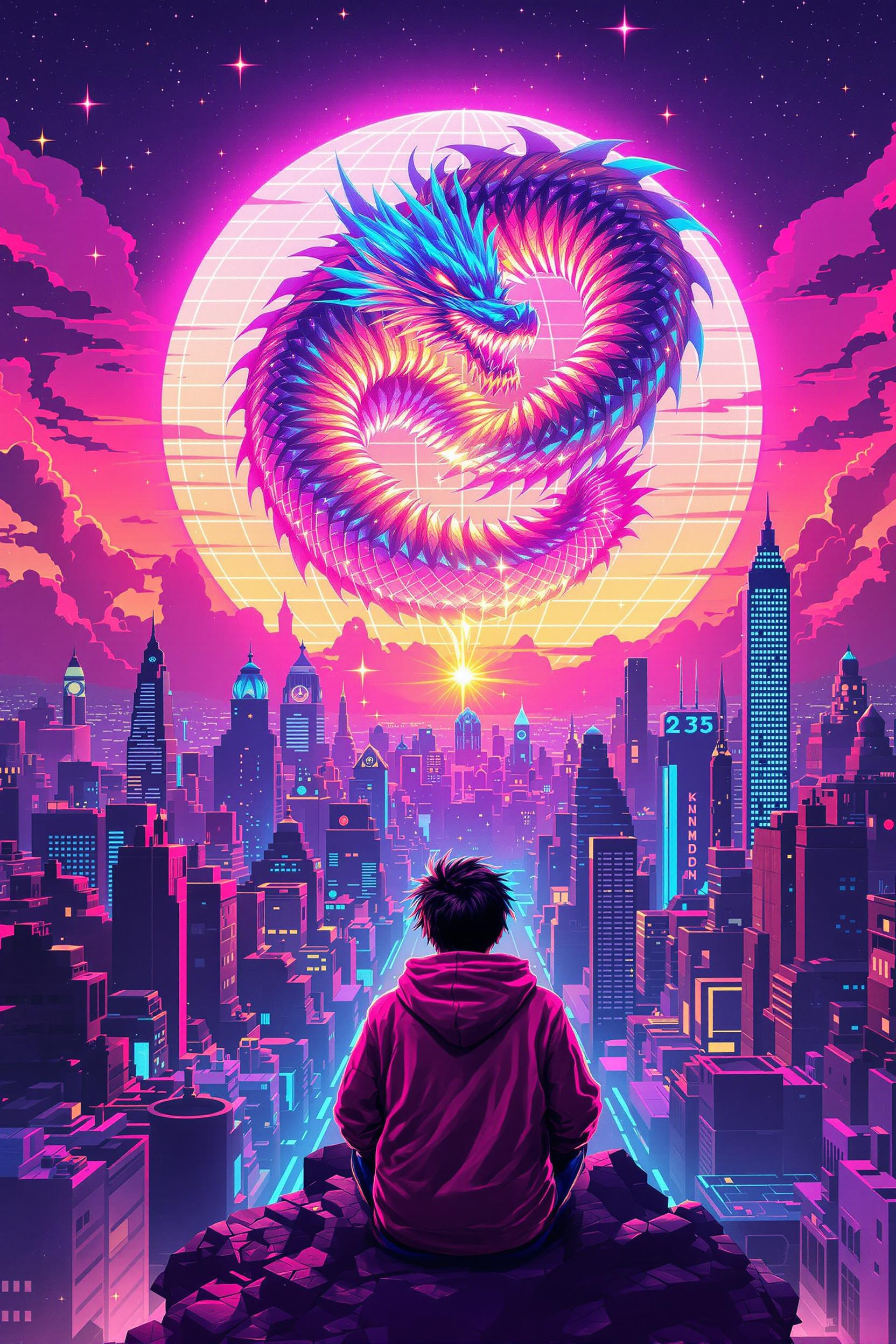
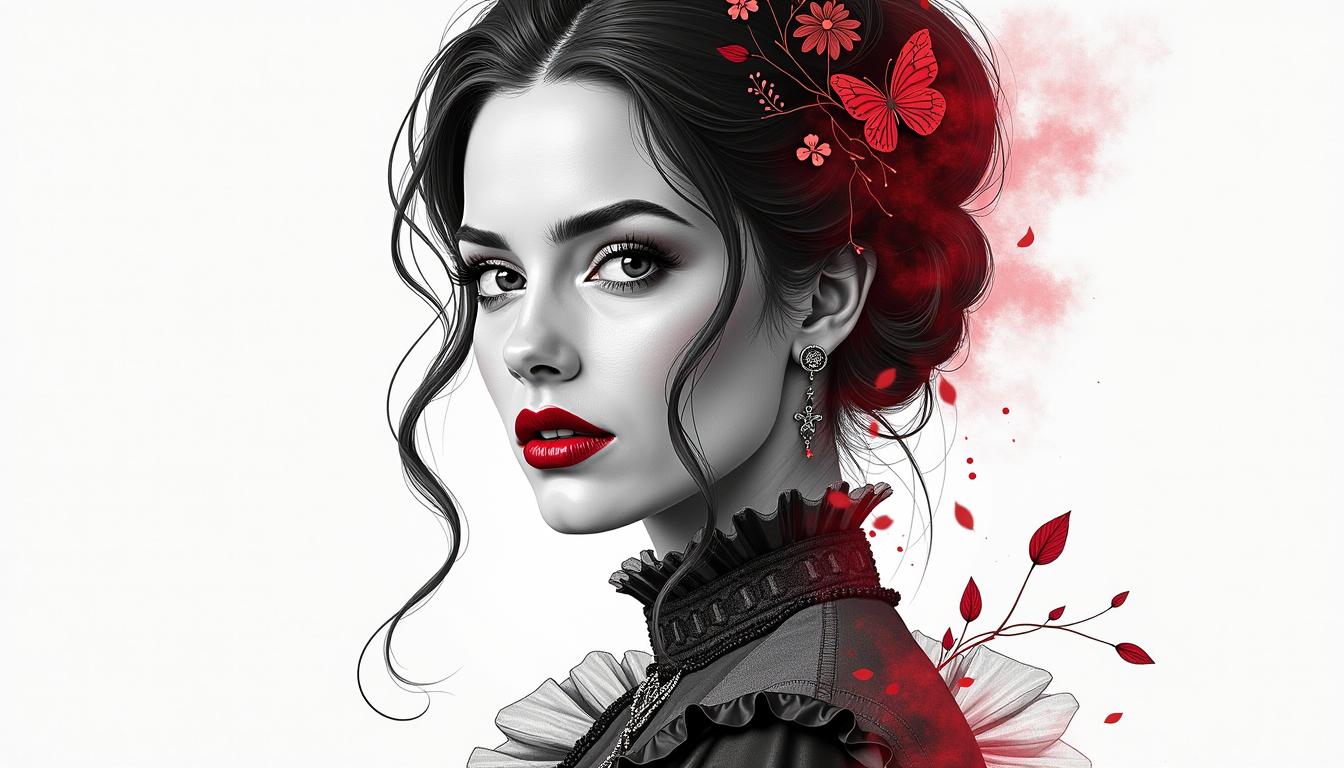
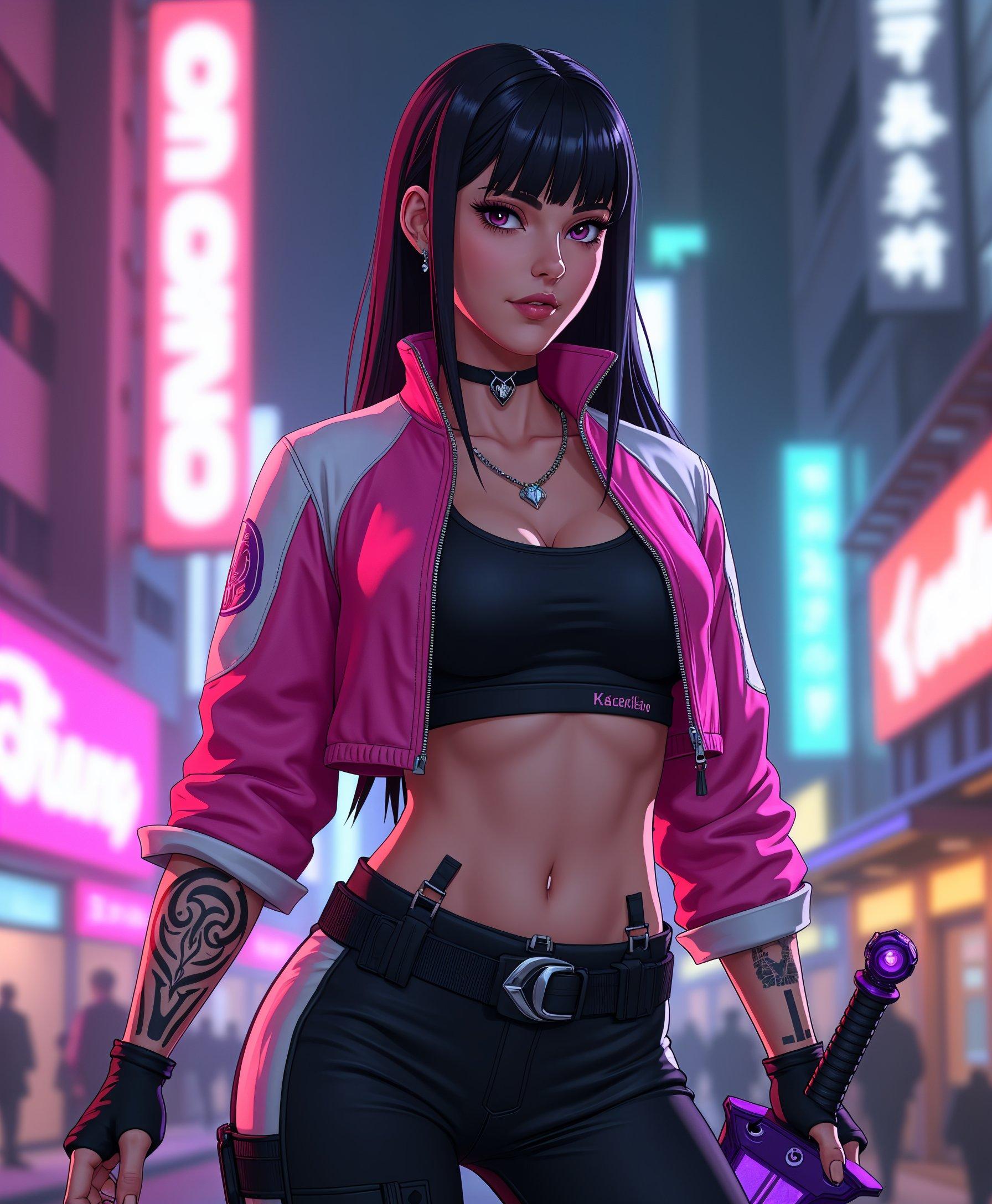
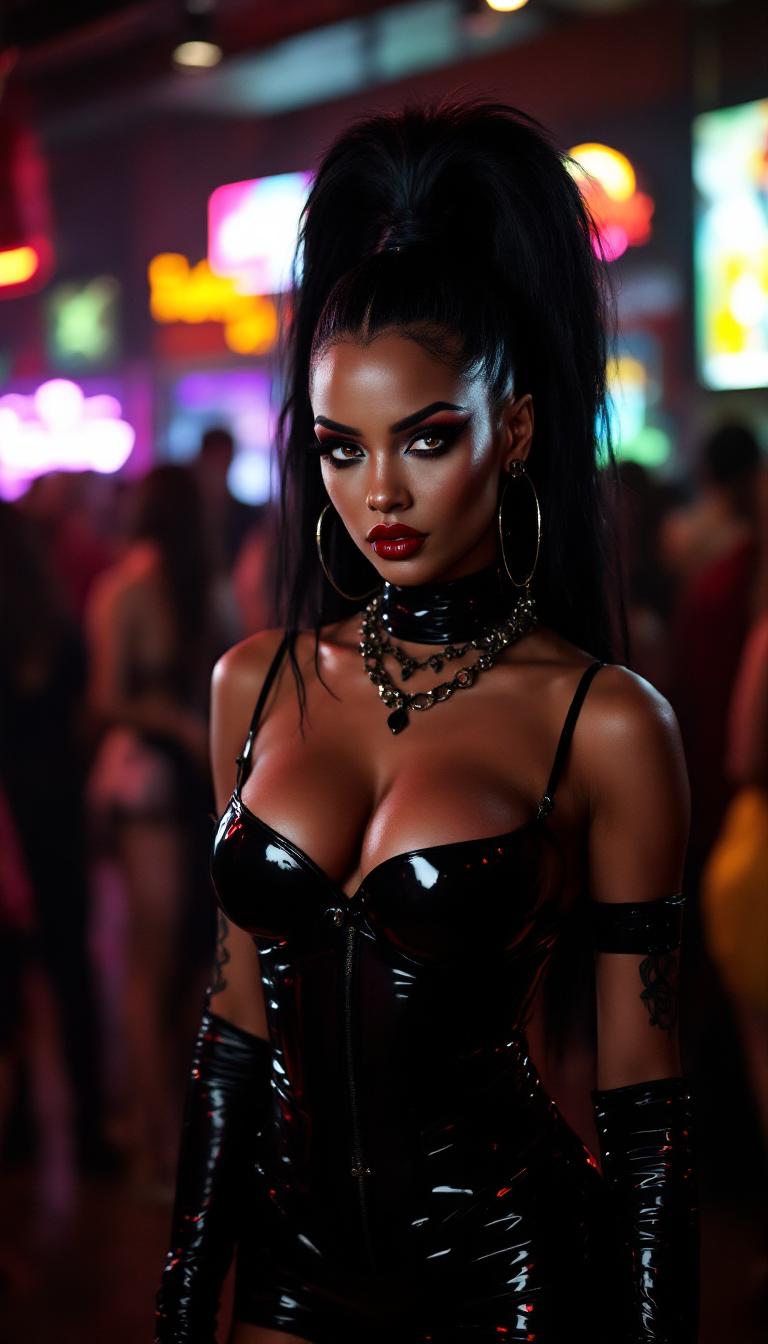
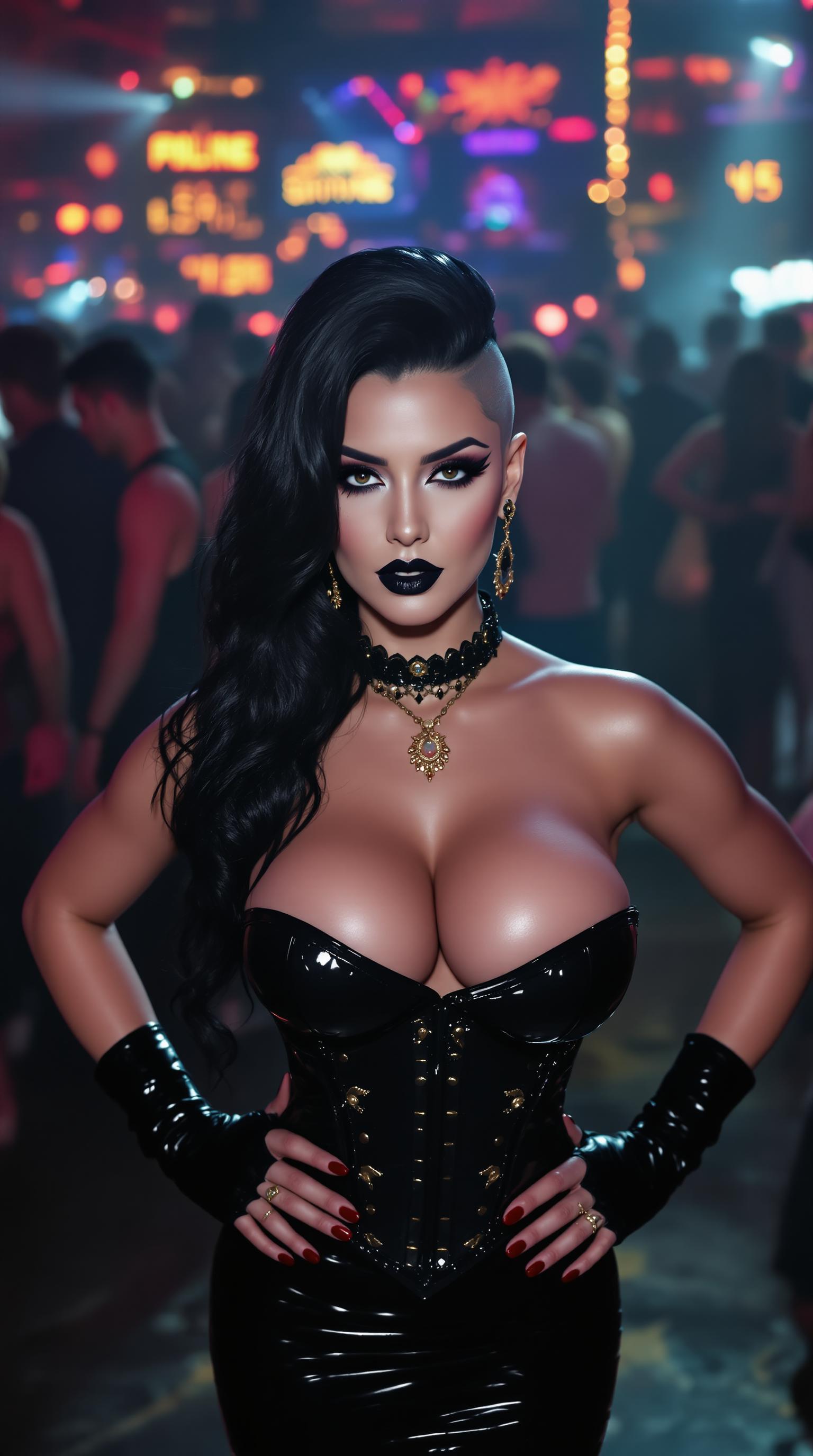
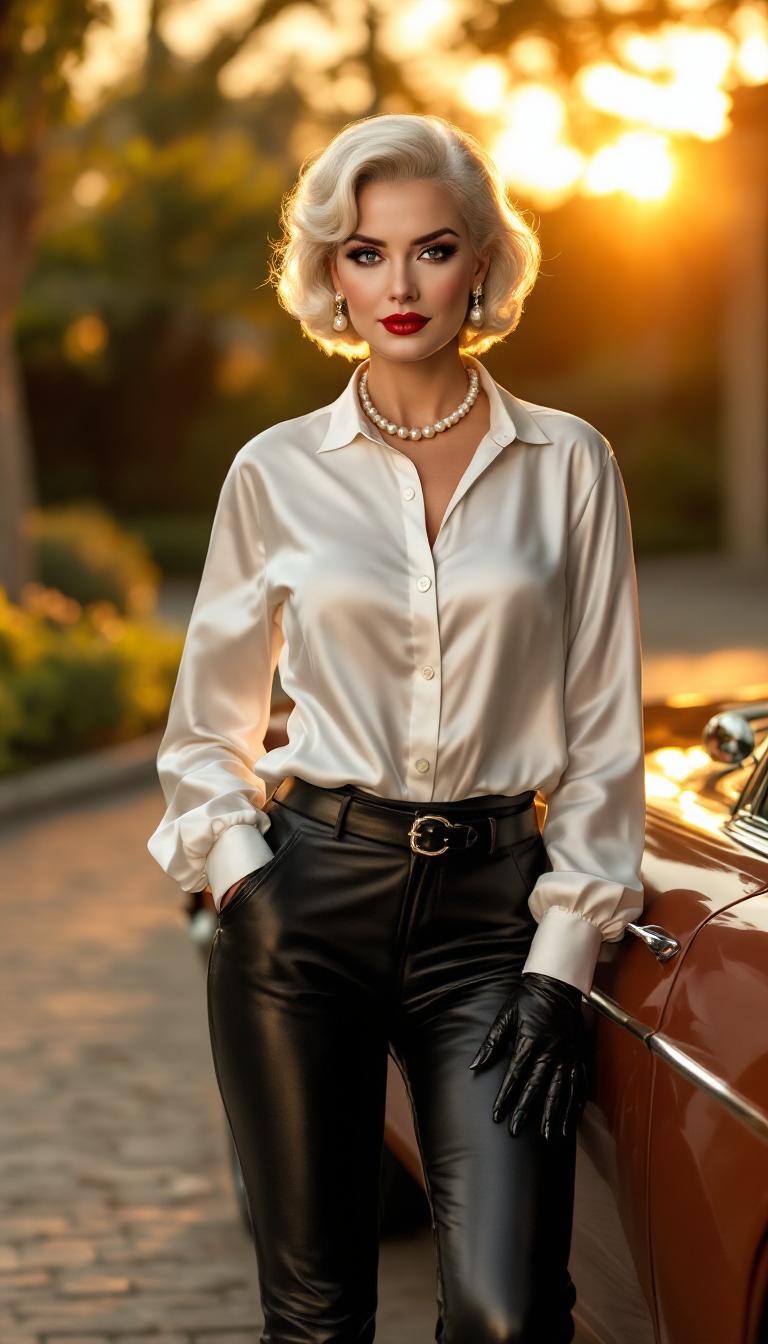
The Pixel Dojo Advantage
Why PixelDojo outperforms other options for 3D figure image generation
| Others | Pixel Dojo |
|---|---|
| Traditional sculpting & photography | No need for a physical studio or equipment—create hyper-real figures in minutes, not weeks. |
| Generic AI tools | Access over 40 specialized image and editing tools tailored for figures—realism, posing, style—all in one platform. |
| Manual photo editing | Skip tedious masking and retouching—intelligent editing tools like Style Transfer, Pose Control, and Background Remover handle it for you. |
Loved by Creators
See what our community says about 3d figure
"I turned my cosplay idea into a 3D collectible in minutes—it looked so real my friends mistook it for a professional 3D scan!"
Alyssa K.
Digital Artist
"Using PixelDojo's figure tools, I created custom avatars for my brand that boosted engagement by 30%. Shipping visuals never looked better."
Marcus Y.
Entrepreneur
Common Questions
Everything you need to know about 3d figure AI generation
Can I create a collectible-style 3D figure image from my selfie?
Absolutely. Use Google Nano Banana or WAN Image to upload or reference your selfie, then use tools like Style Transfer or Material Transfer to add collectible-style textures (like PVC, wood, or acrylic). You’ll end up with a high-resolution figure image that looks like a collectible toy.
What models work best for ultra-realistic 3D human figures?
For true-to-life 3D human figures, tools like SDXL, Hunyuan Image 3, Grok 2 Image, and Imagen 4 deliver the most realistic skin, anatomy, lighting, and texture. Use multiple texture-preserving tools like Magic Lighting, Material Transfer, and Creative Upscaler to enhance quality.
How long until I can download my 3D figure image?
Most 3D figure images are ready in 20–90 seconds depending on complexity. Upscaling or background removal adds a few seconds more. After previewing and tweaking, simply export at full resolution.
Will there be watermarks, or surprise fees?
No surprise fees. PixelDojo tools produce watermark-free downloads. Your subscription (or free trial, if available) grants full access to exports. You can cancel anytime—no hidden charges.
Can I edit existing 3D figure images I generated?
Yes. You can refine your work using in-platform editing tools: Inpainting to fix details, Outpainting to expand background frames, Material and Style Transfer to adjust look, and Background Remover or Change Camera Angle to twist perspective—all without starting over.
Is it suitable for commercial use and licensing?
Yes, images created through PixelDojo are licensed for commercial use. You retain ownership of the rights for completed images—perfect for selling artwork, marketing assets, or launching merchandise with your 3D figures.