ai youtube shorts generator AI Generator
Want to create scroll-stopping YouTube Shorts that get views, likes, and shares—without spending hours editing? With PixelDojo's AI YouTube Shorts Generator, you can turn simple ideas into viral vertical clips in minutes. From cinematic transitions to AI-driven sound to lip sync and effects, you’ll transform your content and grow your audience fast.
Trusted by 25,000+ creators, 4.8★ rating across platforms, used by top influencers in travel, education & storytelling.
Why Choose Pixel Dojo for ai youtube shorts generator
Professional-quality results with cutting-edge AI technology
Viral-Ready Shorts in Seconds
Use tools like Runway Gen-4 Video, VEO 3.1 or OWI (Audio + Video) to generate polished 9:16 vertical shorts fast, ideal for YouTube’s algorithm.
Stand-Out Visuals & Styles
Mix it up with Style Transfer, Magic Lighting, Material Transfer, creative upscalers—make each short look unique and eye-catching.
Sound & Voice That Connects
Add depth with WAN Sound to Video, Text to Speech, or use Auto-captions and lip sync so your short sounds as compelling as it looks.
How It Works
Here’s exactly how you can use PixelDojo to create a powerful AI YouTube Shorts clip in three clear steps:
Step 1: Choose Your Video & Image Tools
Select tools like VEO 3.1, Runway Gen-4 Video, Kling v2.5 Turbo Pro to generate base video shorts; or use image-based tools like SDXL, Seedream 4, ImagineArt 1.0 plus Outpainting or Image to Image to build visuals that animate into videos.
Step 2: Add Audio, Text & Effects
Layer in voice from Text to Speech or add your own track via WAN Sound to Video; sync with lip sync tool. Use Style Transfer, Magic Lighting, or Outpainting for backgrounds & immersive effects.
Step 3: Optimize & Export as YouTube Short
Ensure it's vertical (9:16), under 60 seconds. Use Video Upscaler, Video Reframe to fit frame; ensure captions are clear using Video Autocaption. Preview in the Shorts format then export as MP4 ready to post.







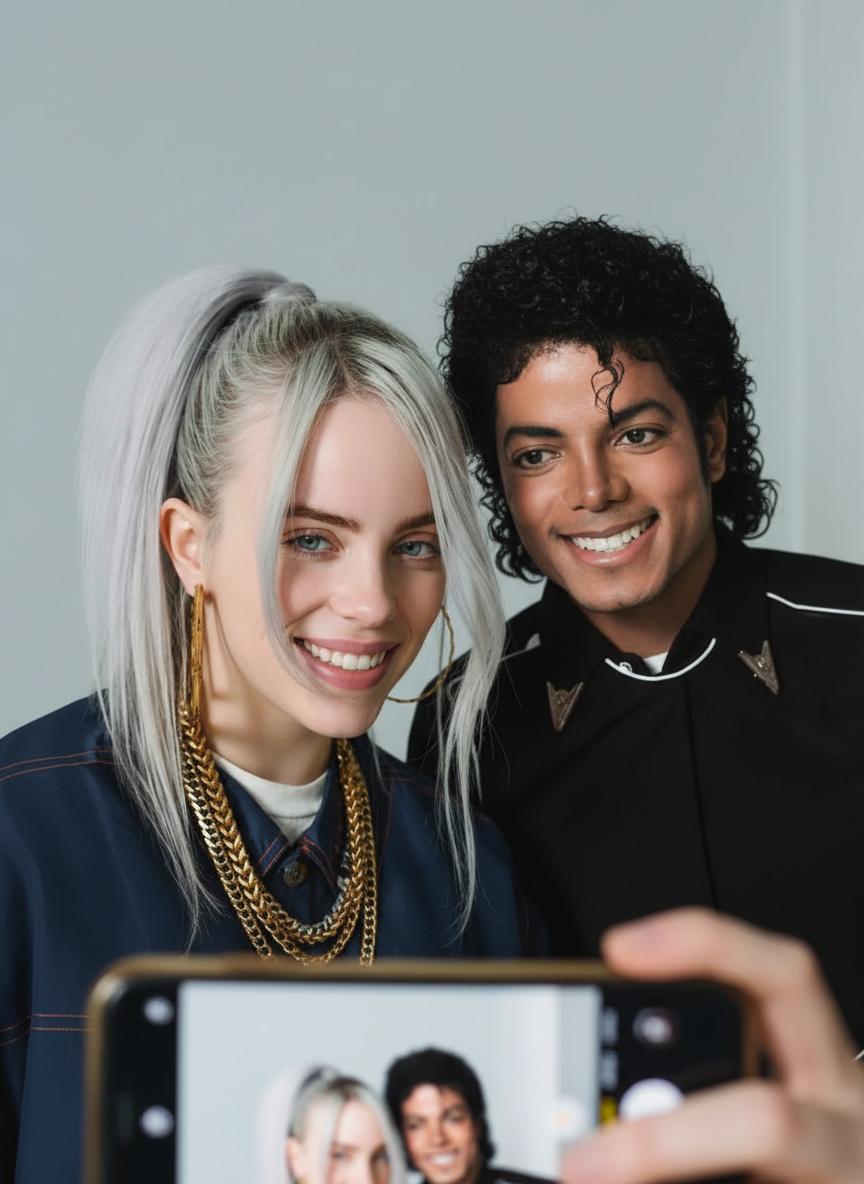

The Pixel Dojo Advantage
Why PixelDojo outperforms other options for YouTube Shorts generation
| Others | Pixel Dojo |
|---|---|
| Traditional video production | No filming gear, no hours in editing—just prompts, AI tools, results in minutes |
| Generic AI tools | Access to over 40 specialized models—including VEO 3.1, WAN Video, Runway Gen-4—focused on Shorts format and viral success |
| Manual photo & audio editing | Tools like Style Transfer, Text to Speech, Auto-caption save time and remove the steep learning curve |
Loved by Creators
See what our community says about ai youtube shorts generator
"I was able to post three Shorts in one morning using PixelDojo and saw 5× growth in views immediately."
Alex Rivera
Content Creator
"The sound to video sync tools and captions make my educational content so much more accessible—and viewers stay longer."
Maya Chen
Online Educator
Common Questions
Everything you need to know about ai youtube shorts generator AI generation
What is an AI YouTube Shorts generator and how does PixelDojo provide it?
An AI YouTube Shorts generator is a suite of tools that lets you create vertical short-form video content from prompts, images, or audio without traditional filming. PixelDojo provides 40+ tools—like VEO 3.1, Runway Gen-4 Video, WAN Video, Style Transfer, Text to Speech—that work together so you can go from idea to viral clip fast.
How do I ensure my Shorts video meets YouTube’s requirements?
Make it vertical (9:16), under 60 seconds, in MP4 format. Use Video Reframe and Video Upscaler in PixelDojo to match resolution, and add captions via Video Autocaption to keep retention high. This aligns with guidelines from YouTube and creator resources showing vertical formats dominate engagement. ([storyshort.ai](https://storyshort.ai/en/blog/best-aspect-ratios-for-tiktok-and-youtube-shorts?utm_source=openai))
Can I monetize AI-generated YouTube Shorts created with PixelDojo?
Yes—if you own the rights to the visuals, audio, and content, you can monetize. YouTube’s tools like Veo add transparency via watermarking for AI content. In PixelDojo, you generate content you fully control. Monetization depends on YouTube policies and your niche’s demand. ([theverge.com](https://www.theverge.com/news/612031/youtube-ai-generated-video-shorts-veo-2-dream-screen?utm_source=openai))
Is my content safe from copyright or content removal when using AI tools?
PixelDojo uses original AI models and you write your prompts—so the output is uniquely yours. For YouTube, AI-generation must be clearly disclosed when required; tools like Veo automatically label AI content in Shorts. PixelDojo assists with transparency and tools like Image Analyzer help you check for problematic similarity.
How long does it take to make a YouTube Short using PixelDojo?
Typically under 10 minutes—prompt creation takes a minute, then video/image generation, adding audio or captions, and exporting. With practice you can batch-produce multiple Shorts per hour using tools like Runway Gen-4 Video, LTX-2 Video, OVI (Audio+Video).
Do I need technical skills to use PixelDojo’s AI Shorts tools?
Not at all. PixelDojo is built for creators, not engineers. No code needed. Use intuitive tools like WAN Sound to Video, Magic Lighting, Creative Upscaler. Our UI guides you. If you get stuck, our support and resources help every step.